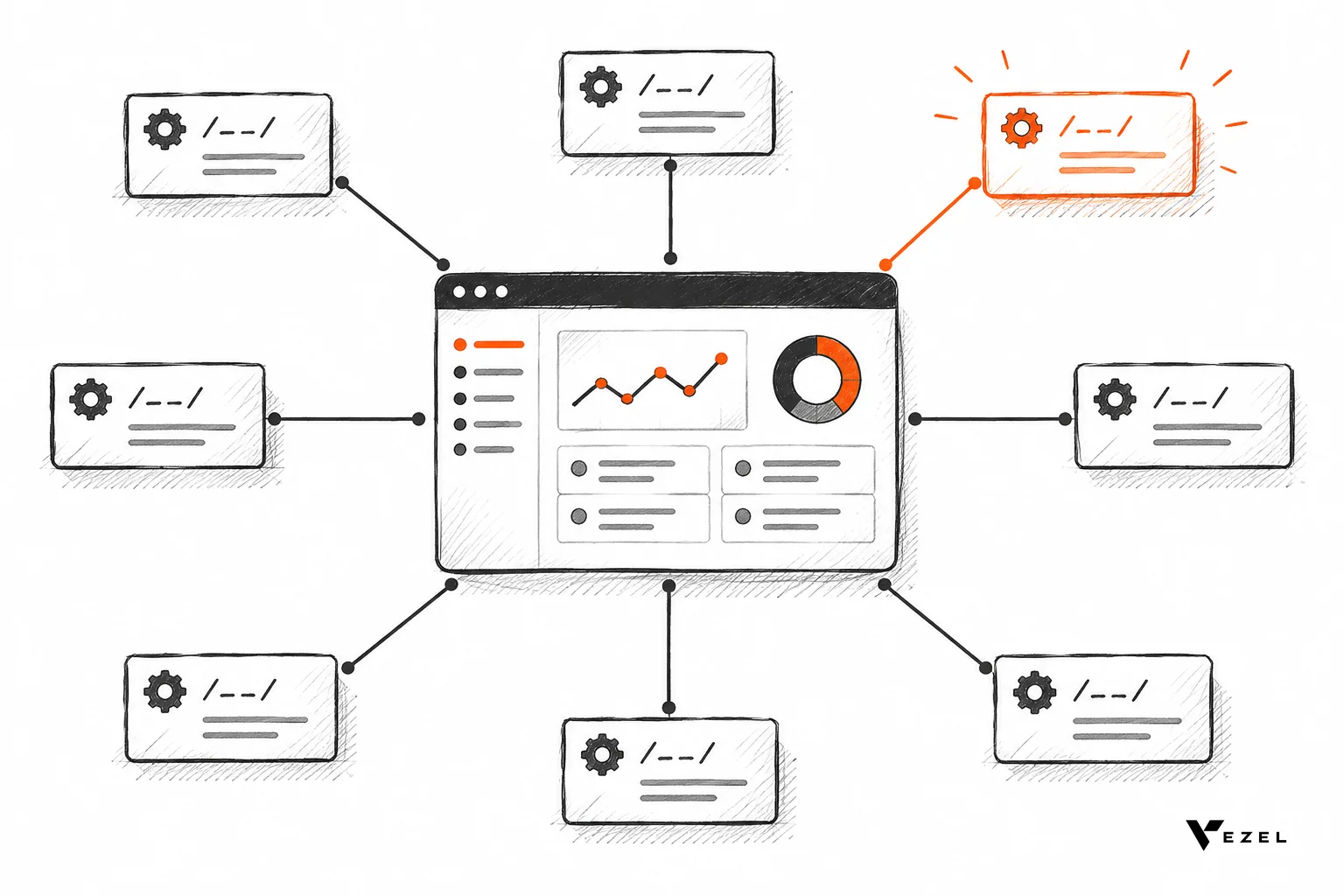



A no-code AI agent builder comes in two kinds: standalone platforms your own team uses, and embedded builders that live inside your SaaS product so your customers can create agents in plain English. If the agent touches customer data, pick the embedded kind. For internal, reversible tasks, a standalone tool is usually enough.
Key takeaways
- Who builds matters most: Standalone builders serve your own staff; embedded builders serve your paying customers inside your product.
- Permissions decide the winner: An agent that reads customer records must obey the same login and access rules as the user who created it.
- Integration is fast: Vezel says most SaaS platforms can integrate it in a few days.
- Governance is not optional: Publishing, versioning and review need an owner before customers start building.
- Decision rule: Let customers build agents when their needs differ account by account and your APIs already enforce access control.
No-code AI agent builders at a glance
| Factor | Standalone agent builder | Embedded builder (Vezel) |
|---|---|---|
| Who builds | Your employees or ops team | Your customers, inside your product |
| Data access | Connectors and service accounts | Connects to your APIs |
| Permissions | Configured separately | Inherits existing authentication, permissions and access controls |
| Deployment | Separate app or channel | Secure container inside the host product |
| Governance | Tool's own admin settings | Scale and govern step in the product |
| Best for | Internal, reversible tasks | Customer-specific agents, dashboards and workflows |
What are the two kinds of no-code AI agent builders?
Standalone builders are separate platforms where someone assembles an agent from blocks, prompts and connectors. Embedded builders sit inside a SaaS product and let that product's end users describe an agent in plain English. The first serves the builder's company; the second serves the vendor's customers.
Standalone examples include suite tools such as Microsoft Copilot Studio, which Microsoft describes as a platform for building and managing agents connected to business data, and automation tools such as Zapier and n8n. They are strong when you own the process and the data.
The embedded kind answers a different question. Your customer, not your engineer, wants an agent that summarizes their overdue approvals. That agent must live where the data lives and obey who is asking.
How do they compare on data access, permissions, deployment and governance?
Standalone builders reach data through connectors and often a shared service account. Embedded builders call the host product's own APIs as the signed-in user. That difference drives permissions, deployment and governance, and it is where most agent projects either stay safe or leak data.
Data access
A standalone agent needs credentials for every system it touches. Someone must create, store and rotate them. An embedded builder reads your API definitions and works from your existing data model, so there is no second copy of the data to protect.
Permissions
This is the sharpest split. A standalone agent with a service account can see more than the person asking should. Vezel's approach is that extensions inherit your existing authentication, permissions and access controls, so the agent can only do what its user can already do.
Deployment
Standalone agents are published to a chat channel, an app or a workflow runner. Embedded agents run in a secure container inside your product, under your design system, so users never leave the screen they work in.
Governance
Any agent that writes to customer records needs scoped permissions and an audit trail, whatever builds it. A MIT AI Agent Index entry shows how these builders are catalogued, but your own rules still matter most: who can publish, who can version, who can retire.
For a deeper take on one slice of this, see how to deploy AI agents inside your SaaS platform.
Where does a standalone agent builder fit best?
A standalone builder fits internal, reversible, single-system work: routing support tickets to a channel, drafting meeting notes, or enriching leads for your own sales team. If a mistake costs a minute and touches no customer record, the speed of a standalone tool wins.
- Pros: fast to start, wide connector choice, no change to your product.
- Cons: separate permission model, separate login, and it is not native to your product's user experience.
Our view: for your own staff, do not overthink it. Pick one, set limits and move on. The trouble starts when teams stretch the same tool to customer-facing use, because the permission model was never built for that.
How does an embedded builder like Vezel work?
Vezel is an embedded AI extension platform. It works in four steps: connect to your APIs, generate extensions from plain English, run them ready to use in a secure container, then scale and govern. Customers can build dashboards, workflows, reports, forms, automations and AI assistants inside the product.
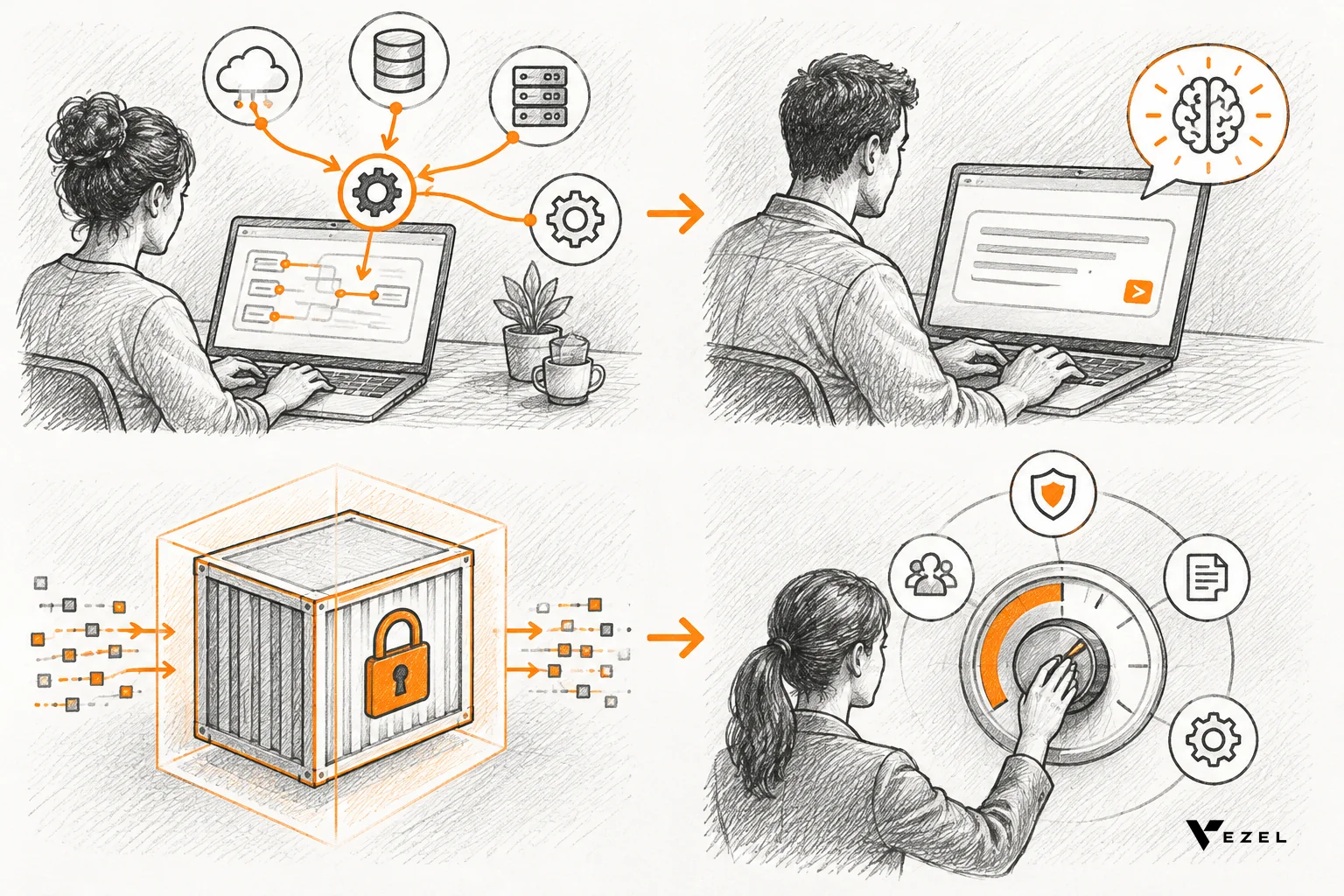
Because it inherits your login and access rules, the agent a customer builds sees only what that customer is allowed to see. Vezel says most SaaS platforms can integrate it in a few days. Its offices are in San Carlos, California and Noida, India.
If you want the plumbing, read how to connect AI extensions to your SaaS APIs. For support-style agents specifically, see building AI support agents in your SaaS.
You can also see how it works step by step.
When should a SaaS team let customers build agents in plain English?
Let customers build agents when their needs differ account by account, your APIs already enforce access control, and someone owns governance. If any of the three is missing, fix that first. Otherwise you are handing customers a tool that can expose data or create support load.

A checklist before you open it up
- Do your APIs check permissions on every call, including row-level access?
- Can you describe what an agent may read and what it may write?
- Is there a publish and version step before an agent is shared?
- Can you switch an agent off quickly?
- Is a named person responsible for the rules?
If you answer no to the first question, stay standalone and internal for now. That is the honest limit: embedded builders amplify the security you already have; they do not create it. Whether customers will actually use plain-English building at scale is still something you only learn by piloting with a few accounts.
Plan the rollout using common rollout mistakes with no-code extension builders.
FAQ
Can non-developers really build agents?
Yes, for bounded tasks. Plain-English prompts can produce working agents, dashboards and forms. Anything writing to customer records still needs permissions, review and an audit trail.
Is a standalone builder ever enough for customer-facing agents?
Only if you can replicate your permission model faithfully inside it. Most teams find that hard, which is why inheritance matters.
Does this apply to US SaaS vendors specifically?
It applies to English-speaking SaaS markets broadly, including the United States, where enterprise buyers routinely ask how agents handle access control.
Next step
If your customers keep asking for agents your team cannot build one by one, test the embedded route. Book a demo to see a no-code AI agent builder running inside a product with your login and permissions model.