



You connect AI extensions to your SaaS APIs by pointing an auto-discovery layer at your existing OpenAPI (Swagger) specification, letting it map your data models and endpoints automatically, then inheriting your current authentication and permissions instead of rebuilding them. Done right, the whole process takes days, not the months a custom integration project usually eats.
Key Takeaways
- No new middleware required: if you already publish a REST API with an OpenAPI or Swagger definition, that spec is the starting point for auto-discovery, not a blocker.
- Security inheritance is non-negotiable: extensions should reuse your existing OAuth, SSO, RBAC, and row-level permissions rather than issuing separate credentials.
- Live data beats exports: generated dashboards, workflows, and agents should query your production API in real time, not a CSV someone downloaded last Tuesday.
- Sandbox first, production second: testing auto-discovery against a staging environment catches schema mismatches before customers ever see them.
- Governance prevents shadow IT: a versioned, publishable marketplace keeps self-serve extensions from turning into unmanaged one-off tools scattered across the company.
At a Glance: Integration Steps and Timelines
| Step | What Happens | Typical Time | Who Owns It |
|---|---|---|---|
| 1. Expose OpenAPI spec | Confirm your REST API has a current OpenAPI/Swagger definition | 1-2 days (if not already documented) | Engineering |
| 2. Run auto-discovery | Extension layer parses endpoints, schemas, and entity relationships | Minutes to hours | Platform/DevOps |
| 3. Inherit auth & RBAC | Connect existing OAuth/SSO and role permissions instead of new logins | 1 day | Security/Engineering |
| 4. Sandbox validation | Test generated dashboards and workflows against staging data | 2-3 days | Engineering + Product |
| 5. Enable natural language generation | Customers or CS teams prompt for dashboards, workflows, agents | Immediate after go-live | Customer Success |
| 6. Publish via governed marketplace | Version, approve, and release extensions internally or to customers | Ongoing | Product/Admin |
| 7. Monitor & expand coverage | Track endpoint usage and extend OpenAPI coverage for new entities | Ongoing, monthly review | Engineering |
1. Start With Your API Surface, Not a New Integration Project
Most engineering leads hear "connect AI extensions to our APIs" and picture another quarter of integration work: new middleware, a custom connector for every customer, a fresh set of credentials to manage. That assumption is usually wrong. If your product already exposes a REST API with an OpenAPI or Swagger specification, you already have what an auto-discovery layer needs to get started.
Auto-discovery reads your existing spec the way a new engineer reads your API docs on day one. It identifies endpoints, request and response schemas, and how objects like accounts, tickets, invoices, or shipments relate to each other. Instead of a developer writing a bespoke integration for every customer request, the discovery layer builds that map once, against your real API, and reuses it every time a dashboard, workflow, or agent gets generated.
This is the core difference between traditional saas extensibility work and the approach behind how to connect ai extensions to existing saas apis without a drawn-out project. You are not building a new integration for each request. You are letting a discovery layer understand the API you already maintain.
2. Map Your Data Model With API Auto-Discovery
Once the discovery layer has your OpenAPI definition, it builds a working model of your product's data: which endpoints return which objects, how a "customer" relates to an "order," how a "ticket" relates to a "user." This model is what makes generated dashboards and workflows behave like part of your product instead of a bolted-on report.
Here is why this step matters more than most teams expect. A dashboard built from a stale export is frozen the moment someone downloads it. A dashboard built from auto-discovered endpoints queries your live API every time it loads. If a support ticket changes status, the generated view reflects that immediately, because it is reading the same data your core product reads.
This is also where a lot of the manual mapping work that used to require a solutions engineer gets eliminated. Instead of someone hand-writing field mappings for every enterprise customer, the discovery process handles the repetitive parts, leaving your team to review edge cases rather than build from zero. We go deeper into how this mapping process actually works in What Is Adaptive SaaS? The Next Evolution of Software, and the technical mechanics of auto-discovery itself get a full breakdown in our companion piece on API auto-discovery for SaaS data models.
3. Inherit Authentication and Permissions Instead of Rebuilding Them
This is the step teams get wrong most often, and it is the one with the highest stakes. When engineering teams build custom dashboards or internal tools from scratch, they frequently end up recreating permission logic by hand. A regional manager should only see their region's numbers. A finance approver should only see requests under a certain threshold. Reconstructing that logic outside your core product is slow, and it is easy to get subtly wrong.
Security inheritance solves this by design. Instead of issuing new credentials or writing separate access rules, the extension layer authenticates through your existing OAuth or SSO setup and carries over your current role-based access controls, down to row-level permissions. A user who can only see their own team's records inside your core product sees the same scope inside any generated dashboard, workflow, or agent.
According to the Cloud Security Alliance's guidance on API security, inconsistent authorization logic across integrated systems is one of the most common sources of data exposure in connected software environments (Cloud Security Alliance). Inheriting permissions rather than re-implementing them removes that entire category of risk.
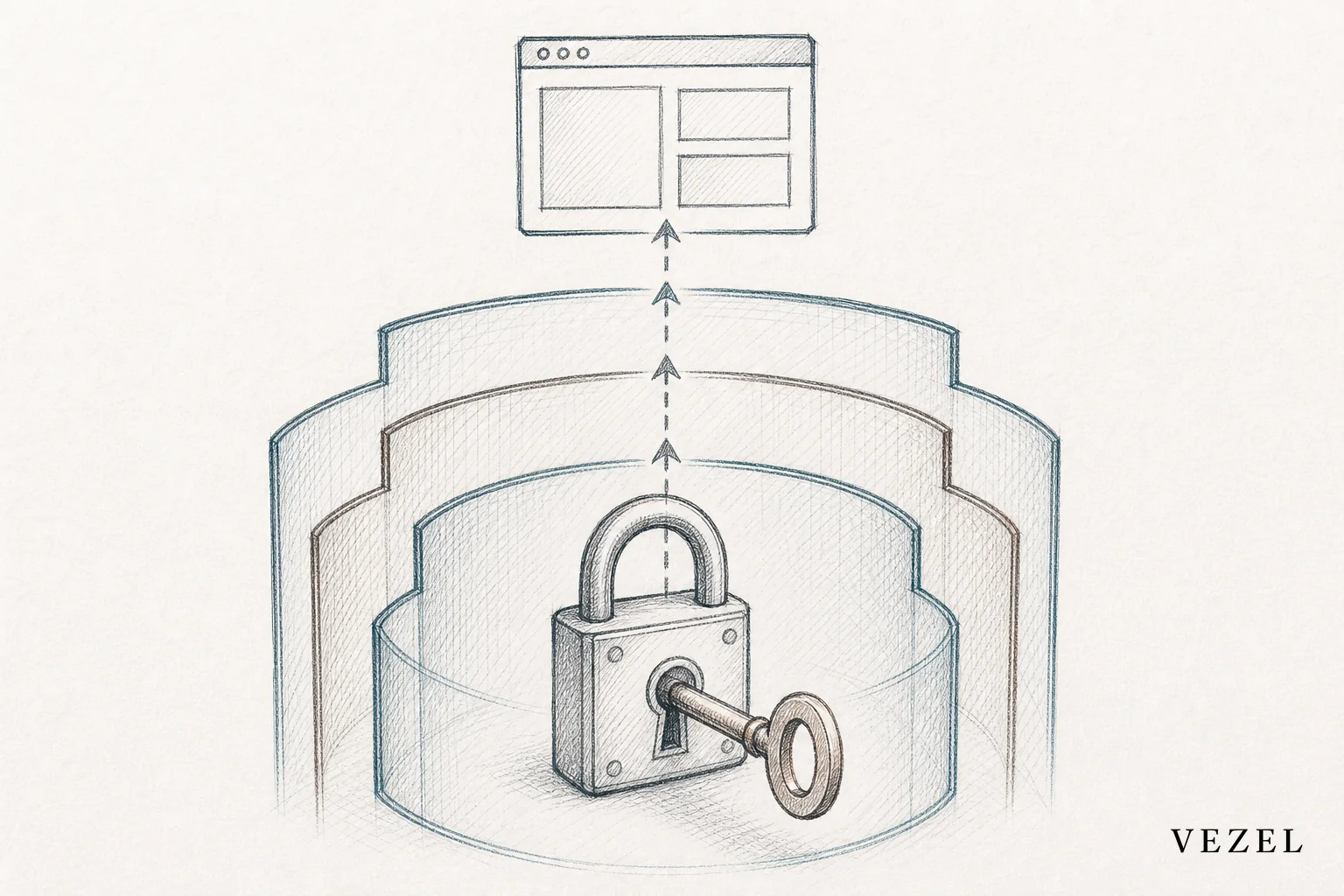
This is also the piece that prevents the messiest form of technical debt: shadow IT tools that quietly bypass your real access model. We cover that risk in detail in How to Prevent Shadow IT in Your SaaS Platform.
4. Connect a Sandbox Environment Before Going Live
Before any customer sees a generated dashboard or workflow, run the same auto-discovery process against a staging or sandbox version of your API. This step catches three common problems early: fields that exist in your database but were never documented in the OpenAPI spec, endpoints that return different shapes of data than expected, and permission edge cases that only show up with real user roles.
A sandbox pass usually takes two to three days. That is a small price compared to discovering a data mismatch after an enterprise customer has already generated a live workflow around it. Treat this step as a checklist, not a formality:
- Validate schema coverage: confirm every entity you expect (accounts, invoices, cases, shipments) actually appears in the discovered model.
- Test with real roles: log in as a restricted user and confirm generated views respect the same row-level limits as your core product.
- Check endpoint freshness: make sure the discovery layer is pulling live data, not a cached snapshot from an outdated environment.
Teams that skip this step tend to find out about gaps the hard way, usually from a customer, which is the exact scenario the sandbox pass is meant to prevent.
5. Let Customers Generate Dashboards, Workflows, and Agents in Plain English
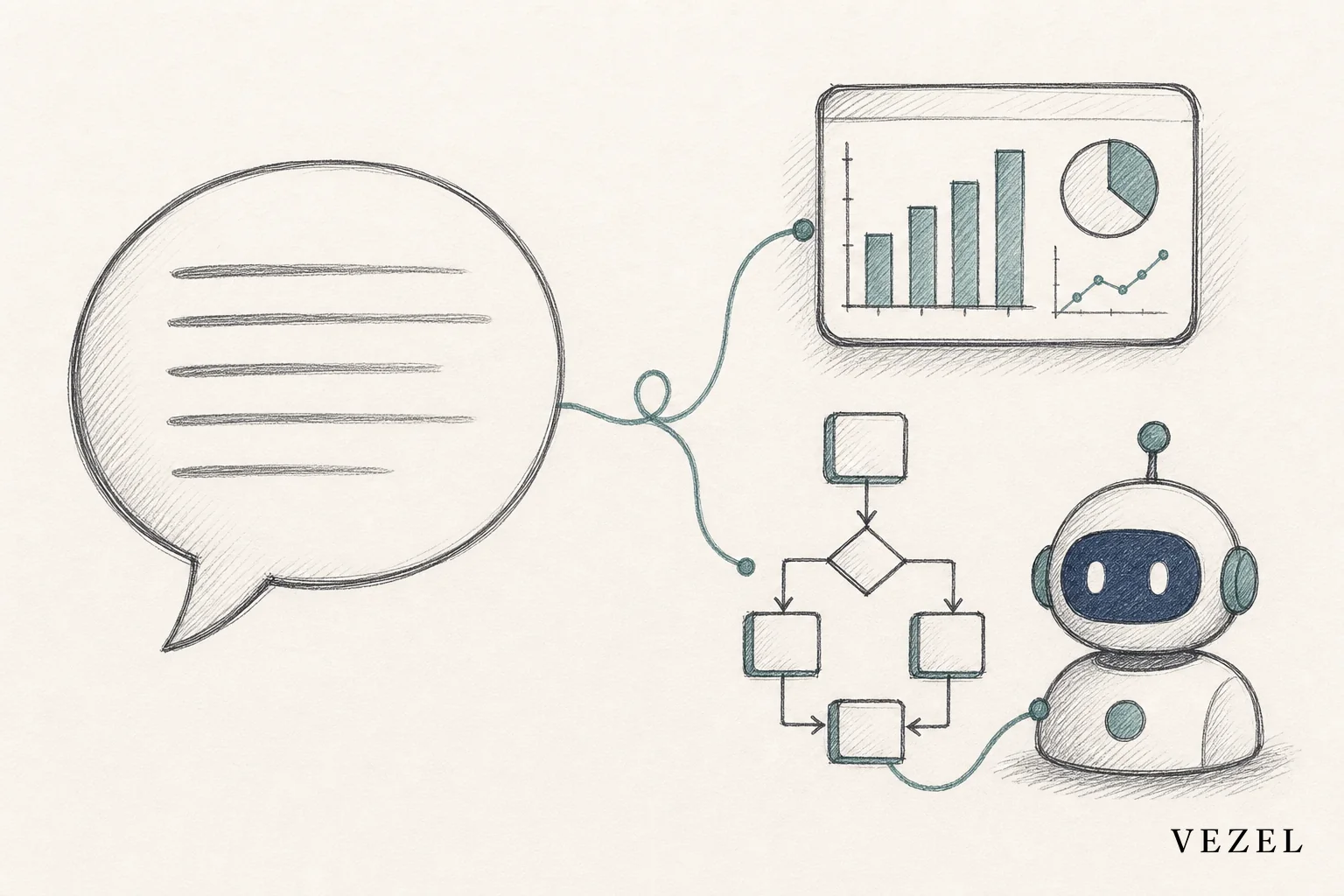
Once the connection is live, the actual generation step should feel almost anticlimactic; that is the point. A customer success manager, an admin at a customer account, or your own implementation team can describe what they need in plain English, and the extension layer turns that description into a working capability that pulls from the connected API.
A few concrete examples of what this looks like in practice:
- A supplier scorecard for a procurement customer, built from live vendor and order data instead of a quarterly spreadsheet.
- An approval workflow that routes a request through the specific sequence a customer's compliance team requires, using their existing user roles.
- A support agent that answers account-specific questions using real ticket and account data, not static help documentation.
These are not one-off exports. They are persistent, native-feeling parts of the product, generated on top of the same connected APIs discussed above. For a closer look at building the dashboard piece specifically, see How to Build Custom Dashboards Inside Your SaaS, and for workflow-specific guidance, How to Embed a Workflow Builder in Your SaaS. If agents are the priority, How to Deploy AI Agents Inside Your SaaS Platform covers that path in depth.
6. Publish Through a Governed Marketplace, Not Ad Hoc Sharing
Connecting to your APIs is only half the job. What happens after generation matters just as much. Without governance, generated extensions spread the same way spreadsheets and shadow tools always have: informally, without version control, and without anyone tracking who built what.
A governed, in-product marketplace solves this by giving admins control over publishing, versioning, and lifecycle management. An extension built for one team can stay private to that team, or get promoted for wider use once it proves valuable. White-labeled theming keeps every generated dashboard, workflow, or agent looking like a native part of your product, not a third-party plugin bolted on the side.
This governance layer is also what separates a scalable extensibility strategy from a pile of unmanaged internal tools. How to Choose an Embedded Extensibility Platform walks through what to look for if you are still evaluating options, including how governance features compare across vendors.
7. Monitor, Iterate, and Expand API Coverage Over Time
Your first integration pass will not cover every endpoint your customers eventually want. That is expected. Treat API coverage as something you expand deliberately, based on real usage, rather than something you try to solve completely on day one.
Track which endpoints generated extensions actually query. If a pattern emerges (say, customers keep trying to build reports around an object your OpenAPI spec barely documents), that is a signal to prioritize documenting and exposing that entity properly. This usage data doubles as product intelligence: it tells you which customer-specific requests are common enough to eventually justify a native feature, and which ones are better served by extensions indefinitely.
This is also where the pressure comes off your roadmap. Instead of every customer request becoming an engineering ticket, most get resolved through generated extensions, and the requests that do reach engineering are the ones with real signal behind them. That shift is covered in more detail in How to Reduce SaaS Engineering Backlog From Enterprise Requests.
Common Integration Pitfalls to Avoid
A handful of mistakes show up repeatedly when teams connect AI extensions to their APIs for the first time:
- Skipping the sandbox step: going straight to production without validating schema and permission behavior first.
- Assuming every endpoint needs manual mapping: auto-discovery exists specifically to remove this bottleneck; manual review should be the exception, not the default.
- Ignoring row-level permission edge cases: a permission model that works for 95% of users can still expose data to the remaining 5% if it is not tested with real restricted roles.
- Letting extensions bypass the marketplace: even a great integration turns into shadow IT if there is no governed place to publish, version, and retire extensions.
Each of these is avoidable with the process above, but they are worth checking explicitly rather than assuming they will not happen.
FAQ: Connecting AI Extensions to SaaS APIs
Do I need GraphQL, or does REST with OpenAPI work?
REST APIs documented with an OpenAPI or Swagger specification are the most common starting point, and auto-discovery is built around parsing that format. GraphQL schemas can also be mapped, but OpenAPI-based REST remains the standard most B2B SaaS products already have in place, according to the API documentation standards tracked by the OpenAPI Initiative.
How long does a typical integration take?
Most teams move from a documented API to a working sandbox connection within a week, including validation. That timeline assumes an existing OpenAPI spec is already in place; if you need to document your API first, add a few extra days.
Does this replace tools like Retool or internal dashboards?
Not exactly. Internal tool builders are designed for your own engineering team to build internal tools. Connecting AI extensions the way described here is aimed at giving your end customers self-serve customization inside your actual product, with your security model intact. For a direct comparison, see Retool vs Embedded Extensibility for SaaS Products: Which Scales?
What happens to permissions when a new extension gets created?
The extension inherits the requesting user's existing permissions at creation and at runtime. A user who can only see their own team's data in your core product cannot see more through a generated dashboard or agent, because the same RBAC and row-level rules apply automatically.
Connecting to your APIs is the technical unlock. Governance and security inheritance are what make it safe to hand that unlock to your customers.
If your engineering team is spending a third of its capacity rebuilding the same custom dashboards and workflows for every enterprise account, the fix is not another integration sprint. It is connecting an AI extension layer to the APIs you already have, so customers can generate what they need themselves, on live data, inside your existing security model. Book a demo to see the auto-discovery process run against your own API, check out how it works in more detail, or talk to an expert about what a pilot integration would look like for your product.



