A governance control plane for SaaS extensions is the set of permission rules, publishing gates, and lifecycle policies that sit between your core product and anything customers build inside it. Set it up before self-serve extensibility launches, not after, because retrofitting access rules onto extensions already in production customer accounts is far harder than defining them first.
Key Takeaways
- Permissions come first: extensions must inherit your existing RBAC and row-level access rules, never a separate permission system built from scratch.
- Publishing needs gates: a draft state, a review step, and a clear line between "personal" and "org-wide" extensions stop one user's dashboard from becoming everyone's liability.
- Lifecycle policy is not optional: extensions need versioning and deprecation rules tied to your API changes, or they break silently when your product evolves.
- A marketplace layer reduces duplicate shadow builds: if customers can't see what already exists, they'll rebuild it, defeating the point of governance.
- Skipping this step recreates the exact shadow IT risk you built extensibility to eliminate, just inside a tool your own logo is on.
At a Glance: Governance Control Plane Setup
| Setup Phase | What It Covers | Typical Owner | Timing |
|---|---|---|---|
| Permission mapping | RBAC inheritance, row-level access, auth session reuse | Engineering / Security | Before any extension ships |
| Publishing rules | Draft vs published states, review gates, scope of visibility | Product | Before self-serve opens |
| Lifecycle policy | Versioning, deprecation, ownership transfer | Engineering / Product | Before first API change |
| Marketplace layer | Discovery, categorization, reuse of existing extensions | Product / CS | At or before launch |
| Audit and monitoring | Who built what, who can see it, usage tracking | Security | Ongoing |
| Rollout scope | Which customer tiers get extensibility first | Product / CS | Phased, post-setup |
What Is a Governance Control Plane for SaaS Extensions?
A governance control plane is the layer that decides what a customer-built extension is allowed to see, do, and publish inside your SaaS product. It is not a feature flag system. It is also not the same as configuration settings.
Configuration lets a customer change how existing features behave. A control plane governs something bigger. It handles new dashboards, workflows, forms, and agents that customers create themselves, on top of your product's live data and permissions.
Without it, extensibility is just a door left open. With it, extensibility becomes a product capability you can sell, support, and defend in a security review. This is the layer that has to exist before you roll out custom dashboards or workflow builders to customers at scale.
1. Map Permission Boundaries Before You Open Extensibility
Start by deciding what data an extension can touch, before you decide what it can look like. An extension must inherit the same authentication session, role, and row-level rules the customer already has. It should never introduce a second, parallel permission model.

Practically, this means every extension query runs through the same access checks as a native product screen. A sales rep who can only see their own accounts in your CRM should see the exact same restriction inside a dashboard they build themselves. That principle, inheriting row-level permissions, is the single most important decision in this whole setup.
Get this wrong and you've built a data leak generator with a friendly UI. Get it right and extensibility becomes something your security team signs off on instead of something they block.
A copyable publishing approval matrix by role
Use this as a starting template inside your own governance plan. Adjust the role names to match your customer's admin hierarchy, but keep the scope boundaries as a baseline.
| Role | Can Build Extensions | Can Publish to Team/Org | Can Approve Others' Publishes | Can Modify Lifecycle/Deprecation Status |
|---|---|---|---|---|
| Customer Admin | Yes | Yes, org-wide | Yes | Yes |
| Team Lead | Yes | Team-level only | Team-level only | No |
| Individual Contributor | Yes | Personal/draft only | No | No |
| Platform Owner (you) | N/A | N/A | Reviews extensions that trigger external actions | Sets warn/disable/archive policy |
The row for "extensions that trigger external actions" is the one worth copying verbatim: any extension that writes back to core records or sends approvals gets a mandatory review step, regardless of who built it.
2. Define Publishing Rules for Customer-Built Extensions
Not every extension a customer creates should be visible to their whole team automatically. Draft states let a user build and test privately. A publishing step, with an approval gate for org-wide visibility, prevents a half-finished workflow from becoming the thing three departments rely on by accident.
Decide upfront who inside the customer's organization can publish at each scope. An admin might get org-wide publishing rights, while individual contributors are limited to personal or team-level extensions. This maps directly onto your existing customer roles, so it costs nothing extra to enforce once permission inheritance is in place. The matrix above is exactly this mapping laid out as a table.
This is also where you decide what counts as a reviewable change. A new dashboard might auto-publish. A workflow that triggers external actions, like sending approvals or writing back to core records, probably shouldn't. For a deeper walkthrough of versioning states, see publishing and versioning extensions.
3. Set Lifecycle Management Policies Upfront
Extensions don't sit still. Your underlying APIs change. Employees who built a workflow leave the company. Customer needs shift. Without a lifecycle policy, an extension quietly breaks the week you ship an unrelated API update, and nobody notices until a customer files a support ticket.
Build versioning in from day one. Every extension should carry a version tied to the API schema it was generated against, so a breaking change on your side triggers a flag, not a silent failure. Deprecation needs a clear path too: warn, then disable, then archive, with customer-facing notice at each step.
Here is a worked example of how that path might run for a single extension. Suppose a customer builds a dashboard against your API's v2 schema. You then ship a v3 schema that changes a field this dashboard depends on. Step one: the control plane flags the extension as "at risk" the moment v3 ships, because its recorded version tag no longer matches current.
Step two: the customer's admin gets a warn notice with a grace period before v2 support ends. Step three: if nobody updates the extension, it moves to disabled rather than failing silently. Step four: after the grace period, it archives, with the audit trail preserved so ownership and history aren't lost.
Ownership transfer matters more than teams expect. When the person who built a workflow leaves the customer's company, someone still needs admin rights over it. Build that into your permission model now, not as an emergency fix later. This is covered in more depth in the site's guide to lifecycle management for customer-built extensions.
4. Build the Marketplace Layer for Discovery and Reuse
Governance isn't only about restriction. It's also about making what already exists visible. A governed in-product marketplace lets customers browse extensions their teammates or peer accounts have published. That stops them from rebuilding the same approval workflow from scratch three times inside one account.
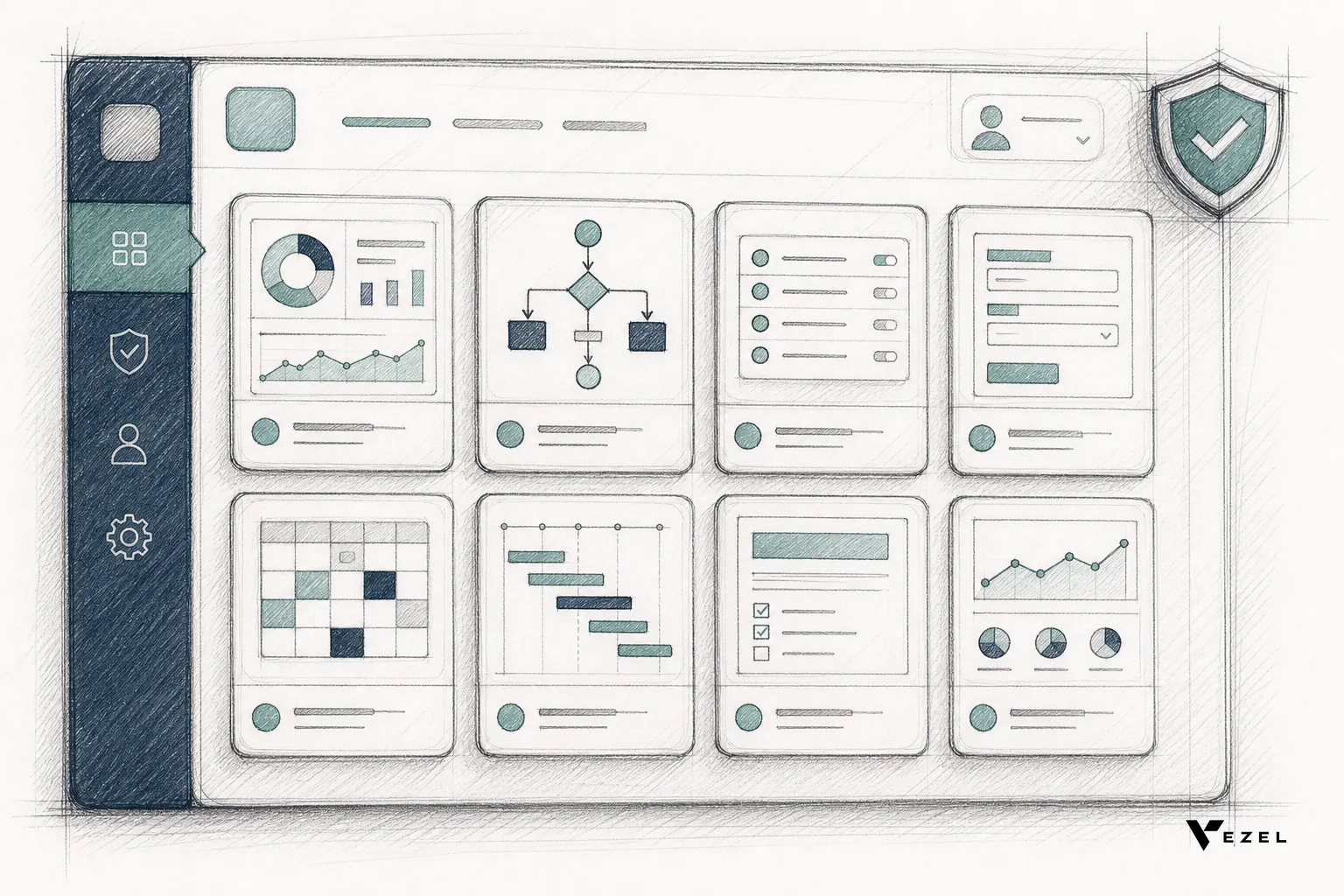
Discovery reduces duplicate work and gives your CS team a natural upsell conversation: "other customers in your industry built this." It also gives you, as the platform owner, a clean audit trail of what's live, who owns it, and how often it's used. For the mechanics of running this layer well, see what a governed marketplace for SaaS extensions actually looks like.
A Reproducible Template: RBAC Inheritance and Version Tagging
The two mechanics that make this whole setup work in practice are RBAC inheritance and schema version tagging on every extension. Neither needs new infrastructure if you build them as extensions of what your product already runs.
RBAC inheritance, in practice, means an extension's data query never runs with its own separate credentials. It runs using the same authenticated session and role assignment the user already has inside your product. The checklist below is what to verify before you open extensibility to any customer:
- Does every extension query pass through the same auth session as native product screens, with no separate API key or service account?
- Does row-level filtering (a sales rep sees only their own accounts, for example) apply identically inside extensions and inside native views?
- Is there a single role table that both the core product and the extension layer read from, rather than two separate role definitions?
- Does publishing an extension to "org-wide" scope require the same admin role your product already uses for org-wide settings changes?
- Is every extension tagged with the API schema version it was built against, so a schema change surfaces a flag automatically?
- Does the deprecation sequence follow warn, then disable, then archive, with a customer-facing notice at each step?
Copy this list directly into your own rollout plan and check each item off before self-serve extensibility opens to your first customer segment.
Why Skipping Governance Recreates Shadow IT Inside a Sanctioned Tool
Skip governance and customers still build workarounds. They just do it inside your product now instead of outside it. An ungoverned extension with no permission inheritance and no publishing gate is a spreadsheet with your logo on it. It fails a security review the same way the spreadsheet did.
The entire reason teams reach for shadow IT prevention in the first place is that unsanctioned tools bypass access control. If your extensibility layer skips governance, you haven't eliminated that risk. You've just moved it one layer deeper, where it's harder to spot because it looks native.
Enterprise buyers ask about this directly during procurement. A control plane with permission inheritance, publishing review, and lifecycle policy is the answer that gets extensibility approved instead of flagged.
Retool, Superblocks, and Mendix: Why Their Governance Model Doesn't Transfer
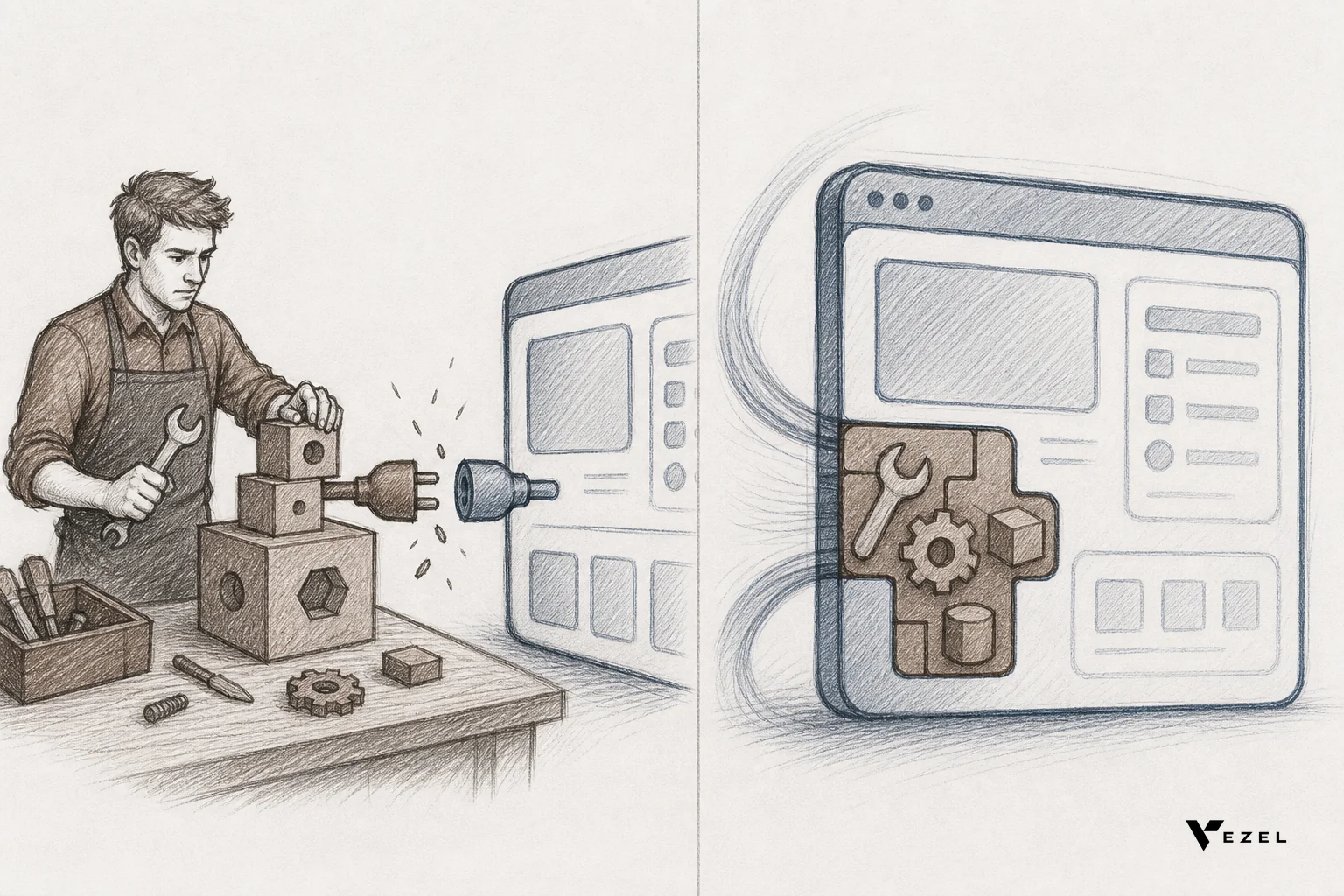
These tools govern a different problem than the one described above. They secure internal admin panels your own engineers build, not extensions your paying customers create inside a product they don't administer.
| Tool | Built For | Permission Model | Customer-Facing Fit |
|---|---|---|---|
| Retool | Internal apps built by developers, connecting directly to business data | Shared governance model across its own apps and classic apps, tied to Retool's resources and users | Designed for internal teams, not for handing extension-building to end customers |
| Superblocks | Internal applications with IT and Security controlling integrations and auditing inside private cloud | Security and IT govern permissions, auditing, and policy centrally | Targets internal business teams, not a customer-facing self-serve layer |
| Mendix | Full-stack, agentic enterprise app development with governed workflows across agents and people | Traceable, auditable agent and workflow governance built into the platform | A full low-code development platform, heavier than a lightweight embedded layer |
| Vezel | Embedded extension layer inside an existing SaaS product for end customers | Extensions inherit the host product's own authentication, RBAC, and row-level permissions | Purpose-built for handing extensibility to paying customers, white-labeled to the host product |
Read the fuller breakdown in Retool vs embedded extensibility for SaaS products and Mendix vs embedded extensibility if you're weighing a build-vs-adopt decision for your own control plane.
How Vezel Handles Governance Before Rollout
Vezel treats governance as the layer that ships before self-serve extensibility, not as an afterthought bolted on later. Extensions inherit your product's existing authentication, RBAC, and row-level access controls automatically, because Vezel's API auto-discovery maps to your existing data models rather than creating a parallel permission scheme.
Publishing and versioning run through a white-labeled, governed marketplace inside your own product, so customers see what's already built, and your team keeps a full audit trail of who published what and when. That combination is what turns extensibility from an engineering risk into a retention lever for enterprise customers.
Most SaaS companies lose a significant share of engineering capacity to one-off customization requests. One vendor framework estimates this at roughly 40% of engineering capacity, based on its own governance methodology, not an independently verified figure. A control plane that governs extensions properly is what lets you hand that work to customers instead of absorbing it on your roadmap.
FAQ: Adaptive SaaS Control Planes
What is Adaptive SaaS?
Adaptive SaaS is an architectural approach where a shared SaaS product continuously extends itself around customer-specific needs. It uses AI-generated dashboards, workflows, and agents that inherit the product's own permissions instead of living as separate, unmanaged tools.
How long does control plane setup actually take?
Permission mapping and publishing rules are the bulk of the work. Most teams can define both in a few weeks when the underlying APIs are already well-documented. Lifecycle and marketplace layers can be phased in alongside initial rollout rather than blocking launch entirely.
Who inside a SaaS company should own governance setup?
Engineering and security own permission mapping since it touches auth and data access directly. Product typically owns publishing rules and the marketplace experience, with security reviewing lifecycle and deprecation policy before general availability.
Governance is the unglamorous work that makes self-serve extensibility survivable. Skip it and you're rebuilding shadow IT with better branding. Get it right, and you can hand customers real building power, backed by your existing permissions, without adding a single line to your engineering backlog.
See how the pieces above come together with a demo of Vezel's control plane, or explore how the platform maps permissions and publishing end to end before you open extensibility to your first enterprise account.