


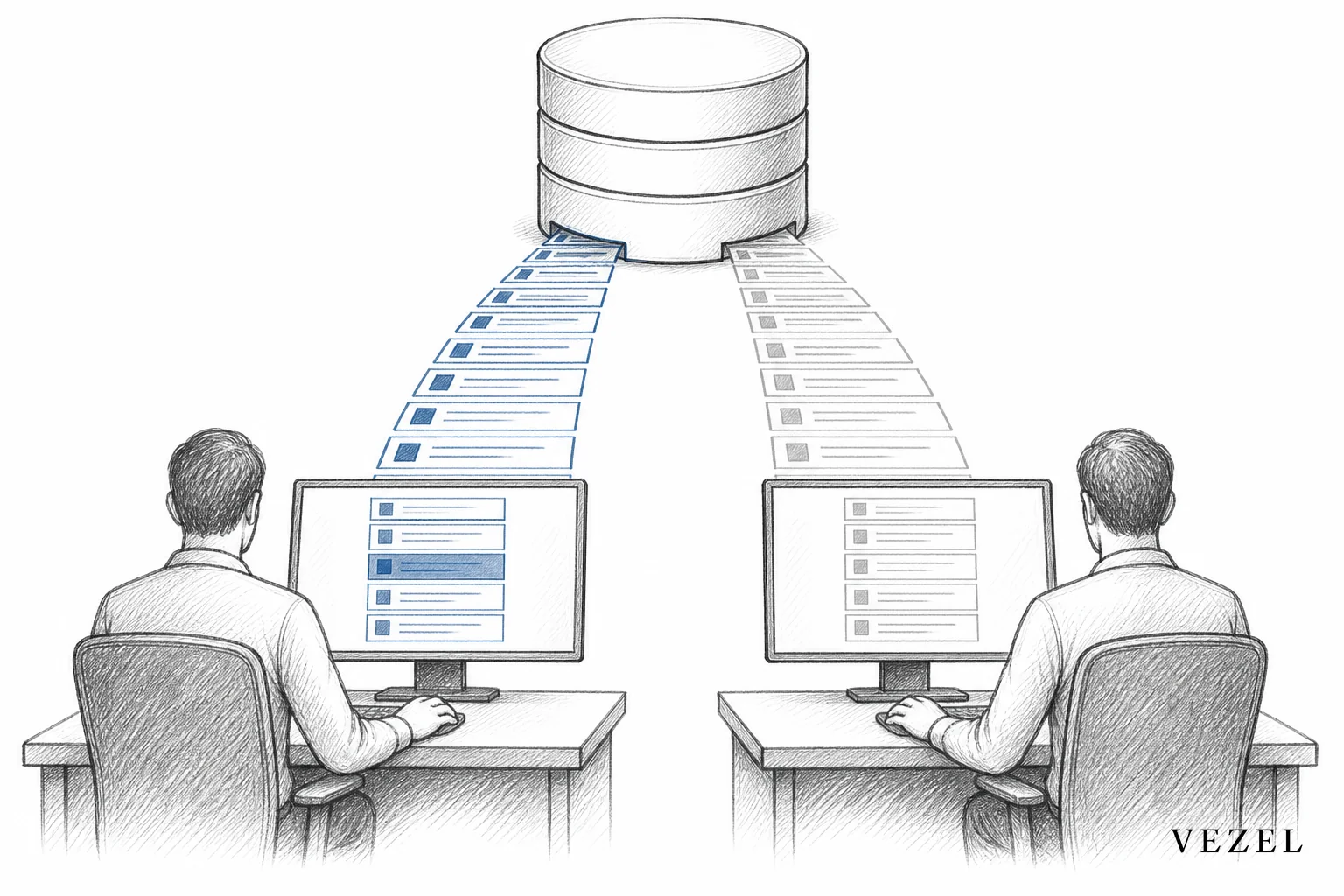
You inherit row-level permissions in custom SaaS tools by pulling scoping fields (account ID, territory ID, tenant ID) straight from your existing API through auto-discovery, then executing every query as the requesting user's own identity instead of a shared admin account. That way, a custom dashboard or workflow only ever sees the rows that user was already allowed to see, with zero manual filter-writing.
Key Takeaways
- Row-level and role-level are different problems: RBAC decides what a user can click; RLS decides which specific records they can see. Solving one does not solve the other.
- Manual replication is where leaks happen: a single missed filter in a hand-built dashboard can expose another customer's territory, account, or patient data.
- Identity must travel with the request: extensions should call your APIs using the requesting user's session or token, never a shared service account with elevated access.
- Enforcement belongs at the data layer: hiding rows in the UI is not security. Filtering has to happen before data leaves the API.
- Auto-discovery removes the guesswork: mapping your OpenAPI spec to detect scoping fields lets custom-built dashboards and reports inherit RLS automatically instead of re-implementing it per build.
RLS Inheritance at a Glance
| Approach | Who Enforces Filtering | Maintenance Load | Leak Risk | Time per New Extension |
|---|---|---|---|---|
| Manual hard-coded filters | Each developer, per build | High — re-audited every schema change | High | Days to weeks |
| Shared service account + UI hiding | Front-end only | Medium | Very high | Hours, but insecure |
| API auto-discovery + inherited RLS | Platform, at query time | Low — inherits schema changes | Low | Minutes |
| Internal tool builders (e.g. Retool-style) | Developer configures per app | Medium-High | Medium | Hours to days |
| Custom middleware layer | Central service, but separately maintained | Medium | Medium | Days |
Row-Level Access vs Role-Level Permissions: Why the Distinction Matters
Two account managers can have the exact same role in your product. Same permissions, same dashboards, same buttons. But one manages the West territory and the other manages the East. Role-based access control (RBAC) says both can view "Accounts." Row-level security (RLS) says which accounts, specifically, each of them is allowed to see.
This distinction gets lost constantly when teams build custom-facing tools. A dashboard might correctly check that the user has the "Manager" role, then quietly pull every row in the accounts table because nobody wired in the territory filter. The role check passed. The data leaked anyway.
If you want a deeper walkthrough of role-level replication specifically, we covered that ground in why it's so hard to replicate RBAC in custom built tools. This article is deliberately narrower: it's about the row, not the role.
Why Manually Replicating RLS Breaks Down
Every time engineering builds a one-off dashboard, report, or workflow for a customer, someone has to answer the same question: which rows is this user allowed to see? In a manually built tool, that answer usually gets hard-coded into a query or an API call.
The problem shows up later, not on day one. Your schema changes. A new tenant field gets added. A join gets refactored. The custom dashboard doesn't know any of that happened, because its filtering logic was copied by hand and never connected to the source of truth. Six months later, a customer support rep opens a report built for one client and sees rows belonging to another.
This is not a hypothetical. It's the single most common way custom-built, customer-facing tools fail security review. The fix isn't more careful code review. It's removing the manual step entirely.
1. Map Your Existing Data Model With API Auto-Discovery
Before any custom dashboard or workflow gets built, the underlying data model needs to be understood, including which fields scope rows to a specific customer, account, or team. API auto-discovery reads your existing OpenAPI specification (or infers structure from live endpoints when documentation is thin) and identifies these scoping fields automatically: account_id, tenant_id, territory_id, and similar.
This step matters because it replaces guesswork with a machine-readable map. Instead of a developer manually tracing which endpoint filters by which field, the discovery layer builds that map once and reuses it for every extension built afterward. We go into more detail on how this mapping works in connecting AI extensions to legacy SaaS APIs, including how discovery handles older or partially documented systems.
2. Pass the Requesting User's Context, Not a Service Account
This is the part most teams get wrong, usually for convenience. It's faster to build a custom dashboard against a single admin service account than to wire every request through the logged-in user's own session. The dashboard works fine in a demo. It breaks the moment two customers with different access levels open it.
Security inheritance means every API call an extension makes carries the requesting user's actual identity and token, not an elevated shortcut. If that user's role and row-level scope already restrict them to their own accounts, the extension inherits that restriction automatically, because it's making the request as them.
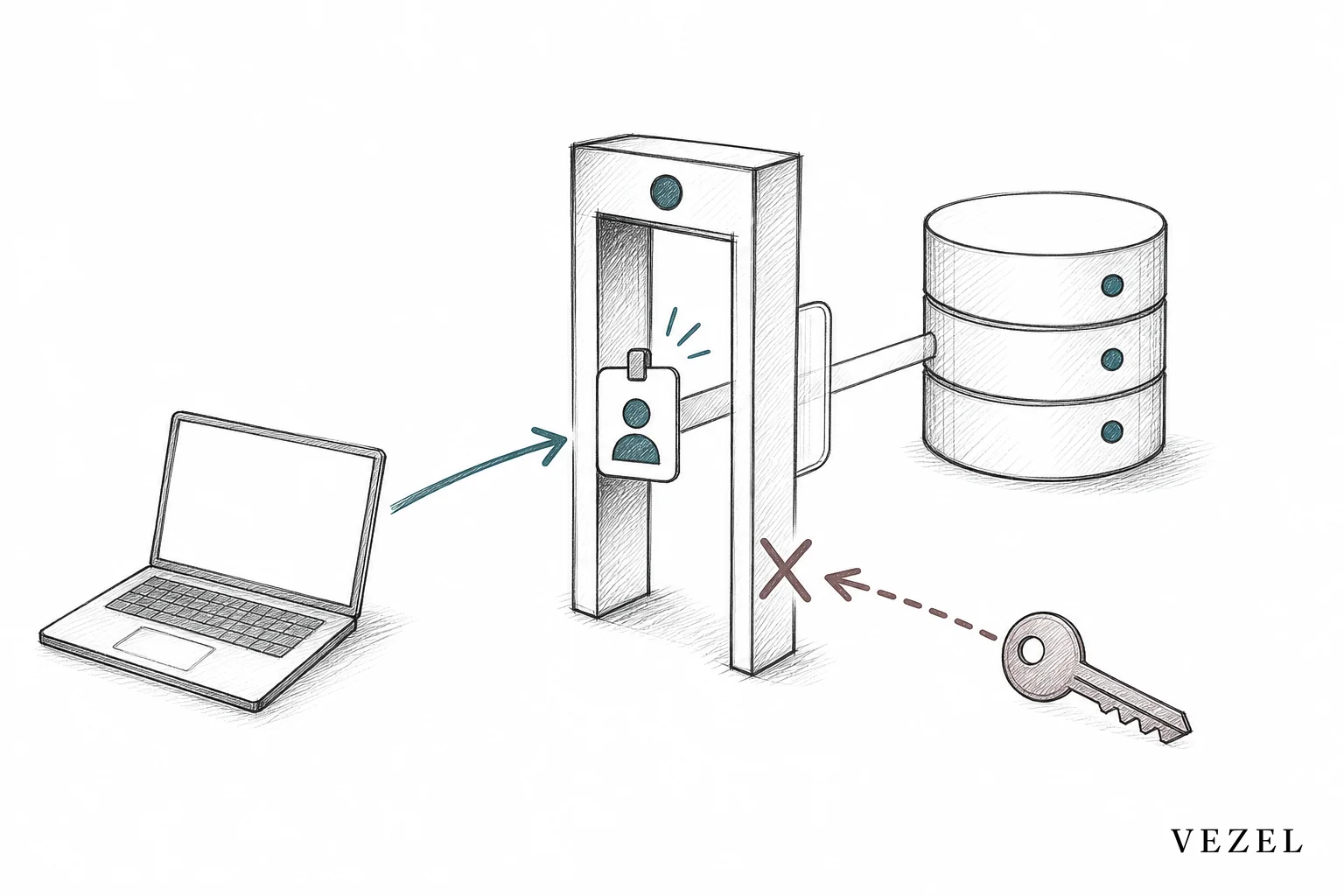
3. Let the Platform Enforce Filters at Query Time, Not in the UI
A dashboard that fetches all rows and then hides the ones the user shouldn't see is not secure. It's a screenshot problem waiting to happen: open dev tools, inspect the network tab, and the "hidden" rows are sitting right there in the response.
Row-level filtering has to happen before the data leaves the API, not after it arrives in the browser. This is the core mechanic behind security inheritance as an architectural feature rather than a checklist item: extensions built through auto-discovery query the underlying system using the same access controls that already govern the host product, so filtered rows never make it into the response in the first place.
If you're building dashboards today and want a concrete walkthrough of the mechanics, our guide on how to build custom dashboards inside your SaaS covers the build process end to end, with RLS inheritance baked into each step.
4. Test RLS Inheritance With Real Customer Roles, Not Admin Accounts
Every custom dashboard, report, or workflow should be tested logged in as the least-privileged user it will actually be used by, not as an admin. Admins usually have broad row access, so testing exclusively as one hides exactly the bugs that matter.
Build a short checklist before any extension ships:
- Log in as a standard user scoped to a single territory or account, and confirm the dashboard only shows their data.
- Simulate a multi-tenant scenario with at least two customer accounts and verify neither can see the other's rows.
- Change a scoping field in the underlying data and re-check the dashboard without redeploying code, to confirm inheritance held.
Catching a leak in a test environment costs you an afternoon. Catching it because a customer emails support is a very different conversation.
How Can I Connect My Own AI Client to My Own SaaS Accounts?
If you're trying to connect an AI client, agent, or copilot to your own SaaS accounts, the same principle applies. The agent needs to query your product's data using the requesting user's existing permissions, not a broad API key that can see everything. Otherwise you've built a fast way to leak data across accounts instead of a fast way to answer questions.
In practice, this means the AI client should authenticate through the same session or token flow your product already uses, then let row-level filters apply exactly as they would for a human clicking through the UI. We break this down further in how to deploy AI agents inside your SaaS platform, including how agents inherit RBAC and RLS together rather than as separate systems bolted on afterward.
What Manual RLS Replication Costs Your Engineering Team
Every enterprise request for a customer-specific dashboard or report used to mean two things: a build, and a security review of that build. When RLS is hand-coded per extension, that review has to happen every single time, because there's no shared, tested inheritance layer doing the work.
This is a direct contributor to the roadmap pressure many SaaS engineering teams already feel. We've written about the broader pattern in how to reduce engineering roadmap pressure from customers, and the CRM-specific version of this exact permission problem shows up in how CRM SaaS platforms can offer custom reporting. In both cases, the underlying fix is the same: stop rebuilding permission logic per request, and let extensions inherit it.
FAQ
Is row-level security the same as RBAC?
No. RBAC (role-based access control) determines what actions and features a user can access, such as whether they can edit a record or only view it. RLS (row-level security) determines which specific records that user is allowed to see within a shared table. A dashboard needs both working correctly, and inheriting one does not automatically inherit the other.
Can AI-generated dashboards safely inherit row-level permissions?
Yes, provided the generation layer queries your API as the requesting user rather than a privileged service account, and provided your API already exposes the scoping fields that define row-level access. The generation step (natural language into a working dashboard) is separate from the enforcement step (which rows come back), and both need to be handled correctly.
What if my API doesn't expose row-level fields today?
Auto-discovery can often infer scoping relationships from live response data even when documentation is incomplete, but there's a limit: if a field genuinely isn't returned anywhere in the API, no discovery layer can invent it. In that case, the fix is a small API change to expose the existing scoping column, which is usually a far smaller lift than building and maintaining custom filter logic per extension going forward.
Give Every Extension Your Existing Row-Level Rules, Automatically
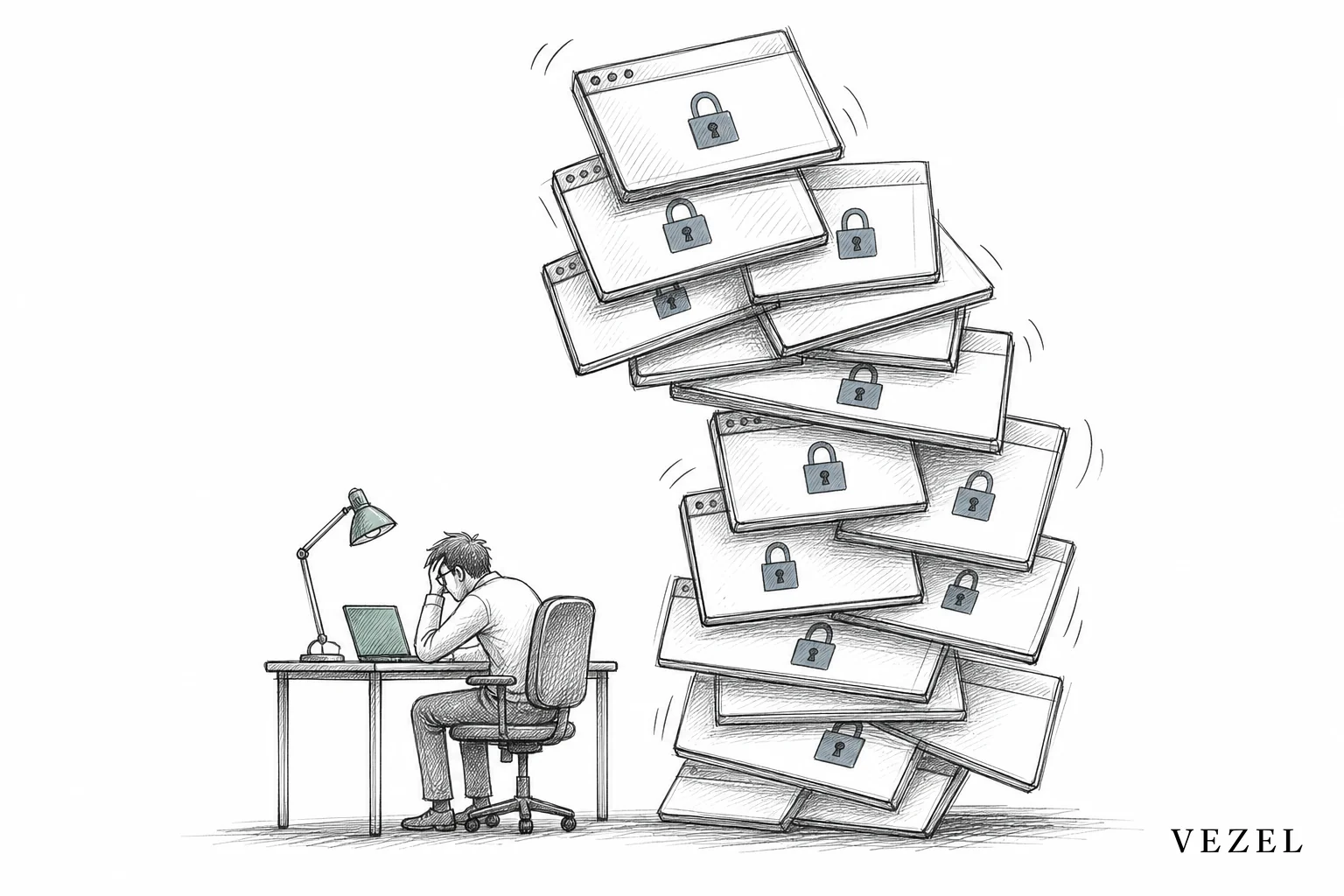
Rebuilding RLS by hand for every custom dashboard, report, or workflow is a maintenance debt that compounds with each new customer request. It's also where most of the real security risk in customer-facing extensions actually lives, not in the UI, but in the filters nobody rechecked after the last schema change.
Vezel's API auto-discovery maps your existing data model and scoping fields automatically, and every extension it generates queries your APIs as the requesting user, inheriting your current authentication, RBAC, and row-level permissions without a single line of custom filter logic. Book a demo to see how it maps to your own schema, or see how it works before you talk to anyone. If you'd rather walk through your specific permission model first, talk to an expert about how row-level inheritance would apply to your product.



