


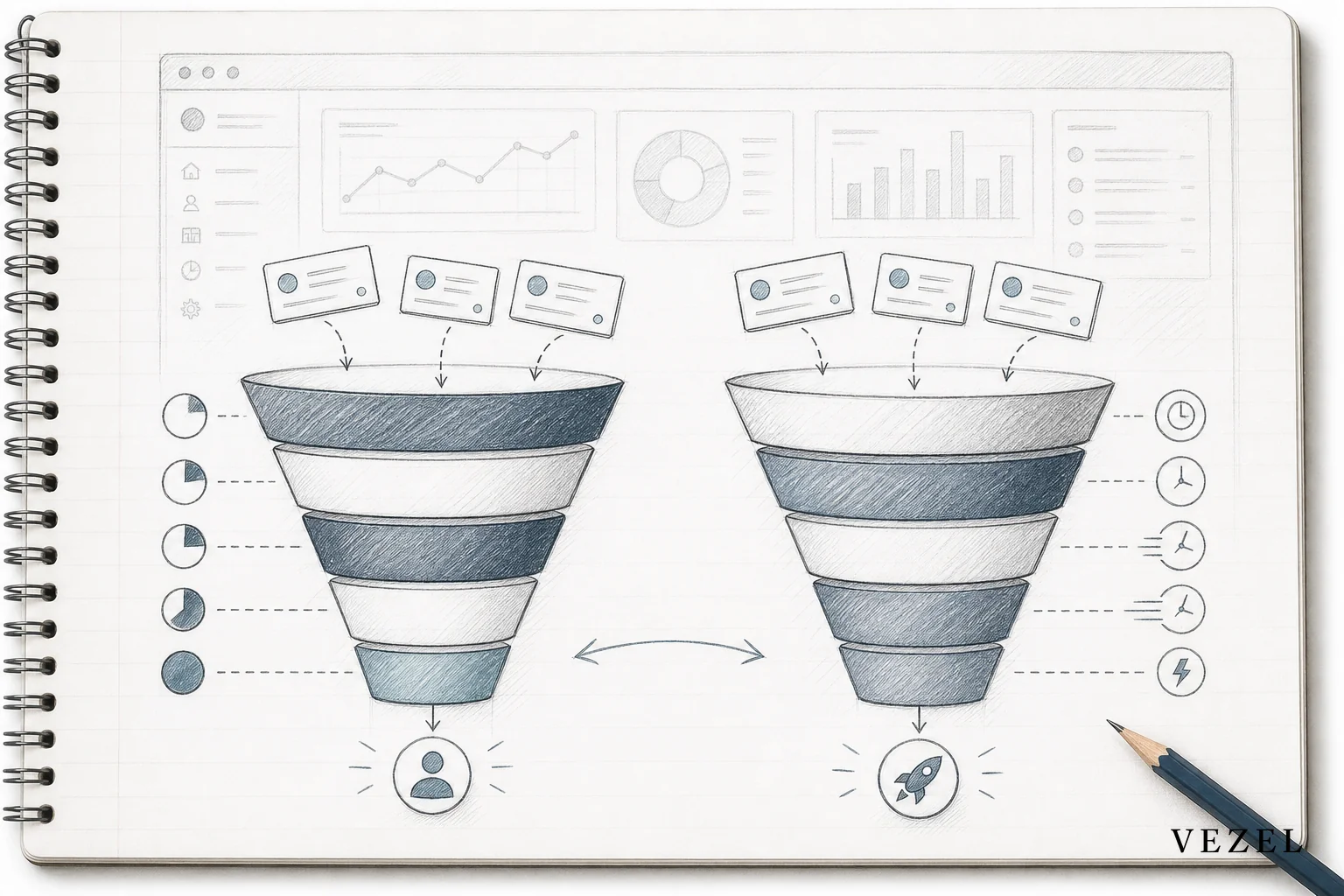
Custom reporting for CRM SaaS platforms means letting each customer build their own live pipeline and revenue views, in plain English, inside the CRM they already use, without filing an engineering ticket. The report inherits the CRM's existing data model and permissions, so a sales rep only ever sees their own region's numbers, and a report that used to take weeks to spec and build can go live in a single working session.
Key Takeaways
- Native reporting modules can't keep up: Most CRM platforms ship one reporting engine for every customer, but pipeline definitions, forecast categories, and comp structures differ by org, so the gap between what's built-in and what a sales team actually needs keeps growing.
- One-off report requests eat engineering time: A single bespoke pipeline dashboard for one enterprise account can cost weeks of product and engineering time, and that cost repeats every time another account asks for a variation.
- AI extension builders close the gap without new code: A plain-English prompt describing the report ("pipeline by rep, region, and stage velocity") can generate a live, native dashboard connected to real CRM data, not a static export.
- Security has to inherit, not duplicate: Reports built this way pick up existing RBAC and row-level access automatically, so a rep still can't see another territory's deals, no separate permission system required.
- This shortens the enterprise sales cycle: When a prospect asks to see renewal-versus-new-logo revenue split before signing, a sales engineer can build it live in the demo instead of promising it for a future release.
CRM Reporting at a Glance
| Approach | Time to Deliver | Engineering Load | Security Model | Reusable Across Accounts |
|---|---|---|---|---|
| Native CRM report builder | Immediate, but limited to preset fields | None per request | Inherited automatically | Yes, but rigid |
| Custom engineering build | 3-8 weeks per request | High, per customer | Must be rebuilt or reviewed manually | Rarely |
| Spreadsheet or BI export | Hours, but manual and stale | Low, but ongoing manual effort | Often bypasses CRM permissions | No |
| Third-party internal tool builder (e.g. Retool) | Days to weeks | Moderate, needs a developer | Must be recreated separately | Sometimes |
| Embedded AI extension builder | Same session, minutes to hours | Minimal, no per-request build | Inherited from host CRM | Yes, via governed marketplace |
Why Every Sales Team Defines "Pipeline Health" Differently
Picture two B2B companies running the exact same CRM. Both sell subscription software. Both have similar headcount. One measures pipeline health by conversion rate at each stage. The other cares more about deal velocity, how fast opportunities move from qualified to closed. One organizes territories by geography, the other by industry vertical. One comp plan rewards net-new logos, the other rewards expansion revenue.
Neither company is wrong. They just run their business differently, and that difference shows up the moment someone opens a report. A pipeline view built for the conversion-rate company won't answer the deal-velocity company's questions, even though both are staring at the same underlying deal and contact data.
This is the core tension every vertical CRM platform runs into. A shared reporting module has to serve the common denominator across thousands of customers. The moment a customer's process diverges from that baseline, and it almost always does, the built-in report stops being useful. That's not a product failure. It's what happens when one product serves many different businesses.
The Real Cost of One-Off CRM Report Requests
Here's the pattern most CRM vendors recognize immediately. An account manager asks for a custom pipeline breakdown. The request lands in the product backlog. A product manager weighs it against everything else competing for the roadmap. Engineering estimates the build. Weeks or months later, the customer either gets a version of what they asked for, or they've already found another way to solve it.
That cycle isn't broken by itself, but it doesn't scale. As a CRM adds more customers across more industries, the volume of one-off reporting requests grows faster than any team can reasonably absorb. Some CRM vendors report losing a significant share of engineering capacity to these bespoke, single-customer builds instead of core product work.
The sales impact is often worse than the engineering cost. Enterprise prospects increasingly want to see a specific pipeline or revenue view before they'll sign, not after. When that view doesn't exist yet, the deal stalls while everyone waits on a roadmap decision. Our related breakdown on how to shorten your enterprise SaaS sales cycle digs into exactly how these stalls compound.
When customers can't get the report inside the product, they build it outside the product. Exported CSVs, shared spreadsheets, and disconnected BI dashboards become the workaround. That's a shadow IT problem hiding in plain sight, and it's one we cover in more depth in how to prevent shadow IT in your SaaS platform.

Where AI Extension Builders Fit Inside a CRM
This is where an embedded AI extension builder changes the math. Instead of a customer requesting a report and waiting for engineering to build it, they describe the report in plain English, directly inside the CRM. "Show pipeline by rep, region, and stage velocity for the last 90 days." "Break revenue into renewal versus new logo, by territory." The extension builder takes that description and generates a live dashboard connected to real CRM data.
The mechanism behind this matters more than it sounds. API auto-discovery maps the request to the CRM's existing data models, deals, contacts, activities, custom fields, without anyone hand-coding a new integration. The report isn't a one-time chatbot answer that disappears after it's read. It becomes a persistent, native dashboard that lives inside the product, refreshes with live data, and shows up every morning the way any other CRM screen would.
That distinction, between an AI answering a question and AI generating a lasting capability, is the difference between interaction and adaptation. A chatbot can summarize this quarter's pipeline once. An embedded extension builds the dashboard that tracks it every quarter going forward. If you want the fuller architecture behind this idea, what is Adaptive SaaS walks through it in detail, and how to build custom dashboards inside your SaaS covers the general mechanics that apply across product categories.
Security and Permissions Are Not an Afterthought
None of this works if it means rebuilding your permission model from scratch for every generated report. A CRM's row-level access rules exist for a reason. A regional sales manager shouldn't see another region's deal values. A rep shouldn't see comp-sensitive forecast categories reserved for leadership.
An embedded extension builder needs to inherit these rules automatically, not replicate them by hand. When a custom pipeline report is generated, it should respect the same authentication, role-based access, and row-level filters that already govern the CRM. That means the person building the report doesn't need to think about permissions at all, the system already knows what they're allowed to see and enforces it on every generated view.
This is one of the sharpest contrasts with spreadsheets, exported data, or third-party BI tools layered on top of a CRM. Those approaches routinely require copying credentials or manually recreating access rules, and they drift out of sync the moment roles change. It's also why teams that try to replicate this with generic internal tool builders run into trouble, a topic we cover in why it's so hard to replicate RBAC in custom built tools.

A CRM Pipeline Reporting Walkthrough
Here's how this plays out in a real enterprise sales scenario. A mid-market vertical CRM is three weeks from closing a national accounts client. The prospect's revenue operations lead sends one more requirement before signing: they need to see pipeline broken out by renewal versus new-logo revenue, split by territory, updated live, not exported once a month.
Under the old model, that request goes to product, gets scoped, and probably ships in a future release, if it ships at all. Under an embedded extension model, the sales engineer opens the CRM during the next call and builds the report on the spot. They describe what's needed in plain English. The API auto-discovery layer connects it to the account's actual pipeline data. The dashboard renders live, filtered by the permissions the prospect's team will actually have once they're a customer.
Once it's approved, that report gets published to the account through a governed in-product marketplace, versioned so it can be updated later without breaking anything, and made available to the rest of their sales team from day one. No custom code shipped. No engineering ticket filed. The deal doesn't stall waiting on a roadmap slot.
The report that used to take a multi-week engineering cycle now takes a single working session, live, in front of the customer who asked for it.
What This Means for Product and Engineering Leaders
For a CRM's product and engineering teams, the upside isn't just faster reporting. It's what stops competing for roadmap time. Every custom pipeline view that used to require a sprint now happens without touching the core codebase. That frees capacity for the reporting and pipeline features that genuinely benefit every customer, not just one account's specific request.
It also changes what a "custom request" costs the business. Instead of a services line item or a one-off build that needs long-term maintenance, a customer-built report becomes a self-serve capability that the customer owns and can adjust themselves. Similar reports can be reused and adapted across accounts with comparable needs through a governed marketplace, instead of being rebuilt from zero each time. Our post on how to reduce SaaS engineering backlog from enterprise requests looks at this shift from the engineering leadership side, and extensibility platform vs custom dev breaks down the cost comparison in more detail.
How This Differs Across Verticals
The underlying capability, plain-English prompts generating live, permission-aware reports, isn't unique to CRM. Field ops platforms need SLA and technician-level reporting. Supply chain platforms need shipment and vendor performance views. HR tech platforms need headcount and approval reporting. Each vertical applies the same mechanism to a different data model.
What's specific to CRM is the shape of the reporting itself: pipeline stages, quota attainment, forecast categories, deal velocity, and renewal cohorts are the recurring building blocks, not shipment counts or SLA windows. If you're comparing how this plays out in a different vertical, how field ops and supply chain SaaS platforms handle custom reporting is a useful companion read, and for the general mechanics of connecting reports to live data regardless of vertical, how to connect SaaS to customer workflows without code covers the broader pattern.
According to Gartner's research on sales technology adoption, CRM buyers increasingly weigh a platform's configurability and reporting flexibility as a top purchase driver, not just core pipeline features. That trend lines up with what CRM vendors are seeing directly from enterprise prospects during sales cycles: reporting flexibility has become a deal requirement, not a nice-to-have. The FTC's data security guidance is also a useful reminder of why permission inheritance matters so much whenever customer financial data, like revenue and pipeline figures, moves through a new reporting layer.
FAQ: Custom Reporting for CRM SaaS Platforms
Does this replace our native reporting module?
No. Native reporting still handles the common, shared use cases every customer needs. An embedded AI extension builder handles the long tail, the customer-specific pipeline and revenue views that fall outside what a shared report can reasonably cover.
How long does it take to build a custom pipeline report this way?
Because the extension connects to existing APIs and data models through auto-discovery, a report can go from a plain-English description to a working, live dashboard in a single session, often the same call where the requirement comes up.
Will this create shadow IT or bypass our data governance?
It's built to do the opposite. Reports are published through a governed in-product marketplace with versioning and lifecycle management, and they inherit the CRM's existing authentication and row-level permissions instead of operating outside them.
Can customers build their own reports without engineering involved?
Yes, that's the point. A sales operations lead or account admin can describe the report they need in plain English and get a live dashboard without opening an engineering ticket, while still operating inside the guardrails your team controls.
If enterprise prospects keep asking your CRM for a pipeline or revenue view your roadmap can't fit this quarter, that's not a sign to hire more engineers for one-off builds. It's a sign your product needs a way to let customers build it themselves, safely, inside the product they already trust. Book a demo to see how Vezel turns custom reporting requests into a self-serve capability inside your CRM, see how it works end to end, or talk to an expert about what this could look like for your specific pipeline and revenue reporting backlog.



