


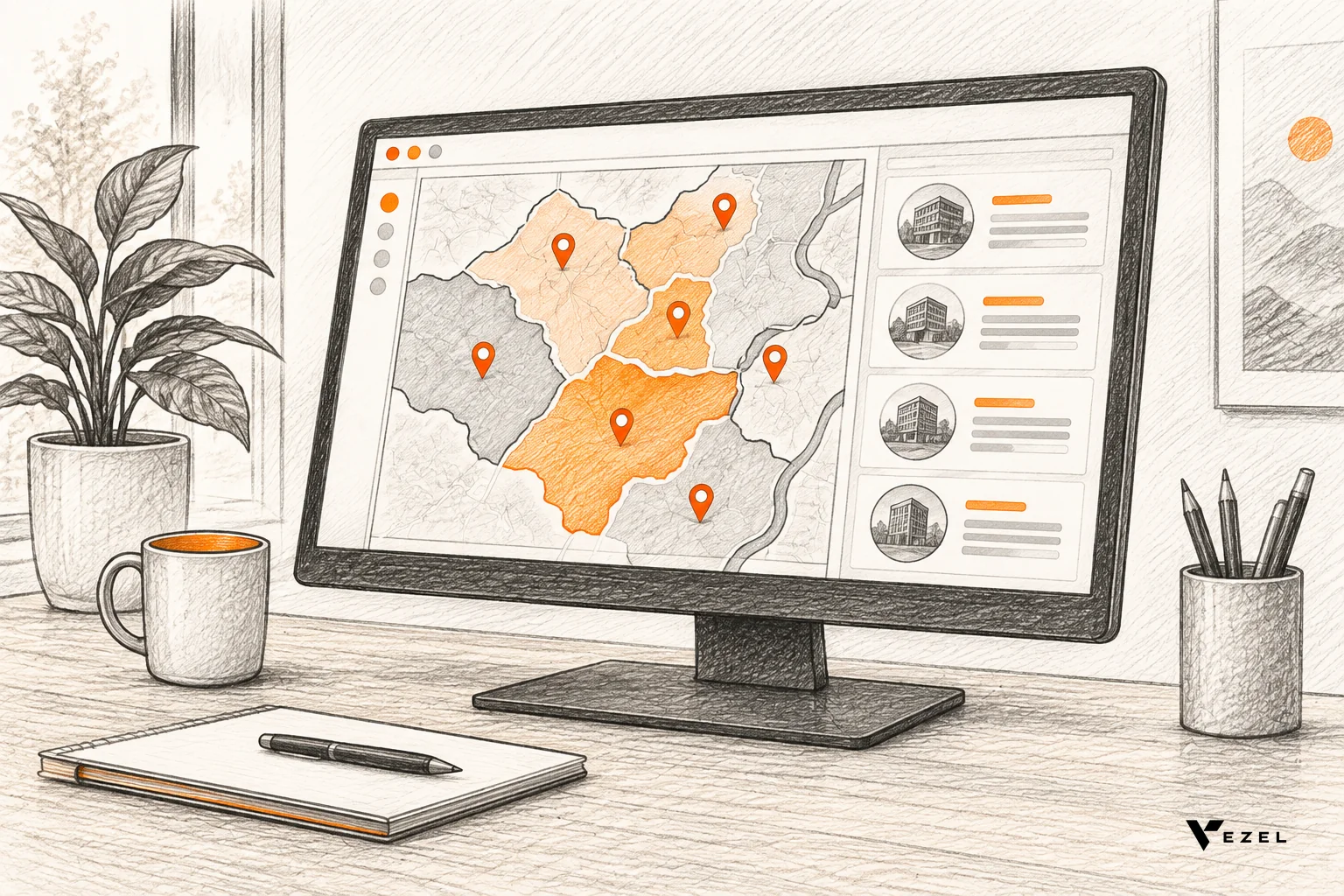
A territory planning workspace for sales teams is a live screen inside your CRM where sales ops assigns accounts to reps, checks workload and tests changes before they go live. US CRM and SaaS owners can generate one from plain English prompts in five steps: connect APIs, describe the workspace, set fields, set permissions, then measure usage.
Key Takeaways
- Territory planning is a good extension candidate: every sales org carves territories differently, so a shared roadmap feature rarely fits more than a few accounts.
- Live data comes first: the workspace reads accounts, owners, pipeline and activity through your existing APIs, so nobody exports a spreadsheet.
- Permissions are inherited, not rebuilt: Vezel extensions inherit your authentication, permissions and access controls, so reps see their own accounts and sales ops sees all.
- Proposals stay separate from live ownership: a proposed owner field plus an approval step keeps experiments from rewriting real account assignments.
- Pilot, watch usage, then promote: keep the workspace as an extension until adoption shows it belongs in the core product.
Territory Planning Workspace at a Glance
| Step | What you do | Output |
|---|---|---|
| 1. Pick decisions | List the coverage, workload and rebalancing calls the workspace must support | A one-page requirements note |
| 2. Connect APIs | Expose accounts, users, opportunities and activities through existing APIs | Live account data in the extension layer (most SaaS platforms integrate Vezel in a few days) |
| 3. Describe it | Write the workspace in plain English, including fields and views | A generated first version in a secure container |
| 4. Set permissions | Map rep, manager, sales ops and executive roles to what each can see and edit | Role-aware views that match your product |
| 5. Refine and measure | Track who opens, edits and shares it | A keep, refine or promote decision |
| Governance | Review and publish through the central control plane | A review queue (7 days is our usual setup time) |
Why Does Territory Planning Wait on the Product Roadmap?
Territory planning waits on the roadmap because each sales organization defines territories differently, so the request is too specific for the shared product yet too large to ignore. It competes with shared features for the same engineering capacity, and it usually loses to work that helps every customer.
A sales territory is the customer group or geographical area a salesperson or sales team is responsible for. It can be defined by geography, sales potential, history, or a mix. That last clause is the whole problem. One customer cuts by state, another by industry and revenue band, a third by named accounts with a geography override.
For a CRM vendor in the US, this means every enterprise customer arrives with a slightly different spec. Each one needs prioritization, design, build, test and release. Some requests wait for months, some get declined, and some turn into one-off builds that someone must maintain forever.
Meanwhile, sales ops teams do the work somewhere else. They export accounts to a spreadsheet, rebalance by hand, and paste the results back. That is the pattern we describe in how to reduce your SaaS engineering backlog from enterprise requests: the need is legitimate, the customer is waiting, and the core product cannot absorb it.
Adaptive SaaS offers another path. Traditional SaaS grows by shipping more features. With an extension layer, customers create the capability they need inside the product, and the core platform stays focused. A territory workspace is a clean first test, because it reads data you already store and the logic is specific to each customer.
1. Pick the Decisions the Workspace Must Support
Start with decisions, not screens. A territory workspace earns its place by answering three questions quickly: who covers each account today, whether the load is fair, and what changes if an account moves. Write those down before you write a single prompt.
Most territory work reduces to a short list of decisions:
- Coverage: does every target account have exactly one owner?
- Workload: is any rep carrying far more effort than peers?
- Potential: are high-value accounts spread fairly?
- Rebalancing: what happens to quota and pipeline if these accounts move?
For the workload decision, use a formula people already trust. The Darden Report suggests workload equals current accounts times the average time to service an active account, plus prospects times the time spent converting a prospect. Your workspace should compute exactly that, using hours your customer sets per account tier.
Pass mark for this step: you can state every decision as a question with a number or a name as the answer. "Does the Northeast team carry too many accounts?" passes. "Give us better visibility" fails, because a prompt built on it will produce a generic dashboard. If a requirement fails, go back to the sales ops lead and ask which meeting the workspace will be open in.
2. Connect Your APIs and Live Account Data
The workspace is only as good as the data behind it. Vezel connects to your product through its APIs and data models with a zero-footprint setup, and most SaaS platforms can integrate it in a few days. Your team supplies the endpoints; the extension layer does the rest.
Expose these entities at a minimum:
- Accounts: name, segment, industry, region, annual revenue or potential
- Users: reps, managers, their roles and reporting lines
- Opportunities: stage, amount, close date, owner
- Activities: last touch date, meetings and tasks per account
- Renewals: renewal date and contract value, where your product stores them
Our walkthrough on connecting AI extensions to your SaaS APIs covers the technical side. For this build, the check is simple: pull ten real accounts through the API and compare them to what a rep sees in the UI.
Field names, owners and counts must match. If an owner field returns an ID instead of a name, or a region field is blank on a large share of accounts, fix the data model before you generate anything.
Vezel uses your product's entities, fields, relationships and rules as context. That is why the output looks like your CRM's own objects and not a generic grid.
3. Describe the Workspace in Plain English
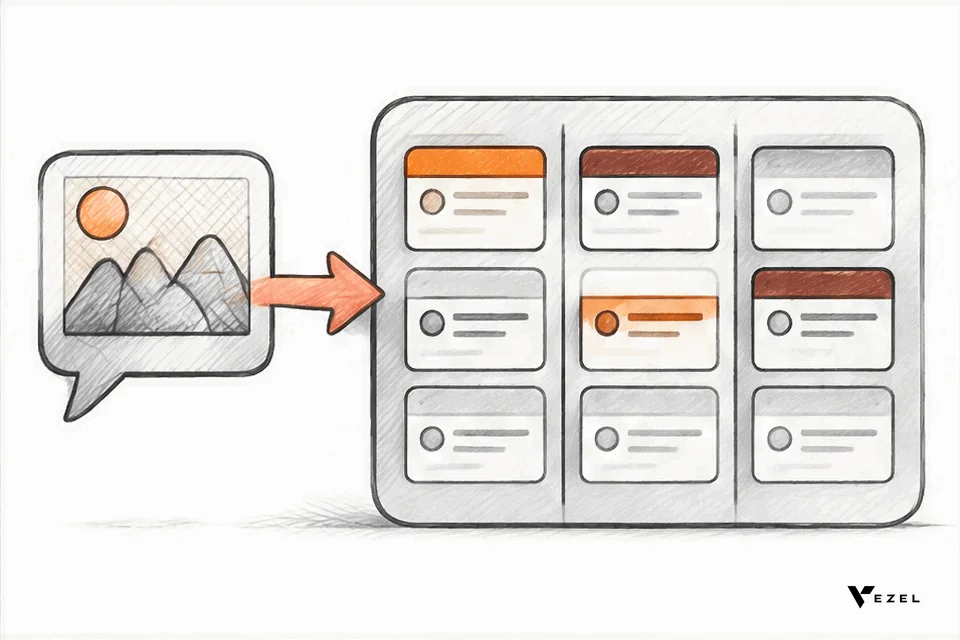
Now write the prompt. Describe the workspace the way a sales ops lead would explain it to a new analyst. Name the data, the views, the calculations and the actions. Vezel turns that description into a working extension that runs inside your product.
Here is a prompt that works as a starting point:
Create a territory planning workspace. Show all accounts with segment, region, annual revenue, current owner, open pipeline and last activity date. Group accounts by territory and show each rep's account count and total workload hours. Let sales ops drag an account to a proposed owner without changing the live owner. Flag any territory more than 20% above the team average workload. Add a button to submit proposed changes for approval.
The 20% threshold in that prompt is an example. Your customer sets the real one. A good prompt states thresholds as editable values, so sales ops can change them without rewriting the workspace.
Vezel's flow runs in four stages: connect to your APIs, generate extensions from plain English, make them ready to use in a secure container, then scale and govern. After generating, open the result with a sales ops user and check it against the decisions from step 1. Weak spots appear fast: a missing filter, a metric with the wrong definition, a view nobody asked for.
Avoid the common failure of one giant prompt. Generate the core grid first, then add workload, then proposals, then approvals. Our piece on natural language workflow generation mistakes explains why vague, all-at-once prompts cause trouble in production.
What Fields Does a Territory Planning Workspace Need?
A territory planning workspace needs account identity fields, a segmentation and potential field, the current owner, a proposed owner, open pipeline, last activity, and a workload value. Those nine fields cover coverage, fairness and change tracking. Add more only when a named decision needs them.
The table below shows a practical field set, where each value comes from, and who may edit it.
| Field | Source | Who can edit |
|---|---|---|
| Account name and ID | CRM account record | Nobody in the workspace |
| Segment (for example enterprise or mid-market) | CRM account record | Sales ops |
| Region or state | CRM account record | Sales ops |
| Revenue or sales potential | CRM or billing data | Nobody in the workspace |
| Current owner | CRM account record | Nobody in the workspace |
| Proposed owner | Workspace only | Sales ops, managers within their team |
| Open pipeline | CRM opportunities | Nobody in the workspace |
| Last activity date | CRM activities | Nobody in the workspace |
| Workload hours | Calculated from account tier hours | Sales ops (tier hours only) |
Most fields are read-only on purpose. The workspace should read live data and write only one thing: the proposed owner. That keeps risk low, and it is the reason a territory workspace is a safer first build than anything that rewrites records.
A Hypothetical Workload Example
This example is illustrative, not customer data. Suppose a rep covers 60 active accounts at 12 hours a year each, plus 40 prospects at 5 hours each. Using the Darden-style formula, workload is 720 plus 200, or 920 hours. If the team assumes 1,400 selling hours of capacity per rep, that rep sits at about 66% load.
Now a neighbor covers 90 active accounts and 60 prospects on the same hours. That is 1,080 plus 300, or 1,380 hours, about 99% load. The workspace should show both numbers side by side and make the gap obvious. Moving 15 active accounts between them brings each near 80%, and the proposal view should show that result before anyone submits it.
The hours per tier and the capacity figure are inputs your customer chooses. Do not hard-code them.
4. Set Role-Based Permissions
Territory data is sensitive. It reveals quota, pipeline and who is about to lose accounts. Extensions inherit your existing authentication, permissions and access controls, so the workspace shows each user only what your product already lets them see.

Define roles in terms the customer's sales org will recognize:
| Role | Can see | Can edit |
|---|---|---|
| Rep | Own accounts and own workload | Nothing; may comment on an account |
| Front-line manager | Own team's accounts and workload | Proposed owner within the team |
| Sales ops | All territories, all fields the role allows | Proposed owner, segment, tier hours, thresholds |
| Sales leader | All territories, summary views | Approves or rejects proposals |
Test this with real logins, not by reading the configuration. Create one user per role on a demo account and run three checks. A rep must not see a peer's pipeline. A manager must not see another team's accounts.
Only the approver role may publish a proposal to live ownership. If any check fails, the problem is in how the workspace reads data or how roles map in your product. Do not paper over it with a workspace-level rule.
Governance sits on top. Publishing, permissions, approvals and the extension lifecycle are managed from a central control plane. Setting up the control plane review queue usually takes 7 days in our experience, and it means a customer-built workspace is reviewed before it reaches other users.
The workspace also needs to look right. Vezel extensions are white-labeled and follow your design system, so the territory screens feel like part of the CRM. Reps do not leave the app to plan territories, which is also how you avoid the habits described in 7 signs your customers are building shadow IT workarounds.
US Considerations for Territory Data
Many US customers define territories by state, metro area or ZIP code, and some run remote teams where geography matters less than industry. Support both a geographic field and a named-account override. If your customers operate in several countries, add a country field now, because retrofitting it later breaks saved views.
5. Refine, Measure Usage, Then Decide What to Promote
Treat the first version as a pilot. Release it to one customer, or to one team, and watch what people do. Vezel's model is build, learn, evolve: deliver the capability as an extension, see who uses it and how often, then decide what happens next.
Track a short list of signals:
- Adoption: how many sales ops and manager users open the workspace each planning cycle
- Depth: how many proposals are created and how many get approved
- Refinement: which fields and filters users add after launch
- Spread: how many other customers ask for the same workspace
Use these to make one of three calls. Keep it as an extension if one customer uses it and its rules are unique. Refine and share it if several customers use it with minor changes. Consider promoting it into the core when many accounts use it, the logic is stable, and the data model is shared.
One thing remains unsettled: how much usage justifies promotion. A workspace opened heavily twice a year, at planning time, may be more valuable than a dashboard opened daily, so raw counts mislead. We would weigh repeat use per planning cycle and the number of distinct customers asking before looking at total opens. Your product team may weigh it differently, and that is a legitimate call. Usage informs the roadmap; people still decide.
To compare this build with other ways of delivering dashboards, see how to build custom dashboards inside your SaaS. The pattern is the same: connect data, describe the need, check permissions, then measure.
Common Questions About Territory Planning Workspaces
Can the workspace change live account ownership?
It can, but we recommend it does not do so directly. Sales ops creates proposed owners inside the workspace, and a user with the approver role publishes them. That keeps experiments away from live data and gives sales leaders an audit trail of every change.
Does this replace the CRM's own territory features?
No. Vezel adds an extension layer around your existing product and does not replace it. If your CRM has basic territory rules, the workspace sits alongside them and covers the customer-specific planning views, workload math and approval steps the core does not provide.
Which customers should get the workspace first?
Start with a customer that has a named sales ops owner, a planning cycle coming within weeks, and clean account data. A real deadline gives you honest usage data. A customer with messy region fields should wait until the data is fixed.
How long does a first version take?
Integration usually takes a few days on most SaaS platforms, and the control plane review queue typically takes 7 days to set up. The workspace itself is generated from your prompts, then refined with real users. Scope depends on your product's APIs, so we start with one focused pilot.
Next Step: Prove It on One Customer
A territory planning workspace is a bounded, low-risk build with a clear owner and a measurable result. Pick one customer, one planning cycle and the five steps above. You will know within a cycle whether it belongs in the core.
To see the generated version inside a product like yours, book a demo with Vezel and bring the territory rules your biggest customer keeps asking for. If you want the mechanics first, see how it works, then pick the one decision your workspace must support.