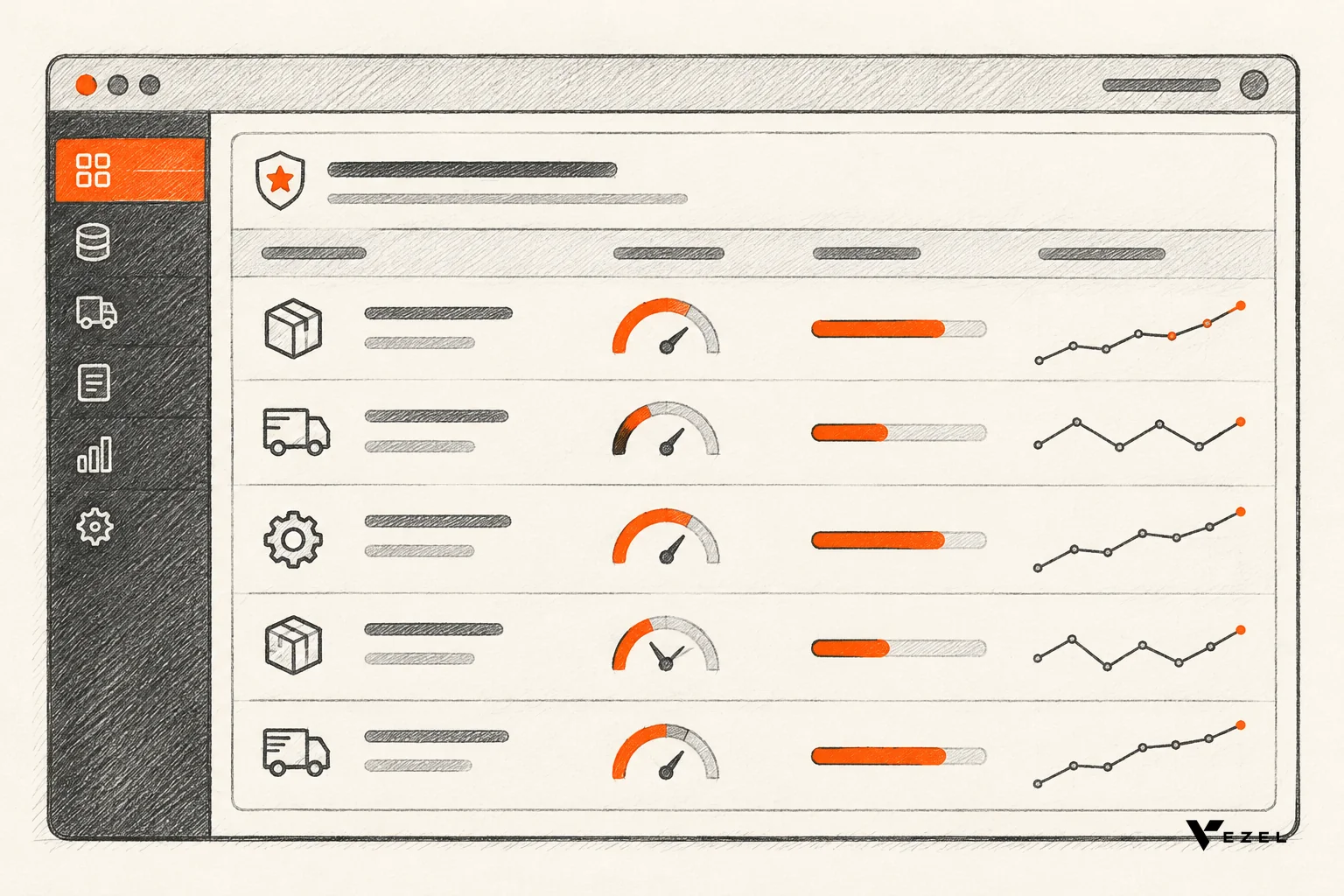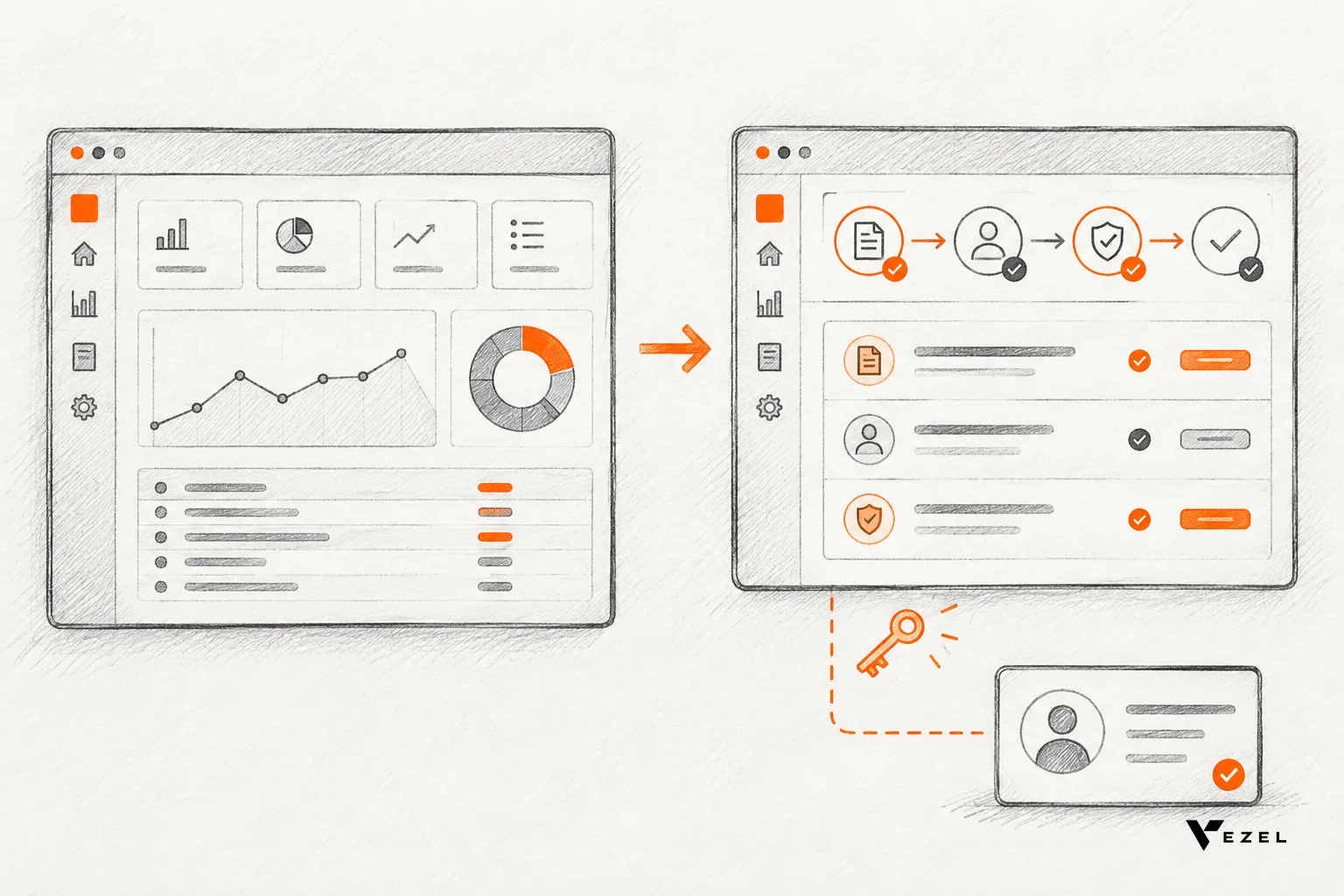


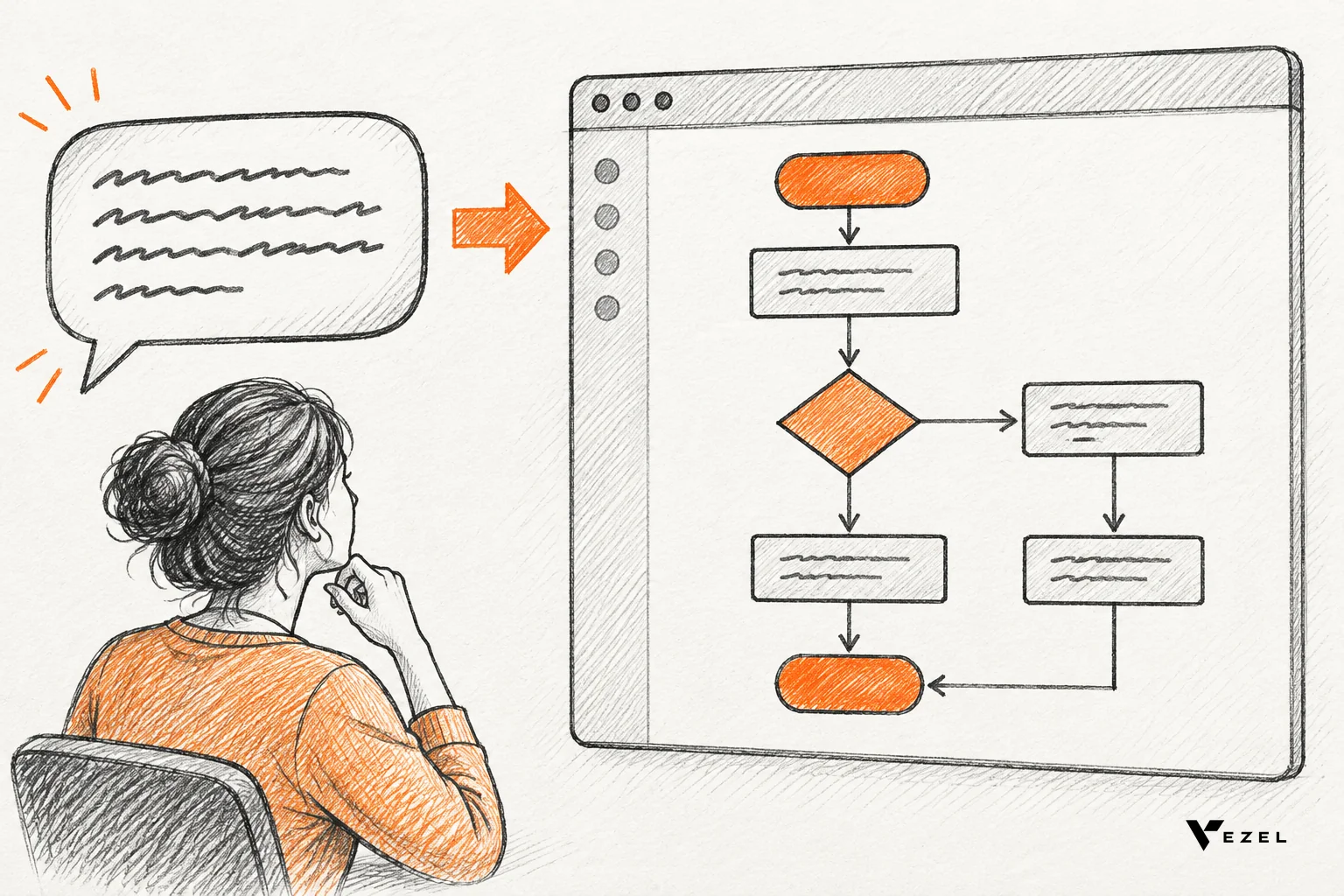
The most common natural language workflow generation mistakes are letting vague prompts reach production, ignoring your API map, bypassing permissions, skipping governance review, shipping untested flows, making output look bolted on, and launching to every customer at once. For US SaaS teams, each one has a fix you can apply before customers touch the feature.
Key takeaways
- Vague prompts cause most failures: an approval flow needs a trigger, an approver, a condition, a rejection path and a timeout before it is safe to publish.
- Generated workflows must inherit, not replace, your security: authentication, roles and row-level access should come from the host product, never from the prompt.
- Nothing goes live without review: a central control plane for publishing, permissions, approvals and lifecycle turns a risky free-for-all into a governed pipeline.
- Test the unhappy paths: rejection, timeout, missing approver and duplicate submission matter more than the happy path.
- Start narrow: launch approval and onboarding flows for one customer group, then widen.
The seven mistakes at a glance
| # | Mistake | What breaks | Fix |
|---|---|---|---|
| 1 | Vague prompts reach production | Approval flows with no approver, threshold or fallback | Prompt scaffold plus a plain-language preview before saving |
| 2 | Generation without an API map | Invented fields and endpoints | API auto-discovery and structured output |
| 3 | Permissions bypassed | Users see rows they should not | Inherit authentication, RBAC and row-level rules |
| 4 | No governance review | Unreviewed flows go live to whole teams | Draft, review, publish stages in a control plane |
| 5 | No testing of edge cases | Stuck approvals, double actions | Test five unhappy paths and add fallbacks |
| 6 | Output looks bolted on | Low trust and confused users | White-label theming from your design system |
| 7 | Everyone at once, no scope | Support load and no learning | One workflow type, one customer group first |
Plain-English workflow generation is easy to demo and hard to run. At Vezel we have seen an end user build a working approval flow in about ten minutes, with no dev ticket and no engineer pulled off the roadmap. Speed is the easy part. The mistakes below come from what teams skip around that speed.
1. Letting vague prompts reach production
A prompt like "send big purchases to a manager" sounds clear to the person typing it. To a generator, it is missing almost everything: what counts as big, which manager, what happens on rejection, and what happens if nobody answers.
The model fills those gaps with guesses, and a guess inside an approval flow is a business rule nobody agreed to. Research on generating workflow steps with large language models found that the right form of a step depends on the target project, so more context is needed to generate appropriate steps and workflows (NSF Public Access Repository). The same lesson applies to your customers' flows.
Generic wording has a second cost. Columbia's DAPLab noticed that models often add fluff such as "follow best practices," and that vague instructions do not tell an agent what to do (DAPLab, Columbia University). A vague prompt in produces vague logic out.
The fix: a prompt scaffold and a preview
Do not leave customers with a blank box. Give the input box a six-part frame and make the generator ask for whatever is missing.
- Trigger: what starts the flow, such as a new purchase request or a new hire record.
- Data: which fields the flow reads.
- Condition: the rule, with a number or a named value.
- Approver: a role, not a person's name, plus a backup.
- Outcomes: what happens on approval and on rejection.
- Timeout: what happens when nobody responds.
Then show a plain-language summary before anything is saved. Suppose a customer types the vague purchase prompt above. A good generator replies: "Requests over what amount? Which role approves? Who covers if that role is out?" The customer answers, and the preview reads back a rule they can check in ten seconds.
Pass mark: the preview states all six parts in words the business owner recognizes. Walk away: if any part is missing or marked "assumed," the flow stays in draft and the generator asks a question instead of guessing.
2. Generating workflows without knowing your APIs
A generator that does not know your product's real endpoints and data model will invent them. It writes a flow that reads a field called "approval_status" when yours is called "state," and the flow looks right until the first run.
Teams hit this when they bolt a general-purpose model onto the product and hope it guesses the schema. It also happens when the flow builder is fed documentation that is out of date. The result is flows that save cleanly and then fail quietly.
The fix has two parts. First, map the product before generation starts. Vezel's API auto-discovery reads your OpenAPI definitions and maps to your existing endpoints and data models, so the generator picks from what exists. Second, constrain the output. Deployment lessons from a William & Mary industry paper on dynamic workflow orchestration put structured output guarantees first on the list for teams adding it to products (College of William & Mary).
Pass mark: every field, endpoint and action in a generated flow resolves to something in your discovered API map, with zero unmapped references. Walk away: any reference that does not resolve blocks publishing and returns an error the customer can read.
Keep your API definitions current too. If your OpenAPI file lags the real product by two releases, discovery maps a product that no longer exists. Our own guidance is to regenerate the map on every release, the same way you rebuild docs.
3. Letting generated workflows bypass authentication and permissions
This is the expensive one. A generated workflow that calls your data through a shared service account, or that carries its own access rules, can show one customer's rows to another user. Nobody typed a malicious prompt; the architecture simply let the flow run with more access than the person who built it.

Enterprise buyers ask about this first. They want to know that a flow built by a regional manager cannot read what that manager cannot already read. If the answer is "we reviewed it carefully," that is not an answer.
The fix: inherit, never re-create
Extensions should inherit your existing authentication, permissions and access controls. In Vezel, generated capabilities run inside a secure container and use the host product's login, roles and row-level rules, so the prompt cannot grant more than the user already has. For the mechanics, see our walkthrough on inheriting row-level permissions in SaaS tools.
Test it the plain way. Create two users, one admin and one with the narrowest role you sell. Have each run the same generated flow against the same account.
Pass mark: the low-privilege user sees exactly the rows and actions they see in the main product, no more. Walk away: a single extra row, field or button means the flow does not ship, and the permission source gets fixed before anything else.
4. Skipping governance review before publishing
The second security mistake is procedural. A customer builds a flow, clicks save, and it is instantly live for their whole organization. Maybe it is fine. Maybe it emails a spreadsheet of salaries to the wrong list.
Plain-English creation lowers the skill needed to build, which raises the number of people building. Without a gate, your product team learns about a bad flow from a support ticket. That is why publishing, permissions, approvals and the extension lifecycle should be managed from one central control plane.

The fix: draft, review, publish
Set three states and make the move between them explicit.
- Draft: visible only to its builder, runs on test data.
- Review: a named admin on the customer side, or your team for sensitive actions, checks what the flow reads, writes and sends.
- Published: versioned, visible to the permitted roles, and reversible.
Versioning matters as much as the gate. When a customer edits a live approval flow, in-flight requests should finish under the old version while new ones follow the new one. Our guide to publishing and versioning extensions in your SaaS covers how to handle that cleanly.
Pass mark: no generated flow reaches a second user without a recorded reviewer and a version number. Walk away: if your admin tooling cannot show who published what and roll it back in one step, hold the launch.
One thing we have not settled: whether low-risk flows, such as a read-only dashboard, should skip review. We lean toward reviewing every first publish and loosening later, but teams with strong customer admins may reasonably choose otherwise.
5. Treating a generated workflow as finished instead of testing it
Generated flows pass the happy path almost every time. They fail on the cases the prompt never mentioned. An approver goes on leave. The same request is submitted twice. A rejected request has nowhere to go.
Build a short test pack that runs against every generated approval or onboarding flow before review. Five cases cover most of the damage:
- Approve: the request completes and the record updates once.
- Reject: the requester is told, and the record lands in a defined state.
- Timeout: the flow escalates or expires instead of waiting forever.
- Missing approver: the flow routes to the backup role.
- Duplicate submission: a second identical request is caught, not doubled.
Add graceful fallbacks as well. When generation or an automated step fails, the product should revert to a plain rules-based path or show a draft for a human to confirm, rather than take an automatic action. A flow that pauses and asks is better than one that acts wrongly at speed.
Pass mark: all five cases end in a defined state with a visible log entry. Walk away: any case that leaves a request stuck or acting twice sends the flow back to draft.
6. Making generated workflows look bolted on
Users trust what looks like the product. A generated screen with a different font, a foreign button style and an unfamiliar navigation pattern reads as a third-party add-on, and people hesitate to put real approvals through it.
It also confuses support. If customers cannot tell which parts are yours, tickets about generated flows land on the wrong team, and your agents spend time sorting ownership.
Extensions should be white-labeled and look like a native part of the product. That means the generator reads your design system (colors, type, spacing, component patterns) and applies it on every output. It also means your domain, your navigation slot and your terminology, so "Purchase Request" stays "Purchase Request" and does not become "Approval Form 1."
Pass mark: a new user shown a generated screen and a built-in screen side by side cannot reliably say which is which. Walk away: if you find yourself telling customers "that part is the extension," theme it again.
7. Rolling out to everyone at once with no scope
The last mistake is launching plain-English generation as an open canvas for every customer on day one. The feature can build dashboards, forms, reports, automations and agents. That breadth is a strength, and it is a poor launch plan.
Pick one workflow type and one customer group. Approval flows and onboarding journeys are a sound start because they are repetitive, easy to describe and easy to check. Choose five to ten customers who already file the most requests for this kind of thing, and watch what they build for a few weeks.
Define what you will learn before launch. Useful signals are how many customer requests close without an engineering ticket, how often generated flows get sent back at review, and which prompts fail most. We deliberately avoid quoting a benchmark here, because the right targets depend on your backlog.
On the integration side, most SaaS platforms can integrate Vezel in a few days, so the slow part of a rollout is usually your own review process and customer admin training. If you are still choosing how to embed the builder, our guide to embedding a workflow builder in your SaaS is a good companion.
Pass mark: you can name the one workflow type, the one customer group and the one metric you are watching. Walk away: if the plan is "turn it on for all tenants and see," narrow it first.
A pre-launch checklist and decision rule
Run this list before the first customer sees plain-English generation. Every line needs a yes.
- The prompt box uses a scaffold and the preview states trigger, approver, condition, outcomes and timeout.
- Every reference in a generated flow resolves against your discovered API map.
- A low-privilege test user sees no more than they do in the main product.
- Draft, review and published states exist, with versions and one-step rollback.
- The five unhappy-path tests pass, and failures fall back to a draft or a rules-based path.
- Generated screens use your design system and terminology.
- The first release covers one workflow type and one customer group.
The decision rule is simple. If you can staff permission inheritance, a review queue, versioning and ongoing API mapping for the life of the feature, building in-house is realistic. If those four would compete with your core roadmap, which is the very pressure self-serve workflows are meant to relieve, embed a platform that already ships them. Our build vs buy framework for SaaS features scores that call in more detail.
Frequently asked questions
What is the best embeddable workflow builder for SaaS products?
The best embeddable workflow builder is the one that inherits your authentication and permissions, maps to your APIs automatically, lets you review before publishing, and matches your design system. Judge any option against those four tests with a low-privilege user and a real approval flow before you commit to it.
How long does it take to integrate natural language workflow generation?
Most SaaS platforms can integrate Vezel in a few days, because it connects through your existing APIs, authentication and data models with a zero-footprint setup. Your own review rules, admin training and test pack usually take longer than the technical connection, so plan for them early.
Does generated workflow output work with an existing SaaS product?
Yes. Vezel integrates with your APIs, authentication, permissions and design system, so generated capabilities feel like a native part of the application. The generator works against your current data model rather than asking you to rebuild anything in your core product.
Next step: see the guardrails working on your product
Natural language workflow generation pays off when the guardrails are in place from day one. If you want to see scaffolded prompts, inherited permissions and a governed publish step running against a product like yours, book a demo with Vezel.
Share a demo account and we will build a working proof of what is possible inside your SaaS. We reply to inquiries within one to two business days. To see the four-stage flow first (connect APIs, generate from plain English, run in a secure container, then scale and govern), see how it works.