


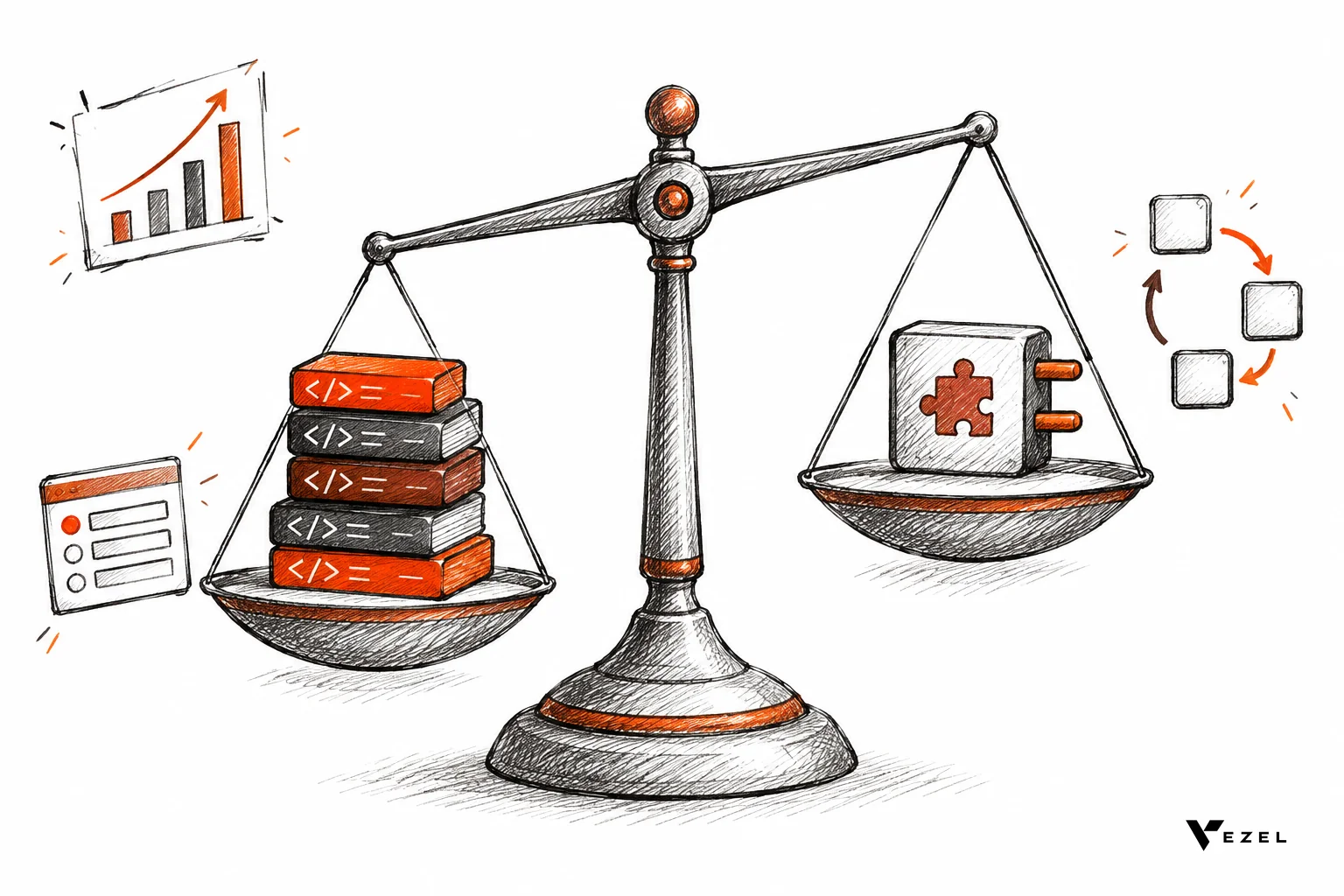
Build vs buy for SaaS features comes down to one rule: build what makes your product different, and buy or embed what customers merely need to work their way. Reporting, approval workflows, forms and AI agents usually fall in the second group. Score each request on cost, time to ship, maintenance, differentiation and risk before you commit a sprint.
Scope: this framework covers customer-facing SaaS features, meaning capabilities your paying customers see and ask for. Internal tools and infrastructure (CI pipelines, monitoring, admin consoles) follow the same logic of lifecycle cost, control and exit, but the differentiation and customer-permission factors below are written for features inside a product you sell. The sources cited here cover the general software decision, and we adapt them to this narrower case.
Key Takeaways
- Decide per capability: A product is a stack of capabilities, so judge a dashboard, a workflow and a pricing engine separately instead of making one verdict for everything.
- Differentiation breaks ties: If a feature is why customers choose you, build it. If it only adapts the product to one customer's process, it rarely earns a place in your shared codebase.
- Count lifecycle cost: The build quote is the smallest part. Upgrades, permissions, bug fixes and support stay with your team for as long as the feature lives.
- Risk is mostly security: Any option you pick must inherit your authentication, roles and row-level access, or the feature fails enterprise security review.
- Use a scorecard: A five-factor score from 5 to 25 turns an argument into a decision, and the middle band tells you where to pilot first.
Build vs Buy at a Glance
| Factor | Leans toward build when... | Leans toward buy when... |
|---|---|---|
| Total cost | The feature is used by most customers and the cost spreads widely | The request serves one account or a small segment |
| Time to ship | You can wait a quarter or more without losing the deal | The customer needs it in days or weeks |
| Maintenance | You want full ownership of every upgrade and bug fix | You do not want to own another surface long term |
| Differentiation | It is part of your core value proposition | It is a supporting capability customers expect to tailor |
| Risk | Data rules or regulation demand tight in-house control | The platform inherits your auth, RBAC and access controls |
| Scorecard totals (hypothetical) | 12 or lower | 20 or higher; 13 to 19 means pilot |
Why Build vs Buy Is the Wrong Question for Most Customer Requests
Most teams argue build vs buy as one big verdict. That framing hides the real choice. A single SaaS product contains a dozen capabilities, and the right answer is usually to build some, buy most, and integrate on purpose. The decision lives at the level of the individual request, not the platform.
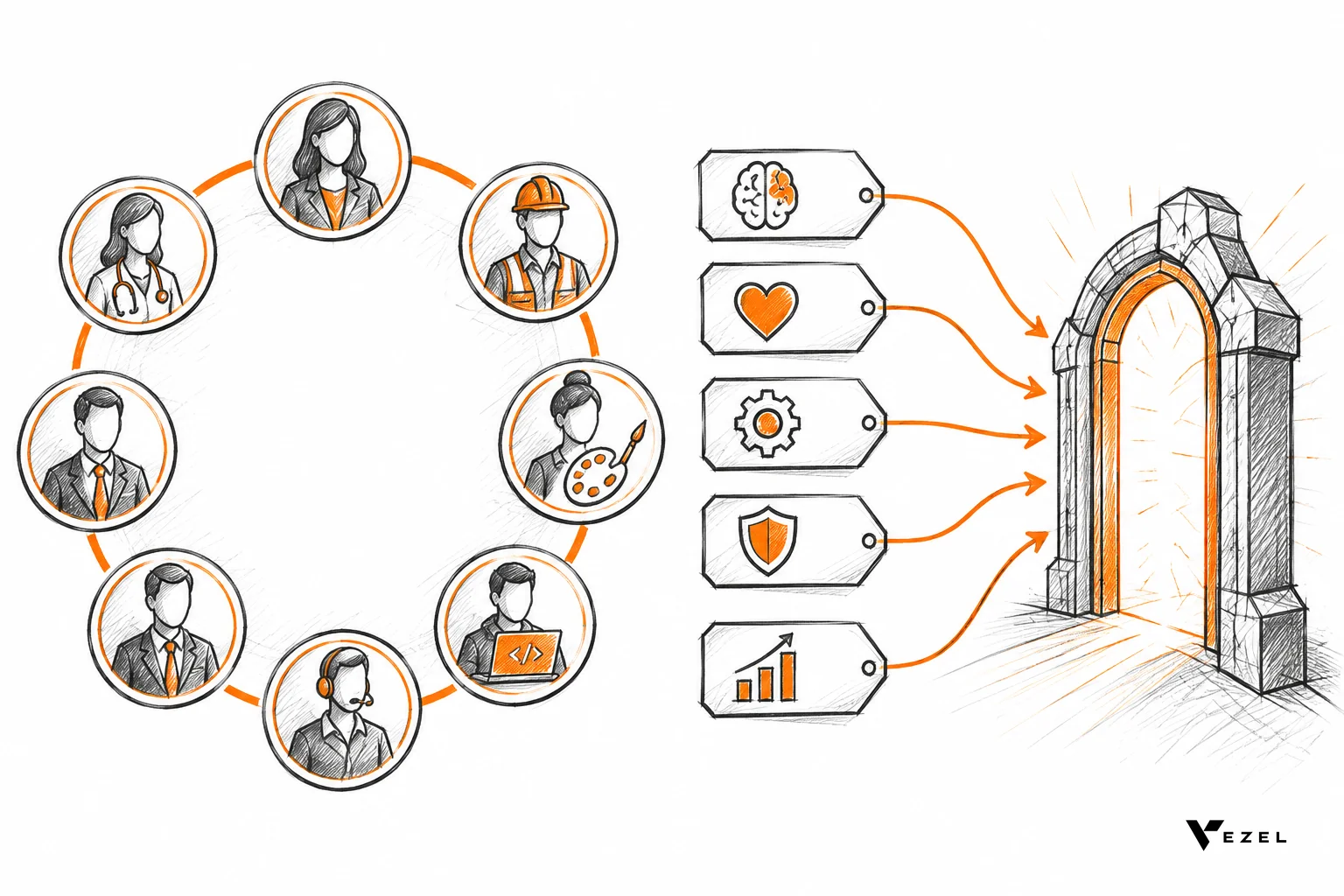
Consider where the requests come from. A customer asks for a dashboard built around their KPIs, an approval flow that matches their internal policy, or a report shaped like their management structure. These are not market-wide gaps. They come from the simple fact that every business runs differently, even inside the same industry.
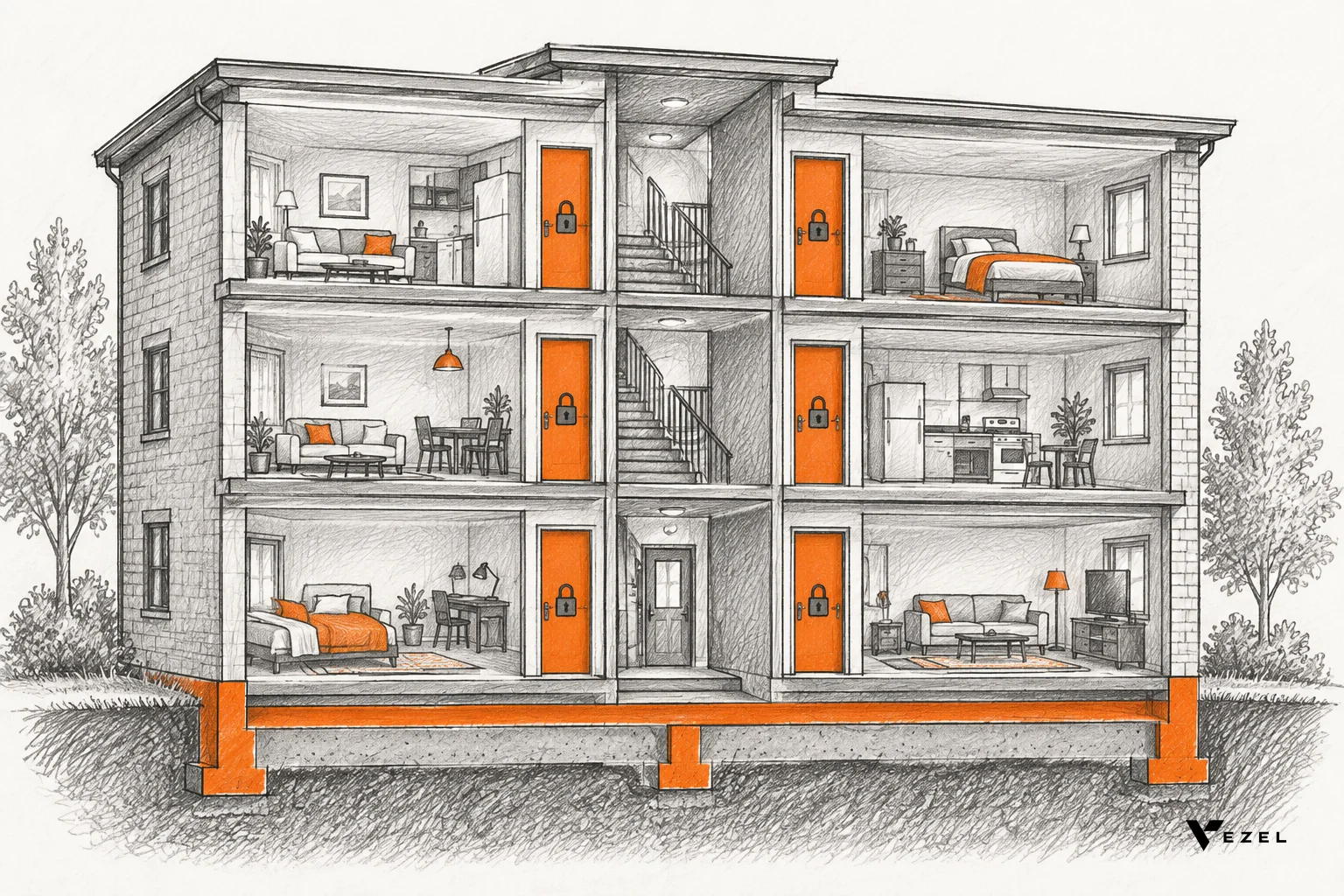
We call the distance between the software every customer receives and the software each customer actually needs the SaaS Adaptation Gap. It is not a sign of poor product design. It is what happens when one product serves thousands of different businesses, and it is why the classic roadmap cycle strains as you grow.
Many SaaS teams in the United States feel this most with enterprise accounts, where a single procurement checklist can add several custom asks. Each one looks small. Together they pull engineers away from the product you are actually trying to sell.
We have no benchmark for how much engineering capacity goes to bespoke, single-customer requests, so measure it yourself. Tag last quarter's completed tickets as single-customer or shared, then add up the engineer-weeks in each group. That measured share, from your own sprint data, is the number to use in the decision.
What Are the Five Factors That Decide Build vs Buy?
Five factors decide most build vs buy calls for SaaS features: total cost over the full lifecycle, time to ship, ongoing maintenance, differentiation, and risk. Score each capability on all five rather than judging the whole product at once. Differentiation usually breaks ties, because a feature that sets you apart earns the cost of owning it.
Formal software selection research points the same way. A published model for selection in large-scale software engineering starts by identifying high-level requirements and priorities, then lists solution options and assesses them against criteria. The five factors below are a practical version of that idea for product teams.
Total Cost: Count the Whole Lifecycle
The most common mistake is comparing a licence fee to a development quote. The quote covers the first release only. The real cost includes design, QA, security review, documentation, support tickets, and every future change when your data model shifts.
NASA's software engineering handbook frames the choice the same way. It treats acquisition versus development as an assessment of budget, time and personnel against a defined and scoped need. Apply that to every request, not just the big ones.
Here is a hypothetical example. Suppose a custom approval workflow takes two engineers six weeks to build, then needs about one engineer-week per quarter in upkeep. Assume a fully loaded engineer costs $200,000 a year. The first release is 2 engineers × 6 weeks = 12 engineer-weeks. Two years of upkeep is 1 engineer-week × 8 quarters = 8 engineer-weeks. Together that is 20 engineer-weeks. These numbers are illustrative assumptions, not benchmarks.
Use this template with your own figures:
- Build effort: engineers × weeks to ship = build engineer-weeks.
- Upkeep effort: upkeep engineer-weeks per quarter × number of quarters you expect to keep the feature = upkeep engineer-weeks.
- Total effort: build engineer-weeks + upkeep engineer-weeks.
- Weekly engineer cost: your fully loaded annual engineer cost ÷ the number of working weeks your finance team uses.
- Lifecycle cost: total effort × weekly engineer cost. Add any licence or platform fee for the buy option, and compare the two totals.
Then add what the quote leaves out: security review, documentation and support tickets. Put your own hours against each.
The bigger cost is opportunity. Those twelve engineer-weeks did not go into your core product. If the same workflow request arrives from five more customers with small variations, you build it five more times, or you bend the shared product until nobody understands it.
We cover the money side in more detail in our separate breakdown of extensibility platforms against custom development. For this framework, the point is simpler: compare lifecycle cost, and include what the team does not build because it was busy.
Time to Ship, Maintenance and Differentiation
Time to ship. A feature request that waits in a backlog for months often ends with the customer finding another way to solve the problem. Building in-house is fine when the wait is acceptable. When a deal or a renewal hangs on the answer, speed becomes part of the value.
Maintenance. Every feature you build becomes a commitment. Research from MIT on SaaS notes that the delivery model changes the economics of software delivery and gives development and product teams access to customer usage information. Use that usage data. If three customers touch a feature twice a month, it is a poor candidate for permanent ownership.
Differentiation. Ask one blunt question: would a customer choose a competitor if this feature disappeared? If yes, build it and protect it. If the answer is "they would just rebuild it in a spreadsheet," you are looking at a commodity capability.
Risk: Security, Lock-In and Exit
Risk has three parts. The first is security. Whatever you build or adopt must respect your authentication, role-based access and row-level rules. A custom dashboard that skips a permission check is a breach waiting for an audit. Our guide on RBAC vs ABAC for multi-tenant SaaS explains how to model those rules.
The second is lock-in. Ask what happens if you leave the platform. Can customers export what they built? Is the data still in your system? The third is delivery risk, where a build slips, the lead engineer leaves, or the scope grows while the customer waits.
Buying Third-Party SaaS or Off-the-Shelf Software vs Building
The same decision applies when you are choosing a third-party SaaS tool or packaged software instead of writing code. One framework for enterprise software acquisition depicts the problem as two dimensional: whether to custom develop or base the work on a package, and whether internal resources or external providers do it. Keep both questions separate.
Run the same five factors on any off-the-shelf option. Compare lifecycle cost, not a licence fee against a quote. Check what you control if the vendor changes direction. Confirm it can inherit your authentication and access rules, and ask how you would exit. Buy commodity capabilities, and build the workflows and data rules that create your advantage.
How Should You Score Each Capability? A Worked Example
Give each capability a score from 1 to 5 on the five factors, where 5 favors buying, then add them up. Use the anchors below so different scorers mean the same thing by a "2" or a "4".
| Factor | 1 (strongly favors build) | 3 (mixed) | 5 (strongly favors buy) |
|---|---|---|---|
| Cost | Most customers use it, so build cost spreads widely | A segment of customers uses it | One account or a few accounts asked for it |
| Time | Waiting a quarter or more costs nothing | A delay risks friction but not the deal | A deal or renewal needs it in days or weeks |
| Maintenance | You want to own every upgrade and bug fix | You can own it, but it competes with other work | You do not want another surface to own long term |
| Differentiation | Customers would leave for a competitor without it | Customers would notice but could work around it | Customers would rebuild it in a spreadsheet |
| Risk | Regulators or data rules demand direct in-house control | Controls are needed but still unproven for this option | The option inherits your auth, roles and access controls |
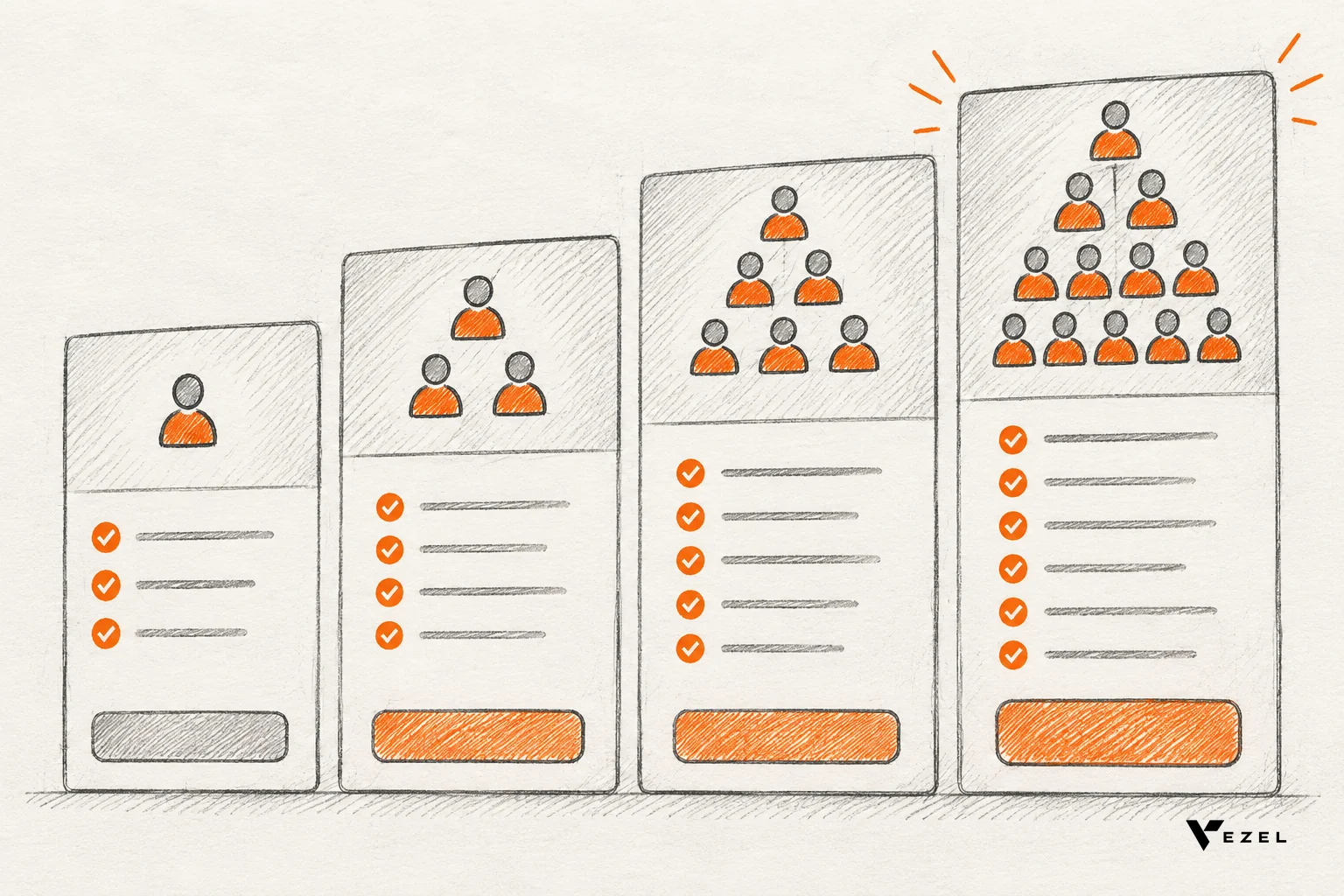
Totals run from 5 to 25. A total of 20 or more points to buy, 12 or lower points to build, and 13 to 19 means pilot. The scores below are a hypothetical example, not benchmarks and not customer data.
| Capability | Cost | Time | Maintenance | Differentiation | Risk | Total | Call |
|---|---|---|---|---|---|---|---|
| Customer dashboards and reports | 4 | 5 | 5 | 4 | 3 | 21 | Buy |
| Approval workflows | 4 | 5 | 4 | 4 | 3 | 20 | Buy |
| Custom forms | 4 | 5 | 5 | 5 | 4 | 23 | Buy |
| AI agents inside the product | 3 | 4 | 4 | 3 | 2 | 16 | Pilot |
| Core scheduling or pricing engine | 1 | 2 | 1 | 1 | 2 | 7 | Build |
Look at the AI agent row. It lands in the middle because risk is the open question. An agent that acts on customer data needs guardrails, permission inheritance and a review process before anyone trusts it. That is a reason to pilot with a small group, not to rule out buying.
Use your own numbers. Ask product, engineering and customer success to score separately, then compare. Big gaps between scorers usually reveal a hidden assumption, such as sales promising a feature that engineering has never heard of.
Reconciling the Scorecard With the Checklist
The checklist later in this article and the scorecard are two views of the same decision. Use the checklist as a fast screen and the scorecard as the tiebreaker. A request that gets "no" on more than half of the ten questions will usually total 20 or more on the scorecard, which is the buy band.
A request with mostly "yes" answers will usually total 12 or lower, which is the build band. An even split of answers lands in the 13 to 19 pilot band. If the two disagree, trust the scorecard, then look at which checklist answers drove the gap, because that is usually the assumption worth testing.
Which Customer-Requested Features Should You Build In-House?
Build the features that define why customers pick you: your core data model, proprietary logic, and regulated calculations only you can get right. Buy or adopt a platform for the long tail of customer-specific dashboards, forms, approvals and agents. If a request helps one account, it rarely belongs in the shared product.
A good test is reuse. If the feature will serve most of your customers with minor configuration, it belongs in the product. If each customer needs a different version, you are not building a feature. You are building a factory for features, and that is the job a platform is made for.
In-house also wins when compliance demands it. If a regulator expects you to prove how a calculation works, owning the code is simpler to defend. Be honest here, though. Teams often label a request "core" because building it sounds more interesting than adopting something.
Features that usually fall on the buy side
- Dashboards and reports: every customer wants their own KPIs, filters and layouts. See our walkthrough on building custom dashboards inside your SaaS.
- Approval and onboarding workflows: the steps mirror each customer's internal policy.
- Forms: fields and validation rules change by team and region.
- AI agents and copilots: support assistants, operations copilots and research agents built around a customer's own processes.

How Does Vezel Fit the Buy Side?
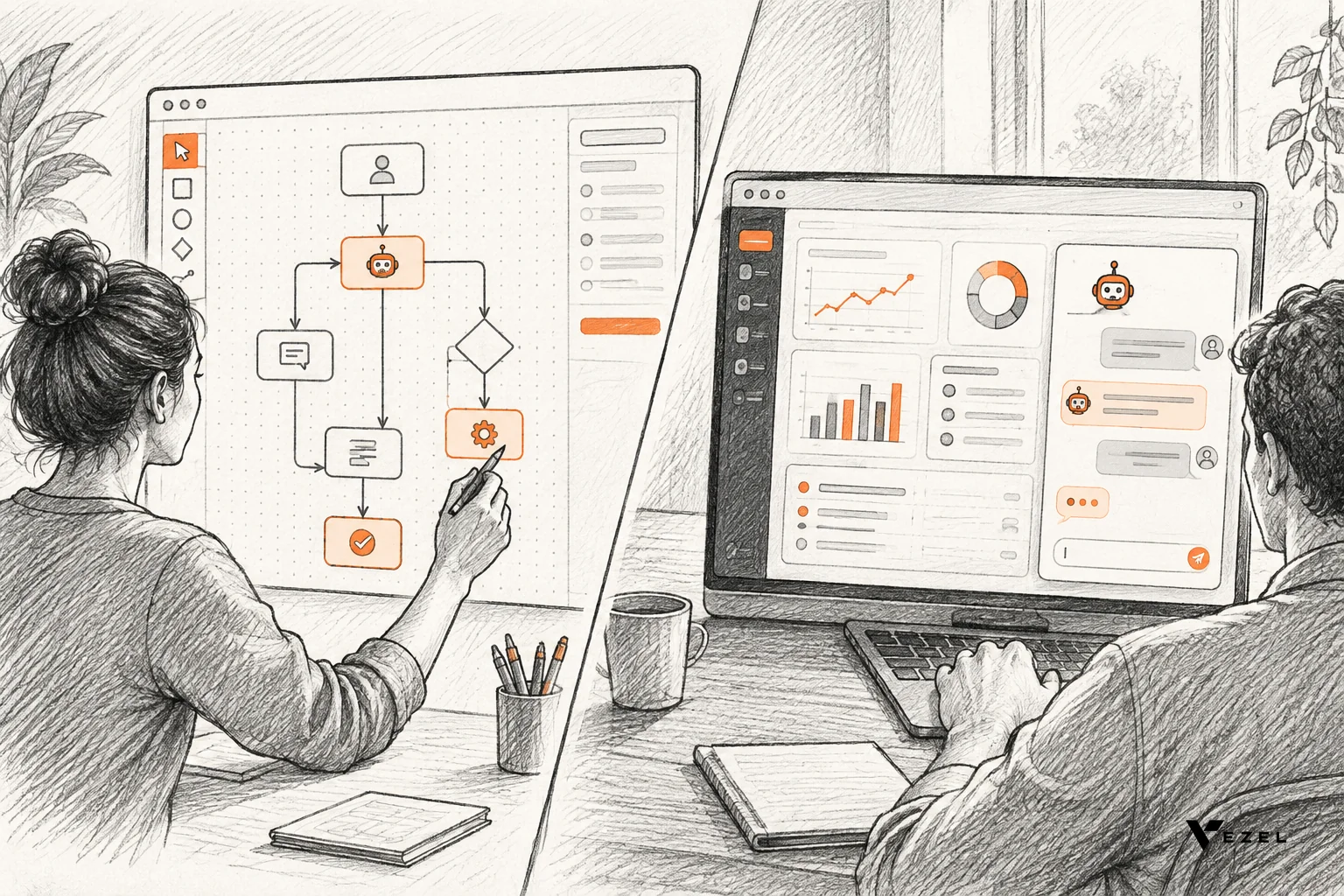
Vezel is an embedded AI extension platform. It connects to your APIs, lets customers generate dashboards, workflows, forms and agents from plain English, and runs them in a secure container that inherits your authentication, permissions and access controls. Most SaaS platforms can integrate Vezel in a few days.
The flow has four steps: connect to your APIs, generate extensions from plain English, use them in a secure container, then scale and govern. Customers can build dashboards, workflows, reports, forms, automations and AI assistants inside your product, so the request never has to enter your roadmap.
Internal tool builders such as Retool serve your own team well. Putting them in front of paying customers raises different questions about permissions, branding and publishing. We compare the two in Retool vs embedded extensibility for SaaS products.
Be clear on the limits. A platform like ours is a poor fit for your differentiating core, or for anything that must live deep in your transaction engine. We are built for the customer-specific layer on top, so keep that layer for requests that score in the buy band.
Want to see the model in action? See how it works for the step-by-step flow from plain English to a governed extension.
Build vs Buy Checklist Before You Decide
Run this list for each request before you open a ticket. Questions 1 to 6 and 10 are phrased so that "yes" favors building; questions 7 to 9 are phrased so that "yes" favors buying or adopting safely. Flip those three before you count. If more than half of your adjusted answers point to buy, you are probably looking at a buy candidate, and the scorecard should confirm it.
- Would most customers use this feature, not just the one asking?
- Does it differentiate us from competitors?
- Can we afford to wait a full quarter or more for it?
- Do we have engineers who can own it for years?
- Does it involve logic that regulators expect us to control directly?
- Have we priced upkeep, not just the first release?
- Will it inherit our authentication, roles and row-level access?
- Can customers or admins export what they create if we change course?
- Do we have a way to version, publish and retire what gets built?
- Do we know how many customers asked, and what usage looks like today?
The last question matters because guesses fuel bad decisions. If you cannot say how often a similar feature is used, start there. Track the request, pilot a lighter option, and let real usage settle the argument.
FAQ
How do healthtech platforms build permissioned reporting for customers?
Healthtech platforms need reports that respect who may see which records. Build or buy, the rule is the same: reports must run under the viewing user's existing roles and row-level access, never a shared service account. Generated reports should read data only through your authenticated APIs, so each user sees only what they already could.
How do you build guardrails, permissions and governance for AI copilots running marketing workflows?
Give the copilot the same identity and permissions as the user who invoked it, limit it to approved APIs, and require review before it publishes or sends anything. Add versioning and publishing controls so every change is traceable. Extensions on Vezel inherit your existing authentication, permissions and access controls, which covers the first layer.
Can we build some capabilities and buy others?
Yes, and most mature SaaS teams do. Build the differentiating core, and adopt a platform for the customer-specific layer around it. The two sit together as long as the platform reads your APIs and respects your permissions, so customers see one product rather than a patchwork of separate tools.
How long does it take to integrate Vezel?
Most SaaS platforms can integrate Vezel in a few days. That covers connecting your APIs and setting up the secure container. Rollout to customers, governance policies and training take longer, and the timeline depends on how many extension types you open up first and how your permission model is structured.
Make the Call With Real Numbers
Build vs buy does not have to be a debate that eats a quarter. Score your next five customer requests with the anchors above, mark the ones that land in the buy band, and pick one to pilot. If it fits, book a demo and we will walk through how your APIs, permissions and design system map to customer-built dashboards, workflows, forms and agents. We respond within 1-2 business days.