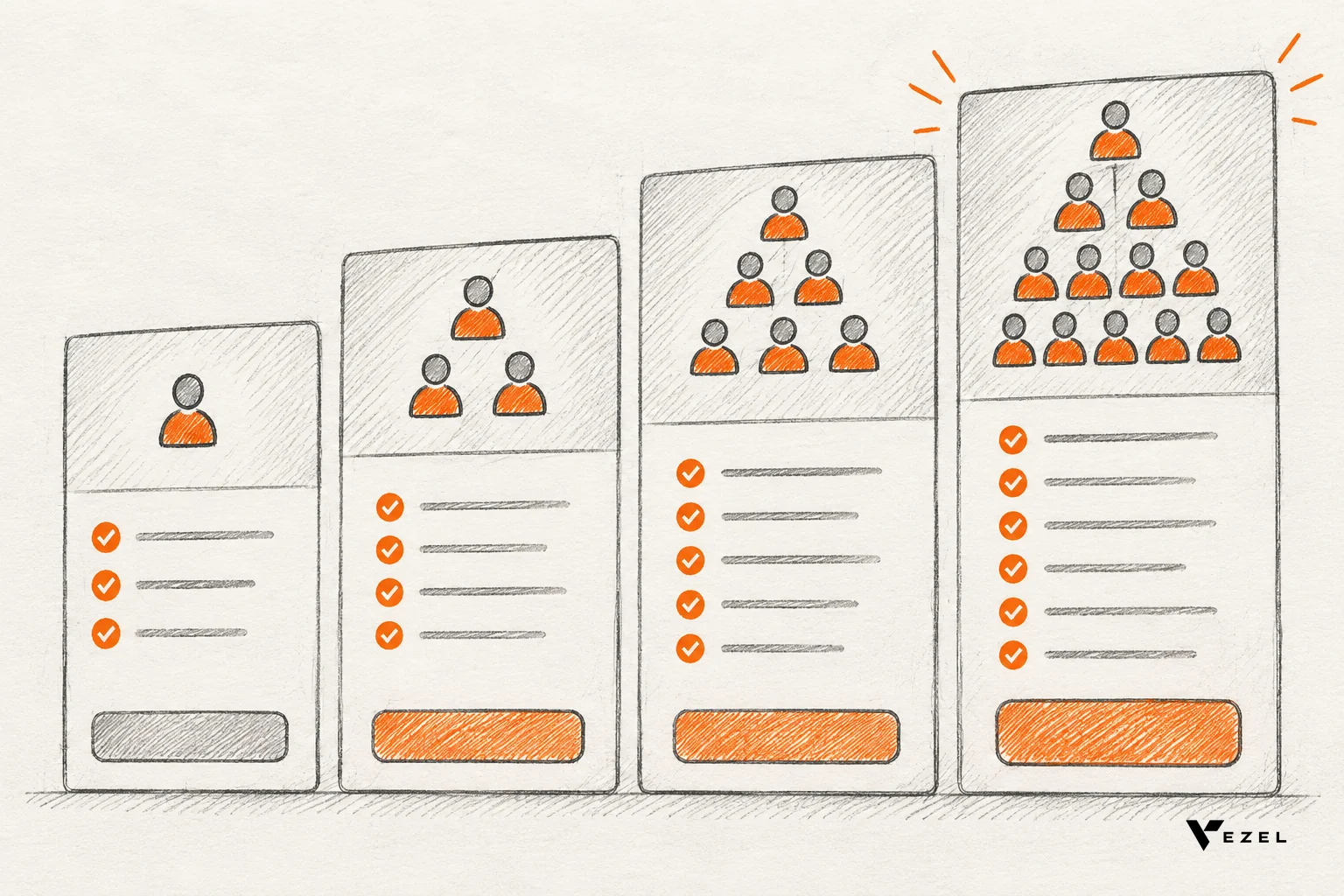



For a multi-tenant SaaS product, start with RBAC (role-based access control) and add ABAC (attribute-based access control) when roles alone stop describing your customers' rules. RBAC grants permissions through named roles. ABAC decides per request from attributes. Most mature products end up running both, with roles as the coarse gate and attributes as the fine one.
Key takeaways
- Default choice: Begin with RBAC. It is simple to build, explain and audit.
- Breaking point: When customers ask for rules like "only their own region" or "only unarchived records", roles multiply and ABAC starts to pay off.
- Best pattern: Hybrid. Roles set what a user may do; attributes limit which records they may do it on.
- Extensions: Customer-built dashboards and workflows should inherit the host product's checks, never copy them into a second permission system.
- Audit trade-off: RBAC answers "who has admin?" in one query; ABAC answers "who could see this at 3pm?" only if you log attribute state.
RBAC vs ABAC at a glance
| Factor | RBAC | ABAC |
|---|---|---|
| Decision based on | User's assigned role | Attributes of user, resource, action, environment |
| Setup effort | Low | Higher, policy design upfront |
| Granularity | Coarse | Fine, per record |
| Failure mode | Role explosion | Policy sprawl, hard debugging |
| Auditing | Simple role lookup | Needs attribute snapshots |
| Best SaaS fit | Admin, manager, viewer tiers | Region, department, status, tenant rules |
What is RBAC in a multi-tenant SaaS product?
RBAC assigns permissions to named roles such as admin, manager or viewer, then assigns users to those roles. Access follows the role, not the person. In a multi-tenant SaaS product, each tenant usually gets its own set of role assignments, which keeps the model easy to reason about.
Picture a CRM. A "sales rep" role can create and edit deals. A "sales manager" role can also approve discounts. A "viewer" can only read. Onboarding a new hire means picking one role.
The strength is auditability. A compliance reviewer can list every permission a role carries in a single query. That matters for frameworks such as SOC 2 logical access controls.
Where RBAC breaks
The weakness is role explosion. NIST researchers note that ABAC may need up to 2^n rules for n attributes, while imitating those controls in RBAC could, in the worst case, need 2^n roles, one per combination.
A quick worked example. Say a customer wants access to vary by region (3 values), department (4 values) and record status (2 values). RBAC needs a role for each combination: 3 × 4 × 2 = 24 roles for one tenant. Multiply by hundreds of tenants and nobody can say what "Regional Finance Reviewer 7" means anymore.
What is ABAC and how does it decide access?
ABAC computes each access decision from attributes of the user, the resource, the action and the environment. Instead of asking "what role is this person?", it asks "do these facts satisfy the policy?". NIST's guide to ABAC defines it as authorization determined by evaluating such attributes against policy.
Example policy: "A user can delete a project if they are in the same department, the project is not archived, and it is a working day." No role mentions any of that. The same three-attribute rule that cost 24 roles above becomes one policy.
Where ABAC hurts
ABAC needs clean attribute data and careful policy design. When a user reports "I can't see my record", you must trace which attribute failed. Audit is harder too: answering who accessed a document given every attribute at a past moment requires you to have stored that state.
One thing is genuinely unsettled: how much policy logic belongs in the product's database layer versus a separate policy engine. Teams I'd trust disagree, and the answer depends on your query patterns.
RBAC vs ABAC: head-to-head for SaaS teams
RBAC wins on simplicity and audit; ABAC wins on granularity and tenant-specific rules. Neither wins everywhere. The honest question is whether your customers' rules fit a short, stable list of roles.
| Scenario | Better fit | Why |
|---|---|---|
| Admin / editor / viewer tiers | RBAC | Three roles cover it |
| "Reps see only their own accounts" | ABAC (or row-level rule) | Depends on record owner attribute |
| Per-tenant custom permission sets | RBAC with custom roles, then ABAC | Custom roles work until combinations grow |
| Time- or location-limited access | ABAC | Environment attributes |
| Fast compliance evidence | RBAC | Role-to-permission lists are easy to export |
My rule: if you can write your customers' access needs on one page as roles, stay with RBAC. Once support tickets ask for conditions on data, add attributes. Do not start with full ABAC for a product with three user types; the policy overhead buys you nothing yet.
When should teams combine RBAC and ABAC?
Combine them when roles describe job function but data access depends on context. Use RBAC to decide what actions a user may take, then ABAC to decide which records those actions apply to. This keeps the role list short while still supporting tenant-specific rules.
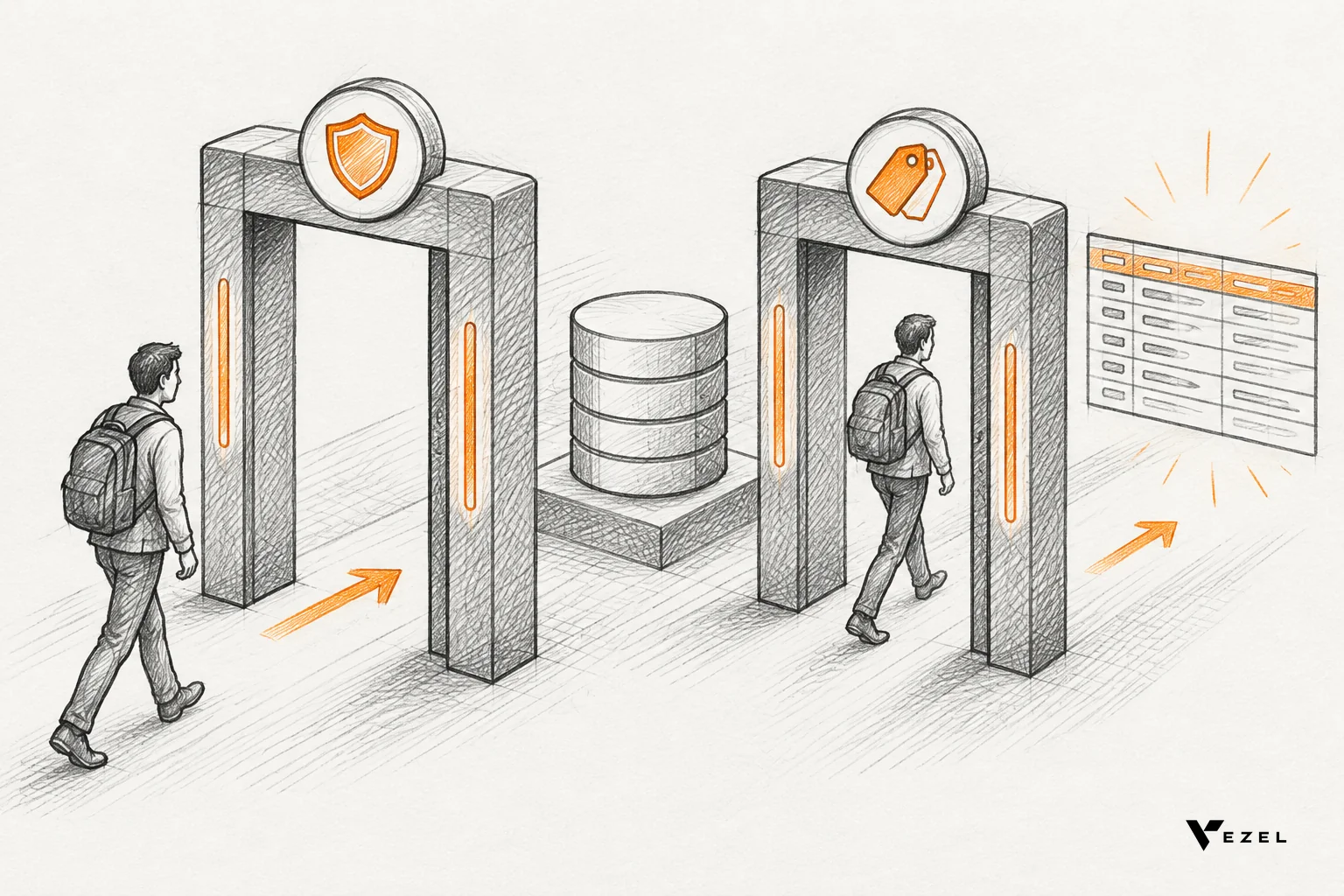
A common SaaS layout looks like this:
- Tenant boundary first: every request is scoped to the caller's tenant, before anything else.
- Role check: does a "manager" role allow approving expenses at all?
- Attribute check: is the expense in the manager's department and under their approval limit?
This gives two benefits. Auditors still get a clean role list, and customers get the conditional rules they ask for. The cost is two layers to test, so write tests for the seams between them.
What does this mean for customer-built extensions?
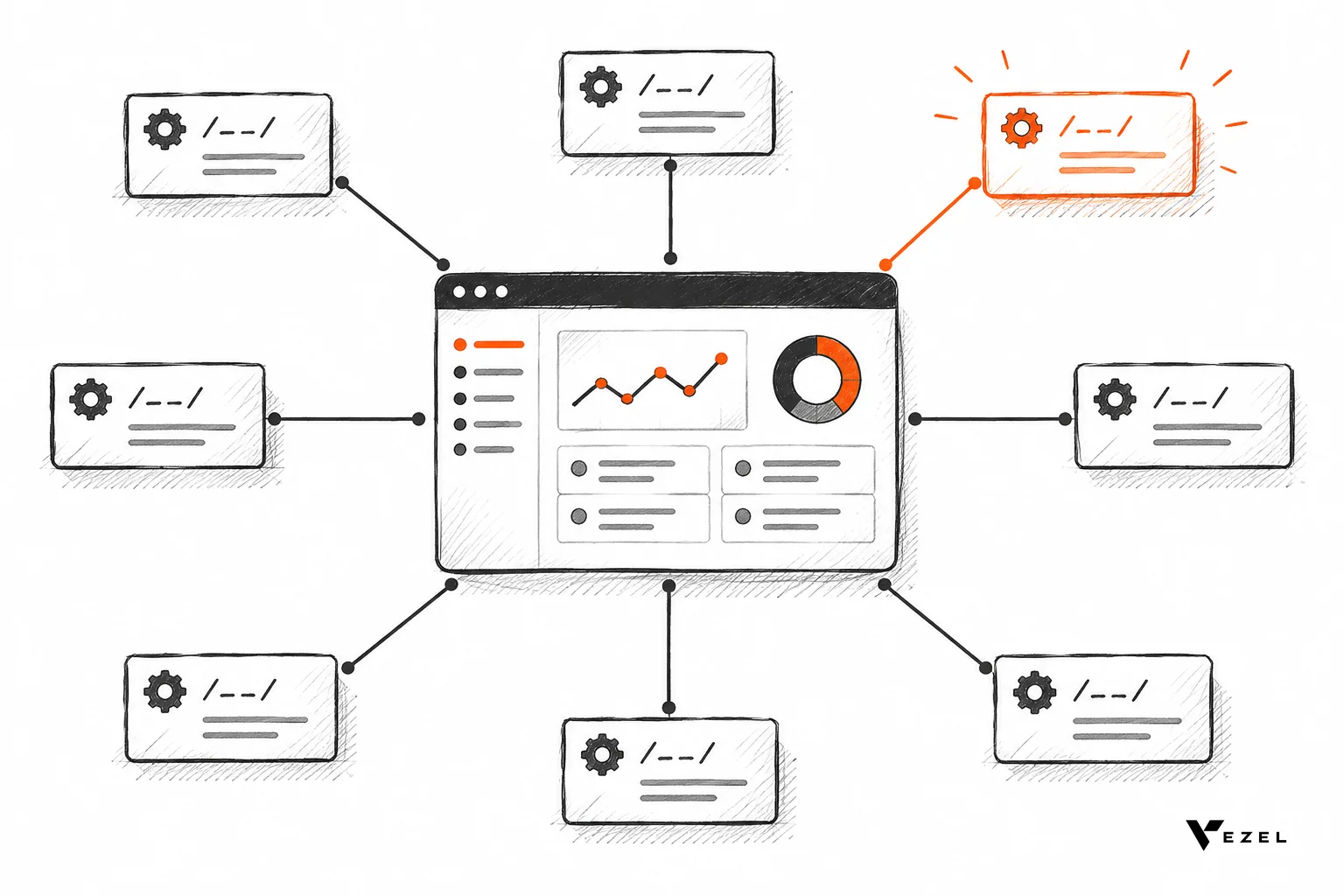
Customer-built extensions should inherit the host product's access decisions rather than reimplement them. If a generated dashboard has its own permission logic, it will drift from your RBAC roles and ABAC or row-level rules, and eventually show someone data they should not see.
This is the design Vezel follows: extensions inherit your existing authentication, permissions and access controls. A user who builds a workflow in plain English can only reach what their own login could already reach, whether the product enforces that through roles, attributes or both.
The mechanics differ by layer. For the role side, see this technical walkthrough on inheriting row-level permissions in SaaS tools. For why copying roles into a custom tool goes wrong, our post on replicating RBAC in custom-built tools explains the failure modes, and the broader setup is covered in this practical guide to the Vezel platform.
Questions to ask about any extension layer
- Does it call your APIs as the signed-in user, or with a shared service account?
- Are row-level and attribute rules enforced server-side, not just hidden in the interface?
- Can admins see and revoke what extensions exist?
A shared service account is the red flag. It turns every extension into a bypass of your carefully designed model.
A checklist before you choose
- List the roles your customers actually use today. Are there more than about ten per tenant?
- Collect the last 20 permission-related support requests. How many are conditions on data, not job function?
- Confirm every record carries the attributes (owner, region, status) a policy would need.
- Decide what you must prove to auditors, and whether you log attribute state at decision time.
- Check that every new surface, including AI-generated extensions, calls through the same enforcement point.
FAQ
Is ABAC more secure than RBAC?
Not inherently. ABAC can express tighter rules, but security depends on correct enforcement and clean attribute data. A well-run RBAC model beats a sloppy ABAC one.
Can I migrate from RBAC to ABAC later?
Yes. Most teams layer attributes on top of existing roles instead of replacing them, which avoids a risky rewrite.
Does row-level security count as ABAC?
It is closely related. A rule such as "users see rows where owner equals their ID" is an attribute-based condition applied at the data layer.
Next step
If you are deciding how customer-built dashboards and workflows should respect your permission model, we can show you how Vezel inherits it in practice. Book a Demo to see extensions run under your existing roles and row-level rules, with most SaaS platforms integrating in a few days.