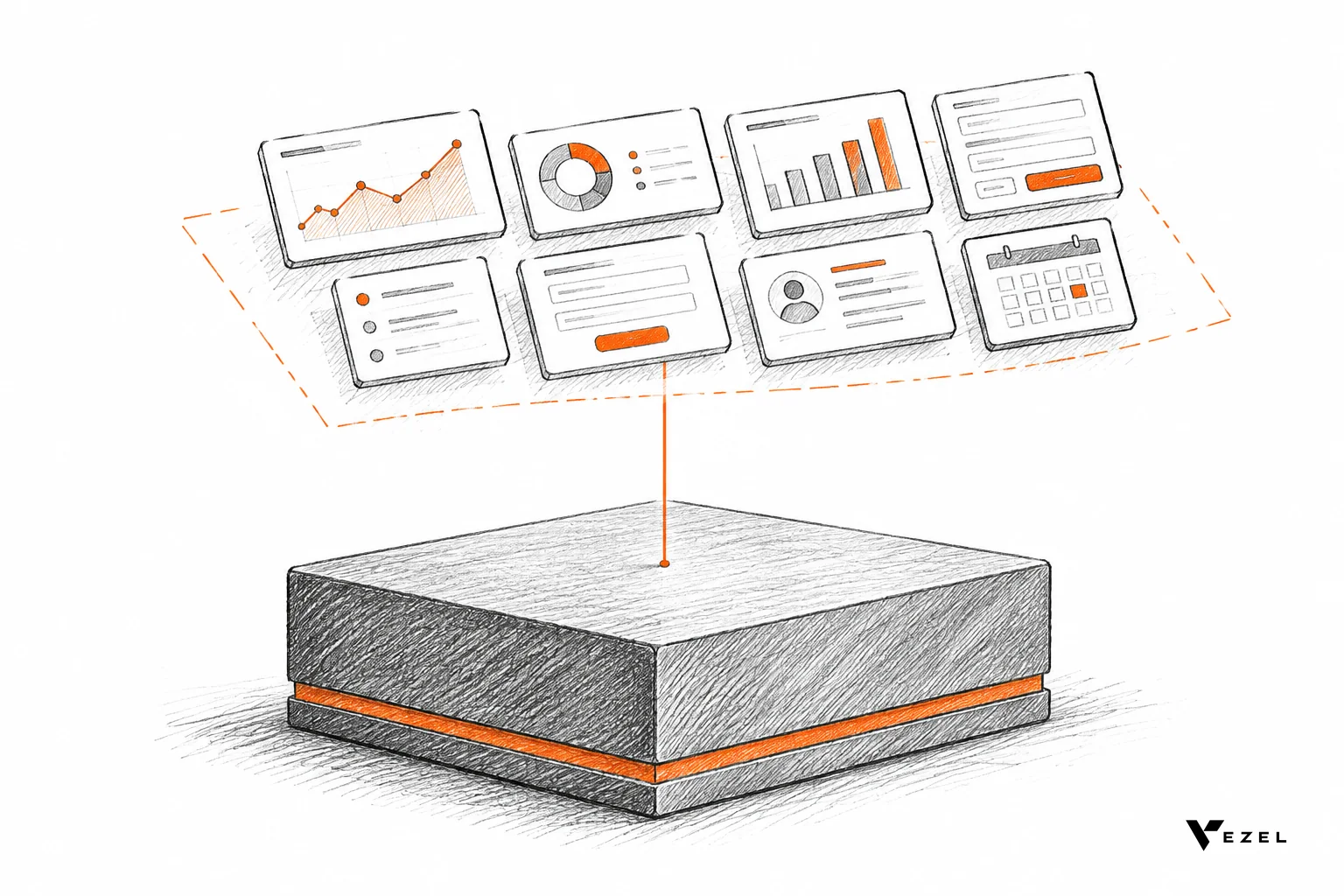



The best technician scorecard software for field service has five features: live performance data technicians can see during the job, equipment history attached to each scorecard, inspection checklists that feed the score, scorecards each customer can tailor, and permissions and branding inherited from your product. Miss any one and frontline teams treat the scorecard as a manager's report.
Key takeaways
- Show data during the job: a scorecard a technician sees only in a monthly review changes nothing; one visible on the tablet before and after each visit becomes a habit.
- Attach equipment history: a score without the machine's past failures punishes technicians for problems they inherited.
- Feed scores from checklists: inspection and quality audit results are the cleanest data you already collect, so wire them straight in.
- Let customers tailor it: every field service business defines a good technician differently, and engineering tickets cannot keep up with that.
- Inherit security and look: scorecards must use your existing logins and permissions and look native, or enterprise buyers will not roll them out.
Technician scorecard software at a glance
| Feature | What it does | Adoption problem it removes |
|---|---|---|
| Live performance data | Shows job-level results to the technician on the same screen they work from | Scores arrive weeks late and feel like surveillance |
| Equipment history | Links each job and score to the asset's past visits and failures | Unfair comparisons between easy and hard assets |
| Checklist tie-ins | Turns inspection and quality audit answers into score inputs | Double entry and scores nobody trusts |
| Customer-tailored scorecards | Lets each customer define metrics, weights and views in plain English | One-size scorecards and a growing request backlog |
| Inherited permissions and native look | Reuses your authentication, roles and design system | Security reviews that stall rollout |
| Central governance | Controls publishing, approvals and lifecycle from one place | Scorecard sprawl across customers |
Why do technician scorecards fail with frontline teams?
Technician scorecards fail because they are built for managers, not for the people being scored. They show up late, ignore job context, and measure what the software vendor thought mattered. Technicians then treat them as a monitoring tool, and managers stop trusting numbers their own crews dispute.
If you build or sell field service software in the United States, you have probably seen this pattern. A customer asks for a scorecard, your team ships a generic one, and within a quarter the customer is back with a list of changes. One wants first-time fix rate. Another cares about checklist completion. A third wants labor hours against a standard.
That is the gap we call the SaaS Adaptation Gap: the difference between the software every customer receives and the software each customer actually needs. A technician scorecard is a textbook case, because "a good technician" has no universal definition.
Public-sector tools show the same logic at work. A Texas A&M fleet system, for example, has a technician efficiency report that compares time on a repair to a defined labor standard and flags hours that run over. The measure is only useful because the standard is defined locally.
The five features below are what separates a scorecard people open voluntarily from one they avoid. They apply whether you build in-house, buy, or embed.
Which metrics do technician scorecards usually track?
Most scorecards draw on a short list of measures. Define each one in writing before you configure anything. The formulas below are common conventions, so adjust them to your customer's own standard.
| Metric | Definition | Formula |
|---|---|---|
| First-time fix rate | Share of jobs resolved on the first visit | Jobs fixed on first visit ÷ total jobs completed |
| Callback (repeat visit) rate | Share of jobs that need a return visit to the same asset | Jobs with a return visit ÷ total jobs completed |
| Utilization | Share of paid hours spent on billable job work | Hours on jobs ÷ hours available to work |
| Labor efficiency | Time on a repair against the labor standard | Standard labor hours ÷ actual hours |
| Checklist completion | Share of required checklist items answered | Items completed ÷ items required |
Callbacks and first-time fix rate overlap, so read them with equipment history. A callback on a failing asset is not always the technician's miss.
A sample scorecard layout to copy
Treat these weights as a hypothetical starting point, not a benchmark. Suppose a customer wants five measures, with the heaviest weight on the one it values most.
| Measure | Example weight | Data source |
|---|---|---|
| First-time fix rate | Highest | Job records |
| Callback rate | Medium | Job and asset history |
| Checklist completion | Medium | Inspection checklists |
| Labor efficiency | Medium | Job time against standard |
| Customer rating | Lowest | Post-visit rating, where collected |
Convert the tiers to numeric weights that sum to a whole, then let each customer change them.
1. Live performance data technicians see during the job
Live data is the first feature to demand. If a technician cannot see their own numbers while the work is happening, the scorecard becomes a report card delivered after the fact. Feedback only changes behavior when it arrives while the technician can still act on it.
What "live" should mean in practice
Live does not mean a refresh button on a weekly export. It means the scorecard reads from your product's current data, so a job closed ten minutes ago is already counted. This is where exporting to Excel, the usual workaround, breaks down.
Our Flexibiz demo shows the difference. Flexibiz, an ERP for the packaging industry, brings AI-powered dashboards directly into the product. Users create, customize and explore dashboards inside Flexibiz instead of exporting reports to Excel or building charts by hand. The same pattern applies to technician data.
What to put on the technician's screen
Keep the technician view short. Three to five measures beat a wall of charts. Good candidates are job time against the labor standard, checklist completion for open jobs, repeat visits to the same asset, and customer rating where you collect one.
Pass mark: a technician should be able to read their own scorecard in under half a minute and explain each number. If they cannot, the scorecard is too dense or the definitions are unclear. Walk away from any tool that only shows team averages to technicians.
Keep the view fair
Show each person their own trend before any ranking. Rankings without context start arguments. A visible definition for every measure, one tap away, prevents most of them.
2. Equipment history linked to every scorecard
A technician scorecard without equipment history compares unlike jobs. A technician who services a 15-year-old compressor with recurring faults will look worse than one who services new units, even if they are the stronger worker. Linking each score to the asset record fixes that.
What the link should carry
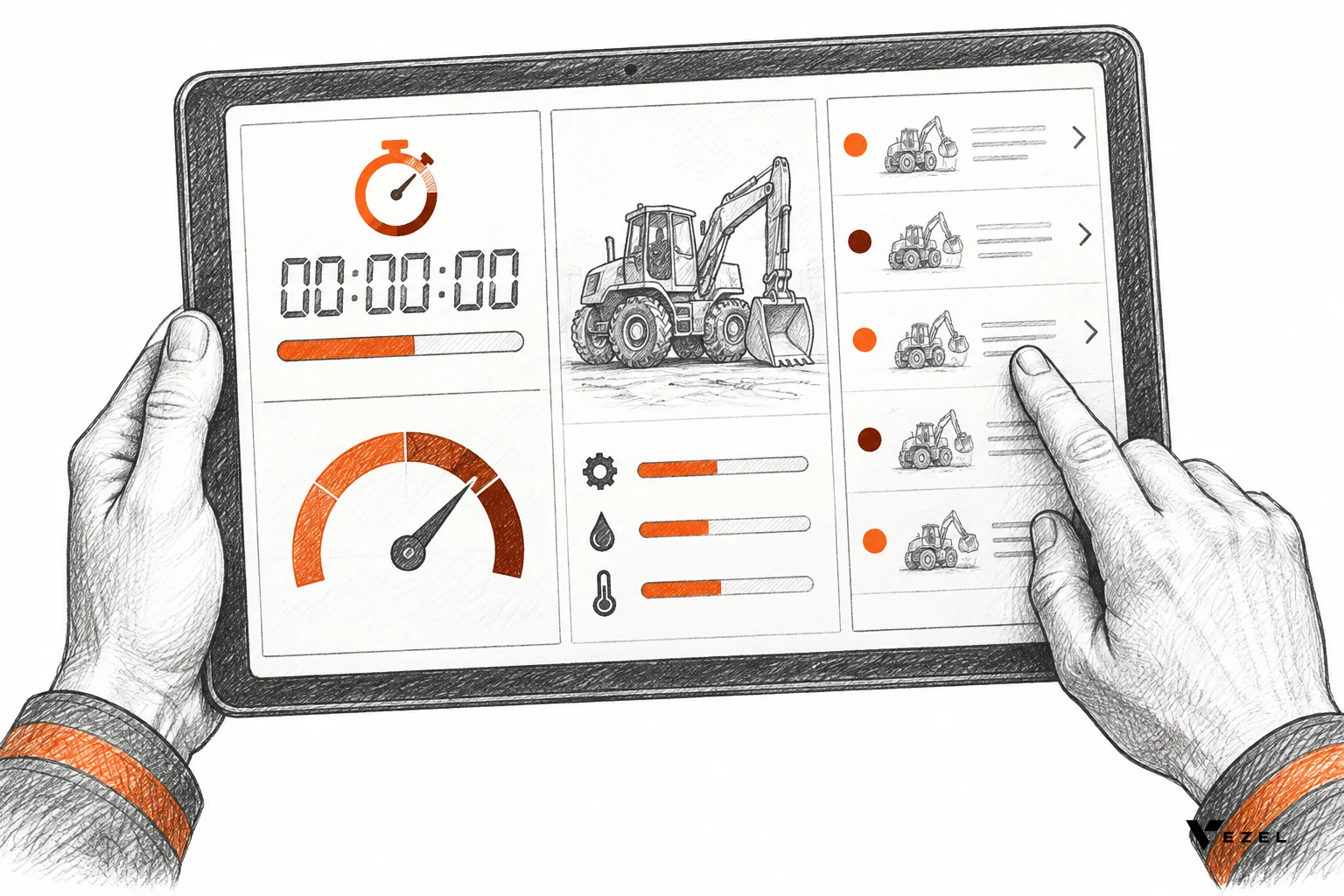
At minimum, the asset's service history, last inspection result, open faults and age. When a technician opens a job, the scorecard and the asset's past visits belong on the same screen. Managers then review a miss with the context in view.
For manufacturing and field service products, this is also where scorecards meet equipment performance dashboards. Our demos build both technician scorecards and equipment dashboards inside host products, so a manager can move from a technician's result to the machine behind it without leaving the application.
Why it matters for repeat visits
Repeat visits to one asset are either a technician problem or an equipment problem. Without history you cannot tell which. With it, you can route a failing asset to a maintenance planner and stop penalizing the person who keeps getting sent back to it.
Check for this: pick one asset with three or more past visits and ask the vendor to show them next to a scorecard. If that takes a custom report, the link does not really exist.
3. Inspection checklist tie-ins that feed scorecard results
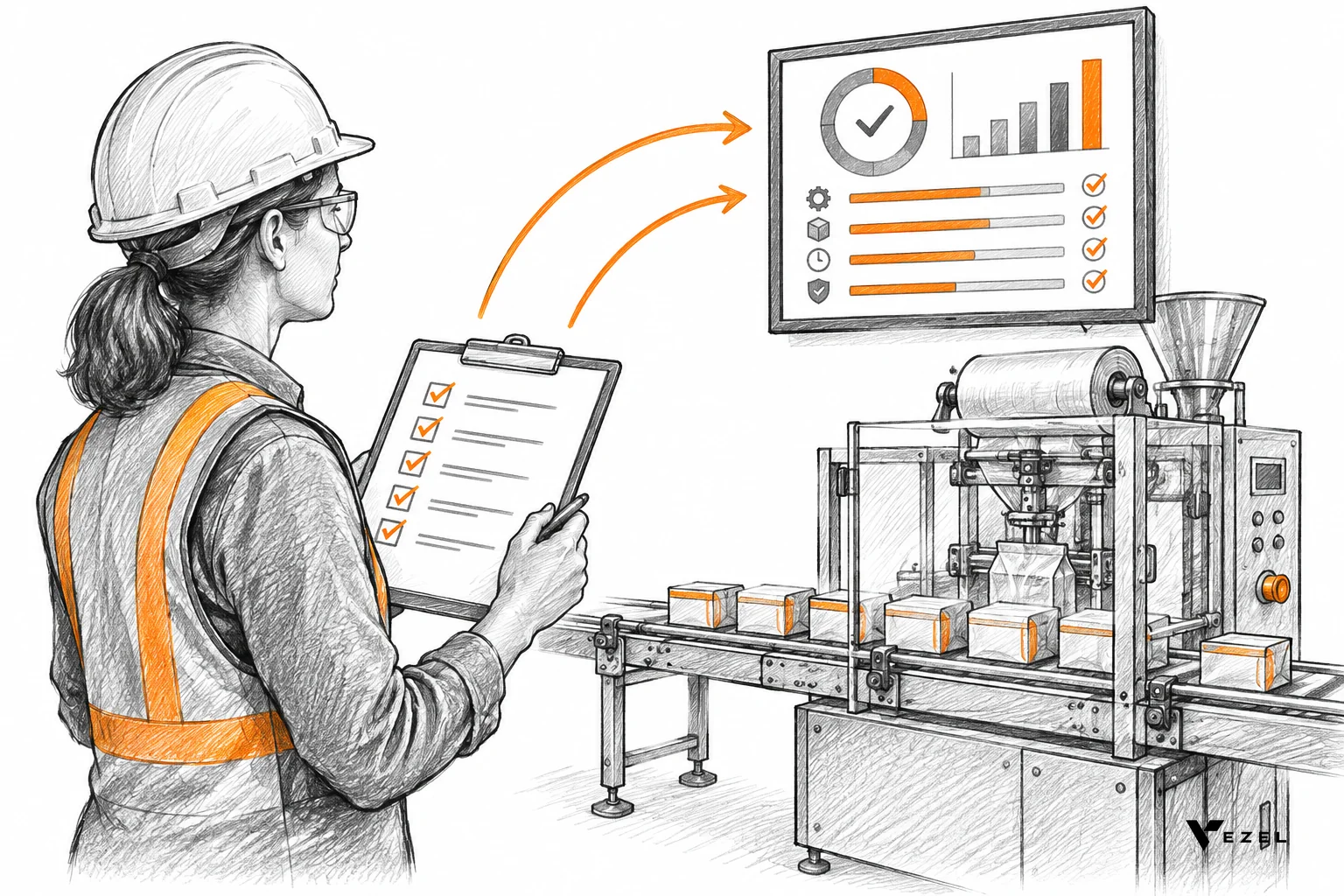
Inspection checklists are the cleanest scorecard input most field service customers already have. Technicians fill them out for compliance anyway. When checklist answers feed the scorecard automatically, nobody enters data twice and the score rests on records everyone accepts.
From checklist to score
Map specific checklist items to scorecard measures. A missed safety step might reduce a quality score. A completed pre-job inspection might count toward a completion rate. Make the mapping visible so technicians know how their answers turn into numbers.
Think of the work-based badge idea in the National Renewable Energy Laboratory's Installer Badges Toolkit, where workers earn badges by completing each task and receiving approval from a qualified person. The principle carries over: scores built on completed, approved tasks feel earned, not imposed.
Quality audits close the loop
Supervisor quality audits add a second layer. Self-reported checklists tell you what the technician did; an audit tells you whether it held up. Both can feed one scorecard if the tool treats checklists and audits as first-class data sources.
Pass mark: a checklist answer should appear in the scorecard within the same session, with a clear link back to the original record. Walk away if the integration is a nightly batch that nobody can trace.
4. Scorecards customers can tailor themselves
This is the feature most vendors skip, and it decides whether you drown in requests. Each of your customers will want different metrics, weights, groupings and views. If every change needs an engineering ticket, the backlog grows faster than any roadmap can clear.
Adaptation, not another feature
Traditional SaaS grows by shipping more features. Adaptive SaaS lets customers create the capabilities they need inside the product, which reduces roadmap pressure while the core platform stays focused. A technician scorecard is a capability, not a feature: it serves one specific business.
With Vezel, a customer describes the scorecard in plain English and it is generated inside your product, connected to your APIs and data models. Vezel lists technician scorecards, maintenance planners, inspection checklists, quality audits and equipment performance dashboards among what it builds for field service and manufacturing.
What "tailorable" must include
- Metric choice: customers pick and name the measures that match their own standards.
- Weighting: one customer weights first-time fix; another weights checklist completion.
- Grouping: by region, crew, service line or customer account.
- Audience views: a technician view, a supervisor view and an executive view of the same data.
For a deeper look at how product teams offer this without a backlog, see our guide on how field ops SaaS can offer custom reporting fast.
5. Permissions, white-label look and governance built in
Enterprise buyers will not roll out a scorecard that bypasses your security model or looks bolted on. Technician data is sensitive. It affects pay conversations and performance reviews, so access rules matter as much as the charts.
Inherit, do not rebuild
Extensions should inherit your existing authentication, permissions and access controls. A supervisor sees their crew; a regional manager sees their region; a technician sees themselves. Rebuilding those rules inside a separate tool is where security reviews stall.
Look native
Scorecards generated through Vezel are white-labeled and match the host product's design system, so they feel like part of the application. Technicians should never wonder which tool they are in. Our overview of how to build custom dashboards inside your SaaS covers the theming side in more detail.
Govern what customers create
Once customers can build scorecards, you need control. Publishing, permissions, approvals and the extension lifecycle should run from a central control plane. That keeps a draft scorecard from reaching a whole crew before a supervisor signs off.
How do you evaluate technician scorecard software for field service?
Run every candidate through five tests: live data on the technician's screen, equipment history beside the score, checklist answers feeding results, a customer able to change a metric without engineering, and inherited permissions. Use your own data in a demo account. Any test the vendor can only show in slides is a fail.
A five-point checklist
- Live test: close a job in your system and watch for the score to change. A same-session update passes; "tomorrow morning" fails.
- History test: open a scorecard and reach the asset record in one step.
- Checklist test: change a checklist answer and confirm the related measure moves, with a traceable link.
- Tailoring test: ask a non-technical person to add a metric in plain English. If it needs a developer, the request will land in your backlog.
- Security test: log in as a technician and as a supervisor and confirm each sees only what their role allows.
Build, buy or embed: a decision rule
Build in-house only if scorecards are your core differentiator. Buy a standalone tool if customers use it separately from your product. Embed if your customers need scorecards on your live data, with your permissions, shaped to each business. Most field service SaaS teams fall into the last group.
The guide to choosing an embedded extensibility platform walks through that evaluation in more depth.
What to do when a check fails
If live data fails, ask whether the gap is in the tool or in your own API. Fixing a slow endpoint may solve it. If tailoring fails, expect the backlog to return within a quarter. If security fails, stop; do not trade permission accuracy for speed.
A hypothetical example
Suppose a field service SaaS vendor has two enterprise customers. One is an HVAC contractor that wants a scorecard around callbacks and checklist completion. The other is a packaging plant that wants equipment uptime tied to maintenance technicians. Under a fixed-feature model, that is two roadmap items.
Under an embedded model, each customer describes its own scorecard in plain English, and both run on the same core product. Nothing here is a real customer result. It shows why the tailoring feature decides who owns the workload.
Vezel works with a prospect's demo account to create a working proof of what is possible inside their SaaS, and most SaaS platforms can integrate Vezel in a few days. That lets you test the five checks above on your own data before committing. See how it works for the four steps from API connection to governance.
Frequently asked questions
What is technician scorecard software for field service?
Technician scorecard software for field service tracks how individual technicians perform against defined measures such as job time, checklist completion, repeat visits and customer ratings. It gives technicians and managers a shared view of results, usually inside the field service or ERP product the team already uses.
What should a technician scorecard measure?
A technician scorecard should measure only what the customer's business defines as good work. Common choices are job time against a labor standard, inspection checklist completion, repeat visits, and customer feedback. Fewer, well-defined measures work better than a long list that technicians cannot explain.
Can scorecards include customer feedback?
Yes, and some organizations push in that direction. The New York City Comptroller's office, in a 2024 report on repair vendors at NYCHA, recommended a vendor scorecard based on real-time resident feedback. The same idea works for technicians when your product collects ratings.
How long does it take to add scorecards to a SaaS product?
With Vezel, most SaaS platforms can integrate in a few days, because it connects to your existing APIs and data models with a zero-footprint setup. Your own timeline depends on API quality and how many data sources feed the scorecard.
Will customer-built scorecards look like part of our product?
Yes. Vezel extensions are white-labeled and match your design system, and they inherit your existing authentication, permissions and access controls. Publishing and lifecycle are managed from a central control plane.
Not everything is settled. How much of a technician's score should be visible to peers is a culture question, and we would not decide it for a customer. A good tool leaves that setting with them.
Next step: see a technician scorecard built inside a product
Technician scorecard software for field service earns its place when technicians open it on their own, because it shows live results, equipment context and checklist outcomes in a look they recognize. Your customers will each want a different version of it, and your engineers should not be building every one.
Share a demo account and we will build a working proof inside your SaaS, so you can test these five features on your own data. Book a demo and bring one real scorecard request from your backlog.