



Zero footprint integration for SaaS extensions means an extension platform connects to your product through the APIs, authentication and data models you already have, without adding code, schema changes or new auth rules inside your core application. For US SaaS teams, the payoff is simple: less new attack surface and far less to maintain.
Key takeaways
- Definition: "Zero footprint" means the integration lives outside your codebase. It reads your APIs and data models instead of modifying your product.
- Security: Extensions inherit your existing authentication, RBAC and row-level permissions, so you write no second set of access rules.
- Maintenance: One connection point to your API contract replaces custom connectors and forked schemas. When the API changes, you update one thing.
- Speed: Most SaaS platforms can integrate Vezel in a few days, based on what we see across integrations.
- Limit: The approach is only as good as your API. If an action or field is not exposed, an extension cannot reach it.
Zero footprint integration at a glance
| Dimension | Zero footprint approach | Deeper, invasive approach |
|---|---|---|
| Connection point | Your existing APIs and data models | Hooks, plugins or code inside your core app |
| Authentication | Inherited from your product | Rebuilt or duplicated for the extension layer |
| Permissions | Existing RBAC and row-level access reused | A second permission model to write and audit |
| Core codebase changes | None required by design | New endpoints, schema changes, shared release trains |
| Upgrade impact | Update when your API contract changes | Every core release can break custom code |
| Integration time | A few days for most SaaS platforms (Vezel) | Often weeks or longer per integration |
| Main limit | Bound by what your API exposes | Flexible, but you own the maintenance |
What does zero footprint integration mean?
It means the extension layer connects to your SaaS product only through interfaces you already publish: your APIs, your login system and your data models. Nothing new is installed in your core application, and nothing in it has to change for extensions to work.
Think of "footprint" as everything an integration forces you to touch. That includes new code paths in your repo, extra database tables, a second place where user identity lives, and a deployment you now have to coordinate. A heavy footprint means every one of those becomes your problem for years.
Vezel is an embedded AI extension platform, and its setup is built to be zero footprint. It connects to your product's APIs and data models. Customers then describe what they need in plain English, and Vezel generates dashboards, workflows, forms and AI agents that run inside your product.
Why engineering leads should care about the term
Engineering leads rarely worry about whether an extension looks good. They worry about what it costs the team in six months. A zero footprint design answers that question up front: the extension depends on your published contract, not on your internals.
That is also why the idea fits the "Adaptive SaaS" model we describe: a stable shared core, with customer-specific capabilities built around it. If the core had to change for every extension, the core would stop being stable.
How does a zero footprint integration work step by step?
It follows four stages: connect to your APIs, generate extensions from plain English, run them in a secure container, then scale and govern them centrally. The first stage is the only one that touches your product, and it touches only your API surface.
1. Connect to your APIs
Vezel reads your API definition and maps it to your existing endpoints and data models. This is API auto-discovery, and it is OpenAPI-based. Instead of a developer hand-writing a connector for every object, the platform learns what your product already exposes.
The practical check here is coverage. List the objects customers ask about most: accounts, orders, tickets, work orders. Confirm each has a documented read endpoint, and each write action you want extensions to perform has one too. Our guide to connecting AI extensions to your SaaS APIs walks through that mapping in more detail.
2. Generate extensions from plain English
Once connected, a customer describes the capability they want. Examples include a renewal workspace, a supplier scorecard or an approval flow. Vezel generates it against the mapped data model, so the result uses live data from your product rather than a nightly export.
3. Run it in a secure container
Generated extensions are ready to use in a secure container. They carry your theming, so they look like part of the product. Extensions are white-labeled and match your design system, which matters for adoption as much as for polish.
4. Scale and govern
Publishing, permissions, approvals and the extension lifecycle are managed from a central control plane. That is where your team decides what goes live, for whom, and when it retires. If you are planning this layer, read how to set up a governance control plane for SaaS extensions.
How do extensions inherit authentication, RBAC and row-level permissions?
The extension acts on behalf of the signed-in user and reuses your existing login, role rules and row-level filters. It does not carry its own copy of those rules. If your product says a user cannot see an account, the extension cannot show it either.
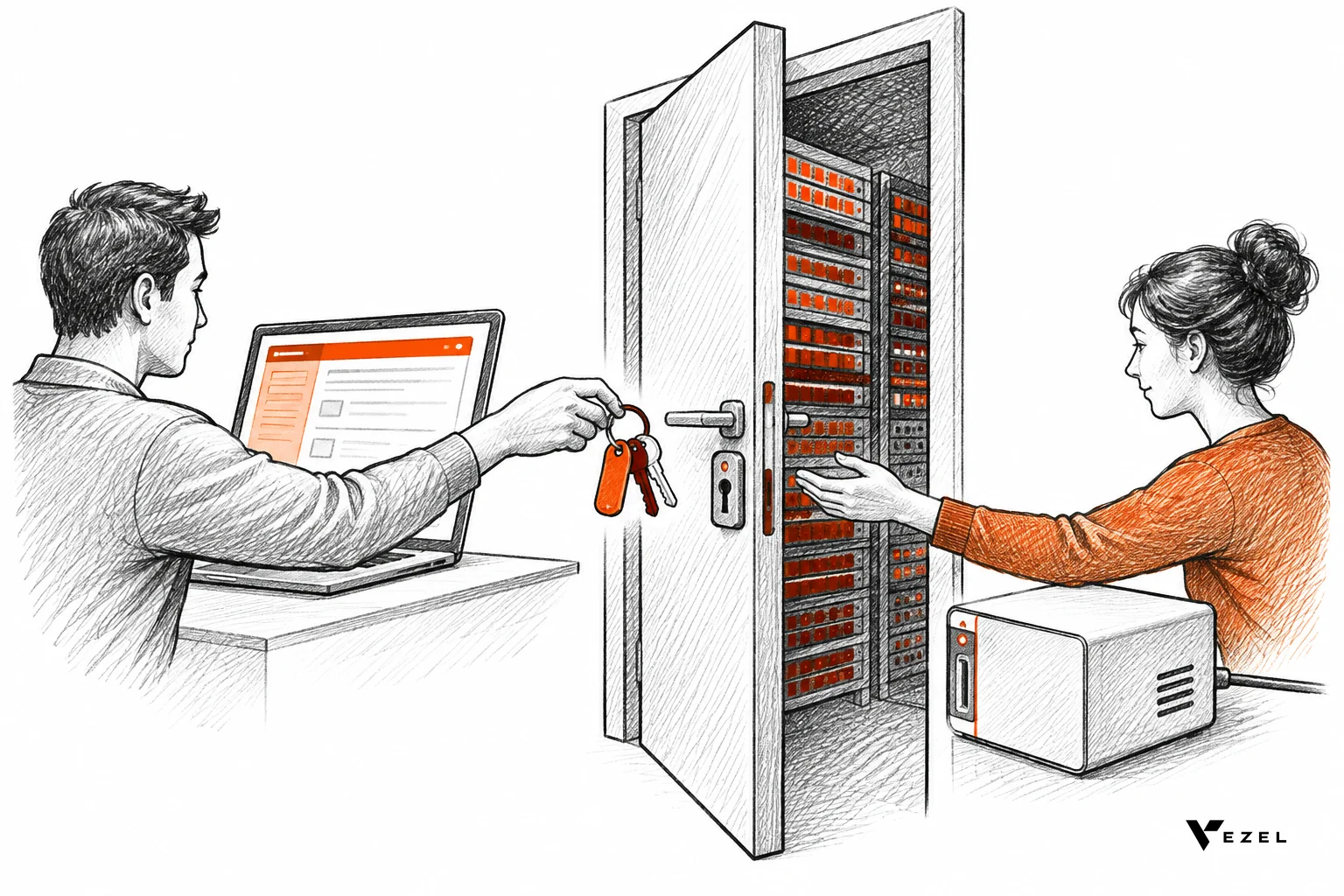
This is the part security reviewers care about most. In our case, extensions inherit your existing authentication, permissions and access controls. A Vezel post on this topic puts it as 100% permission inheritance with zero new auth rules written, covering authentication, RBAC and row-level access.
Why inheritance beats re-implementation
Copying permission logic into a second system creates two sources of truth. They drift. A role changes in your product, the copy lags, and a user sees data they should not. Inheritance removes the copy.
Standard security guidance points the same way. University security guidance for SaaS integrations recommends supported authentication methods such as SSO, OAuth and scoped tokens, regular key rotation, and avoiding long-lived shared secrets. An integration that reuses your identity flow fits that advice by default. One that stores its own credentials has to prove it.
A pass or fail test you can run in an afternoon
Here is a hypothetical test. Suppose a sales manager in your West region sees 120 accounts in your app, and a rep sees 35. Build one dashboard extension and open it as each user.
- Pass: the manager sees exactly 120 accounts and the rep exactly 35, with no config on the extension side.
- Pass: a user with no access to the object sees an empty or blocked state, not a partial list.
- Walk away: any user sees a record the host product would hide, or the extension needs its own role table to behave.
If a check fails, the usual cause is that your API does not enforce row-level rules on the server and relies on the front end to filter. Fix that first. Our walkthrough on how to inherit row-level permissions in SaaS tools covers it.
Zero footprint vs deeper integration: the maintenance trade-offs
Zero footprint integration usually costs less to maintain because it depends on one stable thing, your API contract. Deeper integrations tie extension code to your internals, so each core release can break something. The trade-off is reach: invasive approaches can touch what your API does not expose.
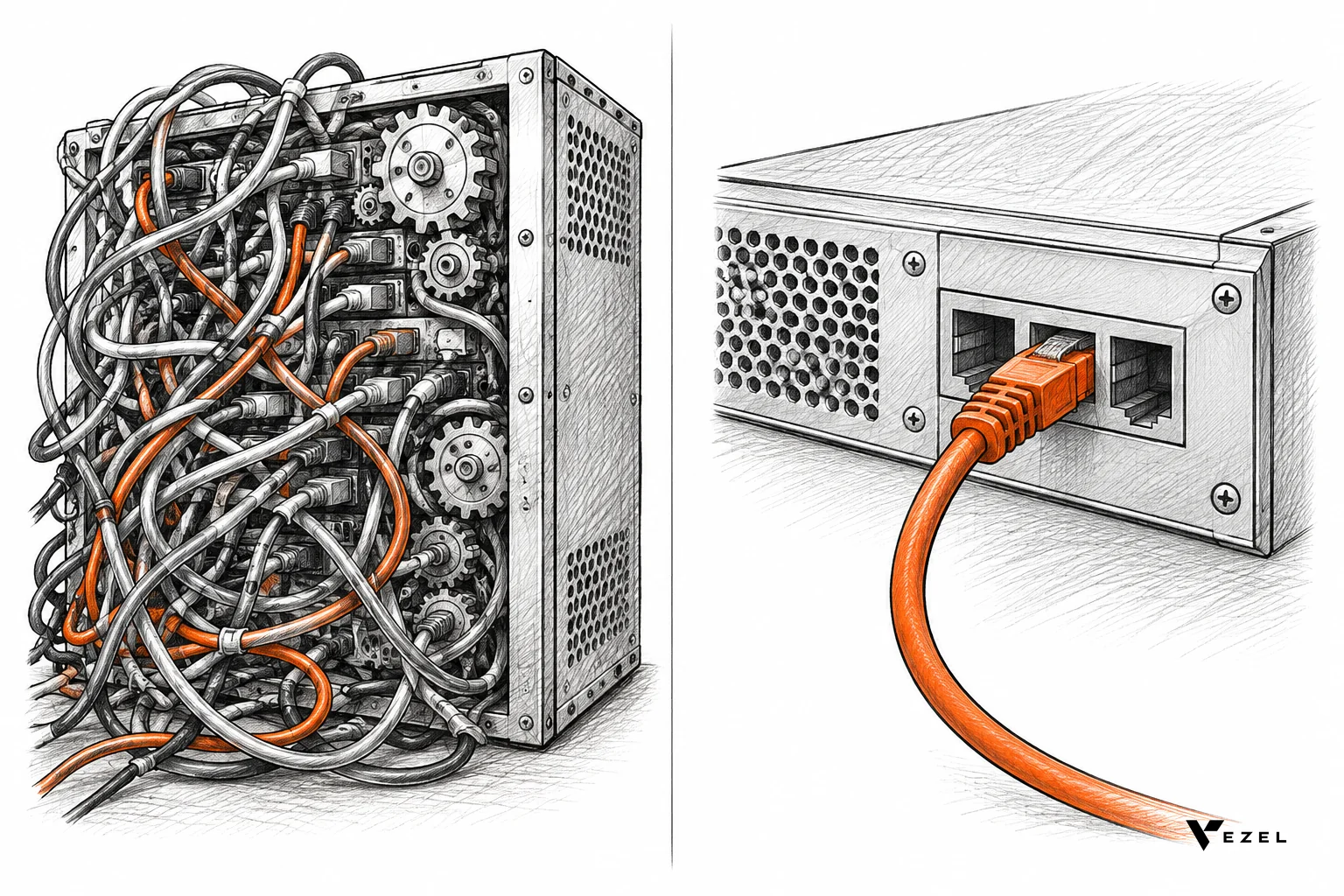
Integration work is already slow. A Forbes Technology Council piece reports that 71% of organizations take at least three weeks to build a single integration. Multiply that by every customer-specific request and the backlog is easy to explain.
| Approach | What you maintain | Upgrade risk | Best for |
|---|---|---|---|
| Zero footprint (API, auth and data model reuse) | Your API contract and docs | Low, tied to API versioning | Customer-built dashboards, workflows, forms, agents |
| Custom connector per customer | One codebase per request | High, grows with customer count | One-off, high-value deals with unusual systems |
| Schema or core changes for extensibility | Tables, migrations, shared releases | High, affects every tenant | Features that every customer will use |
| In-app plugin SDK | The SDK, sandbox and its security model | Medium to high | Mature platforms with a large partner ecosystem |
Where zero footprint costs you
We would rather say this plainly: the approach has real limits. If your API is thin, undocumented or inconsistent, extensions inherit that weakness. A customer cannot build a supplier scorecard on a field that no endpoint returns.
There is a second, softer cost. Because extensions depend on your API contract, breaking changes to it now have more downstream users. You need versioning discipline. For most teams that is a healthy pressure, but it is still work.
What we do not claim: that zero footprint replaces all custom development. A truly unusual integration into a legacy system may still need engineering. We cover that case in connecting AI extensions to legacy SaaS APIs, and the right answer there is often to improve the API first.
What can you build on a zero footprint setup?
Anything your API can feed: dashboards, workflows, reports, forms, automations and AI assistants that live inside the product. The kinds of requests that clog enterprise roadmaps are the ones that fit best, because they reuse data you already hold.
- CRM and customer success: customer health dashboards, renewal workspaces, executive sales reviews, territory planning and account-specific workflows.
- ERP and operations: procurement approvals, inventory dashboards, supplier scorecards, production monitoring and finance workflows, without changing the core ERP.
- Field service and manufacturing: technician scorecards, maintenance planners, inspection checklists, quality audits and equipment dashboards.
- Research, HR and compliance: onboarding journeys, research operations dashboards, compliance workflows, performance reviews and approval processes.
One of our demos shows this in practice. Flexibiz, an ERP for the packaging industry, brings AI-powered dashboards directly into the ERP. Users create, customize and explore dashboards inside Flexibiz instead of exporting reports to Excel or building charts by hand.
A readiness checklist for engineering leads
Before you evaluate any extension platform, check your own house. These checks take a day or two and tell you whether a zero footprint approach will work or whether you need API work first.
- API spec exists and is current. You have an OpenAPI definition that matches production. Pass: a new engineer can call the top ten objects from the spec alone. Walk away: the spec is months stale.
- Auth is token-based and scoped. Users sign in through your existing flow, and calls are made as that user. Pass: no shared service account that sees everything.
- Row-level rules run on the server. Pass: calling the API directly as a restricted user returns only permitted rows.
- Write actions are exposed deliberately. Pass: the actions you want extensions to perform have endpoints with validation. Otherwise start read-only.
- Versioning is in place. Pass: you can change an endpoint without breaking existing callers.
- Audit logging is on. Pass: you can tell who ran which action, which matters once customers build their own tools.
A decision rule
If you pass at least five of the six, a zero footprint platform is the likely right call. If you fail checks 2 or 3, stop and fix them, because inheritance only helps when what is inherited is sound. If you fail the spec check alone, regenerate the spec first; that is a small fix.
If a handful of customers need something exotic and the rest need dashboards and approvals, do both: use zero footprint for the common case and keep engineers for the exotic one. The open question we cannot settle for you is where that line sits in your product. That depends on how much of your logic is actually exposed through the API.
Why it matters for US SaaS teams and English-speaking markets
Enterprise buyers in the US, and in other English-speaking markets we serve, tend to send security questionnaires early in a deal. "Does the extension layer have its own auth?" is a common one. Answering "no, it inherits ours" is shorter and easier to defend than describing a parallel system.
It also helps with sales cycles. When a prospect asks for a custom workflow, a team can show a working proof built on the prospect's demo account instead of promising a roadmap slot. Vezel does this: the prospect shares a demo account and we create a working proof of what is possible inside their SaaS.
FAQ
Does zero footprint integration change my codebase?
Not by design. The extension layer connects to your existing APIs, authentication and data models rather than modifying your application. You may still improve your API docs or server-side permission checks beforehand, but those are changes you would want anyway, not code added for the extension platform.
How long does zero footprint integration take?
Most SaaS platforms can integrate Vezel in a few days. The main variable is the state of your API: a current OpenAPI spec and server-side permission checks shorten it, while gaps in either lengthen it. Run the readiness checklist above to estimate where you stand.
Is a zero footprint integration secure?
It can be more secure than a deeper integration because it adds no second permission model. Extensions inherit your authentication, permissions and access controls, so they cannot grant more than your product already allows. Security still depends on your API enforcing those rules on the server.
Who controls what customers publish?
Your team does. Publishing, permissions, approvals and the extension lifecycle are managed from a central control plane. You decide what goes live and when, and you can review it before customers see it, which keeps customer-built tools from turning into shadow IT.
Next step: see it on your own API
If your enterprise customers keep asking for dashboards, approvals and workflows your roadmap cannot fit, a zero footprint design lets them build those inside your product without adding to your security surface. Book a demo and share a demo account; we will build a working proof on your own data model so you can run the permission test above yourself.
Want the full picture of how connection, generation and governance fit together first? See how it works and bring your engineering lead to the conversation.