


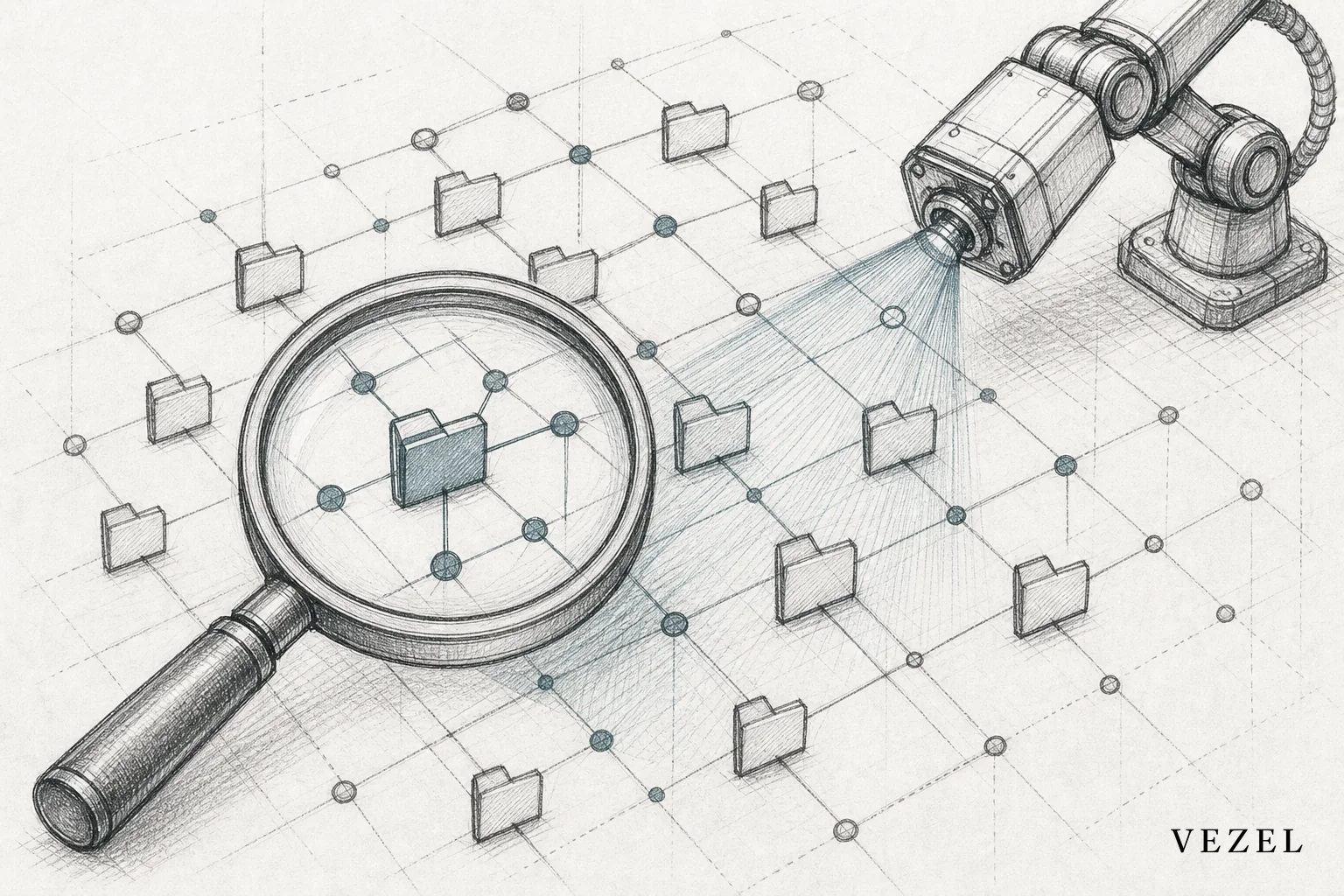
You connect AI extensions to legacy SaaS APIs by running API auto-discovery against whatever documentation exists (even partial or outdated OpenAPI specs), letting the discovery layer infer schemas from live response data where docs fall short, then mapping inconsistent field names to a canonical data model before touching authentication. You do not need to rebuild the API first. That's the part most engineering teams get wrong when they hear "AI extension layer" and assume it means a full API rewrite.
Key Takeaways
- Auto-discovery beats manual documentation: OpenAPI-based discovery can infer missing schema details from live endpoint responses, cutting weeks off the mapping process compared to manual API audits.
- Partial REST is still workable: APIs that mix REST, SOAP remnants, and ad-hoc JSON payloads can still support AI extensions if you normalize at the mapping layer instead of the source.
- Old auth doesn't block security inheritance: Basic auth, static API keys, and session tokens can all be wrapped so extensions still inherit existing RBAC and row-level permissions.
- No rebuild required in most cases: A mapping and normalization layer sitting between your legacy API and the extension builder solves 90% of the schema drift problem without touching production code.
- Roll out read-only first: Start with dashboards pulling live data before enabling write-based workflows, so you catch edge cases before they touch production records.
At a Glance: Legacy API Integration Snapshot
| Challenge | Typical Legacy State | Practical Fix |
|---|---|---|
| API documentation | Missing or years out of date | Auto-discovery infers schema from live traffic |
| Endpoint consistency | Mixed REST/SOAP, inconsistent naming | Canonical mapping layer, no source rewrite |
| Authentication | Static API keys, basic auth, custom sessions | Security inheritance wrapper preserves RBAC |
| Data types | Nulls, inconsistent date formats, version drift | Normalization rules applied at ingestion |
| Rate limits | Undocumented or aggressive throttling | Fallback and retry logic in the extension layer |
| Typical timeline | N/A | Days to a few weeks depending on endpoint count |
Why Legacy SaaS APIs Break the Usual AI Integration Playbook
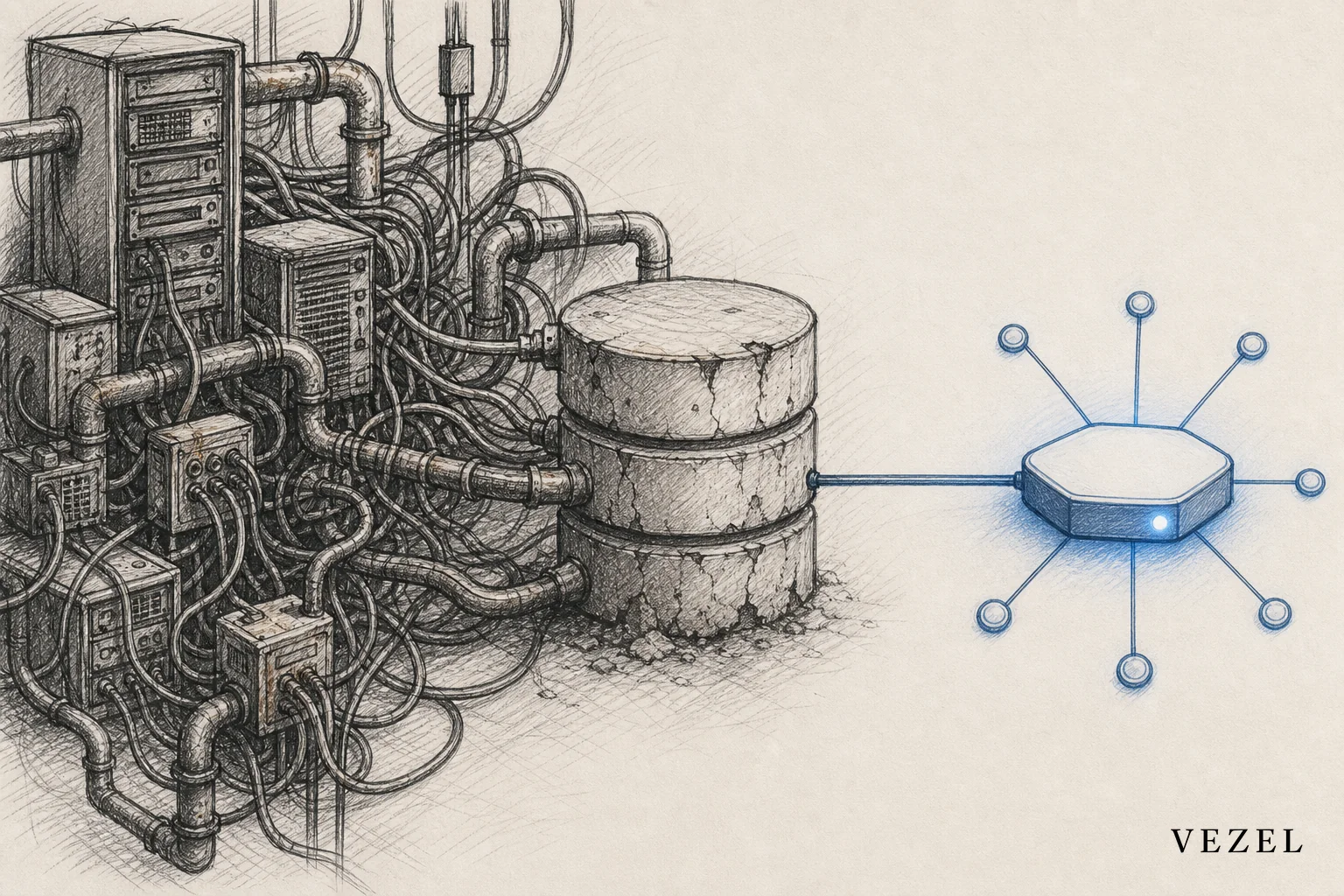
Most guides on connecting AI extensions assume a clean, well-documented, fully RESTful API with a current OpenAPI spec. That's fair for products built in the last five years. It falls apart for platforms that grew through acquisitions, multiple engineering regimes, or a decade of incremental patches.
Legacy SaaS APIs often mix eras. You might find a modern REST layer for newer modules sitting next to endpoints written when SOAP was still common. Field names change between versions without a migration guide. Some endpoints return XML, some JSON, some both depending on a header nobody remembers setting. If you've read our general walkthrough on connecting SaaS to customer workflows without code, this piece picks up where the clean-API assumption stops being true.
This is exactly the environment where enterprise SaaS vendors carry the most technical debt, and it's also where customization requests pile up fastest. Customers still want a custom dashboard or workflow. The API just makes it harder to deliver one quickly.
1. Audit What You Actually Have Before You Touch Anything
Start with an honest inventory, not a wishlist. List every endpoint currently in production use, not just the ones in your documentation. Old integrations, internal tools, and mobile apps often call routes that never made it into any spec.
- Pull actual API traffic logs to see which endpoints get hit and how often.
- Flag endpoints with inconsistent naming conventions (camelCase in one module, snake_case in another).
- Note which endpoints support pagination, filtering, or bulk operations, and which don't.
- Identify deprecated routes still in use because nobody migrated the calling code.
This audit takes a day or two for most mid-size platforms. Skipping it is the single biggest reason legacy integration projects run long, because teams discover surprises mid-build instead of before it.
2. Use API Auto-Discovery Instead of Manual Mapping
Manually documenting a legacy API is slow and it's usually already out of date by the time you finish. Vezel's OpenAPI-based auto-discovery takes a different approach: it scans whatever spec exists, then supplements gaps by observing live request and response patterns to infer the underlying schema.
This matters most for partially RESTful APIs, where some endpoints have clean OpenAPI definitions and others have none at all. The discovery layer treats these as separate problems. Documented endpoints get mapped directly. Undocumented ones get profiled through sample calls until a reliable schema emerges.
The practical upside: engineering doesn't spend weeks writing documentation that will be outdated again in six months. Auto-discovery treats the API as a living system and re-validates its map as endpoints change, which matters a lot in environments where nobody has full ownership of the original codebase anymore.
For a broader look at how this discovery step fits into the full connection flow, see our companion piece on how to connect AI extensions to your SaaS APIs.
3. Normalize Inconsistent Data Models Without a Rebuild
Legacy platforms almost never have one consistent data model. A customer record might be called account in one endpoint and client in another. Date formats drift between ISO 8601 and legacy MM/DD/YYYY strings. Some fields are optional in v1 of an endpoint and required in v2, with both versions still live.
The fix isn't rewriting the source API. It's building a normalization layer that maps these inconsistent structures to one canonical model the AI extension layer actually works against. Think of it as a translation dictionary that sits between the messy reality of your API and the clean data structure your dashboards, reports, and workflows expect.
This is the same principle behind offering scalable custom reporting inside CRM platforms and other vertical SaaS products: the reporting layer shouldn't care that the underlying data model is inconsistent, as long as the mapping layer handles translation reliably.
4. Handle Legacy Authentication and Permission Models
Older SaaS APIs rarely use modern OAuth 2.0 flows. You'll more commonly find static API keys, HTTP basic auth, or custom session tokens issued through a login endpoint that predates any standard. None of these need to block security inheritance.
The goal stays the same as with modern APIs: extensions should inherit the exact access a user already has, not a separately configured permission set. That means wrapping the legacy auth mechanism so the extension layer authenticates as the requesting user, then respects whatever role-based or row-level restrictions the host platform already enforces. It's more plumbing work than with a modern OAuth setup, but it's solvable without touching the platform's core authentication code.
If your platform handles healthcare, financial, or other regulated data, this step deserves extra scrutiny. Our guide on vertical SaaS extensibility for enterprise customers covers what enterprise buyers expect from permission handling before they'll trust a new extension layer with sensitive data.
5. Test With Real Enterprise Edge Cases, Not Just Happy Path
Legacy APIs fail in ways modern ones usually don't. Pagination might be inconsistent between endpoints, one using page numbers and another using cursor tokens. Rate limits are sometimes undocumented and only discovered when a bulk sync gets throttled mid-run. Null fields show up where the schema says a value is required.
- Simulate high-volume requests to surface undocumented rate limits before customers do.
- Test with real production-scale data, not sample records, since legacy systems often behave differently at volume.
- Build fallback and retry logic for timeouts, since older infrastructure is more likely to be slow under load.
- Check how the API handles malformed or partial records, which are far more common in systems that have been patched for years.
Skipping this step is how a demo works perfectly and a production rollout breaks on day three.
6. Roll Out Incrementally and Monitor Extension Behavior
Don't connect every endpoint and enable every extension type on day one. Start with read-only dashboards pulling live data, since they carry lower risk than write-based workflows. Once those are stable, move to approval flows and other workflows that write back to the legacy system.

A governed, in-product marketplace helps here, because it gives you version control as legacy endpoints inevitably change underneath you. When an old endpoint gets patched or deprecated, you want a clear way to update the mapping and republish the extension without breaking every customer instance at once. Our post on embedding a workflow builder in your SaaS covers how this staged approach applies once you move past dashboards into full workflow automation.
Legacy vs Modern API Integration: What Changes for AI Extensions
| Factor | Legacy REST/Mixed API | Modern OpenAPI-First API | GraphQL API |
|---|---|---|---|
| Documentation completeness | Partial or missing | Usually current | Schema is self-documenting |
| Discovery approach | Spec + live traffic inference | Direct spec parsing | Schema introspection |
| Data consistency | Variable across endpoints | Generally consistent | Enforced by schema |
| Auth model | Mixed (keys, basic auth, custom) | OAuth 2.0 standard | Usually token-based |
| Setup time | Days to weeks | Hours to days | Hours to days |
| Rebuild required? | No, with a mapping layer | No | No |
According to the National Institute of Standards and Technology, technical debt in enterprise software systems compounds over time when integration work is deferred rather than addressed incrementally, which is exactly why a mapping layer approach tends to outperform a full rebuild for most organizations. For general context on how OpenAPI specifications work, the OpenAPI Specification documentation is a useful reference when auditing what your own API does and doesn't expose.
FAQ
Can AI extensions work without full OpenAPI documentation?
Yes. Auto-discovery tools can infer schema details from live request and response traffic when formal documentation is missing or incomplete. It's slower than working from a complete spec, but it doesn't require writing new documentation from scratch before you start.
How long does legacy API integration typically take?
For most mid-size SaaS platforms, initial discovery and mapping takes anywhere from a few days to a few weeks, depending on how many endpoints are undocumented and how inconsistent the underlying data models are.
Does connecting AI extensions require rewriting our legacy API?
No, in almost every case. A normalization and mapping layer between the extension builder and your existing API solves schema inconsistency without touching production code or forcing a migration.
What happens if legacy endpoints change without notice?
A governed extension layer should re-validate its endpoint mapping periodically and flag drift when a response schema no longer matches what was discovered. This is where version control inside a marketplace, rather than a one-time integration, keeps things stable over time.
If your engineering team is staring down a backlog of enterprise customization requests that your legacy API makes harder than it should be, you don't have to choose between a multi-month rebuild and turning down the deal. Book a demo to see how Vezel's auto-discovery handles messy, partially documented APIs in practice, or see how it works before committing to anything. If you're still comparing this against a full custom build or an internal tool builder, talk to an expert about what your specific API environment would actually require.



