


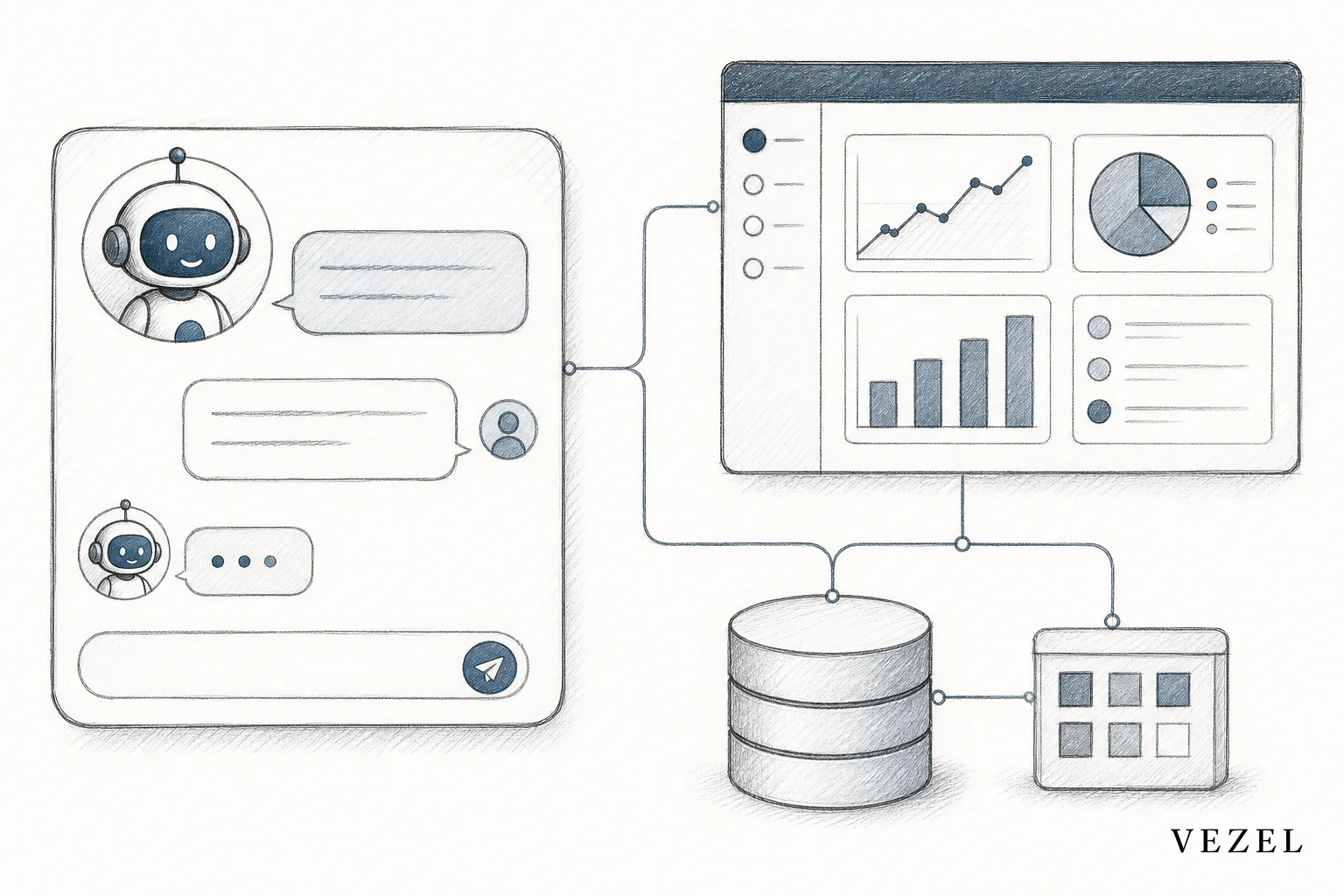
You build AI support agents for your SaaS product without coding by pointing a no-code builder at your existing API spec, letting auto-discovery map your data model, writing the agent's behavior in plain English, and publishing it through a governed marketplace where it inherits your product's login and permissions. The whole process usually takes days, not sprints.
Key Takeaways
- No engineering ticket required: Product and CS teams can scope, prompt, and launch a support agent using plain-English instructions instead of a backlog item.
- Auto-discovery replaces custom integration work: Pointing the builder at your OpenAPI spec maps endpoints and data models automatically, so there's no middleware to write.
- Permissions come free: A well-built agent inherits your host platform's authentication and RBAC, so a support rep at Customer A never sees Customer B's account data.
- Narrow scope beats broad scope: Agents that own one repeatable support job (billing status, sync failures, invoice approvals) outperform agents built to "answer anything."
- Publishing is a governance step, not a launch button: Versioning and review inside a governed marketplace keep customer-facing agents from becoming shadow IT.
At a Glance: The No-Code Build Process
| Step | What You Do | Typical Time | Who's Involved |
|---|---|---|---|
| 1. Define the job | Write a plain-English brief for one support task | 1-2 hours | Product or CS lead |
| 2. Connect APIs | Point auto-discovery at your OpenAPI/Swagger spec | Minutes to an hour | Product or a technical reviewer |
| 3. Prompt behavior | Describe tone, scope, and escalation rules in plain English | 1 day | CS or support lead |
| 4. Inherit RBAC | Confirm the agent respects existing auth and row-level permissions | 1-2 hours testing | Product or security reviewer |
| 5. White-label theming | Match host product's design system automatically | Minutes | Product or design |
| 6. Publish | Submit through the governed marketplace for review and release | 1-3 days | Product owner |
1. Define the Support Job the Agent Will Own
Before you open any builder, decide what one job this agent is going to do well. Not "answer support questions." Something specific: "explain why a customer's data sync failed" or "tell a user the status of their invoice and who approved it." That's the difference between an agent that customers trust and one they abandon after the second unhelpful reply.
Write this as a plain-English brief, the same way you'd brief a new support hire. What questions does it answer? What data does it need to see? What should it never guess at? This brief becomes the prompt foundation in the next step, so getting specific here saves rework later.
Teams that skip this step tend to build a generic assistant that tries to cover every ticket type. It ends up shallow everywhere and useless in the moments that matter. If you already have a support assistant covering general product questions, this agent should own a narrower job. Our related guide on building an AI support assistant for SaaS customers walks through that broader use case in more depth.
2. Connect the Agent to Your Existing APIs With Auto-Discovery
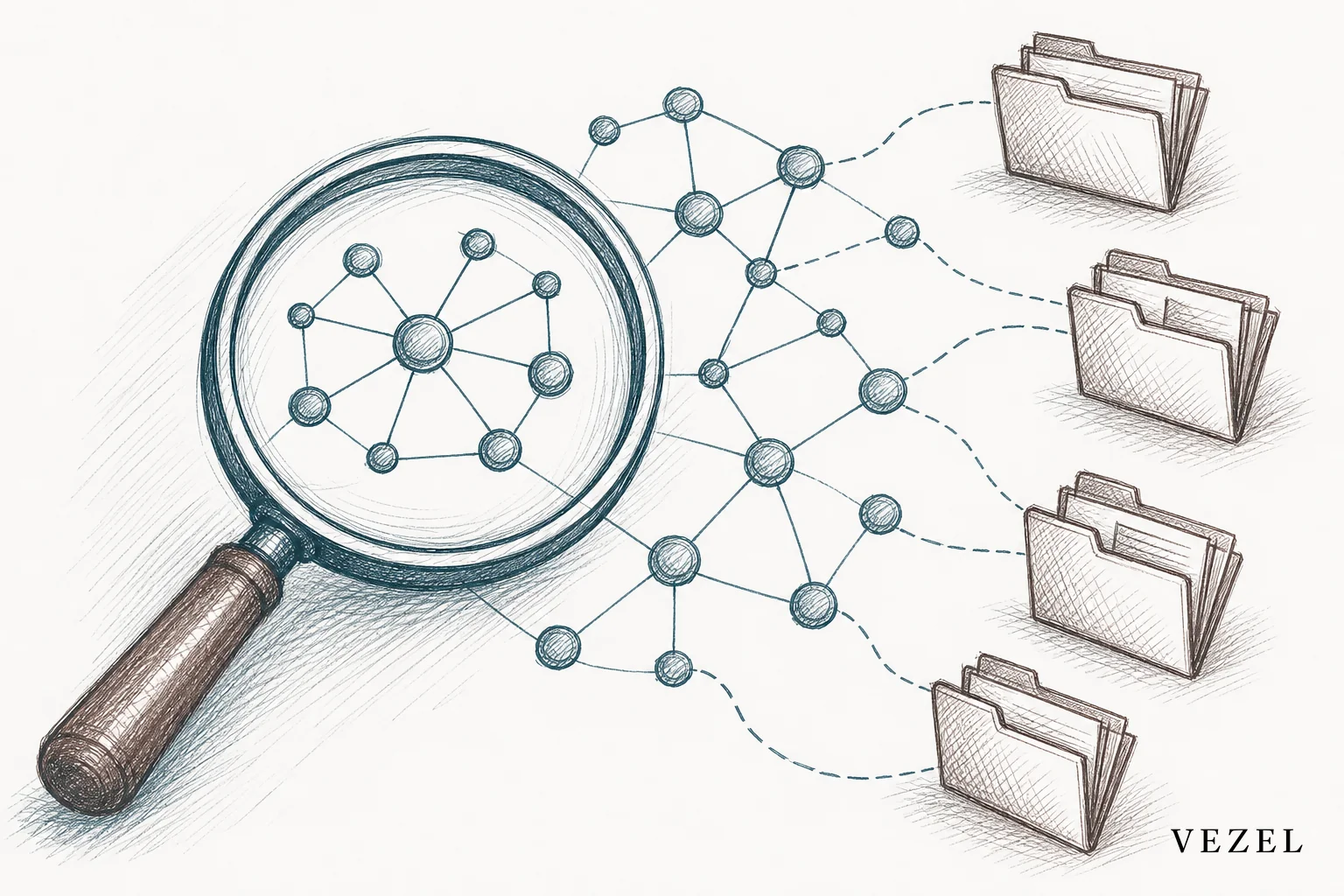
Once you know the job, the agent needs access to real data, not static help docs. This is where API auto-discovery does the heavy lifting. Point the builder at your existing OpenAPI (Swagger) specification, and it maps your endpoints and data models automatically, without a developer writing a single integration script.
This matters because most "AI support" tools on the market require someone to build a custom connector for every data source. That's exactly the kind of one-off engineering work that piles onto your roadmap. Auto-discovery flips that: the agent understands your product's existing data shape because it reads the spec you already maintain.
If your platform's API surface is older or partially documented, this step still works, though it may take a bit more validation. For teams managing legacy systems, it's worth comparing this approach against custom integration timelines using our post on connecting SaaS to customer workflows without code.
3. Prompt the Agent's Behavior in Plain English
With data access in place, you shape how the agent talks and what it's allowed to do. This is plain-English prompting, not a scripting language. You're writing instructions like: "If a customer asks about billing status, pull their invoice record and summarize it in two sentences. If the invoice is disputed, don't guess at resolution timing, escalate to a human."
Good prompts do three things:
- Describe the tone and length of responses (short, direct, no jargon)
- Set explicit boundaries on what the agent should never answer
- Define when it should hand off to a human instead of guessing
Run test conversations before you move further. Try edge cases: ambiguous questions, angry customers, requests outside the agent's scope. Watch how it responds and refine the prompt. This iteration usually takes a day, not a sprint, because you're editing sentences, not code.
4. Inherit Authentication and RBAC Automatically
This step is where most homegrown chatbot projects quietly fail. A support agent that pulls live account data has to respect the exact same permissions as the human user asking the question. If it doesn't, you've built a data leak, not a support tool.
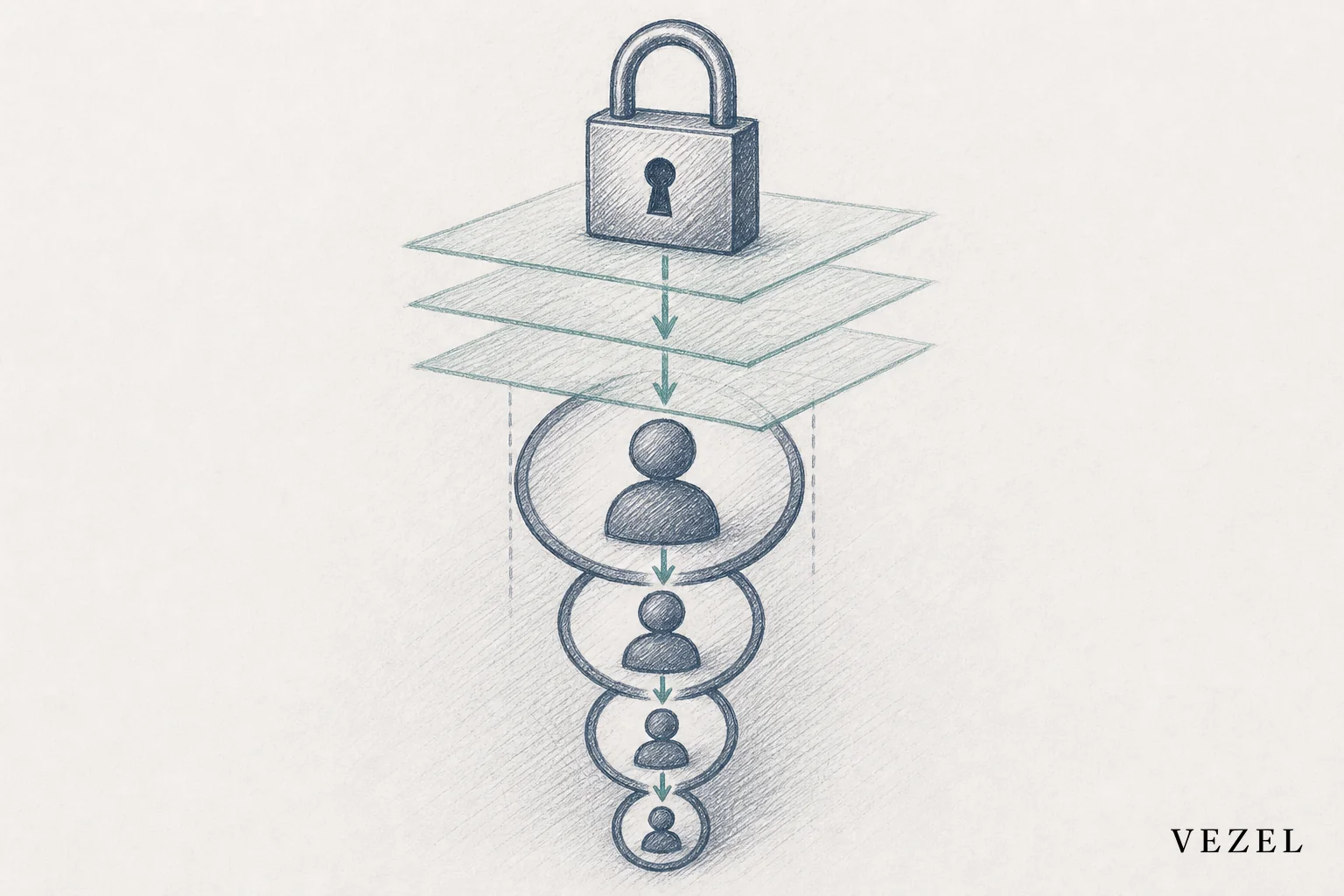
An embedded AI extension builder solves this by having the agent inherit your host platform's authentication and role-based access control (RBAC) automatically, including row-level permissions. A support rep logged in under a regional manager role only ever sees that region's data through the agent, the same as they would through your product's normal UI. Nobody has to rebuild your identity system or manually map roles into a separate tool.
Test this deliberately before launch. Log in as a few different roles and confirm the agent's answers change accordingly. This is the single most important QA step in the whole build, and it's one reason engineering teams that build these agents from scratch in tools like Retool often struggle to replicate it consistently. If you want the full technical breakdown of why this is hard to get right, see our piece on why choosing an embedded extensibility platform matters more than picking a generic app builder.
5. White-Label the Agent to Match Your Product
A support agent that looks like a third-party widget bolted onto your product erodes trust before a customer even asks their first question. White-labeling should be automatic: the agent's chat interface should inherit your host product's colors, fonts, and layout conventions so it feels like a feature you built, not a plugin you added.
This is largely a configuration step rather than a design project. Because the theming pulls from your existing design system, there's no separate brand kit to maintain, and no drift when your product's UI changes down the line.
6. Test, Govern, and Publish Through the Marketplace
Once the agent answers correctly, respects permissions, and looks native, it's ready for governed publishing. This isn't a "click deploy" moment. A governed in-product marketplace adds a review layer: someone checks the agent's scope, tests its boundaries one more time, and assigns it a version before it becomes visible to customers.
Versioning matters because support agents evolve. You'll want to update prompts, expand scope, or fix an edge case a customer found. A governed marketplace tracks those changes so you can roll back a bad update without disrupting every customer using the agent.

Publishing through a marketplace also solves a quieter problem: discoverability. Customers can find and enable the agent themselves instead of asking their account manager to turn it on. For a deeper look at how publishing, versioning, and review actually work, read our companion piece on what a governed marketplace for SaaS extensions is.
Common Mistakes When Building No-Code Support Agents
- Scoping too broad: An agent built to "handle all support" tends to handle none of it well. Start with one job and expand once it's proven.
- Skipping permission testing: Assuming inheritance "just works" without testing multiple roles is how data leaks happen.
- Treating publishing as a formality: Skipping review before release invites the same shadow IT risk you were trying to avoid. See our post on preventing shadow IT in your SaaS platform for more on that risk.
- Forgetting versioning: Editing a live agent's prompt without version control means you can't roll back if something breaks.
These mistakes aren't reasons to avoid building agents this way. They're reasons to build them inside a platform designed for this exact governance, rather than duct-taping a chatbot API onto your product yourself.
FAQ
Do I need any engineering involvement at all?
Engineering doesn't need to write custom code for the agent itself, but a technical reviewer should validate the API connection and permission inheritance before launch. Think of it as a review step, not a build step.
How long does the whole process actually take?
Most teams move from a defined support job to a published agent in about a week, with most of that time spent on prompt iteration and permission testing rather than integration work.
Can our customers build their own support agents inside our product?
Yes. Once you've set up API auto-discovery and permission inheritance for your platform, customers can build narrower agents for their own teams using the same plain-English builder, all governed through your marketplace.
Does this replace our existing support team?
No. It handles the repeatable, data-lookup questions so your support team spends time on the harder cases that actually need a person.
Engineering roadmap pressure from custom support requests doesn't have to keep growing every quarter. If your team is stuck fielding one-off requests for account-specific support tooling, building a no-code AI agent that inherits your product's data and permissions is the fastest way out. Book a demo to see the build process on your own API, or see how it works before your next roadmap planning meeting. If you'd rather talk through your specific support workflow first, talk to an expert about where an AI agent fits into your product today.



