


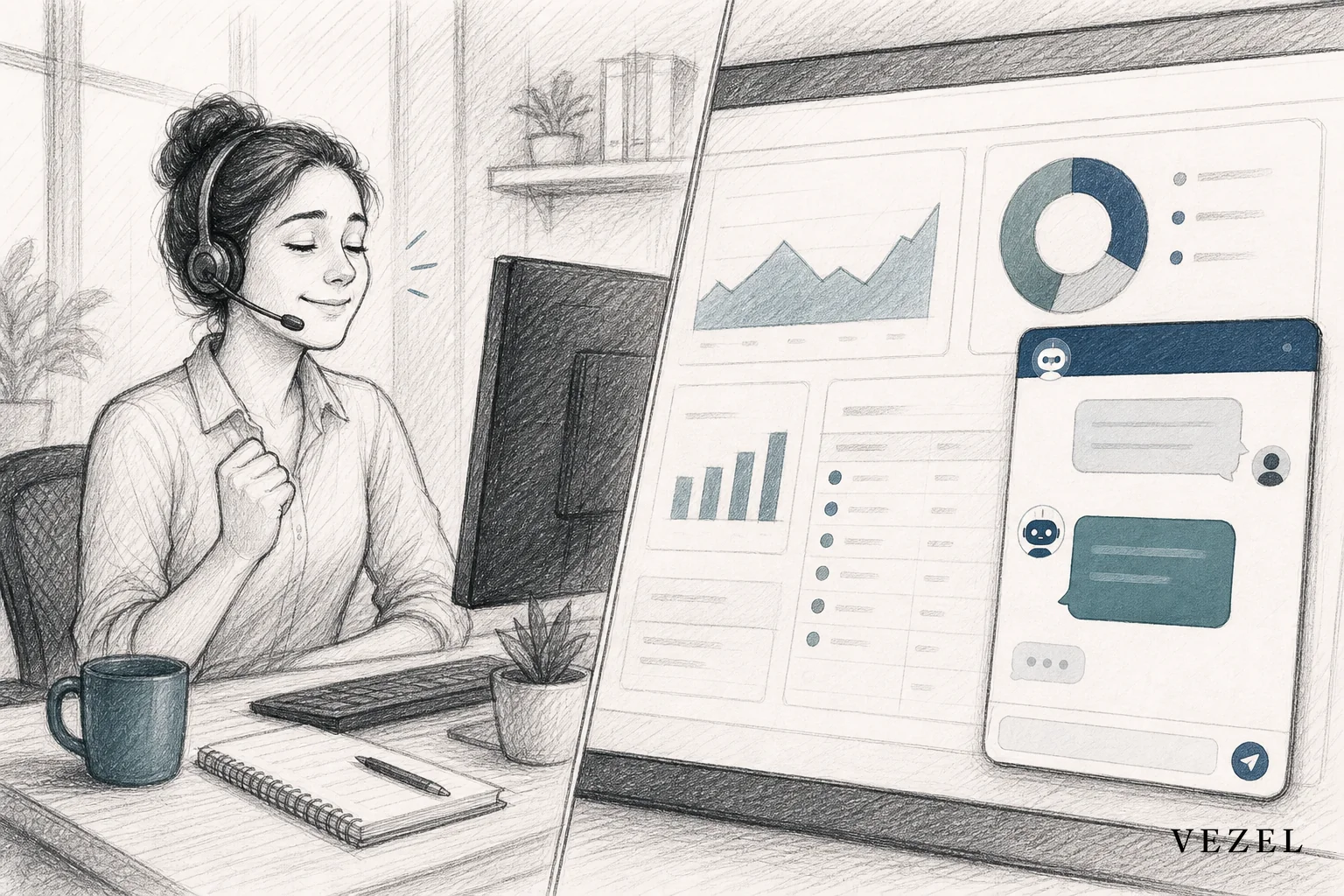
An AI support assistant for SaaS customers works by connecting a conversational layer directly to your product's live account data, so it can answer questions like "why did my sync fail" or "who approved this invoice" using real records, not static help articles. Done right, it inherits your platform's existing permissions and deploys without an engineering sprint.
Key Takeaways
- Live data beats static docs: The tickets costing your team the most time are account-specific, and a help center article can't answer them.
- Permission inheritance is non-negotiable: The assistant should only ever see what the logged-in user is already allowed to see, with zero rebuilt access logic.
- Deflection targets the hard tickets: Generic chatbots deflect FAQ questions; embedded assistants deflect the account-specific ones that usually require a human.
- No engineering sprint required: Plain-English configuration means CS and product teams can launch and adjust the assistant on their own.
- Governance keeps it safe: Versioning, publishing controls, and rollback matter as much as the AI model behind the assistant.
At a Glance: Embedded AI Support Assistant Essentials
| Factor | What to Expect |
|---|---|
| Data source | Live account records via existing APIs, not a static knowledge base |
| Permission model | Inherits host platform's authentication, RBAC, and row-level access |
| Deployment location | Embedded inside the product, white-labeled to match the UI |
| Engineering involvement | Minimal to none for launch and ongoing configuration changes |
| Typical deflection target | Account-specific questions: status, records, approvals, usage |
| Governance needs | Publishing controls, version history, rollback, audit visibility |
| Best fit | Vertical and horizontal B2B SaaS with enterprise support volume |
1. Understand What Makes This Different From a Chatbot
Most support chatbots are trained on a help center. Ask them a general question, "how do I reset my password," and they answer well. Ask them "why does my report show zero conversions for last week" and they fall apart, because the answer lives in your customer's account, not in a knowledge base article.
That gap matters more than it sounds. Support teams already know that the tickets eating the most agent hours are rarely generic. They're account-specific: a sync that silently failed, an approval stuck in someone's queue, a report that doesn't match what a customer expected. A traditional chatbot can't touch any of it, because it was never connected to the data that would let it look.
This is the same interaction-versus-adaptation gap that shows up across enterprise SaaS. AI assistants got very good at answering questions. They rarely got connected deeply enough to act on a specific customer's actual records. An AI support assistant for SaaS customers closes that gap by querying live platform data on the customer's behalf, in real time, inside the product they're already using.
2. Map the Support Questions That Actually Drive Ticket Volume
Before building anything, pull the last 90 days of support tickets and tag them two ways: general product questions versus account-specific questions. General questions ("how do I export a CSV") are the easy ones. Account-specific questions ("why is my dashboard showing different numbers than yesterday") are the ones your team dreads, because each one requires an agent to log into the account, dig through records, and reconstruct what happened.
In most B2B SaaS support queues, account-specific tickets make up a disproportionate share of total handle time even when they're a smaller share of ticket count. That's the target list. If a question requires looking at a specific customer's data to answer, it's a strong candidate for an embedded assistant. If it requires looking at a manual or a settings page, it's not.
Write these categories down. You'll use them again once the assistant is live, to measure whether it's actually working on the tickets that matter, not just the easy ones a static bot already handled.
3. Connect the Assistant to Live Platform Data, Not a Knowledge Base
Once you know which questions matter, the assistant needs a path to the data behind them: invoice records, sync logs, workflow status, usage metrics, whatever your product already exposes through its API. This is where most teams assume they need a multi-quarter integration project. They don't have to.
Platforms built for embedded extensibility use API auto-discovery to map your existing OpenAPI-based endpoints and data models automatically, instead of requiring a developer to hand-wire every query the assistant might need to run. The assistant reads from the same data your product already serves through the UI. There's no separate database to maintain and no duplicate copy of customer data to keep in sync.
This is also where the assistant earns its name. It's not answering from a script. It's querying the live record and answering with what's actually true for that customer, right now.
4. Inherit Permissions Instead of Rebuilding Them
This step decides whether the project is safe to ship. If your assistant can see data the logged-in user shouldn't see, you haven't built a support tool, you've built a liability. The fix isn't writing a parallel permission system and hoping it stays in sync with your product's actual access rules. The fix is security inheritance: the assistant runs under the same authentication, role-based access control, and row-level permissions your platform already enforces.
Practically, that means a support admin using the assistant sees admin-level answers, a read-only user sees read-only answers, and a customer on the free tier never sees data scoped to an enterprise account, without anyone writing custom logic to make that happen. This is the same principle covered in our guide on how to prevent shadow IT in your SaaS platform: when the sanctioned tool respects the rules customers already trust, they stop building workarounds that don't.
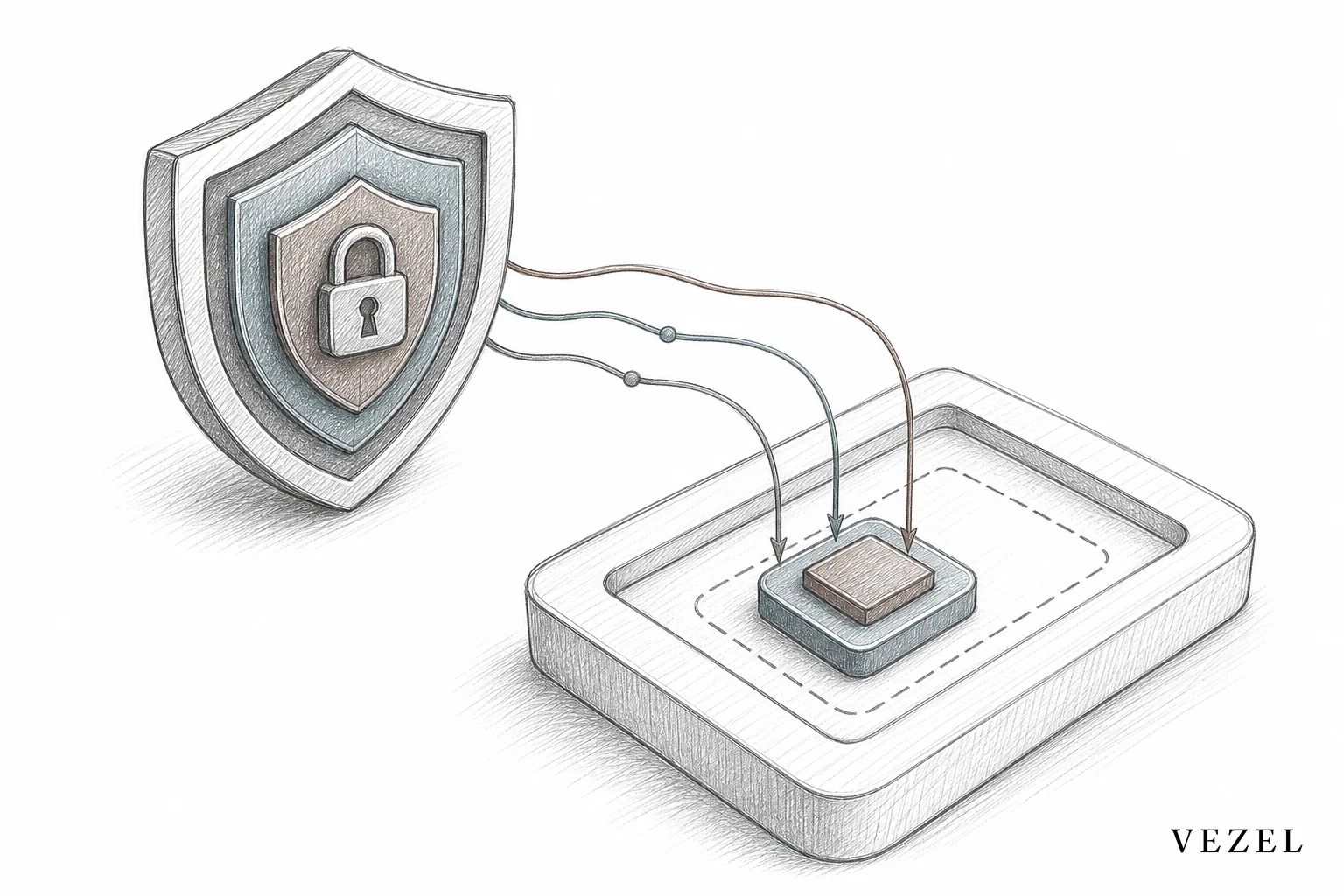
Teams that skip this step and bolt a general-purpose AI model onto their support inbox often discover the gap only after a customer asks a question the assistant should never have been able to answer. Permission inheritance isn't a nice-to-have. It's the entire reason an embedded assistant can be trusted with real account data in the first place.
5. Deploy the Assistant Inside the Product, Not as a Separate Widget
Where the assistant lives changes how much customers trust it. A support widget bolted onto a marketing site, or a separate app customers have to log into again, feels like a bandage. An assistant that's white-labeled to match your product's existing design system, embedded directly where customers already work, feels like a feature you built on purpose.
This is a zero-footprint embed problem, not a redesign problem. The goal is a support experience that looks native: same fonts, same colors, same navigation patterns, so a customer asking "why did my sync fail last night" never has to leave the screen they're already on. Teams that have gone through this exercise for dashboards and workflows already understand the pattern; the same logic behind building custom dashboards inside your SaaS applies directly to support assistants.
6. Give Product and CS Teams Control Without Needing Engineering
Here's where most support AI projects stall. The assistant works in a demo, then someone asks: who updates it when a new data field launches, or when a customer wants the assistant to also answer questions about a workflow it doesn't currently cover? If the answer is "engineering opens a ticket," you've rebuilt the same backlog problem you were trying to avoid.
The better model is plain-English configuration. A CS lead or product manager should be able to describe what the assistant should be able to answer, in the same way they'd brief a new support hire, and have that become live behavior. Paired with a governed marketplace for publishing, versioning, and rollback, this keeps the assistant under control without keeping it under engineering.
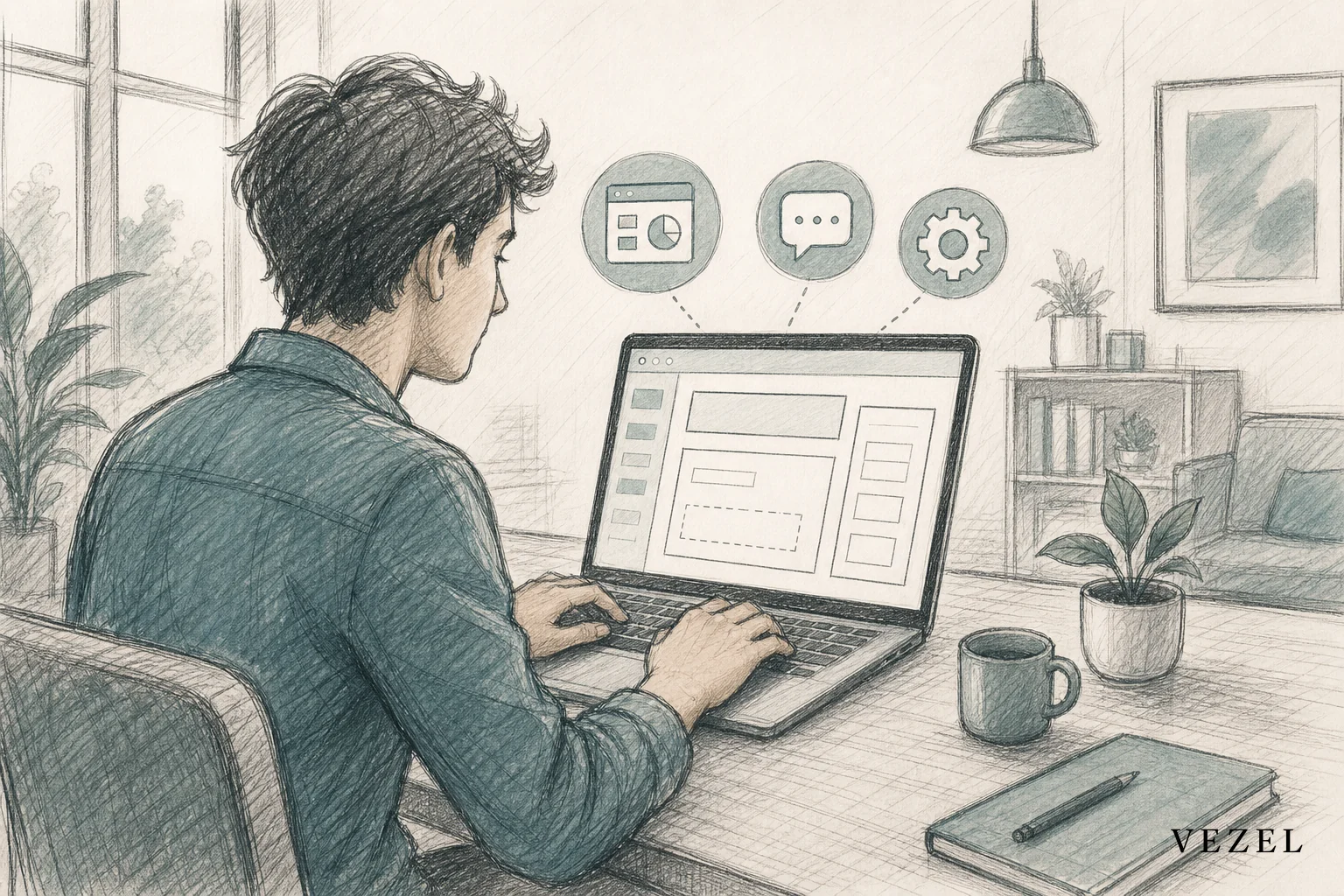
This is also where deploying AI agents inside your SaaS platform stops being a one-time engineering project and becomes an ongoing capability CS teams can own. Want to see the mechanics before committing? See how it works in more detail.
7. Measure Ticket Deflection and Iterate
Once the assistant is live, measure it against the ticket categories you mapped in step two, not against total ticket volume. A drop in general FAQ tickets is nice but expected; the real signal is whether account-specific tickets are actually declining. Track deflection rate by category, time-to-resolution on tickets the assistant handles versus the ones it escalates, and CSAT on both groups.
Feed the questions the assistant couldn't answer back into its configuration, not into an engineering backlog. If customers keep asking about a data source the assistant doesn't yet reach, that's a configuration update, not a development project. Over a few iterations, most teams find the assistant's coverage expands naturally toward whatever customers actually ask about, rather than what a roadmap predicted they'd ask about.
AI Support Assistants vs Other Ways to Reduce Ticket Volume
Support leaders usually evaluate a few different approaches before landing on an embedded AI assistant. Here's how the main options stack up on the factors that actually decide whether a deflection strategy works:
| Approach | Reads Live Account Data | Inherits Permissions | Deployment Speed | Engineering Needed |
|---|---|---|---|---|
| Static help center / FAQ bot | No | N/A | Fast | Low |
| Internal tool builder (e.g. Retool) | Yes, with setup | Rebuilt manually | Slow | High |
| General no-code app builder (e.g. Glide) | Partial | Rebuilt manually | Moderate | Moderate |
| Embedded AI support assistant | Yes, native | Inherited automatically | Fast | Minimal |
The pattern holds across most comparisons in this space: general-purpose builders can technically connect to your data, but someone still has to reconstruct your permission model by hand, and that work rarely gets prioritized until it becomes a security incident. Our breakdowns of Retool vs embedded extensibility for SaaS products and Glide vs embedded extensibility go deeper on why that gap matters at scale.
Common Mistakes to Avoid
- Bolting on a generic chatbot: If it isn't connected to live account data, it will only ever handle the questions you've already solved with a help center.
- Skipping permission inheritance: Rebuilding access logic by hand almost always drifts out of sync with your actual product permissions.
- Treating launch as the finish line: An assistant that never gets tuned after launch stops covering the questions customers actually start asking six months in.
- Routing every update through engineering: That reintroduces the exact backlog pressure covered in our guide on reducing SaaS engineering backlog from enterprise requests.
- Ignoring governance: Without versioning and rollback, one bad configuration change can affect every customer using the assistant at once.
Frequently Asked Questions
Does an AI support assistant replace human support agents?
No. It removes the account-specific lookup work that eats agent time, so agents spend more time on genuinely complex cases and less time reconstructing what happened in an account. Human agents still own escalations, edge cases, and relationship-driven support.
How long does it take to launch one inside an existing SaaS product?
Timelines vary by how your APIs are structured, but platforms using API auto-discovery and pre-built permission inheritance can shrink this from a multi-quarter engineering project to a configuration effort measured in weeks, not months.
Can it access sensitive customer data safely?
Only if permission inheritance is built in from the start. The assistant should never have broader access than the logged-in user already has under your platform's existing authentication and role-based access controls.
Does this work for vertical SaaS like healthcare or supply chain?
Yes, and the stakes are often higher there. Our guides on how healthcare SaaS platforms can offer extensibility and how to choose an embedded extensibility platform cover the compliance and evaluation criteria specific to regulated and operationally complex industries.
Support teams don't need another chatbot layered on top of a help center. They need an assistant that can actually see what's happening in a customer's account and answer accordingly, without opening a security risk or an engineering ticket to do it. If your team is buried in account-specific tickets that a knowledge base was never going to solve, it's worth seeing what an embedded AI support assistant looks like inside your own product. Book a demo to walk through it with your actual data model, or talk to an expert about where this fits into your current support stack.



