


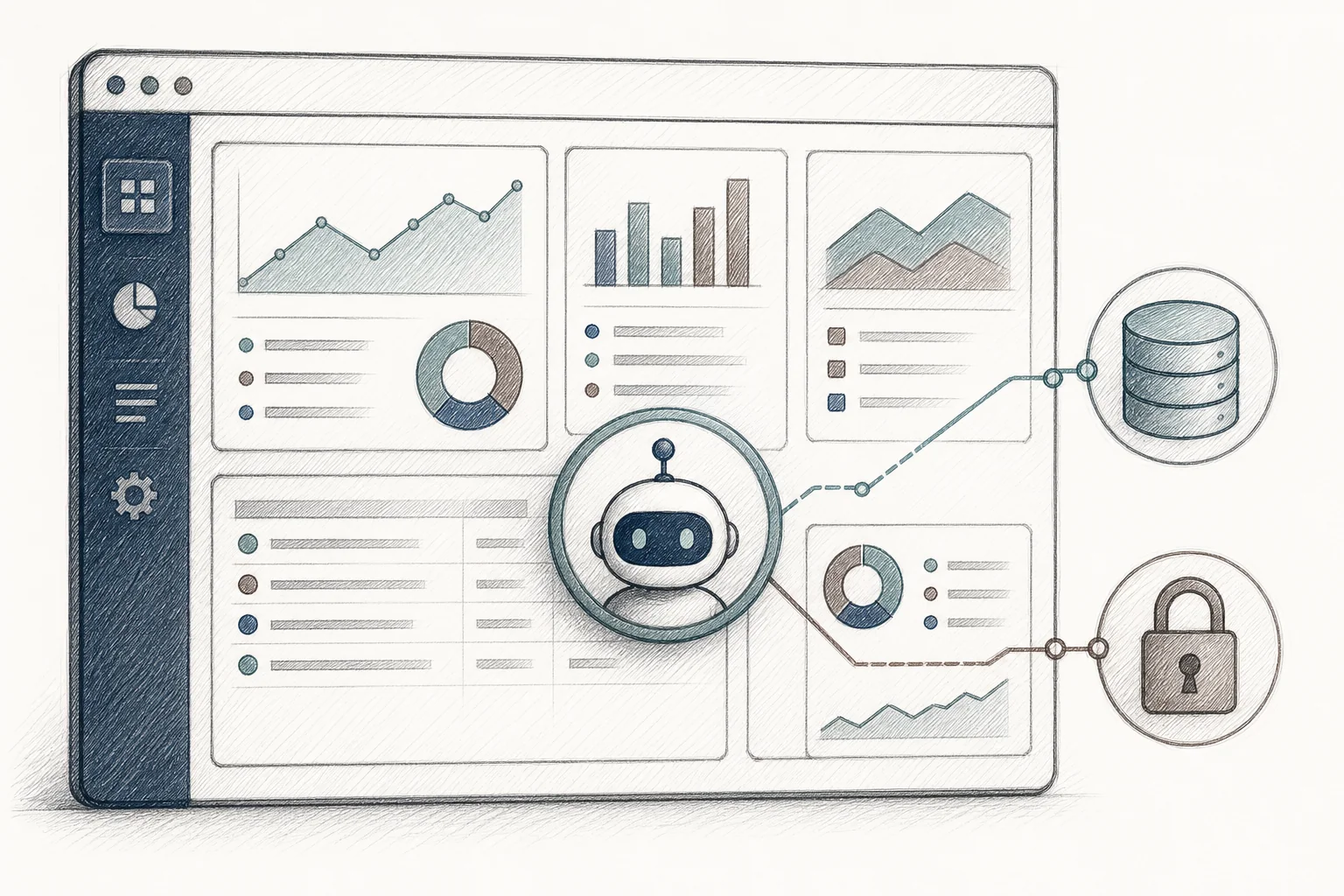
A field ops manager at a mid-size HVAC company opens a support ticket on a Tuesday morning. She wants to know which of her 40 open jobs are closest to violating a refrigerant-tracking threshold. The support team logs the ticket, routes it to a specialist, and promises an answer within two business days. She needed it before her 8 a.m. crew huddle. By the time the answer arrives, she's already built the ranking herself in a spreadsheet, and she'll keep using that spreadsheet from now on.
That's the moment a SaaS vendor loses a workflow forever. Not because the platform lacked the data. The data was sitting right there in the product. The problem is that nobody had built a way for her to ask the question directly and get a working answer inside the tool she already trusted. This is exactly the gap that learning how to deploy AI agents inside a SaaS platform is meant to close — and it's a different job than bolting a chatbot onto your product and calling it done.
Why Bolting On a Chatbot Isn't the Same as Deploying an Agent
Most "AI in SaaS" today lives at one of two levels. Level one is extraction: a single AI call that classifies text or turns a photo into a form field. It's cheap, stateless, and forgettable. Level two is conversation: a chat sidebar with memory and tool access, the kind that lets a user "ask their data a question." It's a real step up, but the answer disappears the moment the tab closes. Nobody wants to retype the same prompt every Tuesday morning.
The field ops manager didn't need a conversation. She needed a durable, installable answer that shows up in the same place every day, scoped to her data, without her having to ask twice. That's level three: application generation, where the AI produces a persistent agent or microapp instead of a one-time reply. Deploying AI agents this way — as native, running pieces of the product rather than a sidebar experience, is what separates platforms that see real daily usage from the ones stuck at single-digit weekly-active rates once the novelty wears off.
The rest of this guide walks through the actual mechanics: how to scope the agent, connect it to real data, inherit security instead of rebuilding it, let end-users configure it in plain English, and publish it somewhere other than a forgotten Slack thread.
1. Map the Job Before You Map the API
Skip the temptation to build a general-purpose "ask anything" agent for your whole customer base. That's the same one-size-fits-all trap that created the usage gap in the first place. Start narrower: pick one persona, one recurring question, one workflow that shows up in support tickets or feature requests over and over.
- A support assistant for a CRM that surfaces renewal-risk accounts based on usage decline and recent touchpoints.
- An operations copilot for field service software that ranks open jobs by urgency and technician proximity.
- A research agent for HR tech that pulls credential-expiration data and groups it by department.
Each of these is deliberately small. That's the point. A microapp built around one specific job gets used every day. A sprawling "do everything" agent gets opened once, admired, and forgotten. [INTERNAL_LINK: how to build custom dashboards inside your saas]
2. Connect the Agent to Your Real API Surface
Once you know the job, the agent needs access to real data, not a mocked-up demo. This is where teams historically lost months: manually documenting every endpoint, writing custom integration code, and testing edge cases one field at a time. With an embedded extension platform, this step compresses down to roughly two weeks instead of a quarter.
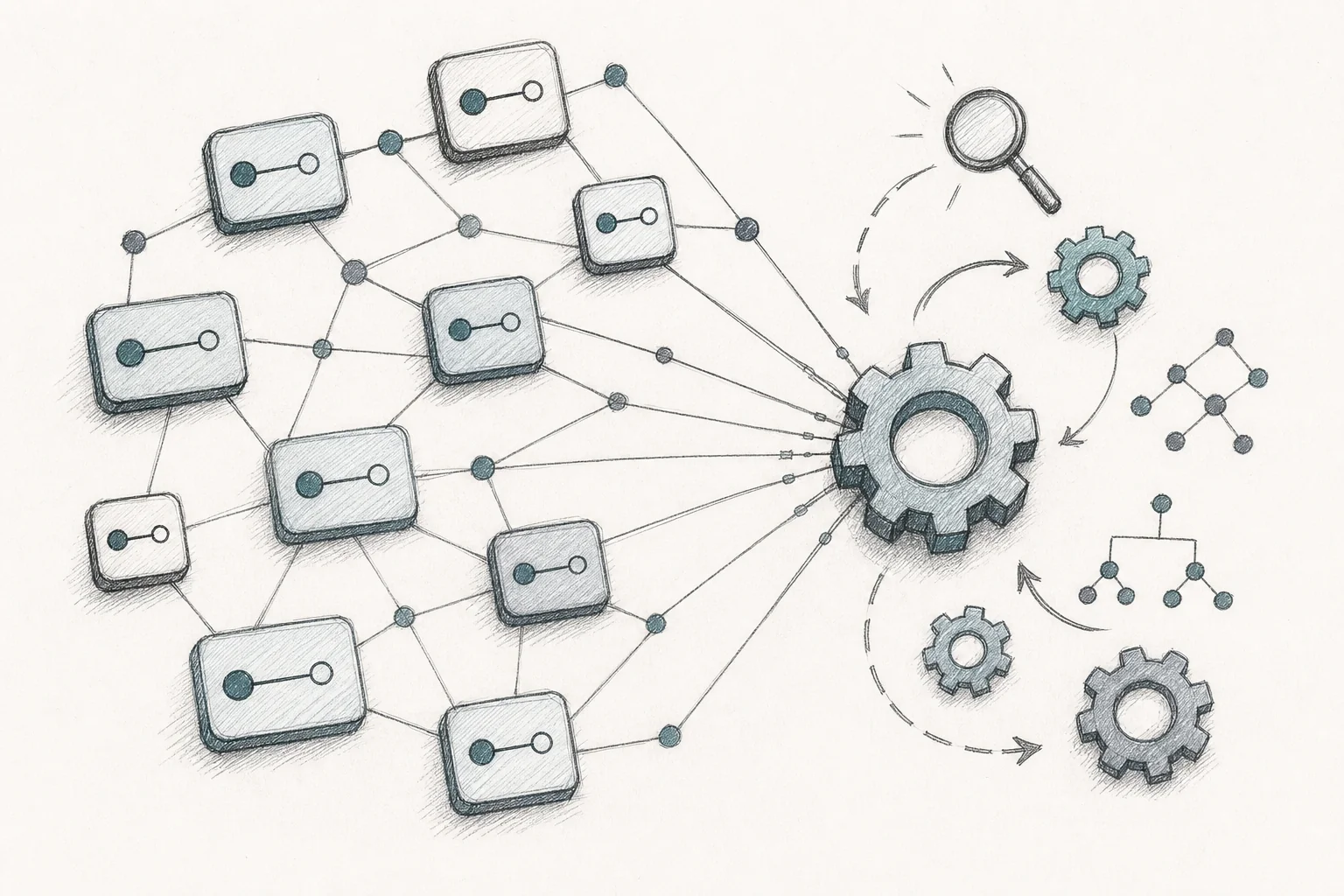
The mechanism is straightforward. You connect the extension builder to your product's API surface, ideally through an OpenAPI specification. The platform ingests that spec, infers data shapes from sample responses, and maps natural-language intents, "show me overdue jobs grouped by site", to the correct calls automatically. Nobody has to hand-wire the refrigerant-tracking field or the renewal-risk score. The agent already knows where to find it.
This is also where you decide what "read" and "write" access an agent actually needs. A research agent that only summarizes data behaves very differently, from a risk standpoint, than an ops copilot that can reassign a work order. Scope it deliberately at this stage, not after something breaks.
3. Inherit Authentication and Permissions, Don't Rebuild Them
Here's the part that separates a production-grade agent deployment from a weekend hackathon project. Standalone AI app generators, the Bolt, Lovable, Replit category of tool, are genuinely good at producing a working prototype fast. But that prototype lives on its own infrastructure, with its own login and its own database. It has no idea what your row-level security rules look like, and at one app that's manageable. At hundreds of agents across hundreds of customer accounts, it becomes an audit nightmare nobody signed up for.
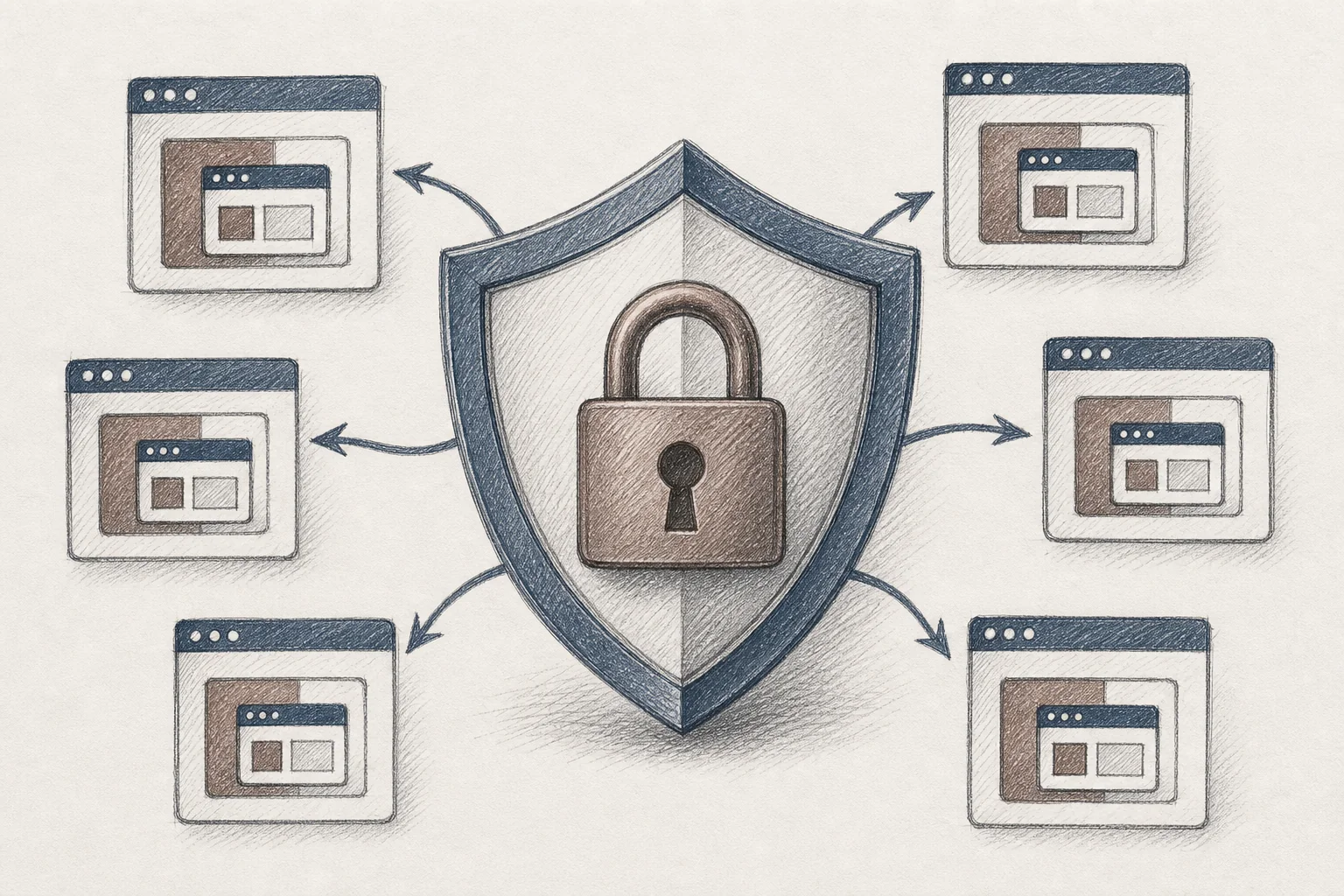
An embedded AI agent should never need its own login. Every action it takes should pass through the same role-based access controls that already govern the rest of your platform. If a user can't see certain records in the core product, the agent they configure can't see them either, full stop. That means:
- SSO and identity carry over automatically; no second set of credentials for end-users to manage.
- Row-level access is enforced at the infrastructure layer, not left to application code that someone might forget to write correctly.
- Every generation and deployment event is logged, so compliance teams can answer "who built this, and what can it touch?" without digging through commit history.
This single design decision is why regulated industries, healthcare, financial services, anything with an audit requirement, can adopt embedded agents at all. [INTERNAL_LINK: healthcare saas extensibility]
4. Let End-Users Configure Agents in Plain English
Once the connection and the security model exist, configuration should look like a conversation, not a spec document. A customer success manager or, increasingly, the end-customer directly, describes the workflow the way they'd describe it to a coworker:
"Show me accounts where product usage dropped more than 20% in the last 30 days, sorted by contract value, and list the last three support interactions for each one."
That single sentence, translated correctly, becomes a running renewal-risk agent. No spec document, no engineering ticket, no waiting for the next sprint. The refinement loop works the same way. If the first version misses something, the user just says so: "also flag anything with an open escalation in red." Version history means a bad edit can be rolled back in seconds rather than requiring a rollback deploy from engineering.
This is also where plain-English prompting quietly solves the feature-request backlog problem. Instead of every request queuing up behind an engineering team that can only ship 20 to 30 features a quarter, the person who actually knows the workflow builds it themselves, the same day they thought of it. [INTERNAL_LINK: how to reduce saas engineering backlog from enterprise requests]
5. White-Label the Agent So It Feels Native
An agent that looks like a foreign object bolted onto the side of your product will get treated like one, used once, then ignored. The generated interface needs to inherit your actual design system: typography, color tokens, spacing, navigation patterns, the works. Done right, a customer using the agent shouldn't be able to tell it wasn't built by your core engineering team.
This matters more than it sounds. Trust in B2B software is largely visual before it's functional. A user who sees a jarring, mismatched interface assumes it's a bolted-on experiment and treats it accordingly, checking in occasionally rather than depending on it daily. White-labeling is what turns "a neat AI thing they showed us in onboarding" into "the tool I open every morning."
6. Publish to a Governed Marketplace, Not a One-Off
An agent that only one person knows exists is a wasted opportunity. Once it's built, tested, and working, it should be publishable into an in-product marketplace where other users, and depending on your governance settings, other customer accounts facing the same problem, can discover it, install it, and adapt it to their own context.

This is the step that stops your team from rebuilding the same renewal-risk agent for the fifth different customer who happened to ask for it independently. Publishing includes version tracking, usage analytics, and permission controls over who can publish versus who can only install. [INTERNAL_LINK: how to embed a workflow builder in your saas]
Where This Plays Out: CRM, Field Ops, and HR Tech
The pattern holds across verticals because the underlying problem is the same everywhere: one interface, wildly different jobs.
- CRM: A SaaS sales manager configures a renewal-risk agent that flags declining accounts and surfaces the last few touchpoints, something a generic forecasting module was never built to do because it doesn't know how that specific team prices deals.
- Field ops: A dispatch agent ranks open work orders by urgency and technician proximity, cutting the manual triage a supervisor used to do by hand every morning.
- HR tech: A credential-expiration agent groups certifications by department and sends renewal reminders automatically, replacing a spreadsheet someone maintained manually every quarter.
None of these are exotic. They're the unglamorous, specific tools that a particular team needs to get through a particular day, too niche to earn a spot on a shared product roadmap, but too important to that customer to leave unbuilt.
Governance Considerations Before You Flip the Switch
Deploying AI agents at scale inside a multi-tenant product requires a few governance decisions up front, not as an afterthought:
- Define who can publish versus who can only use. Not every user should be able to push an agent into a shared marketplace without review.
- Set explicit data-access boundaries per tenant. Confirm that isolation holds even when an agent is shared across teams within the same customer account.
- Monitor adoption, and retire what doesn't get used. A marketplace cluttered with abandoned agents is almost as bad as no marketplace at all.
- Log every generation and deployment event so a compliance review can answer exactly what was built, by whom, and what data it touches.
These are the same governance questions covered in more depth in [INTERNAL_LINK: how to govern enterprise extensions in your saas], but the short version is: build the guardrails before your first customer asks for their fifth agent.
What Changes When Agents Are Native, Not Bolted On
Production deployments of this model report adoption rates in the 85 to 95% range, compared with the 20 to 40% adoption that's typical for a standard feature release. Day-30 retention among users who build or use an agent commonly lands in the high 80s, against an industry-average one-month retention figure often cited around 35 to 40%. Support teams report meaningful reductions, commonly in the 30 to 35% range, in "how do I..." tickets, simply because users solve their own problem instead of waiting in a queue.
None of that comes from a smarter model or a flashier demo. It comes from the same underlying shift: the product stops being a fixed interface built for an average customer and starts being an extensible platform that adapts to the specific job each account actually needs done. [INTERNAL_LINK: vertical saas extensibility for enterprise customers a retention playbook]
FAQ: Deploying AI Agents Inside a SaaS Product
How is this different from a chatbot sidebar or ChatGPT plugin?
A chatbot answer is ephemeral. It exists for the length of the conversation and then vanishes. An embedded agent is a durable, installable piece of the product that runs the same way every day, scoped to the user's real data and permissions, without requiring a fresh prompt each time.
Do end-customers need engineering help to configure an agent?
No. That's the core design principle. A customer success manager, implementation specialist, or the end-customer themselves describes the workflow in plain English, and the platform maps that description to the correct API calls automatically. Engineering involvement is limited to the initial integration, not every subsequent agent.
How long does the initial integration take?
Most embedded extension builders connect to a host platform's API surface, typically via an OpenAPI spec, and configure security mapping and branding in roughly two weeks. Individual agents after that point can be described and deployed the same day.
Is this safe for regulated industries like healthcare or financial services?
The security inheritance model is specifically what makes this viable in regulated environments. Every agent action passes through the same authentication and row-level access rules already enforced elsewhere in the platform, and every deployment event is logged for audit purposes. That's a materially different risk profile than a standalone AI app generator with its own login and its own database.
The Next Step: See It Running on Your Own Product
The gap between "we added AI" and "our customers actually use AI every day" comes down to exactly the mechanics covered here: real data connections, inherited permissions, plain-English configuration, and a place to publish what gets built. That's the difference between a chatbot nobody opens twice and an agent that becomes part of someone's morning routine.
If you're weighing how to deploy AI agents inside your own SaaS platform without pulling your engineering team off the core roadmap, book a demo and walk through the setup on your own API surface. Curious about the mechanics first? see how it works before you talk to anyone, or start your free trial to try configuring an agent yourself. If you've got a specific vertical or compliance requirement in mind, talk to an expert and bring the workflow you're trying to solve, not just the concept.



