


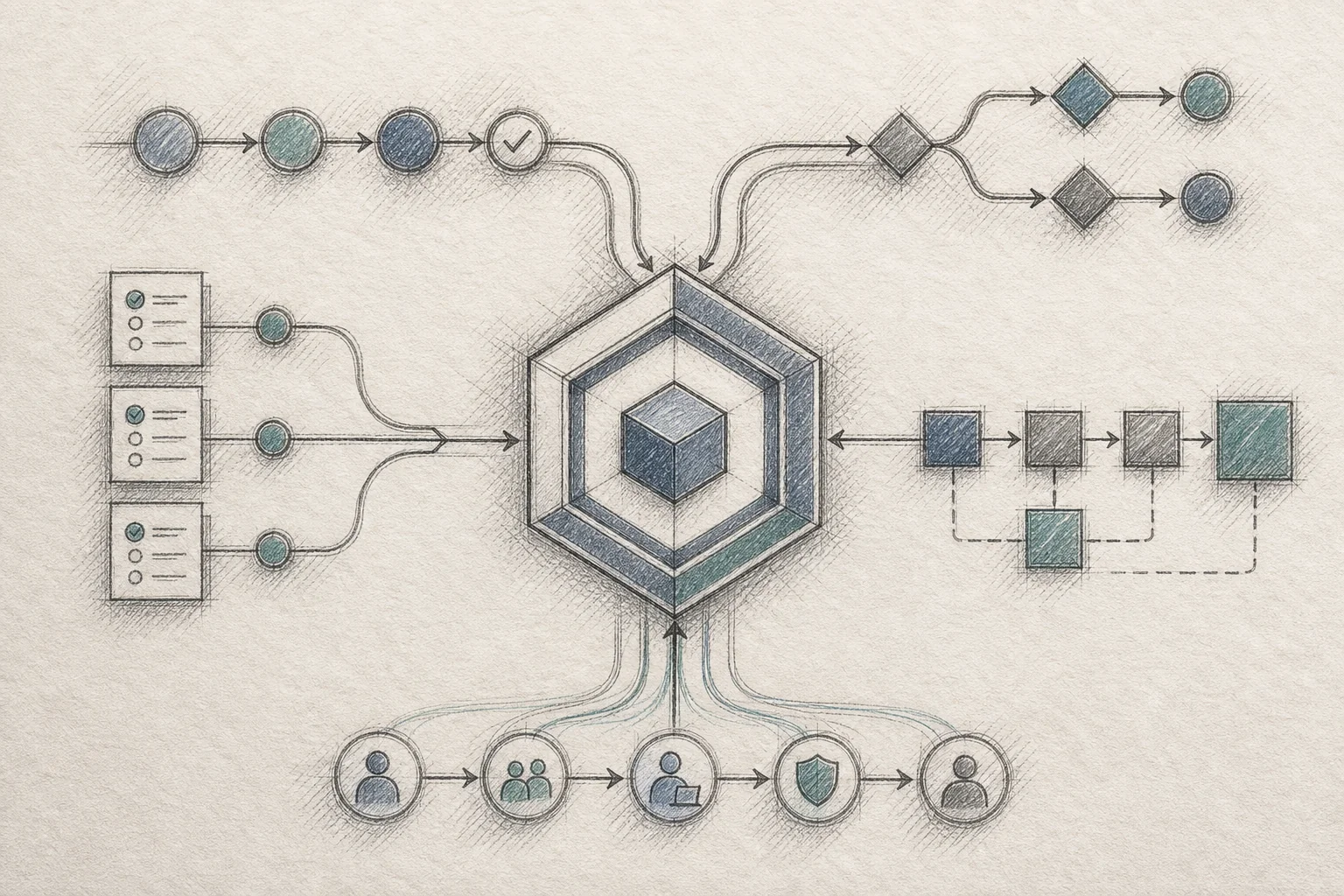
A customer success manager at a mid-market fleet software company gets a message from her biggest account on a Thursday afternoon. The customer's ops director needs a new hire onboarding flow with three approval steps: fleet manager, safety officer, then regional director, each one gated behind a different set of documents. It's not a complicated ask. It's just not a feature the platform has. The CSM opens a ticket. Engineering estimates six to eight weeks, if it makes the sprint at all. The customer, tired of waiting, builds a workaround in a shared spreadsheet within the hour.
That spreadsheet is the real competitor. Not another vendor, not a cheaper alternative, just a workaround built out of frustration. It's also the clearest evidence of a structural problem: most B2B SaaS products are built for an average customer who doesn't actually exist. Every account does its own version of onboarding, approvals, and compliance, and when the product can't bend to fit, the workflow moves somewhere the vendor can't see it.
Learning how to connect a SaaS platform to customer workflows without code is no longer a research-lab idea. It's become a practical, buildable decision that product and engineering leaders can make this quarter, not a five-year roadmap bet. This guide walks through exactly how to do it, step by step, starting with figuring out which workflows are actually worth solving.
1. Map the Workflow Gap Before You Build Anything
Before you touch an API or a builder tool, figure out what's actually broken. Most product teams already have the data. It's sitting in the feature request backlog, the churn interview notes, and the support tickets tagged "workaround."
Start by separating two things that get confused constantly: configuration and customization. Configuration changes how an existing feature behaves — toggling a setting, adding a custom field, renaming a status. Customization creates something that didn't exist before: a new approval sequence, a compliance checklist scoped to one customer's regulatory category, an onboarding flow with logic unique to how that company hires. No amount of settings panels will produce customization. It requires new application logic, and that's exactly where most SaaS roadmaps get stuck.
Next, pull your last two quarters of enterprise feature requests and sort them into two buckets: requests that show up across multiple accounts (worth building into the core product) and requests that are genuinely one-off (worth solving structurally, not individually). Founder communities widely report that 70-80% of enterprise feature requests never ship, and it's rarely because product teams are careless. It's arithmetic. A hundred enterprise accounts filing two or three requests a quarter produces hundreds of asks against a team that can realistically close twenty or thirty. No amount of hustle fixes that math. What fixes it is changing who builds the workflow.
For a deeper look at how this backlog problem compounds over time, see how to reduce SaaS engineering backlog from enterprise requests.
2. Choose an API-First Embedding Strategy Over Point Integrations
Once you know which workflows need solving, the next decision is architectural: how do you actually connect the platform to those workflows? Most teams reach first for point-to-point integrations or an iPaaS tool. Those solve data movement between systems. They don't solve the deeper problem, which is that the customer needs a new interface, not just a new data pipe.
An API-first embedding strategy works differently. Instead of wiring one integration at a time, you connect an extension layer directly to your product's existing API surface, ideally through an OpenAPI specification. The layer discovers your endpoints, infers your data shapes, and maps natural-language requests like "show me overdue onboarding tasks by region" straight to the correct calls. There's no second system to maintain, no separate login, no parallel database. The workflow lives inside the product the customer already trusts.
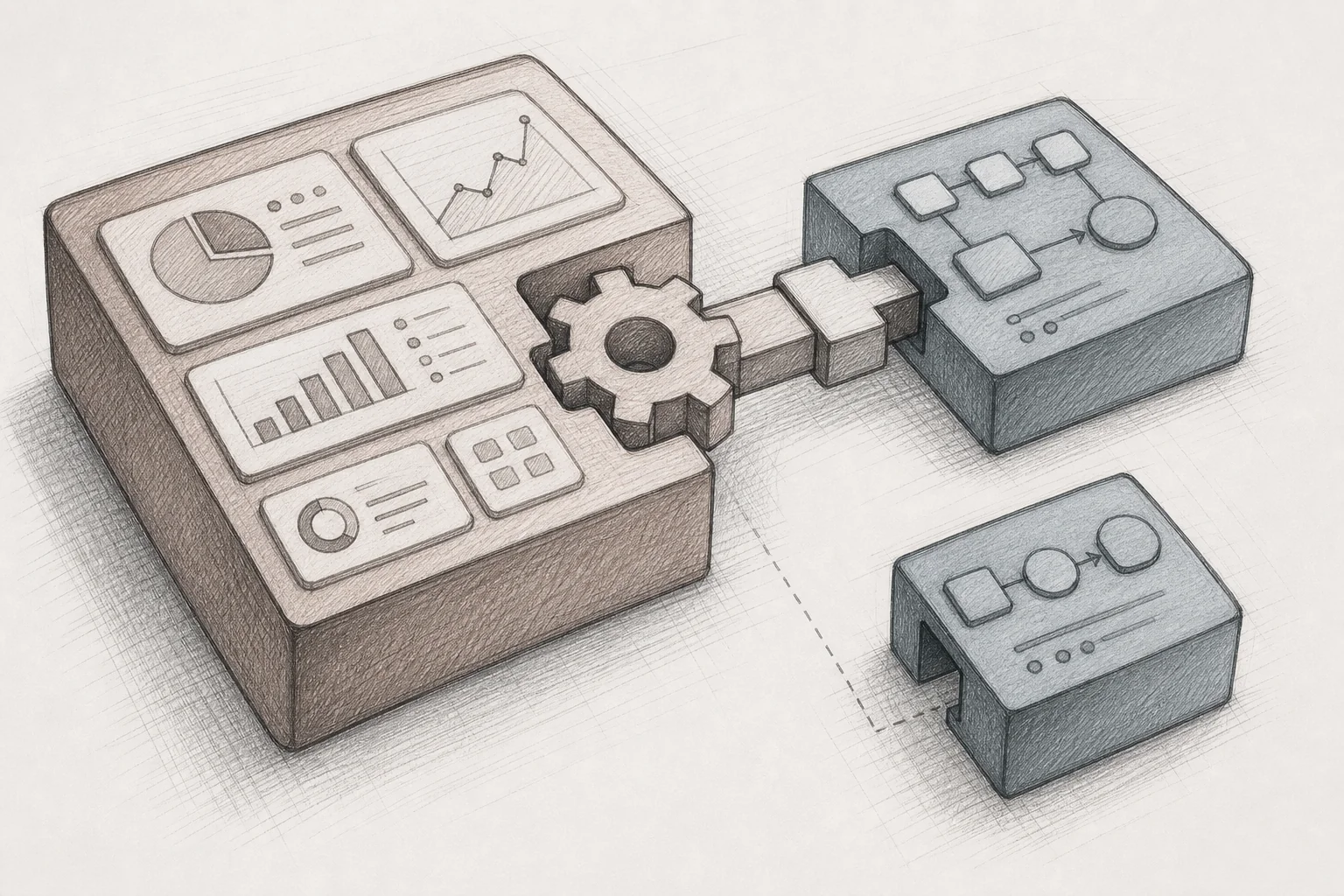
This is where standalone low-code tools like Retool or Bubble run into a ceiling. They're excellent for internal admin panels, but they live outside your product with their own authentication and their own URL. A customer has to leave the environment they know, log into a second tool, and manage yet another system. That's a hard sell for a customer-facing workflow, and it's a governance headache for you. If you're weighing that tradeoff directly, Retool vs embedded extensibility for SaaS products breaks down where each approach scales and where it doesn't.
3. Give Customers a Plain-English Workflow Builder, Not a Developer Tool
Here's the part that actually changes who can build the workflow: the interface has to be a sentence, not a schema. A customer success manager, an implementation specialist, or the customer's own ops lead should be able to type "build an onboarding approval flow: fleet manager signs off first, then safety, then regional director, and notify HR when all three are done" and get a working application, not a support ticket.
This matters because it changes the skill required to close the workflow gap. Nobody needs to understand data models, REST endpoints, or conditional logic trees. They need to describe the job the way they already talk about it. The generated app then reads and writes against your real API, using real customer data, not a mockup.

It's worth being precise about why this differs from a chatbot. A lot of "AI features" shipped between 2024 and 2026 amounted to a chat sidebar bolted onto the product — ask a question, get an answer, close the tab, forget it happened. That's useful for a one-time lookup, but it's ephemeral. Nobody wants to retype the same prompt every Monday morning. What a workflow needs is durability: a generated app that persists, that a user opens the same way every day, scoped specifically to their process. That's the difference between a conversation and an actual application, and it's why plain-English workflow builders that generate installable apps outperform chat-only assistants on daily engagement by a wide margin. Our post on how to embed a workflow builder in your SaaS goes deeper on this distinction if you're evaluating vendors.
Approval flows specifically deserve their own mention, since they're one of the most requested and most repetitive customization asks across CMMS, HR tech, and compliance-heavy platforms. If that's your immediate pain point, how to build approval workflows without coding walks through the pattern in more detail.
4. Inherit Security and Permissions Instead of Rebuilding Them
This is the step most teams underestimate, and it's the one that determines whether the whole approach is safe to ship. A generated workflow app is only as trustworthy as the permissions it respects. If a technician can't see payroll data in the core product, an app they build can't suddenly expose it either.
Security inheritance means every API call the generated app makes passes through the same authentication, role-based access, and row-level rules your platform already enforces. No new login. No new attack surface. No separate security model to audit for every customer, every workflow, every account. Every generation and deployment event gets logged, so if a compliance team asks "who built this and what data does it touch," you have a real answer instead of a shrug.
This matters most in regulated verticals. A healthcare platform building a credential-expiration tracker, or a hospital's biomedical team building a critical-equipment dashboard, can't afford a workflow layer that treats permissions as an afterthought. If you're in that category, the considerations are different enough to warrant a closer look, [INTERNAL_LINK: saas extensibility for healthcare tech platforms] covers the specific compliance angle in depth.
5. Publish Workflows Into a Governed In-Product Marketplace
A workflow built once and forgotten is a missed opportunity. The customer who solved their onboarding approval problem probably isn't the only account with that exact pain. A distributor's territory planner, a hospital's equipment dashboard, a roofing company's morning prioritization tool, these solve narrow problems, but narrow problems repeat across an install base more often than most product teams expect.

Publishing generated workflows into a governed, in-product marketplace turns every build into a reusable asset. Other users at the same company can discover and install what a colleague already built. With the right permission settings, other customer organizations facing a similar problem can do the same, adapting the workflow to their own data instead of starting from a blank prompt. Version history means changes can be rolled back if something breaks, and usage analytics tell you which workflows are actually earning daily use versus which ones were built once and abandoned. For a broader framework on setting up this kind of governance, the retention playbook for vertical SaaS extensibility is a useful companion read.
6. Let Customer Success and Solutions Engineers Build Live, Not Promise Roadmap
The biggest behavioral shift in this whole approach isn't technical, it's organizational. Instead of a solutions engineer telling a prospect "that's a great idea, I'll flag it for the roadmap," they build the workflow live, during the call, connected to a sandbox version of the prospect's actual data model.
That single change compresses sales cycles in a way that roadmap promises never could. A prospect who sees their exact approval chain working in front of them, on their own field names, doesn't need to wait for a quarterly release note to believe it's real. Integration on the vendor side typically takes about two weeks: connecting the extension builder to the API surface, mapping security and roles, applying the product's design system, and seeding the marketplace with a few example workflows covering common patterns like onboarding and compliance. After that, new workflows go live the same day they're described, not months later.
This is also where the "checkbox AI" trap gets avoided. Shipping a generic chat feature to satisfy a board slide doesn't move a stalled deal. Building the exact workflow a prospect asked for, in front of them, does. If your sales team is currently losing deals to "we need this configured before we sign," [INTERNAL_LINK: how to shorten your enterprise saas sales cycle] is worth reading alongside this guide.
What Happens When You Connect Workflows Without Code: The Numbers
The reason this category has gotten attention from product and engineering leaders isn't novelty, it's retention math. Production deployments of this approach report adoption rates in the 85-95% range, compared with a typical 20-40% adoption rate for a standard feature release. Day-30 retention among users who build or use a custom workflow lands in the high 80s, against industry-average one-month retention figures often cited around 35-40%.
Support tickets tagged "how do I..." or "can you build..." drop meaningfully, commonly in the 30-35% range, because users solve their own problem instead of waiting in a queue. Some deployments report net revenue retention increases in the 20-plus percentage point range, driven by accounts expanding to higher tiers once they've built workflows that make the product part of their daily routine rather than a tool they log into occasionally.
None of these numbers come from exotic features. They come from unglamorous, specific tools: an onboarding approval chain, a compliance checklist, a margin calculator. The kind of thing that's "too niche for the roadmap" but "too important to the customer to ignore."
Frequently Asked Questions
Is this the same as an internal tool builder like Retool or Superblocks?
No. Internal tool builders are built for engineers to create admin panels and ops dashboards, and they live outside your product with a separate login. An embedded extension builder is designed for your customers and customer-facing teams to generate workflows in plain English, inside the product they already use, inheriting its security model. If you're comparing the two directly, see Retool vs embedded extensibility for SaaS products.
Does this replace my existing integrations or iPaaS setup?
Not exactly. Integration tools move data between systems. An embedded workflow builder generates the interface and application logic that sits on top of your existing data, using your existing API. Most teams run both: integrations for data movement, an extension layer for the customer-facing workflow itself.
What kinds of workflows can actually be built this way?
Approvals, onboarding sequences, compliance checklists, audit forms, custom dashboards, and reporting views are the most common patterns across CMMS, HR tech, healthcare, and supply chain platforms. The common thread is specificity: a workflow tailored to one customer's role hierarchy or regulatory category, not a generic version meant to fit everyone.
How long does it take to connect an extension builder to an existing SaaS product?
Most integrations take roughly two weeks: connecting to the API surface (ideally via an OpenAPI spec), mapping SSO and role-based permissions, applying your design system, and seeding a marketplace with a handful of example workflows. After that, individual workflows can go live the same day they're requested.
Is this safe for regulated industries like healthcare or finance?
Security inheritance is the key requirement here. Every generated workflow app should pass through the same authentication, authorization, and row-level access rules already enforced in the core product, with every generation and deployment event logged for audit purposes. That's what makes this approach viable for compliance-heavy verticals rather than just a nice demo trick.
The SaaS companies winning enterprise deals in 2026 aren't the ones with the longest feature list. They're the ones whose customers can build the last 20% of their workflow themselves, the same afternoon they think of it.
If your team is still fielding the same onboarding, approval, and compliance requests every quarter, it's worth asking whether the fix belongs on your roadmap at all, or whether it belongs in your customers' hands. Vezel embeds directly into your existing SaaS product so your customers, and your own implementation team, can describe a workflow in plain English and get a working, secure, on-brand application the same day, without engineering picking up a ticket. Book a demo to see a real approval or onboarding workflow built live on your own API, see how it works end to end, or start your free trial to connect your first workflow this week. If you want to talk through your specific use case first, talk to an expert on the Vezel team before you commit engineering time to another one-off build.



