

A quality audit checklist app for a manufacturing product comes together in five moves: write the audit from the standard operating procedure, bind items to live production and equipment data, set clear pass and fail rules, route failures to the owning team, and ship the form as an in-product extension. Vezel typically integrates with a SaaS platform in a few days.
Key takeaways
- Start with the SOP: a checklist is only as clear as the procedure behind it, so fix vague steps before you build any form.
- Auto-fill what the system already knows: pull readings from production and equipment records, and ask inspectors only for what a machine cannot report.
- Route by failure type: every failed item needs one owning team, one due state and one place where the result is tracked until it closes.
- Build it in the product: an extension that inherits your login, permissions and design system beats a separate app your customers have to leave your SaaS to use.
- Pilot one audit first: measure time to delivery and adoption against your current process, then decide what to keep, refine or promote into the core.
Quality audit checklist build at a glance
| Build step | What you decide | Output |
|---|---|---|
| 1. Define the audit | One audit, one SOP, one owner | Plain-language list of checks and pass criteria |
| 2. Connect live data | Which fields your APIs expose for production runs and equipment | Auto-filled checklist items |
| 3. Set checklist logic | Pass, fail and branch rules per item | Inspection form that adapts to line and asset |
| 4. Route failures | Owning team per failure type | Review queue with owner, status and escalation |
| 5. Ship as an extension | Permissions, look and feel, publishing | White-labeled form inside your product |
| 6. Pilot and learn | Time to delivery, adoption, closure speed | Keep, refine or promote decision |
Why does a quality audit checklist stall in a sprint-based backlog?
A quality audit checklist stalls because it competes with every other request for the same engineering capacity. It is also specific to each customer's lines, assets and standards, so it rarely ranks as a shared feature. The request waits through prioritization, design, build, testing and release.
If you sell manufacturing software in the US, you have probably heard the request in this form: "We need our audit on the tablet, tied to the line data, by the next surveillance visit." It sounds small. In a sprint-based model, it is not.
Three things make it hard to schedule. The checklist differs by customer, because each plant has its own SOPs and tolerances. It touches live data, so someone must wire it to production and equipment records. And it triggers follow-up work, so the failed-item path needs design too.
What happens while the request waits
Customers do not wait quietly. Inspectors keep paper forms or spreadsheets, and quality managers type results into a workbook at the end of a shift. The data never reaches your platform, so your product loses the daily work that should live inside it.
There is a second cost. Every request you do build as a one-off adds code that your team must test, support and upgrade. Over time the core fills with settings and exceptions for single plants.
Not every checklist should be a core feature. Our view: if one customer needs it, or a segment needs a variant, deliver it as an extension first. If many accounts ask for the same thing, promote it. For more on that call, see our build vs buy decision framework for SaaS features.
Which audit types and standards should the checklist follow?
Pick the audit type first: incoming inspection, in-process line audit or final release. Then follow the standard your customer already works under. A medical device maker may work to ISO 13485, which involves a third-party registrar audit. Audits for regulated providers or produce growers follow their own programs. The checklist should mirror your customer's SOP and cite its standard, not invent one.
1. Start from the standard operating procedure
Every audit checklist rests on a written procedure. A paper on digital checklists in industrial work, published through PubMed Central, notes that the basis of any checklist is a standard operating procedure, and that an unclear or incomplete one raises questions, wastes time and can let quality or safety points slip.
An older US Department of Energy document on quality assurance audits makes the same point from the auditor's side. It describes the checklist as the primary tool for giving order to audit activities, and warns that without a well-planned one, success is left to chance.
So before you generate anything, do this homework with your customer or your own quality lead:
- Pick one audit. Incoming inspection, in-process line audit or final release. Not all three.
- Write each check as a yes/no or a measurable reading. "Surface looks fine" fails this test. "Surface free of visible scratches under the standard lighting" passes.
- Attach the pass criterion to each item. The value, range or condition that means pass, and the one that means stop the line.
- Name the owner of each check. Operator, line supervisor, quality engineer or maintenance.
Worked example: an incoming inspection audit
This is a hypothetical example. Replace the items and pass rules with your customer's own SOP.
| Item | Source | Pass rule |
|---|---|---|
| Purchase order and lot number | System | Matches an open purchase order |
| Supplier and material code | System | Supplier is on the approved list |
| Gauge calibration date | System | Not past due; otherwise fail automatically |
| Measured key dimension | Inspector, with tolerance shown | Inside the tolerance in the work instruction |
| Surface free of visible scratches under standard lighting | Inspector (judgment) | Yes; on fail, photo and note required |
| Labeling and packaging intact | Inspector (judgment) | Yes; on fail, route to supplier quality |
| Certificate of conformance attached | Inspector | Present and signed; otherwise route to the quality administrator |
If a check has no clear pass criterion, send it back to the SOP owner. Generating a form from an ambiguous step only produces an ambiguous form faster.
2. How do you structure checklist logic around live production and equipment data?
Split every checklist item into one of two types: values the system can fill from production and equipment records, and judgments only an inspector can make. Then attach a pass or fail rule to each item and add branches that change the next questions based on the line, asset or product.
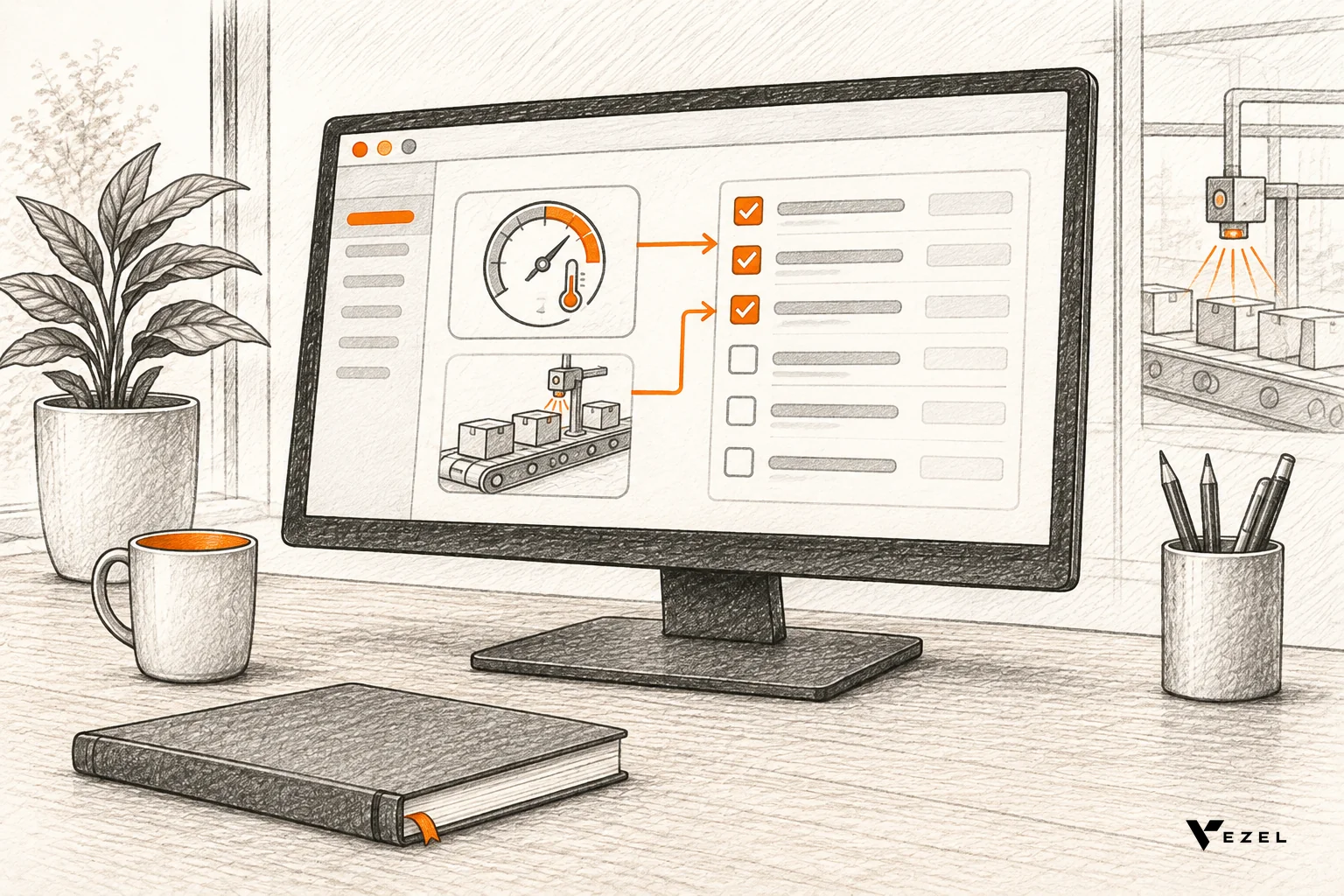
Manufacturing researchers describe the same need in work on integrating design, manufacturing and inspection data: linking part quality to machining parameters at a specific time requires data from different sources to be joined. A checklist that reads those sources does that join for the inspector.
Sort items by where the answer comes from
- System-filled: batch or work order number, line, shift, machine ID, last calibration date, current cycle readings, open maintenance tickets.
- Inspector-entered with a reference: a measured dimension shown next to its tolerance from the work instruction.
- Judgment-based: visual checks, housekeeping, labeling, with a required photo or note on fail.
System-filled items matter most. They remove retyping, they cannot be forgotten, and they give each audit result the production context needed to find a root cause later.
Write the rules in plain terms
For each item, state three things: the pass condition, the fail condition, and what happens next. Here is a hypothetical example for an in-process line audit:
- If the machine's calibration date is past due, mark the item failed automatically and skip to the equipment branch.
- If a measured reading falls outside the tolerance in the work instruction, mark it failed and require a photo and a note.
- If the reading is inside tolerance but the machine has an open maintenance ticket, mark it as a warning and notify the line supervisor.
Keep branching shallow. Two levels is plenty for most audits. Deep trees confuse inspectors and make the form hard to refine later.
Connect the data through your own APIs
This is where the extension approach pays off. Vezel connects to your product's APIs and data models with a zero-footprint setup, then generates the checklist from a plain-English description. The generated form uses your product's entities, fields and relationships, so "machine", "work order" and "inspection record" mean what they mean in your system.
Check what your APIs expose before you promise anything. If a field is not readable through an API, that item stays manual for now. That is a limit worth stating to customers up front, and it is the same discipline we recommend in our guide to custom reporting for manufacturing SaaS platforms.
3. How do you route failed audits to the right owning team?
Route each failed item by its failure type, not by who happened to run the audit. Map every type to one owning team, create a tracked record the moment the item fails, and escalate automatically when the record sits untouched. One failure, one owner, one open record until it closes.
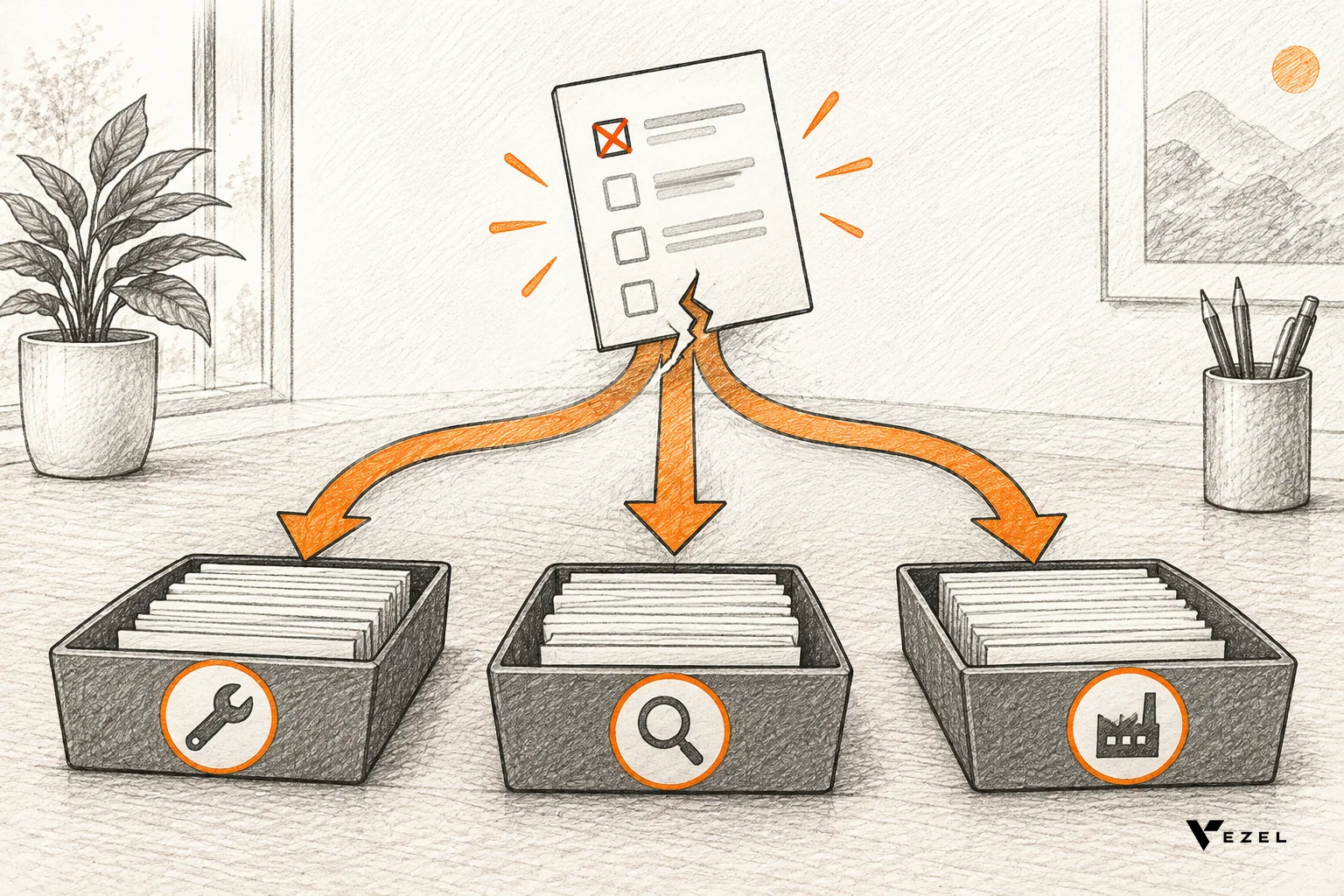
A good routing design follows the usual non-conformance path: spot the defect, record it, assign it, find the root cause, fix it and verify. Your checklist is the front door to that path. If failed items land in a shared inbox, they age there.
A routing table you can adapt
The table below is a hypothetical starting point. Replace the teams and triggers with your customer's real structure.
| Failure type | Example trigger | Owning team | Next action |
|---|---|---|---|
| Equipment condition | Calibration overdue or open maintenance ticket | Maintenance | Create work request, flag asset |
| Product quality | Reading outside tolerance | Quality engineering | Open non-conformance, hold affected batch |
| Process or operator | Step skipped or wrong setting used | Line supervisor | Corrective action with due state |
| Supplier material | Incoming lot fails inspection | Procurement and supplier quality | Quarantine lot, notify supplier |
| Documentation | Missing record or unsigned step | Quality administrator | Complete record before release |
Add escalation and a review queue
Routing is only half the job. Decide what "stuck" means and what happens then. The criterion can be in words: a failed item that has no assigned owner, or an owner who has not acknowledged it within the window your customer sets, moves up to the next level.
Vezel manages publishing, permissions, approvals and the extension lifecycle from a central control plane. Setting up its review queue usually takes about 7 days. That queue is where you approve a new or changed routing flow before customers see it. If you want the approval pattern in detail, read how to build approval workflows without coding.
If routing keeps failing
Watch for these signals in the first weeks, and fix the cause rather than adding more notifications:
- One team receives most failures. Your failure types are too broad. Split them.
- Items bounce between teams. The ownership rule is unclear. Get both teams to agree on one in writing.
- Inspectors stop filing failures. The form is too long or the follow-up too punishing. Shorten the form and review the process, not the people.
4. Build the inspection form as an in-product extension, not a separate app
A standalone app means a second login, a second permission model and a second look. Inspectors switch tools, admins duplicate access rules, and the data sits outside your platform. An in-product extension runs inside your application and uses the interfaces your product already has.
With Vezel, extensions inherit your existing authentication, permissions and access controls. An inspector sees only the lines and assets their role allows. The generated form is white-labeled and follows your design system, so it looks like part of your product.
The build sequence
- Connect to your APIs. Point Vezel at the endpoints for work orders, assets, production runs and inspection records.
- Generate the extension from plain English. Describe the audit, the auto-filled items, the pass rules and the routing table from step 3.
- Run it in a secure container. Test with a demo account and role-based logins, on non-production data first.
- Scale and govern. Publish through the control plane, set who can see it and track versions.
Testing before release is basic hygiene. The US National Institute of Standards and Technology advises in its checklist program guidance for IT products that a checklist which changes settings should first be tested on non-production systems and any deviations documented. The same habit applies to a quality form that writes records.
Be honest about limits. What you can build depends on your architecture, APIs and permissions. Foundational requirements, such as the data model for assets or the audit trail your regulators expect, still belong in core engineering. For related patterns, our guide to building custom forms inside your SaaS product covers the form layer in more depth.
5. Pilot one audit, measure and decide what to promote
Start with one high-value audit for one or two customers. Vezel's model is Build, Learn, Evolve: ship the extension, watch real usage, then decide whether it stays a customer-level extension, gets refined, is shared with more customers or moves into the core.
Measure against how you deliver today, using your own baseline:
- Time to delivery: days from request to a usable form, compared with a typical sprint path.
- Adoption: how many inspectors use it each week, and how often they return.
- Completion quality: how many audits finish with every item answered.
- Failure closure: time from a failed item to a closed record, by owning team.
Suppose, hypothetically, that failed items took 5 days to close before routing and 2 days after. You would report a drop of 3 days (5 minus 2). Use your own baseline numbers, not these.
We have no published customer result, pricing or security certification list for an audit checklist extension, so ask us at hello@vezel.ai before you promise any to your customers.
Usage informs the roadmap; it does not make the decision for you. Something unresolved at this stage: whether two customers' variants of the same audit should merge into one shared template. Only your usage data and your customers' standards can settle that, and sometimes the answer is to keep both.
If your customers ask for a similar pattern in maintenance, our comparison of a technician scorecard and a maintenance planner helps you sequence what to build next.
Selection criteria and red flags for your approach
Whichever route you choose, judge it on whether customers can use the result without leaving your product. These criteria separate approaches that scale from ones that only look fast in a demo.
What to look for
- Native experience: the form inherits your login, roles and design system.
- Live data access: items read your production and equipment records through APIs, not uploaded files.
- Governance: a central place to publish, approve, version and retire extensions.
- A pilot path: you can prove one use case before committing broadly.
Red flags
- The tool builds a standalone app with its own accounts.
- Permissions have to be re-created by hand in a second system.
- Nobody can say who owns a failed item once it is raised.
- There is no way to retire an old checklist version.
Our rule of thumb: if the audit is customer-specific and reads live data, build it as an extension. If every customer needs the same audit engine, with the same data model and certifications behind it, that belongs in your core. Teams comparing builders can also read white-label app builders vs embedded builders.
Frequently asked questions
What should a quality audit checklist include?
A quality audit checklist should include the audit scope, the checks tied to the SOP, a pass and fail criterion for each item, the owner of each check, space for evidence such as photos or notes, and a clear path for failed items. Add identifiers like line, batch and machine for traceability.
Can an audit checklist read live equipment data?
Yes, if your product exposes that data through APIs. The checklist can pull machine IDs, calibration dates, readings and open maintenance tickets into the form automatically. Anything your APIs cannot expose stays a manual entry until that interface exists.
How long does it take to set up?
Vezel says most SaaS platforms can integrate it in a few days, and setting up the control plane review queue usually takes about 7 days. Your own timeline depends on your APIs, permissions and how clear the SOP is for the first audit.
Does the checklist need a separate login?
No. As an in-product extension, it inherits your existing authentication, permissions and access controls. Inspectors sign in once to your product and see only the data their role allows, which avoids a second permission model to maintain.
Build your quality audit checklist where customers already work
Your customers' audits should not sit in a sprint queue or a spreadsheet while the next surveillance visit approaches. Pick one audit, connect it to the production and equipment data you already store, and route failures to the team that owns them.
If you would like to see it working, book a demo and share a demo account. We will build a working quality audit checklist proof inside your own product. You can also review the four-step path in how Vezel works before you talk to us.