


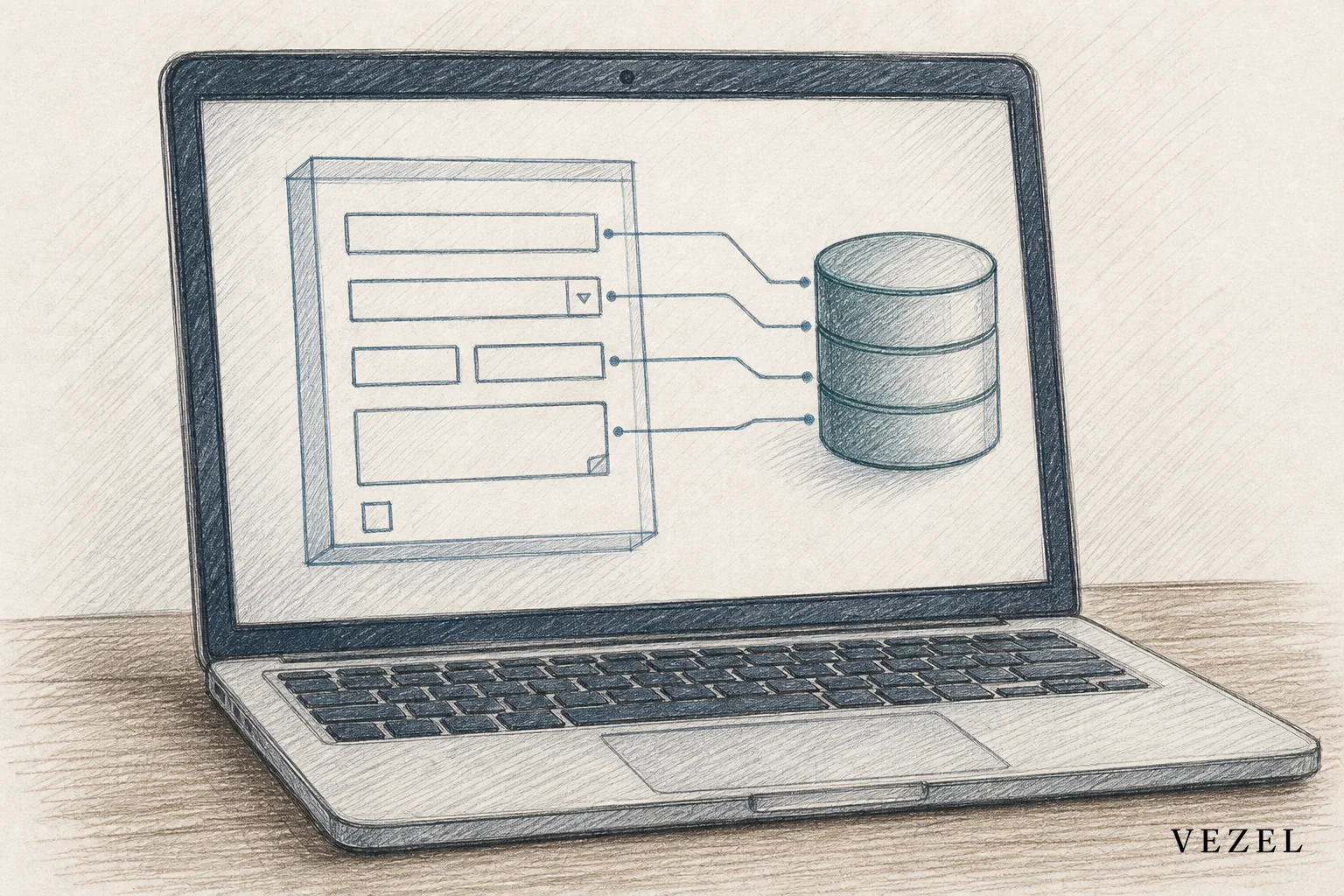
You build custom forms inside your SaaS product by mapping the form to your existing API and data model with auto-discovery, generating the form itself in plain English, and inheriting your platform's existing RBAC and row-level permissions before it ever reaches a customer. That's how to build custom forms inside SaaS product environments without opening an engineering ticket, and it's the same pattern that turns a one-off intake request into a self-serve capability your customers build themselves.
Key Takeaways
- Forms should write to live data, not sit in a silo: a compliance form that doesn't post directly into your product's data model just creates another spreadsheet to reconcile later.
- API auto-discovery removes the manual mapping step: pointing a builder at your OpenAPI spec lets it infer field types and endpoints instead of an engineer hand-wiring each one.
- Security inheritance is non-negotiable for intake and compliance forms: a form that ignores row-level permissions can leak one customer's records into another's view.
- Forms rarely stand alone: most intake and compliance forms feed directly into an approval workflow, so the form and the workflow builder need to share the same data model.
- Publishing needs governance: a form built by a customer admin still needs versioning and review before it goes live to their whole team.
Custom Forms at a Glance
| Approach | Who builds it | Data connection | Security model | Typical time to live |
|---|---|---|---|---|
| Engineering ticket | Your dev team | Native, custom-built | Custom-coded, high maintenance | Weeks to months |
| Spreadsheet or static form tool | Customer (workaround) | None or manual export | None | Hours, but disconnected |
| Internal tool builder (e.g., Retool) | Your dev team | Manual API wiring | Rebuilt separately, doesn't inherit host permissions | Days to weeks |
| General no-code app builder (e.g., Glide) | Customer or admin | Manual, limited to supported connectors | Standalone, not inherited | Days |
| Embedded extension platform (e.g., Vezel) | Customer admin, plain English | Auto-discovered from existing API | Inherited RBAC and row-level rules | Minutes to hours |
Intake forms, compliance forms, and data-collection workflows are some of the most common requests product teams field from enterprise customers. Every hospital network wants a different patient intake form. Every logistics customer wants a different exception-reporting form. None of these are hard to build in isolation. The problem is volume: a form for one customer becomes a maintenance burden for your whole team once you have fifty of them.
1. Define What the Form Needs to Do
Before building anything, get specific about the form's job. Is it an intake form that creates a new record, a compliance form that needs an audit trail, or a data-collection workflow that updates an existing record over time? Each of these writes to your data model differently.
Ask which object the form actually touches. A vendor onboarding form probably writes to a suppliers table. A compliance attestation form might write to a record tied to a specific contract or account. Naming the target object up front saves rework later, because it decides which fields the form can legitimately expose.
2. Let API Auto-Discovery Map Your Data Model
This is the step that used to require an engineer. With API auto-discovery, a builder reads your existing OpenAPI (Swagger) specification and infers the fields, types, and relationships already present in your product. Instead of a developer manually wiring form fields to endpoints, the builder proposes a mapping and a customer admin confirms it.
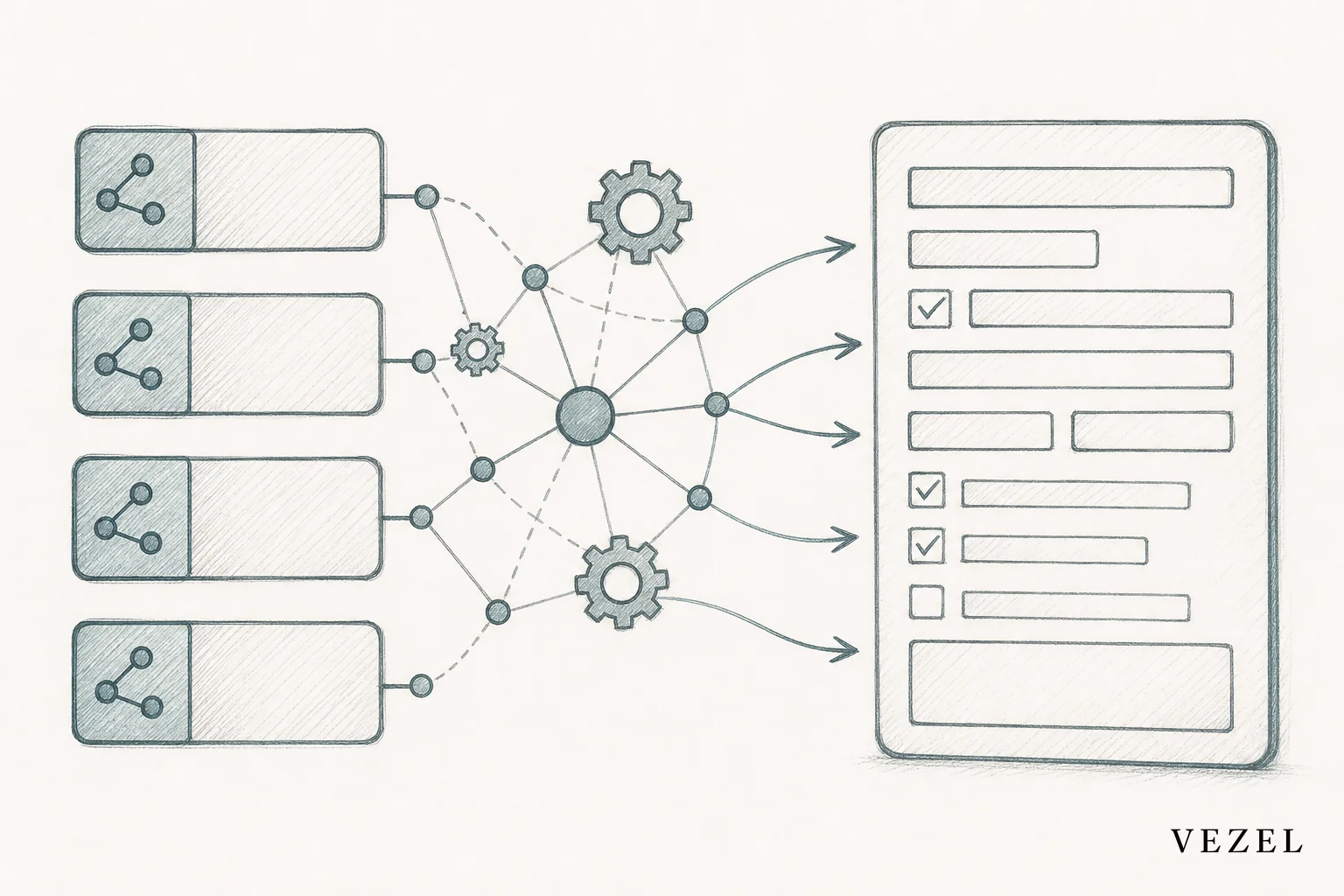
Vezel's discovery layer does this even when documentation is incomplete, inferring schemas from live response data where the spec falls short. That matters for older SaaS platforms where the API grew organically over a decade and the docs never quite kept up. If you want a deeper look at how this works against legacy APIs specifically, see how to connect AI extensions to legacy SaaS APIs.
3. Generate the Form in Plain English
Once the data model is mapped, the actual form gets built through a plain-English prompt rather than a drag-and-drop canvas or custom code. A customer admin might type something like: "Build an intake form for new supplier onboarding with company name, tax ID, three contact fields, and a required upload for insurance certificates."
The builder generates field types, sets basic validation (required fields, formats like email or tax ID), and can add conditional logic, showing an extra section only when a certain answer is selected. Nobody on your engineering team has to touch this. The customer's admin does it themselves, inside your product, using your product's actual data model.
The form isn't a separate app bolted onto your platform. It's a native extension that writes directly into the same tables your core product already reads from.
4. Apply Security Inheritance Before Anyone Sees It
This is where most homegrown or standalone form tools fall apart. A form that doesn't respect your existing RBAC and row-level permissions can quietly expose data across accounts, regions, or roles. That's an unacceptable risk for compliance forms in healthcare, insurance, or finance.
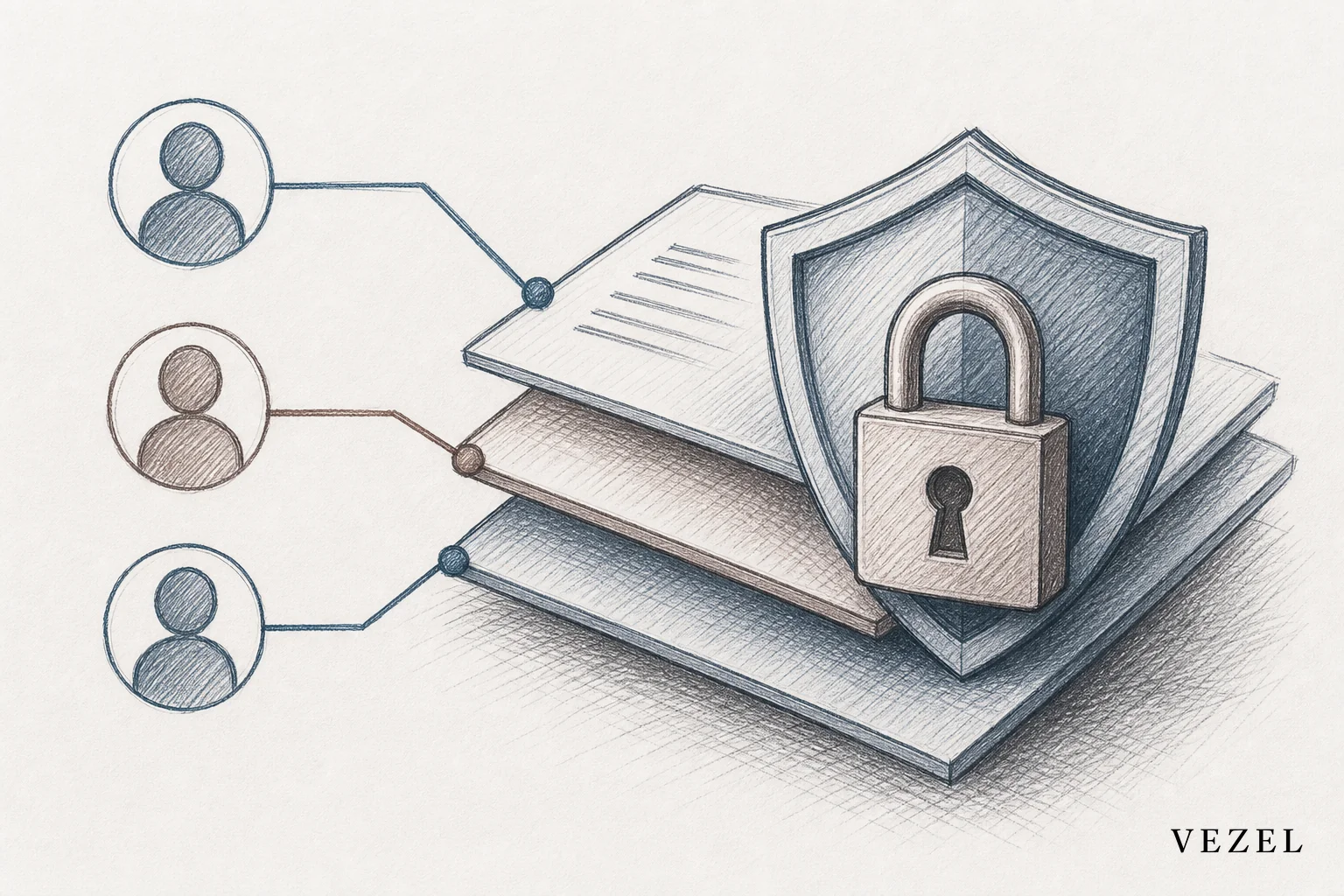
Security inheritance means the form doesn't get its own separate permission model. It reuses the authentication and access rules already defined in your platform. If a regional manager only sees their region's accounts in the core product, they only see their region's accounts inside the form too, and only their submissions in any report built on top of it. For platforms in regulated industries, this is the difference between a useful feature and a liability. We cover the deeper mechanics of this in how healthcare tech SaaS can offer custom reporting, where the same inheritance model applies.
5. Connect the Form to a Workflow
Very few forms exist as an island. An intake form usually needs to trigger an approval. A compliance attestation form usually needs to route to a reviewer if a certain box is checked. Once the form writes to your data model, it can trigger a workflow the same way any other event in your product does.
This is intentional overlap with workflow building, not a separate system to maintain. If a customer builds a vendor onboarding form, the natural next step is routing new submissions to a procurement approver. For the full mechanics of building that approval layer, see how to embed a workflow builder in your SaaS. Forms and workflows share the same underlying data model and permission inheritance, so building both inside the same extensibility layer avoids maintaining two disconnected systems.
6. Publish, White-Label, and Version the Form
A form built by one admin shouldn't go live to an entire customer organization without some form of review. A governed marketplace lets you set rules: who can publish, what gets reviewed, and how versions roll forward without breaking existing submissions.
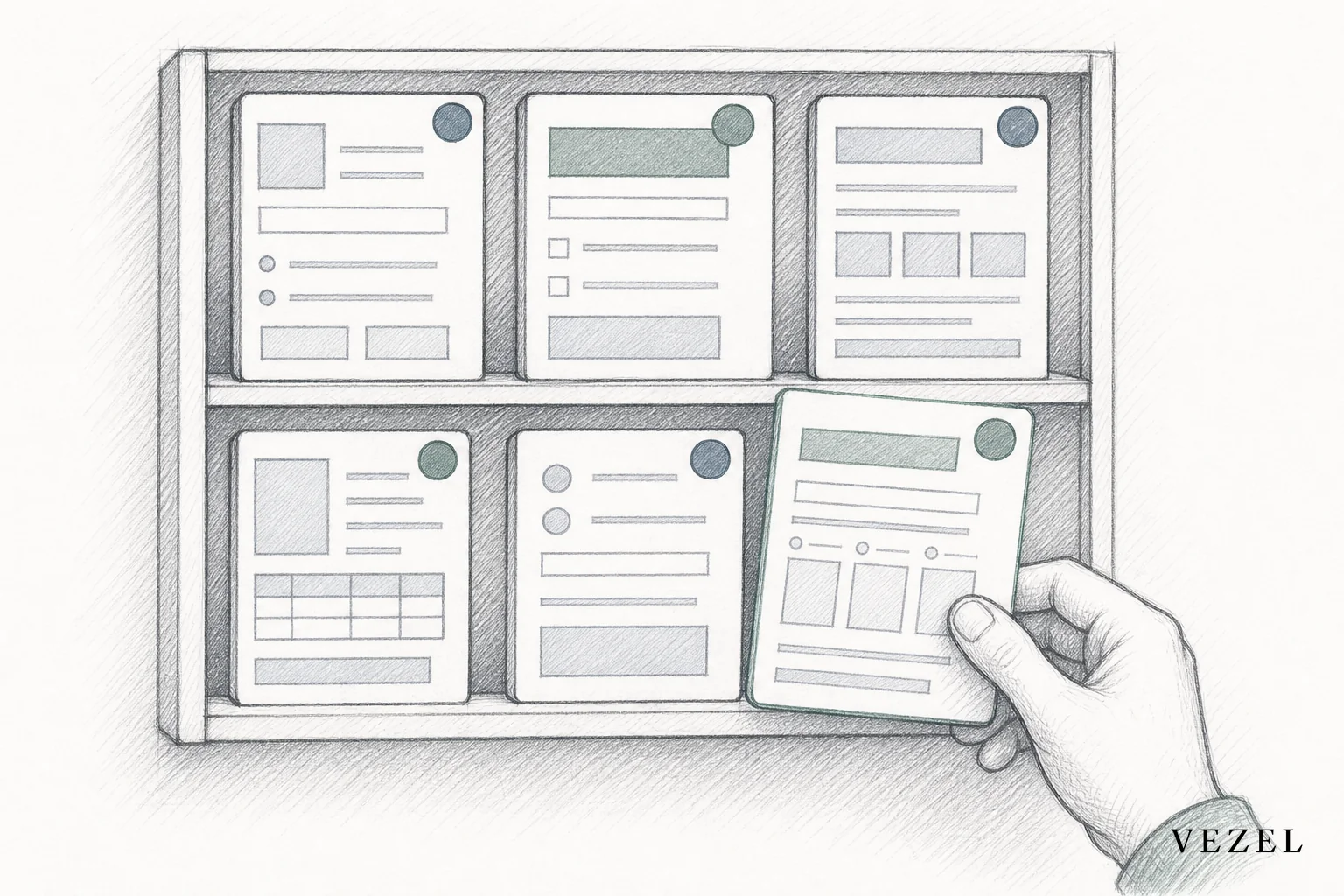
White-labeling matters here too. A form that looks bolted-on undermines the whole point of native extensibility. Vezel themes generated forms to match your product's existing design system, so the finished form looks like it shipped with your core product, not like a third-party plugin. For more on how the review and publishing layer works across dashboards, workflows, and forms alike, see how to build custom dashboards inside your SaaS.
How This Compares to Building Forms with Internal Tools or Custom Code
Teams often reach for Retool, Glide, or a custom build before considering an embedded extension layer. Each has a real place, but none were designed for this specific job: customer-facing forms that write to a live production data model and inherit existing permissions.
| Tool | Built for | Inherits host permissions | Customer self-serve? |
|---|---|---|---|
| Retool | Internal engineering tools | No, separate auth | No, requires a developer |
| Glide | General-purpose standalone apps | No | Limited, still a separate app |
| Custom code | Bespoke one-off requirements | Yes, but manually rebuilt each time | No, requires engineering |
| Embedded extension platform | Native, in-product customer extensions | Yes, automatic | Yes, plain English |
If you're evaluating Retool or Glide against an embedded approach in more depth, our comparisons at Retool vs embedded extensibility for SaaS products and Glide vs embedded SaaS extensibility walk through where each tool genuinely fits.
Can I Connect My Own AI Client to My Own SaaS Accounts?
Yes, and the mechanism is the same one that powers form building. Because API auto-discovery already maps your existing endpoints and data model, that same discovery layer lets an AI client authenticate against your accounts using inherited credentials rather than a separate integration built from scratch. Whether it's a form, a dashboard, or an AI agent, the underlying connection point is your product's own API, not a bolted-on data pipe.
FAQ
Do generated forms require any code from my engineering team?
No. Once the API is discovered and mapped, customer admins build the form in plain English. Engineering sets up governance rules once, not per form.
How long does it take to get a form live?
Simple intake forms can be built and published within an hour once discovery is complete. Complex compliance forms with conditional logic and multi-step approval may take a bit longer, but still measured in hours, not sprint cycles.
Does this work for regulated industries like healthcare or insurance?
Yes. Because forms inherit RBAC and row-level permissions rather than defining new ones, they're built to respect the same compliance boundaries already enforced in your core product. See our breakdown for how insurance SaaS platforms can offer custom reporting for a related example of inherited security in a regulated context.
What happens if a customer's data model changes later?
Because the form is mapped through auto-discovery rather than hardcoded, updates to the underlying API can be re-mapped without rebuilding the form from scratch.
Every enterprise customer that asks for a custom intake or compliance form is really asking for one thing: a form that respects how they actually work, without waiting on your roadmap. Giving them a self-serve way to build it, with the same security guarantees your core product already has, turns a recurring engineering request into something your customers handle themselves. Book a demo to see how Vezel maps your API and generates a working form in minutes, or see how it works before you commit to anything. If you'd rather talk through your specific data model and permission setup first, talk to an expert and bring your toughest customer request.



