



Custom reporting for healthcare tech SaaS platforms means letting each hospital system, payer, or credentialing customer build their own clinical KPI views, staffing scorecards, and compliance reports in plain English, directly inside the platform they already log into, without filing an engineering ticket. The report connects to live data and inherits the exact permissions the requesting user already has, so a nurse manager sees her unit's numbers and nothing beyond her access tier.
Key Takeaways
- Security inheritance beats rebuilding permissions: extensions built on top of your existing RBAC and row-level rules avoid the compliance gaps that custom-coded dashboards routinely introduce.
- Engineering time reclaimed: healthcare tech vendors typically lose 30-40% of engineering capacity to one-off customer report requests; self-serve reporting removes most of that load.
- Time to first report drops from weeks to minutes: customers describe the report they need in plain English instead of waiting for a sprint cycle.
- Shadow IT risk falls: compliance and ops teams stop building workaround spreadsheets pulled from manual exports once they can build governed reports natively.
- Reporting is the on-ramp to broader extensibility: once customers can self-serve reports, the same architecture extends to workflows, forms, and AI agents.
At a Glance: Custom Reporting Options for Healthcare Tech SaaS
| Approach | Time to Deliver | Permission Handling | Engineering Load | Scales to Many Customers? |
|---|---|---|---|---|
| Engineering builds each report | Weeks per request | Manually re-coded per report | High, ongoing | No |
| Customer exports to BI tool | Days, but static | Often loses row-level access rules | Low, but support burden grows | Poorly |
| Internal tool builder (e.g. Retool) | Days, needs a developer | Permissions rebuilt separately | Medium | Not for customer-facing use |
| Spreadsheet workaround / shadow IT | Immediate, manual | None; compliance risk | Hidden, but real | No |
| Embedded AI reporting builder (e.g. Vezel) | Minutes, self-serve | Inherits existing auth & RBAC automatically | Minimal, one-time setup | Yes |
Why Healthcare Tech Buyers Demand Custom Reports
A regional hospital network measures quality differently from an ambulatory surgery center. A staffing agency tracks credentialing lapses; a payer tracks claims denial patterns; a home health platform tracks visit compliance windows. All of them run on the same core software category, and none of them want identical reports.
Compliance teams alone create enormous reporting variety. One customer needs an audit trail sorted by department. Another needs it sorted by provider NPI. A third needs a rolling 90-day view tied to a specific accreditation cycle. Your product team cannot predict every cut a compliance officer will eventually ask for, and building each one by hand does not scale past a handful of enterprise accounts.
This is the same pattern seen across CRM platforms and other vertical SaaS categories: every business measures success on its own terms, and healthcare adds a layer most industries don't face, strict regulatory access controls layered on top of already-complex data.
1. Map Your Clinical and Ops Data Model First
Before any customer can build a report, the extensibility layer needs to understand your data. This starts with API auto-discovery run against your existing OpenAPI spec, whether that covers patient records, staffing schedules, claims data, or credentialing status.
Healthcare data models tend to be messier than average. Field names vary across modules, legacy tables carry inconsistent naming, and clinical terminology doesn't always map cleanly to how ops teams talk about the same data. A discovery layer that infers schemas from live responses, not just documentation, handles this gap far better than a static integration built once and left alone. If your platform has grown through acquisitions or years of incremental development, this step matters even more, since connecting extensions to legacy APIs is a common blocker for older healthcare tech stacks.
2. Preserve HIPAA-Grade Permissions Through Security Inheritance
This is the step where most custom-built dashboards fail quietly. A report can render the right numbers on day one and still expose the wrong patient records three weeks later, once a new user role gets added or a customer reorganizes their teams.
Security inheritance solves this by design instead of by manual replication. Instead of asking a developer to recreate your authentication, row-level access rules, and RBAC structure inside a separate reporting tool, the extension runs on top of the permissions that already exist in your platform. If a compliance officer can only see her facility's records inside your core product, that same boundary applies automatically the moment she builds a custom report.

For healthcare specifically, this means the "minimum necessary" standard under HIPAA doesn't need to be re-litigated for every new report a customer builds. It's already baked into how the extension retrieves data. This is a big part of why we cover custom reporting for regulated industries like insurance the same way: the compliance logic has to travel with the data, not live in a separate system.
3. Let Customers Build Reports in Plain English
Once the data model and permissions are handled, the actual report-building experience should feel closer to a conversation than a technical task. A director of nursing shouldn't need a BI analyst to get a shift-coverage report broken out by unit and credential type. She should be able to describe what she wants and see it appear, connected to live data, inside the platform she already uses every day.
This is where natural language generation changes the economics of enterprise healthcare SaaS. Instead of a support ticket that says "we need a custom denial-rate report by payer and CPT code," the customer builds it themselves in minutes. Common examples we see across healthcare tech and HR/HealthIT platforms include:
- Credentialing expiration dashboards segmented by facility
- Claims denial trend reports by payer and procedure code
- Staffing ratio compliance views tied to state-mandated minimums
- Patient satisfaction score rollups by department and shift
- Readmission rate tracking segmented by discharge diagnosis
None of these are edge cases. They're the normal, everyday reporting needs of a healthcare organization that happens to be a bit different from the one next door.
4. Govern What Gets Published
Self-serve doesn't mean unmonitored. A governed, in-product marketplace gives your platform team visibility and control over what gets built, published, and shared across a customer's organization. Reports move through versioning and can be reviewed before they go live to a wider team, which matters a great deal in a regulated industry where an incorrect report could trigger a compliance question.
This governance layer is also what separates a real extensibility platform from an ungoverned workaround. Left without it, customers default to spreadsheets exported manually every week, or they connect a third-party BI tool that quietly bypasses your access controls. Both create the exact shadow IT risk that healthcare compliance teams actively try to avoid, since untracked data extracts outside your platform are one of the more common findings in a HIPAA audit.
5. Connect Reports to Live Data, Not Static Exports
A report built from a Tuesday export is already stale by Thursday. Clinical operations and claims data change constantly, and a static CSV pulled once a week can't support daily decisions about staffing coverage or claims escalations.
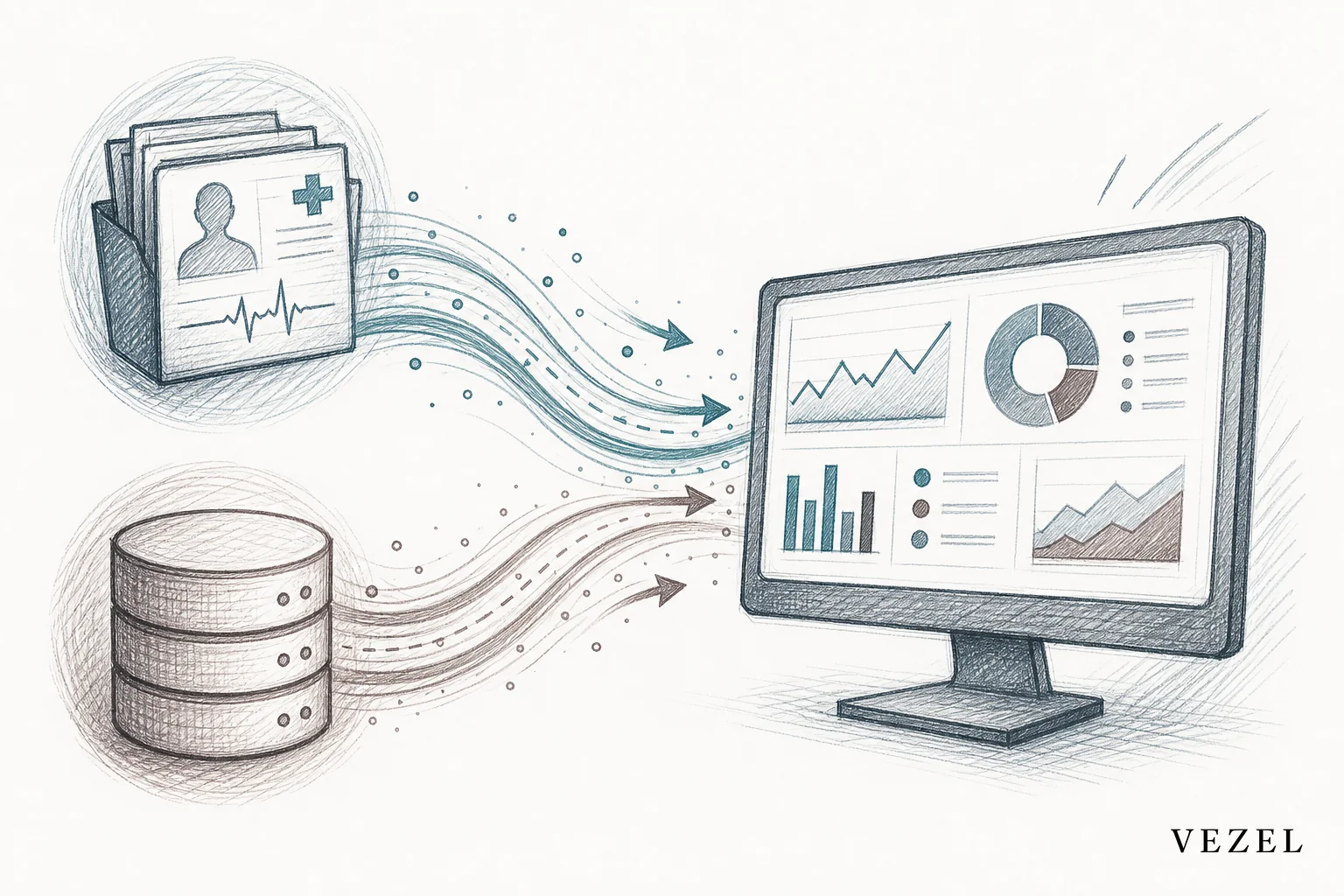
Reports built as native extensions connect directly to your platform's live data model, the same tables and endpoints your core product already reads from. That means a custom dashboard showing today's staffing coverage reflects today's schedule, not last week's snapshot. It also means your engineering team isn't maintaining a separate export pipeline just to keep a handful of enterprise dashboards current, work that quietly eats into the same capacity you need for core product development.
Can I Connect My Own AI Client to My Own SaaS Accounts?
Yes, and this question comes up often from healthcare tech product teams evaluating how flexible their own platform can be. The short answer: an embedded extensibility layer connects through your existing API surface using auto-discovery, so an AI client can read and write against your live data without a separate integration project. Because the connection inherits your existing authentication and RBAC, the AI client only ever sees what the requesting account is already permitted to see, which matters enormously when clinical or claims data is involved. This is the same mechanism behind deploying AI agents inside a SaaS platform more broadly, reporting is simply the first and most common use case customers ask for.
Custom Reporting vs Broader SaaS Extensibility
Reporting is usually the entry point, not the finish line. Once a healthcare tech customer can build a report, the next request is almost always a workflow, an approval chain, or a form tied to that same data. If you want the fuller picture of how extensibility fits into a healthcare tech roadmap beyond reporting, our retention playbook for vertical SaaS extensibility covers the broader case, including workflows and AI agents built on the same governed foundation. You can also see how the dashboard side of this works in how to build custom dashboards inside your SaaS.
FAQ
How long does it take to launch self-serve custom reporting?
Most teams connect their API and go live with a pilot group of enterprise customers within a few weeks, since the heavy lifting is API auto-discovery and mapping your permission model, not building a reporting engine from scratch.
Does this replace our existing BI tool?
Not necessarily. Many healthcare tech platforms keep a BI tool for internal analytics while offering embedded, customer-facing reporting for account-level and operational views that BI tools aren't designed to expose to end customers.
Is embedded custom reporting HIPAA compliant?
Compliance depends on how permissions are enforced, not on the reporting feature itself. Because reports built through security inheritance never bypass your platform's existing authentication and row-level access rules, they operate within the same compliance boundary as the rest of your product, rather than creating a new one to audit separately.
What happens to old feature requests for one-off reports?
They mostly disappear. Once customers can build what they need themselves, the backlog of "can you add this one report for us" tickets shrinks dramatically, freeing engineering to work on the core product instead of one-off requests.
If your healthcare tech platform is still fielding custom report requests through engineering tickets, that backlog only grows as you add enterprise accounts. Book a demo to see how security inheritance and natural language reporting work inside a real healthcare tech data model, or see how it works before you talk to your team about the roadmap. If you'd rather talk through your specific compliance requirements first, talk to an expert about what custom reporting could look like inside your product.



