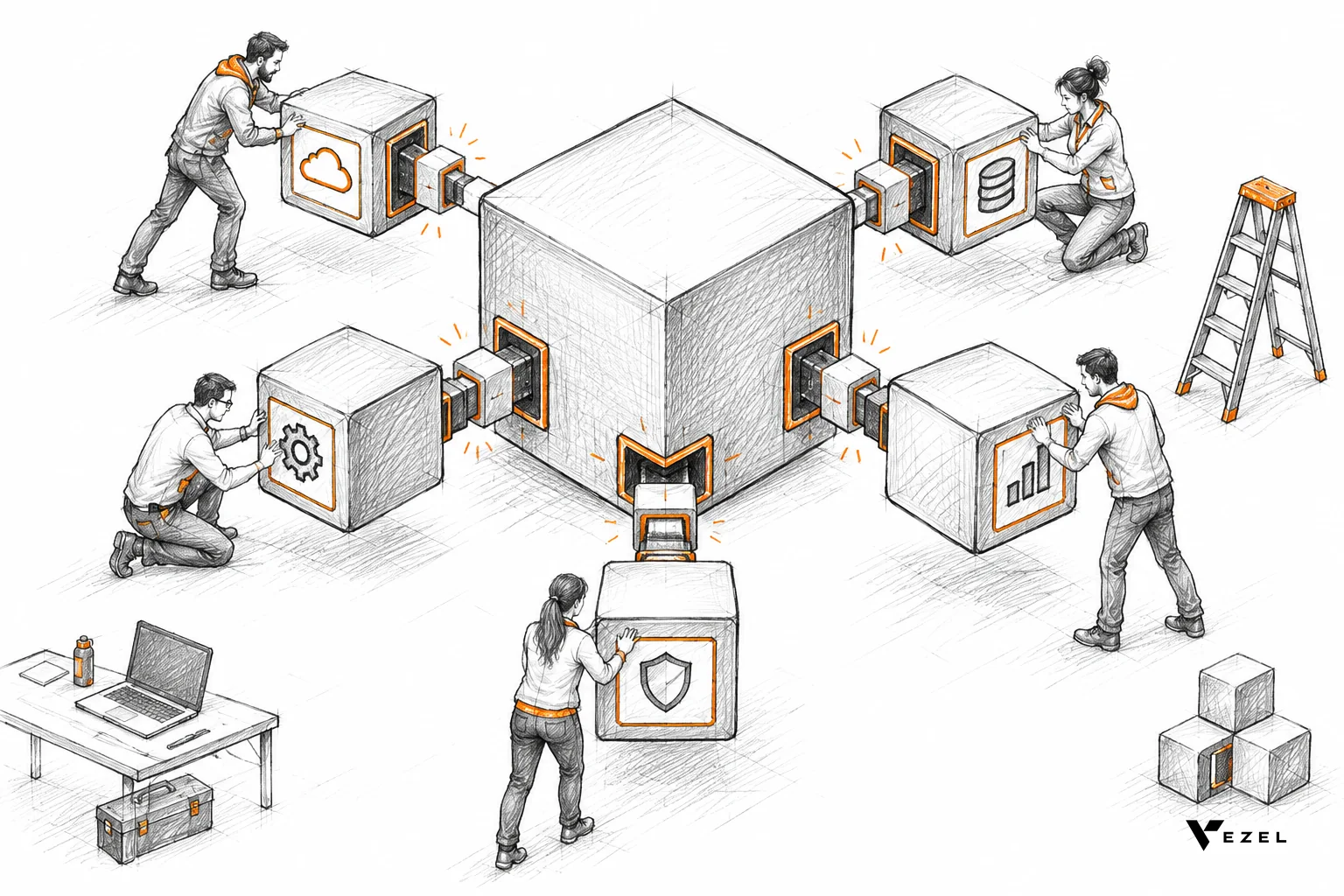



A mid-market supply chain SaaS company had an enterprise deal worth six figures sitting one signature away, blocked by a single line in the procurement notes: "requires a custom compliance dashboard before go-live." The team built that dashboard and shipped it inside the sales cycle, without pulling a single engineer off the roadmap, using an embedded AI extension layer instead of a dev sprint. The deal closed three weeks later instead of the usual two months.
Key Takeaways
- Dashboard delivered in days: The compliance dashboard the prospect required went from request to working demo in under a week, not the six-to-eight-week window a typical dev sprint would need.
- Zero engineering hours pulled: The customer success team built it using plain English prompts inside the existing product, so the engineering roadmap stayed untouched.
- Deal cycle cut roughly in half: The sales cycle for this account dropped from a projected 10-12 weeks to about 5 weeks once the custom dashboard stopped being a blocker.
- Reusable pattern, not a one-off: The same dashboard template was reused for two later prospects with near-identical procurement requirements.
- Security stayed intact: The dashboard inherited the host platform's existing permissions, so no separate login or access review was needed.
At a Glance: The Deal Timeline
| Metric | Before (Custom Dev Path) | After (Embedded Extension) |
|---|---|---|
| Time to working dashboard | 6-8 weeks | 4-6 days |
| Engineers pulled from roadmap | 2 engineers, partial sprint | 0 |
| Sales cycle length | ~10-12 weeks | ~5 weeks |
| Who built it | Product + engineering team | Customer success manager |
| Security review needed | Yes, new access model | No, inherited existing RBAC |
| Reused for future deals | Rarely, one-off code | Yes, as a template |
The Deal That Almost Stalled
Enterprise buyers rarely say no outright. They say "we need this before we sign." In this case, the prospect's procurement team demanded a compliance dashboard broken down by facility, something the core product didn't ship out of the box.
The vendor's product team estimated the build at six to eight weeks. That timeline sat past the prospect's internal budget cycle deadline. Losing that window meant losing the deal to a competitor, or watching it slip to next quarter.
This is the exact bind covered in how to shorten your enterprise SaaS sales cycle: the technology usually isn't the hard part. The calendar is.
Why Engineering Couldn't Just Squeeze It In
The engineering team wasn't being difficult. They were already running near capacity on core roadmap work, and one-off enterprise requests like this one routinely eat 30-40% of available engineering time across the industry.
Pulling two engineers for even a partial sprint meant delaying a planned integration release. That trade-off shows up constantly across vertical SaaS teams, and it's the reason so many companies end up managing a growing backlog instead of a roadmap. The problem isn't unique to this company either, it's the same pattern explored in how to reduce SaaS engineering backlog from enterprise requests.
What Changed: Building the Dashboard in Days, Not Sprints
Instead of filing a ticket, the customer success manager working the deal opened Vezel, the embedded AI extension layer already installed inside the product, and typed a plain English description of the compliance dashboard the prospect needed.
API auto-discovery mapped the request to the platform's existing compliance and facility data models automatically. No new endpoints, no data migration.

The dashboard inherited the platform's existing authentication and row-level permissions, so each facility manager on the prospect's side would only see their own site's data once the account went live. That security inheritance mattered a lot to a procurement team already sensitive about compliance data.
Because the extension was white-labeled, the finished dashboard matched the host product's design system exactly. The prospect never knew it wasn't a "native" feature, which is precisely the point.
How Is This Different From a Custom Dev Build?
A custom dev build and an embedded extension solve the same request through very different paths, and the gap between them is where most of the deal risk lives.
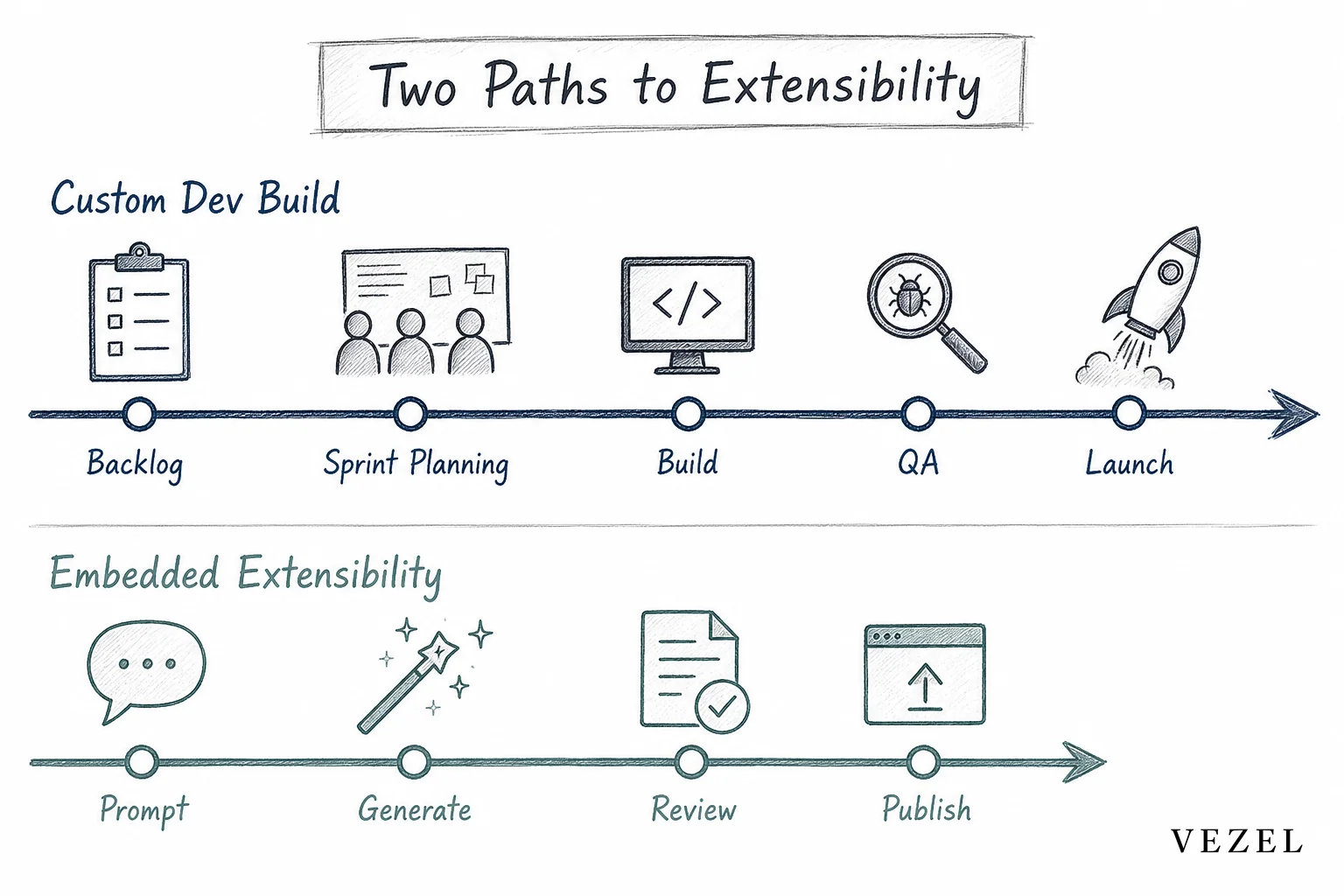
| Factor | Custom Dev Build | Embedded Extensibility |
|---|---|---|
| Build owner | Engineering team | Sales, CS, or the customer |
| Typical turnaround | Weeks to months | Days |
| Ongoing maintenance | Falls on engineering forever | Managed through governed publishing |
| Security setup | Rebuilt per project | Inherited automatically |
| Scales to next customer? | Usually not, one-off code | Yes, reused as a template |
Teams weighing this trade-off often compare it against Retool, Glide, or Mendix as internal alternatives. Those tools are strong for internal use, but a good breakdown of why customer-facing extensibility behaves differently sits in Retool vs embedded extensibility for SaaS products and extensibility platform vs custom dev: what's cheaper.
How does an embedded extension stay secure for enterprise buyers?
It stays secure because the dashboard never gets its own login or permission table. It runs on the host platform's existing authentication and row-level access rules, so a facility manager still only sees their own site's data, exactly as they would anywhere else in the product.
The Before-and-After Impact on Deal Velocity
Once the dashboard stopped blocking procurement, the rest of the sales cycle moved at a normal pace. Legal review, contract redlines, and final sign-off took about five weeks total, down from a projected ten to twelve.

The account executive on the deal reused the same dashboard structure as a talking point in two later demos, turning what used to be a stalling risk into an actual selling point. That mirrors a pattern documented in how to build custom dashboards inside your SaaS, where site engagement data shows readers spending well above median time on dashboard-building content, though that engagement alone doesn't guarantee the same deal outcome for every team.
Sales engineers stopped needing to promise a future roadmap item to get a signature. They could build the thing live, in the meeting, or turn it around within a day or two after.
Where This Fits Beyond a Single Deal
One saved deal is a nice story. The bigger shift is what happens once customer success and sales have a repeatable way to produce these dashboards without opening a ticket.
Every custom build that used to live in a spreadsheet or a one-off script becomes a governed, versioned extension inside a marketplace instead. That's a meaningful difference from shadow IT, where customers quietly build workarounds outside the platform because the product can't keep up. A closer look at that risk is in how to prevent shadow IT in your SaaS platform.
For vertical SaaS platforms in healthcare, HR tech, or supply chain, the same approach applies to workflows and reports, not just dashboards. The compliance dashboard example above is one instance of a broader pattern covered in how supply chain SaaS can offer custom reporting.
Frequently Asked Questions
Does this replace the engineering roadmap entirely?
No. It removes one-off, customer-specific requests from the roadmap so engineering can stay focused on core product work that benefits every customer, not just one account.
Can sales and CS teams really build these without developer help?
Yes. The dashboard in this example was built by a customer success manager typing a plain English description, not by anyone writing code or filing an engineering ticket.
Is a customer-built dashboard safe to hand to an enterprise buyer?
It's safe when the extension inherits the host platform's existing authentication and row-level permissions rather than creating a separate access model, which is exactly what governed extensibility platforms are built to do.
If a custom dashboard request is currently sitting between your team and a signed enterprise deal, you don't need to choose between stalling the deal or stalling your roadmap. Book a demo to see how a compliance-grade dashboard gets built and shipped inside a live sales cycle, or see how it works before your next enterprise call. If you want to walk through your specific procurement blocker first, talk to an expert and bring the request that's currently stuck.