


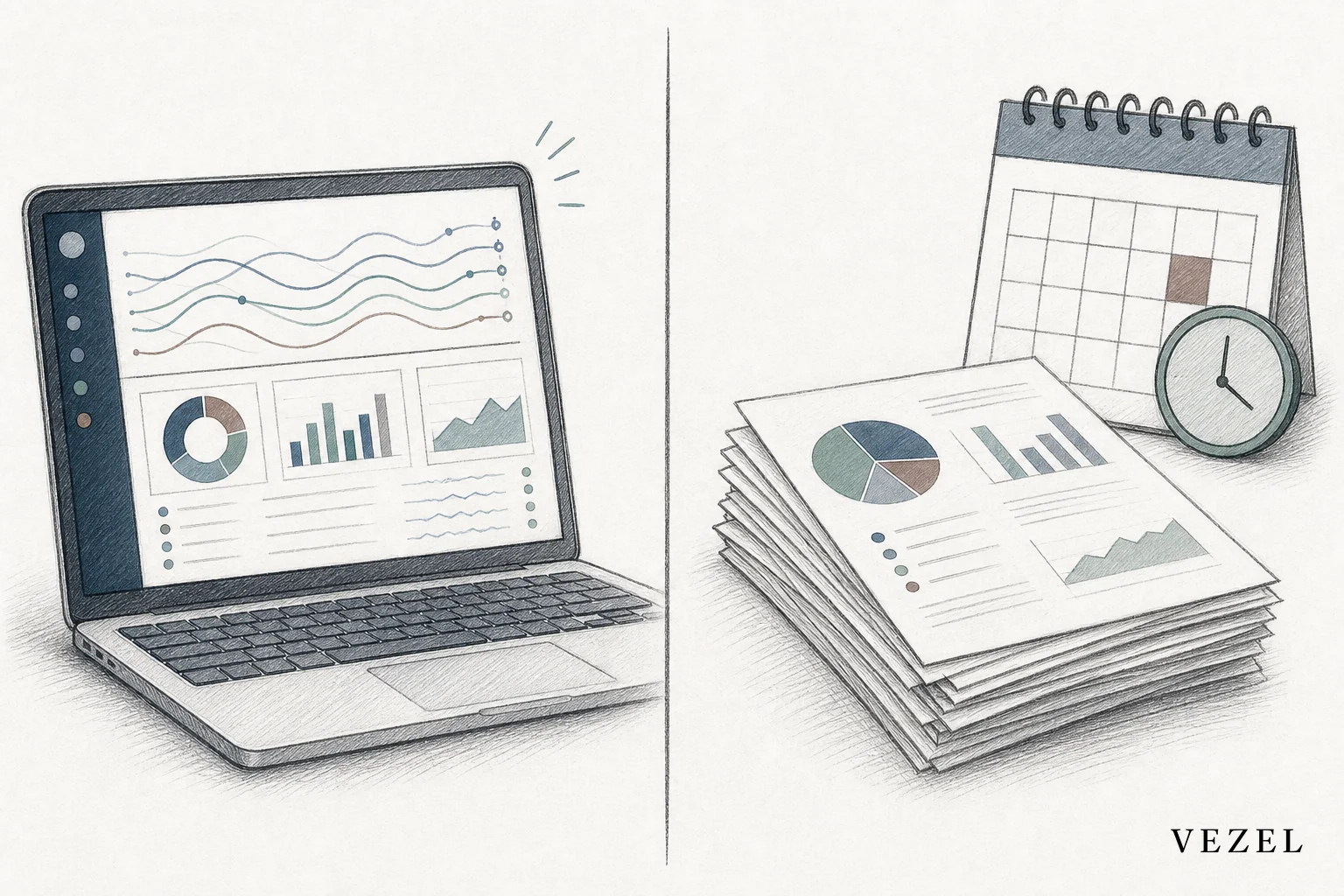
A real-time dashboard builder wins on speed and accuracy because it queries live, permissioned data the moment someone opens it, while a scheduled report export only reflects whatever the data looked like at the last run. For daily operational decisions, that gap matters. For quarterly compliance archives, it often doesn't.
Key Takeaways
- Freshness gap: Scheduled exports are stale the second the cron job finishes; a real-time dashboard builder reflects data as of the last write to the database.
- Engineering cost shifts: Export pipelines need ongoing maintenance per customer request; embedded dashboard builders let customers self-serve, cutting the one-off backlog.
- Permissions travel differently: Exports need a separate access check baked into the file; live dashboards inherit the viewer's existing RBAC automatically.
- Exports still win for archives: Point-in-time compliance snapshots and audit trails are better served by a fixed export than a moving dashboard.
- Hybrid is common: Many platforms keep scheduled exports for finance and compliance while adding a live dashboard layer for day-to-day operations.
At a Glance: Dashboard Builder vs Scheduled Exports
| Factor | Real-Time Dashboard Builder | Scheduled Report Export |
|---|---|---|
| Data freshness | Live, queried on view | As stale as the last run interval |
| Setup effort | Customer builds it in plain English, minutes | Requires engineering or BI request ticket |
| Ongoing maintenance | Low; platform team maintains the builder, not each report | High; every schema change breaks pipelines |
| Permissions | Inherits existing RBAC automatically | Must be manually scoped per export |
| Best for | Daily operations, KPIs, enterprise-specific views | Compliance snapshots, audit trails, board decks |
| Engineering load | One-time platform integration | Recurring per customer request |
What's the Real Difference Between a Real-Time Dashboard Builder and a Scheduled Report Export?
A real-time dashboard builder queries live data every time it's opened, while a scheduled report export runs on a fixed timer and hands over a frozen file. One is a window into the database right now; the other is a photograph taken hours or days earlier. The distinction sounds small until a customer makes a decision off the wrong version.
Scheduled exports run on a job, usually nightly or weekly, pulling data into a CSV, PDF, or BI tool feed. That's fine when nobody needs the number sooner than tomorrow morning. But enterprise customers rarely operate on that clock anymore. A support manager checking ticket backlog at 4pm doesn't want this morning's snapshot; they want right now.
How Scheduled Report Exports Became the Default
Most SaaS products shipped exports first because it was the cheapest way to get data out of the system. A backend job, a template, a delivery mechanism, done. It worked for years because reporting needs were simple: monthly summaries, weekly digests, static dashboards nobody touched between refresh cycles.
The limit shows up as customers grow more specific. One enterprise account wants the export filtered by region. Another wants a different rollup entirely. Each request becomes a new script, a new template, a new thing for engineering to babysit.
Speed: Waiting on a Cron Job vs Asking a Question
A scheduled export answers a question you asked yesterday. A real-time dashboard builder answers the question you're asking right now, because the query runs against live data on demand instead of a pre-baked file sitting in a job queue.
Think about a logistics dispatcher checking on-time delivery rates mid-shift. With a nightly export, they're looking at last night's numbers while trucks are actively running late this afternoon. With a live dashboard, the number updates as the delivery status changes. The operational value of that difference compounds daily.
Accuracy: Stale Snapshots vs Live Permissioned Data
Data accuracy in a scheduled export depends entirely on how close the run time is to the moment someone reads it. A live dashboard sidesteps that problem because there's no run time; the query executes against current state, using the viewer's own permissions rather than a static access list baked into the export job.
That permission inheritance matters more than it sounds. Export pipelines often need a separate, manually maintained access map to decide who can see which rows. Miss an update to that map and you've either leaked data or blocked someone who should see it.
Engineering Overhead: Who Maintains the Reports?
Every scheduled export is a small piece of infrastructure that someone has to keep alive. Schema changes break field mappings. New customer requests mean new templates. Multiply a handful of enterprise accounts by their own report variations and you get a backlog that never shrinks, only grows.

That backlog is a familiar pattern for teams running SaaS engineering backlog reduction efforts. A real-time dashboard builder flips the maintenance model: the platform team maintains one builder, and customers assemble their own views inside it. Engineering stops being the bottleneck between a request and a working report.
Vezel's approach to building custom dashboards inside a SaaS product uses API auto-discovery to map existing endpoints automatically, so a customer describing "show me overdue invoices by region" gets a working view without a developer touching code.
Comparison Table: Real-Time Dashboard Builder vs Scheduled Report Exports
| Attribute | Dashboard Builder | Scheduled Export |
|---|---|---|
| Time to first report | Minutes, self-serve | Days to weeks via ticket |
| Update frequency | Continuous | Hourly, daily, or weekly at best |
| Format | Interactive, filterable in-app | Static file (CSV, PDF) or BI feed |
| Customization owner | End customer, no code | Engineering or implementation team |
| Failure mode | Query error, visible immediately | Silent pipeline break, discovered later |
| Audit suitability | Weaker for fixed point-in-time proof | Strong, file is a permanent record |
How Do I Embed a Form Builder Into an Existing SaaS Product?
You embed a form builder by connecting it to your existing API through auto-discovery, so submitted fields map directly to your live data model instead of a separate database. The form then feeds the same real-time dashboards and workflows your customers already use, with no export step in between.
This matters directly for the dashboard-versus-export question. A scheduled export usually pulls from a form's backend table on a delay. An embedded form connected to a live dashboard builder writes data that shows up in reports immediately, closing the gap between data capture and decision-making. Teams doing this well typically pair the form builder with a workflow builder embedded in the same product so approvals and reporting stay in sync.
When Scheduled Exports Still Make Sense
Exports aren't obsolete. A finance team producing an SEC filing or a healthcare platform generating an audit trail needs a fixed, timestamped record that won't change if the underlying data does. That's a legitimate case for a static file, not a limitation of the export model, it's the point.
Board decks and quarterly business reviews also lean toward exports because the audience wants a stable narrative, not a number that shifts mid-presentation. If your customers are lawyers, auditors, or compliance officers, keep the export pipeline. Just don't force every other use case through it too.
When a Real-Time Dashboard Builder Wins
Operational monitoring is where live dashboards earn their keep. Support queues, delivery status, inventory levels, sales pipeline health, anything that changes hour to hour benefits from a number that's actually current when someone looks at it.

Enterprise customers asking for a dashboard "just for our team's KPIs" are also a strong signal. That request used to mean a custom build or a spreadsheet workaround. Now it can mean a customer builds their own view in plain English, without opening a ticket. Vertical platforms in supply chain and healthcare tech are already seeing this pattern with enterprise accounts that used to demand a custom export script for every new metric.
Making the Switch Without a Dev Sprint
Moving from exports to a live dashboard layer doesn't require rebuilding your reporting stack. API auto-discovery maps your existing endpoints and data models automatically, so the builder connects to what you already have instead of requiring a new integration project.
Security inheritance matters just as much here. A dashboard builder that respects your existing authentication, RBAC, and row-level permissions means you're not maintaining a second access model alongside your product's. White-labeled theming keeps the whole thing feeling native rather than bolted on.
If you're weighing this against a broader build-versus-buy decision, the cost comparison is worth reading in Extensibility Platform vs Custom Dev: What's Cheaper? before committing engineering time to either path.
Scheduled exports got SaaS platforms this far. They won't get you through the next wave of enterprise customers who expect their own live view, built their way, without waiting on a backlog. If your team is still shipping CSVs to answer questions that change hourly, book a demo and see what a real-time dashboard builder looks like connected to your own data. Curious how the mechanics actually work first? See how it works, or talk to an expert about which reports in your product are ready to go live.