


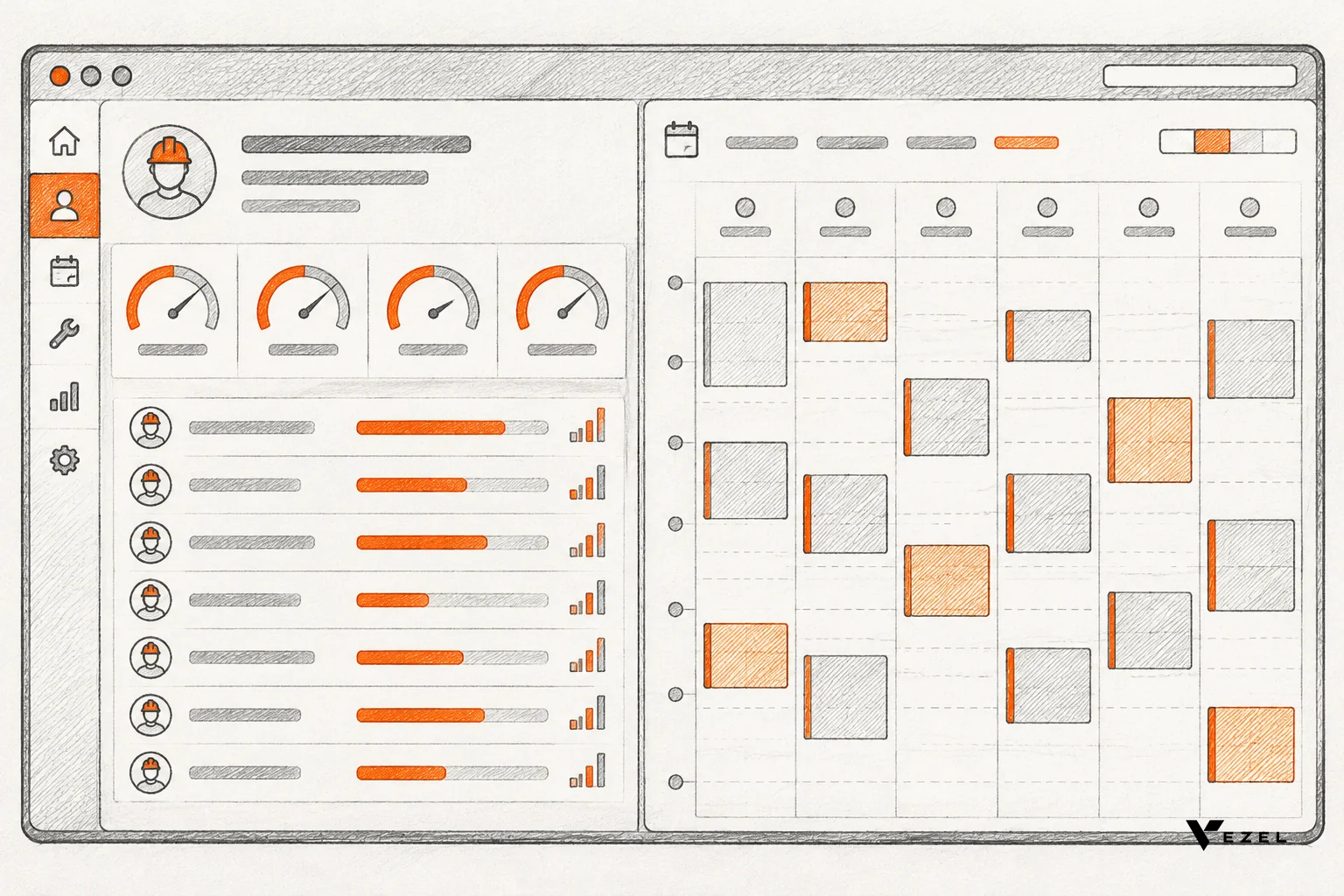
Build the technician scorecard first in most US field service products. It reads data you already store, such as work orders, labor hours and checklist results, so it ships with little risk. Build the maintenance planner second, because it writes data back, needs scheduling rules, and breaks when parts, tools or permissions are wrong. Test both as extensions before either touches your core roadmap.
Key Takeaways
- Scorecard first: It is mostly read-only. If your work orders and time entries are clean, a scorecard is a reporting problem, not a workflow problem.
- Planner second: A planner writes schedules, reserves craftspersons and ties to parts and tools. Every write is a new way to fail.
- Different breaking points: Scorecards break on metric definitions and trust. Planners break on conflicts, stale inventory and permissions.
- Different buyers: Scorecards tend to come from service owners and dispatch leads. Planners tend to come from maintenance and reliability managers. Check this against your own request log.
- Test before you commit: Ship either one as an extension, watch real usage, and promote only what customers keep opening.
Technician Scorecard vs Maintenance Planner at a Glance
| Factor | Technician scorecard | Maintenance planner |
|---|---|---|
| Main question answered | How are our technicians performing? | What work happens when, with which people, parts and tools? |
| Time direction | Looks back at completed work | Looks ahead at scheduled work |
| Core data | Work orders, time entries, checklist results, callbacks | Assets, tasks, estimated time, craftsperson availability, parts, tools |
| Data access | Mostly read | Read and write |
| Where it usually breaks | Disputed metric definitions | Scheduling conflicts and stale parts data |
| Likely first requester | Service owners, dispatch and operations leads | Maintenance managers, planners, reliability leads |
| Best first move | Extension on existing work order data | Extension limited to one asset class or one site |
Two requests land on a field service product owner's desk around the same time. One customer wants a scorecard to see which technicians are productive. Another wants a planner so the right parts and people are ready before a job starts. Both sound small. They are not the same size.
What Is the Difference Between a Technician Scorecard and a Maintenance Planner?
A technician scorecard measures how people performed on completed work, using a short set of agreed metrics. A maintenance planner prepares and schedules future work, so the parts, tools, permits and downtime window are ready when a technician opens the work order. One reports on the past. The other shapes the next job.
That split drives everything else. A scorecard answers a manager's question and ends in a decision about coaching, staffing or pricing. A planner changes what technicians do tomorrow morning. If it is wrong, a truck rolls without the part.
The scorecard in practice
A good scorecard stays small. Pick five or six numbers that show what a good job looks like in the business, and track them the same way for every technician. Common candidates are billable percentage, first-time fix rate, callbacks and checklist completion.
Labor split is a typical example. A published fleet maintenance dashboard defines a KPI for the percentage of direct labor versus indirect labor, then drills down from all shops to individual technicians. That drill-down pattern is the shape most scorecard requests take.
The planner in practice
A planner works with tasks, assets and events. One public maintenance quick-start guide describes a task as a maintenance procedure performed against an asset, with the event being when it is scheduled. Task details carry estimated time and labor cost.
Planning boards add a graphical layer. A Tennessee state facilities help page shows a Planning Board where a supervisor or scheduler can schedule craftspersons alongside separate tasks for estimates and preventive maintenance schedules. Scheduling is a distinct job, not a view.
What Data Does Each Tool Need?
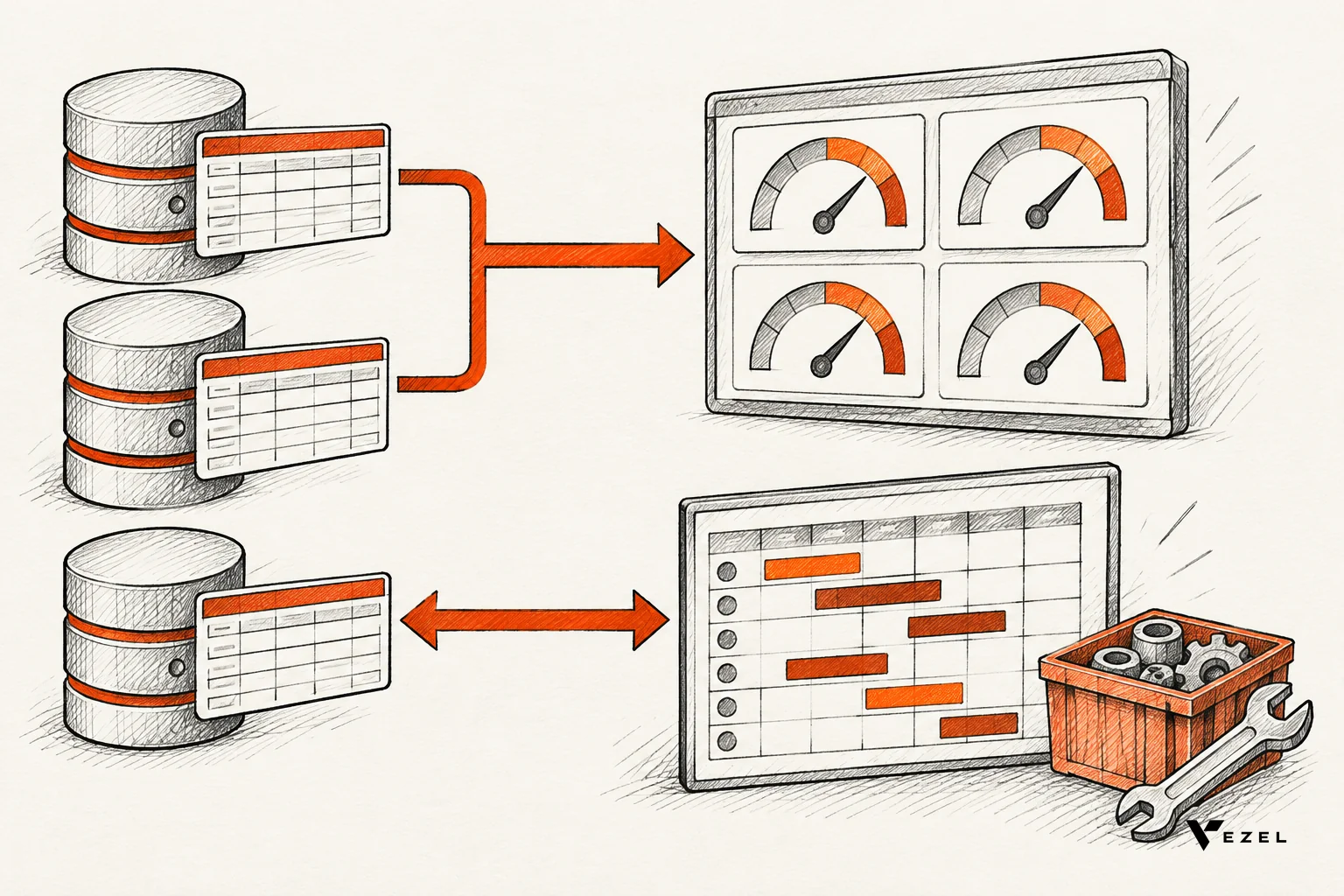
A scorecard needs completed work orders, technician time entries, job outcomes and inspection results. A planner needs all of that plus asset records, task templates, estimated durations, craftsperson availability, and parts and tool inventory. The scorecard consumes history. The planner needs live, writable, accurate operational data.
Scorecard data checklist
Before you build, check that each input exists in your API and is trustworthy. Use these pass marks.
- Work order status and timestamps: pass if closed work orders carry start and end times for at least most jobs. Walk away from the metric if times are mostly typed in after the fact.
- Technician ID on every labor entry: pass if each entry maps to one person. Shared logins make per-technician numbers meaningless.
- Job outcome or callback link: pass if a repeat visit can be tied to the original job. If not, drop first-time fix rate for now.
- Checklist results: pass if inspection answers are stored as fields, not photos or free text.
A hypothetical example shows why definitions matter. Suppose a technician logs 6 hours on customer jobs in an 8-hour day. Billable percentage is 75%. Now the customer asks whether the 45-minute supply house run counts as billable. Your scorecard needs a setting for that, or the first review meeting becomes an argument about math.
Planner data checklist
- Asset hierarchy: pass if every schedulable task links to an asset. Walk away if tasks float without assets.
- Craftsperson availability: pass if shifts, time off and skills are stored in a system the extension can read. A calendar kept in email fails.
- Estimated task duration: pass if templates carry a time estimate. Without it, the planner is only a to-do list.
- Parts and tools: pass if stock levels are live. Stale inventory makes a planner confidently wrong.
- Write endpoints: pass if the API lets an extension create and update scheduled events under the user's own permissions.
The last item is the gap. A scorecard needs read endpoints. A planner needs writes, and many products expose far fewer write endpoints than read endpoints.
Which Is Harder to Build, and Where Does Each Break?
The maintenance planner is harder to build because it writes data, enforces scheduling rules and depends on live parts and tool data. The technician scorecard is easier because it mostly reads existing records. We cannot give honest build-time figures that apply to every product, so judge by data gaps and write access.
Where scorecards break
Scorecards rarely fail on code. They fail on trust. If two managers calculate productivity differently, nobody believes the dashboard. If technicians see only their ranking and no context, the tool feels like surveillance and adoption drops.
Fixes are plain. Publish each metric definition on the screen itself. Let each customer pick their own five or six metrics. Show technicians their own numbers first. Our guide to technician scorecard software features for field service covers the feature list in more depth.
Where planners break
Planners fail in four places. Double bookings appear when two schedulers edit the same day. Parts shortages appear when stock data lags. Permissions drift when a planner can schedule people from a site they should not see. And estimates stay wrong because nobody feeds actual durations back.
The fix for permissions is to inherit your existing role model rather than rebuild one. Extensions on Vezel inherit your existing authentication, permissions and access controls, so a planner sees only the sites and people that user already may see.
Which Customers Ask for Each First?
Service owners, dispatch leads and operations managers tend to ask for a scorecard first, because they are accountable for technician productivity and margin. Maintenance managers, planners and reliability leads tend to ask for a planner first, because they are accountable for uptime and prepared work. Confirm this against your own request log.
We are not quoting request-frequency numbers here, because none of our sources back one. Treat the pattern as a hypothesis to check. Tag the last 20 or so customer requests by requester role, and see which group is louder in your product.
Signals a customer wants a scorecard
- They export work orders to Excel to rank technicians.
- The requester is an owner, operations head or branch manager.
- The request mentions coaching, bonuses or billable time.
Signals a customer wants a planner
- They keep a separate planning spreadsheet for preventive maintenance.
- The requester is a maintenance manager or a dedicated planner role.
- The request mentions parts staging, shutdown windows or backlog of scheduled tasks.
Some customers ask for both. In that case, start with the scorecard. It teaches you which data is unreliable, and the planner needs that same data.
A Decision Rule for Product and Engineering Leaders
Here is what we would do. Build the scorecard first unless a named customer, with revenue attached, needs a planner to close or renew. The scorecard is cheap, shows data quality problems early, and builds the dashboard habit your planner will later rely on.
Choose the planner first only when three things are true:
- Your API already exposes write endpoints for scheduled events and assignments.
- Parts and craftsperson data is live, not weekly.
- The requester has a dedicated planner role who will use it daily.
If any of the three fails, the planner will launch as a prettier spreadsheet. Fix the data gap or the write access first, then revisit.
One thing is not settled: whether heavy scorecard usage predicts planner demand from the same account. It may, since teams that measure often want to plan better. We have not seen that proven, so watch it in your own usage data rather than assuming it.
For the dashboard side of the build, see how to build custom dashboards inside your SaaS.
How Extensions Let You Test Demand Before Core Work
Extensions let customers or your team describe a scorecard or planner in plain English and run it inside your product, so you see real usage before committing engineering time. You build the extension, learn from adoption and feedback, and promote it into the core only when evidence shows broad value.

This is the Build, Learn, Evolve model. Vezel connects to your APIs, generates extensions from plain English, runs them in a secure container, and lets you scale and govern them. Technician scorecards, maintenance planners and inspection checklists are all things Vezel can build for field service and manufacturing products.
What the first test looks like
Vezel says most SaaS platforms can integrate in a few days. Setting up the control plane review queue usually takes 7 days. Publishing, permissions, approvals and the extension lifecycle are managed from that central control plane, so nothing reaches customers unreviewed.
A sensible pilot has one customer, one scorecard or one planner scope, and a short list of success measures: time to deliver, weekly active users and repeat visits. Extensions are white-labeled, so users see them as part of your product. You can also see how it works step by step.
What the usage tells you
Three outcomes are common. Keep the extension for the niche that uses it. Refine it and share it with similar customers. Or promote it into the core, with real usage as evidence. Usage informs the roadmap; your product team still decides what belongs in the core.
Forms often feed both tools. Inspection data powers scorecards, and task completion data feeds planners. Our walkthrough on building custom forms inside your SaaS product shows that first layer.
FAQ
Can one tool do both jobs?
Not well at first. A scorecard and a planner share data but serve different decisions and different people. Build them as two separate extensions that read the same work order data, then decide later whether usage justifies combining them into one workspace inside the core product.
Does a technician scorecard need AI?
No. A scorecard needs clean data and clear metric definitions. AI helps with creation, since a user can describe the scorecard in plain English instead of waiting for an engineering sprint. The numbers themselves should come from your existing records, not from a model's guesses.
What if our API has no write endpoints?
Start with the scorecard, which only reads. Then add write endpoints for scheduled events and assignments before attempting a planner. Extensions can only do what your APIs and permissions allow, so a missing write path means a planner will remain read-only until you close that gap.
Pick One and Prove It
You do not have to settle the technician scorecard vs maintenance planner debate in a roadmap meeting. Pick the one your data supports, scope it to one customer, and let usage decide. If you want to see either built live inside a demo account of your own product, book a demo with Vezel and we will respond within 1-2 business days.