

A sales engineer custom demo for an enterprise prospect stalls because a tailored workflow is real product work, not a demo task, and it lands in the engineering backlog for weeks. The fix is a working proof built inside the prospect's own product, on a demo account, in about a day instead of a sprint.
Key takeaways
- The ask is proof, not a tour: an enterprise buyer who requests their own approval flow or dashboard wants evidence the product fits before they sign.
- Rebuilding from scratch breaks down fast: each tailored demo turns a sales engineer into a part-time developer, and every new prospect repeats the work.
- A fast proof needs five things: a live API connection, inherited permissions, a native look, plain-English generation and a governed container.
- Vezel's approach: the prospect shares a demo account and we build a working proof of what is possible inside their SaaS. Most SaaS platforms can integrate Vezel in a few days.
At a glance: the custom demo problem and the fast fix
| Question | Answer |
|---|---|
| What triggers the stall? | A prospect asks to see their own workflow or dashboard before signing |
| Why the usual path is slow | The request goes into the backlog and engineering picks it up weeks later |
| What a working proof is | The real workflow, running on a demo account inside the prospect's SaaS product |
| What it requires | API connection, inherited authentication and permissions, native look, plain-English generation, governance |
| Vezel integration time | Most SaaS platforms can integrate Vezel in a few days |
| Vezel benchmark | 24 hours from custom request to live extension |
| Vezel inquiry response | Within 1-2 business days |
Why does a sales engineer custom demo stall an enterprise deal?
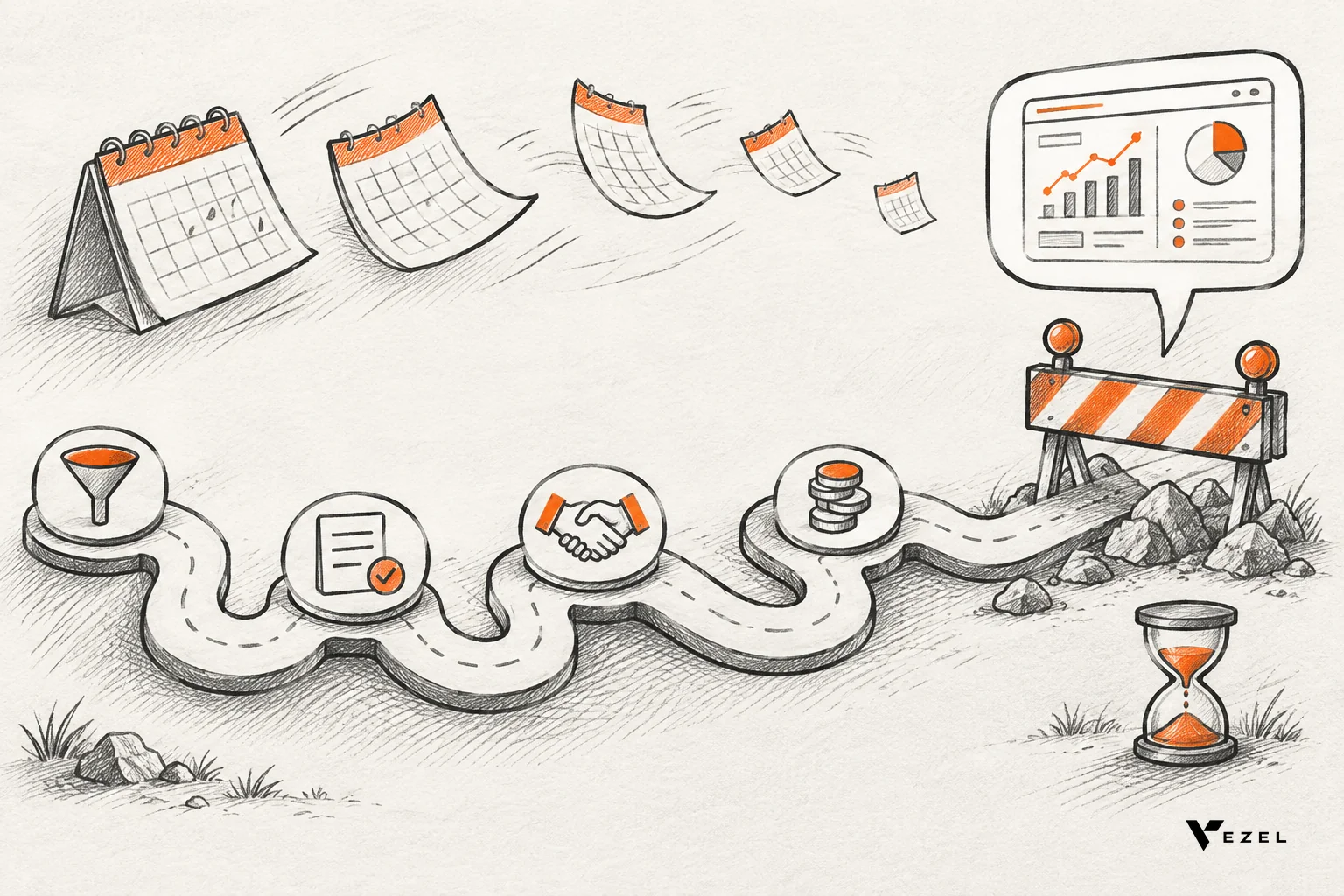
Because the prospect is asking for proof, not a tour. When a buyer wants their own approval flow or dashboard shown before signing, the request needs real build time, so it queues behind roadmap work. The deal waits, momentum fades, and silence from the buyer usually follows.
If you sell enterprise SaaS in the United States, you have seen this moment. The technical champion loved the first call. Then comes the email: "Can you show us our supplier approval process running in your product?" Nobody on the buying side is being difficult. They are doing their job.
The buyer is testing fit, not features
Enterprise buyers already know your product has dashboards and workflows. What they cannot tell from a standard demo is whether it will handle their metrics, approvals and terminology. A custom request is the cheapest way for them to find out before a contract is signed.
Every business develops its own processes, metrics, terminology and approvals. Two sales teams on the same CRM can define pipeline health differently, and neither wants identical software. A generic walkthrough cannot answer that question.
The silence is the real cost
The visible cost is engineering hours. The bigger one is time. While your team scopes the request, the buyer's other vendors keep talking to them, and the champion has nothing to take to their committee.
Deals rarely die with a clear "no" at this point. They go quiet. For a longer look at that pattern, see our piece on how to shorten your enterprise SaaS sales cycle.
Why rebuilding demos from scratch each time doesn't scale
Every tailored demo is a small engineering project: gather requirements, mock data, wire a workflow, test it, then throw most of it away. It scales with the number of prospects, not with your team. Sales engineers end up as part-time developers, and the work never compounds.
Think about what a sales engineer actually does that week. They scope the ask, build a test dataset, stitch together a front end, and hope nothing breaks in the live call. Then the next prospect asks for something different, and the cycle restarts.
A hypothetical month, to make it concrete
Take a hypothetical team with one sales engineer. Say each custom demo takes three working days to build and four enterprise prospects ask for one in the same month. That is twelve working days of a roughly twenty-day month spent on builds, before discovery calls, security questionnaires or any live presenting. The numbers are illustrative, not data, but most teams will recognise the shape.
Now add the spillover. If the sales engineer cannot finish, the request escalates to product or engineering, which is exactly the capacity you were trying to protect.
Slides and mockups are not a shortcut
Many teams fall back on screenshots or a clickable prototype. They are faster, but buyers tend to read them as a promise rather than proof. MIT's course notes on the sale: preparation, approach and demonstration make the same point from the other side: demos can break, they can highlight the wrong ideas, and a demo is not an evaluation.
That is the tension. A scripted demo is safe but proves little. A custom build proves a lot but costs weeks. Neither is the right answer when the prospect wants to see their own workflow.
The roadmap cannot absorb it either
Some teams solve the demo by promising the feature. That moves the problem rather than solving it. A shared product cannot absorb every customer-specific requirement, and each one-off build adds maintenance for the core team.
The gap between the software every customer receives and the software each customer needs is what we call the SaaS Adaptation Gap. A demo request is simply where that gap becomes visible in a sales cycle. AI assistants helped here less than expected: they improve how people interact with existing features, but they do not create a new approval flow that the whole team uses every morning.
What a fast, working proof inside the prospect's product requires
A fast proof requires five things: a live connection to the product's APIs, inherited authentication and permissions, a native look and feel, generation from plain English, and governed publishing. Remove any one and the proof either takes weeks again or fails a security review.
Here is what each requirement means in practice, and the pass mark for each.
1. A live API connection to real data models
The proof should read from the product's own APIs and data models, not from a spreadsheet pasted in for the call. Pass: the buyer sees their numbers or realistic records from the demo account. Walk away from the approach if the demo needs a separate copy of data that someone has to maintain.
2. Inherited authentication and permissions
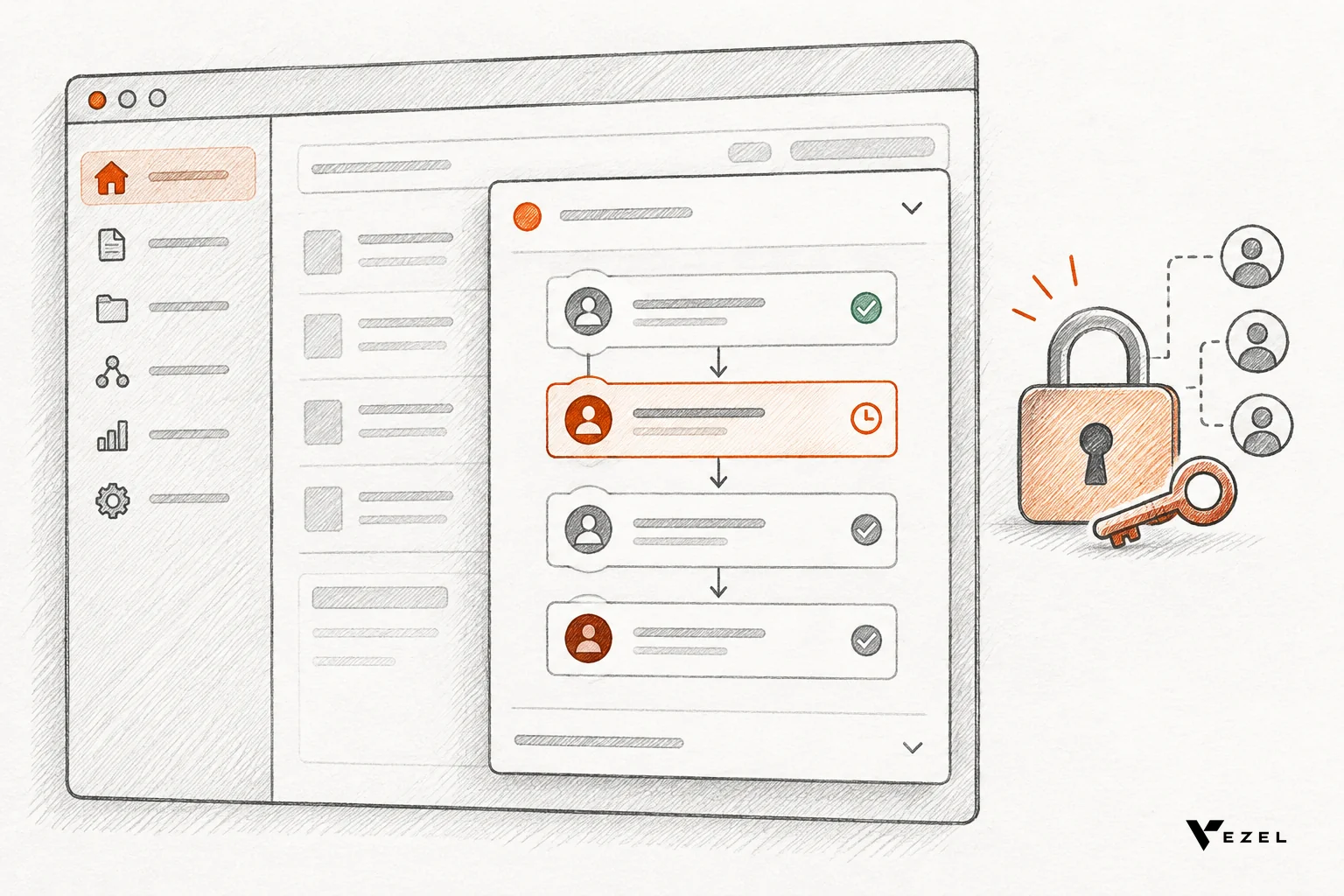
Enterprise security teams ask about access in the first review. Extensions should inherit your existing authentication, permissions and access controls. Pass: two test logins with different roles see different data. Fail: any view that ignores the role boundary, which means the proof cannot become a product.
3. A native look and feel
If the demo looks bolted on, the buyer assumes the finished version will too. A good proof is white-labeled and matches the host product's design system. Pass: someone unfamiliar with the build cannot tell which screens are new.
4. Plain-English generation
Speed comes from not hand-coding each piece. Describing a dashboard, report, form or workflow in plain English lets a sales engineer produce a first version during or right after the discovery call. Pass: a first working version exists before the prospect's attention moves on.
5. A secure, governed container
A proof that cannot be controlled cannot be promoted. Publishing, permissions, approvals and the extension lifecycle should sit in one control plane. Pass: you can publish, restrict and remove the extension without engineering involvement in the core app.
How Vezel builds a working proof on a prospect's demo account
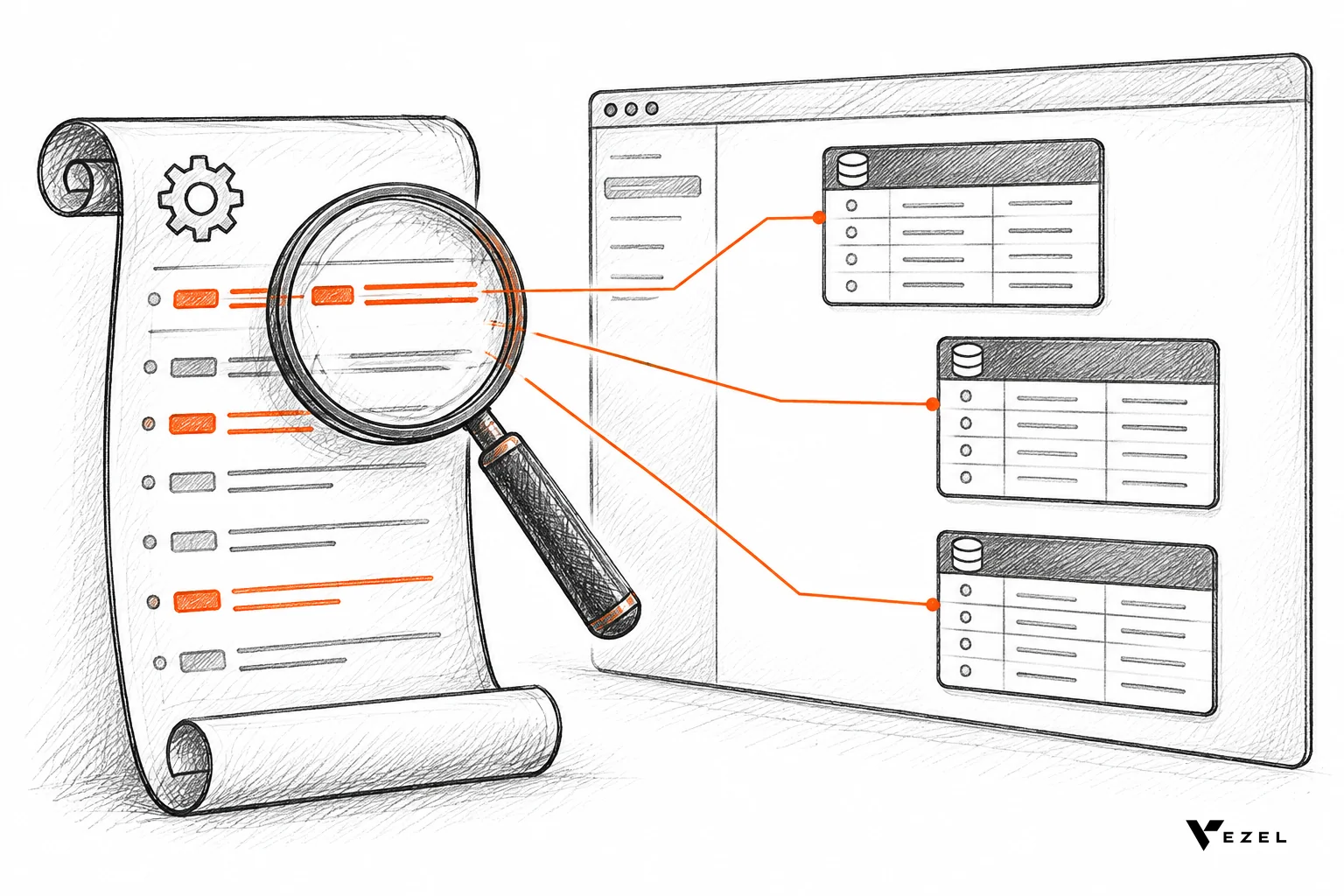
The prospect shares a demo account, and Vezel builds a working proof of what is possible inside their SaaS. It connects to the product's APIs and data models with a zero-footprint setup, generates the extension from plain English, and runs it in a secure container.
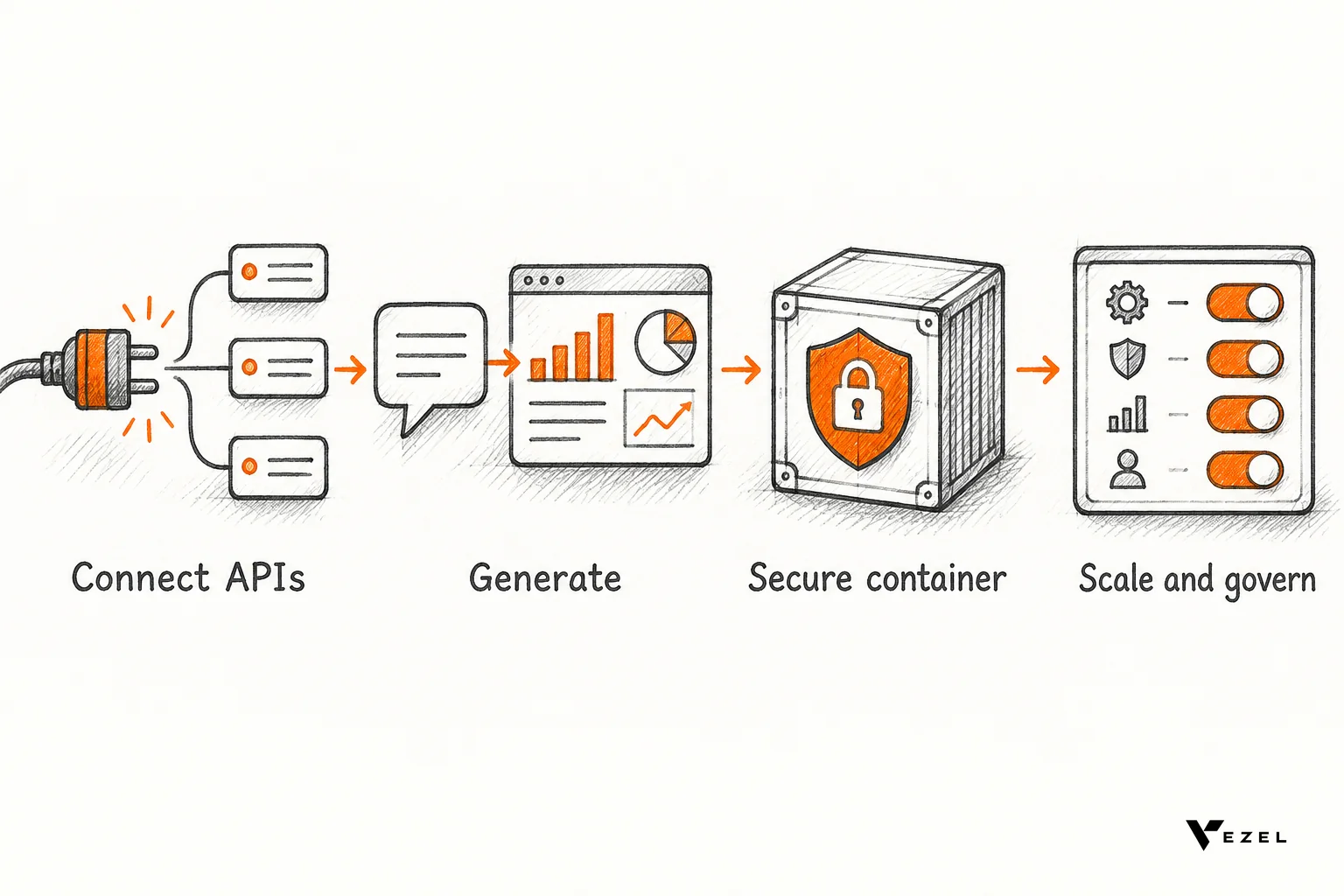
Vezel is an embedded AI extension platform, and this is the same four-step flow it uses for customers in production. You can see how it works step by step. Here it is applied to a sales cycle.
- Connect to your APIs. Vezel integrates with your APIs, authentication, permissions and design system. Most SaaS platforms can integrate Vezel in a few days.
- Generate from plain English. The request from the prospect's call becomes the prompt: a renewal workspace, a supplier scorecard, an approval flow.
- Ready to use in a secure container. The extension runs inside the product and inherits existing access controls, so the buyer's security team sees nothing foreign.
- Scale and govern. If the prospect signs, the same extension moves into production through the central control plane that manages publishing, permissions and approvals.
What the proof can look like by buyer type
The shape of the ask changes by industry, but the pattern holds. These are the kinds of capabilities Vezel has built in demos and can build inside a SaaS product:
- CRM and customer success: customer health dashboards, renewal workspaces, executive sales reviews and territory planning.
- ERP and operations: procurement approvals, inventory dashboards, supplier scorecards and production monitoring, without changing the core ERP.
- Field service and manufacturing: technician scorecards, maintenance planners, inspection checklists and quality audits.
- Research, HR and compliance: onboarding journeys, research operations dashboards, compliance workflows and approval processes.
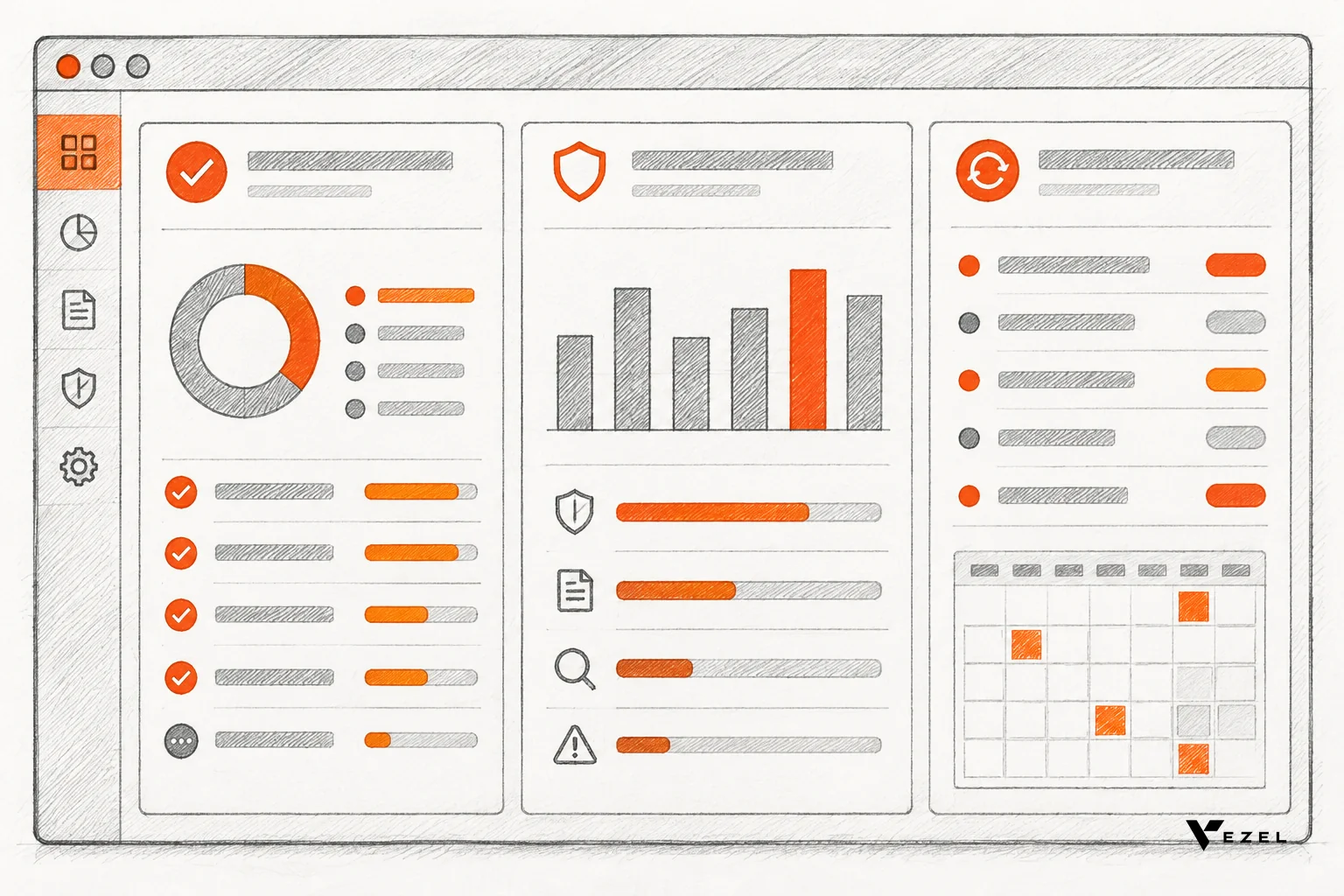
Our demos include Flexibiz, an ERP for the packaging industry, as well as DealDrive and OrbitShift. In the Flexibiz demo, AI-powered dashboards live inside the ERP, so users create, customize and explore them there instead of exporting reports to Excel.
Speed matters here, and we set our own bar for it: 24 hours from an enterprise customization request to a live extension. That is the benchmark we work to, and it only works because the extension is assembled rather than built from scratch. We are still learning how far this holds for the most unusual requests, and some will genuinely need core product changes.
For the step-by-step version of preparing the account itself, read turning a demo account into a proof of concept for SaaS sales.
A decision rule: build in-house, hire a demo engineer, or add an extension layer
You have three realistic options when a custom demo request lands. The table compares them on the points that decide deals: speed, whose data it runs on, and how much it pulls from the core team.
| Option | Speed | Runs inside prospect's product? | Engineering drain | Best when |
|---|---|---|---|---|
| Sales engineer builds by hand | Days to weeks per request | Rarely; often a separate mock | Low at first, then escalates | Few requests, simple asks |
| Dedicated demo engineer | Faster than ad hoc, still manual | Depends on the environment | Moderate; extra headcount | Complex product, steady demand |
| Embedded extension layer | Targeting about a day | Yes, on a demo account | Low; core stays focused | Frequent custom workflow asks |
Our view: if fewer than a handful of prospects a quarter ask for something custom, a demo engineer or careful hand-building is fine. Do not add a platform for a rare problem. If tailored workflow requests come up in most enterprise deals, the manual path will cap your pipeline, and an extension layer pays off sooner.
One thing remains unsettled for any team. Some requests are really missing core features, such as a new data object your product has never stored. A proof built on top of existing APIs cannot invent that. Sort those out early so you do not promise what the platform cannot deliver. The same logic applies when you embed a workflow builder in your SaaS for customers to use after signing.
A checklist for the next custom demo request
When the email arrives, work through these steps in order. Each has a pass mark and a fallback.
- Isolate the one blocking workflow. Ask the champion which single process decides the purchase. Pass: one named workflow or dashboard. If they list five, ask which one their committee will judge first.
- Confirm a demo account exists. You need a prospect-ready account with at least two role logins. If it is missing, create it before building anything.
- Check the data path. Confirm the needed data is available through your APIs. Pass: every field in the request maps to an existing endpoint. If one does not, flag it as a core-product gap before promising it.
- Build the proof from the prospect's words. Use their terminology in the prompt and keep it to the one workflow. Resist adding extras.
- Test across roles. Log in as each role and confirm what each sees. If permissions leak, stop and fix them before it is shown.
- Present it in their context. Walk the champion through it live, then hand it over for their team to try. A proof they can touch carries more weight than one they watched.
- Set the next step on the call. Agree on what a "yes" looks like, whether that is a security review, pilot or signature date.
For the live-call mechanics, how to demo custom workflows during a sales cycle without writing code goes deeper.
Frequently asked questions
Does this replace the sales engineer?
No. The sales engineer still runs discovery, chooses which workflow to prove and handles the technical close. What changes is the build step. Instead of spending days hand-assembling a demo, they describe the workflow in plain English and spend their time on the buyer's concerns.
Will the proof look like part of our product?
Yes. Vezel extensions are white-labeled and look and feel like a native part of the product. They integrate with your APIs, authentication, permissions and design system, so the prospect sees your product with their workflow in it, not a third-party add-on.
How are the proofs kept secure?
Extensions inherit your existing authentication, permissions and access controls, and run in a secure container. Publishing, permissions, approvals and the extension lifecycle are managed from a central control plane, so a proof cannot reach data a given user could not already see.
What about sales engineers as a role?
The U.S. Bureau of Labor Statistics keeps an Occupational Outlook Handbook profile for sales engineers covering training, qualities and how people enter the occupation. It is a useful reference if you are hiring or defining the role, though it does not address custom demo tooling.
Get a working proof before the deal goes quiet
The next time a sales engineer custom demo request comes from an enterprise prospect, you do not need to choose between a sprint of engineering time and a generic walkthrough. Share the prospect's demo account, describe the workflow in plain English, and put a working proof in front of the buyer while the deal is still warm.
Ready to see it on your own product? Book a demo and bring the last custom request that stalled a deal. We reply to inquiries within 1-2 business days, and you can reach the team at hello@vezel.ai.