

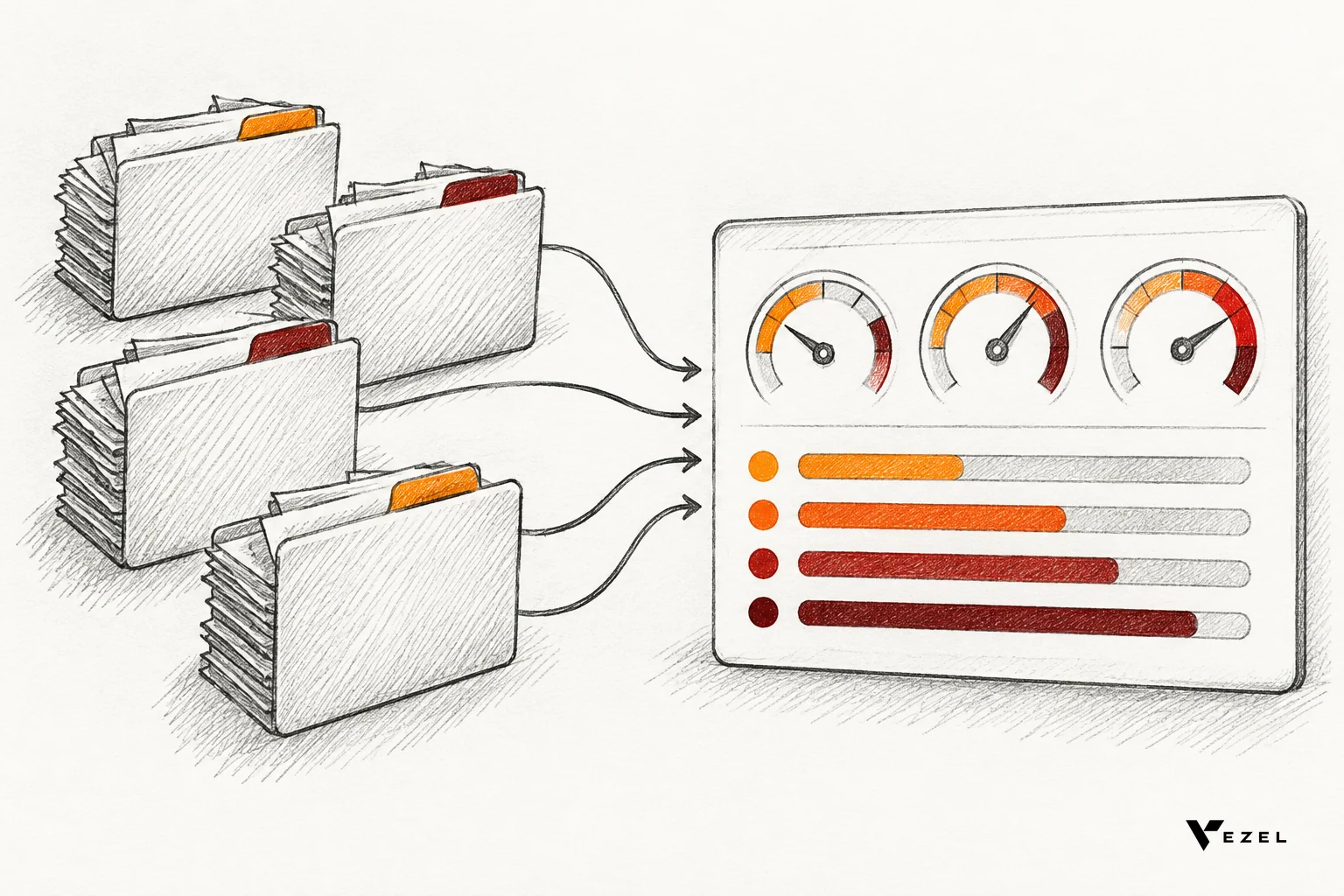
A research operations dashboard for compliance teams puts approvals, audits and review status on one live screen, so nobody chases spreadsheets before an inspection. For U.S. teams, the build is six moves: define decisions, pick a few status-based metrics, inherit existing permissions, separate data from logic, make every number traceable, and generate the views in plain English.
Key Takeaways
- Start with decisions, not charts: every tile should answer "what needs action today?" such as which approvals are stuck or which audit findings are open.
- Keep the metric list short: track approvals by status and age, audit findings by state, and review status by owner. Eight to ten metrics beat forty.
- Inherit access, never rebuild it: the dashboard should use the host product's login, roles and row-level rules, so no one sees a record they could not open elsewhere.
- Traceability earns auditor trust: each figure should click through to the source record, with a visible owner and change history.
- Plain-English builds cut the wait: Vezel generates dashboards and compliance workflows from a description, and most SaaS platforms can integrate it in a few days.
Research Operations Dashboard at a Glance
| Build step | What you decide | Pass mark |
|---|---|---|
| Decisions | The five questions the team asks every week | Each tile maps to one question and one named owner |
| Metrics | Approvals, audits, review status | 8 to 10 metrics, each with a written definition |
| Access | Roles, row-level rules, authentication | A restricted user sees a smaller dashboard, never a different one |
| Data layers | Collection, control evaluation, presentation | Logic lives in one place and is documented |
| Traceability | Links to source records and change history | An auditor can verify any number in a few clicks |
| Governance | Who publishes, edits and retires views | Every published view has an approver and a version |
What Does a Research Operations Dashboard for Compliance Teams Actually Show?
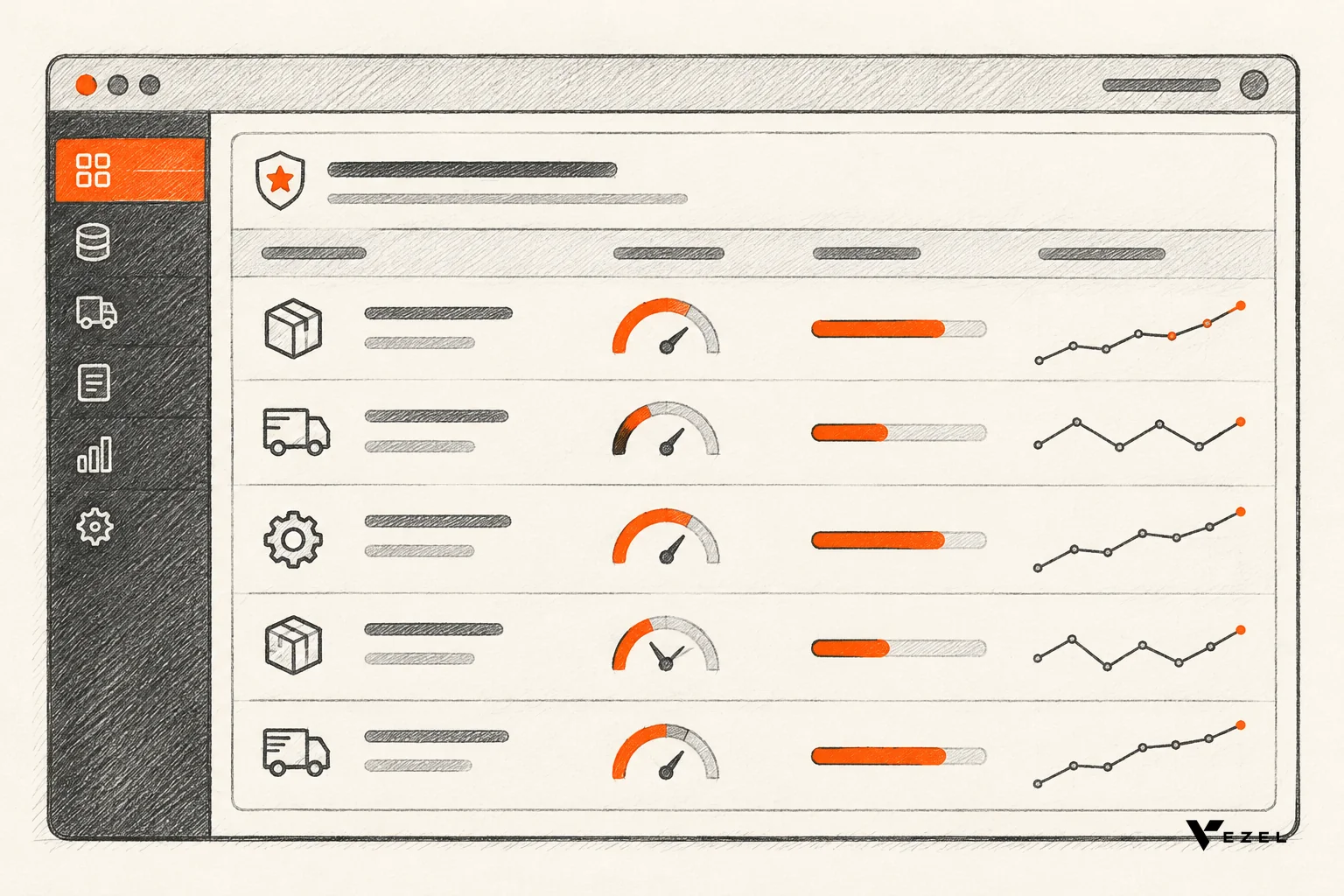
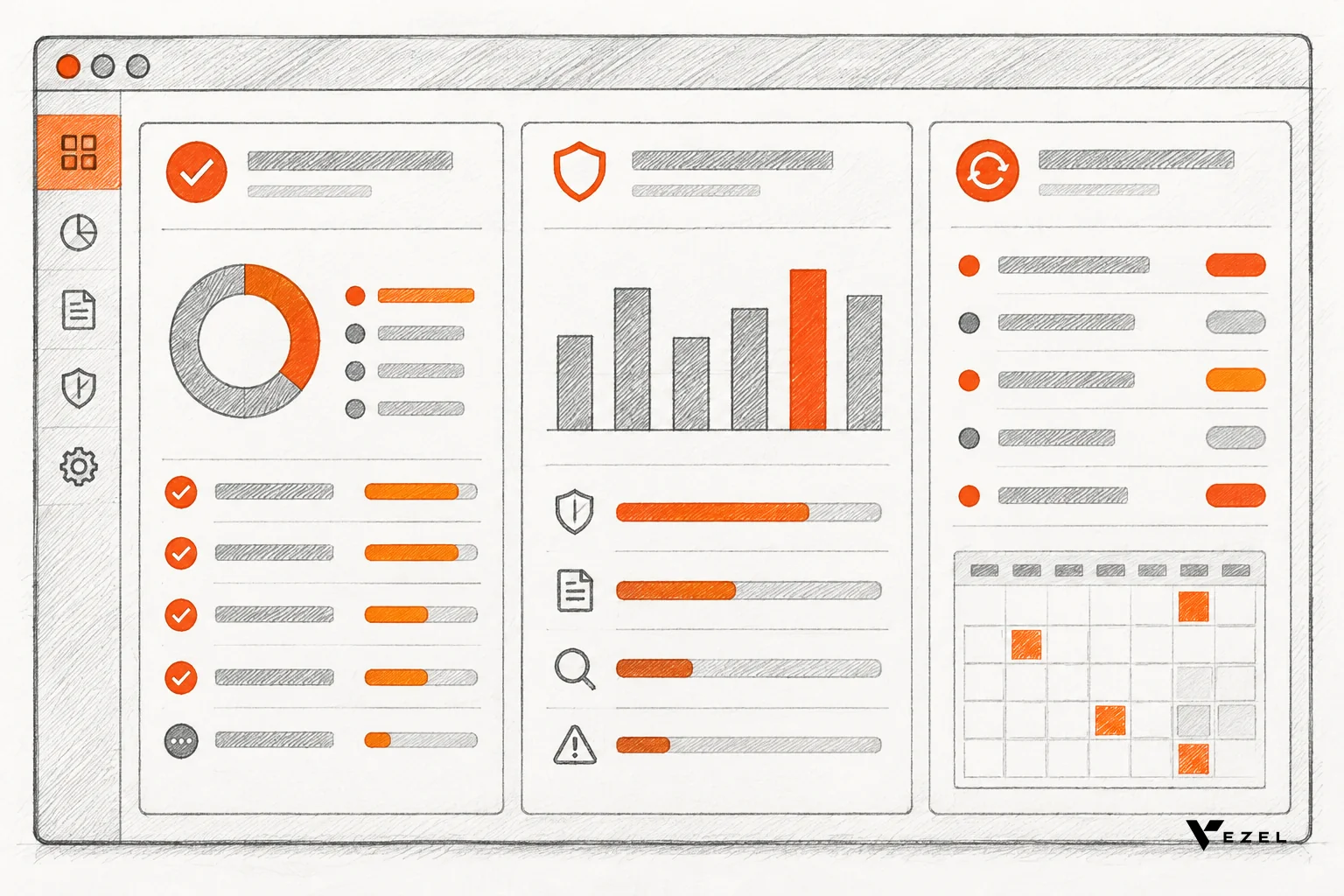
It shows the status of every review, approval and audit that a research or compliance team owns, in one governed view. Typical tiles include approvals waiting by age, open audit findings, reviews due soon, and workload per reviewer. It replaces tracking scattered across spreadsheets, inboxes and exported reports.
Research, HR and compliance teams share a pattern. Work moves through gates: a protocol, a hire, a policy or a vendor needs sign-off, then it gets audited later. Each gate has an owner, a date and a status, and the dashboard's job is to make all three visible.
Published examples show how far this idea reaches. A 2025 multisite quality improvement pilot built a shared data infrastructure for research operations, with data sharing and governance at its core. Governance came first, and the charts came second.
Another example comes from a university research office. Its approvals dashboard guidance lists questions the dashboard answers, such as how many approvals sit in each status by date. That is the right level: plain questions, answered at a glance.
Where the dashboard lives matters
A standalone BI tool means a second login, a second permission model and a second place for data to go stale. A dashboard built inside the product your team already uses avoids all three. That is the approach we take at Vezel, and the rest of this guide assumes it.
1. Start With the Decisions the Dashboard Must Support
Before choosing any chart, write down the five questions your team asks every week. If a tile does not help someone act, leave it off. This one habit prevents most overbuilt dashboards.
For a compliance team, the list usually looks like this:
- What is waiting for approval, and for how long?
- Which audits are open, and which findings are unresolved?
- What reviews fall due in the next 30 days?
- Who is overloaded, and who has room?
- What would we show an auditor tomorrow if asked?
Next, name one owner per question. A tile without an owner becomes decoration within a month. Pick the owner who would be embarrassed if the number were wrong, because that person will actually check it.
2. Choose Metrics That Map to Approvals, Audits and Review Status
Pick metrics in three families: approvals, audits and review status. Define each one in a sentence, with a start event, an end event and a status list. If two people read the same tile and get different meanings, the metric is not ready.
A starter metric set
| Family | Metric | Healthy | Walk-away signal |
|---|---|---|---|
| Approvals | Items by status and age | Few items in the oldest age band, each with a named reviewer | Items waiting with no assigned reviewer |
| Approvals | Approvals completed this month | Steady or rising against the prior month | A sudden drop with no explanation |
| Audits | Open findings by state | Every finding has an owner and a due date | Findings with no state change for a long stretch |
| Audits | Audit reports issued on time | Reports go out inside your written deadline | Deadlines tracked only in someone's calendar |
| Review status | Reviews due in 30 days | Upcoming work is visible before it is late | Overdue items discovered by auditors first |
| Review status | Workload per reviewer | Load is balanced and visible | One person holds most open items |
Notice the thresholds are in words. We do not invent a universal "good" number, because the right pass mark comes from your own policy, your sponsors and your regulator. Write that number into the metric definition once, and the dashboard enforces it forever.
Borrow your audit rhythm from a real procedure
Real procedures make good metric templates. One published research compliance audit procedure has the compliance officer give a verbal report of preliminary findings, then submit a written report to the IRB within two weeks of the audit. It also provides a monthly summary of all audit results to the R&D committee.
Each step in that rhythm is a metric: preliminary findings delivered, written report sent within two weeks, monthly summary issued. If your own policy sets different timelines, use yours. The principle holds: turn every promised deadline into a tile that goes red before the deadline passes.
A hypothetical worked example
Suppose a compliance team of four reviews protocol amendments. Today it tracks them in a shared sheet. The team defines "approval age" as days from submission to sign-off, adds three status bands (new, in review, waiting on researcher) and a rule that anything in review past its written deadline turns red. That is three fields and one rule, and the dashboard already answers the weekly question, "what is stuck and why?"
3. Keep the Dashboard Inside Existing Access Controls
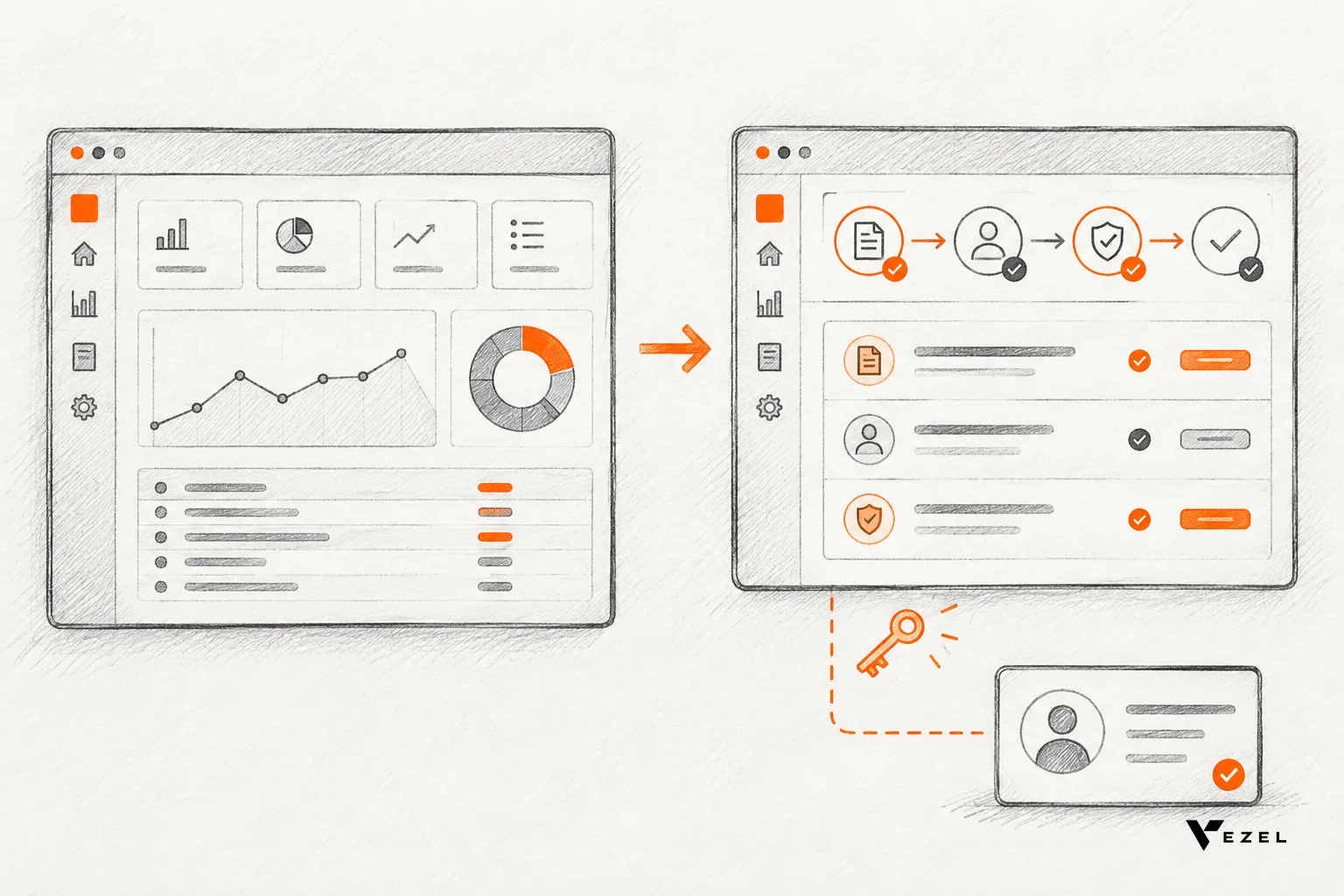
A compliance dashboard should reuse the access rules your product already enforces. If it copies data into a separate tool, it creates a second permission model that can drift. Inherited authentication, roles and row-level rules keep every viewer's access identical to what they have in the host application.
This is where many homegrown dashboards fail. An exported report cannot know that a reviewer should see only their own site, or that HR records need tighter access than study logistics. Someone then emails the file, and the control is gone.
Vezel extensions inherit your existing authentication, permissions and access controls. They connect to the product's APIs and data models with a zero-footprint setup, so a generated dashboard feels like part of the application and respects the same rules.
An access checklist before launch
- Test with three roles: an administrator, a reviewer and a restricted user. The restricted user should see a smaller dashboard, not an error-prone one.
- Check row-level rules: a reviewer at one site must not see another site's records through a tile or a drill-down.
- Confirm the baseline: sound builds typically require multi-factor authentication for every user, role-based permissions enforced through row-level security, and encryption at rest.
- If a test fails: do not patch the dashboard. Fix the underlying permission, retest, and only then publish.
Our related guide on building custom dashboards inside your SaaS covers the connection side in more depth.
4. Separate Data Collection, Control Evaluation and Presentation
The most reliable compliance dashboards keep three layers apart: data collection, control evaluation and presentation. Collection pulls records from source systems. Evaluation applies your rules and records the logic. Presentation only draws the result. Mixing them hides errors.

Why does this matter to an auditor? Because they will ask how "overdue" was calculated. If the rule lives inside a chart's formula, nobody can answer. If it lives in a named, documented evaluation layer, you hand over the definition in seconds.
A practical rule: never let a presentation tile compute anything new. If a number needs a new rule, add the rule to the evaluation layer first, document it, then display it. That keeps one version of the truth across every view.
Tie every number to a record
Good build guides for compliance dashboards stress one habit: confirm that every number ties back to a source record an examiner can inspect. Build that in from day one. Each tile should link to a filtered list of the records behind it, not to a summary screen.
5. Earn Auditor Trust With a Traceable View
Auditors trust a dashboard when they can verify it, not when it looks polished. Show them where each figure comes from, who owns it, when it last refreshed, and what changed since the last review. Traceability turns a dashboard into evidence support instead of a claim.
Plan for five items auditors typically want to see:
- Metric definitions: a one-page glossary with start events, end events and status lists.
- Source links: a click from any tile to the underlying records.
- Refresh time: a visible "last updated" stamp on each view.
- Change history: who edited a view, when, and what version is live.
- Access record: which roles can open which views.
Governance supports items four and five. In Vezel, publishing, permissions, approvals and the extension lifecycle are managed from a central control plane. A dashboard moves from draft to reviewed to published, and each stage has an approver, which is the same discipline you ask of the work it tracks.
What a dashboard cannot claim
Be honest about scope. A dashboard supports your audit process, but it is not a certified audit tool, and nothing here should be described that way to a regulator or sponsor. Your policies, reviewers and records are still the evidence. Whether an auditor accepts a dashboard view in place of source records is a decision that varies by sponsor and auditor, so ask early.
6. Build Faster With Plain-English Generation
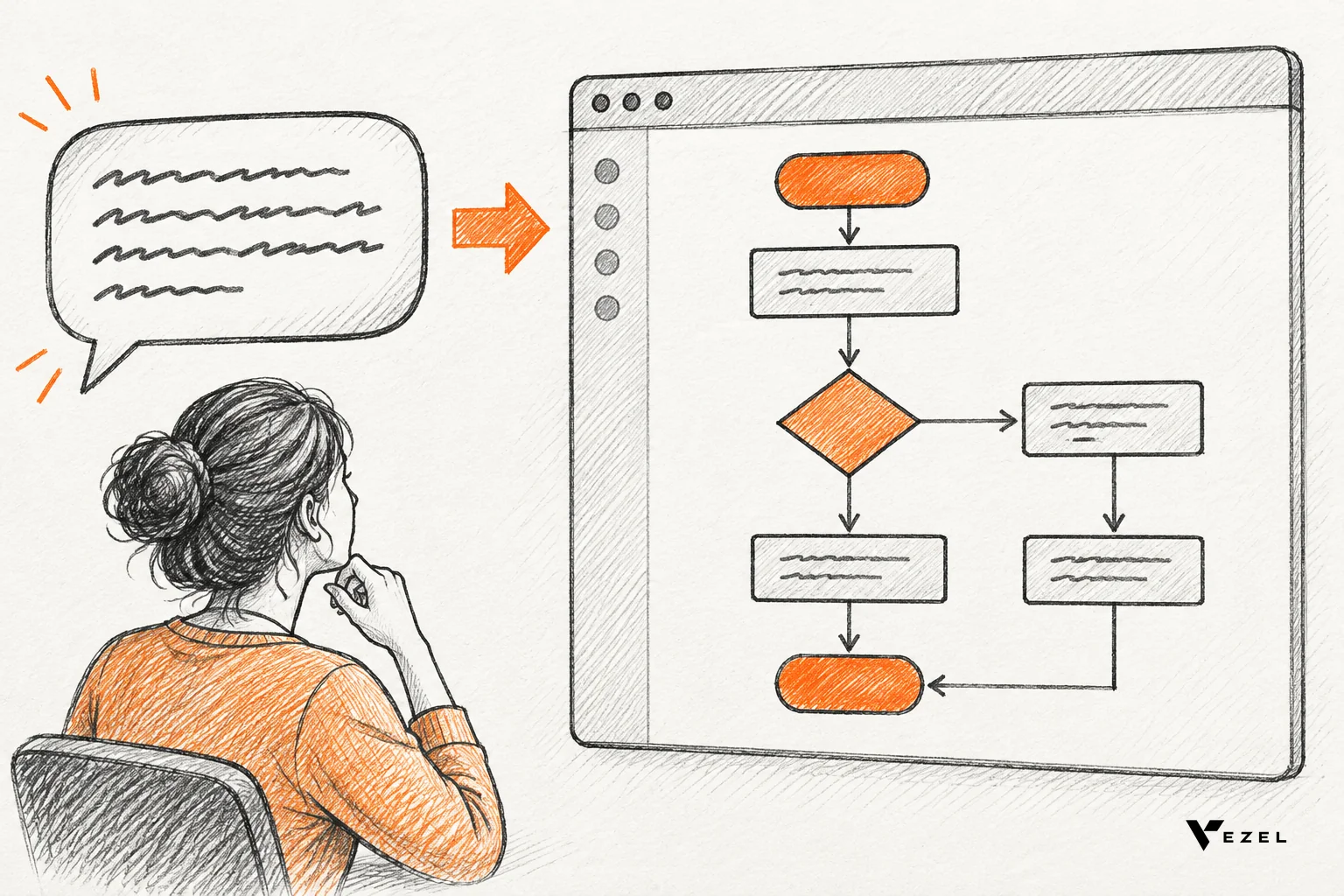
Plain-English generation lets a compliance lead describe a dashboard, such as "show approvals by status and age, with open audit findings by owner," and get a working view built on live data. It shortens the wait behind an engineering backlog that most compliance requests never win.
Vezel works in four steps: connect to your APIs, generate extensions from plain English, run them ready to use in a secure container, then scale and govern. Most SaaS platforms can integrate Vezel in a few days. Teams can build onboarding journeys, research operations dashboards, compliance workflows, performance reviews and approval processes this way.
Dashboards rarely stand alone. The approvals they track often need their own workflow, and the guide on building approval workflows without coding shows how. For a vertical-software view, see how vertical SaaS teams ship a compliance workflow app without custom development.
A sensible rollout order
- Build the approvals-by-status view first. It is the simplest and the most used.
- Add audit findings by state once approvals are trusted.
- Add review-due and workload views last, after owners have confirmed definitions.
- Publish each view through governance, with a named approver, before widening access.
One thing is still open: how much automation to trust inside a review itself. A dashboard can flag a late approval, but whether software should reassign or escalate it is a policy call for your team, and we would start with alerts, not automatic action.
Common Questions
Who should own the dashboard?
One accountable person in the compliance or research operations team should own it, with a named owner for each metric. The owner approves definitions, checks accuracy monthly and signs off changes. Shared ownership usually means no ownership, and unowned dashboards drift out of date quickly.
Should a research operations dashboard replace exported reports?
For day-to-day tracking, yes, because live views avoid stale files and uncontrolled copies. For formal submissions, keep exports as dated snapshots generated from the same governed data. The dashboard becomes the source, and any export is a labelled point-in-time record that can be traced back.
How many metrics are too many?
Past roughly ten, most teams stop reading the dashboard. Start with one tile per weekly decision, and add a metric only when someone can name the action it triggers. Retire any tile that nobody has used for a full quarter.
Can HR teams use the same approach?
Yes. HR runs the same gate pattern: onboarding steps, performance reviews and policy approvals each have an owner, a status and a deadline. The same layers, access rules and traceability apply, with stricter row-level rules for sensitive employee records.
Next Step: See Your Dashboard Built Live
A research operations dashboard for compliance teams works when it is short, inherited from your access rules and traceable to the record. If you want to see that on your own product, book a Vezel demo. Share a demo account, and we build a working proof inside your SaaS.
Curious about the mechanics first? See how it works, from connecting your APIs to governing what gets published. You can also email hello@vezel.ai, and we respond within 1-2 business days.