


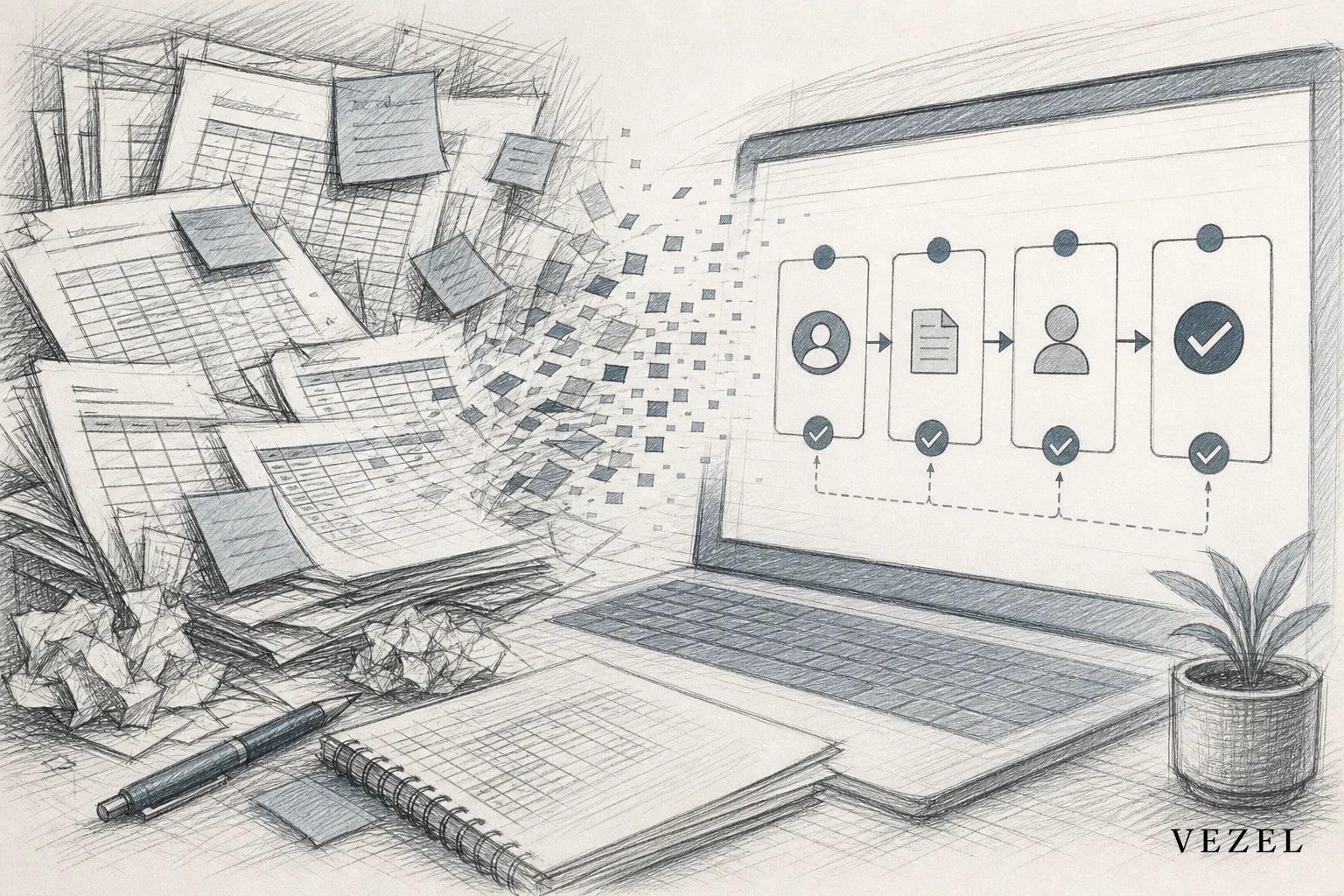
A healthcare tech platform closed its last compliance audit two months faster than the year before. It did this without hiring a single developer. The change came from one decision: swap a spreadsheet-based approval chain for a compliance workflow app without custom development. It was built inside the product their customers already used every day, using Vezel's embedded workflow builder rather than a separate internal-tools platform.
Key Takeaways
- Engineering hours reclaimed: The team avoided an estimated 120+ engineering hours. A custom-built compliance workflow would have needed that time, based on their prior average of 3-4 weeks per one-off customer workflow request.
- Time-to-launch dropped from weeks to days: The compliance workflow app went from a plain-English description to a working, permissioned tool in under a week. Before, it would have sat in a product backlog for a quarter.
- Audit prep got shorter: Every approval step now logs itself automatically. The compliance team no longer rebuilds sign-off history from email threads and shared spreadsheets before each audit.
- Permissions came for free: The workflow inherited the platform's existing role-based access and row-level permissions. No separate login or access review was needed.
- The backlog got quieter: Customer-specific workflow requests that used to become engineering tickets now get solved inside the product itself.
At a Glance: Before and After
| Metric | Spreadsheet Process (Before) | Compliance Workflow App (After) |
|---|---|---|
| Time to build a new workflow | 3-4 weeks of engineering time | Days, no engineering ticket |
| Approval tracking | Manual, spread across email and spreadsheets | Logged automatically inside the workflow |
| Audit prep time | Days of reconstructing sign-off history | Export-ready approval trail |
| Permissions setup | Manually replicated per tool | Inherited from existing RBAC and row-level access |
| Ownership of the tool | Individual customer success reps | Published and versioned inside a governed marketplace |
| Engineering involvement | Required for every customer variation | Not required per request |
alt="Side-by-side comparison chart contrasting a spreadsheet-based compliance approval process with an embedded workflow app inside a SaaS product"
The Spreadsheet Problem Behind Every Compliance Audit
The platform in question serves mid-sized healthcare practices. It handles scheduling, billing, and patient-record tools. Compliance sign-off, credential renewals, HIPAA-related access reviews, and incident reporting all sat outside the core product entirely.
Each customer tracked it their own way. One clinic used a shared spreadsheet with color-coded rows. Another ran approvals through email chains that someone had to summarize by hand before every audit. A third had built a fragile set of Zapier automations that nobody fully understood anymore.
None of these customers were doing anything wrong. They were filling a gap the product left open. Each one had a slightly different approval chain, different sign-off roles, and different documentation rules. The platform's engineering team could not justify building a custom workflow for every account.
That backlog kept growing. Customer success flagged new compliance workflow requests almost every sales cycle. Each one competed for the same engineering sprint as core product work.

Why Custom Development Was Never Going to Keep Up
Every one-off compliance workflow the team scoped came back with the same estimate: three to four weeks of engineering time. On top of that came ongoing upkeep whenever a customer's process changed. Multiply that across a growing enterprise customer base and the math stops working.
This is the pattern behind what Vezel calls the SaaS Adaptation Gap: the gap between the software every customer gets and the software each one actually needs. Two clinics buy the same product, yet one wants a three-step approval and the other wants five, with a different escalation rule for overdue sign-offs. Neither is unreasonable. Building both by hand just doesn't scale.
You can read more about how this backlog pressure builds up across an entire customer base in how to reduce SaaS engineering backlog from enterprise requests.
How to Automate Approval Workflows Without Coding
You automate approval workflows without coding in three steps. First, describe the process in plain English inside the platform. Second, let the tool map that description to existing data and roles on its own. Third, publish the result as a live workflow instead of a static form. No developer, no separate database, no new login.
The compliance lead didn't write a single line of code. She typed a description of the sign-off chain: credential expiration reminder, manager review, compliance officer approval, and automatic archive of the final decision. The workflow builder mapped it to the platform's existing customer records and staff roles.
Two things made this possible instead of risky:
- API auto-discovery: the workflow connected to the platform's existing endpoints and data model. Approvals pulled real staff and credential records instead of duplicate data entry.
- Security inheritance: the workflow used the same RBAC and row-level permissions already governing who could see which clinic's records. A compliance officer at one clinic never saw another clinic's approvals.
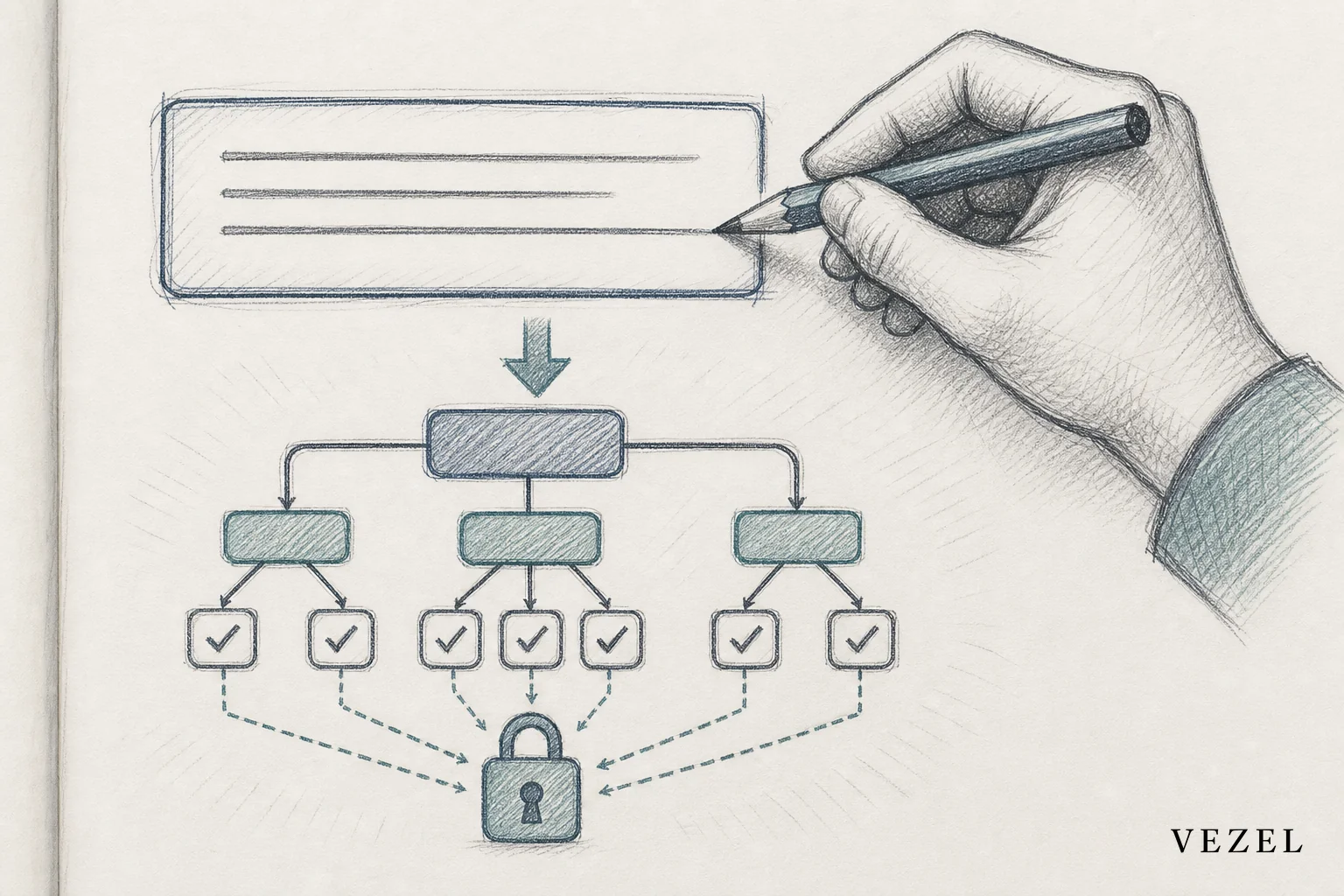
This matters for anyone searching for how to automate approval workflows without coding. The risk isn't the automation itself. It's whether that automation respects the access limits your product already enforces. A workflow that ignores those limits is a liability, not a shortcut.
Building the Compliance Workflow App Inside the Product
Step 1: Describe the Workflow in Plain Language
The compliance lead described the workflow steps in plain language, the same description covered above: credential expiration reminder, manager review, compliance officer approval, and automatic archive of the final decision. No technical spec was written first.
Step 2: Match Steps to Existing Data Through API Auto-Discovery
The builder matched those steps to existing staff, clinic, and credential objects through API auto-discovery. This is what removed the need for a separate database or duplicate data entry.
Step 3: Assign Approvers Using Existing Roles
She set the approver at each stage using roles the platform already recognized. This is also where security inheritance did its work. No new permission scheme had to be built or reviewed separately.
Step 4: White-Label the Finished App
The finished app carried the platform's own branding and navigation. Staff never noticed they'd left the product they logged into every morning. An extension that looks bolted on erodes trust fast. One that feels native gets adopted without training.
Step 5: Publish to the Governed Marketplace
Once tested, the workflow was published into the platform's governed marketplace. Other clinics could view it and reuse the same structure with small changes of their own. A logistics or procurement team building something similar would follow the same pattern, described in how to embed a workflow builder in your SaaS.
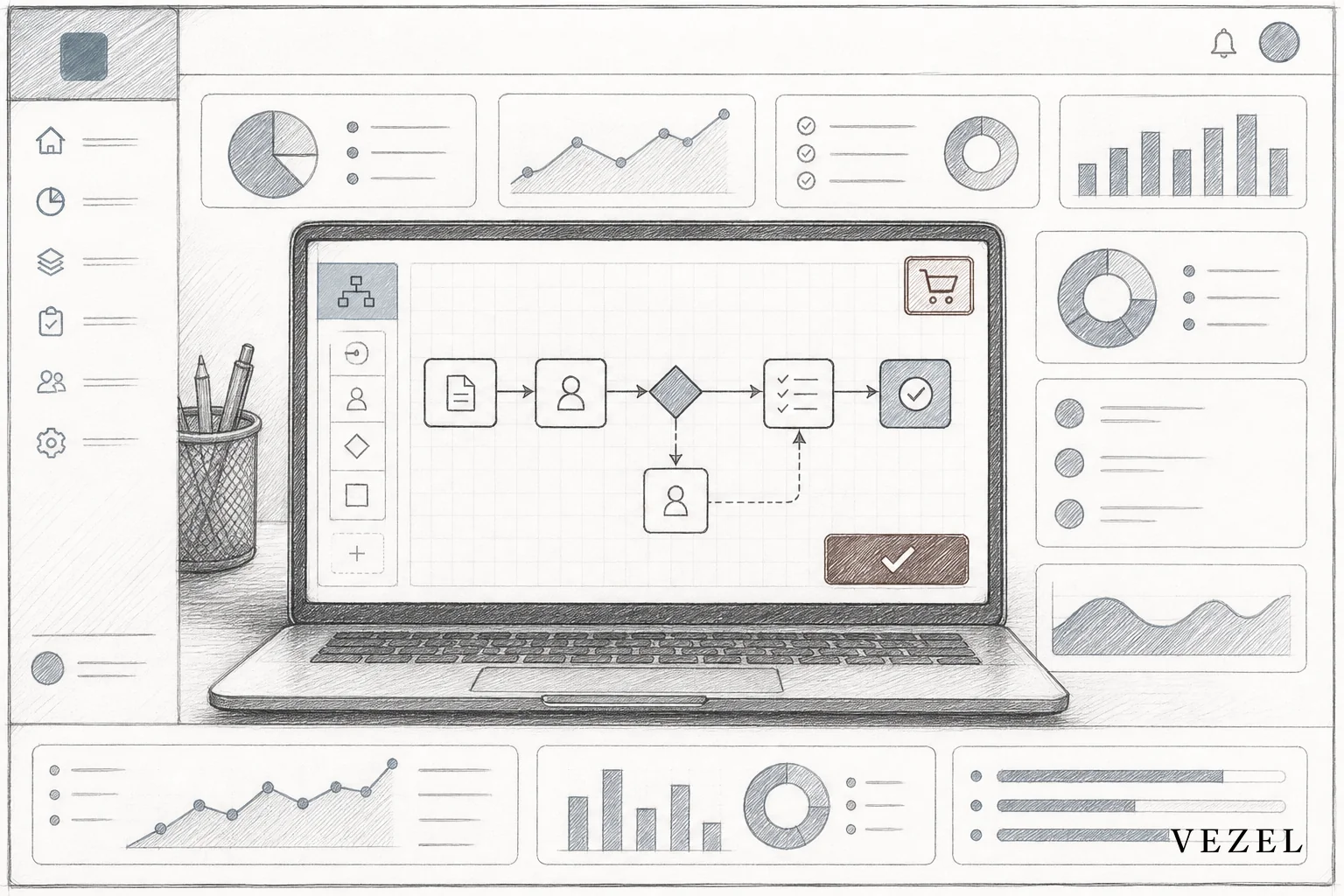
Teams often compare this approach to building internal tools with something like Retool. The difference shows up in who the tool serves. Retool is built for internal engineering teams. A customer-facing compliance app needs to inherit customer permissions natively. That difference is covered in Retool vs embedded extensibility for SaaS products.
The Results: Engineering Hours, Audit Readiness, Time-to-Launch
The engineering team skipped the 3-4 week build cycle they'd budgeted for a custom compliance workflow. They also skipped the maintenance that follows: every time a clinic tweaked its sign-off chain, that used to mean another ticket.
Time-to-launch for the first version of the compliance workflow app was under a week, from description to live use. A similar customer-specific request used to wait a full quarter in the product backlog.
Audit readiness improved for a simple reason: the workflow logs every approval, timestamp, and reviewer on its own. Nobody needed to piece together an approval trail from inboxes right before an auditor's visit.
The workflow didn't just save engineering time. It changed what "audit-ready" meant for the compliance team, from a scramble to a standing state.
Is a Compliance Workflow App Right for Every SaaS Vertical?
A compliance workflow app without custom development fits well wherever approval chains repeat with small changes. Healthcare, HR tech, procurement, and financial services all have recurring sign-off patterns that vary slightly by customer. It's a weaker fit for a truly new regulatory requirement that no existing data model supports yet. That edge case still deserves a real engineering conversation, not a workaround.
Healthcare platforms carry extra weight here because of HIPAA access rules. That context is worth its own read in how healthcare SaaS platforms can offer extensibility. Procurement and supply chain platforms face a similar pattern with vendor scorecards and spend approvals. That's covered in how supply chain SaaS can offer custom reporting.
Readiness Checklist: Is Your Platform Ready for This?
Before scoping a compliance workflow app without custom development, check your own platform against the same conditions that made this case study possible:
- Role-based access control (RBAC) already exists: Confirm your product has RBAC and row-level permissions today. A workflow can only inherit security that already exists; it cannot invent it.
- Data model has addressable objects: Check whether staff, customer, and credential records are exposed through an API your workflow builder can auto-discover. If those objects live in a disconnected system, that's a prerequisite to fix first.
- Approval roles are already defined: List the roles (manager, compliance officer, auditor) your platform already recognizes. The workflow builder assigns approvers from roles that exist, not roles you invent on the spot.
- You can describe the process in plain language: Write out your compliance sign-off chain step by step, the way the compliance lead in this case study did. If you can't describe it in a few sentences, it isn't ready to automate yet.
- You have a governed marketplace or equivalent: Check whether your platform has a place to publish and version workflows so other customer accounts can reuse them, instead of rebuilding one-offs each time.
What This Means for Your Engineering Roadmap
The backlog pressure didn't disappear entirely for this platform team, but it got quieter. Compliance-related requests that used to turn into multi-week engineering tickets now get solved by the customer team directly, inside the marketplace, without a sprint planning meeting.
That's the real shift worth watching. According to the U.S. Department of Health and Human Services, HIPAA compliance audits require documented, traceable authorization records. That's exactly the kind of trail a logged workflow produces on its own. Groups like the National Institute of Standards and Technology also treat automated, auditable access control as a baseline expectation, not a nice-to-have.
Is your team facing a growing pile of customer-specific compliance requests that engineering can't reach this quarter? Use the readiness checklist above to see how a compliance workflow app without custom development would look inside your own product. Book a demo to walk through it with your own data model, or see how it works before you bring it to your engineering team.



