


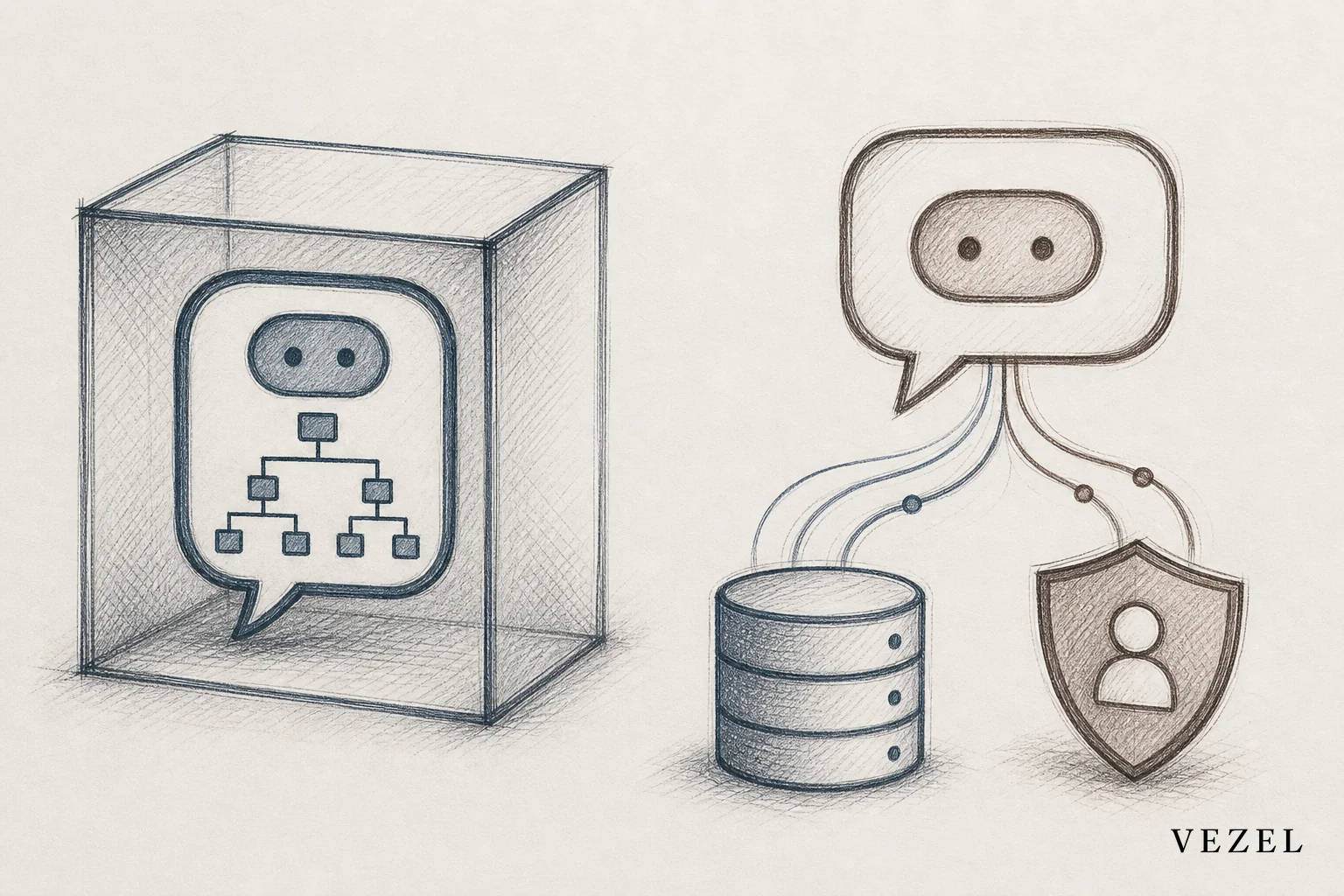
An AI support assistant reads live account data and respects each customer's permissions before it answers, while a generic chatbot only matches a question against a script or a static knowledge base. That single difference decides whether enterprise customers trust the bot or route straight to a human agent.
Key Takeaways
- Data access is the dividing line: generic chatbots answer from FAQ content; embedded assistants query live account data through API auto-discovery.
- Permissions can't be bolted on later: an assistant that inherits RBAC and row-level access shows each user only their own data, automatically.
- Action beats conversation: a real support assistant can pull an invoice, check a shipment status, or trigger a workflow, not just describe how to do it.
- Enterprise security review kills most bolt-on bots: if the bot can't explain how it enforces permission boundaries, it stalls procurement.
- Upgrading a chatbot means rebuilding the architecture, not adding more scripted intents.
At a Glance: AI Support Assistant vs Generic Chatbot
| Attribute | Generic Chatbot | Embedded AI Support Assistant |
|---|---|---|
| Data source | Static FAQ / help center content | Live account data via API auto-discovery |
| Permissions | None; same answer for every user | Inherits RBAC and row-level access |
| Can take action | Rarely, usually just links out | Yes, executes workflows and lookups |
| Setup effort | Low, but shallow | Moderate, connects to existing APIs |
| Escalation rate | High for account-specific questions | Low, resolves account questions directly |
| Enterprise security review | Often fails or delays procurement | Passes by design, inherits existing auth |
| Branding | Often looks bolted-on | White-labeled, feels native |
What Is a Generic Chatbot, Really?
A generic chatbot is a decision tree wearing a conversational skin. Type a question, and it matches keywords against a knowledge base or a set of pre-written intents. It has no idea who you are, what plan you're on, or what data your account holds.
Ask it "why did my invoice change" and it points you to a billing help article. It cannot look at your actual invoice, because it was never connected to your product's live data. That gap is fine for password reset instructions. It falls apart the moment a customer asks anything specific to their own account.
Most chatbots ship as a widget bolted onto the corner of a product. Marketing sites and consumer apps use them well for simple triage. Enterprise SaaS support is a different job entirely.
What Makes an AI Support Assistant Different?
An embedded AI support assistant connects to the same APIs your product already exposes. When a customer asks about a specific order, ticket, or invoice, the assistant queries live data instead of a static article. Vezel's approach relies on API auto-discovery, mapping the assistant to existing endpoints and data models without a custom integration project.
The assistant also inherits the host platform's authentication and access controls. A support rep at Customer A never sees Customer B's data, because the assistant runs inside the same permission boundary as the rest of the product. That's not a chatbot feature. It's a platform-level design decision.
Because the assistant sits inside the product itself, it can also act. It can pull a report, kick off an approval, or update a record, the same categories of work covered in building approval workflows without coding.
Where Generic Chatbots Break Down for Enterprise SaaS
Enterprise buyers ask harder questions than "what are your business hours." They ask about their own contracts, their own usage, their own compliance obligations. A chatbot with no data connection has one move: escalate to a human.
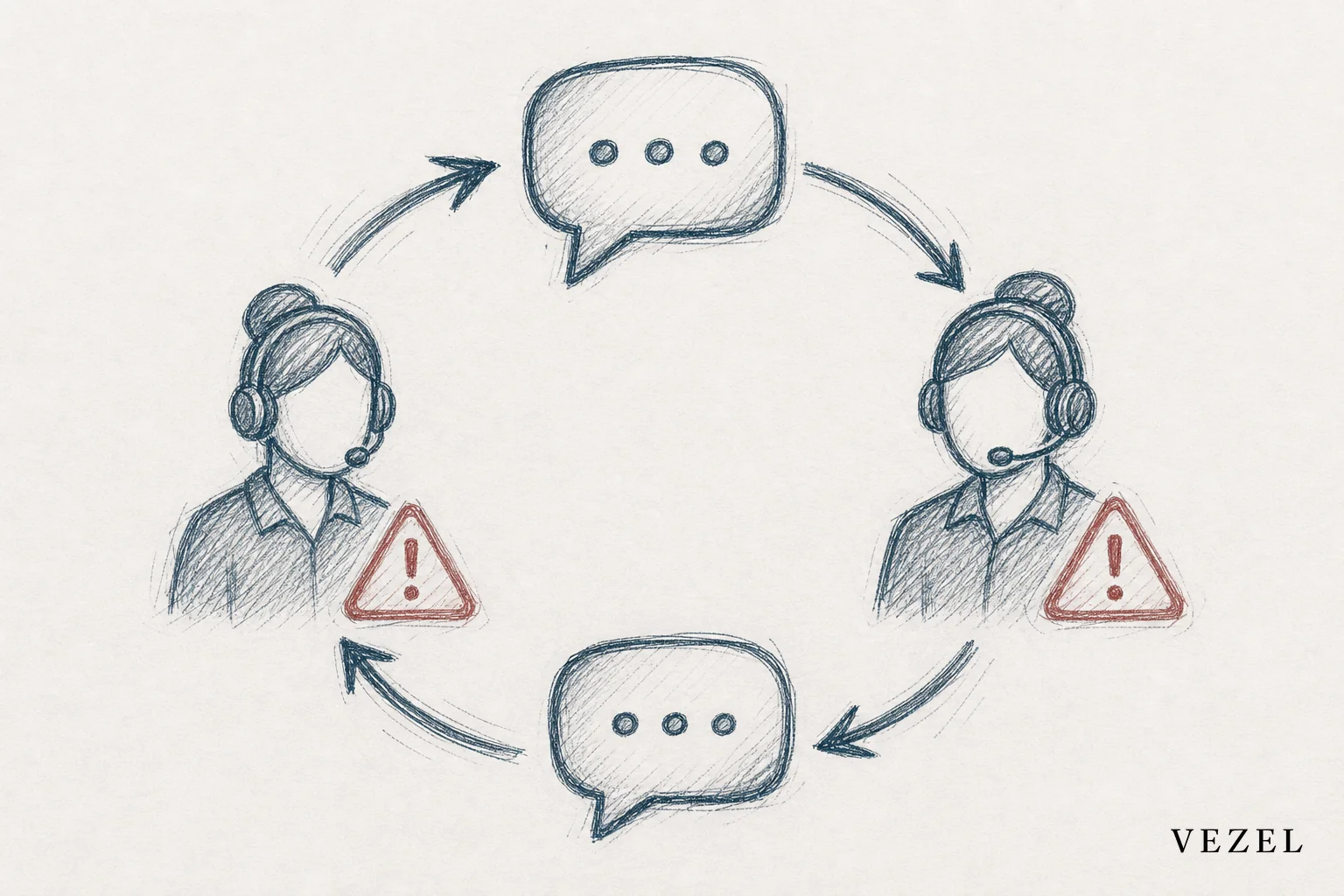
That escalation loop costs support teams real headcount. It also frustrates the exact customers most likely to churn if support feels generic. A field ops platform, a supply chain tool, a healthcare system: each has account-specific data that a scripted bot simply cannot touch.
Security review is the other wall. Procurement teams ask how the bot enforces access boundaries. A bolt-on chatbot vendor usually has no good answer, because the bot was never designed with row-level permissions in mind. That single question can stall a deal for weeks, a problem covered in more depth in shortening the enterprise SaaS sales cycle.
AI Support Assistant vs Generic Chatbot: Side-by-Side Comparison
The table above covers the headline differences. Two attributes deserve more detail: maintenance burden and how each option scales across customer accounts.
A generic chatbot needs constant script updates as your product changes. Every new feature means new intents to train. An embedded assistant, by contrast, updates automatically because it reads live data and the current API schema. It doesn't need to be retrained every release.
Scaling also works differently. A chatbot answers the same way for every customer. An embedded assistant naturally personalizes itself per account, because the account's own permissions and data shape every response. That's the difference between a feature and a capability, the same distinction that separates static tools from what Vezel calls Adaptive SaaS.
Can a Chatbot Be Upgraded Into a Support Assistant?
Not by adding more intents or a bigger FAQ. A real upgrade requires connecting the bot to live APIs and wiring in permission inheritance, which is an architecture change, not a content update. Most teams end up replacing the chatbot rather than patching it.
How Embedded Support Assistants Inherit Permissions
Permission inheritance means the assistant never gets its own separate login or its own copy of your data. It runs as an extension of the logged-in user, seeing exactly what that user is authorized to see.
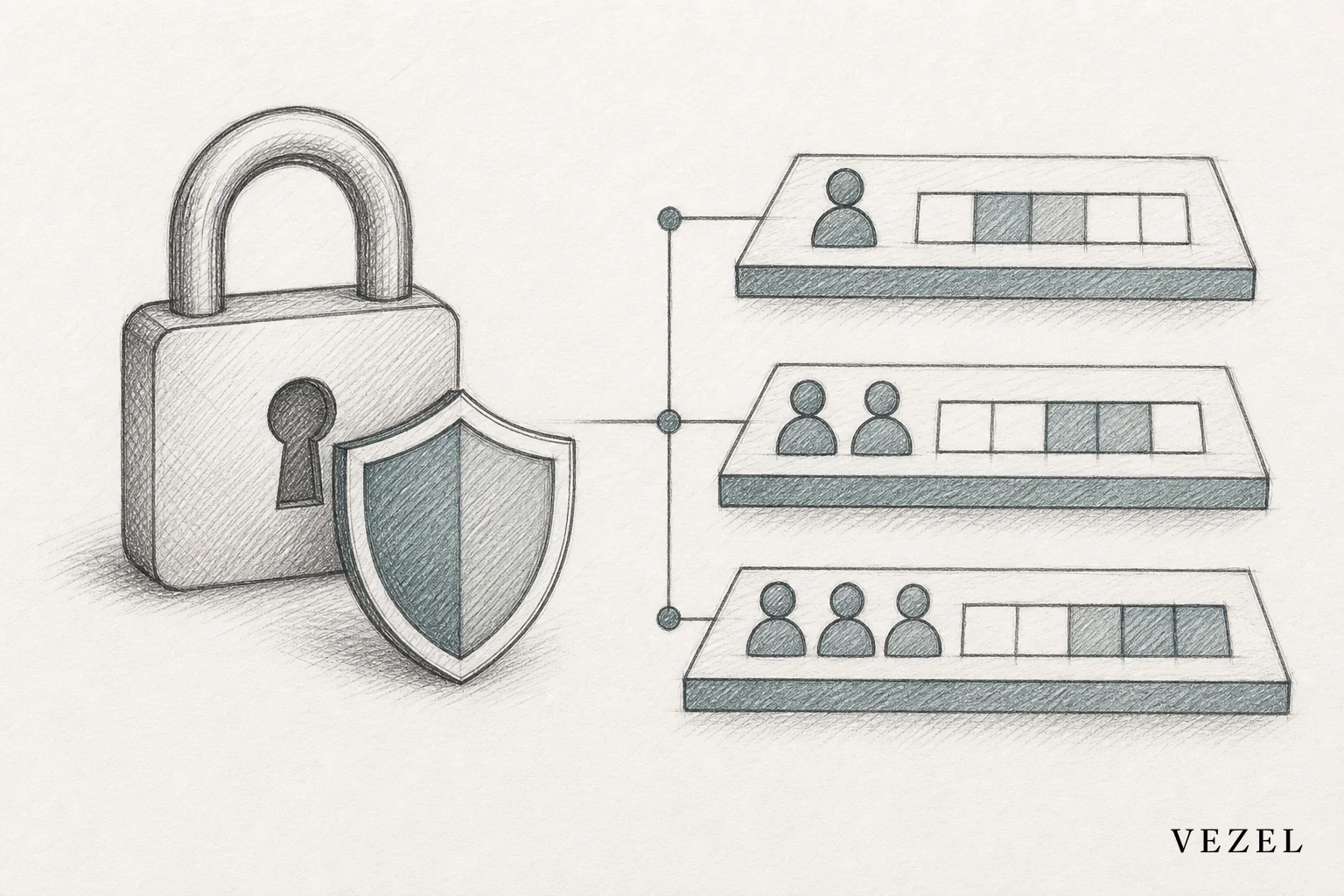
This matters most for row-level access, where two users in the same company should see different subsets of data. A support assistant built this way answers "what's the status of my shipment" correctly for a warehouse manager and a finance controller, without leaking either one's view into the other's. The technical mechanics of this pattern are covered in more depth for teams building their own tools in deploying AI agents inside a SaaS platform.
White-labeling closes the loop. A support assistant that looks bolted-on erodes trust before it answers a single question. One that matches your product's design system feels like it was always part of the platform.
What to Look For When Evaluating an AI Support Assistant
Four criteria separate a real embedded assistant from a chatbot with a better name attached.
- 🔐 Security inheritance — does it reuse your existing authentication and RBAC, or does it require a separate login and its own data copy?
- 🔌 API auto-discovery — can it connect to your existing endpoints without a months-long integration project?
- 🎨 White-labeling, does it match your product's design system, or does it look like a third-party widget?
- 📋 Governance, is there a control plane for publishing, versioning, and auditing what the assistant can access and do?
Red flags include vendors who describe their product as "a wrapper on a large language model" without mentioning a permission model, and any tool that can't produce an audit log of what data it touched during a conversation.
How to Embed a Support Assistant Inside Your SaaS Product
Start by mapping your existing API surface so the assistant can discover objects and endpoints automatically. From there, connect it to your authentication layer so permissions carry through by default, then apply white-label theming before rolling it out to a pilot group of customers. Related workflow and dashboard patterns are covered in building custom dashboards inside your SaaS.
FAQ
Is a chatbot the same as an AI agent?
No. A chatbot answers questions from a fixed script or knowledge base. An AI agent, like an embedded support assistant, connects to live data and permissions and can complete tasks, not just describe them.
Does an embedded assistant require engineering work?
Some setup is needed to connect the assistant to your APIs, but platforms using API auto-discovery reduce this to configuration rather than custom development, unlike building the same capability from scratch.
How does this affect enterprise sales cycles?
Prospects increasingly ask how support tools handle account-level data and permissions during security review. An assistant built with inherited RBAC answers that question directly, while a bolt-on chatbot often cannot, which slows or stalls the deal.
According to Gartner's customer service research, more support interactions are shifting toward self-service tools that resolve account-specific issues without human intervention, a trend that only works if the underlying assistant can actually see account data. The NIST guidance on identity and access management also underscores why permission inheritance, not a bolt-on integration, is the safer architecture for any tool touching customer data.
If your support team is stuck explaining to enterprise prospects why your chatbot can't see their account, it's worth comparing that against what an embedded assistant does out of the box. Book a demo to see how a Vezel-built support assistant connects to your existing APIs and permissions without a rebuild, or see how it works before you talk to your team about it.



