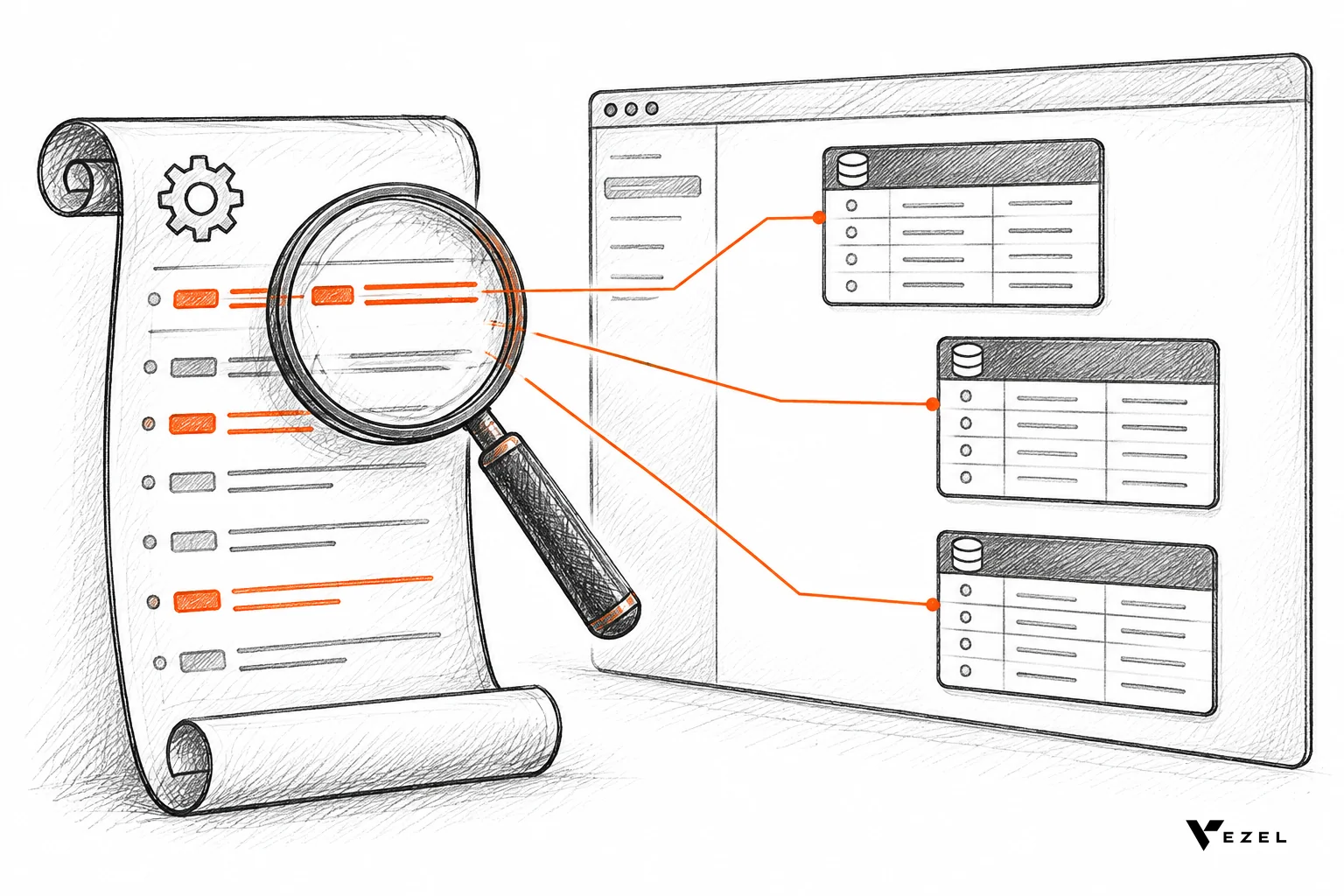



A consultant ecosystem lifts retention on a vertical SaaS platform because partners build the last-mile workflows your roadmap never reaches, and customers who run on those workflows have a harder time leaving. For US vertical SaaS teams, the seven moves below show how to enable partners, co-build extensions, and govern the result.
Vertical SaaS is cloud software built for one industry, such as field service, ERP, HR or compliance, with that industry's data and workflows built in.
Key takeaways
- Retention follows embedded work: a customer whose renewal workspace, approval flow or scorecard lives inside your product has switched more than a login, so partner-built capabilities become renewal assets.
- Partners need a safe build surface: consultants already do the implementation work; give them extensions that inherit your authentication and permissions instead of access to your codebase.
- Co-built beats roadmap-built: customer-specific capabilities live beside the shared product, so your core stays focused and your backlog stops growing with every enterprise deal.
- Governance is the gate: publishing, permissions, approvals and lifecycle managed from one control plane are what let you say yes to partners without losing sleep.
- Start small: pick one vertical, one partner and one account with a visible renewal, then measure before opening the doors.
Quick facts: the seven ways at a glance
| Way | What partners or customers do | Retention effect |
|---|---|---|
| 1. Partner enablement | Build in plain English on top of your APIs | Faster delivery of customer-specific needs |
| 2. Co-built extensions | Create dashboards, workflows and forms beside the core | Fewer unmet requests, same core product |
| 3. Renewal assets | Ship health dashboards and renewal workspaces | Daily use tied to the renewal date |
| 4. Demo-account proof | Build the prospect's real workflow in a shared demo account | Better-fit customers from day one |
| 5. Governed marketplace | Publish, version and share approved extensions | Reuse across accounts, less rework |
| 6. Inherited security | Build within existing authentication and access controls | Fewer security objections, less shadow IT |
| 7. Freed engineering capacity | Move one-off requests off the sprint board | More core improvements that help every account |
Vertical vs horizontal SaaS: examples, benefits and risks
Horizontal SaaS serves many industries with one general feature set, such as a generic CRM. Vertical SaaS serves one industry deeply. The examples in this article show the range: an ERP for the packaging industry (Flexibiz), CRM and customer success tools, field service and manufacturing platforms, and HR and compliance products.
- Benefits: industry-specific data and workflows out of the box, and a product that fits buyers in one market.
- Risks: a narrower market, and customers within one industry who still need workflows the shared product does not cover.
That second risk is where a consultant ecosystem helps.
Why does a consultant ecosystem matter for vertical SaaS retention?
A consultant ecosystem matters because vertical SaaS customers need workflows specific to their operation, and no product team can ship all of them. Partners fill that gap with customer-specific builds. When those builds live inside your product, they raise daily usage and make renewal conversations easier.
Vertical products serve one industry well: field service, ERP, HR, compliance, CRM. Even inside one industry, businesses differ. Two sales teams define pipeline health differently, and two manufacturers measure efficiency their own way. We call the distance between the software every customer receives and the software each one needs the SaaS Adaptation Gap.
Implementation partners already sit in that gap. A University of Hawai'i study of SaaS ecosystems found that almost all implementation partners saw their core value as helping clients take complex software into use, since SaaS vendors rarely carry out implementation projects themselves. In other words, the consultants are there. The question is what they get to build with.
Platform leaders have run this play before. MIT CISR research on external developer platforms describes how Salesforce lets partners build apps and services on its platform and connects developers with customers through its AppExchange marketplace. That model took years and a large partner program to build. The rest of us need a lighter route, which is what the seven ways below describe.
One thing is not settled: how much of the retention lift comes from the extensions themselves versus the closer relationship a partner creates with the customer. In practice the two arrive together, and we would not try to separate them in a spreadsheet.
1. Enable partners to build without touching your core code
Partner enablement starts with removing the biggest blocker: access to your codebase. Most consultants cannot and should not commit to your core repository. They can, however, describe what a customer needs and generate it on top of your APIs.
With Vezel, the flow has four steps: connect to your APIs, generate extensions from plain English, run them in a secure container, then scale and govern. The setup integrates with your product's APIs and data models with a zero-footprint approach, and most SaaS platforms can integrate Vezel in a few days.
For a partner, that changes the project shape. Instead of writing a feature request and waiting for a quarter, a consultant sits with the customer, builds a supplier scorecard or an approval flow, and leaves it running. Your engineers never open a ticket.
What to give partners on day one
- A sandbox or demo account with realistic data and two role logins, so partners can test permissions.
- Your API documentation and any OpenAPI spec, so generated extensions map to real endpoints.
- A short list of what is out of bounds, such as billing data or admin settings.
- A named internal contact who answers partner questions within a stated time.
2. Co-build extensions that keep the core product focused
Traditional SaaS grows by adding features that serve everyone. Adaptive SaaS grows by enabling capabilities that serve one business. The distinction keeps your shared product simple while customers get what they actually run on.
Co-building means the partner and the customer own the specifics, and you own the platform. A feature expands the product; a capability expands what the customer can accomplish. Your product managers keep deciding what belongs in the core, and everything else has a home outside the roadmap.
The examples are concrete and vary by vertical:
- CRM and customer success: customer health dashboards, renewal workspaces, executive sales reviews and territory planning.
- ERP and operations: procurement approvals, inventory dashboards, supplier scorecards and production monitoring, without changing the core ERP.
- Field service and manufacturing: technician scorecards, maintenance planners, inspection checklists and quality audits.
- HR, research and compliance: onboarding journeys, research operations dashboards, compliance workflows and approval processes.
Because extensions are white-labeled, they look and feel like a native part of the product. Customers do not see a third-party tool bolted on. They see your product doing what they asked.
3. Turn partner builds into renewal assets
A partner-built extension becomes a renewal asset when the customer uses it weekly and it holds data or approvals they cannot easily rebuild elsewhere. Retention then rests on daily work, not on a good quarterly business review.

Think about what leaves when a customer churns. If they only used your standard screens, they take a spreadsheet export and go. If a consultant built their renewal workspace, approval chain and executive review inside your product, they must rebuild all of it somewhere else.
Missing workflows are also a common churn trigger. When roadmap features never ship, renewals get risky. Partner-built capabilities answer that gap in weeks instead of quarters. For a deeper look at the pattern, see whether missing workflows are causing your SaaS churn.
A simple renewal-asset test
For each key account, ask whether at least one partner- or customer-built extension is used by more than one team and sits within 90 days of nothing else replacing it. If the answer is no, the account has no embedded work yet. Send that account to a partner first.
4. Let partners prove value inside the demo account
Retention starts before the contract. A prospect who signs after seeing their own workflow working in your product arrives with a clear first use case, and in our view a clear first use case makes it more likely they stay than signing on promises alone.
Here is the process. The prospect shares a demo account, and a working proof of what is possible inside their SaaS gets created. A partner or sales engineer can run that proof, which takes the weight off your engineers and shortens the conversation about custom needs.
Demo products at Vezel include Flexibiz, an ERP for the packaging industry, plus DealDrive and OrbitShift. In the Flexibiz demo, AI-powered dashboards sit directly inside the ERP, so users create, customize and explore dashboards there instead of exporting reports to Excel or building charts by hand.
The partner angle is practical. Consultants who can show a prospect's real workflow in a demo close their own projects faster, and that makes them want to build on your platform again. Everyone's incentives point the same way.
5. Give partners a governed marketplace to publish and version
Partners stay where shipping is low-risk and customers can find what they built. A governed in-product marketplace gives them a place to publish, version and distribute extensions, and it gives you a place to approve and retire them.
Without that, every partner build is a one-off. With it, a good approval workflow built for one logistics customer can be reviewed, versioned and offered to the next. Rework drops, and partners earn from reuse. We cover the retention logic in detail in why a vertical SaaS marketplace for consultants and partners drives retention.
Publishing, permissions, approvals and the extension lifecycle are all managed from a central control plane. Our view: do not open a public listing on day one. Start with private listings per customer, then promote only the extensions that two or more accounts ask for.
6. Inherit authentication and permissions for every partner build
Enterprise buyers ask about security first. If partner-built tools run on their own logins and rules, you will spend months in questionnaires. If extensions inherit your existing authentication, permissions and access controls, the answer is short.
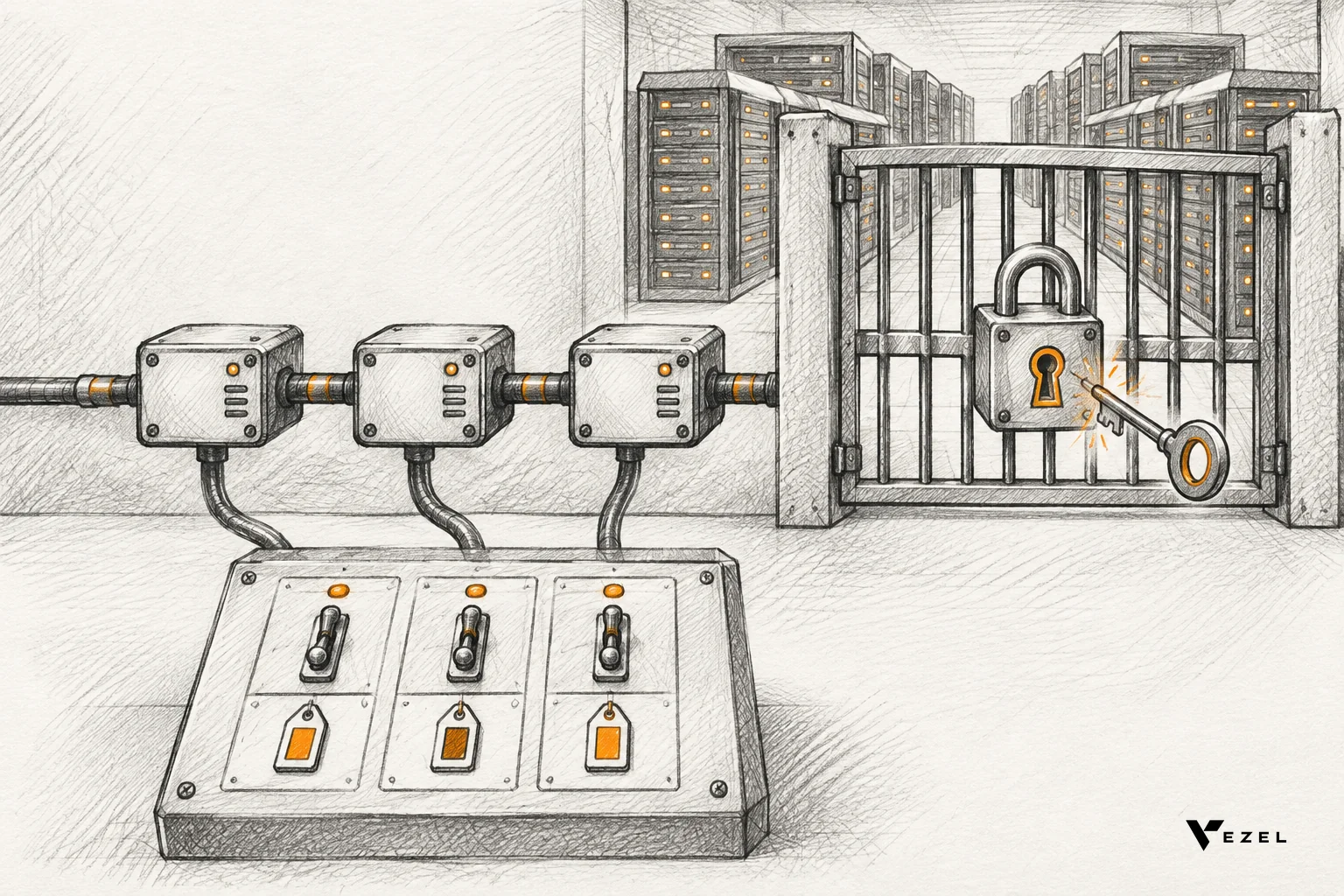
Vezel integrates with your APIs, authentication, permissions and design system, so a generated capability follows the same rules as the rest of your application. A user who cannot see a record in your product cannot see it in an extension either.
This also closes a quiet retention leak. When customers cannot get a workflow inside your product, they build it in spreadsheets or side tools, which is shadow IT. Giving partners a sanctioned path keeps the work, and the data, inside your walls. See how to prevent shadow IT in your SaaS platform for the warning signs.
7. Free engineering capacity from one-off requests
Every request a partner can handle is a request your engineers do not. Capacity freed from one-off builds goes back into the core product, which improves the experience for every account at once.
The economics are blunt. A shared product cannot keep absorbing every customer-specific requirement, so the roadmap backlog grows faster than the team. Our internal estimate, not a published statistic, is that bespoke, single-customer requests can take 30 to 40% of engineering capacity at SaaS companies that field many enterprise asks.
Vezel has published a case of one B2B SaaS team that saw a 22% reduction in engineering backlog after moving one-off customer requests, dashboards, approval flows and reports out of the sprint board and into self-serve extensions. The insight behind it is useful: the backlog was not full of hard problems. It was the same problem, filed over and over.
If that sounds familiar, read how to reduce SaaS engineering backlog from enterprise requests for the step-by-step version.
How do you govern partner-built extensions?
Govern partner-built extensions by controlling who can publish, what data they can reach, who approves each release, and how old versions are retired. Put all four under one control plane so every extension follows the same rules, whoever built it.
Use the checklist below before you invite your first partner. Each line has a pass mark and a fix.
- Identity: every extension runs under the host product's authentication. Pass: no extension has its own login. Fail: stop and reconnect it to your auth before publishing.
- Permissions: extensions inherit role and row-level access. Pass: a low-privilege test user sees only what they see in the core product. Fail: unpublish and fix the data mapping.
- Publishing rights: only named partner accounts can submit. Pass: submissions land in a review queue, not live. Fail: remove direct publish rights.
- Approval: a named internal owner signs off each release. Pass: no extension reaches customers without a sign-off on record. Fail: pause the partner's releases until a reviewer is assigned.
- Versioning: every change creates a new version you can roll back. Pass: you can restore the prior version without a developer. Fail: do not allow edits in place.
- Lifecycle: unused or broken extensions are retired. Pass: each extension has an owner and a review date. Fail: archive anything with no owner.
- Look and feel: white-label theming matches your design system. Pass: a customer cannot tell it apart from native screens. Fail: send back to the partner for theming.
For the mechanics of release and rollback, our guide on how to publish and version extensions in your SaaS goes further.
How to start a partner program in 30 days
Keep the first month small. You are testing whether partners can deliver and whether customers use what they build, not launching a program.
- Week 1: pick one vertical segment and one renewal-sensitive account. Connect your APIs and prepare a demo account.
- Week 2: invite one existing implementation partner. Walk them through the sandbox and the out-of-bounds list.
- Week 3: have the partner build one capability the customer asked for, such as a renewal workspace or an approval flow. Run it through the governance checklist.
- Week 4: release to that account and track weekly active use of the extension and the renewal conversation. Decide whether to add a second partner using these tests: the extension is used weekly by more than one team, the checklist passed with no failed line, and the customer's renewal conversation references the extension. If any test fails, fix it with the first partner before adding another.
We would not scale past three partners until the checklist runs without surprises. Teams who open the doors too early tend to learn about governance gaps from a customer.
FAQ
What is vertical SaaS?
Vertical SaaS is software built for one industry, such as insurance, healthcare, logistics or field service, rather than for every business. It carries industry-specific data and workflows by default. Customers inside that industry still differ, which is why extensibility and partners matter.
What is the best embeddable workflow builder for SaaS products?
The best embeddable workflow builder lives inside your product, uses your existing authentication and permissions, matches your design system, and lets non-developers describe a workflow in plain English. Check that it also has governance for publishing and versioning, and that it connects to your APIs without changes to your core code.
Is a white-label extension the same as white label SaaS?
No. White label SaaS usually means reselling a whole product under another brand. A white-labeled extension is a single capability, such as a dashboard or workflow, that sits inside your product and looks native. Customers see your brand and your design system throughout.
How long does it take to integrate an extension platform?
Most SaaS platforms can integrate Vezel in a few days. The setup connects to your APIs and data models with a zero-footprint approach, so there are no schema changes in your core application. Your timeline mostly depends on how clean your API documentation is.
Next step: put partners to work inside your product
If your customers keep asking for workflows your roadmap cannot reach, partners and customers can build them inside your vertical SaaS product, on your logins and permissions, without adding to your backlog.
Book a demo and we will build a working proof inside your own demo account, so you can see a partner-built workflow before you commit. Want the mechanics first? See how it works, from API connection to governance. We respond to inquiries within 1-2 business days.