


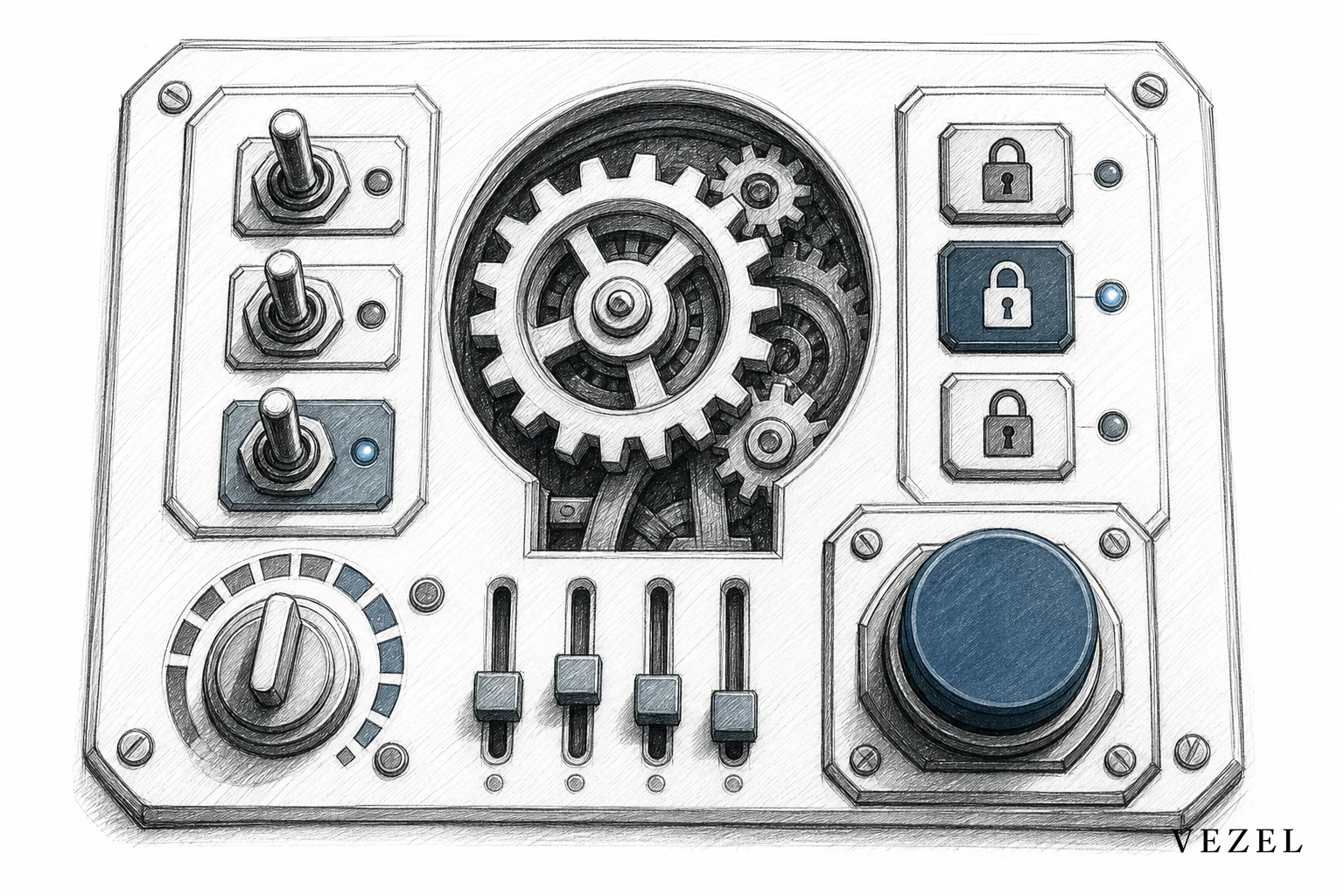
You publish extensions to a SaaS marketplace by setting publisher permissions first, building the dashboard, workflow, or agent with plain English and API auto-discovery, submitting it through a governed review gate, then versioning and rolling it out with a rollback plan already in place. Skip any one of those steps and you end up with the exact shadow IT problem a marketplace is supposed to prevent.
Key Takeaways
- Permissions come before publishing: Assign publisher roles and approval chains before anyone can push a workflow or dashboard live, not after something breaks.
- Security inherits automatically: Extensions built on an auto-discovery layer inherit existing RBAC and row-level permissions, so a customer-built report never leaks another account's data.
- Versioning prevents breakage: Publishing a new version of a workflow shouldn't overwrite the version another customer segment relies on.
- Rollback is a one-click safety net: A governed control plane keeps an audit trail so any published extension can revert to its last stable state in minutes.
- Discovery replaces shadow IT: A searchable in-product marketplace gives customers a sanctioned way to find and reuse extensions instead of building workarounds in spreadsheets.
Extension Publishing at a Glance
| Lifecycle Stage | Who's Involved | Key Control |
|---|---|---|
| Build | Customer admin or CS team | Plain English generation + API auto-discovery |
| Permission scoping | Platform owner | Publisher roles, segment-level access |
| Review | Product/engineering reviewer | Security inheritance check (RBAC, row-level) |
| Publish | Approved publisher | Draft to live state transition |
| Version | Publisher + governed control plane | Semantic versioning, parallel releases |
| Rollback | Platform owner or admin | One-click revert to prior stable version |
| Discovery | End customers | Searchable in-product marketplace listing |
1. Set Permissions Before You Let Anyone Publish
Before a single dashboard goes live, decide who is allowed to publish, who reviews it, and which customer segments can see it. This is the difference between a governed marketplace and a free-for-all. A customer success manager might be allowed to publish a report scoped to their own account. An enterprise admin might get permission to publish to their entire organization's workspace. Nobody should be able to publish to every customer by default.
Publisher roles work the same way your platform already handles user roles. If your SaaS product has admin, manager, and viewer tiers, publishing permissions should map onto that structure rather than introducing a separate system. This keeps the marketplace consistent with how your customers already think about access.
Vezel's control plane lets platform owners define these publisher tiers once, then apply them automatically across every extension type, whether it's a dashboard, a workflow, or an embedded custom form. If you're weighing how this compares to a general-purpose builder, our piece on how to choose an embedded extensibility platform covers the governance criteria worth checking before you commit.
2. Build the Extension Using Plain English and Auto-Discovery
Once permissions are set, the actual build step is the fast part. A customer or CS rep describes what they need in plain English: "show me monthly recurring revenue by region with a filter for churned accounts." The platform's API auto-discovery layer maps that request against your existing endpoints and data models, so the dashboard or workflow connects to live data without a developer writing a single integration.
This is the same auto-discovery approach we detail in how to build custom dashboards inside your SaaS, and it applies just as well to workflows and AI agents. The extension isn't a mockup. It's a working piece of software pointed at real accounts, real permissions, and real data from day one.
3. Submit to the Governed Control Plane for Review
A built extension shouldn't go straight to production. It should land in a draft state where a reviewer, usually someone on your product or engineering team, checks that it correctly inherits authentication, role-based access control, and row-level permissions. This step matters most for multi-tenant products where a badly scoped dashboard could expose data across accounts.
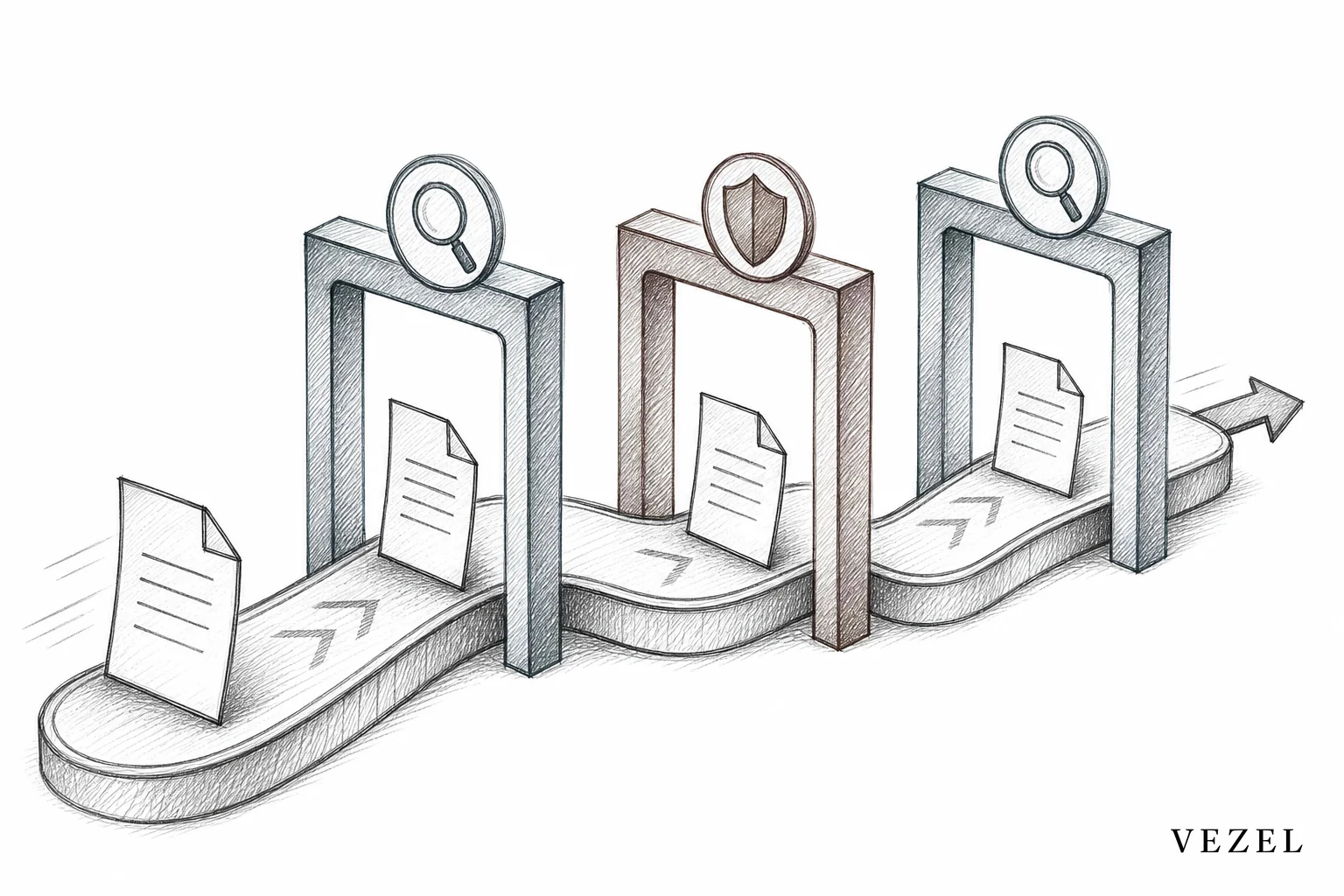
The review isn't a rubber stamp. It's the mechanism that lets you offer self-serve building without losing oversight. We cover the conceptual reasoning behind this checkpoint in more depth in What Is a Governed Marketplace for SaaS Extensions?, which pairs well with this tutorial if you want the strategic context before rolling this out to your product team.
For teams worried about how permission scoping actually gets replicated during this review, our deep dive on how to inherit row-level permissions in SaaS tools walks through the exact mechanics.
4. Version Extensions Without Breaking What's Already Live
Every published extension needs a version number, the same way your core product does. When a customer requests a change to a workflow that's already live for other accounts, you don't edit the original. You publish a new version and route it to the requesting account, while everyone else keeps running the version they've already built processes around.
This matters more than it sounds. An approval workflow that quietly changes behavior for a customer who didn't ask for the change erodes trust fast. Semantic versioning (major, minor, patch) gives you a simple way to communicate what changed: a patch fixes a bug, a minor version adds a field, a major version changes the underlying logic. Deprecation windows give customers time to migrate off an old version before it's retired entirely, rather than forcing an abrupt cutover.
- 🔹 Major version: structural change to the workflow logic or data source
- 🔹 Minor version: added fields, filters, or steps that don't break existing use
- 🔹 Patch version: bug fixes with no behavior change
5. Roll Back Safely When Something Breaks
Even with a review gate, something will eventually go wrong. A published workflow might reference a data field that later gets renamed on the backend, or an approval chain might route incorrectly under a new version. The fix is a rollback: reverting a published extension to its last known-good state without waiting on an engineering hotfix.
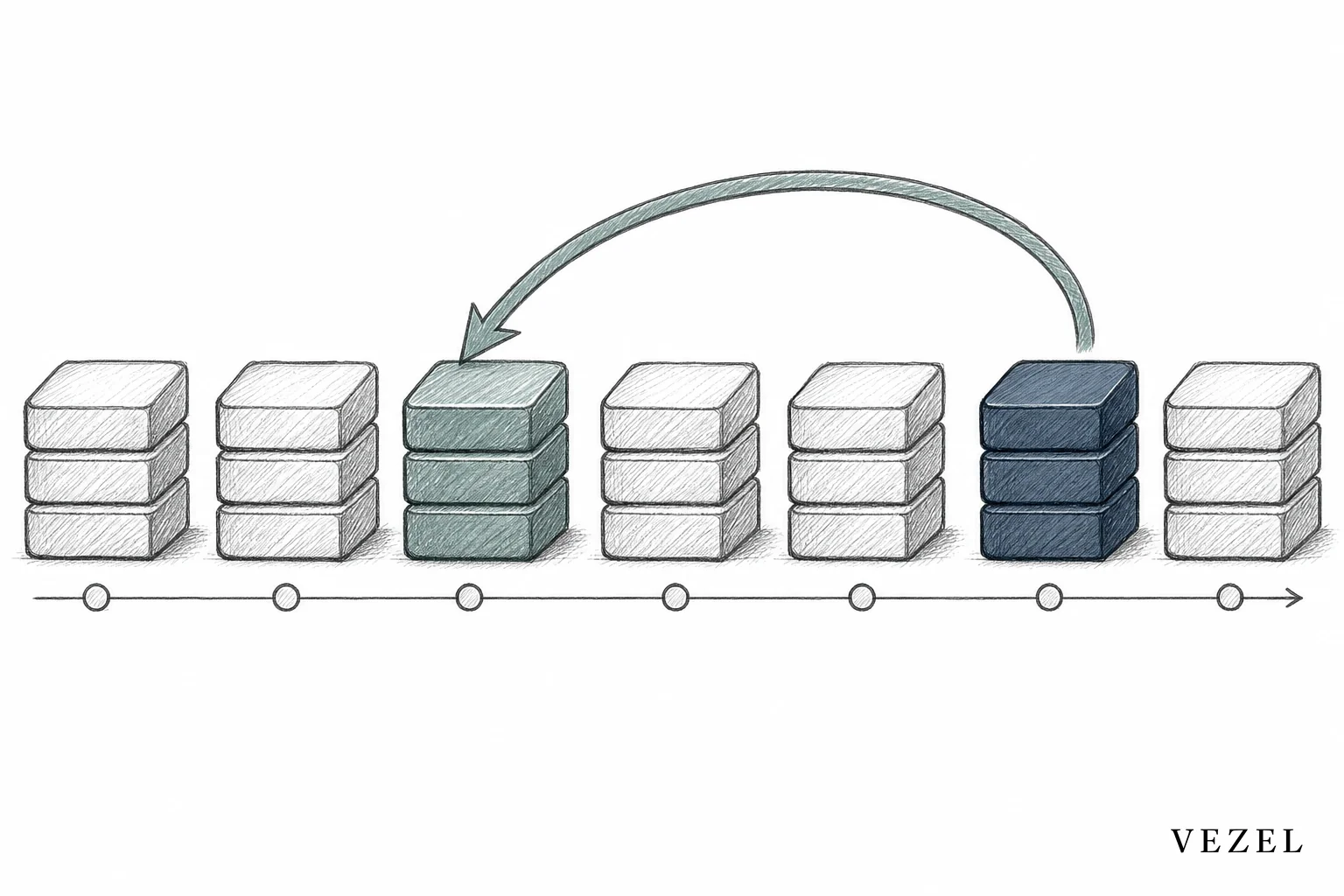
A governed control plane keeps a full audit trail of every publish, every version, and every user who triggered a change. That trail is what makes rollback fast instead of a forensic investigation. If your marketplace can't tell you who published version 2.3 of a workflow and when, you're not governing extensions, you're just hoping nothing breaks.
This is also where the case for embedded governance over a standalone internal tool builder gets clearest. Our comparison, Internal Tool Builders vs Customer-Facing Extensibility, breaks down why tools built for internal engineers rarely have the audit and rollback controls a customer-facing marketplace requires.
6. Make Extensions Discoverable Inside the Marketplace
Publishing an extension nobody can find is barely better than not publishing it at all. A governed marketplace needs categories, search, and clear naming conventions so a customer looking for a "compliance approval workflow" can find one that already exists rather than requesting a new build from scratch or, worse, exporting data into a spreadsheet.
Discovery is also your best defense against shadow IT. If customers can browse a catalog of vetted dashboards, workflows, and agents inside the product they already log into, they have far less reason to spin up unauthorized tools outside your platform. We've written specifically about this dynamic in how to prevent shadow IT in your SaaS platform, and it's one of the strongest arguments for building the discovery layer well rather than treating it as an afterthought.
How Can I Connect My Own AI Client to My Own SaaS Accounts?
You connect your own AI client to your own SaaS accounts through the same API auto-discovery and permission inheritance that powers the extension marketplace itself. Instead of building a separate integration from scratch, the AI agent maps to your existing OpenAPI spec, then authenticates as the requesting user, so it only ever sees the data that user is already allowed to see. This is exactly how AI agents get published as marketplace extensions rather than existing as a bolt-on outside your governance model. Our guide on connecting AI extensions to legacy SaaS APIs covers this in more technical detail, including how discovery works against partial or outdated documentation.
Common Mistakes When Publishing SaaS Extensions
Teams new to a governed marketplace tend to make a handful of predictable errors. Skipping the review gate to move faster is the most common one, and it's usually the one that causes the first data-exposure incident. Publishing without a rollback plan is the second: it works fine until version 1.4 breaks something for a customer during a renewal window.
Ignoring naming conventions and categories in the discovery layer is the third. An extension named "Report_final_v2" is invisible to search, which pushes customers right back toward shadow IT and spreadsheets, the exact behavior a marketplace exists to eliminate.
FAQ
Who can publish an extension inside a SaaS marketplace?
Whoever your platform owner assigns a publisher role to, typically account admins, CS teams, or platform owners themselves. Permissions should mirror your existing role hierarchy rather than introduce a separate system.
Do extensions need engineering approval before going live?
They need a review step, but it doesn't have to sit on engineering's plate. Product managers or CS leads can review for security inheritance and naming, freeing engineering to focus on the core roadmap instead of one-off customer requests, a shift we cover in how to reduce SaaS engineering backlog from enterprise requests.
What happens to a published workflow if the underlying API changes?
A well-built auto-discovery layer flags the mismatch and lets you publish a corrected version without forcing every customer onto it at once. That's exactly why versioning and deprecation windows exist: they give you room to fix things without breaking what's already running.
Publishing extensions safely isn't about slowing customers down. It's about giving them a governed lane to build in, so self-serve customization doesn't turn into a compliance headache six months later. Book a demo to see how Vezel's control plane handles permissions, review, versioning, and rollback for dashboards, workflows, and AI agents inside your own product, or see how it works before you talk to your team. If you're mapping this against your current roadmap pressure, talk to an expert about what a governed marketplace would look like for your specific product.



