


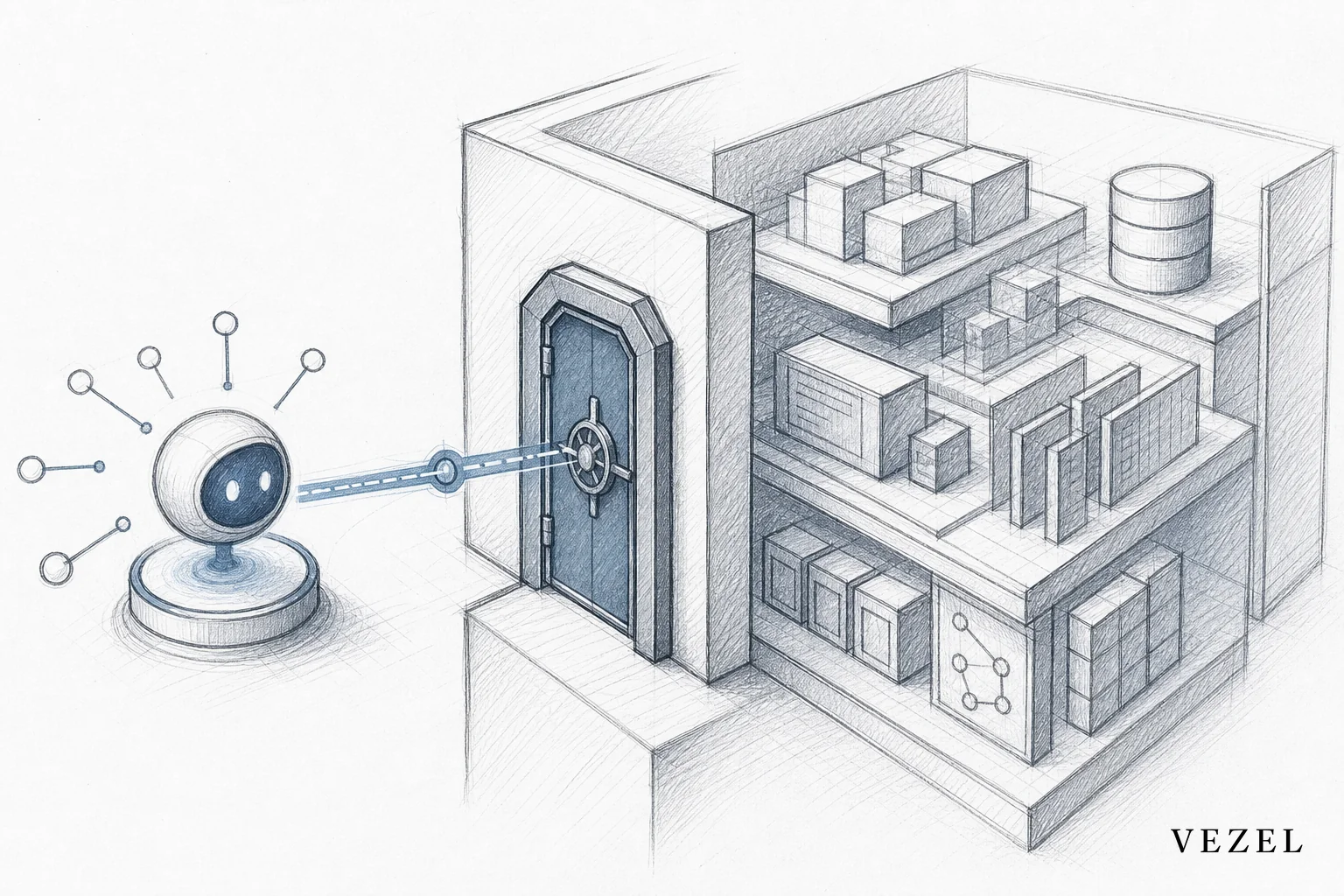
An AI agent inherits your SaaS authentication when it executes every action using the requesting user's own session and role, instead of a separate login the agent controls. That means no new password, no shared admin token, and no parallel permission table to maintain. Get this wrong and you've built a second identity system your security team never approved.
Key Takeaways
- No separate login: Agents should reuse existing OAuth/OIDC sessions or scoped tokens rather than issuing their own credentials.
- Act as the user, not an admin: Every agent call should run under the requesting user's role, so it can never see or touch data that user couldn't already access.
- Discover RBAC, don't rebuild it: API auto-discovery can map existing roles and scopes so you never hardcode a duplicate permission model.
- Row-level checks matter more than role checks: Most access leaks happen at the row level (accounts, territories, tenants), not the role level.
- Bolt-on tools create silos: Agents built outside your auth system become shadow IT the moment they go live.
At a Glance: Inherited vs Bolt-On Agent Authentication
| Factor | Inherited Authentication | Bolt-On / Separate Auth |
|---|---|---|
| Login credentials | Reuses existing SaaS session/token | New agent-specific login or API key |
| Role mapping | Auto-discovered from existing RBAC | Manually rebuilt, drifts over time |
| Row-level access | Enforced per requesting user | Often skipped or approximated |
| Audit trail | Single unified log | Fragmented across two systems |
| Security review effort | Low, one auth surface | High, two systems to certify |
| Shadow IT risk | Minimal | Elevated |
| Maintenance cost | Shared with core platform | Ongoing, separate upkeep |
1. Map Your Agent's Identity to an Existing Session, Not a New One
The first decision determines everything downstream. When you build a support assistant or copilot inside your SaaS product, resist the temptation to give it its own service account. A service account has one identity for every user, which means it either sees too much or requires a separate permission table that mirrors your real one, badly.
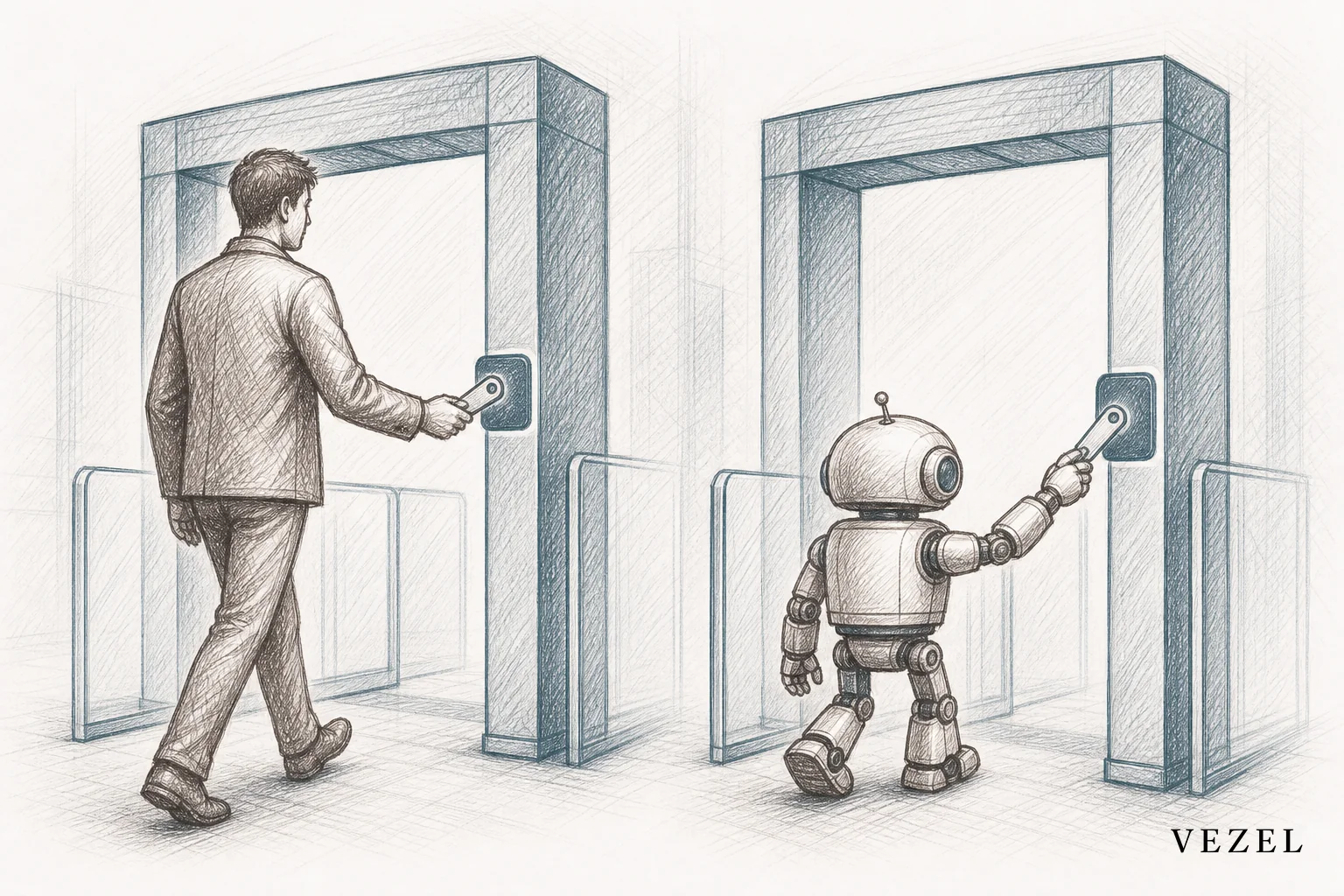
Instead, route the agent through the same session the user already holds. If your platform uses OAuth 2.0 or OIDC, pass the user's existing token (or a scoped token derived from it) into every agent call. The agent effectively becomes a delegate acting on behalf of a specific, already-authenticated person. It never logs in on its own.
This is the same principle described in how to deploy AI agents inside your SaaS platform, but authentication is the piece teams most often shortcut under deadline pressure. Skipping it doesn't save time. It just moves the cost to your security review, later, when it's harder to fix.
2. Discover Your Existing RBAC Model Before Writing Agent Logic
Every SaaS product already has a role-based access control (RBAC) model, even if it's informal. Sales reps see their own pipeline. Managers see their team's. Admins see everything. Before an AI agent writes a single line of behavior, it needs to know this structure.
API auto-discovery, built on your existing OpenAPI or Swagger spec, can map roles, scopes, and permission boundaries automatically. This avoids the classic mistake of an engineer manually re-typing "if role == admin" logic into the agent's code, a copy that will inevitably drift out of sync with the real permission system after the next product update.
According to NIST's research on role-based access control, permission models that live in one authoritative source reduce administrative error compared to systems that duplicate access logic across tools. An embedded agent should read from that one source, not fork it.
3. Execute Every Agent Action as the Requesting User, Not a Shared Admin Account
This is the step most teams get wrong under time pressure. It's tempting to give an agent a powerful backend account so it "can always get the data it needs." That single decision undoes every governance control your platform already has.
Run every query, every automation, every dashboard the agent generates, under the identity of the person who asked for it. If a support rep only has access to accounts in their region, the AI agent answering their questions should never surface data from a different region, even if the underlying data model technically contains it.
This connects directly to row-level permissions, which go a layer deeper than role checks. Two people with the same job title, "Account Manager," might legitimately see different sets of accounts. Our companion piece, How to Inherit Row-Level Permissions in SaaS Tools, walks through the scoping fields (tenant ID, account ID, territory ID) that make this work in practice.
4. Why Bolt-On AI Tools Create New Access Silos
Plenty of AI chat widgets and copilots get added to SaaS products as a separate layer. They connect to a different backend, keep their own user table, and expose their own set of permissions. It feels fast to ship. It's slow to secure.
The problem shows up months later. A customer asks your security team for a SOC 2 or HIPAA-relevant access review, and now there are two systems to audit instead of one. Nobody remembers whether the agent's permission table was updated the last three times the core RBAC model changed. That gap is exactly how shadow IT and access leaks happen, quietly, and usually discovered during a customer's own audit, not yours.
We cover this pattern more broadly in how to prevent shadow IT in your SaaS platform. Bolt-on AI tools are a specific, common version of that same risk: a well-intentioned feature that becomes an unmonitored access path.
The alternative isn't to slow down AI adoption. It's to build agents inside the platform's existing authentication boundary from day one, so there's never a second system to reconcile.
5. Build a Governance Layer for Agent Publishing and Lifecycle
Inherited authentication solves the "who can this agent see data as" problem. It doesn't solve "who gets to create and publish agents in the first place." That's a separate, equally important governance question.
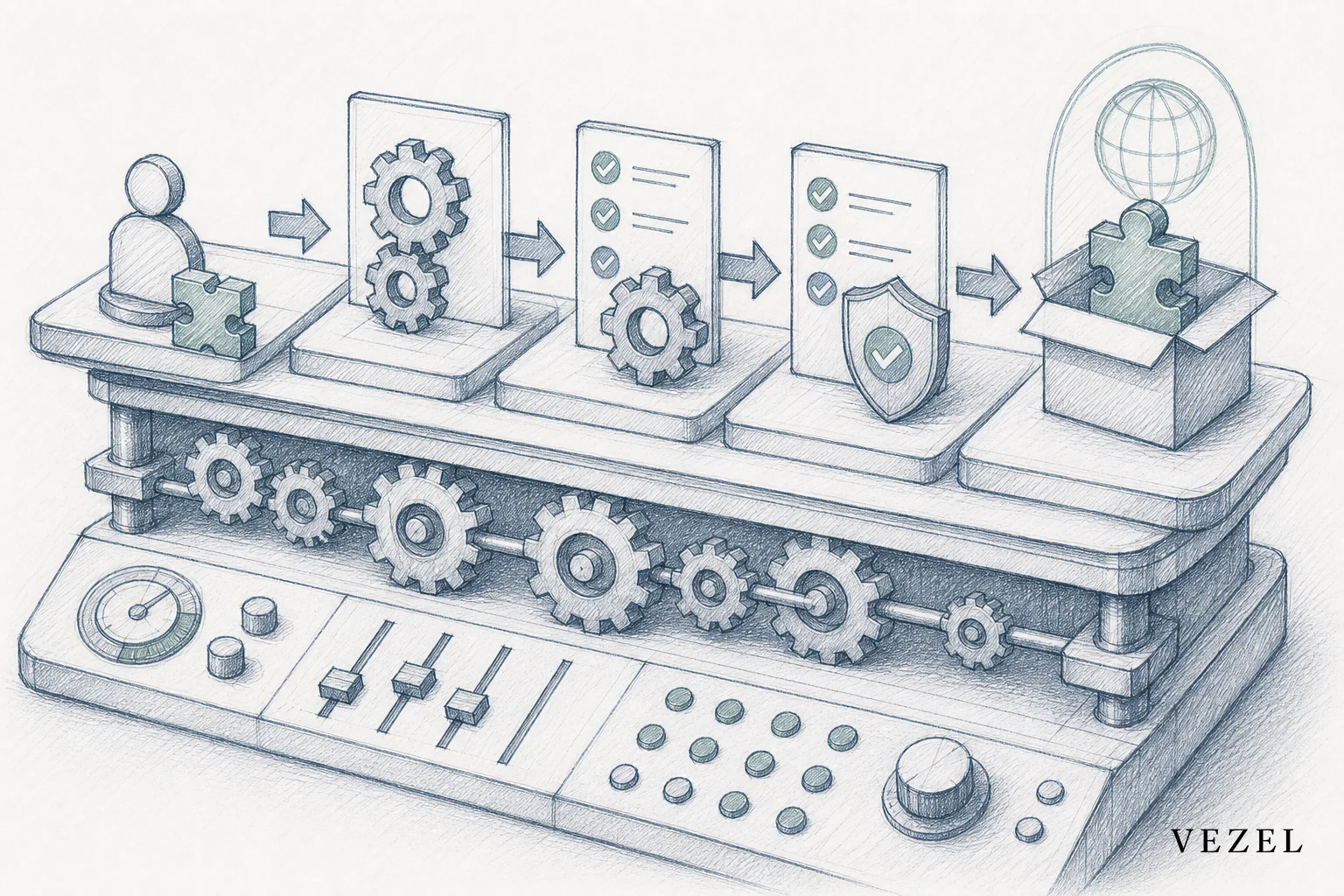
A mature setup includes a review gate before any new agent goes live, version control so you can roll back a change that behaves unexpectedly, and a publishing record showing who created what and when. This mirrors how you'd manage any other extension inside your product, as detailed in how to publish and version extensions in your SaaS.
Treat AI agents the same way you'd treat any other capability with access to customer data: reviewed before publishing, versioned after launch, and revocable if something goes wrong.
How Can I Connect My Own AI Client to My Own SaaS Accounts?
If you're a developer trying to connect a personal AI client, like a custom chatbot or automation script, to your own SaaS accounts, the answer is the same principle at a smaller scale. Use the SaaS provider's official OAuth flow to generate a scoped access token tied to your account, not an admin API key with broad permissions. Request only the scopes your client actually needs (read-only for reporting, write access only where necessary).
Never hardcode a personal password into a script. Most modern SaaS platforms, from CRMs to project tools, publish OAuth 2.0 endpoints specifically so external clients can authenticate as a single user without creating a new login. This keeps the AI client's access exactly as wide, and exactly as narrow, as your own account already is.
Common Mistakes Engineering Teams Make
- Hardcoding an admin token into the agent's backend because it's faster than building proper scoping. This grants the agent more access than any single user should have.
- Skipping row-level checks and assuming a role check is enough. Two users with the same role often see different data.
- Building a second permission table just for the agent, which quietly drifts out of sync with the real RBAC model after the next release.
- Logging agent actions separately from user actions, which breaks a unified audit trail exactly when security teams need it most.
- Treating authentication as a launch-day checklist item instead of an ongoing part of the agent's architecture.
FAQ
Does inheriting authentication slow down agent responses?
No. Passing an existing token through to an API call adds negligible latency compared to building and maintaining a parallel auth system.
Can an AI agent have broader access than the requesting user for admin-only tasks?
Only if that broader access is explicitly granted through the same RBAC system, for the specific admin role, not as a blanket default for the agent itself.
How does this differ from how dashboards or reports inherit permissions?
The mechanism is the same. Our post on building custom dashboards inside your SaaS covers the same inheritance pattern applied to reporting instead of conversational agents.
What happens if my SaaS product doesn't have a clean OpenAPI spec?
API auto-discovery can still infer schemas from live response data even with partial or outdated documentation, which we cover in connecting AI extensions to legacy SaaS APIs.
Getting AI agent authentication right isn't just a security checkbox. It's what separates an agent your enterprise customers trust from one their security team flags in the next vendor review. Vezel's embedded agents inherit your existing authentication, RBAC, and row-level permissions automatically, so there's no second system to build or maintain. Book a demo to see how an AI agent can go live inside your product without opening a new access risk, or see how it works before your next security review comes around. If you'd rather talk through your specific auth setup first, talk to an expert on our team.



