



Maria has run customer success at a mid-market field service SaaS company for four years. She knows a good renewal call when she hears one. The champion on the other end thanks her team, praises the platform's reliability, says nothing is wrong. Three weeks later, the account goes quiet. When she finally gets the ops director on the phone, the real story comes out: "We ended up building most of our actual workflows in spreadsheets. The platform just didn't have the approval flow we needed, so we worked around it. Eventually we just stopped logging in for anything that mattered."
Nothing broke. No bug caused this. The product did exactly what it was built to do. That's precisely the problem. Saas customer churn from missing workflow features rarely announces itself with a support ticket or an angry email. It shows up quietly, months later, as a renewal that doesn't renew, and by then it's too late to fix.
This post breaks down why this specific kind of churn happens, why it's so hard to see coming, and what SaaS companies are doing differently to stop it before the next renewal call goes the same way.
Why "Good Product, Wrong Fit" Still Ends in Cancellation
SaaS margins depend on a simple bet: build the product once, sell it to thousands of accounts, and let scale do the rest. That bet works beautifully until you notice that no two customers on your platform are doing the same job the same way. A maintenance management platform might serve a hospital's compliance team and a roofing crew's dispatcher on the exact same core product. A CRM might serve a real estate brokerage and a manufacturing distributor. Their vocabularies, approval chains, and Monday-morning priorities barely overlap.
When one interface tries to serve every version of that customer, it ends up roughly 60-80% relevant to any single account. Industry benchmarks commonly put average feature adoption somewhere in the 22-35% range — meaning most of what a vendor builds simply goes unused by any given customer, not because it's bad, but because it was designed for an "average" account that doesn't actually exist.
Here's the number that should worry every product leader: multiple customer-success studies converge on the finding that roughly two-thirds of B2B SaaS churn correlates with low product adoption, not bugs or dissatisfaction. Customers don't usually cancel because the software is broken. They cancel because it quietly stopped being part of their daily routine, one unmet workflow at a time.
Where does that missing 20-40% of the job go? It doesn't vanish. It moves into spreadsheets, WhatsApp threads, sticky notes, and ad hoc scripts. Estimates for the share of enterprise technology spend happening outside IT-approved channels commonly run in the 30-40% range, and in 2026 that shadow IT problem has a new face: employees pasting company data into consumer AI chatbots or spinning up personal dashboards with AI coding tools, entirely outside the vendor's security model.
Eventually, someone in finance runs the annual software audit and asks a simple question: which tools does the team actually open every day? A platform that "can technically do everything" but only covers 60% of a team's real workflow looks, from a budget seat, like an expensive database. That's the moment a quietly disengaged account becomes a cancelled one.
The Anatomy of a Workflow-Driven Churn Event
It helps to trace exactly how this plays out, because the pattern repeats with remarkable consistency across verticals.
It starts with a request. A compliance team needs an approval flow scoped to their specific role hierarchy. A distributor needs a margin dashboard built around how they actually price deals. A shift-handoff report needs to match how their supervisors already communicate. The request gets logged. Product reviews it in the next planning cycle. It gets prioritized against forty other requests from forty other accounts, each convinced their need is the urgent one.
Founder communities consistently report that 70-80% of enterprise feature requests never ship. This isn't a failure of judgment. It's arithmetic. If a hundred enterprise accounts each file two or three requests per quarter, that's 200-300 requests stacked against an engineering team that can realistically ship 20-30 features in the same window. No amount of hustle closes that gap.

Every unbuilt request represents a real workflow a real customer needs today, not someday. When it doesn't ship, the customer picks one of two paths. They live with the gap and slowly disengage, or they build a workaround and slowly migrate their real work outside the platform. Both paths lead to the same place: an account that still shows up in the login logs, looking "active," while having quietly stopped depending on the product for anything that actually matters to their business.
That's the trap. Login activity and health scores built on session counts miss this entirely. The account looks fine right up until the week it doesn't renew.
Why the Usual Fixes Don't Stop the Bleeding
Most SaaS teams have already tried to solve this. Here's why the common approaches help at the margins and fail at scale.
Shipping more features feels like the obvious answer, but every feature added to a shared core product adds complexity for every customer, not just the one who requested it. More menus, more settings, more surface area to learn. The product slowly becomes a Swiss Army knife: capable of everything, comfortably usable by no one. The frontline users whose daily habits determine retention are the most sensitive to that bloat.
Configuration panels are a more disciplined attempt, but configuration only changes how existing features behave. It can't create new functionality. If a customer's workflow needs a view, calculation, or approval sequence that doesn't exist in the product at all, no amount of toggling produces it. Global settings also carry blast radius risk: a change that helps the compliance team can silently break the field technician's screen.
Bespoke engineering for whale accounts works for a handful of strategic customers, but some industry estimates put the share of engineering capacity consumed by one-off, single-customer requests as high as 30-40% at mid-market B2B SaaS companies. Worse, most of these custom builds never get reused by anyone else. They become permanent maintenance debt buried in the core codebase, slowing down every future release, while sales keeps promising more of the same to close the next deal.
Generic AI chatbots and copilots, the default "we added AI" move of the last two years, tend to land at single-digit weekly-active-usage rates once the novelty wears off. A chat answer disappears the moment the tab closes. A field technician with gloves on doesn't want to compose a prompt; they want the answer already sitting where they're looking. And because a generic copilot is, by design, identical for every customer, it inherits the exact one-size-fits-all problem that caused the usage gap in the first place, just with an AI label stapled on.
Standalone AI app generators like the current wave of prototyping tools are genuinely useful for sketching a new idea, but they produce a parallel system, not an extension of the product your customer already trusts. The generated app has no connection to real account data, no inherited permissions, and no distribution path to other users. At one app, that's a curiosity. At hundreds of apps across hundreds of accounts, it's an ungoverned security problem hiding in plain sight, exactly the kind of shadow IT risk product leaders are trying to prevent inside their SaaS platform.
What Actually Stops Workflow-Driven Churn: Embedded Extensibility
The pattern across every failed fix is the same: none of them let the customer create genuinely new functionality, scoped to their own data, without waiting on engineering. That's the gap embedded AI extension builders are built to close.
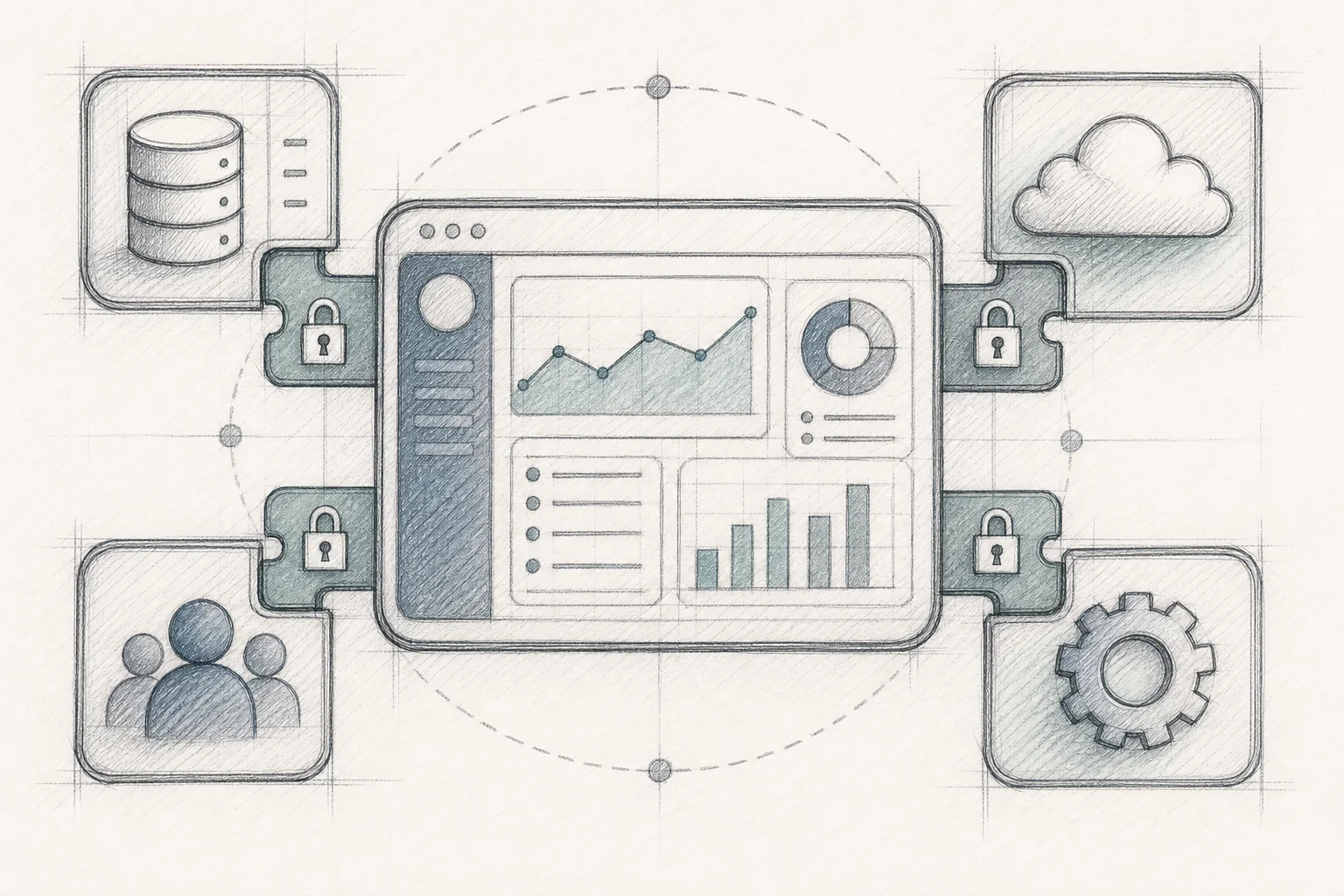
Instead of routing every workflow request into a backlog, an embedded extension layer sits inside your existing SaaS product and lets end-customers describe what they need in plain English. Vezel, for example, integrates via API into a host platform so customers, implementation specialists, or customer success teams can turn a sentence like "show me overdue jobs grouped by site, with a button to reassign to the nearest technician" into a working microapp, connected to real account data, the same day it's described.
Five things distinguish a production-ready platform like this from a generic AI coding tool:
- Multi-tenant runtime — every generated app runs in an isolated sandbox scoped to one customer's tenant, so Customer A's app can never read Customer B's data.
- API auto-discovery, the builder ingests the host product's API surface and maps natural-language requests to the right endpoints automatically, instead of requiring an engineer to hand-wire every integration.
- Security inheritance, every call a generated app makes passes through the same authentication and row-level permissions the core product already enforces. If a user can't see certain records today, an app they build can't surface those records either.
- White-label theming, generated apps adopt the host product's typography, colors, and navigation, so they feel native instead of bolted on.
- Governed marketplace, apps don't disappear after one use. They're versioned, published for other users to discover, and tracked with usage analytics.
This is what people mean by the Application-Driven Model: instead of one interface trying to be everything to everyone, customers assemble a set of small, focused microapps, a morning prioritization dashboard, a compliance checklist with photo capture, a margin calculator, a shift-handoff summary, each built around exactly one team's version of one job. If you're weighing this against building a workflow layer yourself, how to embed a workflow builder in your saas walks through what that build actually involves, and how embedded extensibility compares to a tool like Retool at scale.
The Retention Math: What Changes When Customers Can Build Their Own Workflows
The reason this category has attracted attention isn't theoretical. It's the retention data.
Production deployments of embedded extension builders report adoption rates in the 85-95% range, compared with the typical 20-40% adoption of a standard feature release. Day-30 retention for users who build or use a custom app runs in the high 80s, against industry-average one-month retention figures often cited around 35-40%. Support tickets in the "how do I..." and feature-request categories drop by a commonly cited 30-35%, because customers solve their own problem instead of waiting on a queue. Some deployments report net revenue retention gains of 20-plus percentage points, as accounts that build custom workflows expand to more seats and more usage to support them.
It helps to place this on a maturity curve. Level 1 is extraction: single-shot AI calls like photo-to-form or summarization, identical for every customer. Level 2 is conversation: a chatbot that can read and write data across a multi-turn session, but the output is ephemeral and vanishes when the tab closes. Level 3 is application generation: the AI produces a durable, installable, per-customer application that becomes part of the daily toolkit, different for every account because it was built around that account's specific description of their specific job.
Churn from missing workflow features is, structurally, a Level 3 problem. A chatbot that answers a question once doesn't stop a customer from building the same spreadsheet workaround next week. Only a durable, governed application scoped to that customer's real data does. That's the distinction covered in more depth in why enterprise SaaS customization without engineering is now possible.
A Churn-Prevention Playbook: How to Spot and Fix Workflow Gaps Before They Cost You the Account
You don't need to wait for the next quiet renewal call to act. Here's a practical sequence for finding workflow-driven churn risk before it costs you the account.
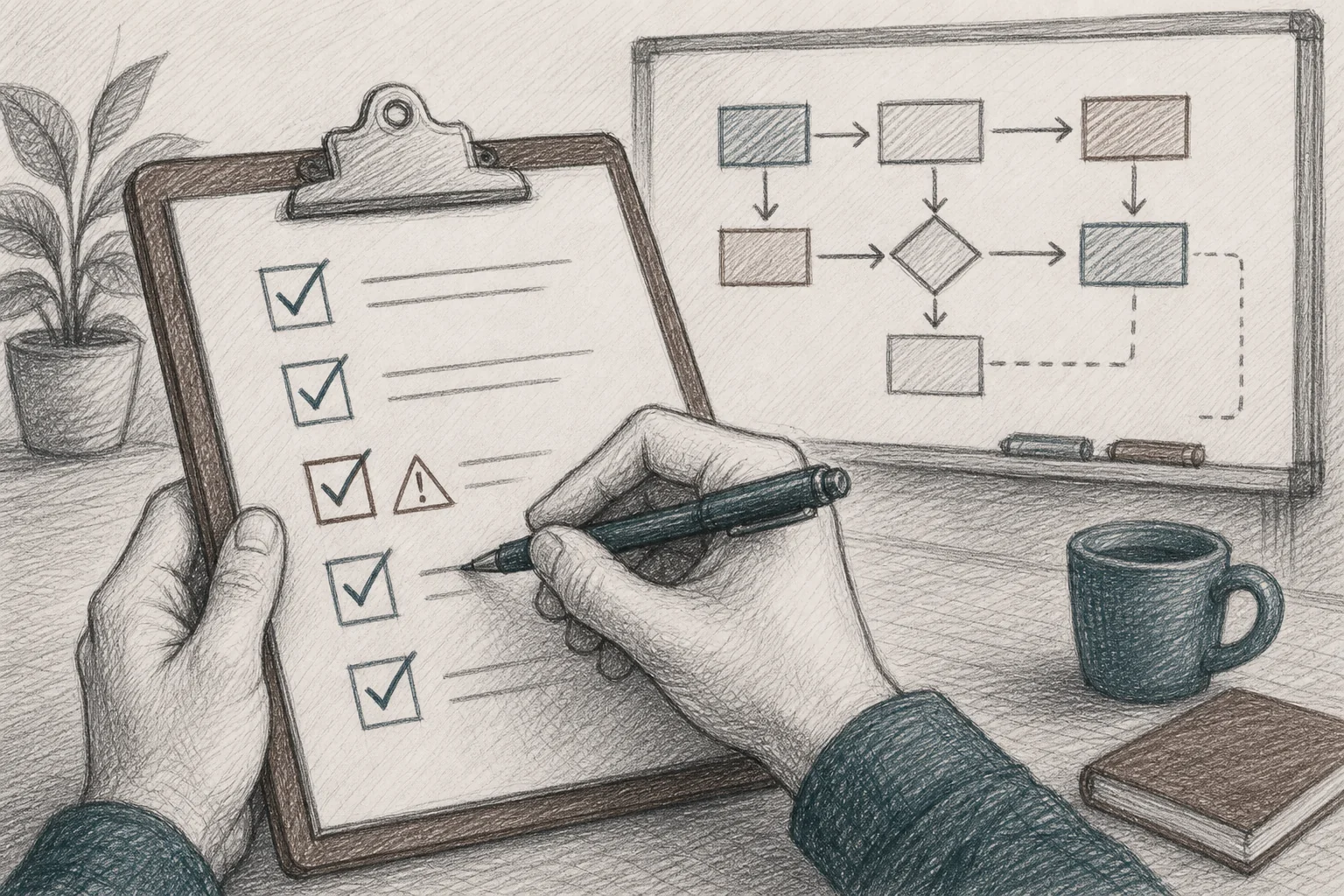
- Audit your backlog for repeat customization requests. Pull every enterprise ticket from the last two quarters and group them by theme. Recurring requests for approval flows, custom dashboards, or compliance checklists are a direct signal of where the usage gap lives.
- Flag accounts with declining feature usage, not just declining logins. An account can log in daily while using only a fraction of what they're paying for. Track feature-level engagement, not session counts.
- Look for shadow IT signals. Ask your customer success team directly: "Do you know of any customer running this workflow in a spreadsheet, Zapier automation, or side tool?" The answer is usually yes more often than product assumes.
- Pilot embedded extensibility with your highest-risk accounts first. Give the accounts most likely to churn the ability to self-serve a custom dashboard or approval workflow, and measure adoption over the following 30 days.
- Extend the same capability to net-new enterprise deals. Sales teams that can demonstrate live workflow customization during a call, instead of promising it "on the roadmap," close faster and with fewer stalled negotiations.
This pattern holds across verticals. Supply chain platforms use it to offer custom reporting for enterprise clients without touching engineering. Healthcare platforms use it to meet the compliance and audit demands covered in how healthcare SaaS platforms can offer extensibility. Field service and dashboard-heavy products lean on the same approach described in how to build custom dashboards inside your SaaS. The vertical changes. The underlying fix, giving customers a governed way to build the last mile themselves, doesn't.
Frequently Asked Questions
What is saas customer churn from missing workflow features?
It's churn that happens not because a product is broken or unreliable, but because the platform can't deliver a specific workflow, approval chain, dashboard, or report a customer's operations require. The customer works around the gap for a while, then disengages, and eventually cancels, even though nothing technically failed.
How is embedded extensibility different from a chatbot or copilot?
A chatbot answer is conversational and disappears once the session ends. Embedded extensibility produces a durable, installable microapp that runs on the customer's real data and stays in their daily workflow, which is why it shows meaningfully higher adoption and retention than chat-based features.
Does letting customers build their own workflows create security risk?
Not when the platform inherits the host product's existing authentication and row-level permissions. A well-built embedded extension layer enforces the same access rules the core product already uses, so a user can never see or generate an app that surfaces data they weren't already permitted to view.
How fast can a SaaS company roll this out?
Integration typically takes about two weeks: connecting the API surface (ideally via an OpenAPI spec), mapping security and roles, applying your design system, and seeding the marketplace with a few first-party example apps. After that, customers can generate their own workflows the same day they describe them.
None of this requires betting your roadmap on a guess. Book a demo to see how Vezel plugs into your existing product and lets your customers build the approval flows, dashboards, and AI agents they're currently building in spreadsheets instead. If you want to see the mechanics first, see how it works, or start your free trial and connect it to a sandbox environment this week. And if you're still weighing whether this is worth prioritizing against the next sprint, talk to an expert about what workflow-driven churn is actually costing your renewal numbers, before your next quiet account goes dark.



