


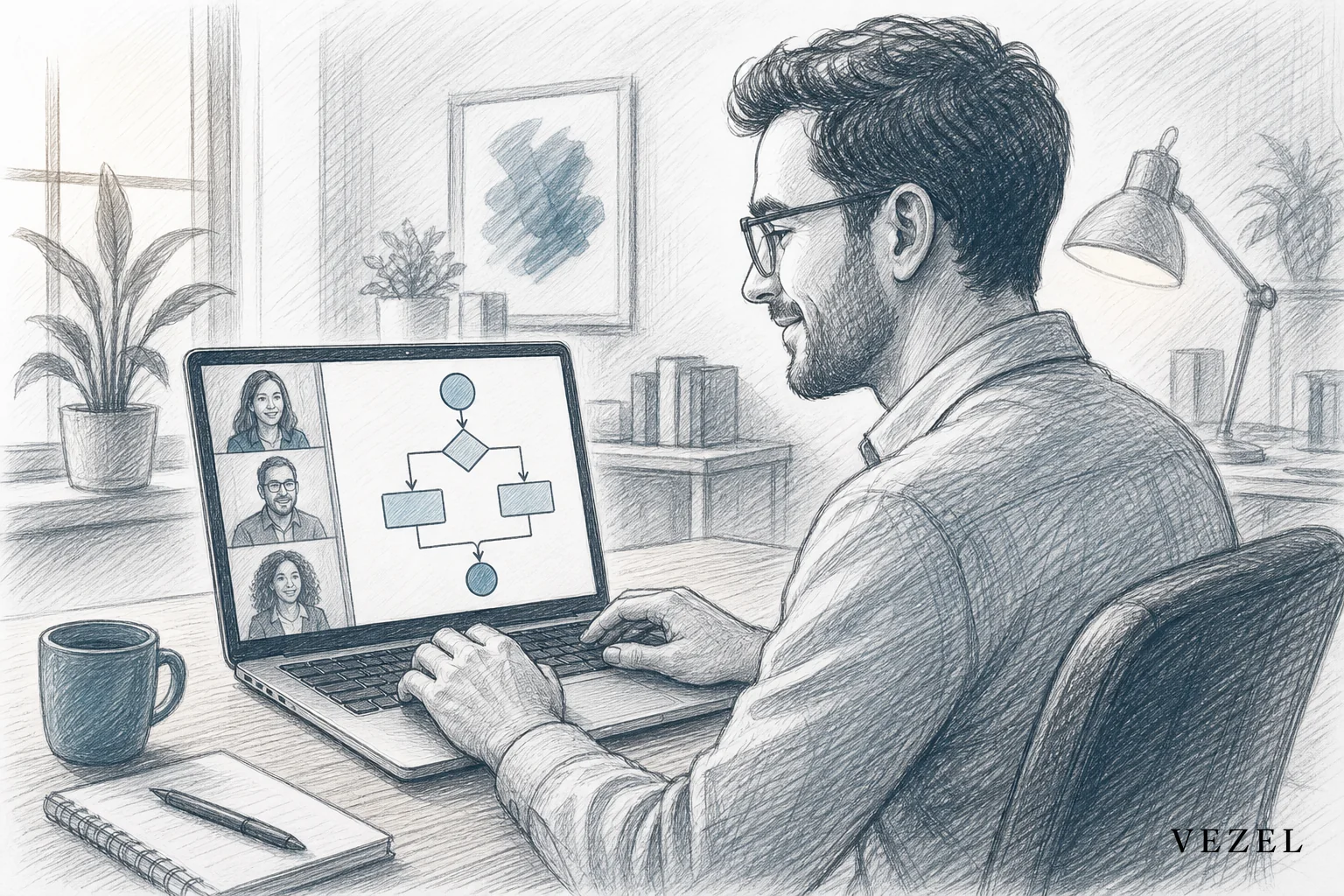
You demo a custom workflow during a sales cycle by building it live on the call, in plain English, connected to real data structures, instead of promising it will land in a future release. A working approval flow or dashboard, built in minutes in front of the prospect, answers the objection on the spot and removes the biggest reason enterprise deals stall.
Key Takeaways
- Build it live, not later: A working prototype during the call beats any roadmap slide, because the prospect sees their own process reflected instead of a promise.
- Plain English replaces a sprint: Typing a sentence like "build an approval flow where purchases over $10,000 need finance sign-off" produces a working flow in minutes, not weeks.
- Security has to show up in the room: Enterprise buyers ask about permissions before they ask about price. A workflow that inherits RBAC automatically closes that objection immediately.
- Sales engineers own this now: With embedded AI extensibility, an account executive or sales engineer can drive the build without pulling an engineer into the call.
- The demo becomes a deliverable: The workflow you build on the call doesn't disappear after the meeting. It becomes a sandbox item the prospect's own team can test.
At a Glance: Live Demo vs Roadmap Promise
| Factor | Live Workflow Demo | Roadmap Promise |
|---|---|---|
| Time to show the requirement working | Minutes, on the call | Weeks to quarters, if it ships at all |
| Who builds it | Sales engineer, no code | Product and engineering, ticketed |
| Data used | Connected via API auto-discovery | Usually a static mockup |
| Security question answered | Inherits host RBAC on the spot | Deferred to a later security review |
| Effect on deal velocity | Objection removed same call | Deal often stalls waiting on a commitment |
| Post-close engineering load | Near zero for that request | Adds to backlog, often permanently |
Here's what actually happens on most enterprise discovery calls today. The prospect describes an approval chain unique to their finance team, or a dashboard sliced by region that nobody else asks for. The account executive nods, writes it down, and says "we'll check with product." That note usually turns into a roadmap ticket. It rarely turns into a signature by Friday.
Enterprise buyers have learned to distrust that answer. They've heard "it's on the roadmap" from three other vendors already this quarter. Building the thing in front of them, connected to something resembling their real data, changes the conversation entirely.
1. Diagnose the Exact Workflow the Prospect Needs
Before you type a single prompt, get specifics. Ask which fields trigger the approval, who the approvers are, what the escalation path looks like if someone doesn't respond, and what threshold matters. A vague "we need approvals" gets you a vague demo.
Push for a real example from their current process, even if it's messy. "Right now, our ops manager emails our controller when a purchase order is over $10,000" is exactly the kind of sentence you can turn into a working flow in the next five minutes. Guessing on the call wastes the moment.
2. Prompt the Workflow Live Using Plain English
This is the part that changes everything about a sales demo. Instead of clicking through a canned deck, you type the requirement as a sentence, in the tool the prospect will actually use. Vezel maps that sentence to the host product's existing APIs and data model, so the workflow isn't a slideshow, it's a functioning object inside the product.
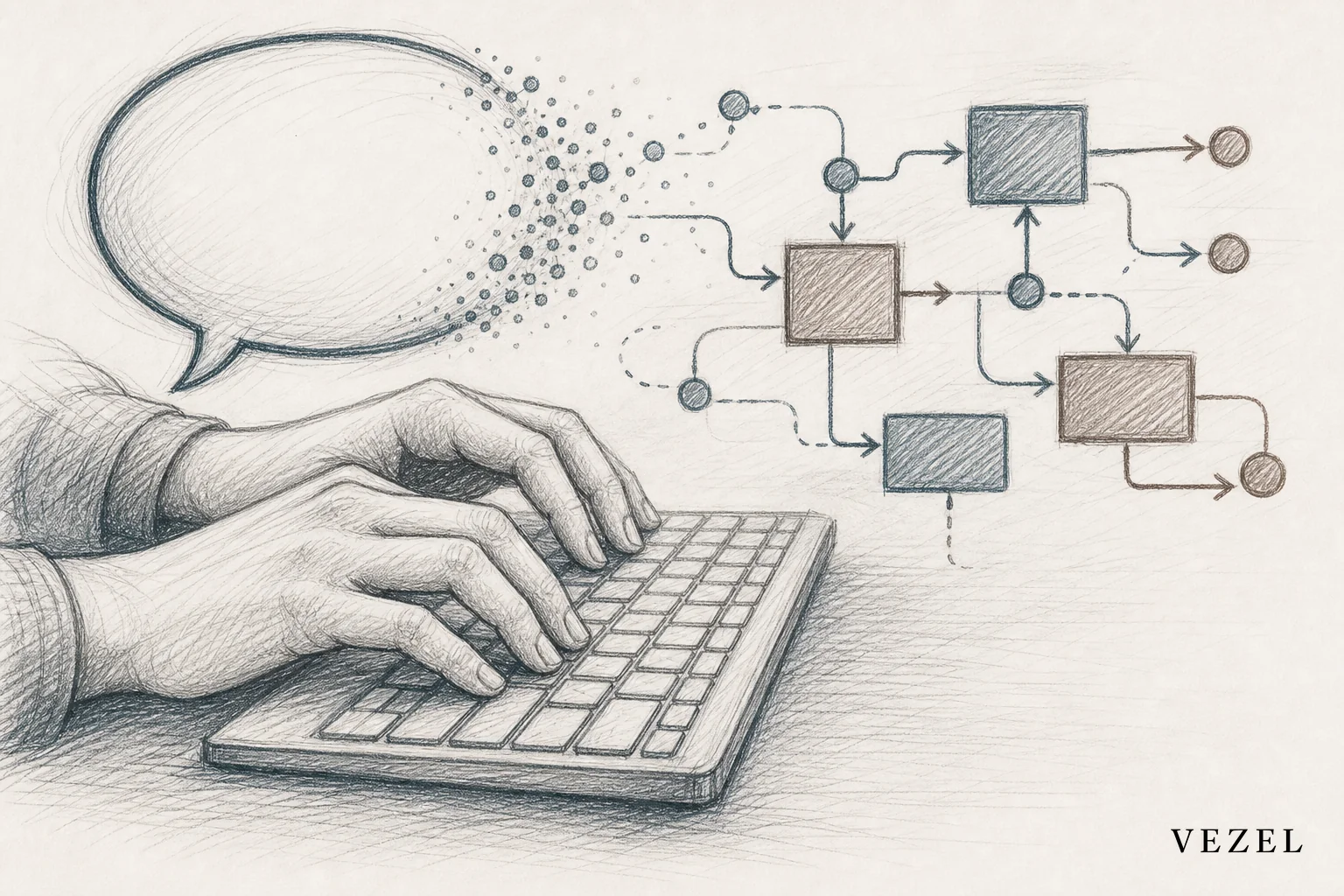
Say the prospect wants a three-tier approval chain: manager sign-off under $5,000, director sign-off up to $25,000, and finance sign-off above that. You type it in roughly those words. The workflow builder generates the approval stages, the routing logic, and a UI that matches the host product's existing design system, because the extension is white-labeled to look native rather than bolted on.
Account executives and sales engineers who want the exact mechanics of this step can walk through how to build approval workflows without coding before their next call.
3. Connect It to Live Data, Not a Mockup
A static screenshot convinces nobody who has been burned by vendor promises before. What actually lands is a workflow pulling real field names from the prospect's trial account or a connected sandbox, so the fields on screen look like their own data, not a generic demo dataset.
API auto-discovery does this mapping automatically. It reads the host platform's existing endpoints and objects, so the generated workflow references the same purchase order fields, customer records, or ticket types that already exist in the product. There's no separate integration project required to make the demo believable.
4. Show Permissions Inherit Automatically
How do you automate approval workflows without coding on the call?
You automate an approval workflow without coding by describing the approval chain in plain English while the extension builder maps it to live data and inherits the host product's existing permissions. The manager only sees requests tied to their own team, because the row-level access rules already in place carry over without extra setup.
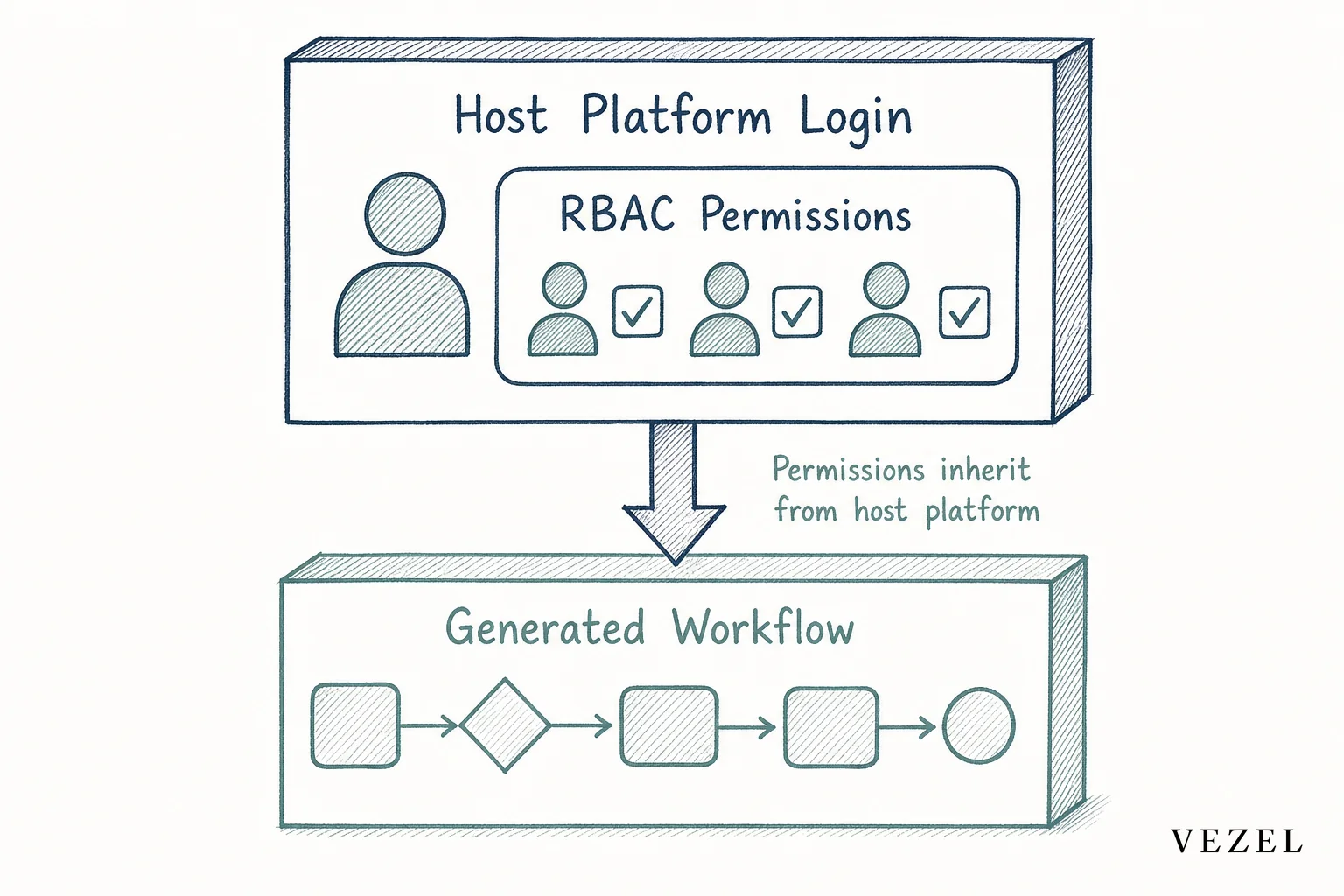
Security is usually the second question on every enterprise call, right after "can it do X." Showing that the workflow you just built respects the same authentication and row-level rules as the rest of the platform answers that question before procurement even asks it formally. Teams weighing why this matters more than it seems should read why it's so hard to replicate RBAC in custom built tools.
Buyers in regulated sectors like healthcare, banking, and insurance ask this earlier and harder than most. If your prospect fits one of those categories, be ready to name it directly instead of waiting for them to bring it up.
5. Turn the Demo Into a Follow-Up Asset
Once the workflow exists, don't let it vanish when the call ends. Save it to a sandbox the prospect's own admin or ops lead can log into after the meeting. Let them click through the approval chain themselves, add a step, or tweak a threshold.
This closes the gap that usually stalls deals between the first demo and the security review. Instead of "we'll follow up with a proposal," you're saying "here's the login, go try the thing we built for you." Companies doing this well have measurably shortened the distance from discovery call to signature, a pattern covered in more depth in how to shorten your enterprise SaaS sales cycle.
Common Mistakes Sales Engineers Make Mid-Demo
- Promising instead of building: Falling back into "let me check with product" the moment a request feels slightly unusual, when it could be built in the same call.
- Showing a static mockup: A Figma screen with fake data reads as a promise, not proof. Connected data is what closes the trust gap.
- Ignoring the permissions question: Waiting for security review to explain access controls, instead of demonstrating inheritance live and removing the surprise later.
- Overbuilding on the call: Trying to demo five workflows in twenty minutes. One well-built flow, tied directly to their stated pain, beats a rushed tour of everything the platform can do.
Why This Shortens the Sales Cycle
A custom workflow requirement is one of the most common reasons enterprise deals sit in limbo. Procurement wants proof it works before signing, engineering doesn't have room on the roadmap for a single-customer build, and the account executive is stuck relaying updates neither side controls.
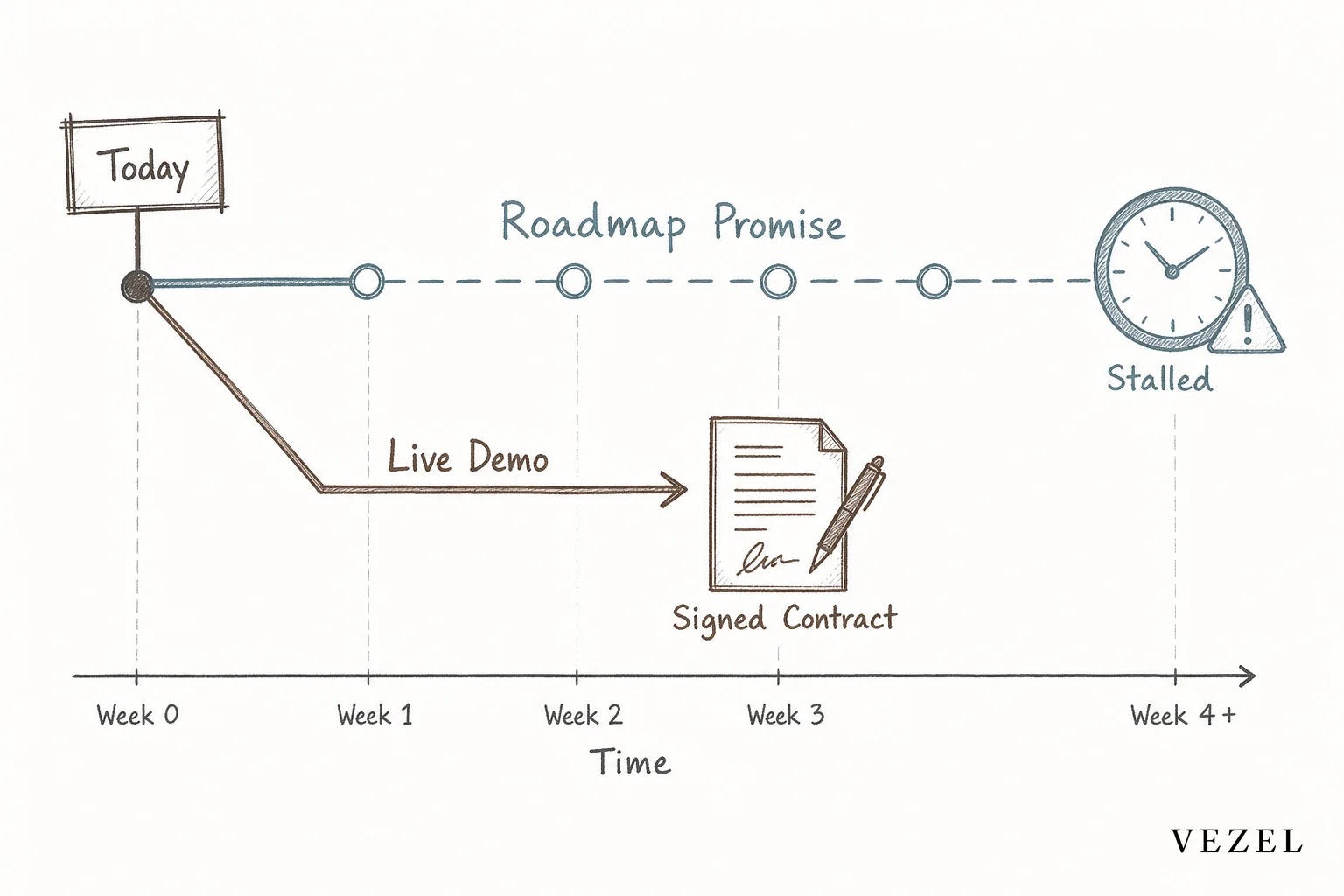
Removing that middle step changes the shape of the deal. The prospect sees the answer in the room. Engineering never has to touch a ticket for a one-customer request. And the account executive walks away from the call with proof instead of a follow-up action item.
The same shift protects your team after the deal closes too. Fewer one-off builds in the backlog means less pressure on the roadmap, a problem covered from the engineering side in how to reduce SaaS engineering backlog from enterprise requests. One honest caveat: this works best when your API surface is already reasonably clean. If your data model is a mess, the live demo will surface that mess just as fast as it surfaces a win.
Enterprise sales teams across the United States are increasingly running discovery calls this way, especially in vertical SaaS categories like healthcare, field ops, and financial services, where every buyer's approval chain looks slightly different from the last one. According to Gartner's research on software buying behavior, buyers increasingly expect vendors to demonstrate fit to their specific process before committing budget, not after. The U.S. Securities and Exchange Commission even requires certain regulated industries to document approval chains formally, which is exactly the kind of requirement that shows up mid-demo when you're selling into banking or insurance.
If you want to see the mechanics of connecting a live workflow to your own product's data model, see how it works before your next enterprise call.
Stop relaying custom workflow requests to a backlog nobody has time for. Book a demo and build your next prospect's approval flow live, on the call, before they ask you to.



