


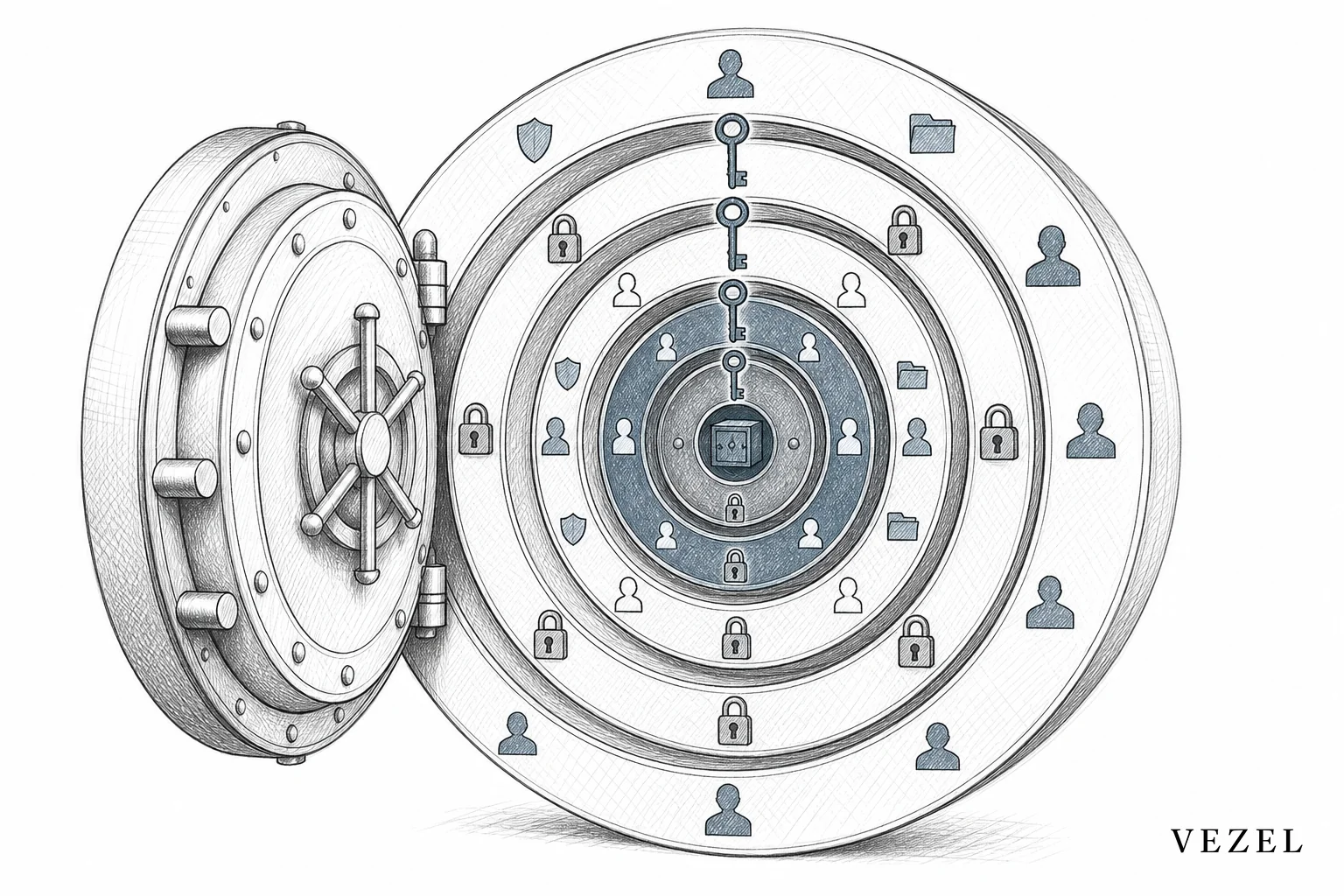
An external-built dashboard looks done the moment it renders the right numbers. It looks broken three weeks later, when a regional manager logs in and sees another region's contract values. That's the moment most teams discover the hard truth: you can copy a screen's layout in an afternoon, but you can't replicate RBAC in external built tools without replicating the entire identity, role, and row-level logic behind it. Most bespoke builds never get that far.
Key Takeaways
- RBAC is not a checkbox: Role-based access control involves nested roles, scopes, and row-level filters that interact dynamically. Static permission copies break the first time a role changes.
- External tools usually connect through a service account: Internal tool builders like Retool typically query data with one shared API key, not the logged-in user's actual identity, which is where row-level security gets flattened or lost.
- Compliance risk, not just a UX bug: In healthcare, HR tech, and finance, a permission mismatch in an external dashboard is an audit finding, not an inconvenience.
- Permission drift compounds over time: Every role change, new hire, or org restructure in the host platform has to be manually re-synced to every external tool that copied the original logic.
- Security-inheriting extensibility skips the rebuild entirely: Extensions generated inside the host product can inherit its existing authentication, RBAC, and row-level access controls automatically, with nothing separate to maintain.
RBAC Replication At a Glance
| Approach | Identity Source | Row-Level Security | Stays in Sync With Role Changes | Compliance Risk |
|---|---|---|---|---|
| Spreadsheet exports | None (manual) | Manually filtered | No | High |
| Internal tool builder (e.g., Retool-style) | Shared service account/API key | Hardcoded query filters | No, requires manual updates | Medium-High |
| Custom-coded portal | Re-implemented auth layer | External logic per table | Only if engineered and maintained | Medium |
| BI tool connected via export | None (data snapshot) | Rebuilt in BI layer | No | High |
| Consultant-built integration | Varies by implementation | Varies, often incomplete | Rarely | Medium-High |
| Security-inheriting extensibility platform | End-user's existing session/identity | Inherited automatically from host platform | Yes, natively | Low |
The Permission Model Nobody Rebuilds Correctly
Role-based access control sounds simple from the outside. A user has a role. A role has permissions. Done. In practice, mature SaaS platforms layer roles on top of teams, teams on top of accounts, accounts on top of regions, and then apply row-level filters so a sales rep only sees their own pipeline while a regional VP sees the whole territory. Add external field-level permissions, delegated admin rights, and time-boxed access, and you have a system that took years of product iteration to get right.
None of that complexity is optional. It exists because businesses actually operate that way. A clinical director at a hospital system needs to see patient equipment data across every unit. A biomedical technician should only see the units assigned to them. Get that row-level distinction wrong in an external compliance dashboard, and you've created an audit problem, not a display bug.
When an internal team or a consultant sets out to replicate RBAC in external built tools, they're rarely rebuilding the whole model. They're approximating the parts they can see, usually the roles visible in the admin panel, and skipping the row-level logic buried in the platform's backend. That gap is invisible until the wrong person sees the wrong row.
Where External Built Tools Quietly Break RBAC
Most external builds don't fail loudly. They fail quietly, in ways that look correct during a demo and fall apart under real usage. A few patterns show up again and again.
- Service accounts instead of user identity: Internal tool builders typically connect to your API using one shared credential, not the individual end-user's session. Every query runs with the same elevated access, so the tool has to reconstruct who's allowed to see what, usually by hand.
- Row-level security gets flattened: Instead of inheriting the host platform's dynamic row-level rules, external tools bake in a static filter, like
WHERE region = 'West', that has to be manually updated every time territories change. - Role changes don't propagate: When someone is promoted, demoted, or moves teams inside the host platform, the external tool has no idea. It keeps using whatever permissions were configured at build time until someone notices and fixes it.
- Nested hierarchies get simplified: Manager-of-manager structures, delegated approvals, and cross-functional access get compressed into two or three flat roles because replicating the full hierarchy is too expensive to justify for one dashboard.
This is the same failure mode Retool vs embedded extensibility for SaaS products comparisons keep surfacing: general-purpose internal tool builders were designed for internal engineering teams, not for reproducing a customer-facing permission model at scale.

Why This Creates Compliance Risk, Not Just Bugs
A misaligned filter in an internal spreadsheet is annoying. A misaligned filter in a customer-facing dashboard, workflow, or report is a different category of problem. If a healthcare tech platform's external reporting tool shows one clinic's patient volume data to another clinic's staff, that's a potential violation reviewed under frameworks like HIPAA, not just a support ticket.
The same exposure shows up across verticals. HR tech platforms handle compensation and performance data that should never cross reporting lines. Financial and insurance platforms carry account-level data protected by regulatory and contractual obligations. Supply chain platforms serving multiple enterprise clients need airtight separation between each customer's own data. In every one of these cases, an external tool that approximates RBAC instead of inheriting it becomes the weakest link in an otherwise well-governed system.
There's a second, quieter risk: shadow IT. When customers can't get the reporting or workflow tooling they need from your product, they build it themselves, often in a spreadsheet, a BI tool, or a low-code app connected via export. Those workarounds sit entirely outside your governance model. Our guide on how to prevent shadow IT in your SaaS platform covers this pattern in depth, but the short version is: every workaround a customer builds outside your platform is a permission model you don't control and can't audit.
The Traditional Fixes Don't Scale
Engineering teams know how to solve this problem in theory. Rebuild the auth layer for the external tool. Wire it into the host platform's identity provider. Replicate the row-level rules table by table. The issue isn't feasibility, it's economics.
Every one-off customization that reimplements RBAC becomes a piece of software your team now owns forever. Roles change. Regulations update. New customer segments need new row-level rules. Each of those changes has to be manually re-applied to every external tool that copied the original logic, on top of the core product roadmap.
Professional services teams and implementation consultants can patch this customer by customer, but that model doesn't scale past a handful of accounts. It's part of the same dynamic covered in how to reduce SaaS engineering backlog from enterprise requests: every bespoke build adds permanent maintenance weight, and permission logic is the most fragile, highest-risk piece of that weight because it's invisible until something goes wrong.
This is a specific, sharp-edged version of a broader pattern in enterprise software: the growing distance between what a shared product provides out of the box and what each customer actually needs from it. Security logic is simply the part of that gap where mistakes are the most expensive.
Security-Inheriting Extensibility: Adapt Without Rebuilding Permissions
There's a different way to think about this problem. Instead of building a separate tool and then trying to reconstruct the host platform's permission logic inside it, what if the new tool never left the permission model in the first place?
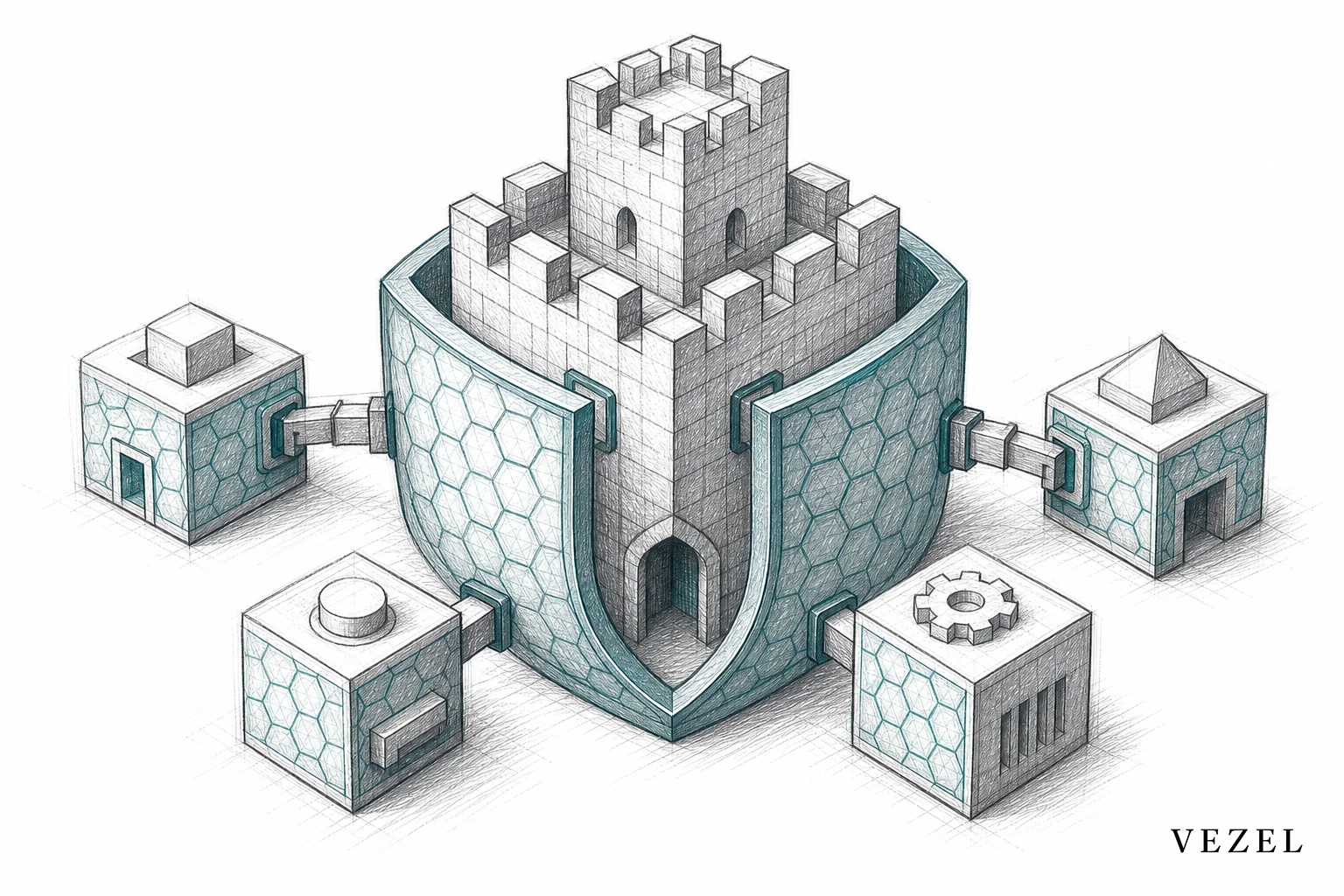
That's the premise behind security-inheriting extensibility. When a customer builds a new dashboard, workflow, report, or AI agent inside your product using an embedded extension platform like Vezel, the extension runs on the end-user's existing session. It doesn't query your API through a shared service account. It inherits the same authentication, the same RBAC rules, and the same row-level access controls that already govern every other part of your product.
Concretely, that means:
- A user's role and scope are established once, by your platform, and every extension respects them automatically.
- Row-level filters (by account, region, team, or clinical unit) carry over natively, because the extension is querying your existing APIs and data models rather than a separate copy of the data.
- When a role changes in your platform, every extension built by that customer reflects the change immediately. There's no second system to update.
- API auto-discovery maps directly to your existing data models, so the permission structure that already exists in your OpenAPI-based endpoints becomes the permission structure the extension uses, not a reinterpretation of it.
This is the core architectural idea behind what we call Adaptive SaaS: software that continuously extends itself around customer-specific needs without ever asking engineering to rebuild the security model from scratch for each request.
What This Looks Like in Practice
Picture a healthcare tech platform where a hospital system wants an external compliance dashboard tracking equipment inspection status by unit. Built as a standalone internal tool, this dashboard would need someone to manually recreate the rule that biomedical technicians only see their assigned units while directors see the full facility. Built as a security-inheriting extension, that row-level rule is already enforced by the host platform, so the dashboard respects it the moment it's generated, without anyone writing that logic twice. This mirrors patterns we've detailed in how healthcare SaaS platforms can offer extensibility.
Or picture an HR tech platform where a customer wants an approval workflow that routes new hire records to a department manager, then compliance, then a credentialing specialist, in that order, with each step visible only to the relevant approver. An external-built workflow tool would need its own approval-chain logic and its own visibility rules. An extension inheriting the host platform's RBAC already knows who the manager, compliance reviewer, and credentialing specialist are for each record, because that hierarchy already exists in the host platform's data model.
Or picture a supply chain SaaS platform serving multiple enterprise distributors, each of whom needs external reporting scoped strictly to their own shipments, their own regions, and their own supplier relationships. Row-level security here isn't optional, it's the entire basis of multi-tenant trust. Extensions that inherit that scoping automatically avoid the single riskiest failure mode in external reporting: one customer accidentally seeing another customer's data.
How to Evaluate Whether a Tool Actually Replicates RBAC
If you're evaluating an internal tool builder, a low-code platform, or an embedded extensibility vendor, ask these questions before you assume permissions are handled:
- Does the tool query your API using the end-user's identity, or a shared service account? If it's a service account, someone has to manually reconstruct every permission rule inside the tool itself.
- Does row-level security update automatically when a role or territory changes in your host platform? If the answer requires a person to go update a filter, you have permission drift waiting to happen.
- Is there a second permission model to maintain? Any tool that requires you to define roles, teams, or access rules a second time is duplicating a system you already built and already have to keep accurate.
- How is nested hierarchy handled? Manager-of-manager and delegated approval structures are common in HR, finance, and healthcare. Ask specifically how the tool handles more than two levels of hierarchy.
- What happens during an audit? Ask the vendor to walk through how they'd demonstrate, to a compliance reviewer, that a specific user could only see the specific rows they were authorized to see.
Our guide to choosing an embedded extensibility platform goes deeper on evaluation criteria beyond security, including governance, white-labeling, and total cost versus external development, covered in extensibility platform vs external dev: what's cheaper.
Frequently Asked Questions
What does it mean to replicate RBAC in an external built tool?
It means recreating the same roles, permission scopes, and row-level access rules that already exist in your main platform, inside a separate external-built dashboard, report, or workflow tool. Because that logic usually lives deep in the host platform's backend, most external builds only approximate it.
Can Retool, Glide, or similar tools replicate RBAC correctly?
General-purpose internal tool builders and no-code app builders are designed to connect to APIs using a single set of credentials, not the individual end-user's session and permissions. They can be configured with manual permission logic, but that logic has to be built and maintained separately from your platform's actual RBAC system, which creates ongoing drift risk. See our comparisons in Glide vs embedded extensibility and Superblocks vs embedded extensibility for more detail.
What is row-level security inheritance?
Row-level security inheritance means a new dashboard, workflow, or report automatically applies the same row-level filters (by account, region, team, or record ownership) that the host platform already enforces, without a developer rewriting those filters for the new tool. This is a core capability of security-inheriting extensibility platforms.
Why is this a bigger risk in regulated industries?
In healthcare, HR tech, finance, and insurance, permission mismatches aren't just user experience problems, they're potential compliance violations subject to audit and regulatory review. A single misconfigured row-level filter in an external compliance dashboard can expose protected data across departments or organizations.
Every external tool that approximates your permission model instead of inheriting it is a small, invisible liability sitting inside your product, waiting for the one login that exposes it.
Trying to replicate RBAC in external built tools by hand is one of the most underestimated costs in enterprise SaaS customization. It looks like a dashboard problem until it becomes a compliance problem, and by then the fix is far more expensive than building it correctly the first time. Vezel embeds directly inside your product so every dashboard, workflow, report, and AI agent your customers generate in plain English inherits your existing authentication, RBAC, and row-level access controls automatically, with nothing separate to build or maintain. Book a demo to see how it works with your platform's actual permission model, or see how it works before you commit engineering time to another bespoke build. If you're still scoping the risk on an existing external tool, talk to an expert about what a security review would look like for your specific setup.



