


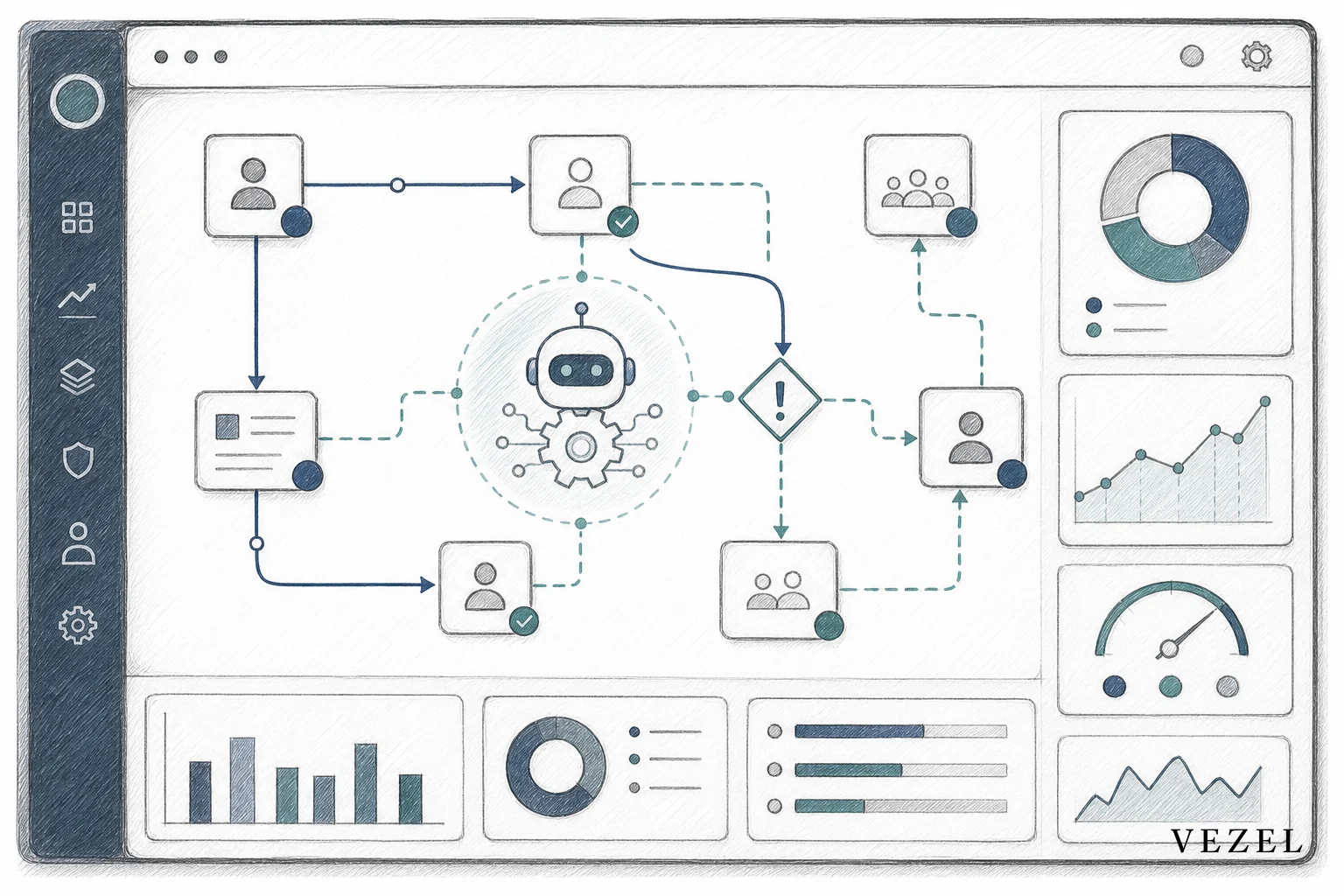
An AI operations copilot works by watching a recurring workflow inside your SaaS product (approvals, escalations, KPI tracking) and acting on live data using the permissions the requesting user already has. If you're figuring out how to build ai agents for saas operations copilot use cases, the fastest path skips custom code entirely: describe the job in plain English, let the platform auto-discover your APIs, and let the agent inherit your existing RBAC.
Key Takeaways
- Operations copilots automate work, not just answers: They handle recurring tasks like approval nudges, KPI monitoring, and escalation routing, not one-off Q&A.
- Plain-English creation replaces engineering tickets: Product and CS teams describe the copilot's job in natural language instead of filing a backlog request.
- API auto-discovery removes integration work: OpenAPI-based discovery maps the agent to your live data models automatically, no custom connector code needed.
- Security inheritance is non-negotiable: The agent only sees and acts on what the requesting user's RBAC and row-level permissions already allow.
- Governed publishing prevents shadow IT: Versioning and lifecycle controls in an in-product marketplace keep copilots from turning into unmanaged sprawl.
Operations Copilot at a Glance
| Agent Type | Primary Job | Data Connection | Permission Model | Typical Build Time |
|---|---|---|---|---|
| Support Assistant | Answers customer questions using account data | API auto-discovery (read-mostly) | Inherits requester's account scope | Hours |
| Operations Copilot | Runs recurring workflows: approvals, escalations, monitoring | API auto-discovery (read/write) | Inherits requester's RBAC + row-level access | Hours to a couple of days |
| Research Agent | Synthesizes data across records for analysis | API auto-discovery (read-heavy) | Inherits requester's account scope | Hours |
| Custom Dev Equivalent | Any of the above, built by engineering | Manual integration code | Manually replicated, often incomplete | Weeks to months |
What Is an AI Operations Copilot, and Why Support Bots Aren't Enough
A support assistant answers a question and stops. An operations copilot keeps working. It watches a process, flags what's stuck, takes action within its permissions, and shows up again tomorrow to do the same job. That distinction matters because most of the daily grind inside a SaaS product isn't a question that gets answered once. It's a repeatable task: approve this request, escalate that overdue shipment, summarize this week's KPIs for the ops review.
If you've already read how to build an AI support assistant for SaaS customers, this is the natural next step. Support assistants reduce ticket volume. Operations copilots reduce the manual labor buried inside your customers' daily workflows, the spreadsheet re-sorting, the manual status checks, the "did anyone approve this yet" Slack messages that eat up an ops manager's morning.
Think about what a mid-market ops team actually does every day. A logistics coordinator checks which shipments are overdue. A finance manager checks which invoices are stuck in approval. A supply chain lead compiles a supplier scorecard before a quarterly review. None of these are one-time questions. They're standing jobs. An operations copilot takes ownership of a standing job, using your product's real data and your customer's real permissions.
1. Define the Operational Job the Copilot Will Own
Before you open any builder, write down the job in one sentence. Not a feature description, a job description. "Flag any approval request that's been pending more than 48 hours and notify the approver's manager" is a job. "Build an approvals dashboard" is not specific enough yet.
Good candidate jobs share three traits. They repeat on a schedule or a trigger. They involve a decision or an action, not just a lookup. And they currently require a human to manually check something across multiple records. Examples worth starting with:
- Approval escalation: Nudge or reroute requests that sit idle past a threshold.
- Supplier or vendor scorecards: Compile recurring performance metrics from live order and delivery data.
- KPI monitoring digests: Summarize a team's key metrics every morning without a manual pull.
- Exception routing: Detect anomalies (a shipment delay, a failed compliance check) and route them to the right person.
This step is where most teams either succeed or waste a week. If you skip straight to "let's build an agent," you end up with something clever but unused. If you nail the job description first, the build itself becomes fast.
2. Describe the Agent in Plain English Inside Vezel's Builder
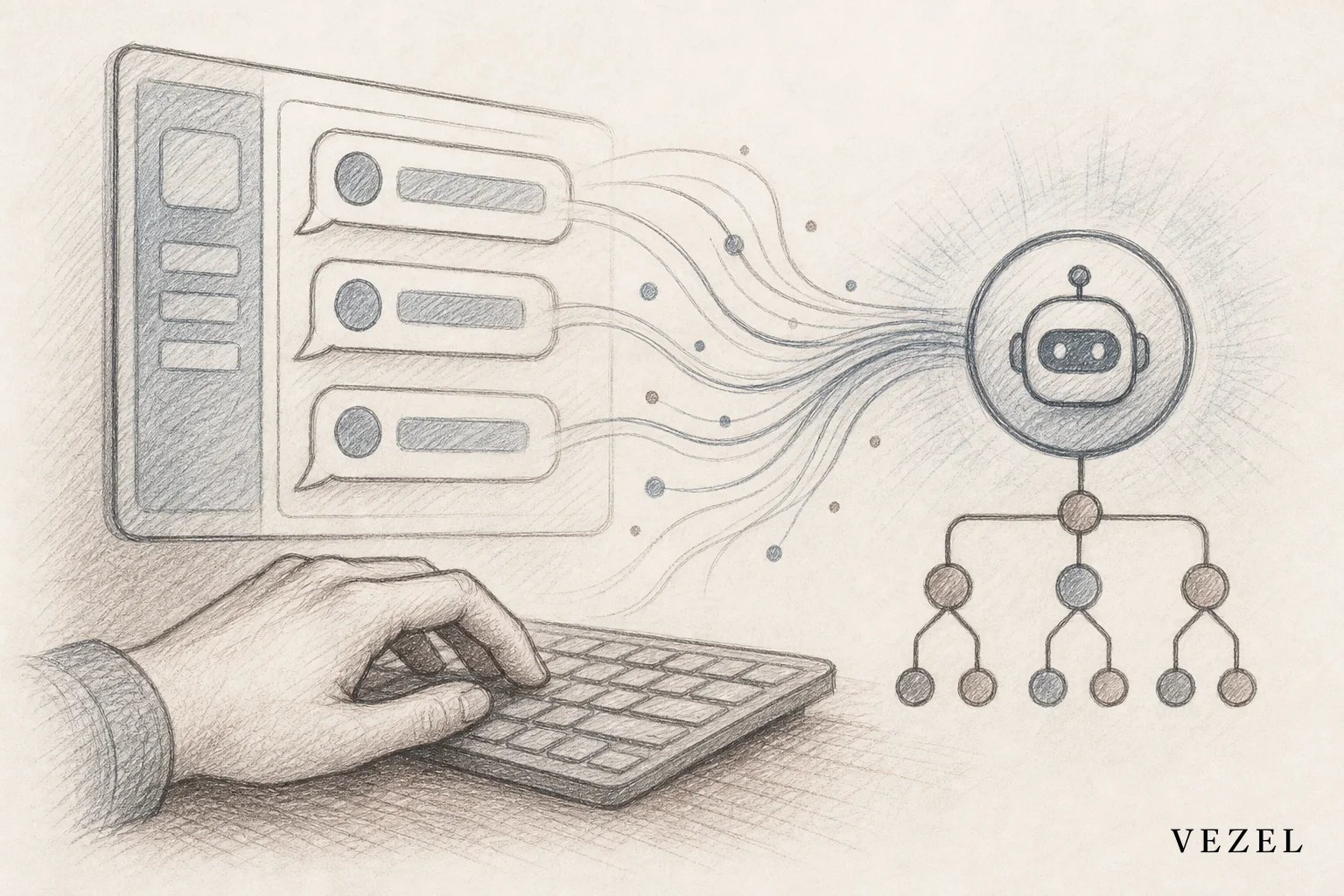
Once the job is defined, the build starts with a sentence, not a sprint. Vezel's embeddable AI agent builder sits directly inside your product and lets a product manager, solutions engineer, or even the end customer describe the copilot the same way they'd describe it to a colleague.
For the approval-escalation job above, a working prompt might read: "Check open approval requests every morning. If a request has been pending more than 48 hours, notify the approver's manager and mark it as escalated." For the KPI digest: "Every Monday at 8am, pull last week's deal velocity and win rate by region, and post a summary to the sales team's dashboard."
The builder translates that plain-language description into triggers, conditions, and actions, no scripting required. Because it's embedded inside your product rather than bolted on as a separate tool, the copilot shows up as a native part of the experience your customers already know, not a third app they have to log into.
This is also where the difference from general-purpose builders like Glide or Mendix shows up. Those tools are built for someone assembling an app from scratch. Vezel's builder assumes there's already a live product underneath, with real data models and real users, and it's designed to plug an agent into that context immediately. If you're weighing that tradeoff more broadly, Glide vs Embedded Extensibility: What SaaS Needs and Mendix vs Embedded Extensibility: What SaaS Needs both dig into where those platforms fall short for customer-facing use.
3. Connect the Agent to Live Data With API Auto-Discovery
An operations copilot is only as useful as the data it can see. This is usually where custom builds slow down, because someone has to write integration code to map the agent to your product's endpoints, data models, and object relationships. That work is exactly what API auto-discovery is built to remove.
Vezel's discovery layer reads your existing OpenAPI specification and maps the copilot to your real endpoints and data models automatically. When your approval-escalation copilot needs to check "how long has this request been pending," it isn't querying a synthetic dataset, it's reading the same approval records your product already stores. When the supplier scorecard agent needs delivery timestamps, it pulls them from the same order data your customers see on screen.
The practical effect is that the person building the copilot doesn't need to know your API structure at all. They describe the job, and the discovery layer figures out which endpoints and fields answer it. That's a meaningful shift from the typical internal-tool workflow, where an engineer has to hand-wire every data source before anything works. According to the OpenAPI Initiative and its widely adopted specification, standardized API descriptions are what make this kind of automatic mapping possible across different SaaS backends without custom glue code for each one.
4. Let the Agent Inherit Security and Permissions Automatically
This is the step that separates a production-ready operations copilot from a liability. An agent that can check approval status or escalate a request is an agent that touches sensitive operational data. If it doesn't respect your existing access controls, you've built a new way to leak information you already spent years locking down.
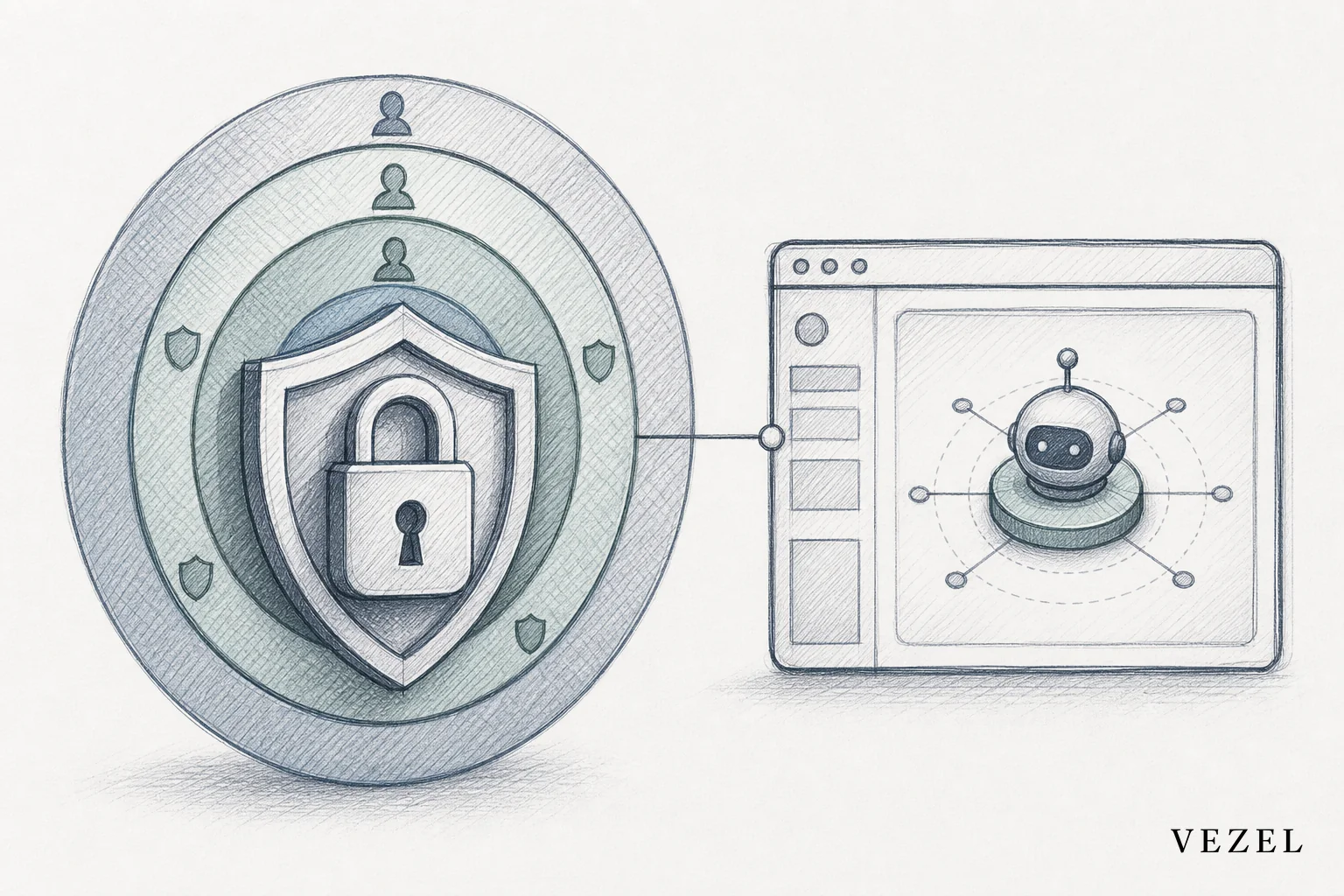
Vezel's extensions inherit the host product's authentication, role-based access control, and row-level permissions automatically. That means the copilot doesn't get a separate service account with broad access. It acts within the exact scope the requesting user already has. A regional manager's escalation copilot only sees requests within that manager's region. A finance approver's copilot only touches the approval queues that approver is authorized to view.
This matters more than it might seem at first glance. Tools like Retool are excellent for internal engineering use, but they weren't designed to replicate a SaaS product's full permission model for external, customer-facing agents. Teams that try to bolt that on themselves often end up with gaps, an agent that technically works but occasionally surfaces a record it shouldn't. The Retool vs Embedded Extensibility for SaaS Products comparison covers this tradeoff in more depth if you're currently leaning on internal tool builders for customer-facing work.
Security inheritance is also what keeps this from becoming a shadow IT problem. When agents live outside the platform's permission boundary, they're exactly the kind of unmanaged workaround discussed in How to Prevent Shadow IT in Your SaaS Platform. Building the copilot inside the product, with inherited access controls, closes that gap instead of creating a new one.
5. Set Guardrails: Actions, Approvals, and Escalation Logic
Not every action should be automatic. Before you publish a copilot broadly, decide explicitly which actions it can take on its own and which ones require a human to confirm. Escalating a request to a manager is usually safe to automate. Canceling an order or approving a six-figure invoice is not, at least not without a confirmation step.
A practical guardrail pattern looks like this:
- Autonomous actions: Notifications, flagging, summarizing, tagging records for review.
- Confirm-before-acting: Anything that changes a record's status in a way that's hard to reverse.
- Escalate-only: Situations the agent can detect but shouldn't resolve, routed to a specific human role.
Test the copilot with a handful of real customer accounts before opening it up broadly. Watch what it actually does with live data for a week, not a demo environment, before you trust it with a wider rollout. This is the same discipline that applies to any workflow automation, and it's covered in more detail in How to Embed a Workflow Builder in Your SaaS.
6. Publish and Govern the Copilot in Your In-Product Marketplace
Once the copilot works the way you want, publishing it correctly matters as much as building it. Vezel's governed in-product marketplace handles versioning, publishing, and lifecycle management, so a copilot built for one enterprise account can be reviewed, approved, and either kept scoped to that account or rolled out more broadly.
White-labeled theming keeps the whole thing feeling native. Your customers shouldn't be able to tell the copilot came from a third-party layer, it should look and feel like a part of the product they already pay for. That consistency is part of what keeps adoption high and support tickets low.
Governance here also solves a subtler problem: version sprawl. Without a managed publishing process, you end up with five slightly different copies of "the approval copilot," each built for a different customer, each maintained separately. A marketplace with versioning lets you update the underlying logic once and push improvements to every customer using that copilot, the same benefit that made shared SaaS products scalable in the first place.
Operations Copilot Examples Across Verticals
The pattern holds across very different products. Only the data and the trigger change.
- Supply chain SaaS: A supplier scorecard copilot that compiles on-time delivery rates and defect counts weekly, flagging any supplier that drops below a threshold. See how supply chain SaaS can offer custom reporting for the reporting side of this pattern.
- HR tech SaaS: An onboarding approval copilot that routes new hire records through hiring manager, compliance, and credentialing steps, escalating anything stuck more than a day.
- Healthcare tech SaaS: An equipment maintenance escalation copilot that flags overdue inspections on critical devices and routes them to the biomedical engineering team, a use case explored further in How Healthcare SaaS Platforms Can Offer Extensibility.
- Finance and RevOps: A recurring KPI digest copilot that posts deal velocity, win rate, and pipeline coverage to a sales dashboard every Monday morning without anyone manually pulling a report.
Common Mistakes to Avoid When Building Operations Copilots
A few patterns show up repeatedly when teams first try this. Building the copilot for one specific customer's exact wording instead of a repeatable job pattern is the most common. That leads to a copilot that only works for one account and needs to be rebuilt for the next one.
Skipping permission testing is the second. It's tempting to trust that inherited RBAC "just works" and move straight to a broad rollout. Test it with a real account first, ideally one with restricted, role-specific access, so you can confirm the copilot behaves the way that role should experience it.
Letting the agent take irreversible actions without a confirmation step is the third, and the most costly if it goes wrong. And the fourth is treating the whole exercise as a one-time build. The businesses that get the most value from operations copilots keep refining the job description as the workflow evolves, the same way they'd refine any other part of their product.
Frequently Asked Questions
How is an operations copilot different from a support assistant?
A support assistant answers questions about existing data on demand. An operations copilot owns a recurring job, monitoring, escalating, or acting on a workflow on a schedule or trigger, using the same live data and permissions.
Do I need engineering resources to build one?
No. Because the agent is described in plain English and connects through API auto-discovery, product managers, solutions engineers, or CS teams can build and publish a copilot without opening an engineering ticket. Engineering's role shifts to reviewing and governing what gets published, not building each one by hand.
How does the agent stay within existing permissions?
The agent inherits the host platform's authentication, role-based access control, and row-level permissions. It only sees and acts on the data the requesting user is already authorized to access, with no separate service account or broadened scope.
Can customers build their own copilots self-serve?
Yes, when you choose to enable it. Because the builder is embedded and permission-aware, you can let specific enterprise customers create and manage their own operations copilots inside your product, governed through your marketplace rather than through ad hoc requests to your team.
If your product team is fielding the same operations request over and over (an approval nudge here, a supplier scorecard there) it's worth treating it as a pattern instead of another backlog item. Book a demo to see how Vezel's embeddable AI agent builder turns those recurring requests into self-serve operations copilots your customers can build themselves, with your APIs and your permissions intact. Want to see the mechanics first? see how it works, or talk to an expert about the specific operational workflow your enterprise customers keep asking for.



