


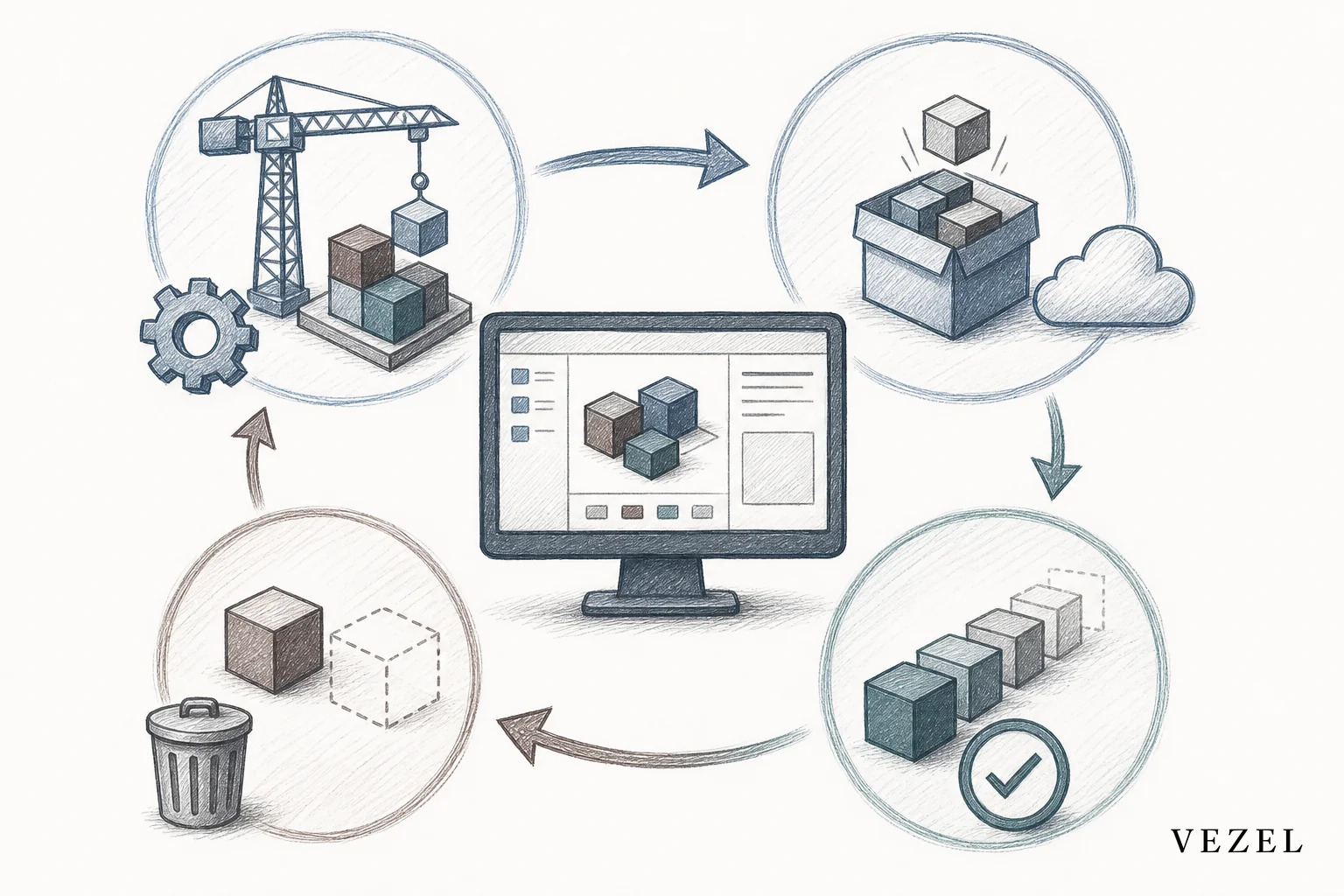
Lifecycle management for customer built SaaS extensions means versioning what customers build, deprecating it safely when the underlying product changes, and governing publication through a marketplace instead of letting extensions multiply unchecked. Skip this and every dashboard, workflow, or agent a customer builds becomes a liability the moment your API changes.
Key Takeaways
- Three pillars: versioning, deprecation, and governance are the full lifecycle. Miss one and the other two won't hold up on their own.
- Orphaned extensions are the real cost: when the customer who built a workflow leaves the company, nobody knows it's running until it breaks.
- API changes ripple silently: an unversioned extension calling a renamed endpoint fails with no warning to either side.
- A governed marketplace beats a free-for-all: publishing review and discovery stop customers from rebuilding the same dashboard five times.
- Security inheritance must survive every version: a v2 extension that loses row-level permissions is a breach waiting to happen.
At a Glance: Lifecycle Stages for Customer-Built Extensions
| Lifecycle Stage | Who Owns It | Main Risk If Skipped | Typical Trigger |
|---|---|---|---|
| Build / Draft | Customer builder | Untracked shadow extensions | New workflow need |
| Review / Publish | Platform admin | Broken permissions go live | Builder requests visibility |
| Versioning | Platform + builder | Silent breakage on API change | Host product update |
| Discovery | Marketplace | Duplicate builds, wasted effort | New team member joins |
| Deprecation | Platform admin | Customer workflow stops without notice | Feature sunset or API removal |
| Retirement | Platform admin | Orphaned data access left open | Builder departs, extension unused 90+ days |
What Does Lifecycle Management Mean for Customer-Built SaaS Extensions?
Lifecycle management is the set of practices that track a customer-built extension from creation to retirement, so it stays functional, secure, and accounted for. It rests on three pillars: versioning, deprecation, and governance.
Without it, a dashboard built by a customer's ops lead in March quietly stops updating in July because a backend field got renamed. Nobody gets an alert. The customer just assumes your product broke. This is the same reason platform teams document how publishing and versioning extensions works before rolling out any builder tool to end customers.
Why Ungoverned Extensions Turn Into a Support Burden
Every extension a customer builds without a governance layer behind it is a small, unmonitored piece of software running against your live data. That's fine at ten extensions. It stops being fine at a thousand.
Support tickets are usually the first sign something's wrong. A customer reports "my dashboard is blank." The support rep has no record of who built it, what version it's on, or what API it calls. Diagnosing it takes hours instead of minutes.
The parallel to shadow IT is direct. Just as employees build spreadsheet workarounds when software can't keep up, customers build extensions that drift out of sight the moment nobody's tracking them. That's exactly the sprawl a shadow IT prevention strategy is meant to catch before it starts.
1. Versioning Customer-Built Extensions
Treat every published extension like a small release, not a one-off script. Give it a version number, tie that version to the specific API schema it was built against, and keep the last known-good version available for rollback.
When your platform's underlying API changes, the version tag tells you exactly which customer extensions might break. Without it, you're guessing, or worse, waiting for a support ticket to tell you.
A version tag only has to carry three facts: which extension it is, which build of that extension, and which API schema it was written against. A workable format looks like this: ext-scorecard_dashboard-v2.1-api_v3. Read left to right, that's the extension name, its own release number, and the API schema version it was pinned to at build time. If your API moves from v3 to v4, you can query every extension tagged api_v3 and know exactly which ones need review before you retire the old schema.
- Pin extensions to API contracts: record which endpoint version an extension queries at build time, using a tag like the one above.
- Support parallel versions: let a customer keep running v1 while testing v2, instead of a hard cutover.
- Automate compatibility checks: flag extensions against a deprecated field before the field is actually removed, using the same tag to filter affected extensions in bulk.
If you don't yet have an internal standard for these tags, the concrete next step is to check whichever API gateway or platform you already use for its own versioning documentation, and mirror that scheme in your extension tags rather than inventing a parallel one.
2. Deprecating Extensions Without Breaking Customer Workflows
Deprecation goes wrong when it happens without warning. A field gets removed, an extension built two years ago by someone no longer at the company silently stops returning data, and a customer finds out during a board meeting.
The fix is a sunset window with a notification path, run as a fixed sequence rather than an ad hoc scramble:
- Day 0: the breaking API change is scheduled. Every extension tagged against the old schema is flagged automatically.
- Day 0–30 (or up to Day 60): the extension owner of record is notified, with the specific field or endpoint changing and the date it goes away.
- During the window: an automated migration path re-points the extension to the new schema where possible, rather than asking a non-technical builder to fix broken logic by hand.
- Day 30–60 (per the notice period given): the old schema is retired. Any extension still on the old tag is either migrated or disabled with a visible notice to its owner.
- After retirement: the audit trail records when the extension was flagged, who was notified, and what replaced it.
This matters even more in regulated industries. A workflow tied to a compliance approval chain can't just stop working; it needs that same audit trail showing when it was flagged, who was notified, and what replaced it.
3. Governance: The Marketplace Model
A governed marketplace turns individual extensions into a manageable system. Without it, you get an ever-growing pile of one-off builds instead. Every extension goes through a lightweight publishing review before it's visible to other users. Every extension also inherits the host platform's permission model automatically. That inheritance has to hold not just at build time, but through every future version too.
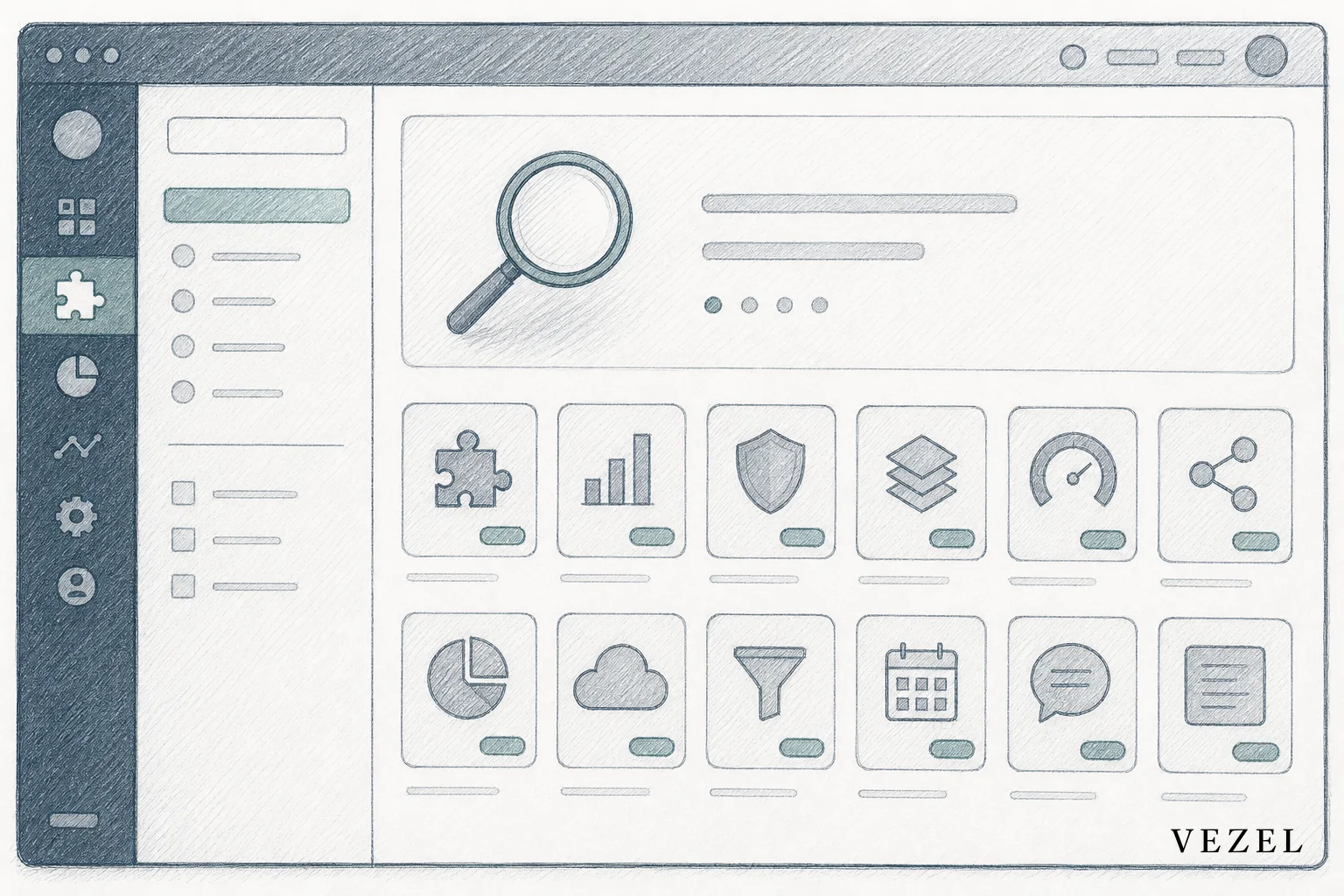
Discovery matters as much as review. If a finance team builds a supplier scorecard dashboard, the next finance team that joins should find it in the marketplace instead of building it again from scratch. That's the difference between a governed marketplace for SaaS extensions and a folder full of forgotten scripts.
The Recurring Pattern Platform Teams Run Into at Scale
Teams that roll out self-serve extension building to customers tend to hit the same wall in the same order. Self-serve building looks like a clear win at first, because customers configure their own dashboards and workflows without waiting on a roadmap. The risk shows up later, once enough extensions exist that nobody can say who built which one, on which API version, or whether anyone still uses it.
The recurring cost isn't the time spent building the first version of an extension. It's the repeated diagnostic time spent tracing a broken extension back to an untracked API change, multiplied across every extension without a version tag. And the churn risk is real: a customer whose critical workflow breaks silently loses trust faster than a customer waiting on a feature that was never promised.
How Is This Different From Managing Internal Tools Like Retool?
Internal tool builders like Retool manage tools your own engineering team uses, so permission inheritance and customer-facing versioning aren't design requirements. Customer-built SaaS extensions run inside a live product, touch customer data under existing permissions, and need lifecycle rules that survive customer turnover, not just internal team changes.
Consider the supplier scorecard dashboard example from the governance section above. Built with Retool, that dashboard lives inside your engineering team's internal tooling stack. If the finance customer who requested it leaves, an internal admin can quietly retire it because no external customer permission model is attached. Now imagine that same scorecard dashboard built as a customer-facing extension instead: it queries the customer's live supplier data under that customer's row-level permissions, other finance users at that customer discover it through the marketplace, and it carries a version tag pinned to your API schema. If the customer's builder leaves, the extension doesn't just sit unused, it keeps running against production data with nobody assigned as owner of record. That's the exact gap a retirement process for extensions unused 90+ days exists to close, and it's a gap Retool-style internal tooling was never built to manage.
An internal dashboard breaking is an inconvenience for one team. A customer-facing extension breaking is a support ticket, a renewal risk, and potentially a permissions gap all at once. That distinction is exactly what separates Retool from embedded extensibility built for customers.
Building a Lifecycle Governance Checklist
Platform teams rolling out extension builders to customers should have answers to each of these before launch, not after the first outage.

- Does every extension carry a version tag tied to the API schema it was built against, in a format like
ext-name-v[release]-api_v[schema]? - Is there an owner of record for each extension, updated when a builder leaves the customer's team?
- Does a publishing review check permission inheritance before an extension goes live?
- Is there a sunset notification process giving 30 to 60 days' notice before any breaking API change?
- Can customers discover existing extensions in a marketplace before building duplicates?
- Is there a retirement process for extensions unused for 90+ days?
Where Vezel Fits Into Extension Lifecycle Management
Vezel builds versioning, publishing, and security inheritance into the extension layer itself, so a dashboard, workflow, or AI agent a customer creates in plain English stays tied to your product's real permission model through every version, not just the first one. That's what a vertical SaaS extensibility strategy for enterprise customers needs to hold up at renewal time, not just at launch.
API auto-discovery means extensions stay mapped to your current data model instead of drifting toward a schema you retired months ago. Because permissions inherit through every version automatically, a governed marketplace doesn't add engineering overhead, it removes it.
If your team is watching customer-built extensions pile up without a version history, an owner, or a retirement plan, that's the exact gap a governed extensibility layer closes. Book a demo to see how versioning and governance work inside a live product, or see how it works before your next enterprise renewal conversation.



