
Enterprise buyer questions about SaaS extension security follow a predictable pattern once you've sat through a dozen procurement calls. Security teams want to know if customer-built dashboards and workflows can see data they shouldn't, where that data lives, and who's liable if something breaks. Answer those ten questions clearly, and extension security stops being a blocker to closing the deal.
Key Takeaways
- Permission inheritance is question one, every time: reviewers want proof that extensions reuse existing RBAC rather than introduce a second, parallel permission system.
- Zero-footprint architecture answers the data residency question: if extensions render against live data instead of copying it into a separate store, most residency concerns disappear.
- Governance controls, not promises, satisfy audit requests: versioning, publishing approval, and lifecycle logs are what a security team actually wants to see.
- Comparing embedded extensibility to standalone tools like Retool or Superblocks is often the fastest way to show why the architecture itself reduces risk.
- Sales and CS teams that rehearse these ten questions cut security review cycles down instead of scrambling mid-deal.
At a Glance: The 10 Questions and How to Answer Them
Here is the shortlist enterprise security and procurement teams tend to ask, condensed into a quick reference before the detailed breakdown below.
| # | Question | Short Answer |
|---|---|---|
| 1 | Do extensions inherit our permissions? | Yes, RBAC and row-level rules apply automatically |
| 2 | Can an extension see data outside a user's role? | No, enforcement happens at query time |
| 3 | Where is extension data stored? | Nowhere separate; it renders live from your existing data model |
| 4 | How are extensions authenticated? | Through your existing session, no separate login |
| 5 | What if an extension is misconfigured? | Governed publishing controls limit and contain it |
| 6 | Can we audit what customers build? | Yes, via versioning and lifecycle logs |
| 7 | Does this create shadow IT risk? | It reduces it by replacing spreadsheets and workarounds |
| 8 | How does this compare to Retool? | Embedded extensions inherit security; standalone tools rebuild it |
| 9 | What does the vendor's security review cover? | Architecture, auth model, and typically SOC 2 documentation |
| 10 | Who is liable if something breaks? | Governance controls define and limit the blast radius |
1. Do Customer-Built Extensions Inherit Our Existing Permissions?
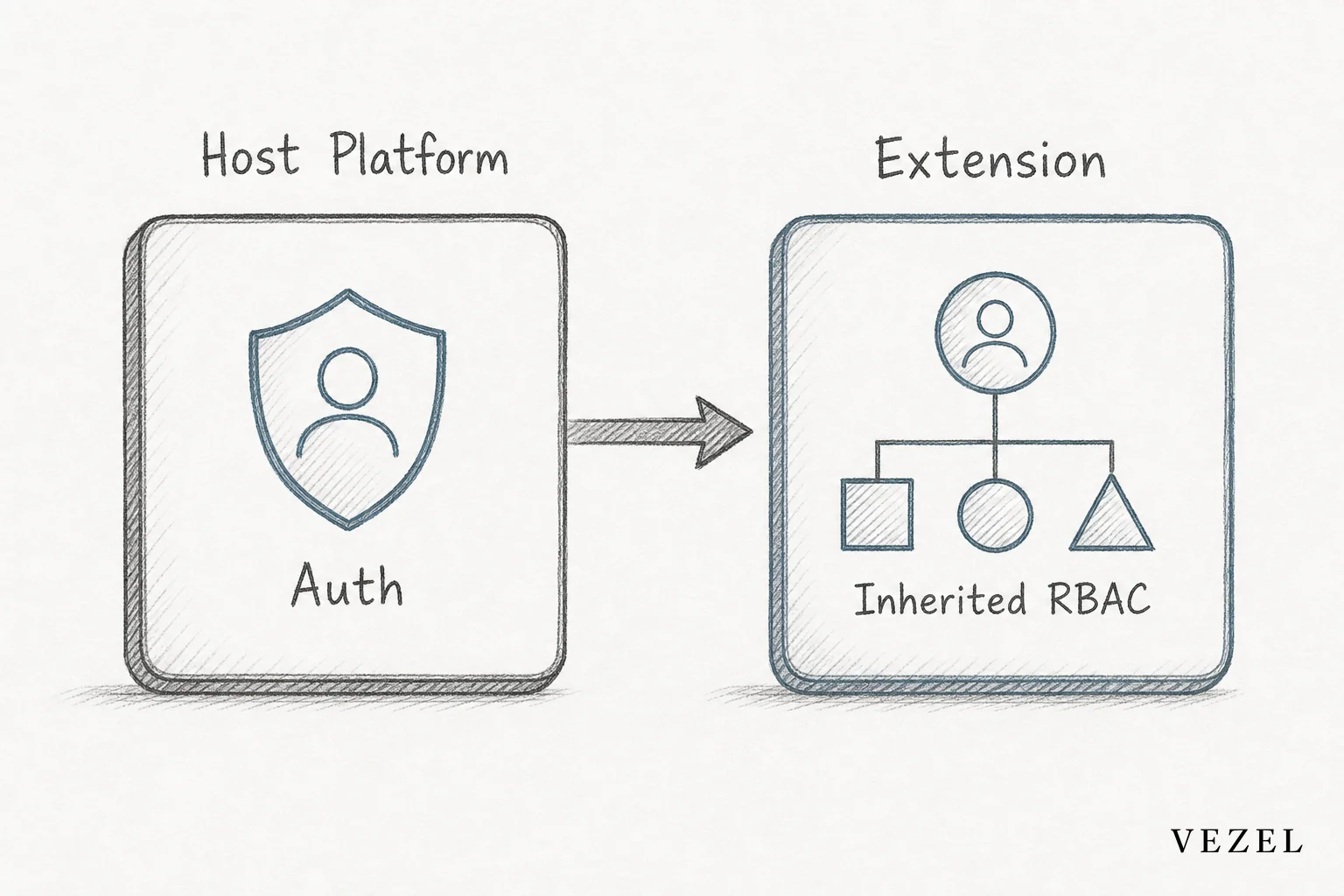
Yes. A well-built extension runs inside the host product's existing authenticated session and reuses its role and row-level checks, instead of standing up a separate permission system a security reviewer would have to evaluate from scratch.
This is where most security conversations start, and for good reason. If an extension platform requires its own login, its own user directory, or its own access model, you've just doubled the surface area a reviewer has to sign off on.
With security inheritance, a sales rep who can only see their own accounts in the CRM sees exactly the same scope inside any dashboard or workflow they build. Nothing new to configure, nothing new to audit separately.
2. Can an Extension Access Data Outside a User's Role?
No, not if the platform enforces permissions at query time rather than baking them into the extension's code. Every request an extension makes should pass through the same authorization check the host product already applies to every other feature.
This matters because static permission checks, ones written once and never revisited, tend to drift as roles change. Query-time enforcement means a permission change in the host product applies instantly to every extension built on top of it, with no separate update required.
3. Where Is Extension Data Stored?
In most well-architected extension platforms, nowhere new. Extensions query live data through the host product's existing APIs and render it on demand, so there's no separate database copying or storing customer records.
That zero-footprint approach answers a large chunk of the data residency and retention questions before they're even asked. There's no second data store to map against your data processing agreements, and no sync jobs to explain in a security questionnaire.
For SaaS companies serving regulated industries in the United States, this distinction often decides whether an extensibility layer clears legal review at all. If a buyer's compliance team can confirm data never leaves the existing environment, the review moves faster. For a deeper look at how this plays out during the sales cycle, see how to shorten your enterprise SaaS sales cycle.
4. How Are Extensions Authenticated?
Through the host product's existing session and single sign-on setup, not a separate login screen. A user who's already authenticated into the SaaS product should never be asked to re-authenticate to open a customer-built dashboard or workflow.
Reviewers ask this because a second authentication layer is a second thing to patch, monitor, and potentially compromise. Fewer moving parts means fewer findings on the next penetration test.
5. What Happens If an Extension Is Misconfigured or Malicious?
A governed publishing process catches this before it reaches production users. Extensions typically move through draft, review, and publish states, with an admin controlling who can promote something into general use across the account.
- Draft mode keeps new extensions private to their creator until reviewed
- Publishing controls require an admin decision before wider rollout
- Lifecycle management lets a team deprecate or roll back an extension without touching the core product
This is one of the clearer differences between an embedded, governed marketplace and a raw scripting sandbox. The former assumes something will eventually be built wrong and plans containment around that reality.
6. Can We Audit or Version What Customers Build?
Yes, and enterprise security teams will ask for this specifically. They want a record of who built what, when it changed, and what permissions it touched, not just a snapshot of the current state.
Versioning turns "what did the customer build" into an answerable question instead of a guess. Combined with publishing logs, it gives your security team the same kind of audit trail they'd expect from any change to the core product. Learn more about how this works in practice via how to publish and version extensions in your SaaS.
7. Does This Create Shadow IT Risk?
Handled well, it reduces shadow IT risk rather than adding to it. Customers who can't get the dashboard or workflow they need from the vendor tend to build it themselves in a spreadsheet, a personal Zapier account, or an unmanaged internal tool, and none of that lives inside your security perimeter.
A governed, in-product extension layer pulls that behavior back inside the platform you already control. If your team is fielding this exact question internally, how to prevent shadow IT in your SaaS platform covers the operational side in more depth.
8. How Does This Compare to Retool or Internal Tool Builders?
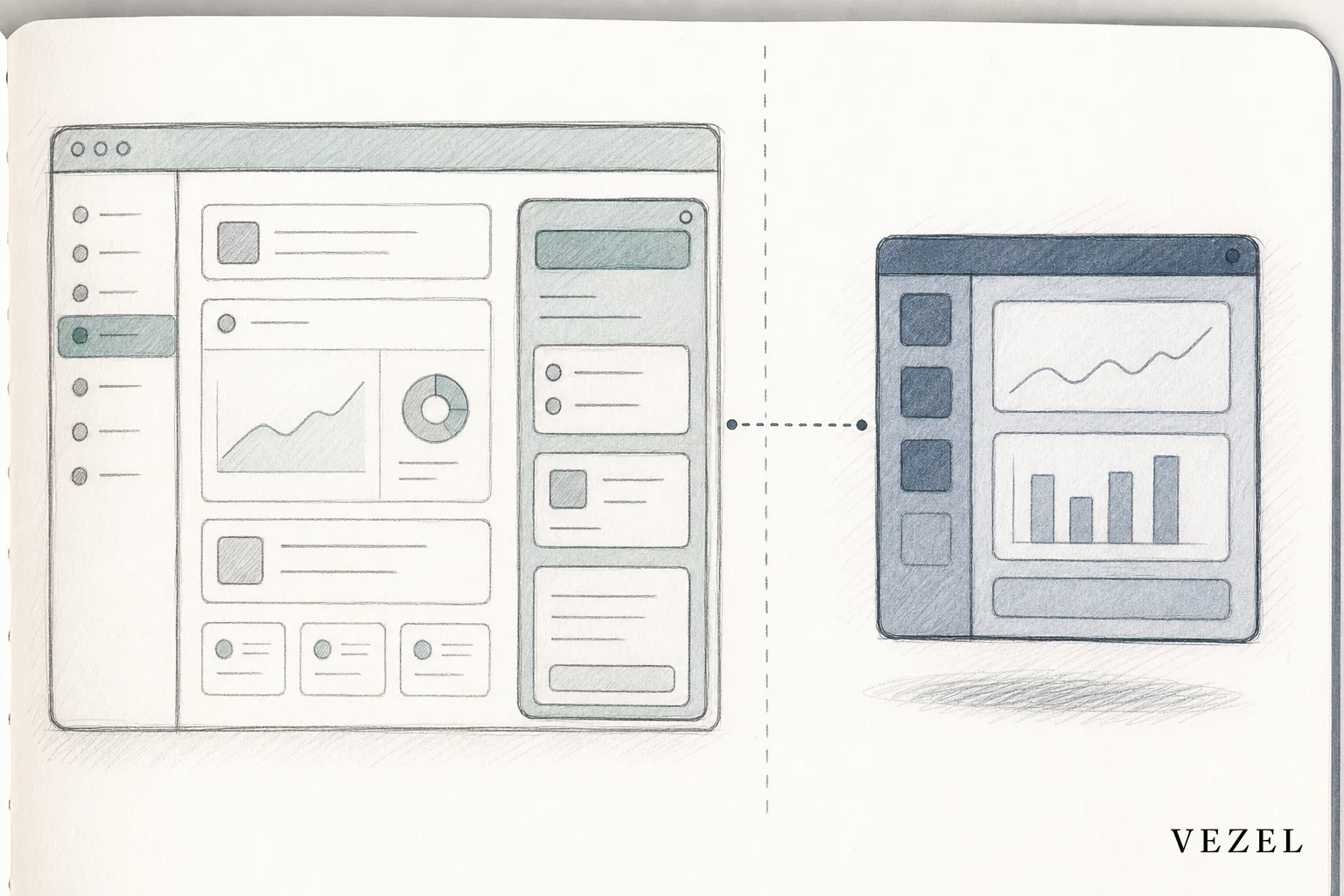
Standalone tool builders like Retool, Superblocks, and Mendix were built for internal engineering teams, not for handing extensibility directly to end customers. That means they typically require a separate connection layer and a rebuilt permission model rather than inheriting one automatically.
The table below breaks down the security-relevant differences a reviewer usually cares about.
| Attribute | Embedded Extensibility (e.g. Vezel) | Retool / Superblocks | Mendix |
|---|---|---|---|
| Runs inside host session | Yes | No, separate app | No, separate deployment |
| Permission model | Inherited RBAC + row-level | Rebuilt per connection | Rebuilt per app |
| Target user | End customer, non-technical | Internal developer | Internal developer |
| Data storage footprint | Zero-footprint, live queries | Often cached/synced | Own app database |
| Audit trail for customer builds | Built-in versioning | Manual tracking | Manual tracking |
If your GTM team faces this comparison often, Retool vs Embedded Extensibility for SaaS Products: Which Scales? and Superblocks vs Embedded Extensibility: Which Wins? are worth having on hand as leave-behinds.
9. What Does the Vendor's Security Review Actually Look Like?
Expect a request for an architecture diagram, your authentication flow, SOC 2 or equivalent documentation, and evidence of recent penetration testing. Most enterprise security teams follow a standard vendor risk questionnaire before they'll approve anything customer-facing.
Come prepared with a one-page architecture summary that shows exactly where extensions sit relative to your existing auth layer and data model. Reviewers move faster when they don't have to extract that diagram from a live call.
You should also be ready to explain how row-level permissions are inherited in plain language, since that's usually the follow-up question right after the architecture review.
10. Who Is Liable if an Extension Breaks Something?
Liability generally follows the same shared responsibility model you already use for the rest of your product. The platform vendor is responsible for the security of the extension layer itself; the SaaS company is responsible for what it publishes and to whom; the customer is responsible for the business logic they describe.
Governance controls are what actually limit the blast radius here. A poorly built workflow stuck in draft mode can't touch production data. One that's been reviewed and published carries the same accountability as any other feature you ship.
Getting Your GTM and CS Teams Ready for Security Review
Sales engineers and CS teams win these conversations by rehearsing the answers before a prospect's security team asks the question live, not by improvising on the call. A short internal runbook covering all ten questions above turns a potential stall point into a five-minute conversation.
Print the comparison table, keep the architecture summary handy, and know which two or three internal docs to send when procurement asks for more. Teams that do this consistently move enterprise deals through security review faster and lose fewer deals to unanswered questions late in the cycle.
If you want to see exactly how permission inheritance, zero-footprint architecture, and governed publishing work together inside a live product, book a demo with Vezel's team. Or see how it works before your next security review lands on your desk.