


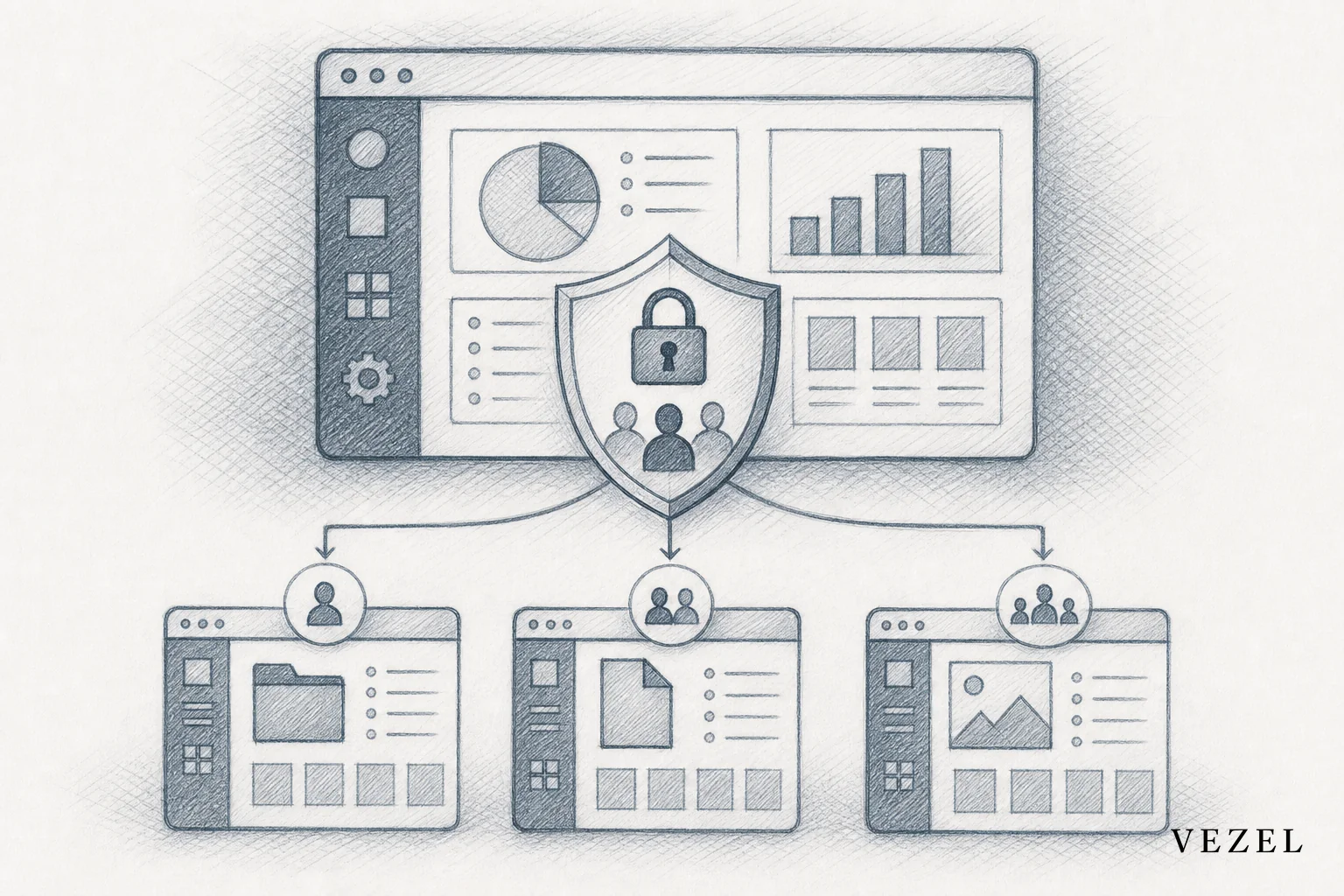
Embedded extensions inherit RBAC permissions by running inside the host product's existing authenticated session and reusing its role and row-level checks at query time, instead of building a separate permission system. That means a sales rep who can only see their own accounts in your CRM sees the same restricted rows in any extension they build, with zero extra configuration.
Key Takeaways
- No new login system: Extensions read the host's existing session token rather than minting a separate credential.
- Roles are evaluated live: Access checks run at query time against the host's existing role definitions, not a copy baked into the extension.
- Row-level rules travel automatically: API auto-discovery maps to the same data model, including whatever row-level filters already exist.
- One audit trail, not ten: Security logs stay centralized instead of scattered across shadow tools and spreadsheets.
- Shorter security reviews: Enterprise buyers ask fewer permission-model questions because nothing new was introduced per extension.
At a Glance: RBAC Inheritance in Embedded Extensions
| Layer | What Happens | Who Maintains It |
|---|---|---|
| Authentication | Extension runs inside the existing user session | Host platform (unchanged) |
| Role-based access | Role claims are checked before any query resolves | Host platform's existing role config |
| Row-level filters | Data queries are scoped by existing filters (territory, facility, account) | Existing API and data layer |
| Publishing controls | Admins approve which extensions go live and to whom | Governance control plane |
| Audit logging | Extension activity logs into the same trail as core product actions | Host platform's existing logging |
| Per-extension rebuild needed? | No — permissions apply automatically to every new extension | N/A |
1. Start With the Session, Not a New Login
An embedded extension doesn't ask a user to log in twice. It runs inside the same authenticated session the host product already established. That session carries the user's identity, their assigned role, and whatever claims your platform already attaches to a request.
This matters because most custom-build tools, whether it's an internal Retool app or a spreadsheet macro, start from zero. Someone has to wire up a login, decide who gets access, and hope it matches the real permission model. An embedded extension skips that step entirely by design.
Vezel's platform, for example, treats security inheritance as a default rather than an add-on. Extensions plug into your existing authentication layer through API auto-discovery, so there's no separate identity system for engineering to stand up or for security teams to review from scratch. You can read a deeper breakdown of the mechanics in how row-level permissions get inherited in SaaS tools.
Why Does This Matter for U.S. Enterprise Buyers?
Enterprise buyers in the United States, especially in regulated sectors like healthcare and finance, run security reviews before signing. If every extension needs its own login flow and access model, that review multiplies with every custom build. Inheriting the session collapses that into a single question: is the core platform's authentication sound?
2. How Does Role-Based Access Actually Carry Over?
Role-based access carries over because the extension queries data through the same API layer that already enforces role checks. A viewer role still can't trigger an admin-only action, because the check happens at the data layer, not inside the extension's own logic.
Say your platform defines three roles: admin, manager, and rep. When a manager builds a new approval dashboard using plain English, the dashboard doesn't get its own copy of "what a manager can see." It queries live data through the existing API, and that API applies the same role logic it always has.
This is a meaningful departure from how custom dashboards used to get built. Engineering teams historically had to reimplement role checks inside every bespoke tool, which is exactly the kind of manual work covered in how to build custom dashboards inside your SaaS.
3. Row-Level Access Controls Without Rebuilding Filters
Row-level access controls without rebuilding filters is possible because API auto-discovery maps directly to your existing data model, including whatever row-level rules already exist there. A rep building their own pipeline dashboard only ever pulls rows tied to their own accounts, because that filter already lives in the API, not in the extension.
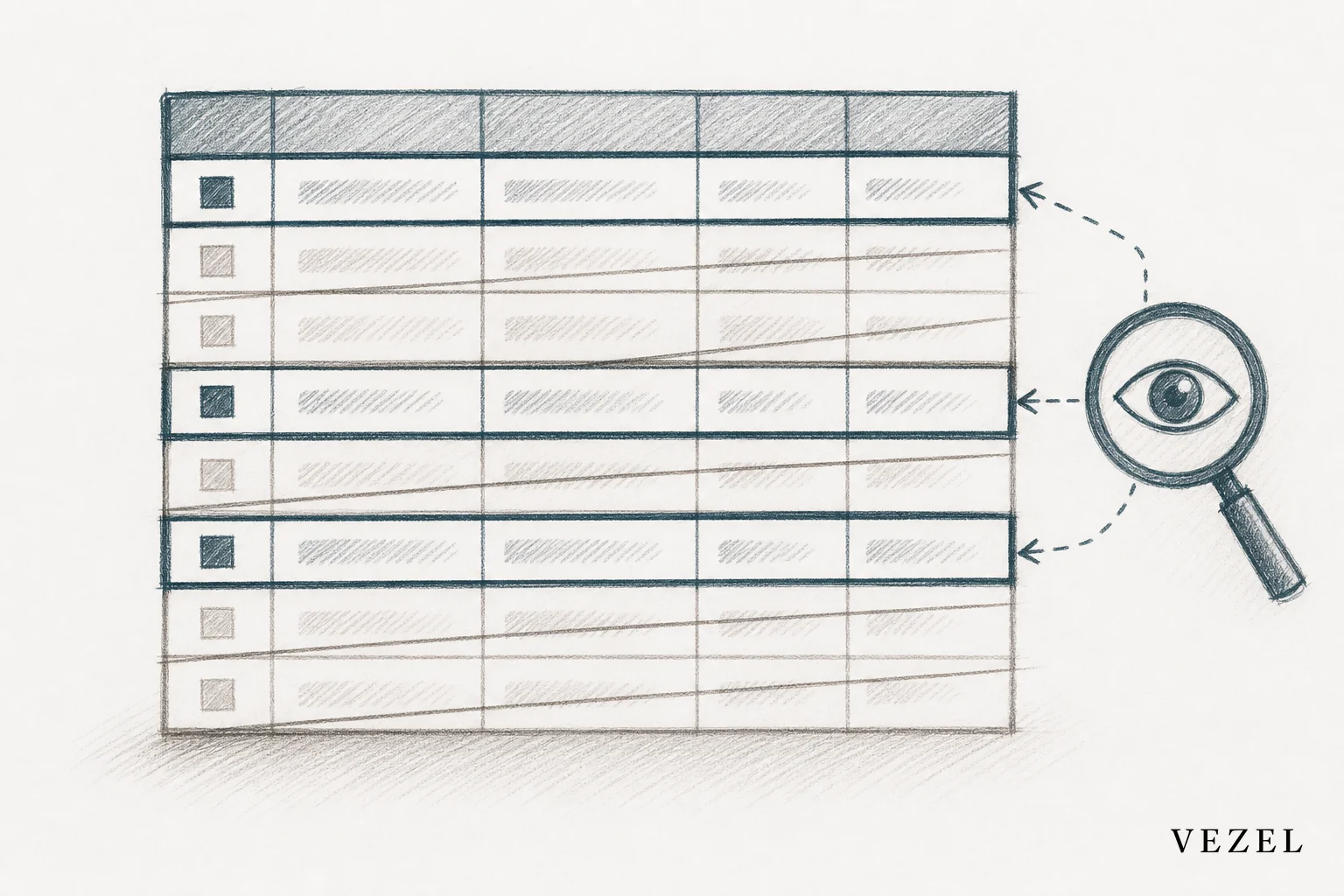
Consider two sales reps in the same CRM. One covers the West region, the other covers the East. Both use the same natural-language prompt to build a "deals closing this month" dashboard. Neither sees the other's pipeline. The filter isn't something the extension decided; it's something the underlying query always enforced.
This is why row-level enforcement has to sit at the data layer instead of trusting the front end. A front-end filter can be bypassed by anyone who inspects network traffic. A query-level filter can't, because the row never leaves the database in the first place. For a closer look at why this is hard to replicate manually, see why it's so hard to replicate RBAC in custom built tools.
4. What Happens When a Customer Builds Their Own Dashboard or Workflow?
When a customer builds their own dashboard or workflow, the permission model underneath doesn't change, only the interface on top does. A support manager types a plain-English request for a workflow, the extension gets generated, and it inherits the exact same authentication and access rules that governed the manager's account before they typed anything.
Admins still keep control over what gets published and to whom. A governed marketplace layer lets a platform owner review, version, and approve extensions before they go live company-wide, so self-serve building doesn't turn into ungoverned sprawl.
That combination, self-serve creation plus centralized governance, is the core design tension Adaptive SaaS is built to solve. You can see how the publishing side of that works in how to publish and version extensions in your SaaS.
Does This Work for Workflow Extensions Too, Not Just Dashboards?
Yes. Approval workflows, onboarding flows, and compliance processes built through the same builder inherit the same role and row-level checks as dashboards, because they run against the same API layer. A workflow step that requires manager sign-off still checks for the manager role before it lets anyone approve it.
5. Where This Differs From DIY Tools Like Retool or Spreadsheets
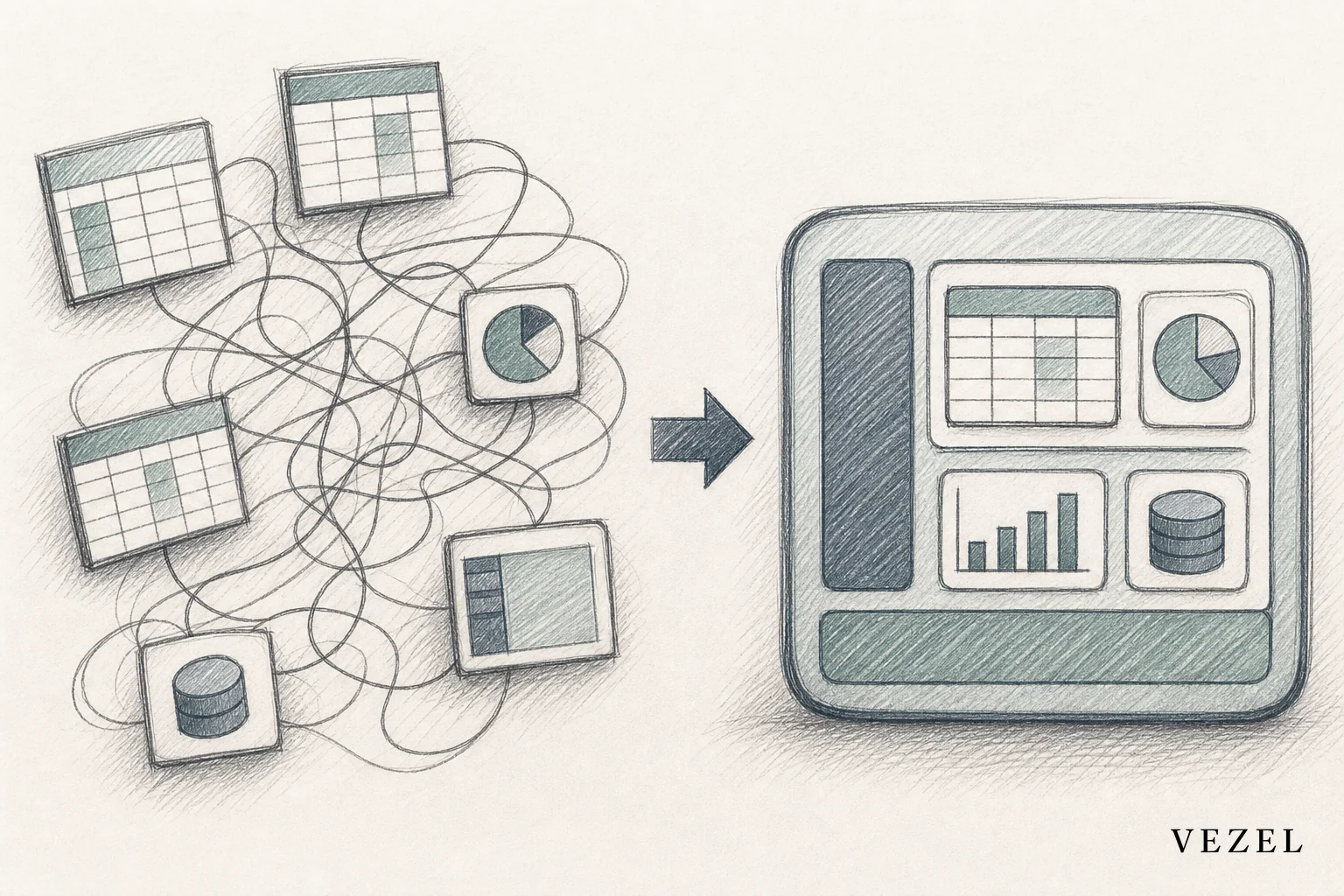
Standalone internal tool builders and spreadsheets don't inherit anything. Someone has to build the permission logic by hand, every time, for every tool.
| Approach | Permission Inheritance | Maintenance Burden | Audit Trail |
|---|---|---|---|
| Embedded extensibility (Vezel) | Automatic, via session and API | None per extension | Centralized, part of core platform |
| Internal tool builder (e.g., Retool) | Manual reconfiguration per app | High, ongoing | Separate log, if built at all |
| Spreadsheets / shadow IT | None | None enforced, high risk | Nonexistent |
This is one reason the comparison between Retool and embedded extensibility for SaaS products comes down to more than build speed. It comes down to who owns the security model over time, and whether that model has to be rebuilt every time a customer wants something new.
6. What This Means for Your Security Review and Enterprise Deals
For a security review, inherited permissions mean the questions an enterprise buyer asks about a new extension are mostly the same questions they already asked about your core platform. There's no separate access model to audit, no new login flow to threat-model, and no additional table of who-can-see-what to maintain outside your existing system.
That said, one thing genuinely doesn't get solved by inheritance alone: extension-specific business logic still needs its own testing. Inherited permissions control who can see and touch data. They don't guarantee the workflow logic a customer builds is bug-free. That's a separate quality question worth keeping open rather than glossing over.
See how it works in a live walkthrough of the permission model at See How It Works, or compare how this holds up against other platforms in Mendix vs embedded extensibility.
Frequently Asked Questions
Do Embedded Extensions Need a Separate SSO Setup?
No. Because the extension runs inside the host product's existing authenticated session, it uses whatever single sign-on setup your platform already has. There's no second identity provider to configure.
Can a Customer Accidentally Over-Permission an Extension?
Not through the extension itself, since access checks happen at the data layer using existing roles. The real risk sits at the governance layer, which is why admin approval and publishing controls exist before an extension reaches a wider team.
Does This Work With Row-Level Security in Postgres or Similar Databases?
Yes. If row-level security is already enforced in your database or API layer, whether through Postgres RLS or an equivalent application-level filter, extensions built through API auto-discovery inherit those same filters automatically. According to the PostgreSQL documentation on row security policies, RLS is enforced at the query planner level, which is exactly the layer embedded extensions query against rather than bypass.
The NIST definition of role-based access control describes RBAC as access decisions based on the roles individual users have within an organization. That's the same definition your platform already applies. Extensions just have to respect it, not redefine it.
If your engineering team is tired of rebuilding permission logic for every custom dashboard or workflow request, it's worth seeing this in action against your own API. Book a demo and walk through exactly how your existing roles and row-level rules would carry over into customer-built extensions, with no separate security model to maintain.



