


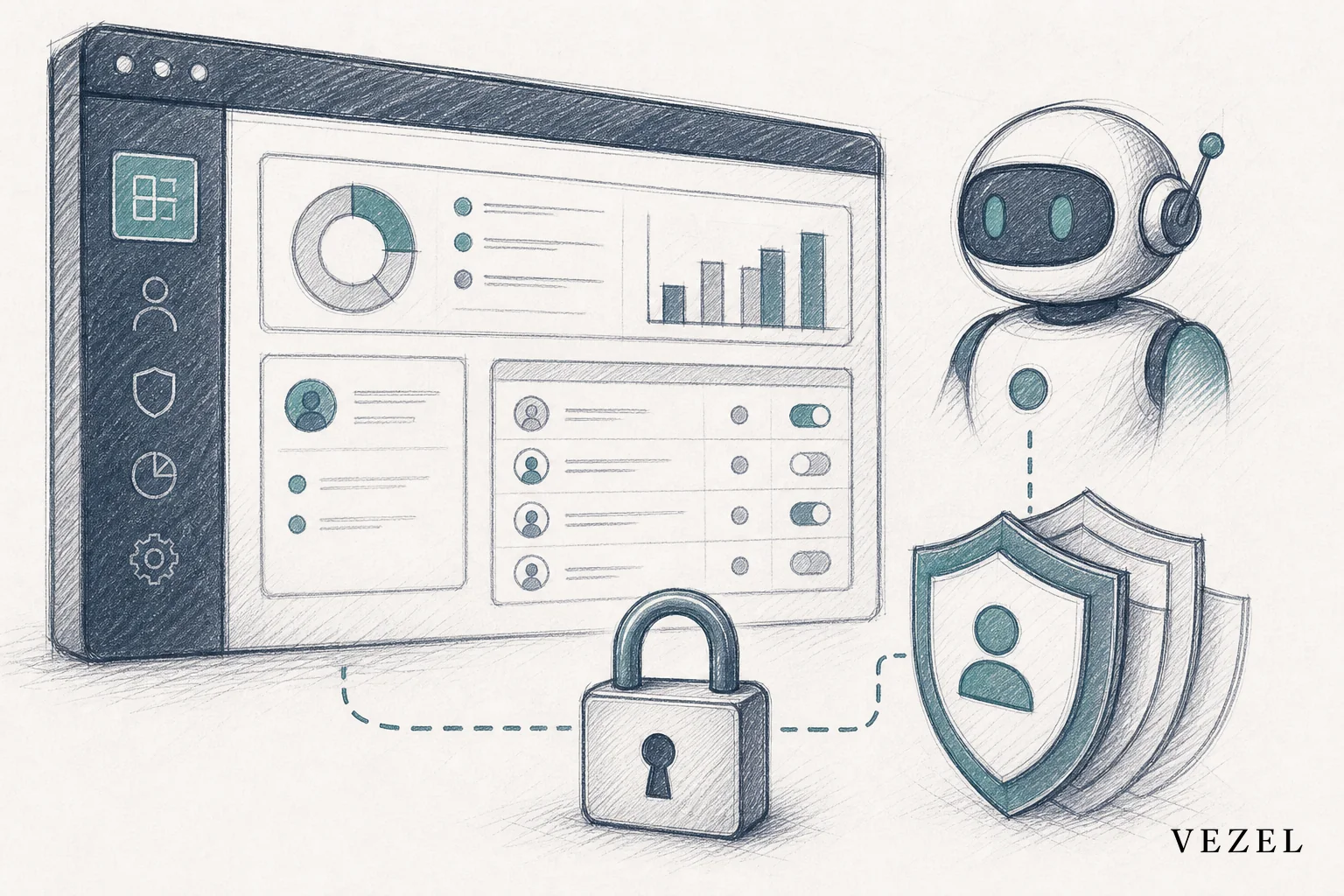
Most AI agents fail inside a SaaS product for the same handful of reasons: they ignore the host platform's permission model, they try to do too much, and nobody built a governance plan before launch. Fix those three things and the rest of the build gets much easier.
The 6 Common Mistakes, Ranked by How Often They Surface
- Ignoring permission inheritance until an agent returns data outside a user's role or row-level access.
- Overscoping what one agent is responsible for, instead of one agent, one workflow, one owner.
- Skipping governance — versioning, publishing controls, and audit trails — until a security review stalls a deal.
- Building outside the product as a standalone widget with a separate login and visual style.
- Treating the agent as a one-time project instead of software with a lifecycle.
- Letting agents create shadow IT instead of giving customers a governed way to extend them.
| Mistake | Why It's Costly | Practical Fix |
|---|---|---|
| Ignoring permission inheritance | Data exposure across roles or accounts | Inherit RBAC and row-level access at build time |
| Overscoping responsibilities | Slower shipping, harder debugging | One agent, one workflow, one owner |
| Skipping governance | Stalled enterprise security reviews | Build a control plane before scaling |
| Building outside the product | Fragmented experience, lower adoption | Embed and white-label the agent |
| Treating agents as one-off projects | Silent degradation as APIs change | Version and monitor like any extension |
| Not preventing shadow IT | Customers rebuild workarounds anyway | Give a governed, self-serve builder |
1. Ignoring Permission Inheritance Until It's Too Late
Teams building their first embedded agent often connect it to an API and call it done, without checking whether the agent respects the same access rules a human user would face inside the product. That gap is where the most damaging mistakes live.
A support agent that queries a ticketing API directly, rather than through the logged-in user's role, can return another customer's data in a summary response. A finance-facing agent built without row-level access controls can surface every account's numbers instead of just the ones the requesting manager owns.
This isn't a hypothetical edge case. It's the default outcome of connecting an agent straight to a data layer without mapping it to the host platform's authentication and authorization model first. Fixing it after launch means retrofitting security into something customers already trust, which is a much harder conversation than building it correctly the first time.
The fix is to inherit the platform's existing role-based access control (RBAC) model and row-level permissions rather than reinventing a parallel access system. In practice, that means mapping each agent action to an existing role scope — for example, "read own account" versus "read all accounts" — before the agent's first query goes live, and reviewing that mapping against the NIST guidance on role-based access control referenced below. If you want a deeper technical breakdown of how that inheritance works in practice, see this guide on how to inherit row-level permissions in SaaS tools.
2. Overscoping What the Agent Is Responsible For
The second mistake shows up early: a team decides their first agent should handle support, onboarding, and internal ops questions all at once. It sounds efficient. It rarely works.
A support agent that also tries to run onboarding logic ends up with a fuzzy prompt, unclear escalation paths, and no single owner who can debug it when it gives a bad answer. Every added responsibility increases the number of ways the agent can fail. It also increases the blast radius when it does.
Narrow agents are easier to trust. A support assistant that answers account-specific questions from live data is a contained, testable capability. An operations copilot that automates one recurring internal report is another. Keep them separate, and each one becomes something a team can actually own and iterate on. For a closer look at what a focused operations agent should automate, this piece on how to deploy AI agents inside your SaaS platform is a good starting point.
An agent with one job and clear boundaries beats an agent with five jobs and none.
3. Skipping Governance From Day One
Teams that treat governance as a "we'll add it later" item usually add it during an enterprise security review, under pressure, with a deal on the line. That's the wrong time to design an audit trail.
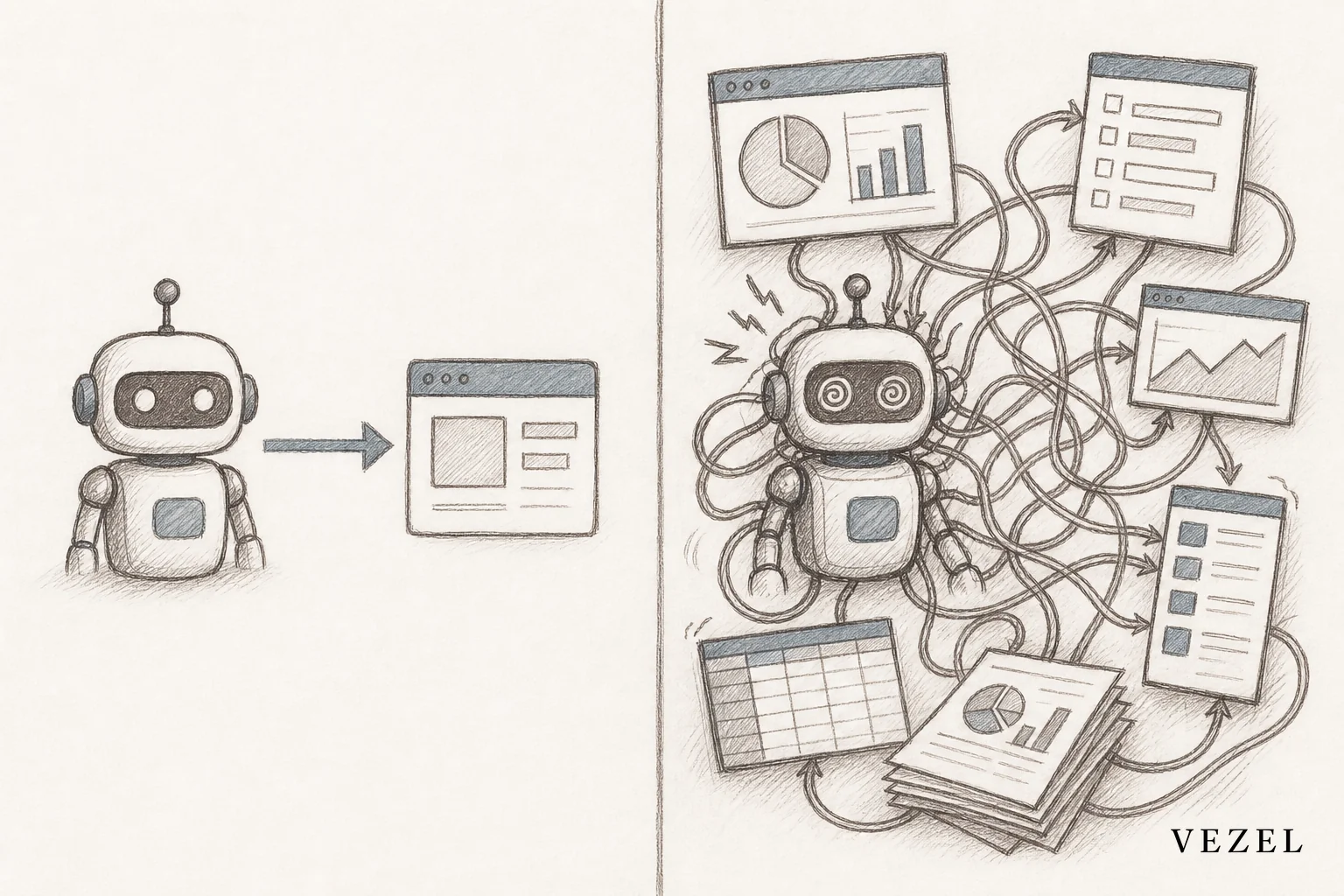
Without a control plane, nobody can answer basic questions enterprise buyers ask: who published this agent, what data can it access, when was it last updated, and can it be rolled back. A workable audit log captures, at minimum: the actor (which user or service triggered the action), a timestamp, the action taken, the data scope touched, and the before/after state where relevant. Those fields are enough to answer a security reviewer's first round of questions without building a bespoke logging system per agent. Those questions are common enough that this site has a dedicated list of the questions enterprise buyers ask about SaaS extension security.
Governance doesn't need to be heavy to be real. It needs versioning so an agent can be rolled back, publishing controls so not every prompt goes live untested, and a basic audit log so a security team has an answer instead of a shrug. A simple major.minor.patch versioning scheme — where a patch covers a prompt tweak, a minor version covers a new data source, and a major version covers a change to what the agent is allowed to touch — gives both engineering and security a shared reference point for what changed and when.
4. Building the Agent Outside the Product Instead of Inside It
A standalone chatbot widget bolted onto the corner of a page is a common first attempt, and it usually undercuts the very trust the agent was meant to build. A separate login, a different visual style, and a URL that doesn't match the rest of the product all signal to the customer that this thing wasn't really built for them.
An agent that's white-labeled and embedded natively, using the host product's own design system, reads as part of the platform instead of a third-party add-on. That difference shows up directly in adoption. Customers use things that feel native far more than they use things that feel appended.
This is also where teams often compare build-your-own tooling against embedded platforms. If you're weighing that decision, see how Retool compares to embedded extensibility for SaaS products before committing engineering time either way.
5. Treating the Agent as a One-Time Project, Not a Living Capability
An agent that works perfectly at launch can silently break months later. APIs get versioned, data models change, and a field the agent depended on gets renamed or removed. Nobody notices until a customer flags a wrong answer.
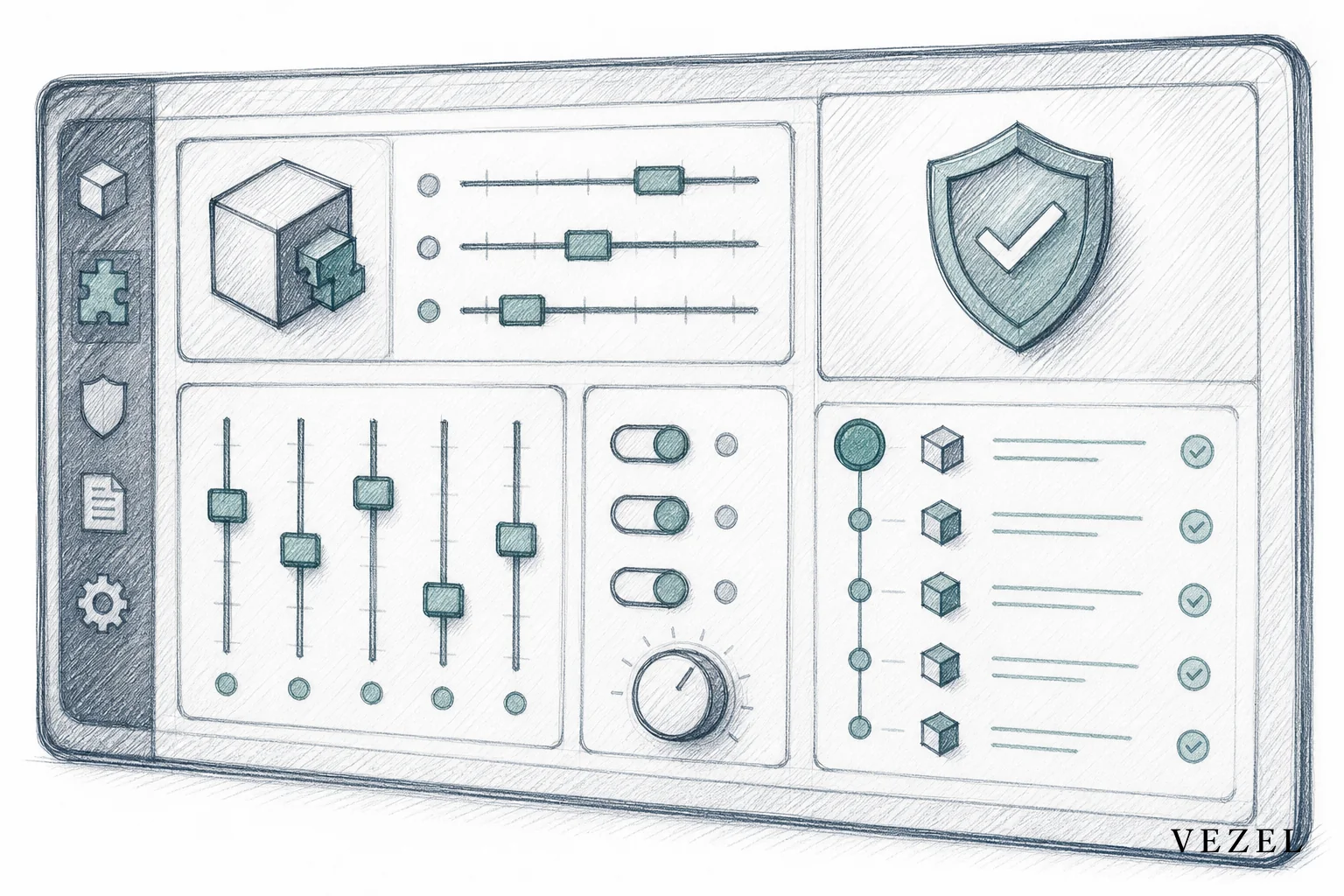
Treating an agent as software that needs a lifecycle, rather than a project that ships once, means publishing it with a version number, monitoring its outputs, and having a plan for updates when the underlying data model shifts. This is the same discipline any team applies to a production feature, and agents deserve the same rigor. See how to publish and version extensions in your SaaS for a practical process to follow.
6. Letting Agents Create Shadow IT Instead of Preventing It
An agent that can't fully answer a customer's request often pushes that customer right back to a spreadsheet or a third-party workaround — the exact shadow IT problem the agent was supposed to solve. If the only path to a missing capability is another engineering ticket, customers will find their own way around it.
A governed, self-serve extension builder gives customers a way to extend the agent's scope themselves, inside boundaries the platform still controls. That keeps the workaround inside the product instead of outside it. This is one of the harder trade-offs to get right, and it's covered in more depth in this guide on how to prevent shadow IT in your SaaS platform.
Key Takeaways
- Permission inheritance comes first: An agent that queries data outside a user's role or row-level access can expose information a customer was never meant to see.
- Narrow scope beats broad ambition: A single-purpose support or ops agent tied to one workflow ships faster and breaks less than a do-everything assistant.
- Governance isn't a phase two problem: Versioning, publishing controls, and audit trails need to exist before the first customer-facing agent goes live, not after the first security review stalls a deal.
- Standalone widgets undercut trust: Agents built outside the product, with a separate login or visual style, read as bolted-on rather than native.
- Agents need a lifecycle, not a launch date: APIs change, data models shift, and an agent without a maintenance plan degrades quietly until a customer notices first.
Is Adaptive SaaS the Answer to These Mistakes?
Adaptive SaaS reduces most of these mistakes by treating agent capabilities as part of the product's architecture, not one-off engineering projects. Permission inheritance, governance, and white-labeling become default properties of the platform instead of things each team has to rebuild for every new agent.
The traditional approach asks engineering to design permissions, build a governance layer, and match the design system separately for every agent a customer requests. An architectural approach to customer-specific software adaptation handles those requirements once, at the platform level, so every agent built on top inherits them automatically.
That distinction matters for teams under pressure to reduce a growing backlog of customer requests, since the search data behind this exact topic shows genuine interest in the term "adaptive saas" among readers researching this problem.
How Do You Deploy an AI Agent Inside a SaaS Platform Safely?
You deploy an AI agent safely by connecting it through API auto-discovery to your existing data model, inheriting the platform's authentication and row-level permissions instead of building a parallel access system, and white-labeling the interface so it matches your product. Governance controls should exist before the agent reaches a single customer.
In practice, that means a short checklist before launch:
- Map the agent's data access to existing roles and row-level permissions.
- Define a narrow job description for the agent — one workflow, one owner.
- Set up basic versioning (major.minor.patch) and an audit log with actor, timestamp, action, and data scope fields.
- Match the visual design and login flow to the host product.
- Assign someone to monitor the agent's outputs after launch, not just at launch.
Skipping any one of these is exactly how the six mistakes above show up in production.
Cost Factors When Building AI Agents In-House vs. Embedding Them
Building an agent in-house means budgeting for the engineering time to design permission mapping, the ongoing maintenance as APIs shift, and a separate security review cycle for every new agent a customer requests. That cost compounds across enterprise accounts in the United States and other markets where security reviews are a standard part of procurement.
Embedding an agent through a platform that already inherits permissions and handles versioning shifts that cost from a per-agent engineering project to a one-time integration. The U.S. National Institute of Standards and Technology's AI Risk Management Framework is a useful reference point for what enterprise security teams will expect regardless of which path you choose, and the NIST guidance on role-based access control is worth reviewing before designing any agent's data access.
Teams evaluating this trade-off directly should look at how reducing SaaS engineering backlog from enterprise requests actually plays out once agents are treated as a platform capability rather than a recurring custom build.
If your team is about to build its first embedded agent, don't wait for a stalled security review to surface these mistakes. Book a demo to see how permission inheritance, governance, and white-labeling work as defaults rather than afterthoughts, or see how it works before you write a single line of agent logic.



