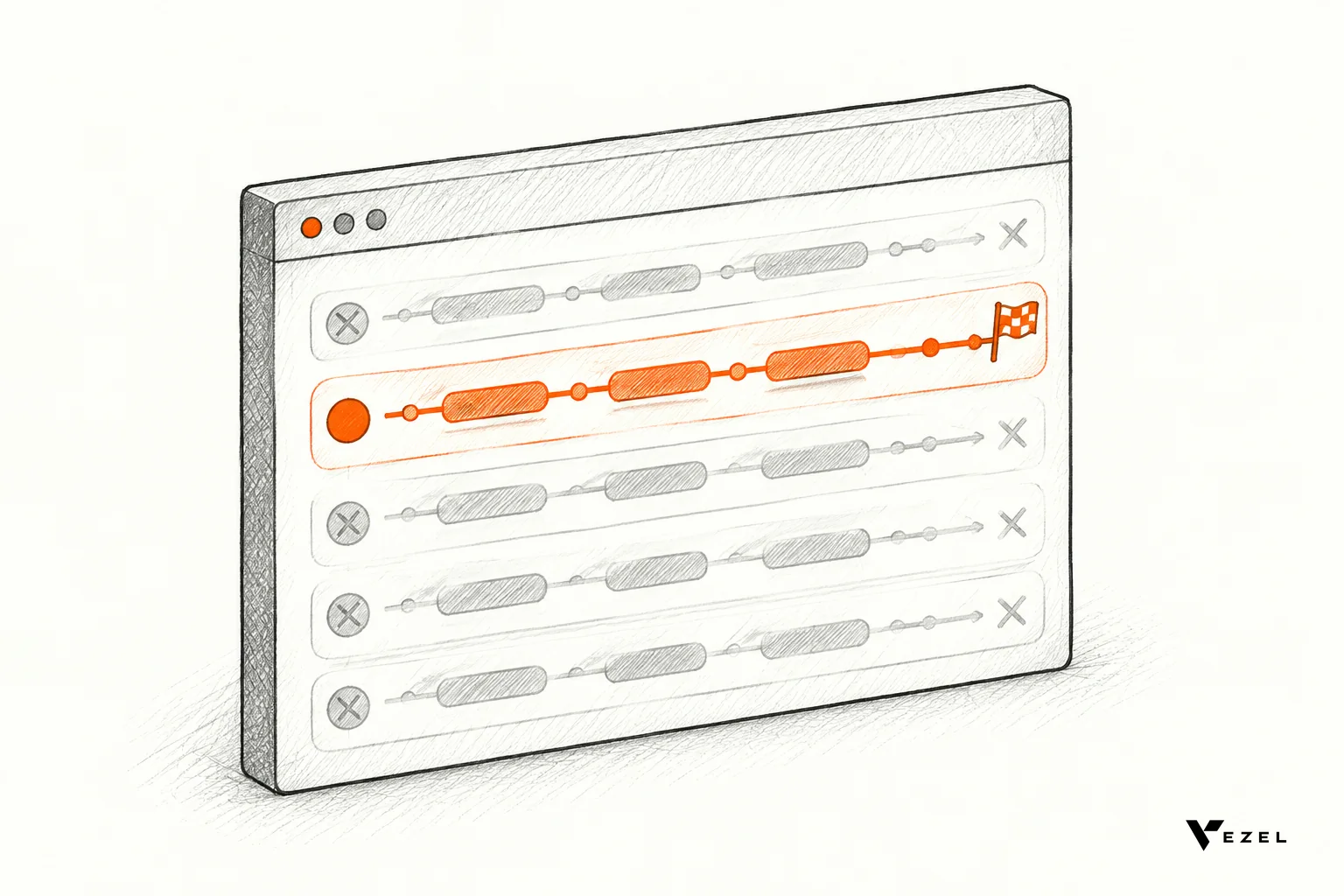



Extensibility reduces churn risk by letting a customer build the one missing workflow inside your product, in plain English, before the renewal conversation goes cold. The customer keeps working where they already are, engineering skips a custom sprint, and your team learns from real usage whether the capability deserves a place in the core.
This story is a hypothetical composite, not a real client engagement. It shows how a customer success team at a US SaaS company can use Vezel, an AI extensibility framework that adds an extension layer to an existing product, to rescue an at-risk renewal. Results in practice depend on your APIs, governance and adoption, and nothing here is a guaranteed outcome.
The renewal that stalled on one missing workflow
Picture a field-service platform sold across the United States. One mid-sized account, a heating and cooling contractor, has 90 days left on its contract. Adoption looks fine. Health scores are green. Then the customer success manager hears a quiet warning on a routine call.
The contractor's operations lead says the team still approves inspection checklists in a shared spreadsheet, then emails the results to a regional manager. Nothing in the product handles that last approval step. It is a small gap, but it touches every job.
Support had logged the request twice. Product agreed it was reasonable, then explained it was too specific for the shared roadmap. Sales had once hinted it might ship "next quarter." That quarter came and went.
Now the renewal call is booked. The customer has not threatened to leave. They have simply started asking whether a competitor handles approvals out of the box. That is how most churn really begins: not with anger, but with a workaround that quietly becomes a habit.
Why does one workflow gap put a renewal at risk?
One missing workflow puts a renewal at risk because it sits in the customer's daily routine. Users fix it with spreadsheets and email, so part of their work lives outside your product. Each week the workaround hardens, and the product looks less like the place where the job gets done.
Researchers who study subscription software have found that relationship quality, not only features, shapes renewal intent. A case study from Case Western Reserve University reports that intangible relationship factors are essential to the renewal intent of subscription-based software. An unkept roadmap promise damages exactly that kind of trust.
Three things make the last-mile gap especially dangerous:
- It is unique to the customer. Their approval chain, naming and thresholds do not match anyone else's, so it rarely wins a slot on the shared roadmap.
- It creates shadow IT. Spreadsheets sit outside your permissions and audit trail, and nobody on your side sees them.
- It hides the cost of waiting. Every month of "we'll get to it" is a month the customer rehearses life without you.
If this pattern sounds familiar, our piece on why customers churn when roadmap features never ship goes deeper on the trust side.
How did the customer success team close the gap without an engineering sprint?
The team connected Vezel to the product's APIs, let the customer's admin describe the approval workflow in plain English, and published the generated extension inside the product. It inherited existing logins and permissions, so no engineer had to build, test and release a custom feature for this one account.

Vezel works in four steps: connect to your APIs, generate extensions from plain English, run them in a secure container, then scale and govern. Here is how each step played out in our story.
Step one: connect to what the product already exposes
Vezel integrates with the product's APIs and data models using a zero-footprint setup. It also works with your authentication, permissions and design system. Most SaaS platforms can integrate Vezel in a few days, though the real scope depends on which interfaces your product exposes.
Step two: let the customer describe the workflow
The contractor's operations lead typed what she needed: route a finished inspection checklist to the regional manager, let the manager approve or send it back with a note, and show open approvals on one screen. Vezel generated a working extension using the product's own entities and fields.
The customer success manager stayed in the conversation the whole time. Instead of carrying a request back to engineering, she watched the customer solve it.
Step three: it looks and behaves like your product
Extensions are white-labeled, so the approval screen looked like any other page in the app. Because extensions inherit your existing authentication, permissions and access controls, the regional manager saw only the jobs she was already allowed to see.
Step four: govern it from one place
Publishing, permissions, approvals and the extension lifecycle run through a central control plane. Product kept the final say on what went live. Setting up the control plane review queue usually takes about 7 days, so a team can plan that work alongside the integration.
The academic literature on SaaS customization describes the same idea. A peer-reviewed model published in PMC notes that a SaaS application can be extended through defined extension points that let a customized service plug in, rather than by forking the product for each tenant.
How does extensibility reduce churn risk compared with the usual fixes?
Extensibility reduces churn risk faster than the usual fixes because it closes the gap on the customer's timeline, not the roadmap's. A roadmap promise waits, a custom sprint drains engineers, and a spreadsheet stays invisible. An in-product extension delivers the workflow inside the product, under your permissions.
| Option | Speed to the customer | Engineering load | Risk left behind |
|---|---|---|---|
| Roadmap promise | Waits for the next planning cycle | Competes with shared features | Broken trust if it slips |
| Custom engineering sprint | Weeks, once scheduled | High, then ongoing upkeep | One-off code to test and upgrade |
| Customer spreadsheet workaround | Immediate | None | Shadow IT outside your permissions |
| In-product extension | Customer self-serves in the product | Review and governance, not a custom build | Needs clear ownership and lifecycle rules |
The table is not an argument against core development. Foundational, widely needed features still belong on the roadmap. The point is that a useful capability does not have to be a permanent core commitment on day one.
MIT Sloan Management Review makes a related point about customization: customers do better when you offer starting solutions and are selective about options, instead of making them configure everything from scratch. In our story, the approval workflow began as a starting point the customer then refined.
What does usage data tell you after the extension ships?
Usage data tells you whether the extension is a one-account fix or a signal for something bigger. Track who opens it, how often, and what feedback comes back. Then choose one of four paths: keep it specific to the customer, refine it, share it with other accounts, or promote it into the core.

This is the Build, Learn, Evolve loop. You deliver the capability as an extension, watch real behavior, and let that evidence guide the next investment. Usage informs product judgment; it does not replace it.
| What you see | What it suggests |
|---|---|
| One team uses it daily, nobody else asks | Keep it as a customer-specific extension |
| Heavy use, but users keep asking for tweaks | Refine it with the customer admin |
| Other accounts file similar requests | Share it more broadly as a reusable extension |
| Most of your base would benefit and it touches core data | Consider promoting it into the core product |
| Adoption fades after a few weeks | Retire it through the lifecycle controls |
For the renewal itself, usage is also proof. The customer success manager walks into the renewal meeting with a live approval workflow the customer built and uses every day, not a slide about next quarter. If you want a tracking view for this, see how to build a SaaS renewal churn risk dashboard.
How do you tell a governed extensibility model from one that is merely open?
A governed model controls who can publish, what data an extension can reach, and how it is reviewed, changed and retired. A merely open model lets anyone build against your APIs with no central oversight. Ask who approves extensions, whose permissions they inherit, and what happens when one should be removed.
Technically open platforms are easy to demo and hard to trust. Use this checklist when you evaluate any option, including ours:
- Inherited identity. Extensions should reuse your authentication, roles and access controls, not create a separate login or permission model.
- Central publishing and approvals. One place should decide what goes live and for whom.
- Lifecycle management. You need ways to version, pause, share and retire extensions.
- Native experience. White-labeled extensions keep users inside the product instead of sending them to a standalone app.
- Visible usage. If you cannot see adoption, you cannot decide what to promote or retire.
Red flags include extensions that run as separate apps, builders that bypass your role model, and no review step between "generated" and "live." Our guide on how to choose an embedded extensibility platform expands on these criteria.
A playbook for your next at-risk renewal
You do not need a company-wide program to try this. Start with one account and one workflow, and measure it against your current process.
- Spot the gap early. Flag accounts where support tickets, spreadsheet exports or "when will this ship?" questions repeat ahead of renewal.
- Name the single workflow. Write it in one sentence, with the roles involved and the decision it supports.
- Check your interfaces. Confirm the product exposes the APIs and data the workflow needs. Integration depth depends on what your product makes available.
- Let the customer admin describe it. Self-serve creation keeps the customer invested in the result.
- Review before publishing. Route the extension through your control plane so product and security keep their say.
- Measure for a few weeks. Track time to delivery, adoption and impact, then pick keep, refine, share, promote or retire.
- Bring it to the renewal. Show the working workflow and the usage, not a roadmap promise.
Pilot with one high-value use case first, as we recommend to every team. Then widen once you trust the numbers.
Next step
If you have an account with a last-mile gap on the calendar, book a Vezel demo and bring the workflow. If you share a demo account, we create a working proof inside your SaaS so you can see what is possible. We reply to inquiries within 1 to 2 business days. To see the four-step flow in more detail, use See How It Works.