

The right way to scope an AI agent inside your SaaS product is to give it one job, one user role and a short list of APIs it may call. Ship that, measure real usage, and only then widen it. Most teams in the United States and other English-speaking SaaS markets do the opposite and start with a "do everything" assistant.
At Vezel, we build AI-powered extensions inside existing SaaS products, and we start with one focused pilot on one high-value use case. That lets a team measure time to delivery, adoption and impact against its current process. The eight tips below follow the same path, whether your first agent is a support assistant, an operations copilot or a research agent.
1. Pick one use case with a clear start and finish
Choose a task that already has a clear starting point and an observable finish inside your product. The agent should help a named user do that task with less effort or better information. It should not become a second product that users have to learn.
A good first candidate passes four checks:
- Effort: the task takes real time or skill today.
- Checkability: a rule or the user can verify the result quickly.
- Recoverability: mistakes can be undone or caught before they matter.
- Value: finishing the task maps to something customers pay for.
Run your three obvious ideas through those checks. A support assistant that drafts replies from your help content usually scores well. A research agent that summarizes records a user can already see often does too. An agent that changes billing data on its own usually fails the recoverability test.
2. Write down what the agent will not do
A scope document is mostly a list of exclusions. Write the agent's one job in a single sentence, then list the adjacent jobs it will refuse. This keeps stakeholders from adding "just one more thing" every week of the build.
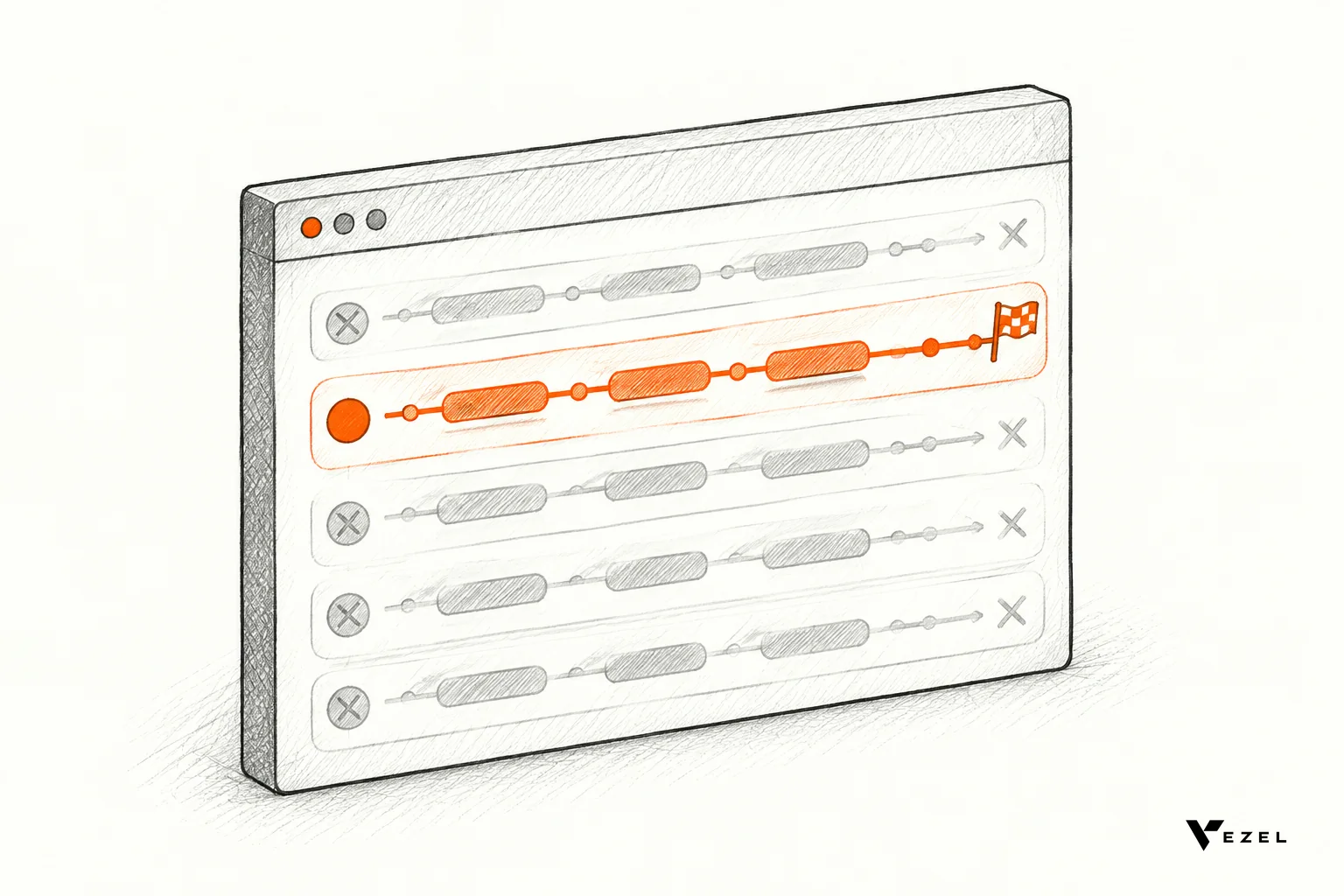
Skip the all-purpose chat box at launch. Open-ended chat makes success impossible to define, because every user asks something different. A narrow agent has a measurable finish line, and a secondary workflow can wait until the first one has proof.
Be specific in the exclusions. "No refunds, no account deletion, no answers about contracts" is a boundary your engineers can test. "Stay focused on support" is not.
3. Draw the boundary with your existing APIs and permissions
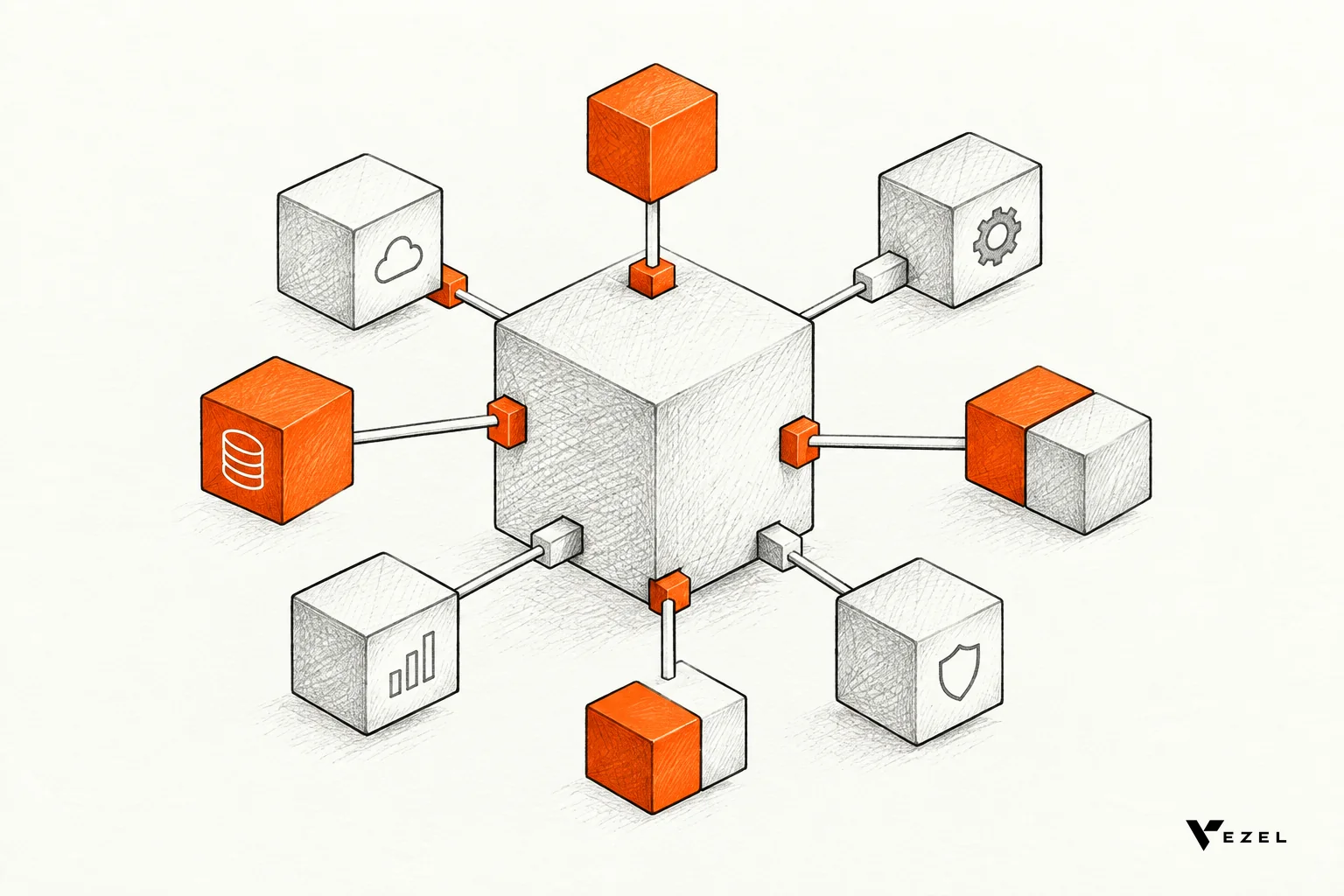
Your product already knows who a user is and what that user may see. Scope the agent so it inherits that, instead of building a second permission model. In our work, extensions inherit your existing authentication, permissions and access controls, and they connect through your product's APIs and data models.
Narrow access matters because an agent acts with the reach of whoever it runs as. The Kempner Institute computing handbook notes that an agent runs as your process, so a bug or prompt injection can reach everything that account can reach. Its advice is to ask what part of that reach the task really needs.
List the endpoints the first job needs, and expose only those. Here is a starting point for common first agents.
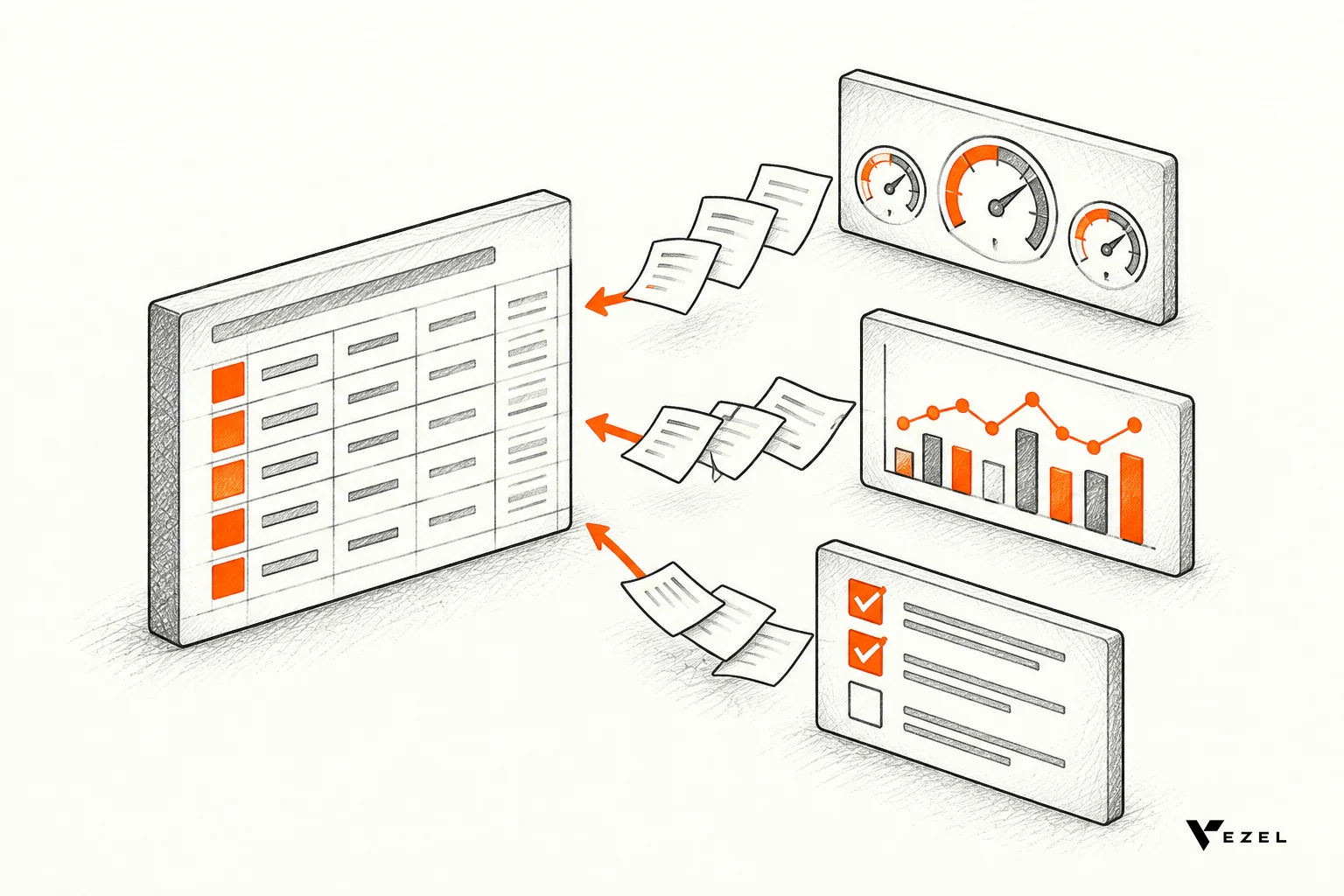
| First agent | Read access it needs | Write access to hold back at first |
|---|---|---|
| Support assistant | Help content, the user's own tickets, product status | Ticket closure, refunds, account changes |
| Operations copilot | Work orders, schedules, checklist results the user can already see | Reassigning work, editing records |
| Research agent | Records and documents within the user's role | Publishing or editing shared documents |
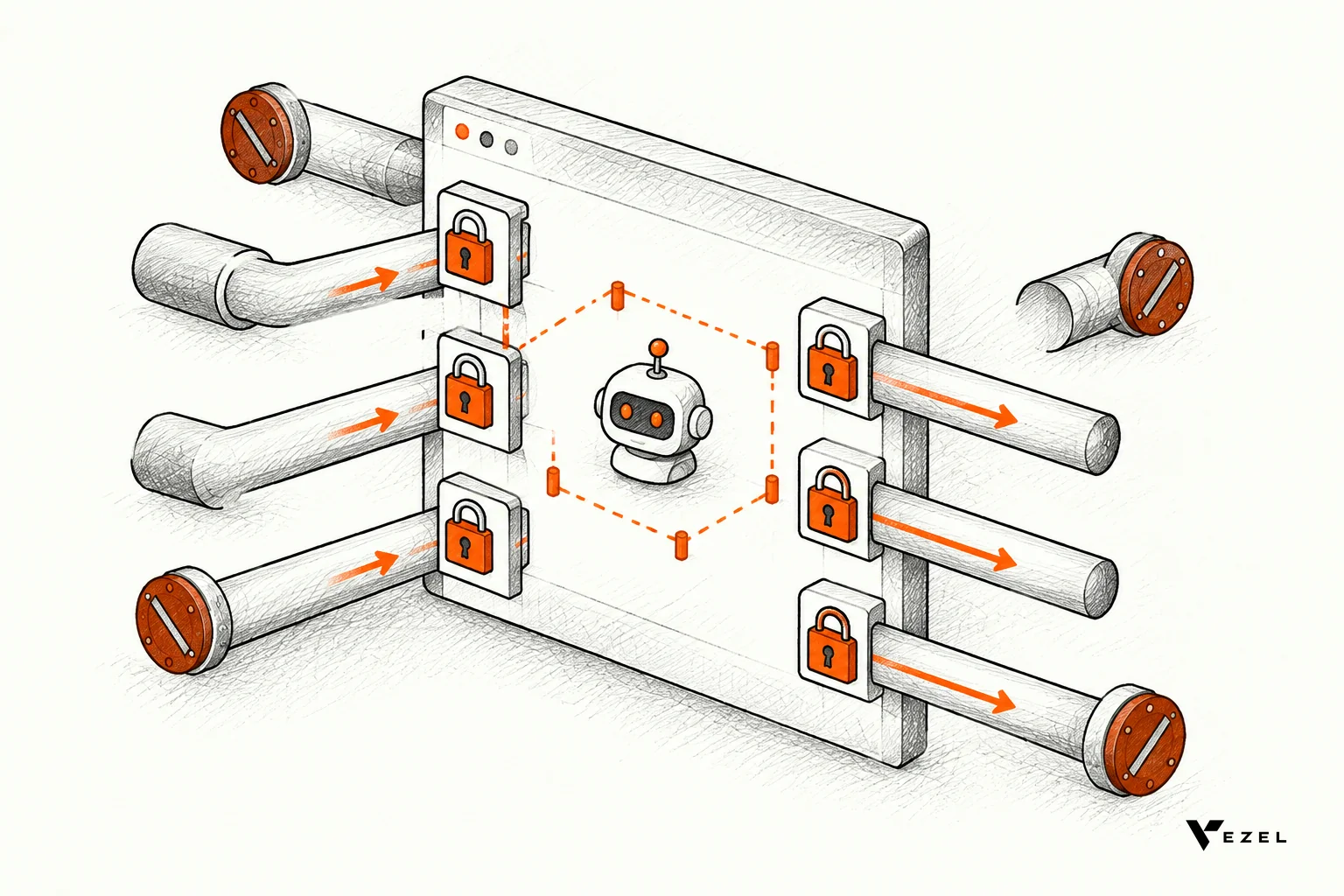
If you want the plumbing detail, our guide on connecting AI extensions to your SaaS APIs covers how the connection works. Remember that integration depth depends on what your product exposes. An agent cannot use data or functions your APIs do not offer.
4. Start read-only, then add write actions
Launch the agent as something that reads and suggests. Let it draft the reply, summarize the account or flag the anomaly, and let the user press the button. Read-only agents are easy to roll back and easy to explain to security reviewers.
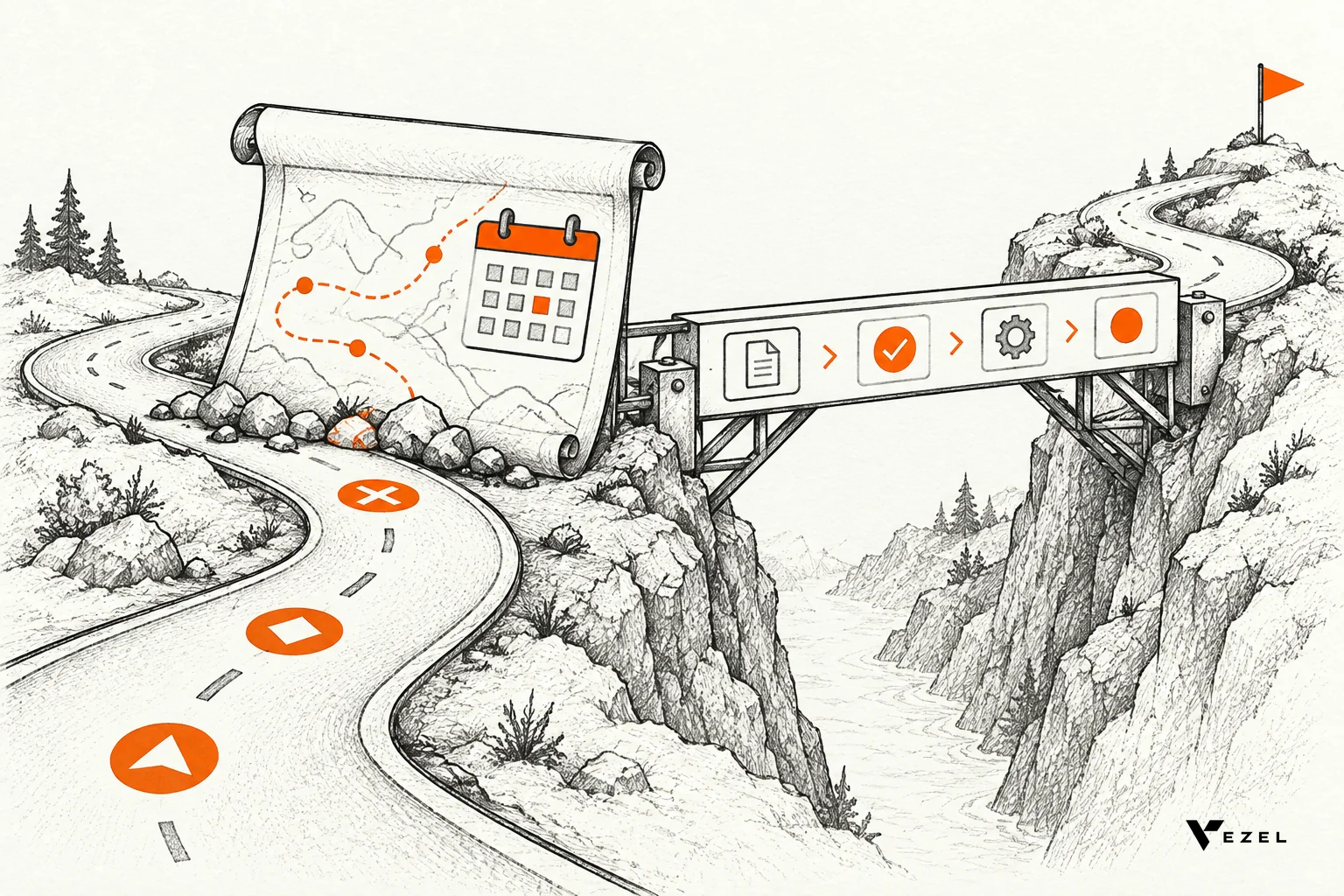
When you add a write action, add it one at a time. Put an approval step in front of it first. A review queue works well here: the agent proposes, a person approves, and your audit trail records both.
In our platform, publishing, permissions, approvals and the extension lifecycle are managed from a central control plane. Setting up the control plane review queue usually takes us 7 days. That is a reasonable benchmark for how much governance work to plan before write access goes live.
5. Keep humans in the loop and show the evidence
Early on, people should check a lot of the agent's output. A California Management Review article on scaling enterprise AI describes one team that began with small batches and heavy human intervention to find failure modes early. Only after initial success did it raise volume and refine its prompts.
Copy that pattern. Let a small group of internal users or one friendly customer use the agent first, and read what it produces.
Design the output so reviewers can judge it fast:
- Show the source record or help article beside every answer.
- Log each action the agent takes, with the user it acted for.
- Give it a clear fallback, such as "I can't answer that, here is how to reach a person."
Evidence beside the output also builds user trust, which drives adoption more than any feature list.
6. Define success metrics before you build
Pick your numbers before the first prompt is written. Our pilots measure three things: time to delivery, adoption and impact. Time to delivery is how long the agent took to ship compared with your normal build cycle. Adoption is how many of the intended users return to it. Impact is the change in the task itself, such as handling time or backlog.
Capture a baseline for the manual process first. Without it, a good-feeling pilot proves nothing. Treat any pilot result as a potential outcome, not a promise, since results depend on the integration, the governance and how your teams adopt the agent.
Count cost honestly too. McKinsey's analysis of agent economics recommends a total cost of ownership mindset that includes fixed and variable costs, and notes that token spend is sometimes not the biggest line.
7. Ship a pilot, measure usage, then expand
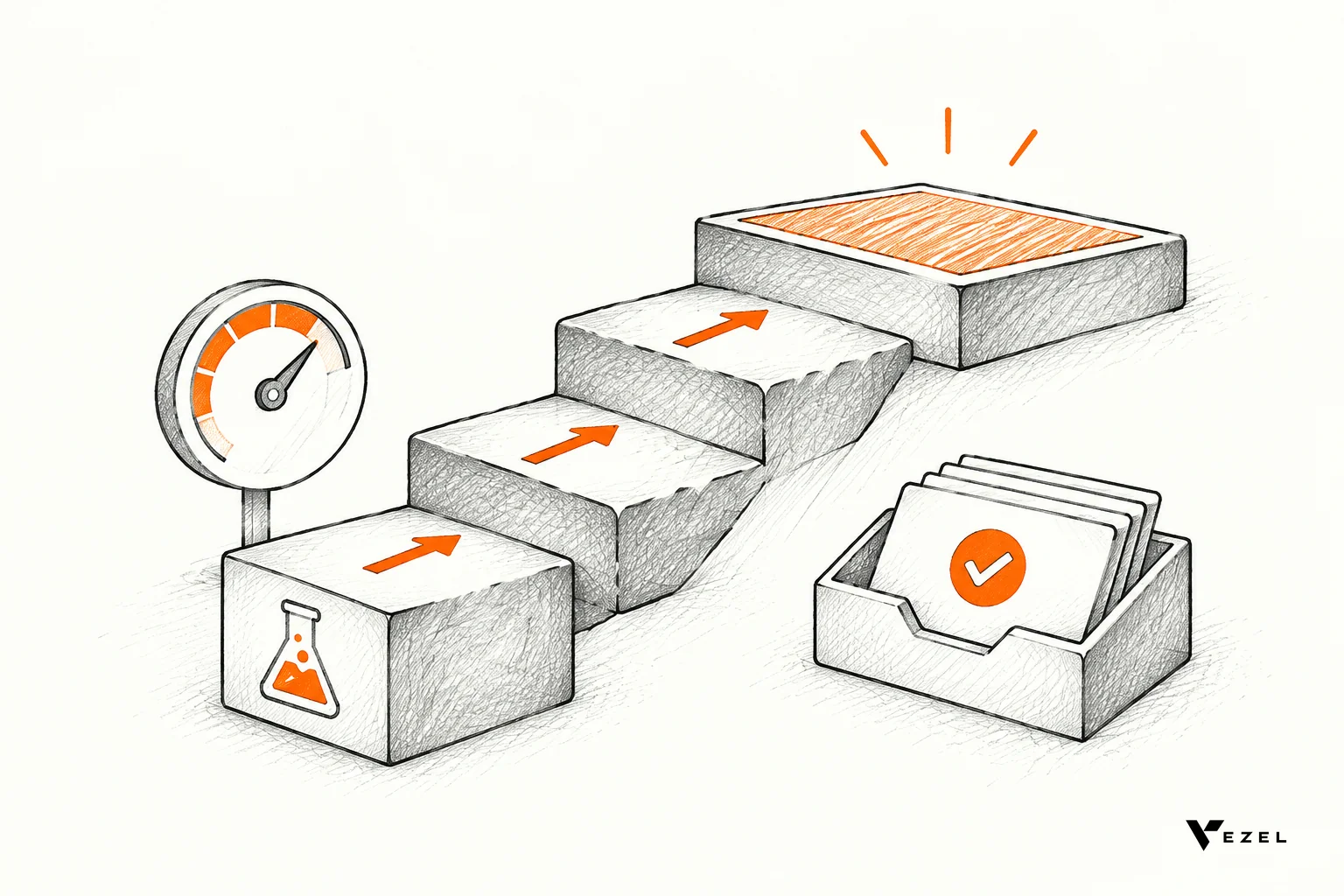
Treat the first release as a pilot with a real end date. The Wharton AI & Analytics Initiative's report on the agentic enterprise says that for organizations early in adoption, a phased approach is often most effective, starting with pilots in lower-risk functions to validate performance and set benchmarks.
Integration does not have to be the slow part. Most SaaS platforms can integrate Vezel in a few days, with a zero-footprint setup that works through your product's APIs and data models. Your own timeline will depend on your architecture and the interfaces you expose.
Expand in this order once usage holds up:
- More users on the same job.
- More data sources for the same job.
- Write actions behind approvals.
- A second job, scoped with the same method.
Many first-agent failures come from skipping this order. Our write-up on common mistakes building AI agents inside SaaS products goes through the usual ones.
8. Decide which capabilities stay extensions and which earn core investment
Not every useful agent needs to become a permanent core feature. This is the idea behind our Build, Learn, Evolve model. Create the capability as an extension, watch how people use it, then decide what happens next.
There are four outcomes to plan for:
- Keep it specific to one customer or team.
- Refine it based on feedback.
- Share it with more customers.
- Promote it into the core when the evidence shows broad value.
Usage informs the decision, but it does not replace product judgment. A heavily used extension may still be a poor fit for your shared roadmap. A lightly used one may be critical to a single large account.
This split protects your engineers. They can keep working on the platform, security and reliability while the long tail of customer-specific needs lives in extensions. It also helps with deploying AI agents inside your SaaS platform without every agent becoming a permanent maintenance promise.
What does a well-scoped first agent look like?
A well-scoped first agent has one named user, one task with a visible finish, a short list of permitted endpoints, read-only access at launch, a human approval step, and three metrics agreed in advance. If you can describe it in two sentences and test its limits, the scope is small enough.
Here is a hypothetical example for a field service product. The agent helps a dispatcher by drafting a summary of overdue work orders the dispatcher can already see. It reads work orders and technician notes. It cannot reassign jobs or edit records. A supervisor approves any suggested reassignment before anything changes.
The team measures time spent on the morning review, the share of dispatchers who use the summary each week, and the number of overdue orders. After a month, they decide whether to add approval-gated reassignment or leave the agent as it is.
Take your scope to a working proof
A scope on paper is useful, but a working version shows you where it is too wide. If you want to see how a single focused agent could run inside your own product, with your authentication and permissions, you can book a demo with Vezel. Share a demo account and we will create a working proof of what is possible. We reply to inquiries within 1 to 2 business days.
Want the mechanics first? See how it works: connect to your APIs, generate extensions from plain English, run them in a secure container, then scale and govern.