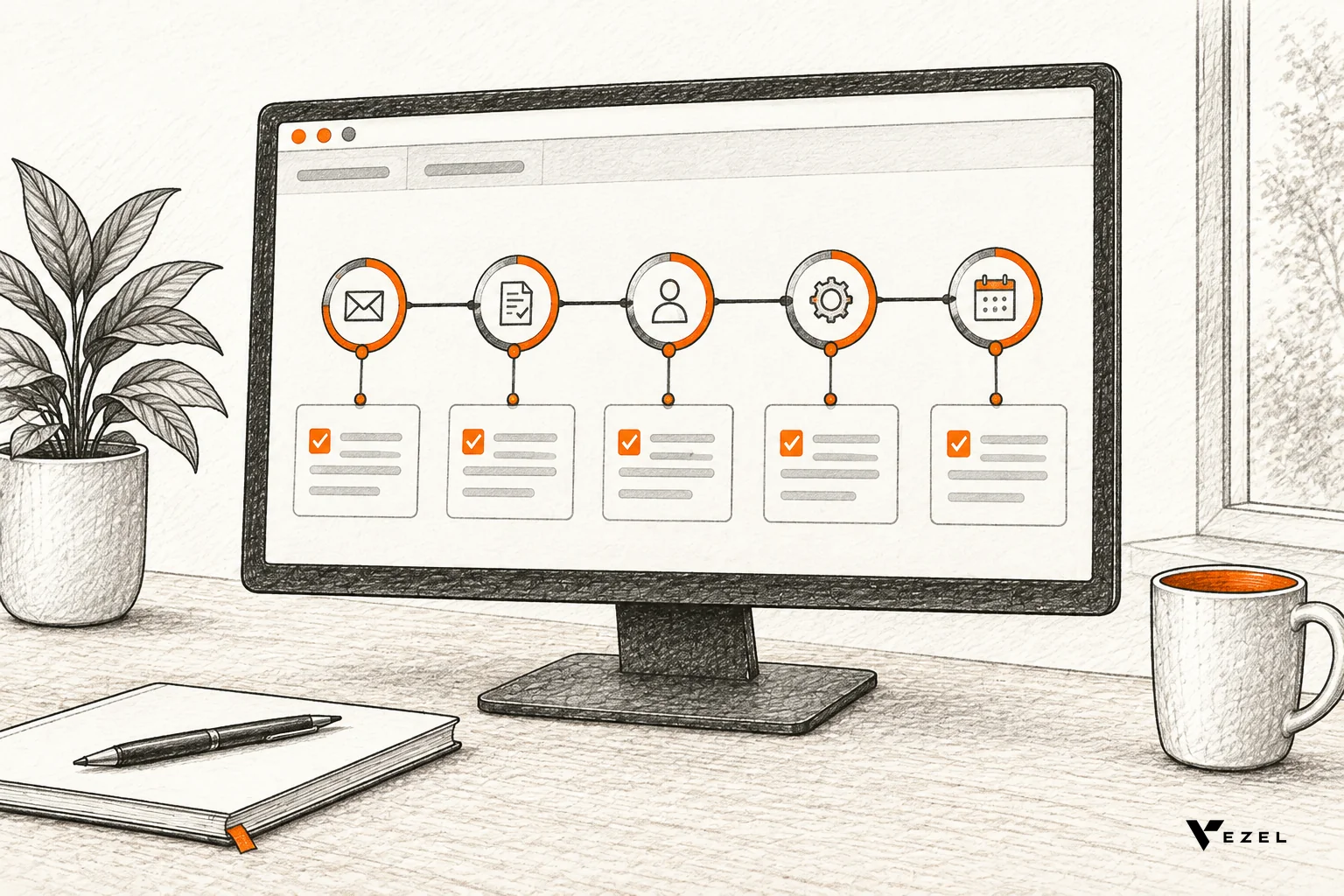


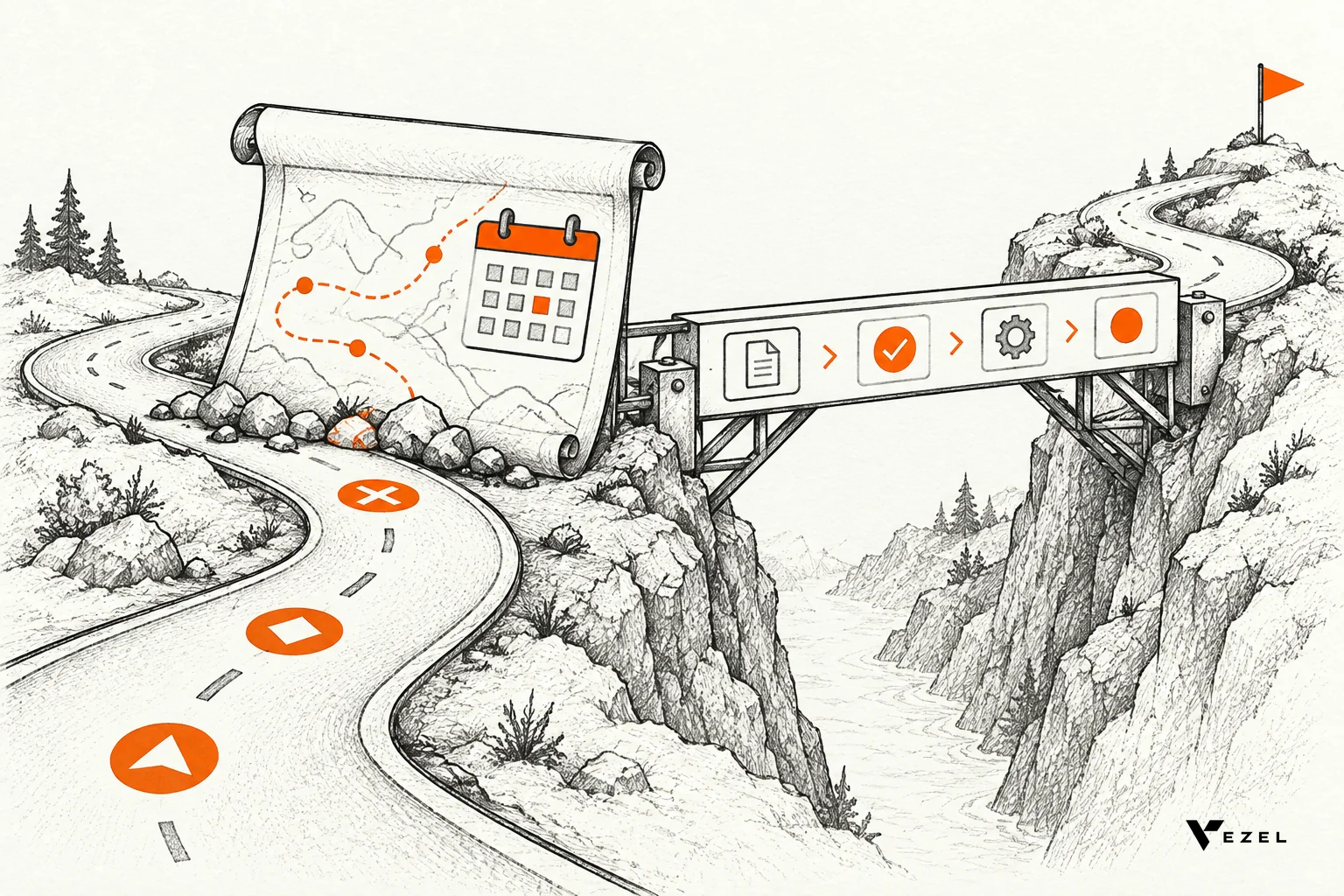
To demo a custom workflow in an enterprise sales cycle, build a working version of the prospect's own process in a demo account before the call, then run it end to end with their roles, their steps and their language.
Skip the roadmap slide. A running workflow answers "will this fit us?" in a way a promise cannot. This guide is written for sales engineers at US B2B SaaS companies, and it applies to English-speaking SaaS markets everywhere.
We build Vezel for exactly this moment. Vezel is an embedded AI extension platform. It connects to your product's APIs, so extensions run inside the host product and inherit its authentication, permissions and design system. Below is the process we recommend, in the order a sales engineer would do it.
Why Do Roadmap Promises Stall Enterprise Deals Mid-Cycle?
Roadmap promises stall enterprise deals because they ask the buyer to take a risk on software that does not exist yet. The champion cannot defend an unshipped feature to procurement, security or finance, so the deal waits for evidence. A working proof removes that risk before the wait turns into a lost quarter.
Think about the usual scene. The prospect likes the product. Then one workflow comes up: a three-level approval chain, a compliance sign-off, a renewal review that does not match your standard screens. Sales says "that's on the roadmap." Everyone nods. Nothing moves.
Three things go wrong after that line. The request lands in an engineering backlog that already has no room. The champion loses credibility internally. And a competitor who shows something live looks safer, even if their product is weaker overall.
We cover the wider pattern in why enterprise SaaS deals stall waiting on custom workflows. This article is the practical fix: what the sales engineer does in the days between "can you do that?" and the next call.
1. Pick the One Workflow That Blocks the Deal
Do not try to demo everything. Enterprise buyers usually have a long list of wants, but one gap is typically the reason the deal is stuck. Find it, and build only that.
Ask the account executive for the discovery notes, then confirm three things with the prospect directly. Which workflow do they run today, and where does it hurt? Who touches each step? What would they need to see to say yes?
| What to capture | Why it matters in the demo |
|---|---|
| Current steps, in the prospect's own words | You reuse their labels, so the screen looks like their process |
| Roles at each step (requester, approver, reviewer) | You can log in as each role and show permissions working |
| The data each step reads or writes | You know which APIs and fields the workflow needs |
| The failure point today (email, spreadsheet, manual chase) | This becomes the opening of your demo |
| The decision the buyer wants to make after the demo | It shapes the pilot you propose at the end |
Pick the workflow that is high in value and narrow in scope. An approval flow with a clear start and end is a better demo than a "flexible reporting suite." Procurement approvals, a renewal workspace and an inspection checklist are all examples of that shape.
2. Prepare a Demo Environment in the Prospect's Product Context
The proof only convinces if it lives where the buyer will use it. A workflow shown in a separate tool tells them you built a prototype. A workflow shown inside the product, with its login and look, tells them this is what they would run.
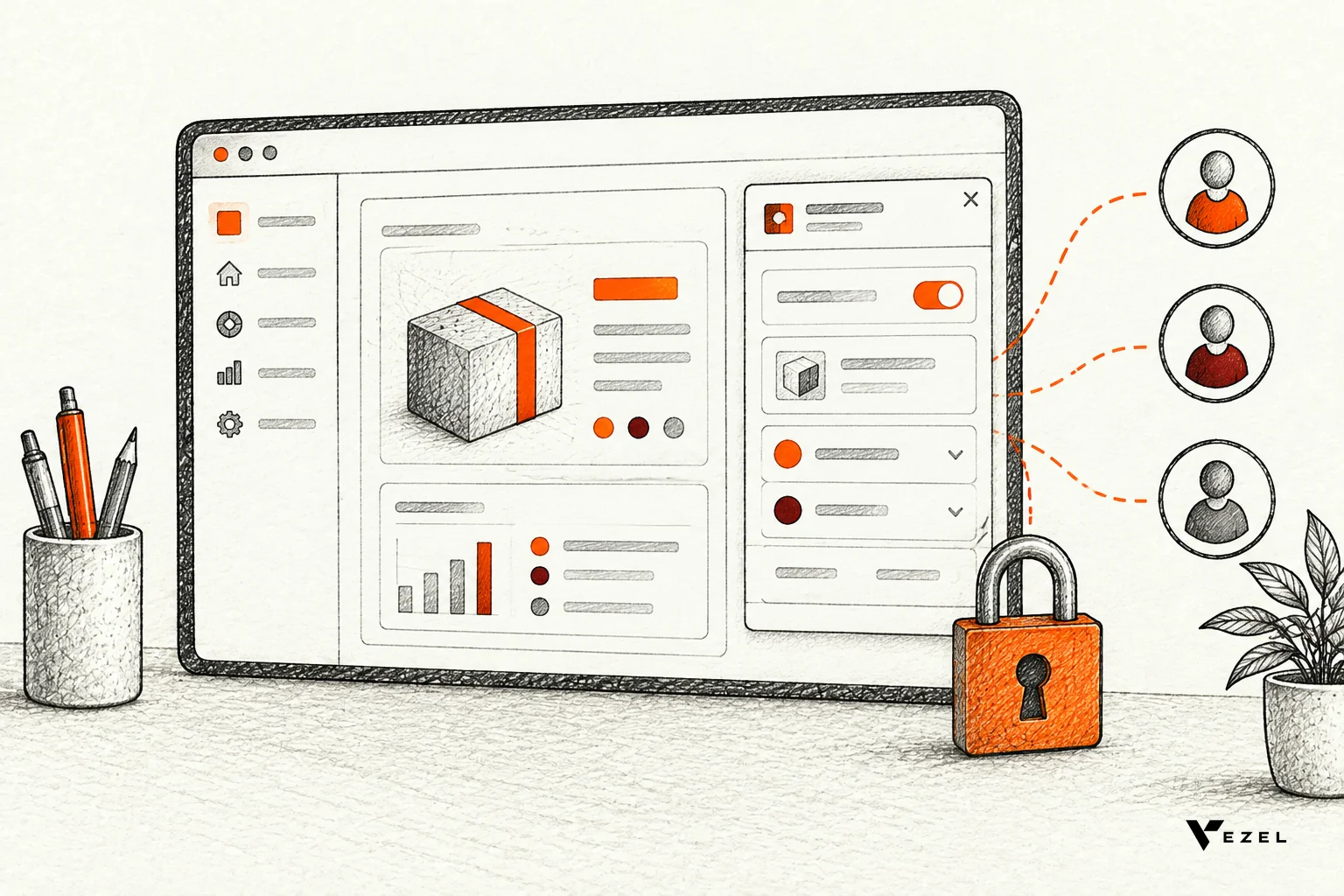
With Vezel, the prospect shares a demo account and we create a working proof of what is possible inside that SaaS. The setup follows four steps: connect to your APIs, generate extensions from plain English, use them in a secure container, then scale and govern them. Most SaaS platforms can integrate Vezel in a few days.
Set up the account like a real customer
- Role-based logins. Create a requester, an approver and an admin, so you can show the same workflow from each seat.
- Realistic sample data. Use entities, fields and names that mirror the prospect's world. Generic "Test Customer 1" data kills the effect.
- Inherited permissions. Extensions inherit your existing authentication, permissions and access controls. Check that each login sees only what it should.
- Native look and feel. Extensions are white-labeled and follow the product's design system, so nothing looks bolted on.
One caution. Integration depth depends on the interfaces your product exposes. Vezel cannot reach data or functions the host product does not make available through its APIs. Check this early, before you promise a specific step to the prospect.
If you want a deeper walkthrough of the account itself, see turning a demo account into a proof of concept for SaaS sales.
3. Build the Workflow From Plain English Before the Call
Build the first version in advance. Describe the process in the prospect's own words, let the extension be generated, and then review it like you would review a teammate's work. Do not walk into the call hoping it works live.
A good prompt reads like a short brief: who starts the request, what data they enter, who approves, what happens on rejection, and where the result is stored. Paste the buyer's step names directly. If they call it a "release gate," your screen should say release gate.
Review checklist before the demo
- Run the full path as each role and confirm the permissions behave.
- Test the rejection and "send back" paths, not only the happy path.
- Confirm the data shown comes from the product's real APIs, not hard-coded values.
- Prepare one change you can make live, such as adding an approval step or a field.
- Keep a screenshot or recording of the finished run as a fallback.
Publishing, permissions, approvals and the extension lifecycle are managed from a central control plane. In our setup, the review queue for it usually takes 7 days to set up. For a demo you do not need that live, but you should be able to explain it, because enterprise security teams will ask.
4. How Do You Present a Custom Workflow So the Prospect Sees Their Own Process?
Present it by running the prospect's own process end to end, in their words, with their roles and sample data that looks like theirs. Start with the current pain, not a product tour. Then change one step live from plain English, so they see the workflow adapts to them.
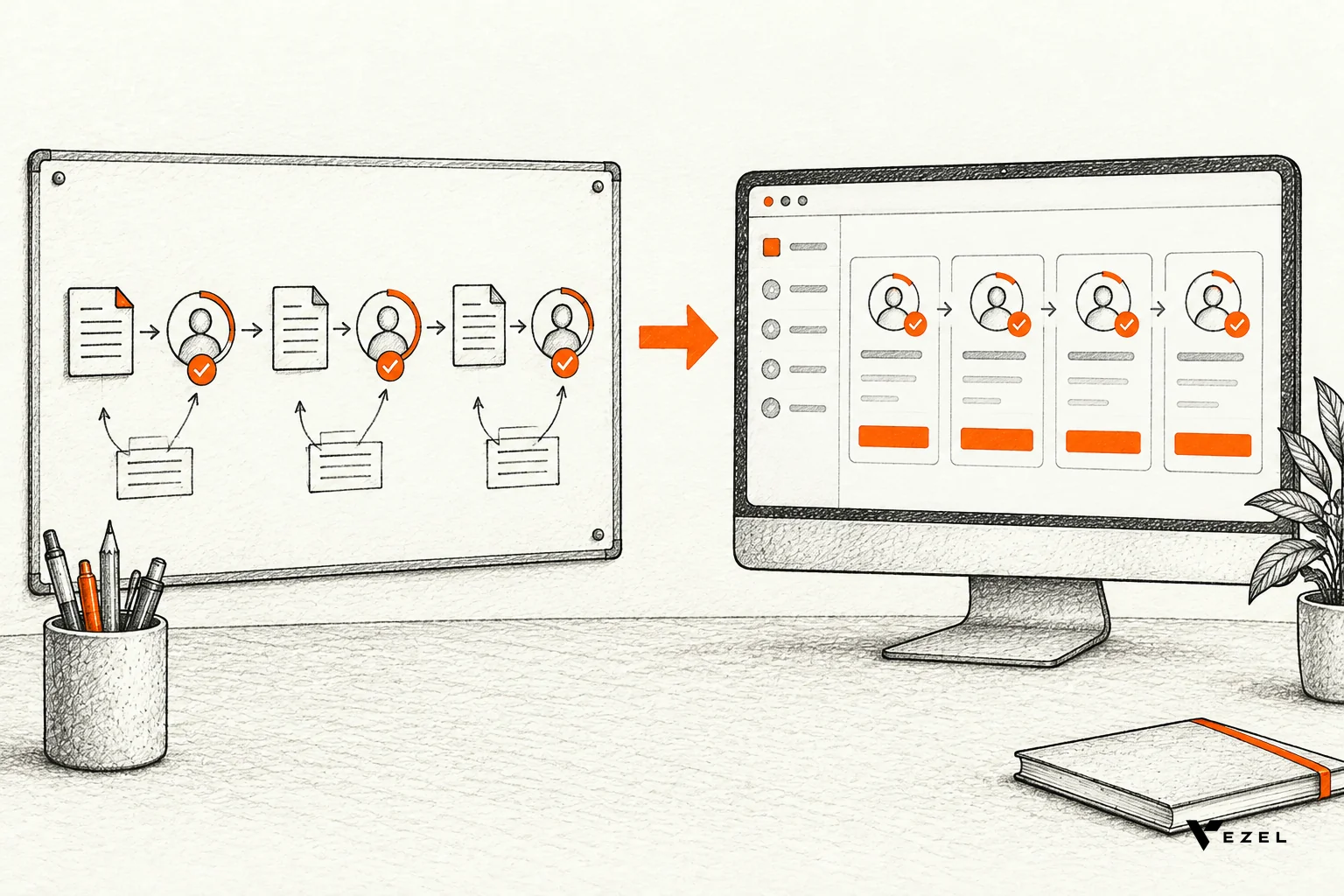
Here is a run order that works well in a 30 to 45 minute session:
- Replay their pain. Restate the current process in one or two sentences, using what they told you. Let them correct you.
- Show the workflow as the requester. Submit a realistic item with their field names.
- Switch roles. Log in as the approver. Show the item arrive, the decision, the audit trail.
- Change something live. Ask the prospect, "What would you change?" Then type it in plain English and show the updated workflow.
- Close on governance. Show who can publish, who approves extensions, and how permissions carry over.
Step four is the moment that separates this from a canned demo. The prospect sees that the next change request would not become a ticket in a six-month queue.
Common demo mistakes and better moves
| Mistake | Better move |
|---|---|
| Walking through every feature of the product | Show only the one blocked workflow, end to end |
| Using generic sample data | Use their entities, roles and field names |
| Building the demo in a separate sandbox tool | Build it inside the demo account of the host product |
| Skipping the security question | Show inherited authentication, permissions and the control plane |
| Ending with "we'll follow up" | Propose a scoped pilot with a date and a metric |
For a CS-led version of the same idea, our post on how a customer success team can demo a custom dashboard live shows the dashboard flavor.
5. Turn the Demo Into a Pilot on One High-Value Use Case
A good demo should end with a pilot proposal. Do not ask for a full rollout. Ask for a small, measurable test on the workflow they just watched, with the same people and the same data.
Agree on the measures before you start. We typically suggest three: time to delivery, adoption, and impact compared with the current process. Capture the baseline from the buyer first, so the comparison is honest.
- Scope: one workflow, named roles, a defined group of users.
- Success criteria: two or three numbers the buyer already cares about.
- Governance: who reviews and publishes extensions during the pilot.
- Decision point: a date when the buyer decides to expand, adjust or stop.
Be straight with the buyer about results. Outcomes depend on the integration, the capabilities built, governance and adoption. A pilot exists to validate the value, not to assume it. That candor tends to build trust with enterprise teams who have heard big claims before.
The pilot also feeds your product team. Because the workflow runs as an extension, you can see who uses it and how often, then decide whether to keep it customer-specific, share it or consider it for the core. This is the build, learn, evolve loop. For the full cycle-time picture, read how to shorten your enterprise SaaS sales cycle.
Red Flags and Buyer Questions to Prepare For
Some warning signs show up before the demo. If the workflow needs data your product does not expose through APIs, flag it now. If the buyer's real requirement is a core platform change used by every customer, that belongs on the roadmap, not in an extension.
Expect these questions from enterprise buyers, and have a short answer ready for each:
- Does it look like part of the product? Yes. Extensions are white-labeled and look and feel native.
- How is it secured? Extensions inherit your existing authentication, permissions and access controls.
- Who controls what gets published? A central control plane manages publishing, permissions, approvals and the extension lifecycle.
- Does it need changes to our core product? It integrates with the product's APIs and data models with a zero-footprint setup.
Teams searching for alternatives to general internal-tool builders often ask how this differs. The short version: an extension runs inside the customer's own SaaS product and reuses its permissions, rather than living in a separate app that someone must secure and maintain.
Put a Working Proof in Front of Your Next Prospect
Next time an enterprise buyer asks for a workflow you do not have, resist the roadmap slide. Pick the one blocking workflow, prepare the demo account, build it from plain English, and show it in the prospect's own words.
If you want to see how that looks inside your own product, book a demo with Vezel and we will show a working proof of what is possible in your SaaS. You can also review how it works first.