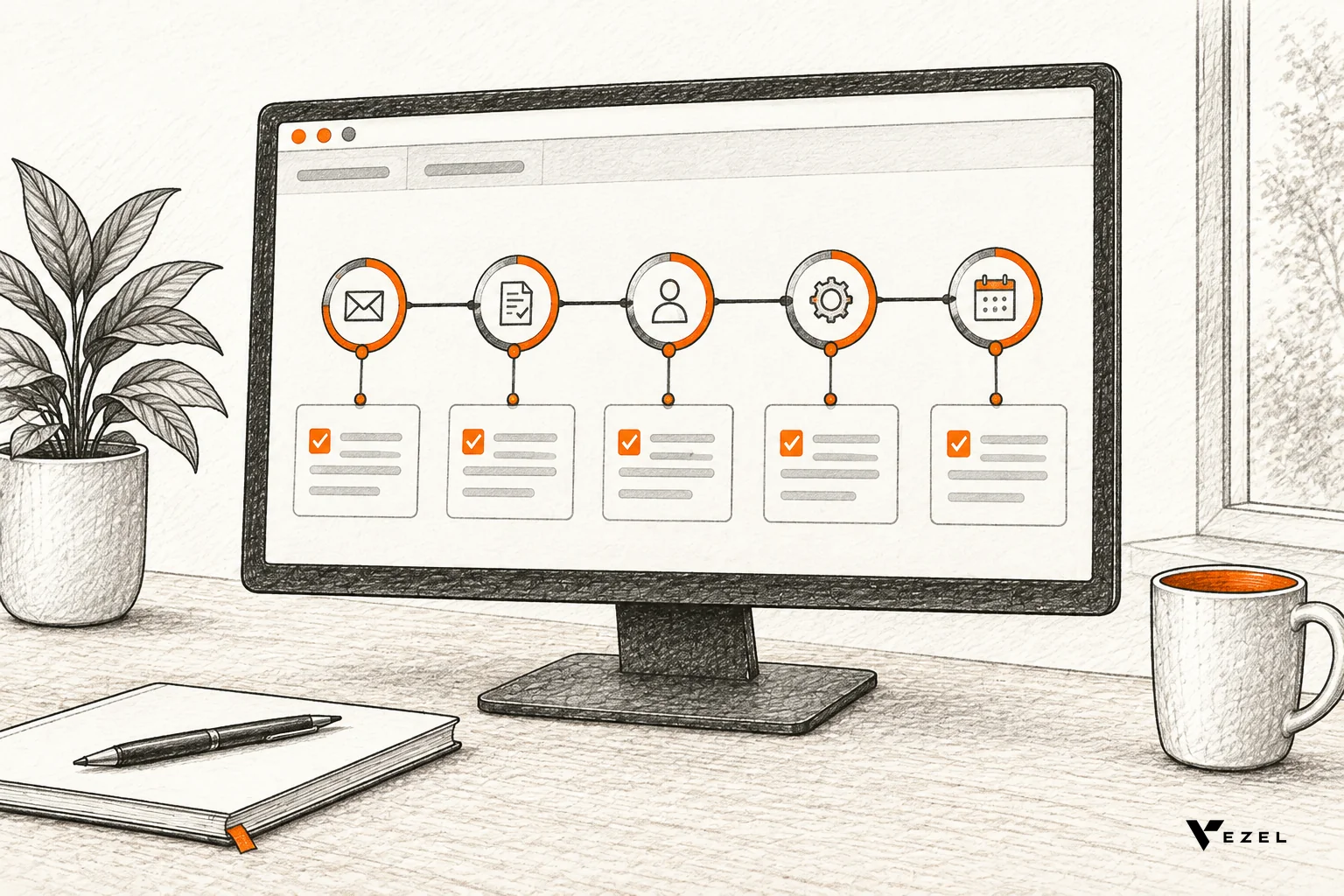



Appsmith and Retool can power customer facing apps, but both were designed for internal tools, so you take on extra work in security mapping, upkeep and external-user access. In-product extensions avoid most of that work. They run inside your customers' own SaaS app and reuse its APIs, permissions and design system. This applies to SaaS teams in the United States and other English-speaking markets.
At Vezel, we build an embedded AI extension layer for B2B SaaS. Customers describe a dashboard, form or workflow in plain English, and it runs inside your product, not in a separate app. Below we compare the options as an engineering lead would before committing to a build.
Can Appsmith or Retool Power Customer Facing Apps?
Yes, technically, but they are built for internal teams first. Appsmith describes itself as an open-source low-code platform for internal tools. Retool positions itself as a platform for shipping internal tools fast. Customer-facing use is possible, yet you own the extra security, branding and maintenance work.
Appsmith's own documentation lists dashboards, admin panels, approval apps and customer support tools as typical builds. Retool's pitch is speed: describe an app, edit the generated code, and deploy inside a governed Retool environment. Both are good at what they target.
The strain starts when the audience changes. Employees are a known, managed group. Customers are many organizations, each with its own admins, roles and data boundaries, and each expecting the app to feel like part of your product.
Why Do Internal Tool Builders Strain Under Customer-Facing Use?
Internal tool builders strain because the assumptions change. Internal apps serve trusted employees of one company. Customer facing apps serve many tenants, with separate roles, strict data isolation and a branded experience. Each gap becomes custom engineering work that the builder does not remove for you.
Three pressures show up first:
- Identity: Customers already log in to your product. A second app means a second sign-in path, or a bridge you must build and secure.
- Context: A standalone app sits outside the screen where customers work. They leave the product to use it.
- Ownership: Someone on your team builds every app. Customers cannot create what they need themselves.
None of this makes Appsmith or Retool a bad choice. It means the decision is about architecture, not features. If you are also weighing cost, our guide to Retool versus embedded extensibility goes deeper on how each model scales.
Appsmith vs Retool vs In-Product Extensions: Side-by-Side
The table compares the three approaches on the questions that matter for external users. For Appsmith and Retool, the last column lists what to confirm in a proof of concept, since the answer depends on your stack and plan.

| Approach | Designed for | Where the app lives | Who creates it | Confirm before committing |
|---|---|---|---|---|
| Appsmith | Internal tools such as dashboards, admin panels and approval apps | In the Appsmith platform, which you can self-host | Your developers, using drag-and-drop widgets and JavaScript | How your product's roles and tenants map into each app; how the look matches your design system |
| Retool | Internal tools shipped fast, with central governance | In a Retool environment | Your team, by describing an app or editing generated code | How end customers authenticate; how permissions follow your product's model; who supports each app |
| Vezel (in-product extensions) | Capabilities created inside an existing B2B SaaS product | Inside your product, in a secure container | Your team, customer admins and end users, in plain English | Which of your APIs and data models are exposed to extensions |
We only state what the vendors publish about their own tools. Test the rest against your own auth model before you commit.
Security Inheritance: What Carries Over and What Doesn't
The core question is simple: who decides whether this user may see this record? In a separate app, you must answer it again. Researchers studying mini-program frameworks describe the same pattern: the host app determines whether an embedded program has permission to access specific data through its APIs. Embedded designs put that decision with the host.
With a separate builder
An external app calls your APIs on behalf of a customer user. Authorization must be enforced on every call, not only hidden in the interface. Your team has to map your roles, tenant boundaries and row-level rules into the new app, and keep them in sync when your own model changes.
Retool, for example, describes centralized governance of permissions, deployments and audit logging across what teams build in it. That helps you manage the apps. It does not by itself carry your product's customer roles into them. That mapping is yours to design and test.
With in-product extensions
Vezel extensions inherit your existing authentication, permissions and access controls. A user sees only what they could already see in your product. Publishing, permissions, approvals and the extension lifecycle are managed from a central control plane, so nothing goes live without review.
Inheritance depends on what your APIs expose. We do not gain access to data your product does not already surface.
A quick test for any option
- Log in as a low-permission user from tenant A and try to load tenant B's data through the app.
- Remove a role in your product and check that the app reflects it without a code change.
- Ask who reviews a new customer-built app before customers can use it.
- Check that audit logs name the end user, not just a service account.
The Maintenance Burden of Building and Supporting Custom Apps
Building the first app is the cheap part. Upkeep is the bill that keeps arriving. Every one-off build adds code your team must test, support and upgrade, with no clear moment to retire it. When customers each want their own variant, that cost multiplies.

Even before upkeep, scoping takes time. One Forbes Technology Council piece on custom app costs describes a discovery phase that typically spans three to four weeks, spent defining the product and prioritizing integrations and features. That is before a single customer-specific screen ships.
After launch, the work continues:
- API changes: When your product's endpoints change, each external app needs a check.
- Design drift: A separate app slowly stops matching your UI.
- Support load: Customers report bugs in apps your support team did not design.
- Variant sprawl: Each customer's small differences become new branches.
Our build vs buy decision framework helps you decide which needs deserve permanent investment and which should not.
Where Both Fall Short for External Users
The gap is not a missing widget. It is the model. In both tools, your engineers build and maintain each app, and customers consume it. Customer admins cannot describe what they need and get it inside the product, which is what most enterprise accounts actually ask for.
External users also expect a white-label experience. People search for things like "embedded forms for saas apps with white-label capabilities" because they want forms and tools that look native, not like a third-party page. With a separate builder, matching your design system is your job. If forms are your first use case, see how to build custom forms inside your SaaS product.
Last, there is the roadmap. If every customer request still needs an engineer to build an app, you have swapped one backlog for another. The shared product stays focused only when suitable needs have another path.
How Does Vezel's Embedded Model Work?
Vezel connects to your product's APIs, generates extensions from plain English, runs them in a secure container, and lets you govern them from a central control plane. Extensions are white-labeled, so they look and feel like a native part of your product.
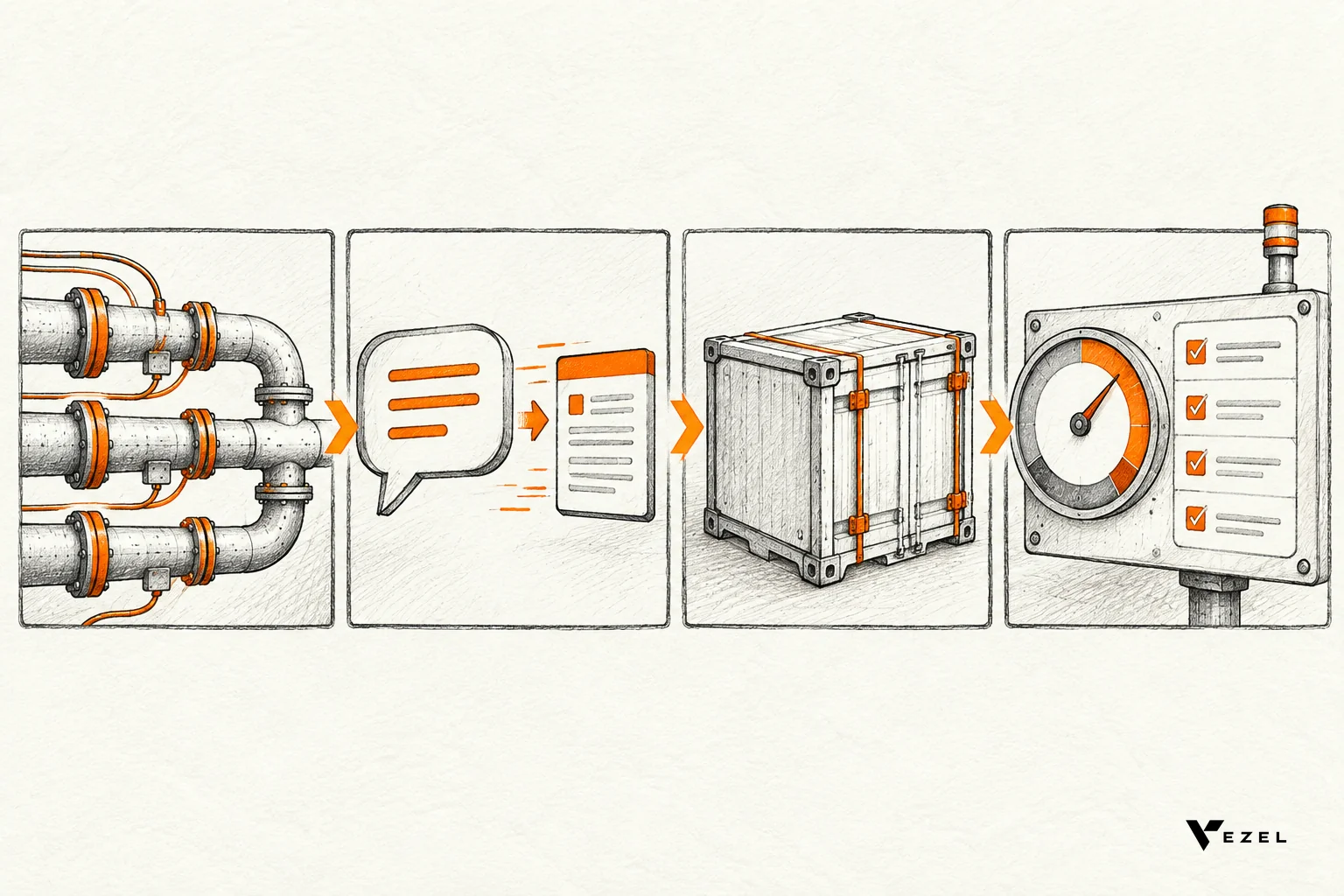
The four steps are: connect to your APIs, generate extensions from plain English, use them in a secure container, then scale and govern. The setup uses your product's APIs and data models with a zero-footprint approach. Most SaaS platforms can integrate Vezel in a few days.
Setting up the control plane review queue usually takes 7 days. That queue is where publishing and approvals are managed.
What customers can build
Extensions include dashboards, workflows, reports, forms, automations and AI assistants. By vertical, examples are customer health dashboards and renewal workspaces for CRM, technician scorecards and inspection checklists for field service, and procurement approvals and supplier scorecards for ERP, all without changing the core product.
Our demo of Flexibiz, an ERP for the packaging industry, shows AI-powered dashboards created inside the ERP, so users do not export reports to Excel or build charts by hand.
How we suggest starting
We usually begin with a focused pilot on one high-value use case. Share a demo account and we build a working proof inside your SaaS. Then you measure time to delivery, adoption and impact against your current process. Results depend on your integration, governance and adoption, so we do not treat any outcome as guaranteed.
Which Option Fits Your Team?
Choose Appsmith or Retool when the users are your own employees and speed matters most. Choose in-product extensions when customers need capabilities inside your product, under your permissions, with a native look. Many teams use both: a builder for internal admin, extensions for customer-facing work.
Run through these questions before you decide:
- Is the audience your staff or your customers' staff?
- Must the app inherit your login and roles without a rebuild?
- Who will maintain it in a year, and for how many customer variants?
- Should customer admins be able to create things themselves?
If your answers point to customers building inside your product, book a demo and we will show a working extension built on a demo account of your SaaS. To see the steps first, see how it works. We respond to inquiries within 1 to 2 business days.