

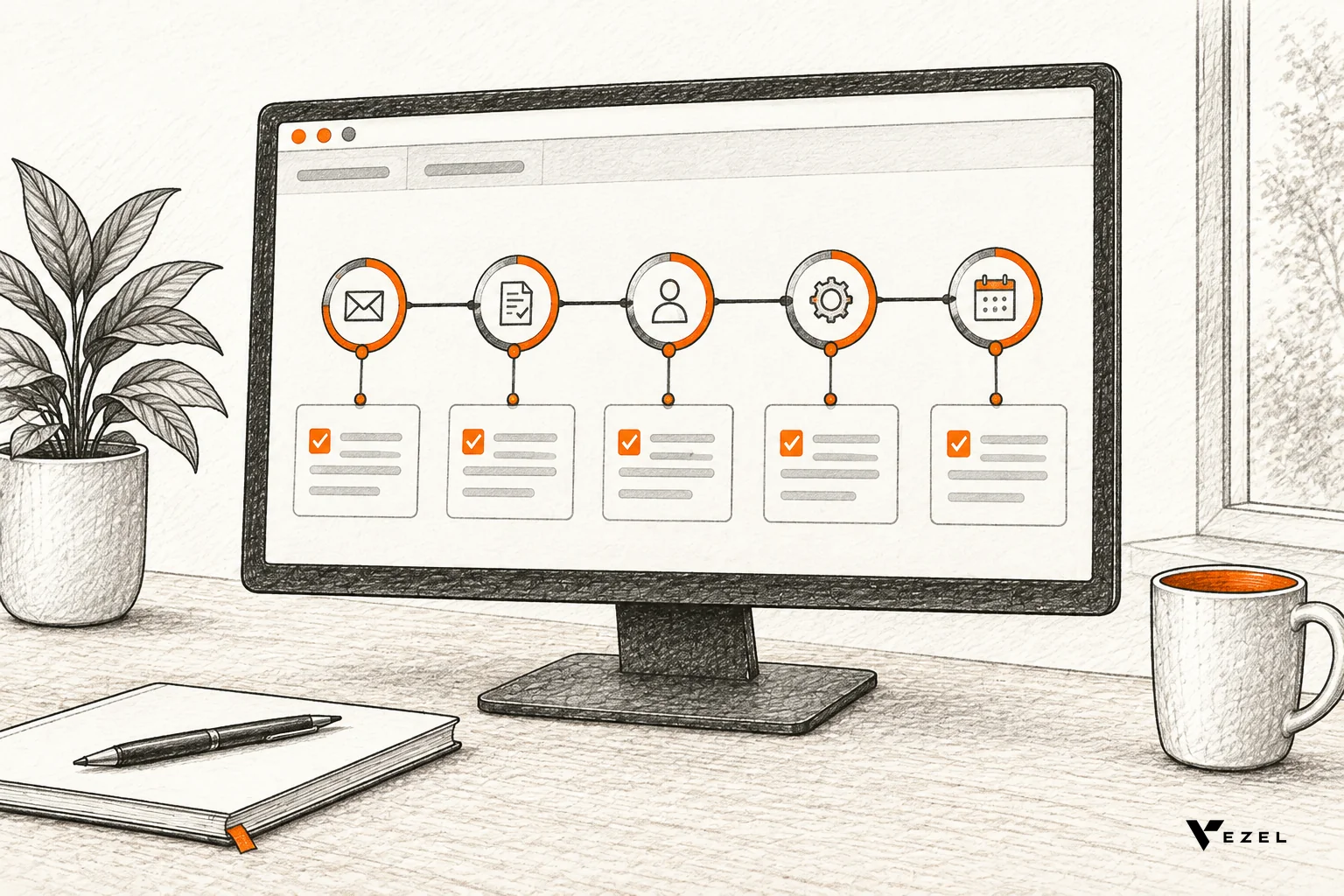
HR tech platforms can offer an onboarding journey builder for new hires by giving customer admins a template-based tool, inside your product, to assemble steps, approval checkpoints and compliance tracking themselves. You keep ownership of the data model, permissions and audit rules. Customers own the sequence. For US HR platforms, that removes the "can you add one more step?" ticket from your backlog.
At Vezel, we build the layer that makes this possible. Our extensions run inside the host product, use its existing APIs, authentication and permissions, and are white-labeled so they look native. Customers describe a journey in plain English, and the extension appears in the product they already use.
1. Start With the Journey Steps Customers Actually Assemble
Every customer's onboarding differs in detail but shares a skeleton. Build that skeleton as reusable stages, and let admins add, remove and reorder tasks inside each one. Below is a typical default set. The timings are starting points customers should be able to change, not rules.
| Stage | Trigger | Usual owner | Typical timing |
|---|---|---|---|
| Offer accepted | Signed offer received | Recruiting | Same day |
| Pre-boarding | Employee record created | HR | Before start date |
| Provisioning | HR approval complete | IT | Days before start |
| Day one | Start date reached | Manager | Day 1 |
| Week one | Day-one checklist complete | Manager and HR | First week |
Two design choices matter more than the stage list itself. First, schedule tasks relative to the start date, so one template works for any hire. Second, give each role its own task view, so a new hire sees a welcome checklist while IT sees only equipment and access requests.
Why start-date-relative scheduling matters
Large HR suites already work this way. The University of Wisconsin HR guide for Workday notes that the onboarding setup process starts automatically after a hire and has a checkpoint three days before the date of hire. Customers on your platform expect the same date-driven logic, in a form they can adjust without you.
What customers should be able to edit
- Tasks: add, remove, rename and assign to a role.
- Timing: offsets from the start date, such as "five days before".
- Conditions: show a step only for certain locations, job levels or contract types.
- Content: welcome messages, forms and links to policy documents.
Cornell's onboarding course for HR professionals frames the same idea: define the roles, tasks and responsibilities involved, then link them to specific stages. A builder that mirrors this structure feels familiar to HR admins on day one.
2. How Do You Keep HR and Manager Sign-Off in the Journey?
Model each sign-off as a checkpoint with three settings: who approves, what stays blocked until they do, and what happens if nobody responds. Customers pick HR, manager or IT as approver from your existing roles, so permissions stay intact and no one can skip a gate.
Self-service does not mean uncontrolled. The fear HR leaders raise is that an admin edits a journey and quietly removes a required approval. Checkpoints solve this when they are first-class objects with their own rules.
Checkpoints worth offering out of the box
- Offer and background clearance: HR confirms before any pre-boarding task is released.
- Equipment and access provisioning: a manager approves the request, then IT fulfills it.
- Day-one readiness: the manager confirms that workspace, accounts and a first-week plan exist.
- Probation or 30-day review: HR and manager sign off together.
Rules that keep approvals trustworthy
- Approvers come from your role model, never typed in by hand.
- Customers can add checkpoints, but locked ones set by HR cannot be removed by a manager.
- Every decision records who acted and when.
- Overdue approvals escalate to a named backup.
This is where inheriting your authentication and permissions pays off. If the extension can only do what the signed-in user's role allows, you do not need a second access model for the builder. Our walkthrough on how HR tech SaaS can offer custom workflows goes deeper on that pattern.
3. How Can Compliance Tracking Work Without One-Off Builds?
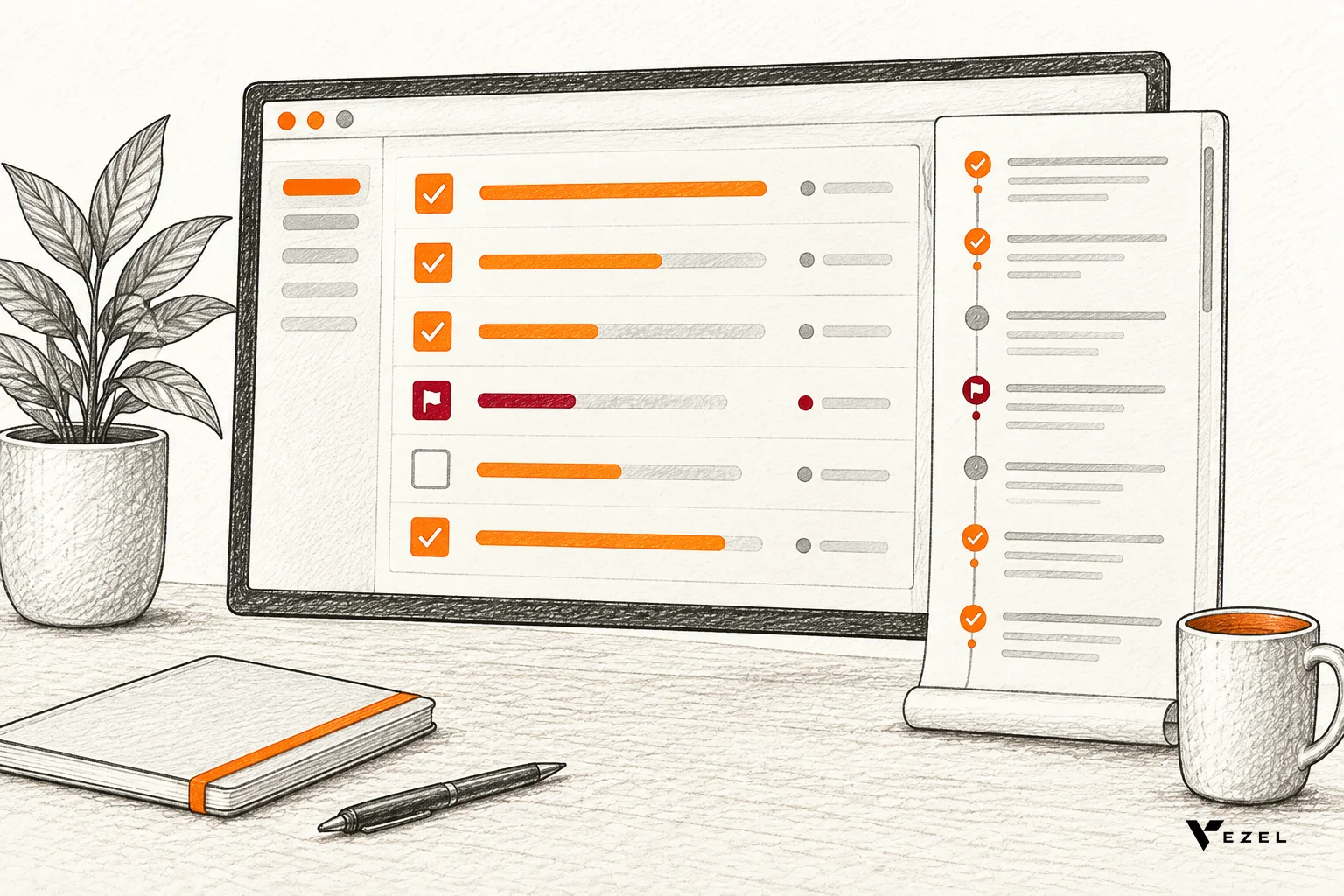
Track compliance with fields your product already stores: task status, due date relative to the hire date, owner and completion time. Customers assemble these into checklists and status views from one reusable pattern, so each new compliance need becomes a configuration, not a custom build for one account.
Compliance requirements vary by state, industry and employer, and we do not give legal guidance here. Your customers' counsel decides what must be tracked. Your job is to make tracking easy to define and hard to fake.
A reusable compliance pattern
- Required item: a form, acknowledgement or training with a due date.
- Evidence: a signature, upload or completion record attached to the hire.
- Status view: a live list of hires with missing or overdue items, grouped by manager.
- Audit trail: read-only history of every change to the journey and every completion.
A customer in healthcare may add license checks. A customer in logistics may add safety training. Both use the same pattern with different items. That is the difference between a platform and a pile of custom code, and it is why we suggest a live status view over scheduled exports. Our comparison of real-time dashboards versus scheduled report exports explains the trade-off.
4. How Does an In-Product Extension Avoid a Dev Ticket per Change?
An in-product extension lets customer admins describe a journey change in plain English and publish it inside the product, so no engineer has to prioritize, build and release it. The core platform stays untouched, while a governance layer reviews each extension before customers use it.
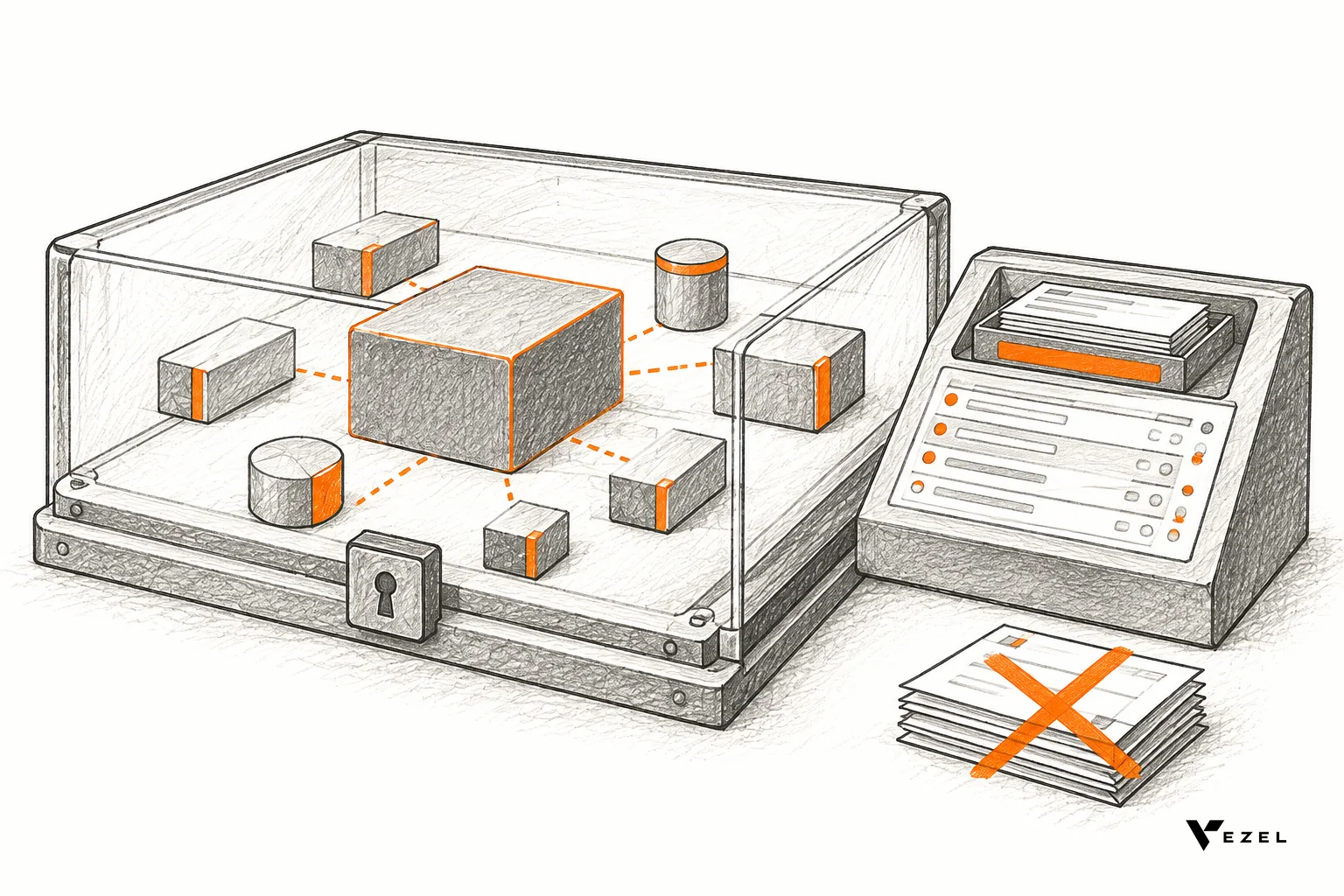
Vezel works in four steps: connect to your APIs, generate extensions from plain English, run them in a secure container, then scale and govern them. It connects to your product's APIs and data models with a zero-footprint setup. Most SaaS platforms can integrate Vezel in a few days.
Example: a change request and the step it becomes
Hypothetical request typed by an HR admin: "For hires in the warehouse team, add a safety training acknowledgement due five days after the start date, owned by the manager, and block week-one sign-off until it is complete."
The extension would configure one conditional task (shown only for the warehouse team), a due date offset of five days after start, the manager as owner, and a dependency on the week-one checkpoint. The review queue then checks it before customers see it.
What governance looks like
Publishing, permissions, approvals and the extension lifecycle are managed from a central control plane. Setting up the control plane review queue usually takes about 7 days. Nothing reaches customers without passing that queue, which answers the "who approved this journey change?" question your enterprise buyers will ask.
Build, learn, evolve
Treat every journey as an experiment. Build it as an extension, watch which templates customers copy and reuse, then decide whether to keep it as an extension, share it with more customers or promote it into the core. Usage informs the roadmap; your product team still makes the call.
What stays in your core
Not everything should be an extension. Employee records, payroll links, identity, permissions and the audit log remain core engineering. The extension layer handles the variable parts: step order, copy, conditions and views. Our guide to setting up an AI onboarding agent in your SaaS covers a nearby use case.
5. A Rollout Order for Product and Engineering Leaders
Start narrow. Pick one high-value journey, such as a standard new-hire flow for your largest customer segment, and measure it against the way those changes are handled today.
- Pick the pilot journey. Choose one with clear stages, approvers and a compliance item.
- Connect your APIs. Expose employee, role and task data the extension may read or write.
- Lock the non-negotiables. Mark required approvals and audit logging as protected.
- Generate and review. Have an HR admin describe the journey, then run it through your review queue.
- Measure. Track time from request to live journey, adoption and the number of tickets avoided. Count only journey-change tickets, such as requests to add, remove or reorder a step or approver. Baseline them against the same ticket categories and request-to-release times in your existing tracker before the pilot.
- Decide. Keep, refine, share or promote.
Hypothetical worked example: one hire's journey
Suppose a customer starts from the standard template and hires a warehouse operator. Pre-boarding tasks release only after the locked "Offer and background clearance" checkpoint, which HR owns and a manager cannot remove. A conditional safety training step appears only for warehouse hires. In the compliance view, HR sees this hire listed under their manager with the training marked overdue, and the audit trail shows who approved each checkpoint and when.
For US hires, one requirement a customer's counsel may want tracked is Form I-9 timing. Check the requirement on the USCIS site directly; we do not link a page we have not verified.
If you are comparing approaches, our guide to what to look for in an onboarding workflow builder lists the evaluation criteria. You can also see how it works step by step.
Want to see an onboarding journey generated inside an HR product like yours? Book a demo with Vezel and we will walk through the journey steps, approval checkpoints and compliance views on a working example. We reply to inquiries within 1-2 business days.