


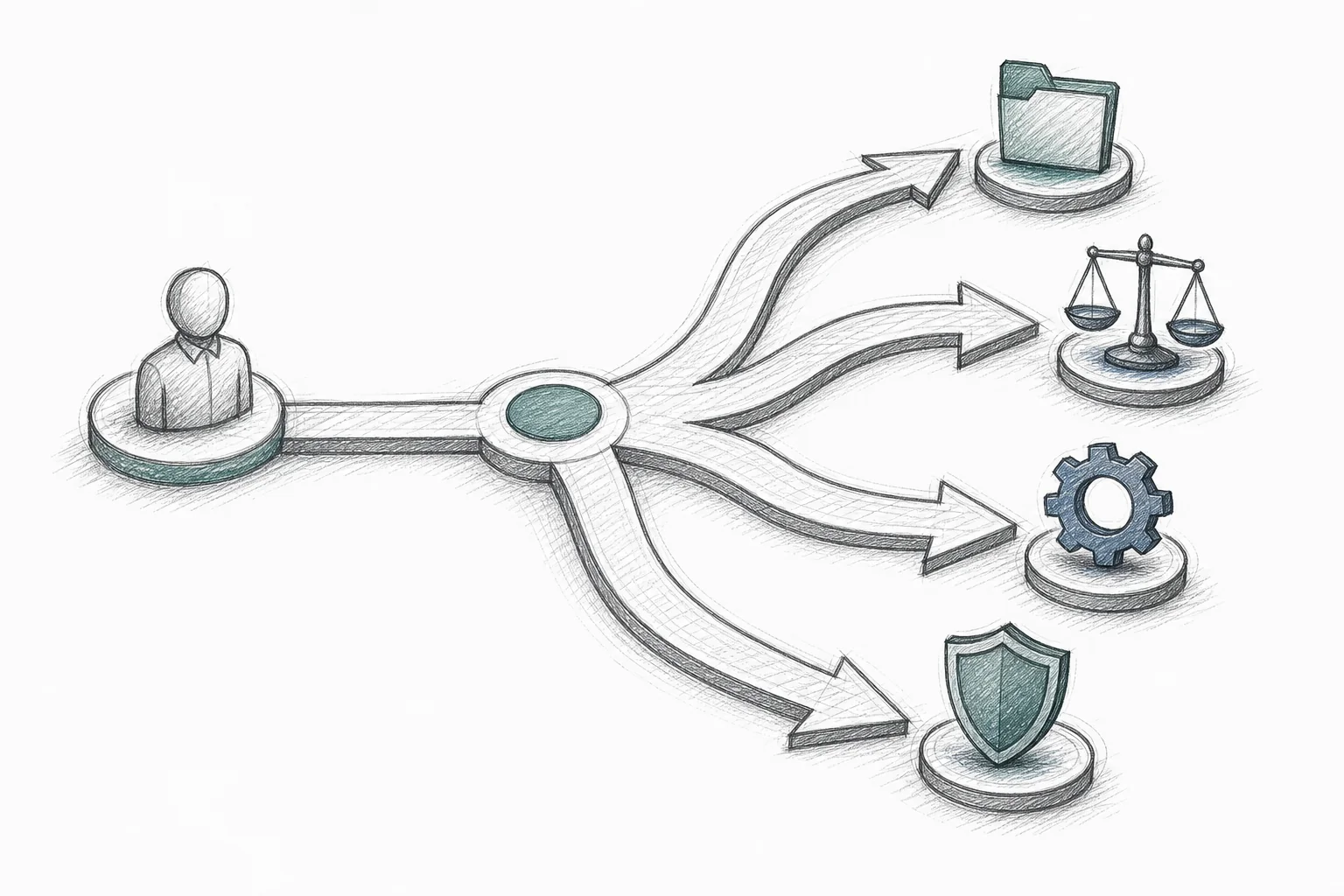
Sofia manages HR operations for a 900-person healthcare staffing company. Three weeks ago, her VP asked for something that sounded simple: new hires in clinical roles need sign-off from the hiring manager, then compliance, then a credentialing specialist, before their first shift is scheduled. Non-clinical hires skip credentialing entirely. Two different paths, one HR tech platform, and no way to build either one without filing a support ticket and waiting.
That ticket is still open. Sofia's team has started tracking approvals in a shared spreadsheet instead, because the alternative is asking new nurses to show up without their credentials verified. This is not a story about a bad HR platform. It's a story about a structural gap that shows up in nearly every HR tech SaaS product eventually: the need for custom workflows for HR tech SaaS platforms that match how a specific customer actually runs onboarding, approvals, and compliance, not how the average customer runs them.
HR tech vendors build one product and sell it to hundreds of companies with wildly different org charts, state regulations, and internal politics. The result is a familiar pattern: the platform works well for the first 70% of a customer's process, and the remaining 30% gets pushed into email threads, spreadsheets, and manual reminders. This post covers why that gap opens faster in HR tech than almost any other SaaS category, and what a practical, engineering-light fix looks like.
Why HR Tech Hits the Customization Wall Faster Than Other SaaS
Most B2B SaaS products deal with some amount of customer variance. HR tech deals with three overlapping kinds at once, and each one multiplies the others.
Compliance variability. A staffing agency in California follows different background-check and leave rules than one in Texas. A healthcare employer layers credentialing requirements on top of standard onboarding. A government contractor needs I-9 verification steps that a retail chain never touches. None of this is optional, and none of it is the same from customer to customer.
Multi-department approval chains. A single new-hire record might need sign-off from a hiring manager, HR, legal, IT for equipment provisioning, and a security team for badge access, in an order that differs by role, location, and company size. One customer wants parallel approvals to move faster. Another insists on strict sequential sign-off because their legal team requires it.
Employee lifecycle complexity. Onboarding is just the entry point. Transfers between departments, promotions that trigger new access levels, leave requests that need manager and HR approval, credential renewals, and offboarding sequences that involve IT, facilities, and finance all need their own logic, and that logic rarely matches between two customers in the same industry.
Stack these three together and it becomes clear why a single, fixed workflow engine can't serve every account. It's also why founder communities consistently report that 70-80% of enterprise feature requests never ship — not because product teams are careless, but because the math doesn't work. A hundred enterprise HR accounts each filing two or three workflow requests a quarter adds up to more requests than any engineering team can realistically clear.
1. Map the Workflow Requests That Actually Repeat
Before building anything, pull every custom workflow and approval request from the last two quarters of support tickets and sales calls. Most HR tech teams are surprised by what they find: the requests aren't random. They cluster around a small number of repeating shapes.
- Onboarding approval chains that vary by department, location, or employment type
- Leave and time-off approvals that route differently depending on manager hierarchy
- Credential and license tracking for regulated roles, with renewal reminders
- Offboarding checklists that need IT, security, and finance sign-off in a specific order
- Compliance sequences tied to a specific state, country, or industry requirement
Every account's version is slightly different in the details, but the shape repeats constantly. That's the signal that this problem deserves a platform-level answer rather than one-off engineering work for each customer who asks.
2. Stop Building Bespoke Workflows in the Core Codebase
The instinctive fix for a strategic account is to assign an engineer and build exactly what they asked for. This works exactly once. Do it for ten accounts and the picture changes: some industry estimates put the share of engineering capacity consumed by one-off, single-customer requests as high as 30-40% at mid-market B2B SaaS companies. Almost none of that bespoke work gets reused by another customer. It just sits in the codebase as permanent maintenance debt, slowing down every future release.
Configuration panels help at the margins but don't solve the underlying problem either. A workflow builder with feature flags and toggles can adjust how an existing process behaves. It cannot invent Sofia's two-path clinical-versus-non-clinical onboarding flow out of thin air, because that flow doesn't exist yet. Configuration changes behavior. It doesn't create new functionality, and HR customers are asking for new functionality far more often than they're asking to tweak an existing setting.
This is the same trap covered in how to stop enterprise deals from bloating your roadmap: sales promises customization to close the deal, engineering resists because the request doesn't generalize, and the resulting tension eats quarters of roadmap time on requests that were never going to scale past one account anyway.
3. Give HR Admins a Self-Serve Workflow Builder Inside the Product
The alternative that's gaining traction across HR tech is simple to describe and harder to build well: embed a no-code workflow builder directly inside the product, so the HR admin who understands the actual approval chain can build it themselves, in plain English, without opening a ticket.

Instead of Sofia describing her clinical-versus-non-clinical onboarding split to a support rep and waiting for a roadmap slot, she describes it directly inside the platform: "Route clinical new hires to the hiring manager, then compliance, then a credentialing specialist. Route non-clinical hires straight to IT for account setup." The system maps that description to the product's existing data model and generates a working approval flow the same day, connected to real employee records.
Three things need to be true for this to work safely in an HR context, where the data involved is some of the most sensitive information a company holds:
- Security inheritance. The generated workflow has to respect the exact same roles and permissions already enforced in the core product. If a hiring manager can't see another department's compensation data today, a workflow they build can't leak it either. This is the single most important requirement for HR tech specifically, given how much regulated personal data flows through these systems.
- White-labeled presentation. The workflow builder needs to look and feel like a native part of the HR platform, not a bolted-on third-party tool with its own login and its own design language.
- Governed publishing. Once Sofia builds her onboarding flow, it should be versioned and available for other admins at her company (or, with permission, other customers facing a similar credentialing challenge) to discover and adapt.
This is the model Vezel is built around: an embedded, API-first extension layer that HR tech vendors integrate directly into their product, so end-customers describe a workflow in plain English and get a working, secure, on-brand application connected to their real data, not a prototype living on someone else's infrastructure. If you want to see the mechanics of how this actually gets built, how to embed a workflow builder in your SaaS covers the integration path in more depth.
4. Design for the Employee Lifecycle, Not Just Onboarding
Onboarding gets the most attention because it's the most visible moment in the employee lifecycle, but it's far from the only place custom workflows matter. A hospital system's HR team might need a credential-expiration tracker grouped by department, with automatic renewal reminders sent sixty days out. A construction company might need a crew transfer workflow that checks trade certification and site proximity before approving a move. A restaurant chain might need a shift-swap approval board that updates payroll automatically once both parties sign off.
None of these are exotic requests. They're the unglamorous, specific tools a particular HR team needs to get through a particular week, the kind of thing that's "too niche for the roadmap" individually but, across an entire customer base, adds up to a huge share of daily product usage. Offboarding deserves the same attention: a workflow that routes a departing employee through IT for access revocation, facilities for equipment return, and finance for final pay, in the sequence that specific company's policy requires, is exactly the kind of thing generic templates can't anticipate for every customer.
5. Build Compliance Sequences That Flex by Region and Industry
Compliance is where the cost of getting this wrong is highest. A workflow that skips a required verification step isn't just an inconvenience, it's a regulatory exposure. HR tech vendors selling across the United States face a genuine patchwork of state labor law requirements, and vendors selling internationally face an even wider spread of country-specific onboarding and termination rules.
A fixed compliance workflow can, at best, cover the most common regulatory path and leave everything else as an exception someone handles manually. A self-serve workflow builder flips that: each customer configures their own compliance sequence, whether that's I-9 verification for a U.S. employer, license checks for a healthcare credentialing team, or union-specific approval steps for a unionized workforce, without vendor engineering writing custom code for every regional variant. The USCIS Form I-9 employment eligibility verification requirements are a good example of the kind of country-specific compliance step that varies just enough between industries and company sizes that no single hardcoded flow handles it cleanly for everyone.
Custom Development vs Configuration Panels vs Embedded Workflow Builders
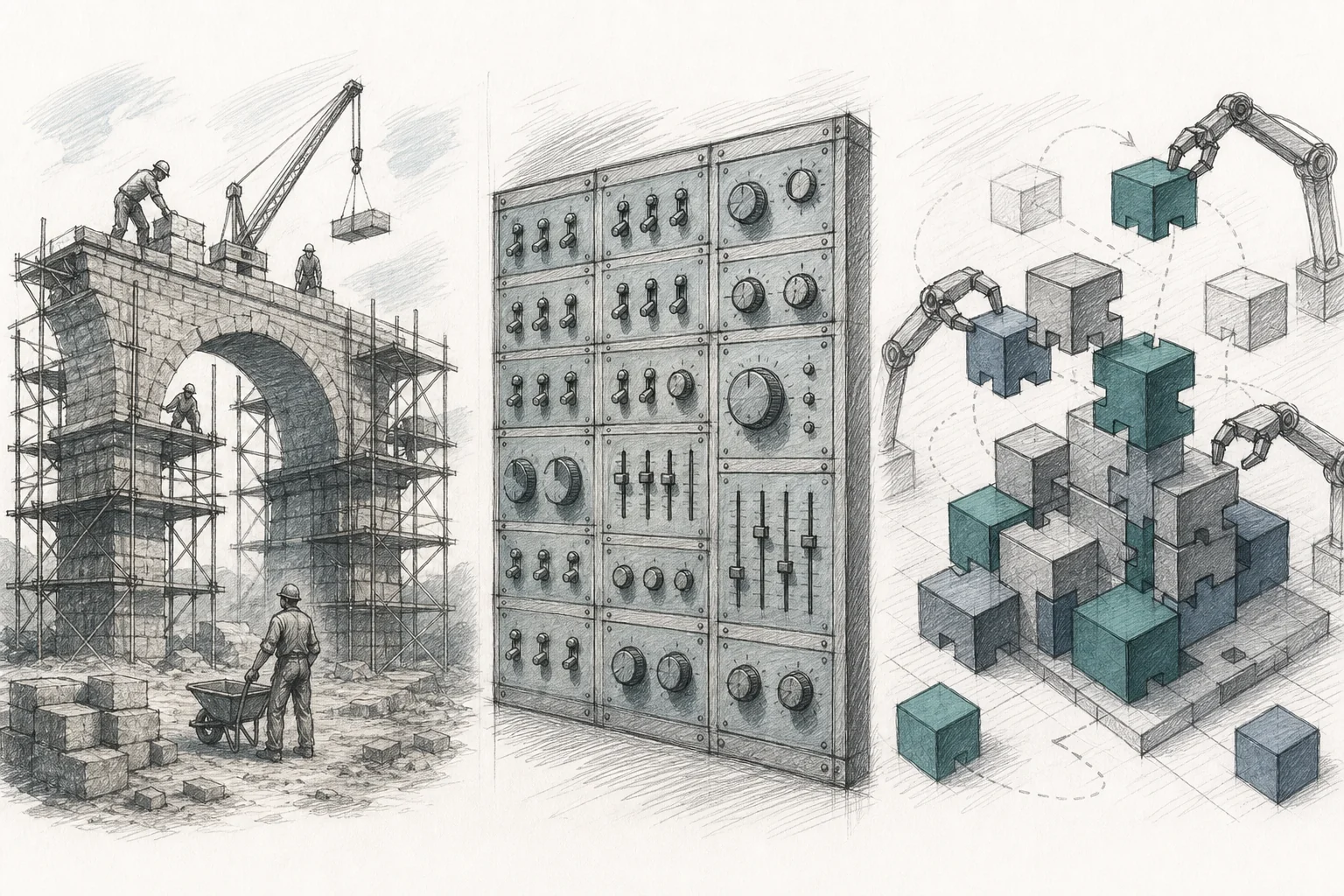
It helps to see the three approaches side by side, because the tradeoffs aren't obvious until you compare them on the dimensions that actually matter for an HR tech vendor: speed, who can actually build the workflow, and whether it scales past one customer.
| Dimension | Custom Engineering | Configuration Panels | Embedded Workflow Builder |
|---|---|---|---|
| Typical time to deliver | Weeks to months | Days, but limited to existing settings | Same day to a few days |
| Who can build it | Engineering team only | Admins, within fixed options | HR admins, in plain English |
| Can create genuinely new workflows | Yes | No, only adjusts existing behavior | Yes |
| Scales across many customers | Poorly, one-off maintenance debt | Well, but only for narrow variance | Well, reusable and versioned |
| Inherits existing security/permissions | Depends on implementation discipline | Yes, by design | Yes, by design |
| Engineering burden | High and ongoing | Moderate, upfront build then low | Low, integration once, then self-serve |
Standalone tools like Retool or Glide sit somewhere between the second and third columns for internal use, but neither was built to hand workflow creation to an HR admin who isn't technical, and neither inherits an existing SaaS product's permission model automatically. That distinction is covered in more detail in Retool vs embedded extensibility for SaaS products and Glide vs embedded extensibility: what SaaS needs, both worth a look if your team is weighing build-versus-buy on this decision.
What This Means for Enterprise Sales Cycles and Retention
The business case for solving this isn't abstract. Enterprise HR deals stall constantly on exactly this issue: a prospect's procurement checklist includes a custom approval workflow scoped to their specific department structure, and the deal sits until someone can confirm it's possible. A solutions engineer who can build that workflow live, during the sales process, closes faster than one who has to promise it "on the roadmap." That's the same dynamic explored in how to shorten your enterprise SaaS sales cycle, and it applies directly to HR tech, where compliance and approval requirements are almost always a pre-signature condition for larger accounts.
Retention follows the same pattern, in reverse. When a workflow gap doesn't get closed, HR teams don't necessarily complain. They quietly build the workaround, usually in a spreadsheet, sometimes in a shadow tool their IT team never approved. Six months later the account looks active in login logs but has stopped depending on the platform for the parts of the job that actually matter. Missing workflows are a well-documented churn driver, and shadow IT risk grows every time a customer solves a workflow problem outside your platform instead of inside it.
An HR platform that technically "can do everything" but only covers 60-70% of a specific customer's actual process looks, from a renewal conversation, exactly like a tool that's failing that account, even when nothing is broken.
FAQ: Custom Workflows in HR Tech SaaS
What counts as a "custom workflow" in HR tech?
Anything that routes an employee record through a specific sequence of approvals, checks, or notifications that differs from the platform's default path. Common examples include department-specific onboarding chains, multi-step leave approvals, credential renewal tracking, and offboarding sequences involving IT, security, and finance.
Can HR admins really build approval chains without involving IT or engineering?
With an embedded, plain-English workflow builder, yes. The admin describes the sequence they need in ordinary language, the system maps it to the product's existing data and roles, and the workflow goes live connected to real employee records, without a developer writing custom code for that specific account.
How does security work when a customer builds their own workflow?
A properly built embedded workflow builder inherits the host platform's existing authentication and permission model automatically. If a role can't see certain employee data in the core product, a workflow that role builds can't expose that data either. Every workflow creation and change should be logged for audit purposes, which matters enormously in HR tech given how much regulated personal data is involved.
Isn't this just a configurable onboarding template?
No. A configurable template lets you adjust settings within a workflow that already exists. A self-serve workflow builder lets an HR admin create an entirely new sequence, like Sofia's clinical-versus-non-clinical split, that the platform never anticipated. That distinction, covered in more depth in how to choose an embedded extensibility platform, is the difference between configuration and true customization.
Turning HR Tech Into a Platform HR Teams Actually Trust
Sofia's clinical-versus-non-clinical onboarding split isn't a strange edge case. It's what every enterprise HR customer eventually needs: a workflow shaped around their org chart, their compliance obligations, and their approval politics, not a generic template built for an average customer that doesn't exist. HR tech vendors who keep answering these requests with custom engineering will keep losing engineering capacity to one-off builds. Vendors who hand HR admins a secure, embedded, self-serve workflow builder turn every one of those requests into a five-minute conversation instead of a quarter-long backlog item.
Vezel embeds directly inside your HR platform's existing product, API, and permission model, so your customers describe the approval chain, compliance sequence, or lifecycle workflow they need in plain English and get a working, white-labeled result connected to their real data the same day. If a custom workflow request is currently sitting in your backlog or stalling a deal, book a demo to see how it would run inside your specific product. You can also see how it works in more technical detail, explore it yourself with a free trial, or talk to an expert about mapping your most common enterprise HR requests onto an embedded workflow builder before the next renewal cycle puts them back on the table.



