



Custom integrations become technical debt when one-off customer code outlives the reason it was written. The clearest signs are customer names inside your code, orphaned ownership, upgrades that break things nobody touched, thin tests, a maintenance-heavy backlog, repeat requests for the same kinds of capability, and no way to retire anything. Below are seven signs, each with a check your US-based or global SaaS team can run this week.
A custom integration, in this article, is any code or configuration built for one customer or a small group that connects your product to their data, systems or process. Some are internal, such as scripts your own team runs for a customer. Others are customer-facing, such as connectors, reports or workflows the customer uses directly. The seven signs apply to both, and each check works whichever kind you have.
At Vezel, we build an AI extensibility layer for B2B SaaS products, so we see this pattern from the request side. Customers ask for custom dashboards, reports and approval flows, and each one is reasonable on its own. The trouble starts when every one becomes permanent core code.
Technical debt, as the Carnegie Mellon Software Engineering Institute describes it, is a set of design or implementation constructs that are expedient in the short term but make a future change more costly or impossible. A custom integration fits that definition well. It closes a deal today and taxes every release after.
1. Customer names show up in your code
When a tenant ID, customer name or "if account equals X" branch sits inside shared logic, the integration has stopped being an integration and become a fork. Every such branch is a special case the whole team must remember.
Run this check: search the repo for customer names, tenant IDs and feature flags tied to a single account. Count the hits per service. Then ask which of them you could delete without a customer noticing. If the count rises every quarter, the debt is compounding.
Hardcoded customer logic is also hard to test, because the condition only fires in production for one tenant. That pushes bugs past staging and into support queues.
2. Nobody owns the integration after it ships
The engineer who built it moved teams. The customer's champion left. The code still runs, and nobody is sure what happens if it fails. Orphaned code is the quiet form of debt because it costs nothing until it breaks.
Run this check: list every custom integration and look for a named owner in your repo's ownership file, the runbook and the on-call rotation. Any integration with no owner in all three places is an orphan. Note the last commit date next to each one.
- Owner named in code and runbook: healthy.
- Owner named in only one place: fragile.
- No owner anywhere: treat it as an incident waiting to happen.
3. Upgrades break integrations you did not touch
You change a shared data model or an API response, and a customer-specific integration fails. The coupling was invisible until the release exposed it. Researchers studying technical debt at a large organization found that excessive system customization was said to slow down work processes and make updates difficult to execute.
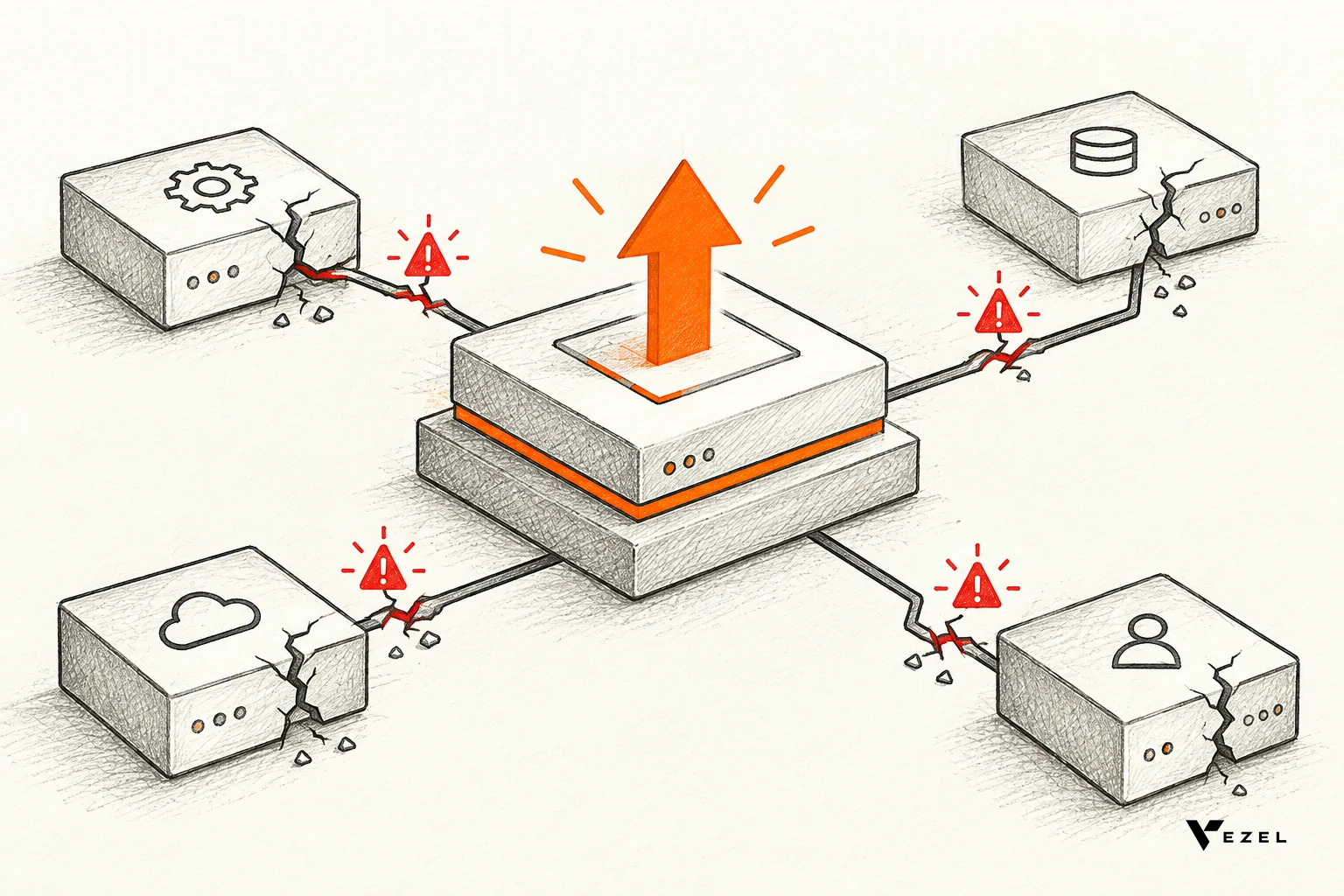
Run this check: pull the last six months of rollbacks, hotfixes and post-release incidents. Mark each one that traced back to a custom integration or bespoke path. If more than a handful trace to code that was not part of the release, your core is more entangled than your architecture diagram says.
Also look at your release checklist. If engineers must "check with the Acme integration" before shipping, the integration is steering your roadmap.
4. Tests and documentation are thin or missing
Custom work is often built under deal pressure. Tests get skipped because the customer wants it by Friday, and docs never get written because the customer is the only user. Months later, no one can change the code with confidence.
Run this check: compare test coverage on custom code paths against coverage on your shared core. Then pick three integrations at random and ask a newer engineer to explain what each does using only the docs. If they cannot, the knowledge lives in one person's head.
A gap here means every future change takes longer than it should, because engineers have to reverse-engineer intent before they touch anything.
5. Your backlog is mostly maintenance for one customer
Look at the tickets, not the roadmap. If bug fixes, small tweaks and "can you also add a column" requests from single accounts fill your sprints, the real roadmap is whatever your loudest customers want this month.
Run this check: tag every ticket from the last two quarters as core, shared maintenance or single-customer. Calculate the share of engineering time in each bucket. There is no universal safe number, so set your own ceiling, write it down and track it every sprint.
If you want a method for this, our guide to extensibility platform versus custom development costs walks through what to count.
6. Custom requests are really dashboards, reports and approval flows
Most "integration" requests are not integrations at all. They are customers asking for a view of their own data, a report in their own format, or an approval step that matches their own process. Those needs vary by customer, yet teams often write them as permanent core code.

Run this check: take your last 20 custom requests and sort them into four groups: true system integrations (a connection to another product), dashboards and reports, workflows and approvals, and everything else. At Vezel, the requests we hear most often fall into the middle two groups.
Those two groups are candidates for a different delivery path. Teams and customer admins describe the dashboard, report or approval flow in plain English, and it runs as an extension inside the product. It uses your existing APIs, authentication and permissions instead of adding new core code. For the dashboard case, see how to build custom dashboards inside your SaaS.
7. No one can retire an integration
Healthy code has an exit. Debt-ridden code does not. If you cannot say which custom integrations are still used, you cannot remove them, and they sit in your build, your security reviews and your upgrade path forever.
Run this check: for each integration, find the last date it ran in production and the number of active users. Anything unused for a full billing cycle is a retirement candidate. Anything you cannot measure is a red flag by itself, because you have no evidence for keeping it.
Customers who lose a feature they depend on often rebuild it elsewhere, which can feed the pattern we describe in signs your SaaS customers are building shadow IT spreadsheets. So retire with notice, and offer a replacement path first.
Scoring your results and deciding what to do
Count how many of the seven checks came back red. These bands are our own rule of thumb, not an industry standard. One or two means you have isolated debt you can clean up. Three to five means debt is shaping your roadmap. Six or seven means custom work has become your default delivery model, and it is time to change the model, not just the code.
Two thresholds need numbers, and these are starting points to adjust, not benchmarks. For sign 3, treat "more than a handful" as more than three incidents in six months, of them. For sign 7, start with a retirement window of one billing cycle of zero use, then notice to the customer before removal.
Hypothetical worked example: suppose you sort 20 custom requests. Four are system integrations with owners, tests and usage: Keep. Three are needed by many customers: Promote to shared code. Nine are dashboards, reports or approval flows for one customer: Move to an extension. Four show zero or unmeasured usage: Retire. That is 4 + 3 + 9 + 4 = 20. Nine of 20 requests are extension candidates, so sign 6 is red.
Sort every custom integration you found into one of four outcomes:
- Keep: it is a real system integration with an owner, tests and usage.
- Promote to shared code: many customers need it, so build it once in the core.
- Move to an extension: it serves one customer or team, such as a dashboard, report or approval flow.
- Retire: usage is zero or unmeasured.
The third outcome is where Vezel fits. Our model is Build, Learn, Evolve: create the capability as an extension, watch how customers use it, then decide whether to keep it, share it or promote it into the core. Not every useful capability needs to become a core feature. Outcomes depend on your integration, governance and adoption, so we suggest starting with one high-value use case and measuring time to delivery against your current process.
On governance, publishing, permissions, approvals and the extension lifecycle are managed from a central control plane. Vezel says setting up its review queue usually takes 7 days, and most SaaS platforms can integrate Vezel in a few days. Extensions inherit your existing authentication, permissions and access controls.
If you want to see the flow before you commit, see how it works from connecting your APIs to governing extensions. When you have your own red-flag list ready, book a demo and bring the three integrations that worry you most. We reply to inquiries within 1-2 business days.