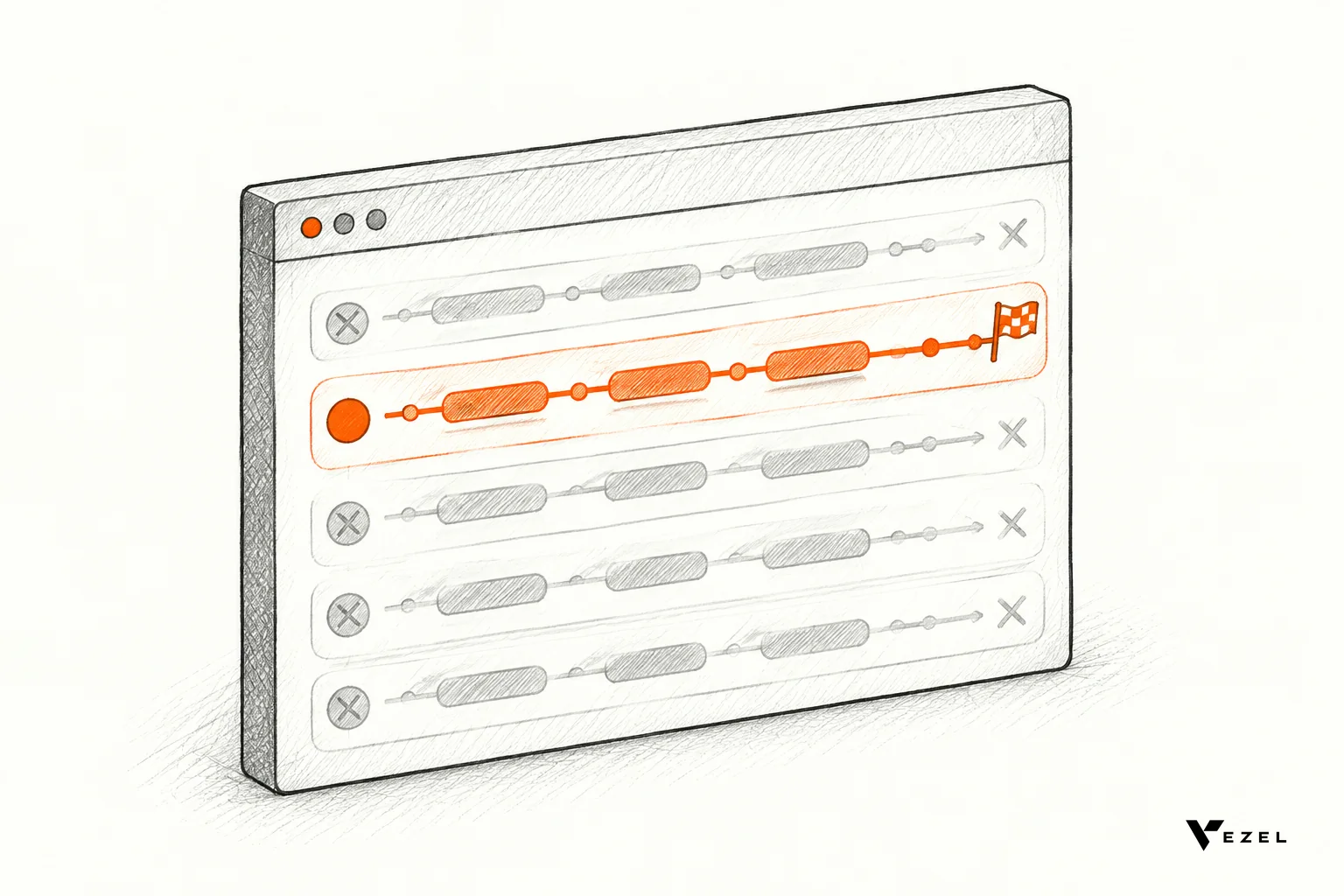


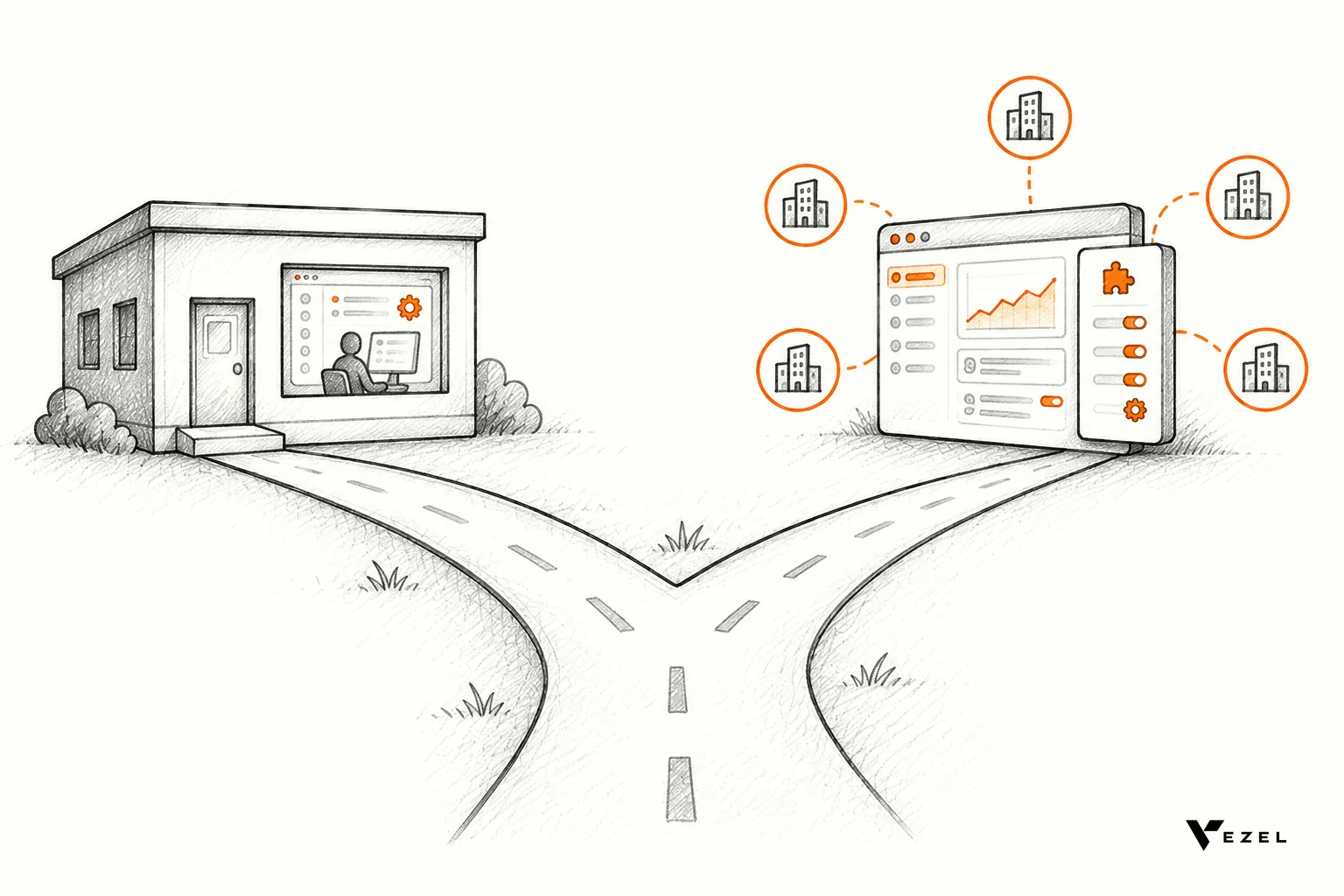
The right Budibase alternative depends on who will use what you build. If your own employees use it, Retool, Appsmith and Superblocks are the closest peers to Budibase. If your customers will use it inside your SaaS product, you need an embedded extension layer such as Vezel. Teams in the United States and other English-speaking SaaS markets mix these two jobs up often.
Vezel is an AI extensibility framework for B2B SaaS. Customers describe a dashboard, workflow or form in plain English, and it runs as an extension inside your product, using your APIs, authentication, permissions and design system. That is a different job from an internal tool builder, so this guide compares both honestly.
Budibase alternatives compared side by side
Budibase, Retool, Appsmith and Superblocks all aim at internal tools: apps that a company's own staff use against the company's own data. Vezel sits in a separate category. The table shows the main differences, using each vendor's own public descriptions.
| Option | Built mainly for | How it describes its governance | Pricing note |
|---|---|---|---|
| Budibase | Open-source platform for internal tools and workflow automation | Run Budibase Cloud or self-host; granular control over who can view, build and act | Community plan at $0 for self-hosting with unlimited users; Enterprise is custom |
| Retool | Internal tools built by describing them in natural language or editing generated React code | Central governance of permissions, source control, deployments and audit logging | Check Retool's pricing page for current plans |
| Appsmith | Open-source low-code platform for admin panels, dashboards and internal apps | Drag-and-drop widgets, JavaScript logic, Git-based CI/CD | Check Appsmith's pricing page for current plans |
| Superblocks | Building and governing AI-generated internal apps | IT manages integrations, authentication, access controls and auditing in one place; can run in your AWS VPC | Check Superblocks' pricing page for current plans |
| Vezel | Customer-facing extensions inside a B2B SaaS product | Extensions inherit the host product's authentication, permissions and access controls; a central control plane manages publishing, approvals and lifecycle | Not listed publicly; confirm with Vezel |
Prices change often, and only Budibase's Community tier is stated here with a figure. Treat the rest as questions for each vendor's pricing page, and compare them on the same user counts before you decide.
When does an internal tool builder fit?
An internal tool builder fits when employees of one company are the only users. Typical examples are admin panels, back-office screens, support lookups and approval apps. Budibase, Retool, Appsmith and Superblocks all serve this job, so choose among them on hosting, pricing and developer experience.
A useful way to test fit is to list every screen you plan to build and sort it. Read-and-lookup screens, such as searching an order or viewing its history, are low risk and any of these tools handles them. Screens that write data back, run approvals or touch money need more care around roles and audit trails.
Signs an internal builder is the right call
- Every user is an employee who already signs in through your company's single sign-on.
- The data lives in your own databases and your own team decides who sees it.
- You want to self-host. Budibase and Appsmith are open source, and Budibase says you can run it on private cloud, on-premise or air-gapped setups.
- A small team of developers will maintain the apps and can edit the underlying code or queries.
If that list describes you, pick among the four on practical grounds. Open-source and self-hosting favor Budibase and Appsmith. Heavy governance and AI app generation are how Retool and Superblocks describe themselves. Our Retool versus embedded extensibility comparison goes deeper on one of them.
When does a SaaS vendor need embedded extensibility instead?
A SaaS vendor needs embedded extensibility when the people who need a custom dashboard, form or workflow are its customers, not its staff. Those users live in your product, under your login, inside their own tenant. Sending them to a separate builder creates a second place to work.

Customer-facing use brings needs that staff tools rarely face. Outside users need their own sign-up, branding and pricing that does not count each of them as a seat. They expect the same look, the same roles and the same data boundaries as the rest of your app. Each customer also wants something slightly different.
There is a useful precedent. MIT's Center for Information Systems Research notes that Salesforce built its Platform so any customer paying a subscription fee can adapt the CRM to its needs without Salesforce modifying the original CRM products. Embedded extensibility applies that same idea to vendors who do not have a platform of their own.
What Vezel does in this category
Vezel integrates with your APIs and data models in a zero-footprint setup. Teams and customer admins describe what they need, Vezel generates the extension, and it runs in a secure container. Extensions are white-labeled, so they look and feel like a native part of the host product.
Typical builds include customer health dashboards and renewal workspaces for CRM, procurement approvals and supplier scorecards for ERP, onboarding journeys and compliance workflows for HR, and technician scorecards for field service. Most SaaS platforms can integrate Vezel in a few days, and setting up the control plane review queue usually takes 7 days.
For a closer look at this split, see our post on internal tool builders versus customer-facing extensibility.
Which permissions and authentication does the tool inherit?
An internal tool builder inherits whatever your company configures in the builder, usually single sign-on and database credentials for employees. An embedded extension inherits the host SaaS product's authentication, permissions and access controls, so customer users see only what the product already allows them to see.

This is the question that separates the two categories fastest. Retool, Superblocks and Budibase each describe strong central controls over who can view, build and act. Those controls govern the builder and the apps inside it, which suits staff. They do not automatically mirror your product's per-customer roles.
When customer users must reach a standalone tool, you usually end up mapping tenants, roles and row-level rules a second time. Every mapping is another place for a permission to drift away from the product. Vezel's approach is for extensions to inherit your existing authentication and permissions, and for publishing and approvals to run through a central control plane.
Questions to ask in a security review
- Whose login does an end user see, yours or the tool's?
- Are roles read from your product at runtime, or copied into the builder?
- Can one customer's extension ever reach another customer's data?
- Who approves, publishes and retires what customers build?
- What happens to a tool when its builder leaves the company?
Integration depth always depends on the interfaces your product exposes. Vezel works with the APIs and data your product makes available; it does not reach data your product does not expose.
How to choose a Budibase alternative in five checks
Choose by running five checks in order: who the users are, where the tool must run, whose permissions apply, who governs publishing, and how you will pilot it. The first check usually decides the category. The other four narrow the field to one or two vendors.
- Who will use it? Employees only points to Budibase, Retool, Appsmith or Superblocks. Your customers' users point to an embedded layer.
- Where must it run? If it must live inside your product's own screens, standalone builders add a second destination. If it is back-office, a separate app is fine.
- Whose permissions apply? Company staff roles favor a builder with central governance. Per-customer roles favor inheriting the host product's model.
- Who governs what gets published? Decide whether IT, your product team or customer admins approve new tools, and make sure the platform supports that workflow.
- How will you pilot? Start with one high-value use case, then measure time to delivery, adoption and impact against your current process.
Many companies need both. A SaaS vendor can run its support console on an internal builder and still give customers extensions inside the product. These are two layers, not rivals. Our guide to choosing an embedded extensibility platform covers the second layer in more detail.
One caution on low-code in general: research on low-code platforms, such as this peer-reviewed method for scoring platforms on citizen development, treats non-developers building software as a spectrum. How much your users can safely build should shape the shortlist.
What to do next
Write down the three apps you want to build, and label each as staff-facing or customer-facing. If all three are for staff, shortlist two builders and run a one-week trial on the same app. If any is customer-facing, test it against the security questions above before you pick a tool.
If customers are your users, you can book a Vezel demo and see an extension built on a demo account inside a SaaS product. Vezel replies to inquiries within 1 to 2 business days. If you want the mechanics first, see how it works, from API connection to a governed control plane.