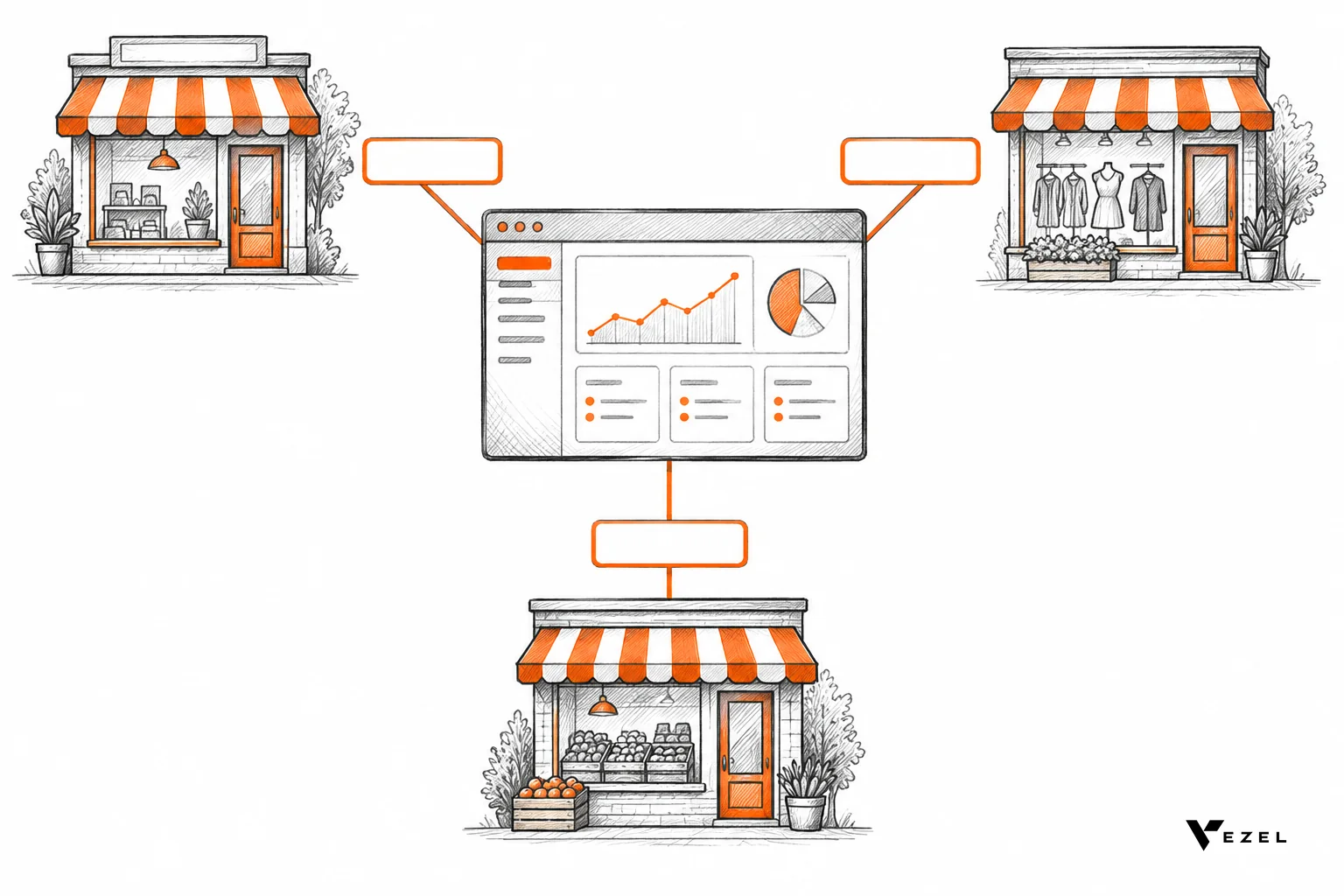


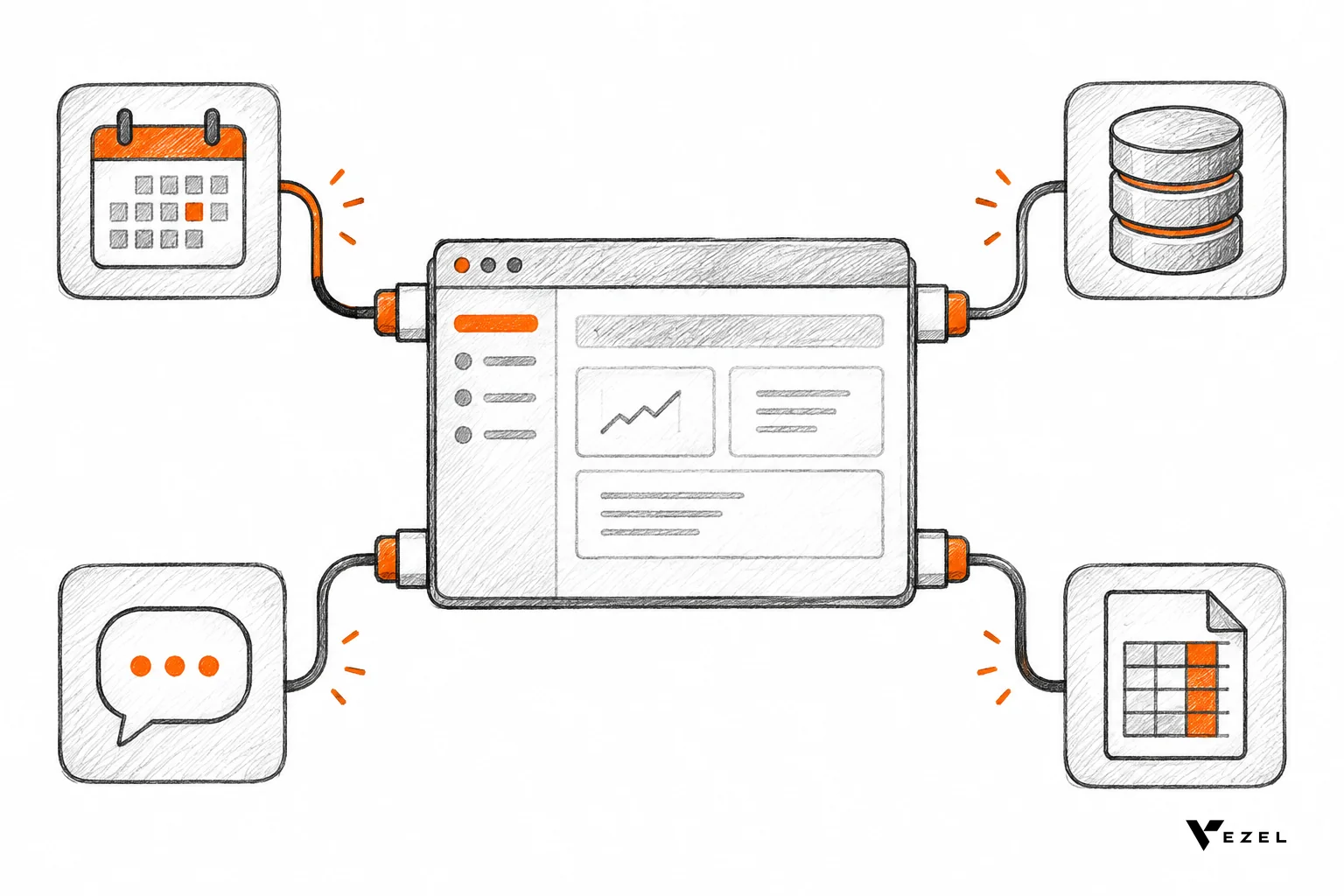
Embedded iPaaS is an integration platform built into your SaaS product, so your customers can connect it to their other tools without leaving your app. Your team defines the connectors once. Each customer authorizes their own accounts and sets up their own sync or workflow. Most US SaaS teams reach for it when integration requests start to multiply.
Key Takeaways
- Who it serves: embedded iPaaS serves your customers, not your own IT team. That one fact separates it from internal iPaaS.
- Versus building in-house: in-house code gives total control but leaves you maintaining every connector, token refresh and API change yourself.
- Decision rule: consider one when customers ask for many different integrations, each with its own field mapping and logic. Skip it if you need two or three fixed connectors.
- Evaluation criteria: test per-customer authentication, execution logs, field mapping and error handling before you look at connector counts.
- Not the same as extensibility: an iPaaS moves data between systems. A tool like Vezel lets customers build dashboards, workflows and forms inside your product. Many teams need both.
Embedded iPaaS at a Glance
| Approach | Who uses it | Who owns the connection | Best fit | Main trade-off |
|---|---|---|---|---|
| Embedded iPaaS | Your customers, inside your product | Each customer, with their own credentials | Many integrations that vary by customer | Another vendor in your stack and a usage-based cost model to review |
| Internal iPaaS | Your own IT or ops team | Your company | Connecting your CRM, billing and support tools | Not built for per-customer credentials or white-labeling |
| Building in-house | Your engineers | Your code, your maintenance | A few core integrations that define your product | Every connector is a long-term upkeep commitment |
| Unified API | Your engineers, calling one common API | You, through a single schema | One category, such as HRIS or accounting, with standard data | Limited room for customer-specific logic |
| Embedded extension platform (Vezel) | Your customers, inside your product | Your APIs and permissions | Custom dashboards, workflows, forms and agents on your own data | Works on your product's data, not as a system-to-system connector |
What Is Embedded iPaaS?
Embedded iPaaS is an integration platform as a service that a software company builds into its own product. Customers use it to connect that product to the other apps they run. Your brand shows on the screen, and the integration engine sits behind it.
Plain iPaaS is a familiar idea. EDUCAUSE Review describes iPaaS as a way to connect anything to anything, in any way, anywhere, with flexibility as its main capability. A university IT knowledge base explains iPaaS as a cloud-based solution that lets organizations integrate applications, systems and data sources.
The "embedded" part changes who is on the other side of the screen. Instead of your IT team wiring up your own tools, your customers wire up theirs. A shared integration layer runs underneath, but every customer sees their own connections, their own data and their own settings.
What a customer actually sees
A good embedded setup feels like part of your app. There is an "Integrations" page in your navigation. A customer picks an app, signs in to it, chooses which records to sync, and turns it on. They never learn that a separate platform is doing the work.
What your team still owns
You decide which connectors exist, how they look and which events trigger them. You also support the experience. When a sync fails at 2 a.m., the customer calls you, not the iPaaS vendor. That is why logs and error handling matter so much later in this guide.
How Is Embedded iPaaS Different From Internal iPaaS?
Internal iPaaS connects the tools your own company uses, and your staff run it. Embedded iPaaS ships inside your product so each of your customers can build and manage their own connections. The technology overlaps, but the user, the credentials and the branding are all different.
Think of an internal iPaaS as plumbing in your own building. Your ops team syncs new deals from your CRM to your billing tool. One company owns every credential, and nobody outside sees the interface.
An embedded iPaaS is plumbing you install in every customer's building, and each one has different pipes. That raises problems an internal tool never faces.
- Multi-tenancy: hundreds or thousands of customers each need isolated connections, data and run history.
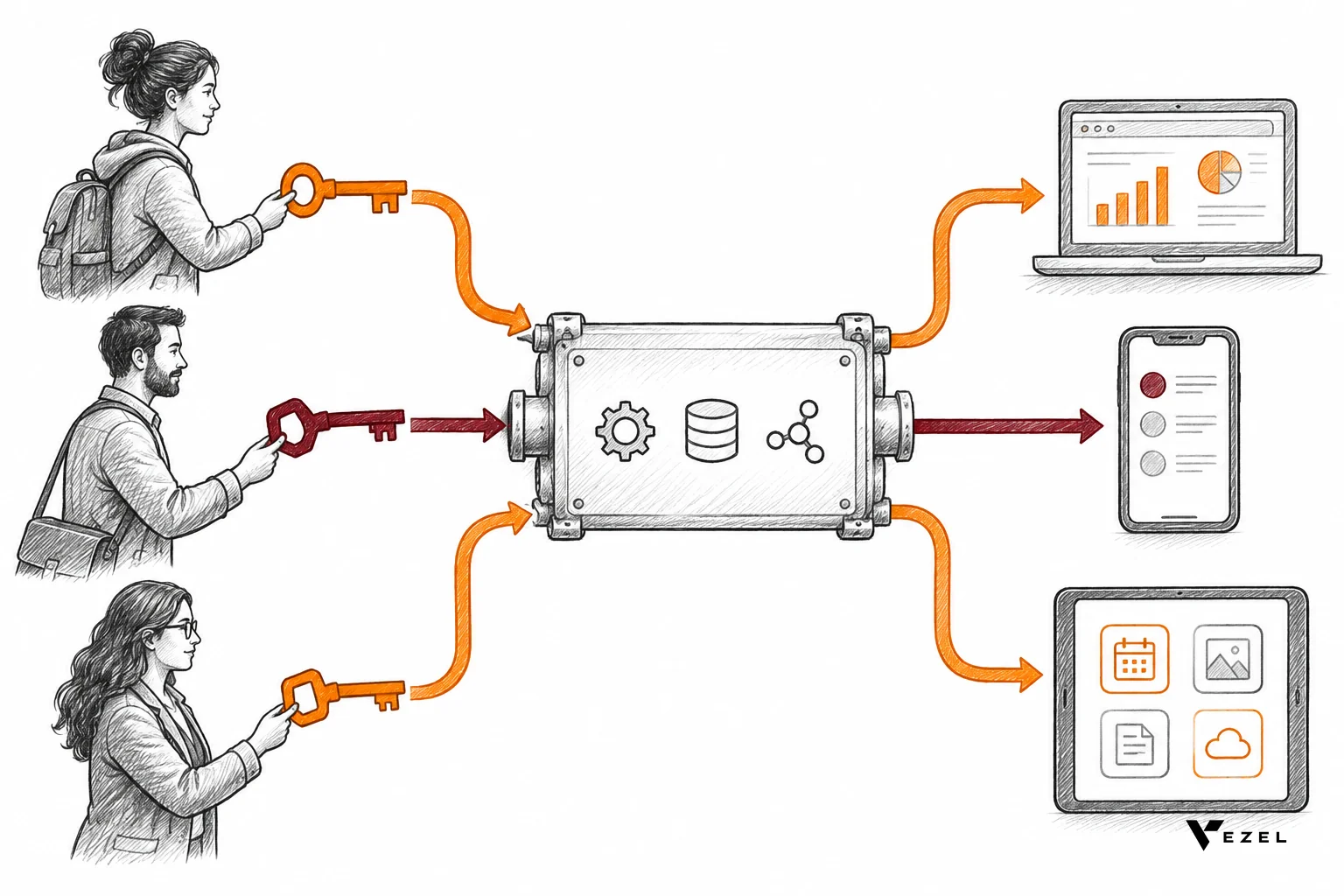
- Per-customer credentials: every customer authorizes their own accounts, and tokens must be stored and refreshed safely.
- White-labeling: the interface has to match your design system, since the customer thinks it is your feature.
- Non-technical users: the person building the integration may be an operations manager, not an engineer.
- Support boundaries: your support team needs visibility into a customer's runs without seeing data they should not.
You can technically run an internal iPaaS for your customers by creating accounts on their behalf. It works for a handful of accounts. It breaks down once customers want to manage their own connections, because the tool was not designed to hand control to outsiders.
Embedded iPaaS vs Building Integrations In-House
Building in-house means your engineers write and maintain every connector. You get full control over behavior and user experience. You also take on everything that comes with it: authentication flows, rate limits, retries, schema changes and the slow drift of third-party APIs.
The first connector is rarely the problem. The tenth is. Each one has its own login method, its own quirks and its own way of breaking. A connector that worked last quarter can fail after the other vendor changes a field name.
| Factor | Embedded iPaaS | Building in-house |
|---|---|---|
| Time to first integration | Usually shorter, since auth and plumbing exist | Longer, since you build the foundation first |
| Control over behavior | High within the platform's limits | Complete |
| Ongoing maintenance | Shared with the vendor for common connectors | Entirely yours |
| Customer-specific logic | Often supported through configurable workflows | Each variation is a code change |
| Vendor dependency | You rely on another company's platform | None beyond the APIs you call |
| Best for | Long tail of varied integrations | The few integrations central to your product |
Our view: build in-house when an integration is part of what makes your product special, and use an embedded platform for the long tail. If you want a structured way to score that choice, our build vs buy framework for SaaS features covers the cost, time and risk questions.
One thing is not settled: the vendor-dependency risk. If you base most of your integrations on one platform, a price change or outage affects you directly. Ask how you would export your configurations before you commit.
Typical Use Cases for Embedded iPaaS
Embedded iPaaS fits when customers need your product to talk to many different tools, in ways that differ from account to account. It works less well for a single fixed connection. The patterns below show up most often in B2B products.
Native connectors in a marketplace
The simplest case is an "Integrations" page listing apps your customers already use, such as accounting, messaging, calendar or storage tools. Customers turn them on with a few clicks. You avoid writing and maintaining each one from scratch.
Customer-specific multi-step workflows
Here customers want logic, not just a sync. For example: when a record hits a certain status, create a ticket in one tool, post to a channel in another, and update a spreadsheet. Each customer wants different steps, so a fixed connector will not cover it.
Two-way data sync with field mapping
Customers keep records in several systems and want them to agree. Each has its own custom fields, so mapping matters. One customer's "Region" may be another's "Territory," and the sync has to respect that.
Feeding data to AI agents and reports
AI agents and dashboards are only as useful as the data they can reach. An embedded iPaaS can pull records from outside systems into your product. From there, customers can build views and automations on top of it.
When Does a SaaS Product Need an Embedded iPaaS?
A SaaS product needs an embedded iPaaS when customers keep asking for different integrations, each with its own mapping and logic, and building them one at a time no longer keeps up. If requests are few and uniform, in-house code or a unified API is usually simpler and cheaper.
Here is a decision rule we would use. Count the integrations customers have asked for in the last two quarters. Then ask how many were truly the same request. If most were unique, a platform with configurable workflows pays off. If most were the same two or three apps, build those directly.
A hypothetical worked example
Suppose a field-service SaaS company hears from its customers about accounting tools, three different messaging apps, two ticketing systems and a handful of spreadsheet exports. No two customers want the same field mapping. Writing each as custom code means a new project per customer.
That company is a good candidate. By contrast, a niche scheduling app whose customers all use one calendar provider has no such need. A single in-house connector covers it, and a platform would add cost and a new dependency.
Signs you are not ready
- You have no clear list of integrations customers ask for.
- Your data model changes often, so mapped fields would keep breaking.
- Your public API is thin. An iPaaS can only reach what your API exposes.
- Customers mainly want reports or forms in your product, not data moving between tools.
That last point matters. Many "integration" requests are really requests for a custom view or workflow on the data you already hold. For those, an extension platform is the better tool. Our guide on connecting AI extensions to your SaaS APIs shows how that works against your own endpoints.
How to Evaluate an Embedded iPaaS
Evaluate an embedded iPaaS on four things first: per-customer authentication, execution logs, field mapping and error handling. These decide whether the experience holds up with real customers. Connector counts and demo polish matter far less than how the platform behaves when something goes wrong.

Per-customer authentication
Each customer must connect their own accounts, and one customer's credentials must never touch another's. Ask how tokens are stored, how they refresh and what happens when a customer revokes access. Check that OAuth flows can carry your branding and that customers can reconnect without calling support.
Also check how the platform handles your own login. Customers should reach the integration screens through the identity and permissions you already enforce. If you need background on access models, see our comparison of RBAC vs ABAC for multi-tenant SaaS.
Logs and run history
When a customer says "my sync did not run," you need an answer in minutes. Look for a run history that shows each execution, its inputs, its outputs and where it stopped. Ask whether your support team can search by customer, and whether logs can be exposed to customers themselves.
Check retention too. If logs vanish after a short window, you cannot investigate last month's problem. Also ask whether sensitive fields can be masked in logs.
Field mapping
Every customer's data looks a little different. The platform should let customers map your fields to theirs, including custom fields, without a developer. Test it with an awkward case: a required field on one side that is optional on the other, or a dropdown whose values do not match.
Also look at transformations. Date formats, units and text cleanup come up constantly, and a mapper that cannot handle them will push work back to your engineers.
Error handling and retries
Third-party APIs fail. They rate-limit, time out and change. A solid platform retries with sensible back-off, separates temporary failures from permanent ones and alerts the right person. Ask what a customer sees when a connection breaks, and whether failed runs can be replayed after a fix.
Other criteria worth checking
- White-labeling: can the interface match your design system and domain?
- Tenant isolation: how are customers' data and runs kept apart?
- Versioning: can you update a workflow template without breaking live customer copies?
- Pricing model: check how cost scales with customers, runs or connections, and model your own growth. Ask the vendor for current pricing.
- Exit path: can you export configurations if you leave?
Red flags
- A demo that only shows the happy path and never a failed run.
- Shared credentials or service accounts used across customers.
- No way to see logs per customer.
- A mapper that works only for fixed schemas.
- Vague answers on what happens during vendor downtime.
For a broader checklist that goes beyond integrations, see our guide on how to choose an embedded extensibility platform.
Where Embedded iPaaS Stops and Vezel Starts
Vezel is not an iPaaS. It is an embedded AI extension platform that lets your customers create dashboards, workflows, reports, forms, automations and AI assistants inside your SaaS product using plain English. It connects to your APIs, and extensions inherit your existing authentication, permissions and access controls.
The two tools solve neighboring problems. An embedded iPaaS moves data between your product and other systems. Vezel gives customers a way to build business-specific capabilities on top of the data and APIs your product already has.
Here is how we see the split. If a customer says "sync our records to another tool," that is iPaaS territory. If they say "show our regional managers a weekly view of overdue approvals," that is an extension. Vezel works in that second case, and most SaaS platforms can integrate it in a few days.
Many teams end up using both. The iPaaS brings outside data in, and customers use extensions to turn it into views and workflows. If you want the code-free side of embedding integrations, we cover it in a separate guide on embedding integrations in your SaaS without code. For a hands-on look at the extension side, see how Vezel works.
FAQ
Is embedded iPaaS the same as a unified API?
No. A unified API gives your developers one common interface to many apps in a single category, such as accounting. Embedded iPaaS gives your customers a configurable layer for workflows and mapping. Unified APIs suit standard data; embedded iPaaS suits logic that varies by customer.
Do my customers need technical skills to use it?
Not if it is set up well. The best implementations present integrations as simple screens: pick an app, sign in, map fields and switch on. Complex multi-step logic may still need a technical admin on the customer side, so decide who your target user is up front.
Who handles support when an integration fails?
Usually you do, since the customer sees your product. That is why per-customer logs, clear error messages and replay options belong at the top of your evaluation list. Ask any vendor how their tooling helps your support team diagnose a failed run.
Can I start with in-house connectors and move to embedded iPaaS later?
Yes, and many teams do. Build the one or two connectors central to your product first. Move to a platform when the long tail of requests grows. Keep your public API clean from the start, since any approach depends on it.
Next Step
If your customers want to bring data in from other tools and then build the dashboards, workflows and forms that fit their business, you will probably want both an integration layer and an extension layer.
We can show you the second half. Book a demo with Vezel to see customer-built extensions run on your APIs with your permissions, from our teams in San Carlos, California and Noida, India. We reply to inquiries within 1-2 business days.