Engineering capacity lost to custom customer requests usually settles around 40% of a B2B SaaS team's total bandwidth, spent on dashboards, approval flows, and reports built for a single account. That figure holds whether the request came from your biggest whale account or your newest logo, and most teams never measure it until the roadmap stalls.
Key Takeaways
- The number is bigger than most teams admit: mid-market B2B SaaS companies lose up to 40% of engineering capacity to one-off enterprise customization work.
- One "yes" costs months, not days: a single custom enterprise request can consume three months of engineering velocity once scoping, building, and support are counted.
- Most of that work never gets adopted: up to 70-80% of enterprise feature requests never ship, and the ones that do often serve a handful of accounts.
- Customization debt compounds quietly: it hits architecture, QA, and support simultaneously, and no single team sees the full bill until release dates slip.
- Embedded extension layers redirect the work: letting customers build their own dashboards and workflows in plain English, inside the product, returns engineering hours to core roadmap items instead of bespoke builds.
At a Glance: Where Engineering Capacity Goes
| Cost center | What it looks like | Typical impact |
|---|---|---|
| Scoping custom requests | PM and engineering time spent sizing one-off asks before a sprint even starts | Weeks of planning overhead per request |
| Building the feature | A scoped single workflow built from scratch | $10,000-$30,000, three to six weeks |
| Maintaining bespoke code | Separate branches, configs, or deployments per customer | Ongoing QA and support load, growing with each customer |
| Supporting the edge case | Senior engineers fielding bugs only they remember how to fix | Knowledge concentrated in a few people, hard to hand off |
| Core roadmap | What's left for the product every customer actually buys | Often squeezed to 60% or less of total capacity |
| Feature adoption after shipping | Custom-built features used by a narrow subset of accounts | Many land under 10% usage within six months |
Where Does the Lost Capacity Actually Go?
It goes into four places: scoping, building, maintaining, and supporting work that exists for one account. None of those four steps shows up as a single line item, so leadership sees velocity drop without seeing why.
Scoping alone eats more time than teams expect. A sales engineer flags a custom ask, a PM writes a spec, and engineering estimates complexity before anyone decides whether to build it at all. That cycle repeats for every request, whether it ships or not.
Building a scoped single workflow runs $10,000 to $30,000 and takes three to six weeks for most mid-market teams. Multiply that by a dozen enterprise accounts each asking for something slightly different, and the math stops working.
The part most forecasts miss is maintenance. Once a bespoke workflow ships, someone has to keep it alive through every platform update, permission change, and API migration, for as long as that customer stays on the contract.
Why Saying Yes to One Enterprise Account Costs More Than It Looks Like
Saying yes costs more because the bill arrives in three separate departments that rarely compare notes. Architecture bends to accommodate the one-off, QA inherits a permanent new test surface, and support carries tribal knowledge that lives in one engineer's head.
This is what gets called customization debt: an operating cost that behaves like technical debt but spreads across teams instead of staying in one codebase. As one engineering-debt analysis put it, no single team sees the full bill, so the cost stays out of view until release dates slip.
The fix isn't refusing every custom request. It's applying a standard before the contract is signed, not after. A useful framework is the three-bucket decision standard: build it into core if multiple accounts want it, extend it through a configurable layer if it's narrow but recurring, or decline it if it serves exactly one account with no pattern behind it.
The Core vs. Custom Ratio: A Decision Framework
Every SaaS team should know its current split between core product work and custom, one-customer work, measured in effort or cost. Without that number, you're negotiating每 deal blind.
Start by tagging every engineering ticket for one sprint: core roadmap, or customer-specific. Add up the hours. That's your baseline ratio, and for most mid-market teams it lands uncomfortably close to 60/40 in favor of custom work.
Then set a target. If custom work is consistently above a third of capacity, product leadership needs a different lever than "say no more often." Review the ratio quarterly, the same way a quarterly feature audit flags low-adoption features for sunset instead of indefinite maintenance.

Signs your ratio has tipped too far
- Your sprint backlog is named after customers, not features.
- Sales demos capabilities that don't exist yet in the shared product.
- Senior engineers are the only people who understand half the custom code.
- Nobody on the leadership team can state the current ratio off the top of their head.
How an Embedded Extension Layer Redirects Capacity Back to Core Product
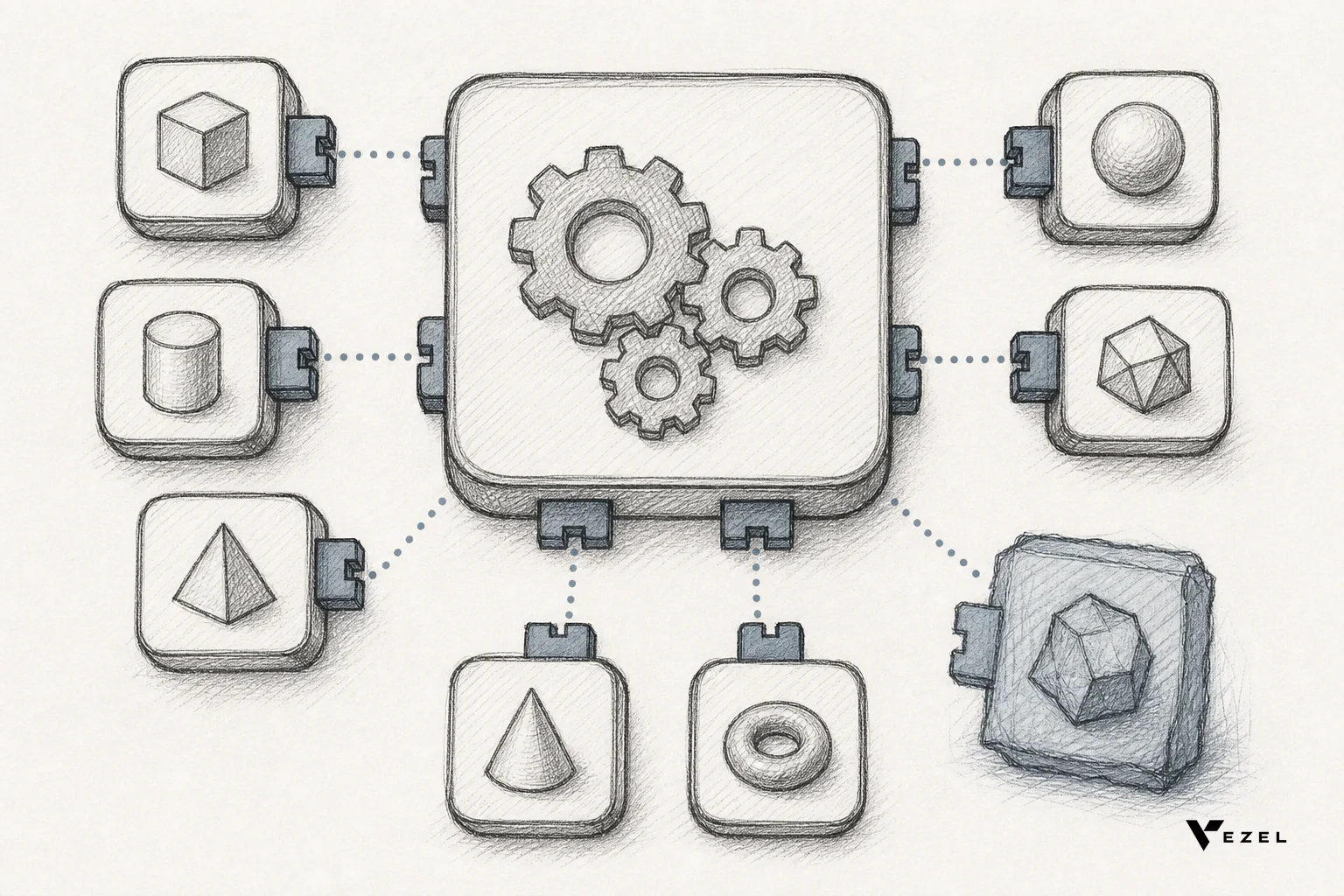
An embedded extension layer lets customers build their own dashboards, workflows, reports, and AI agents inside your product, in plain English, instead of filing a ticket your engineers have to build by hand. That's the model Vezel runs: natural language requests turn into working, permissioned extensions that inherit your product's own data and access controls.
The mechanics matter here. Vezel's API auto-discovery maps to your existing data models and endpoints, so there's no separate integration project per customer. Security inheritance means an extension a customer builds respects the same authentication, RBAC, and row-level permissions already running in your product. White-label theming keeps it looking native, not like a bolted-on third-party tool.
This is a different category from general-purpose builders. Retool is built for internal teams shipping admin tools for their own staff, not for handing a builder directly to paying customers. Superblocks targets the same internal-engineering use case. Mendix is a full low-code application platform aimed at building entire new applications, a heavier lift than extending one existing product.
Glide is a general-purpose no-code app builder, not purpose-built to plug into an existing SaaS product's APIs. Salesforce AppExchange extends Salesforce specifically and leans on a marketplace of pre-built, certified apps and consultants rather than letting a non-technical end user generate something net-new in plain English.

If you want to see the mechanics before committing engineering time to evaluate it, see how it works directly against your own product's data model.
Teams weighing this path against building in-house often start with a backlog audit. Our guide on how to reduce SaaS engineering backlog from enterprise requests walks through that first.
Is Every Custom Request Worth Solving With an Extension Layer?
No. An extension layer is the right fix for requests that are narrow but recurring, like a dashboard or approval flow one account needs today and another will ask for next quarter. It's the wrong fix for a true one-time, no-pattern request, which usually isn't worth building at all.
Use frequency and uniqueness as your two axes. A request that's high-frequency and low-uniqueness belongs in core product. High-frequency, high-uniqueness (every customer wants a dashboard, but each wants different metrics) is exactly what an embedded extension layer is built for. Low-frequency, high-uniqueness requests are candidates to decline, politely, with an alternative.
Research into feature adoption backs up the caution: features built purely from individual requests often land under 10% usage within six months. Don't let an extension layer become an excuse to build everything; it's a way to say yes without paying the full in-house build cost each time.
A Worked Example: Two Paths for the Same Enterprise Request
Consider a hypothetical mid-market CRM vendor whose largest account asks for a custom pipeline-health dashboard measuring deal velocity instead of the platform's default conversion-rate view. This is a labeled hypothetical, not a real customer engagement.
Path one: engineering scopes it, builds it as a one-off, and ships it in roughly four to six weeks at the typical $10,000-$30,000 range for a scoped single workflow. Six months later, two more accounts ask for similar-but-different dashboards, and engineering is back in the queue.
Path two: the account builds its own dashboard inside the product using plain English, connected to live data through an embedded extension layer. Engineering reviews and governs the result instead of authoring it line by line. The next account that wants a different cut of the same data does the same thing, without filing a new ticket.
The difference isn't just speed. It's where the engineering hours go afterward: back to the core roadmap, not into a permanent maintenance queue. Teams exploring that tradeoff in detail often compare it against the full in-house build cost before deciding.
A Checklist for Reclaiming Engineering Capacity This Quarter
- Tag every ticket this sprint as core or custom, and calculate your actual ratio.
- List every active custom build and note which single account it serves.
- Flag requests that are recurring-but-narrow versus truly one-off.
- Pilot an embedded extension layer on your three most demanding accounts before rolling it out company-wide.
- Set a quarterly review to retire low-adoption custom features instead of maintaining them indefinitely.
If shadow IT and spreadsheet workarounds are already showing up across your accounts, that's usually the clearest sign the ratio has already tipped. Our breakdown on the signs your SaaS company is losing engineering time to one-off requests covers what to look for first.
Engineering capacity lost to custom customer requests doesn't recover itself. It takes a deliberate decision about which work belongs in your roadmap and which work belongs in your customers' hands. Book a demo to see how an embedded extension layer handles your next enterprise ask without pulling an engineer off core product work.