



An AI research agent plans and executes multi-step tasks on its own, pulling from APIs, documents, and data sources to produce a finished report. An AI copilot stays inside a single workflow, drafting and suggesting while a human keeps the final call. Inside a SaaS product, the choice between the two determines whether you're automating a decision or just speeding one up.
Key Takeaways
- Autonomy is the dividing line: copilots suggest and wait for approval, agents plan and act across multiple steps without a human in the loop at every stage.
- Support assistants are a narrower case: they deflect tickets inside a defined scope, closer to a bounded agent than a general copilot.
- Research agents fit one-off, deep tasks: competitive intel, supplier scorecards, and internal research workflows where the output is a document, not a repeated daily action.
- Copilots fit recurring operational work: metrics pulls, status updates, and escalation routing that a team repeats every day or week.
- Governance matters more than the label: an agent or copilot embedded in your SaaS must inherit your existing permissions model, not run on a side login.
At a Glance: Copilot, Research Agent, and Support Assistant
| Type | Autonomy Level | Human Role | Best Fit | Typical Output |
|---|---|---|---|---|
| AI Copilot | Low to medium | Reviews and approves every action | Recurring ops work, metrics review | Draft, suggestion, summary |
| AI Research Agent | High | Sets the brief, reviews the finished output | Competitive intel, internal research | Structured report |
| Support Assistant | Medium, bounded | Escalation handling for edge cases | Ticket deflection | Resolved ticket or handoff |
| Workflow Automation | Rule-based | Approves exceptions | Approvals, onboarding | Completed process step |
Vendors have muddied these terms. The underlying question an evaluator should ask, whether buying or building, is who holds the final action: the human or the system.
What Is an AI Copilot Inside a SaaS Product?
An AI copilot is an in-product assistant that drafts, suggests, and flags, while a person reviews the output before anything happens. It never takes the final action on its own. That single design choice is what makes copilots low-risk enough to embed inside an existing SaaS workflow.
A copilot sitting inside a support queue might surface the three most relevant past tickets and draft a reply. The rep still hits send. A copilot inside an operations dashboard might flag which accounts are at risk this week and draft the outreach note. A manager still decides who gets contacted.
This matches what the industry now calls the standard definition: a copilot augments a human's decision rather than replacing it. GitHub Copilot suggests code; the developer commits it. The pattern holds for any SaaS-embedded copilot built the same way.
Our own breakdown of how to build an AI operations copilot in your SaaS covers the recurring internal tasks, like a Monday metrics pull or a stakeholder status update, that copilots are built for.
What Is an AI Research Agent?
An AI research agent plans a multi-step task on its own, chooses which tools or data sources to use, and returns a finished, structured output without a person directing each step. That's a fundamentally different contract than a copilot's wait-for-approval loop.
The defining trait, per recent industry analysis, is that a research agent operates "without step-by-step human instruction," which separates it from a chatbot that only answers a question when asked. Ask it for a supplier scorecard and it will pull pricing pages, compare contract terms, and assemble the comparison itself.

Inside a B2B SaaS product, a research agent is the right fit when the task is deep but infrequent: a one-time competitive teardown, a quarterly market scan, or a customer's internal research project that doesn't need to run every day. It produces a document, not a dashboard someone checks on Monday morning.
This differs from research agents sold as standalone products. Here, the agent lives inside the host SaaS platform, reads the customer's own data through existing APIs, and hands the output back without the customer leaving the product or re-authenticating anywhere.
Where Does a Support Assistant Fit?
A support assistant sits between the two. It acts with more autonomy than a copilot inside its narrow lane, resolving routine tickets end to end, but it escalates anything outside that lane to a human instead of improvising.
That bounded design is also why support assistants differ from a generic chatbot. A chatbot answers a question and stops. A support assistant is wired into the ticketing system, knows account history, and can actually close a ticket, not just describe how to close it. Our piece on building an AI operations copilot in your SaaS touches on this boundary for ops use cases; the same logic applies on the support side.
The industry has documented one visible case of what happens when a support assistant's autonomy outruns the guardrails around it. One fintech's AI customer service rollout initially handled two-thirds of Klarna's customer service chats in its first month, doing the volume of work of hundreds of agents. The lesson for SaaS teams building their own isn't "don't automate support." It's "scope the assistant's lane precisely, and make escalation cheap."
Copilot vs Agent: Where the Line Actually Is
The line is autonomy, not intelligence. A copilot and an agent can run the exact same underlying model; what differs is whether the system waits for a human to approve each action or proceeds on its own within defined bounds.
| Dimension | AI Copilot | AI Agent |
|---|---|---|
| Decision rights | Human approves every action | System acts within pre-set bounds |
| Typical task shape | Single-step suggestion or draft | Multi-step plan, chosen tools, synthesis |
| Failure mode | Bad suggestion, caught before action | Bad action taken before anyone notices |
| Oversight needed | Lighter, review at point of use | Heavier, audit trail and bounds set up front |
| Good first use case | Metrics summary, draft reply, status report | Market scan, supplier comparison, research brief |
One recent framework puts it plainly: choose copilots for predictable, human-in-the-loop assistance; choose agents when you need autonomous, multi-step execution across systems. That's a decision rule you can apply directly when scoping what to build inside your own product.
How Do You Tell Whether an Extensibility Model Is Actually Governed Versus Just Technically Open?
A governed extensibility model inherits the host product's existing permissions and runs every agent or copilot action through a publishing and lifecycle gate. A technically open model just exposes an API key and leaves access control to whoever builds on top of it.
The test is practical: can a customer-built agent see data outside its intended scope, and is there a record of who published it and when? If the answer involves a separate login, a separate role system, or "we'll check manually," it isn't governed yet, no matter how flexible the builder tooling looks.
This is also where copilots and agents diverge in risk. A copilot that only drafts is lower-stakes if permissions slip. An agent that acts across systems on its own needs the permission inheritance locked down before launch, not after the first incident. We cover the mechanics of this in how to prevent shadow IT in your SaaS platform.
Mapping Each Agent Type to a Specific Pain Point
Most product teams get this backward. They pick the AI feature that's trendy, then look for a use case. The better approach starts with the pain point and works backward to the right autonomy level.
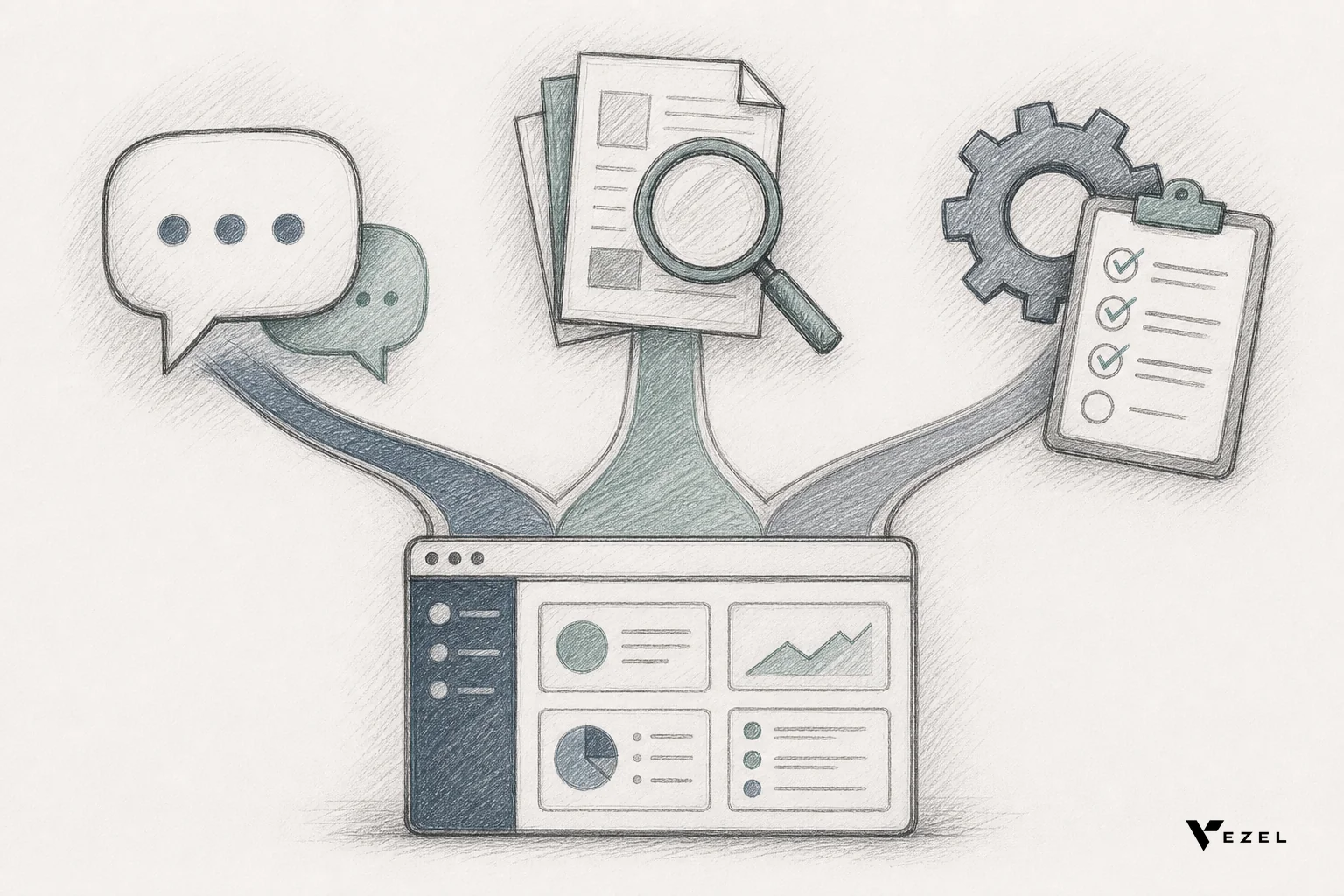
- High ticket volume, repetitive questions: build a support assistant scoped to known categories, with clean escalation paths for anything novel.
- Internal team spending hours on competitive or market research: build a research agent that can be pointed at a brief and left to assemble a report.
- Recurring internal reporting or status work: build a copilot that drafts the recurring artifact and lets a human approve it before it goes out.
- Approval chains or compliance processes: this is closer to workflow automation than either copilot or agent; see our guide on building approval workflow apps without developers.
Enterprise customers rarely ask for "an AI agent." They ask for the underlying job to stop eating their week. Mapping the request to the right autonomy level, instead of defaulting to whichever is easiest to demo, is what keeps the result useful past the first week.
Building These Inside Your Own SaaS Product
The build question isn't whether to add AI, most SaaS platforms already have. It's whether these agents and copilots live inside the product, wearing your brand and inheriting your permissions, or as a bolt-on tool your customers have to leave the product to use.
A copilot or research agent built this way reads from your existing data models through API auto-discovery, respects row-level access controls already in place, and is white-labeled so it feels native rather than tacked on. That's a different proposition than wiring up a standalone agent framework and hoping the permissions line up later.
This is the same architectural shift we cover in how to build custom dashboards inside your SaaS: customers increasingly expect to build the capability they need inside the product they already use, in plain English, not through a separate tool with its own login.
FAQ
Can one SaaS platform run both a copilot and a research agent?
Yes. Most mature deployments run several: a copilot for recurring ops work, a support assistant for ticket deflection, and a research agent for one-off deep tasks. They share the same permission layer but operate at different autonomy levels for different jobs.
Does an agent need more engineering oversight than a copilot?
Generally yes, because an agent acts across multiple steps without approval at each one. That calls for defined bounds, an audit trail, and a lifecycle policy set up before launch, not a manual review after something goes wrong.
What's the practical difference between a journey platform that shares data natively versus one that relies on scheduled exports for reporting?
A platform sharing data natively lets an agent or copilot query live, permissioned data at request time. One relying on scheduled exports hands the agent a stale snapshot, which limits what either a copilot or a research agent can safely act on or report against.
If your product team is fielding "can you build us a research agent" or "we need a copilot for our ops dashboard" requests every quarter, that's a sign extensibility belongs inside the product, not on another team's backlog. See how this works inside an existing SaaS product, or book a demo to scope which agent type fits your customers' actual pain points first.



