


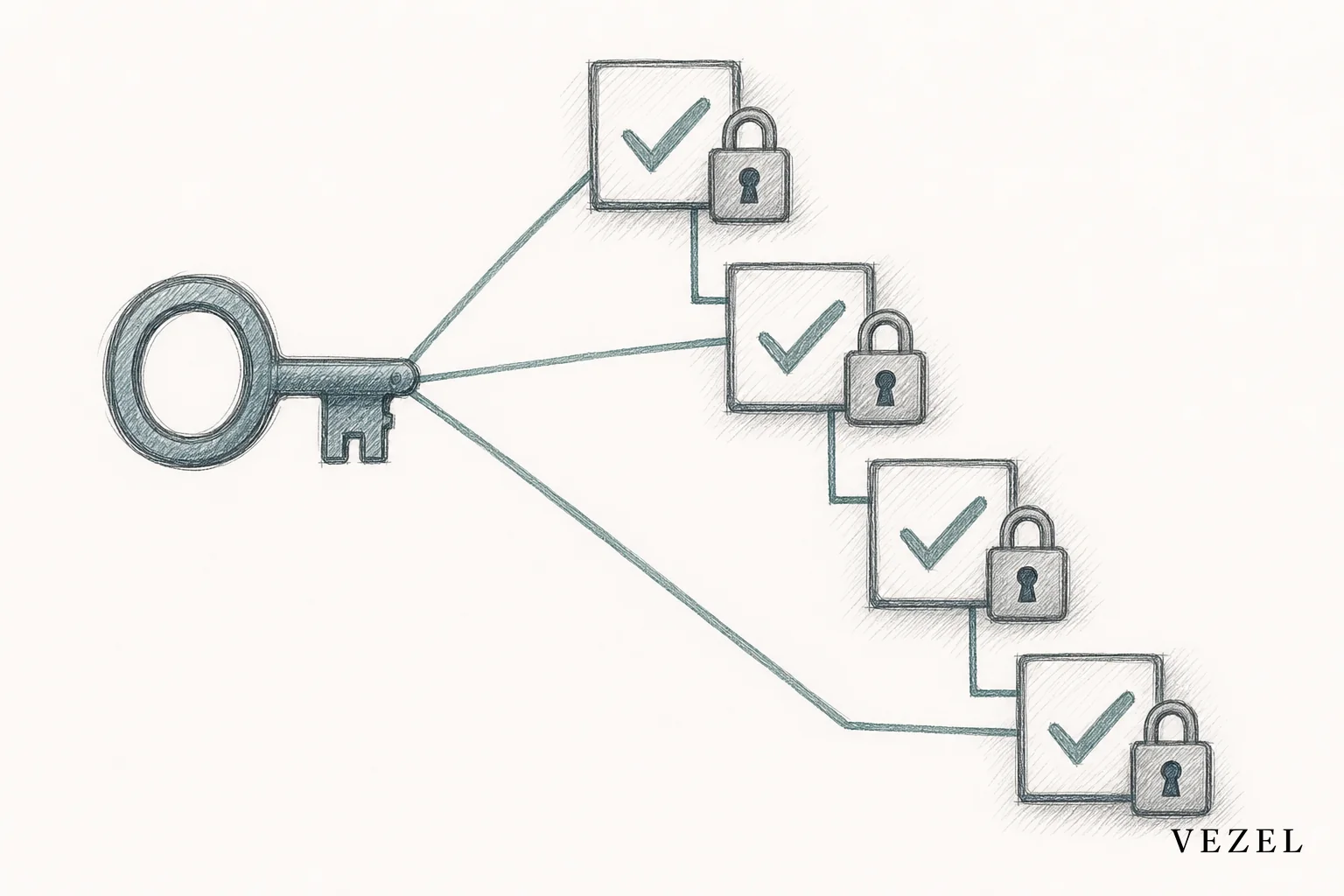
You can build an approval workflow app inside a SaaS product without developers by describing the process in plain English, letting the workflow inherit existing permissions automatically, and connecting it to live data through API auto-discovery. No ticket, no sprint, no custom code. A product manager or CS lead can do it in an afternoon.
Key Takeaways
- Skip the engineering ticket: Approval workflows built through plain-English prompting connect directly to existing APIs, so they don't need a backlog slot.
- Permissions come free: A properly built workflow inherits the host product's RBAC and row-level access rules instead of requiring a separate permission model.
- Governance still matters: Publishing and versioning the workflow through a governed marketplace prevents it from becoming an unmanaged shadow tool.
- White-labeling avoids the "bolted-on" feel: A workflow that inherits your product's design system reads as a native feature, not a plugin.
- This is a capability, not a feature: One customer's approval chain doesn't need to become a roadmap item for every customer.
At a Glance: Approval Workflow Build Options
| Approach | Typical Time | Requires Developers | Inherits Permissions | Feels Native |
|---|---|---|---|---|
| Custom engineering build | 4-8 weeks | Yes | Only if rebuilt manually | Yes |
| Generic no-code app builder | 1-2 weeks | Sometimes | No, separate login required | No |
| Spreadsheet + email workaround | Days | No | No | No |
| Embedded plain-English workflow builder | Hours | No | Yes, automatic | Yes, white-labeled |
1. Map the Approval Process Before You Touch a Tool
Every approval workflow starts as a conversation, not a build. Sit with the requesting customer or the CS team that surfaced the request. Ask who submits, who approves, what triggers escalation, and what happens when someone is out of office.
Write down the steps as a simple chain: submit, review, approve or reject, notify. Note any conditional branches, like a purchase order over a certain amount routing to a director instead of a manager. This map becomes your plain-English prompt in the next step.
2. Describe the Workflow in Plain English
This is where the ticket disappears. Instead of writing a spec and waiting for a sprint, you type the workflow you mapped directly into the extension builder. A prompt like "create a purchase approval workflow where requests under $5,000 go to the requester's manager, and anything above routes to finance" is enough to generate a working draft.

The generated workflow is editable. You can adjust steps, add a rejection path, or insert a reminder after 48 hours of inactivity, all still without writing code. This is the same mechanic behind tools covered in how to embed a workflow builder in your SaaS, applied specifically to approval chains.
3. Let the Workflow Inherit Existing Permissions Automatically
An approval workflow that ignores your product's existing access rules is a liability, not a shortcut. If a regional sales manager can only see their own team's deals in the host CRM, the approval app they use must respect that boundary too.
When the workflow inherits RBAC and row-level permissions from the host platform, there's nothing new to configure. The approver list, the visibility rules, and the audit trail all follow the same logic your customers already trust. This is the exact gap explored in how to inherit row-level permissions in SaaS tools.
How do healthtech platforms build permissioned reporting for customers?
Healthtech platforms build permissioned reporting by connecting the report or workflow directly to the host product's existing authentication and row-level access rules, so a hospital sees only its own facility's data. The same inheritance model applies to approval workflows for consent forms, staffing requests, or compliance sign-offs. For a deeper look at this pattern, see how healthcare SaaS platforms can offer extensibility.
4. Connect the Workflow to Live Data via API Auto-Discovery
An approval app is only useful if it acts on real records, not a copy of them. API auto-discovery scans your product's existing endpoints and data model, then maps the workflow's fields, like requester, amount, or department, to those live objects automatically.
That means no separate database, no data sync job, and no integration project. When finance approves a request inside the workflow, the underlying record updates in the host system immediately.
5. White-Label the Approval App So It Feels Native
Nothing kills adoption faster than a tool that looks like it came from somewhere else. If the approval workflow uses different fonts, colors, or navigation than the rest of your product, customers treat it as an add-on they can ignore.
White-labeling applies your product's existing design system to the generated workflow automatically. Buttons, colors, and layout match what the user already knows. The workflow reads as a feature you shipped, not a plugin bolted on top.
How to embed a form builder into an existing saas product
You embed a form builder into an existing SaaS product by connecting it to the same API and permission layer used elsewhere in the platform, so the form's submit action writes directly into live records instead of a separate database. Most approval workflows start with exactly this kind of intake form, capturing the request before it enters the approval chain.
6. Publish, Version, and Govern the Workflow
Once the approval workflow works, don't let it live as an unmanaged one-off. Publish it through a governed marketplace where it can be versioned, tracked, and rolled back if needed.
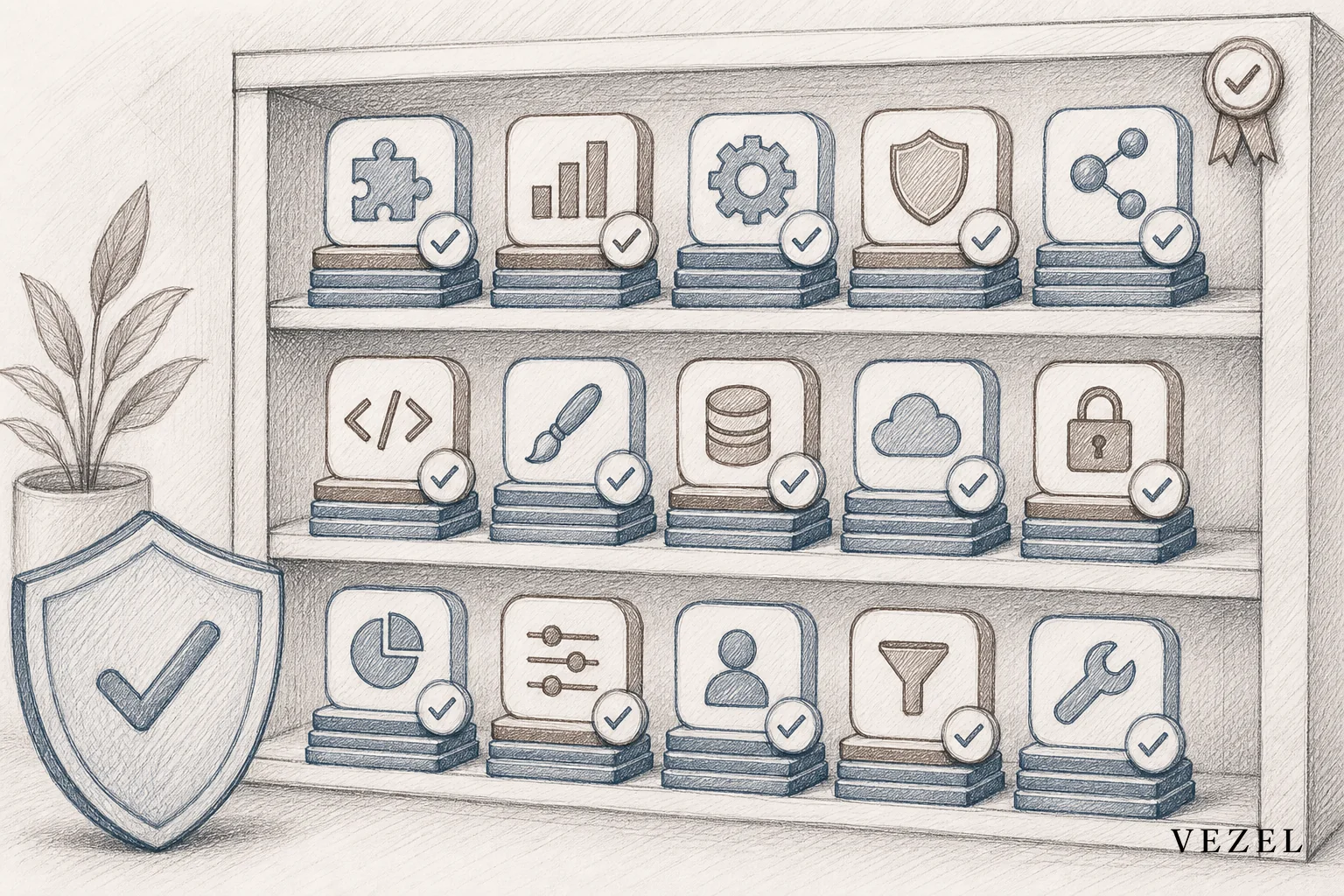
Governance is what separates this from shadow IT. Every published workflow has an owner, a change log, and an audit trail, so nobody is left guessing which version a customer is actually running. This is covered in more depth in what is a governed marketplace for SaaS extensions, though the core idea is simple: publish it like a product, not a favor.
Approval Workflow Builders vs Traditional Development: A Comparison
Choosing how to build an approval workflow usually comes down to speed versus control. Here's how the main paths actually compare once permissions and maintenance are factored in.
| Factor | Custom Engineering | Generic No-Code Tool (e.g. Retool, Glide) | Embedded Extension Builder |
|---|---|---|---|
| Build time | Weeks to months | Days to weeks | Hours |
| Needs a developer | Always | Often | Rarely |
| Permission model | Rebuilt manually | Separate, disconnected | Inherited automatically |
| Maintenance owner | Engineering | Whoever built it | Product/CS team |
| Customer-facing polish | High, if resourced | Low, generic UI | High, white-labeled |
Generic no-code tools like Retool or Glide are built for internal teams, not customer-facing use, which is why they usually require a second login and a separate permission setup. That distinction is explored further in Retool vs embedded extensibility for SaaS products.
Why This Matters for Engineering Backlog and Enterprise Deals
Approval workflow requests rarely arrive alone. One enterprise customer asks for a purchase approval chain, another wants a staffing sign-off process, and a third needs a compliance review step. Individually, none of these justify an engineering sprint. Together, they can quietly consume a large share of a product team's roadmap capacity.
Building the workflow without developers changes that math. It also shortens the sales cycle for prospects who won't sign until their specific approval process is demonstrated. For teams working this angle, how to shorten your enterprise SaaS sales cycle covers the deal-stage side of the same problem.
What's still unresolved is how far this pattern should extend before a workflow genuinely belongs in the shared product for every customer. That line moves company to company, and no single rule decides it correctly every time.
If your CS team is fielding another one-off approval request this week, don't file it. Book a demo and watch a real approval workflow get built, permissioned, and published in the time it would take to write the ticket. Want to see the mechanics first? See how it works before you bring it to your next customer call.