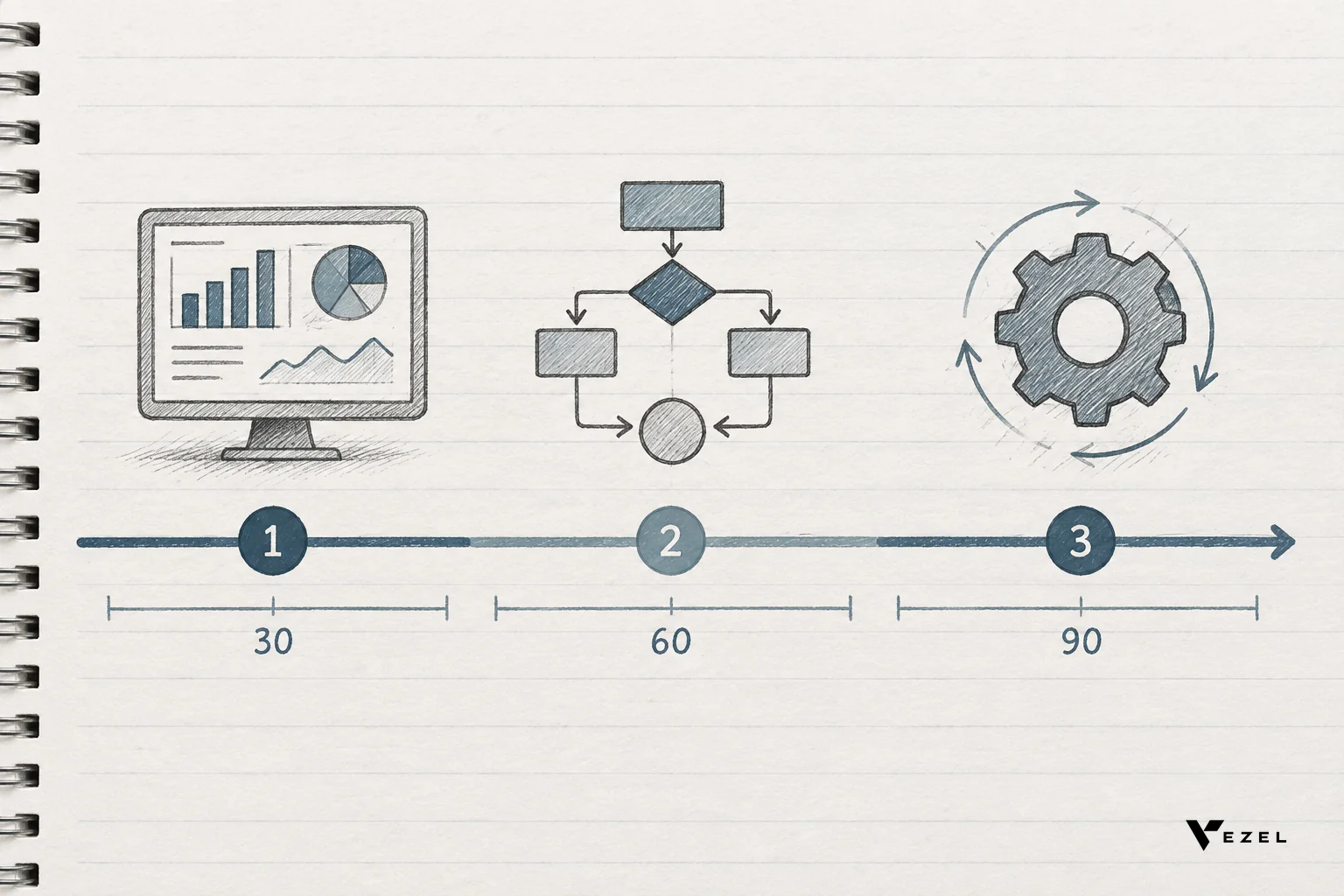



A finance manager types "show me overdue invoices by region this quarter" into a text box inside her billing platform, and thirty seconds later a working dashboard appears, built from live data, with no ticket filed and no developer involved. That is plain English AI prompting for SaaS dashboards: a request in ordinary words converted directly into a functioning, permission-aware piece of software.
Key Takeaways
- No technical input required: Customers describe what they want in normal sentences; there's no field picker, no query builder, no SQL.
- API auto-discovery does the mapping: The AI matches the request against the host product's existing OpenAPI endpoints and data models, so no engineer manually wires anything.
- Permissions carry over automatically: The dashboard runs under the requesting user's own login, RBAC, and row-level access, not a new admin account.
- The result looks native: White-labeled theming means the finished dashboard matches the host product's design system instead of looking like a bolted-on tool.
- It's reusable, not one-time: Unlike a chatbot answer, the dashboard persists and updates from live data every time someone opens it.
At a Glance: How a Prompt Becomes a Dashboard
| Step | What Happens | Who's Involved | Typical Time |
|---|---|---|---|
| 1. Request | Customer types a plain English description of the dashboard they want | End customer, no technical background | Seconds |
| 2. Discovery | API auto-discovery maps the request to existing endpoints and data objects | Automated | Seconds |
| 3. Matching | AI parses intent into fields, filters, and aggregations | Automated | Seconds |
| 4. Security check | Dashboard inherits the user's own RBAC and row-level permissions | Automated | Instant, no config |
| 5. Render | Dashboard displays inside the product using the host's design system | Automated | Instant |
| 6. Refine | Customer adjusts with more plain English, then publishes or shares it | End customer | Minutes |
1. The Customer Types a Plain English Request
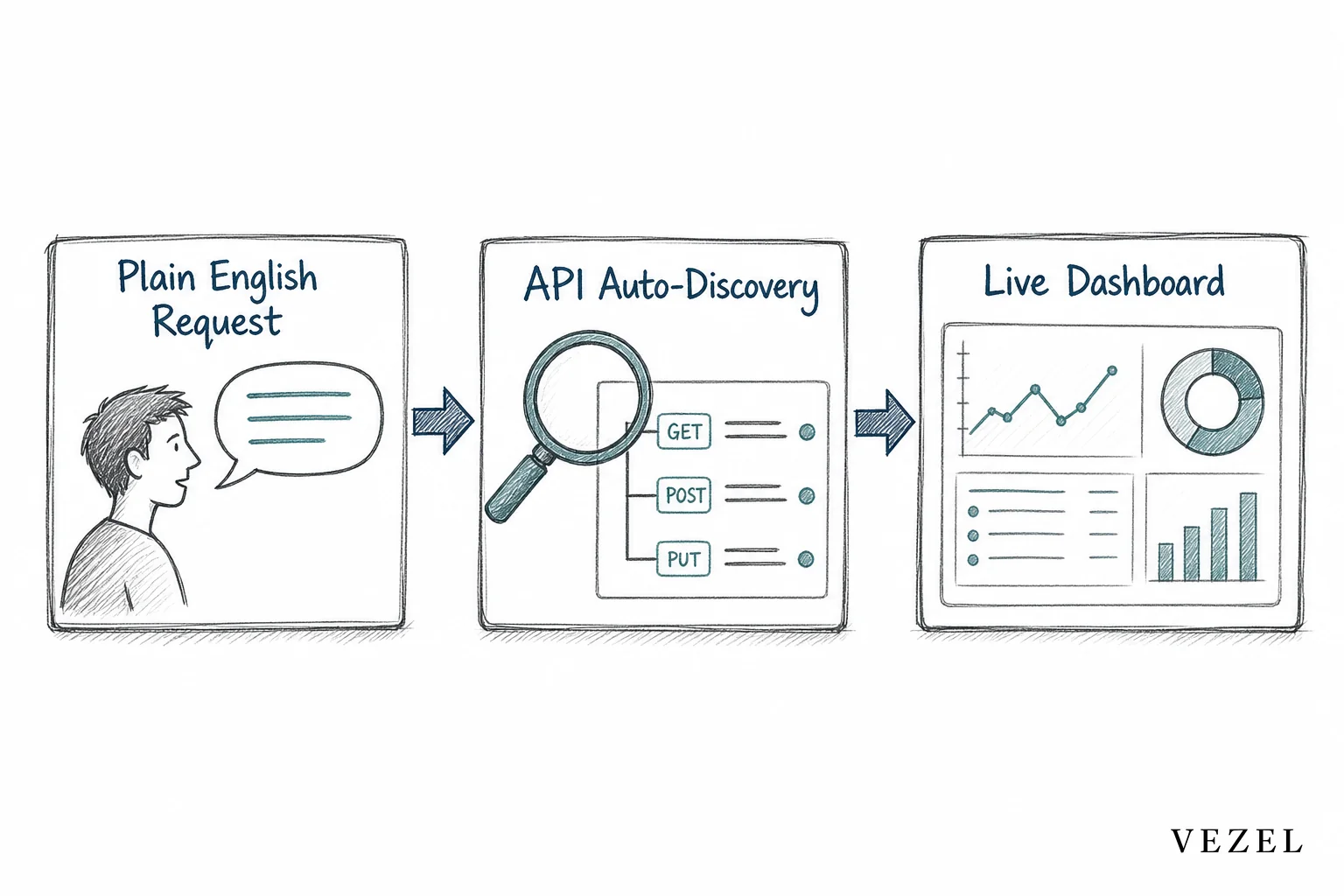
It starts with a sentence, not a spec document. A support operations lead might type "build a dashboard showing average ticket resolution time by agent, last 30 days." A supply chain analyst might ask for "on-time delivery rate by carrier this month."
There's no dropdown of fields to learn, no SQL, and no need to know how the underlying database is structured. The request is written the way the person already thinks about their job, which is the entire point of plain English AI prompting for SaaS dashboards. Vezel's approach treats this as the primary input, not an advanced feature buried behind a settings menu.
2. What Is API Auto-Discovery, and Why Does It Matter Here?
API auto-discovery is the process that scans a SaaS product's existing OpenAPI endpoints and data models, then automatically maps a plain English request to the correct objects, fields, and relationships. It matters because it removes the manual integration work that would otherwise require an engineer for every new dashboard.
Instead of a developer writing a custom connector for "invoices" or "shipments," the system already knows those objects exist because it read the product's own API definitions. When a customer's request references invoices, region, or quarter, the discovery layer resolves those terms against real fields the platform already exposes.
This is fundamentally different from a generic no-code app builder that expects you to define a schema from scratch. The data model already exists inside the host product. Auto-discovery just finds it.
3. The AI Matches Intent to Live Data Objects
Once auto-discovery has mapped the available objects, the AI has to figure out what the customer actually meant. "Overdue invoices by region this quarter" contains a filter (overdue), a grouping (region), and a time window (this quarter). The model translates each part into a query against live data, not a cached export or a sample dataset.
This is what separates a real dashboard from a static report. Every time the customer opens it, the numbers reflect the current state of the platform, because the extension queries live endpoints instead of a snapshot taken at build time.
The AI also has to avoid guessing wrong. Good implementations show the customer a preview before finalizing, so an ambiguous term like "region" gets clarified against the platform's actual taxonomy rather than assumed.
4. Security and Permissions Are Inherited, Not Rebuilt
The dashboard runs under the requesting user's own authentication session, role, and row-level access, so it can never show data that user wasn't already allowed to see. There's no separate login, no shared admin token, and no parallel permission table for engineering to keep in sync.
This matters more than it sounds. A regional sales manager who builds a dashboard should see only their region's deals, automatically, because the extension queries data as that specific user, not as a privileged service account. If the host platform already enforces row-level security, the generated dashboard respects the same boundaries without anyone configuring it twice.
Teams that have tried to replicate this manually inside a tool like Retool know how much work it takes to keep permission logic consistent across every custom build. Inheriting it instead of rebuilding it removes that entire maintenance burden.
5. The Dashboard Renders Natively, White-Labeled
The finished dashboard doesn't look like a separate app the customer opened in a new tab. It renders inside the product they already use, styled with the host platform's own fonts, colors, and layout conventions.
That detail changes how customers perceive it. A dashboard that feels bolted on gets treated as a workaround. One that matches the surrounding product gets treated as a real feature, which is exactly the outcome a SaaS vendor wants when a customer builds their own tooling.

6. Publishing, Iteration, and Governance
A first draft rarely stays a first draft. The customer can keep refining it with more plain English, adding a chart, narrowing a filter, or swapping a metric, without starting over. Once it's ready, it can be published, versioned, and made available to teammates through a governed marketplace instead of living as a one-off file on someone's desktop.
Governance is what keeps this from turning into shadow IT with extra steps. A dashboard someone else on the team can find, audit, and roll back is very different from a spreadsheet nobody remembers building. Learn more about building custom dashboards inside your SaaS for the deeper mechanics of this workflow.
How Is This Different From Asking an AI Chatbot a Question?
A chatbot answers a question once and forgets it; a plain English dashboard becomes a persistent tool the team reopens every day with live, current data. The chatbot gives you an answer. The dashboard gives you a capability that keeps working after the conversation ends.
This distinction runs through most of what SaaS vendors are wrestling with right now. AI assistants improved how people navigate existing menus and reports, but they didn't produce new operational tools that a team relies on daily. A support manager who asks a chatbot "what's our average resolution time" gets a number. A support manager who builds a dashboard for the same metric gets something the whole team checks every morning, without asking again.
Can I Embed a Form Builder the Same Way?
Yes. Embedding a form builder into an existing SaaS product follows the same pattern as dashboards: plain English describes the fields and logic, API auto-discovery connects it to existing data objects, and the form inherits the same permissions as everything else in the platform.
A customer could describe an intake form for vendor onboarding, and the builder maps each field to the platform's existing vendor record instead of creating a disconnected spreadsheet. Submissions write straight back into live data, so there's no export-import step and no second source of truth to reconcile later. If forms are the more urgent need for your product, embedding a workflow builder in your SaaS covers the workflow side of the same architecture.
Where This Fits for Product and Engineering Leaders
Every one of these steps exists to solve a specific, recurring problem: customers ask for dashboards, reports, and workflows faster than a roadmap can absorb them. Plain English prompting doesn't remove that demand, but it changes who fulfills it. The customer builds it themselves, inside the product, using data the platform already exposes.
That has a direct effect on engineering capacity. Instead of a developer spending a sprint on a single customer's reporting request, the request gets resolved in minutes by the person who asked for it. Product teams stop triaging one-off asks and start focusing on what actually belongs in the shared roadmap. For a closer look at that tradeoff, see reducing SaaS engineering backlog from enterprise requests.
It also shows up during sales. An enterprise prospect who asks "can your product show this specific metric our way" can get a working answer in the room, instead of a promise for a future release. That capability alone has shortened stalled evaluations for teams facing long enterprise SaaS sales cycles.
The OpenAPI Specification is what makes reliable auto-discovery possible across such different products, and the growing body of research from groups like NIST on AI system governance is a useful reference point for any team evaluating how these extensions should be permissioned and audited before rollout.
None of this replaces a product roadmap, and it shouldn't try to. Some capabilities genuinely belong in the core product, built once and shipped to everyone. The open question every team still has to answer for itself is where that line sits, and it will move as customers get more comfortable building their own tools.
If you're weighing whether to build this internally or embed an existing layer, choosing an embedded extensibility platform walks through the tradeoffs in more depth.
Ready to see a customer request turn into a working dashboard in real time? Book a demo and watch a plain English prompt become a live, permissioned dashboard inside your own product, or see how it works before you talk to anyone. If you want to walk through your specific data model and security setup first, talk to an expert about what's possible with your existing APIs.